CrisisLens
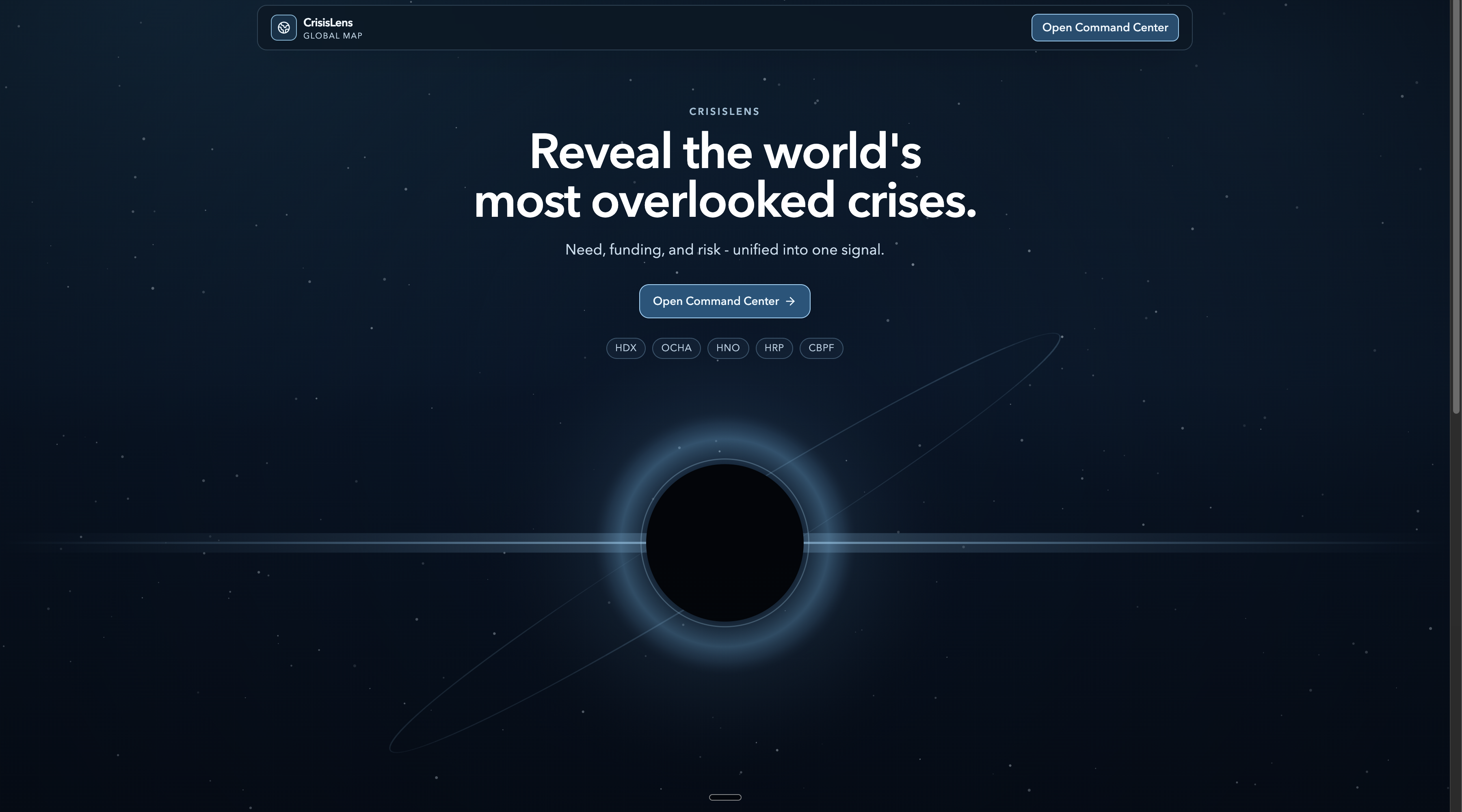
CrisisLens is an AI-assisted command center for crisis prioritization that turns fragmented humanitarian signals into operational, country-level decisions.
Inspiration
We kept seeing response teams forced to work across scattered spreadsheets, delayed situation reports, and disconnected dashboards. That slows prioritization when timing matters most. We built CrisisLens to give teams one operational surface where geography, risk, and funding context stay aligned in real time.
What it does
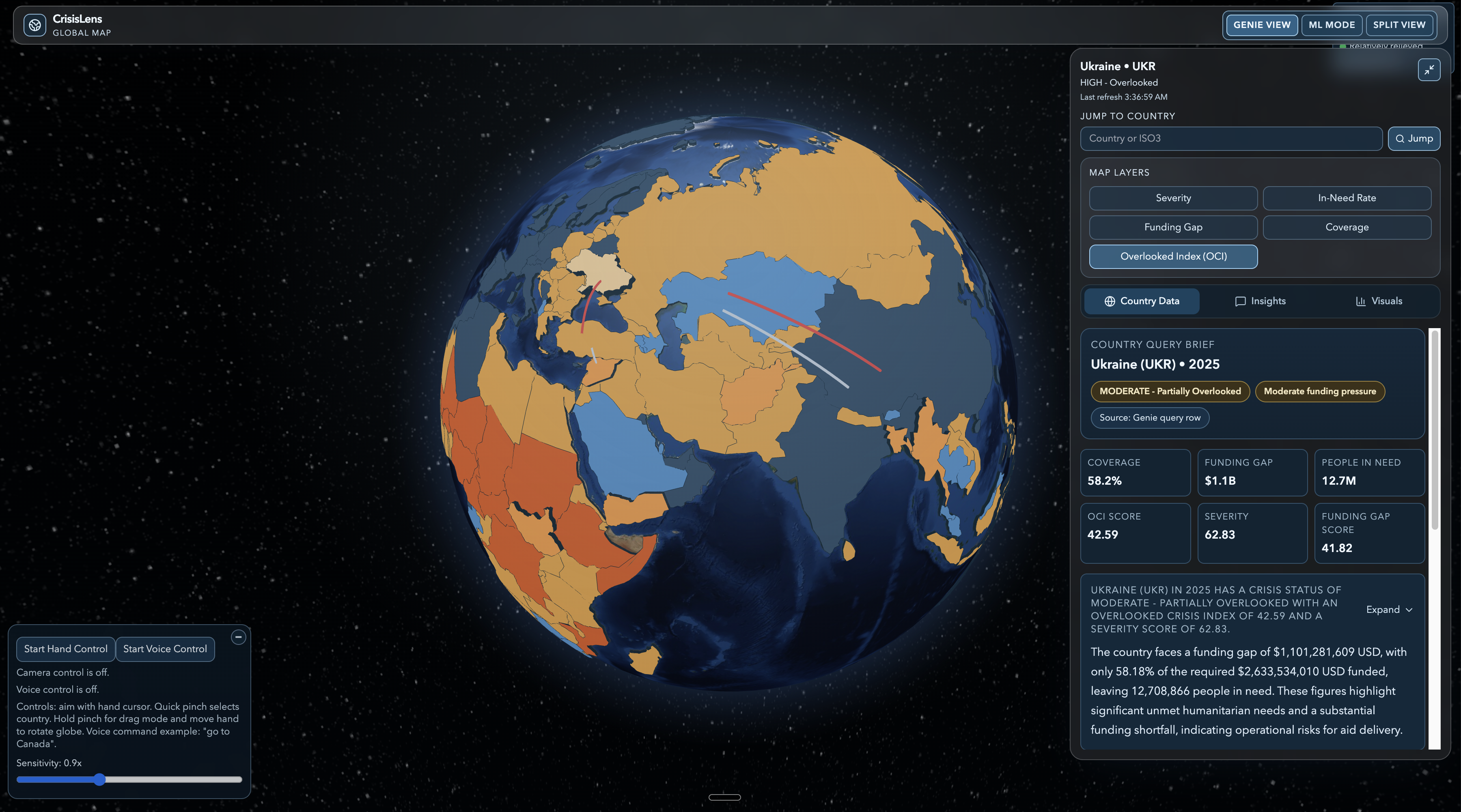
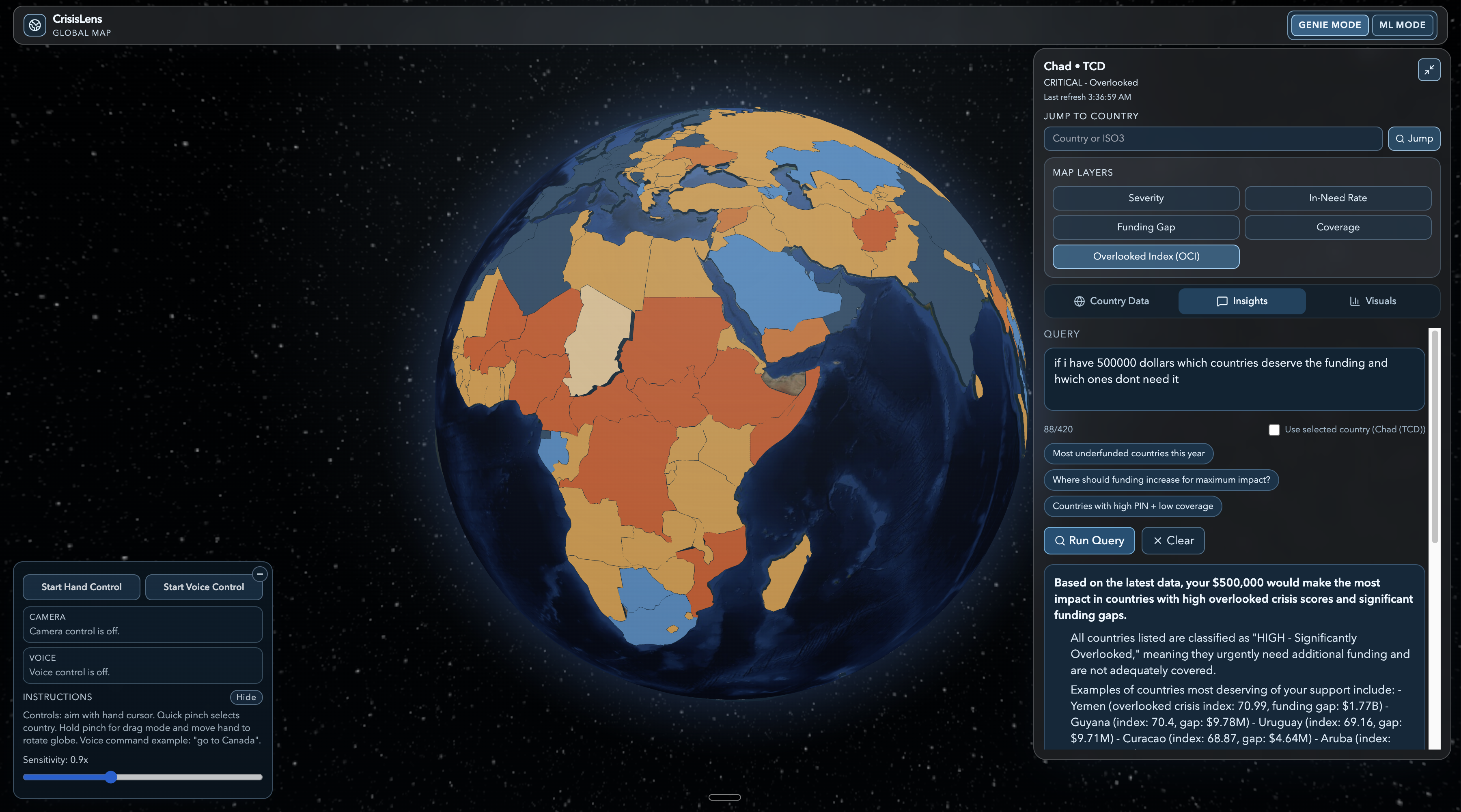
CrisisLens gives users a live, full-screen globe command center at with country-level breakdown and operational context in the same view. Users can select countries by pointer, pinch, hand-tracking gestures, or voice commands (for example, “go to Canada”), then immediately inspect risk and funding signals. The platform runs in two focused modes, Genie Mode and ML Mode, so teams can switch between natural-language analysis and model-driven operations without changing tools. Inside Genie workflows, users ask country-specific or cross-country questions and get structured responses with narrative summaries, extracted metrics, and query-backed tables when comparative data is present.
Inside ML workflows, users run scenario simulations, view projected quarter-by-quarter movement, and inspect impact arrows on the globe.
How we built it
We built CrisisLens as a monorepo so product, data, and modeling workflows stay in one typed codebase with clear boundaries. The frontend uses Next.js, React, TypeScript, Tailwind CSS, and Three.js for hardware-accelerated geospatial rendering. We implemented contract-oriented API handlers that isolate integrations and keep external dependencies behind stable interfaces. For Genie, we implemented session and conversation orchestration with request pacing, retries, and polling logic for preview-rate stability. For operations, we expose dedicated analysis surfaces for simulation, agent output, CV detection, and geo-strategic querying. Our data pipeline is reproducible via, which transforms source CSVs into dashboard-ready artifacts. Genie outputs are normalized for UI consumption with formatted narrative payloads, query-result tables, and row-mapped comparative data.
Challenges we ran into
- Getting operationally useful data that was also structurally consistent enough for country-level modeling.
- Preventing schema drift between generated data artifacts and frontend type contracts.
- Keeping interaction behavior consistent across pointer, pinch, hand, and voice inputs.
- Handling Genie preview throughput/rate-limit behavior while preserving a responsive UX.
- Balancing mock-friendly development boundaries with production-shaped API contracts.
Accomplishments that we’re proud of
- Embedded Databricks Genie directly inside the operational dashboard flow instead of offloading analysis to a separate tool.
- Built a custom simulation engine with OCI component logic, multi-quarter projections, and rank-delta outputs.
- Rendered simulation impact arrows directly on the globe to connect model output with geospatial context.
- Delivered multimodal navigation (pointer + pinch + hand + voice) in one cohesive experience.
- Added structured insight rendering so responses are scannable and can include comparative tables as visual data.
- Backed unstable surfaces with automated unit and end-to-end test coverage.
What we learned
We learned that in crisis-tech products, contracts between data, models, and UI are as important as model quality itself. Typed interfaces and route-level boundaries reduced integration breakage and sped up iteration. We also learned that interaction design is not secondary: reliability across touch, cursor, gesture, and voice inputs directly affects operational trust. Finally, we learned to design for uncertainty by building fallbacks around preview APIs and asynchronous model outputs.
What’s next for CrisisLens
- Expand voice controls from country targeting to broader dashboard command workflows.
- Add stronger observability, error budgets, and operational telemetry around Databricks/Genie paths.
- Introduce automated model artifact validation and drift checks in CI.
- Add collaboration workflows such as saved views, shared scenarios, and annotation layers.
- Extend simulation authoring so teams can compare intervention plans side by side.


Log in or sign up for Devpost to join the conversation.