Inspiration
Emergencies are stressful because people often freeze, panic, or waste time trying to figure out what to do next.
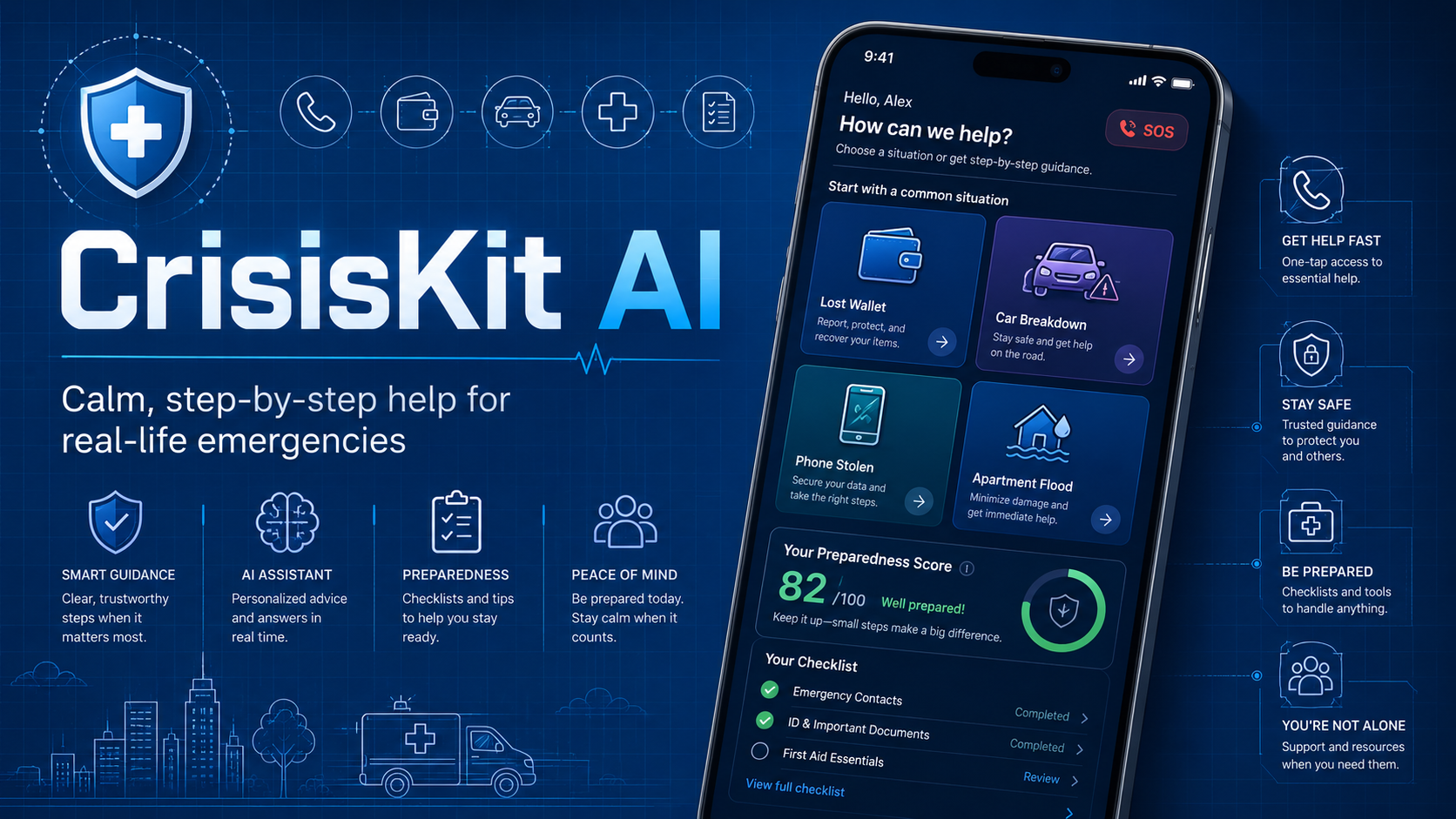
CrisisKit AI was inspired by everyday real-life situations like losing a wallet, getting locked out, having a car break down, dealing with a stolen phone, or facing an apartment flood.
I wanted to build something that gives people calm, clear, step-by-step guidance when they need it most.
The goal was to create a personal emergency command center that helps users prepare before something happens and respond better when something does happen.
What it does
CrisisKit AI helps users handle real-life emergencies through structured crisis plans, preparedness tools, and emergency information management.
Users can:
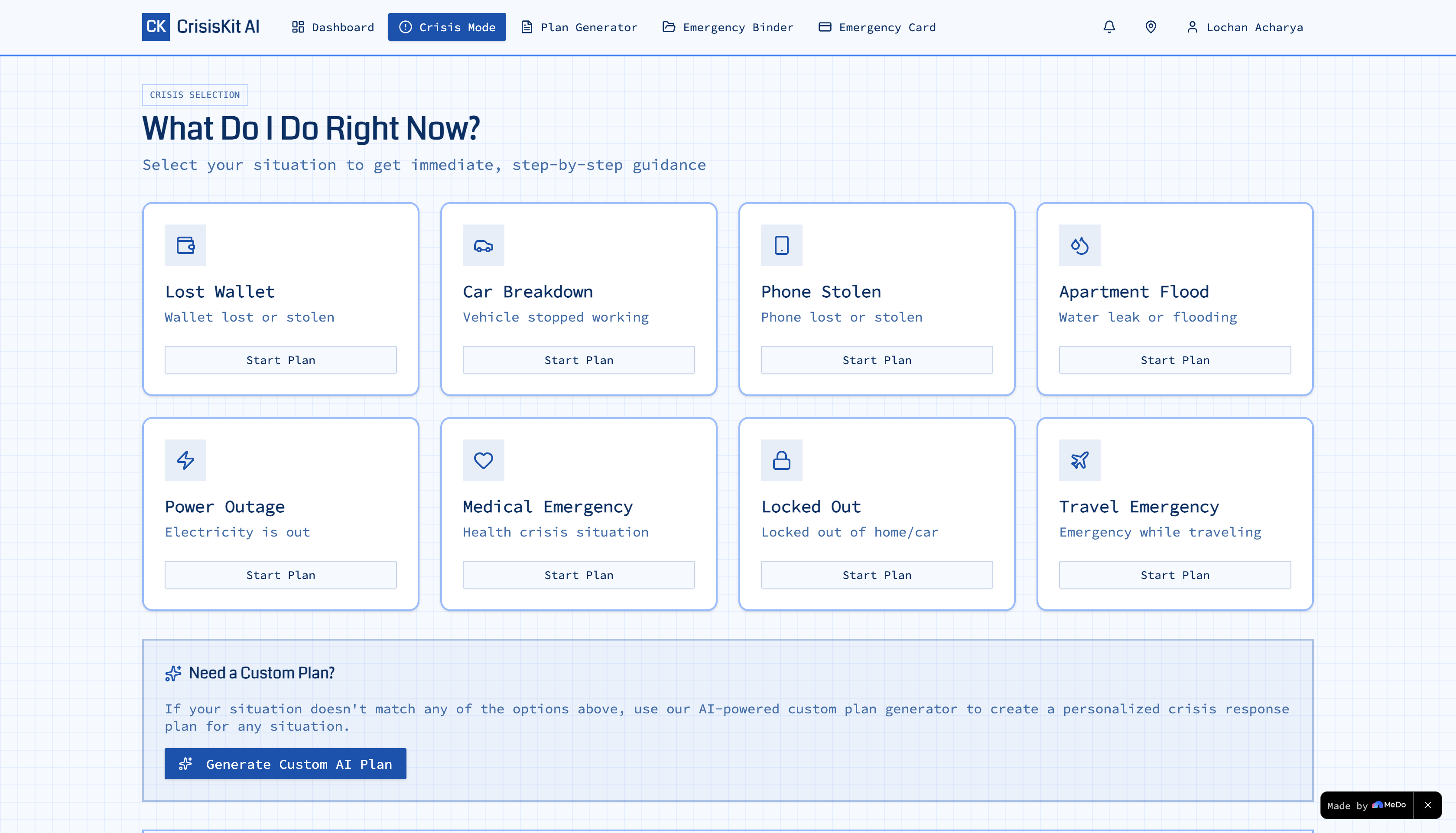
- Select common crisis situations like lost wallet, car breakdown, phone stolen, apartment flood, power outage, medical emergency, locked out, and travel emergency
- Answer simple context questions
- Generate a calm action plan with immediate steps, contacts to call, information to collect, what not to do, follow-up tasks, and a recovery plan
- Use a custom AI-powered plan generator for unique situations
- Save crisis plans for later
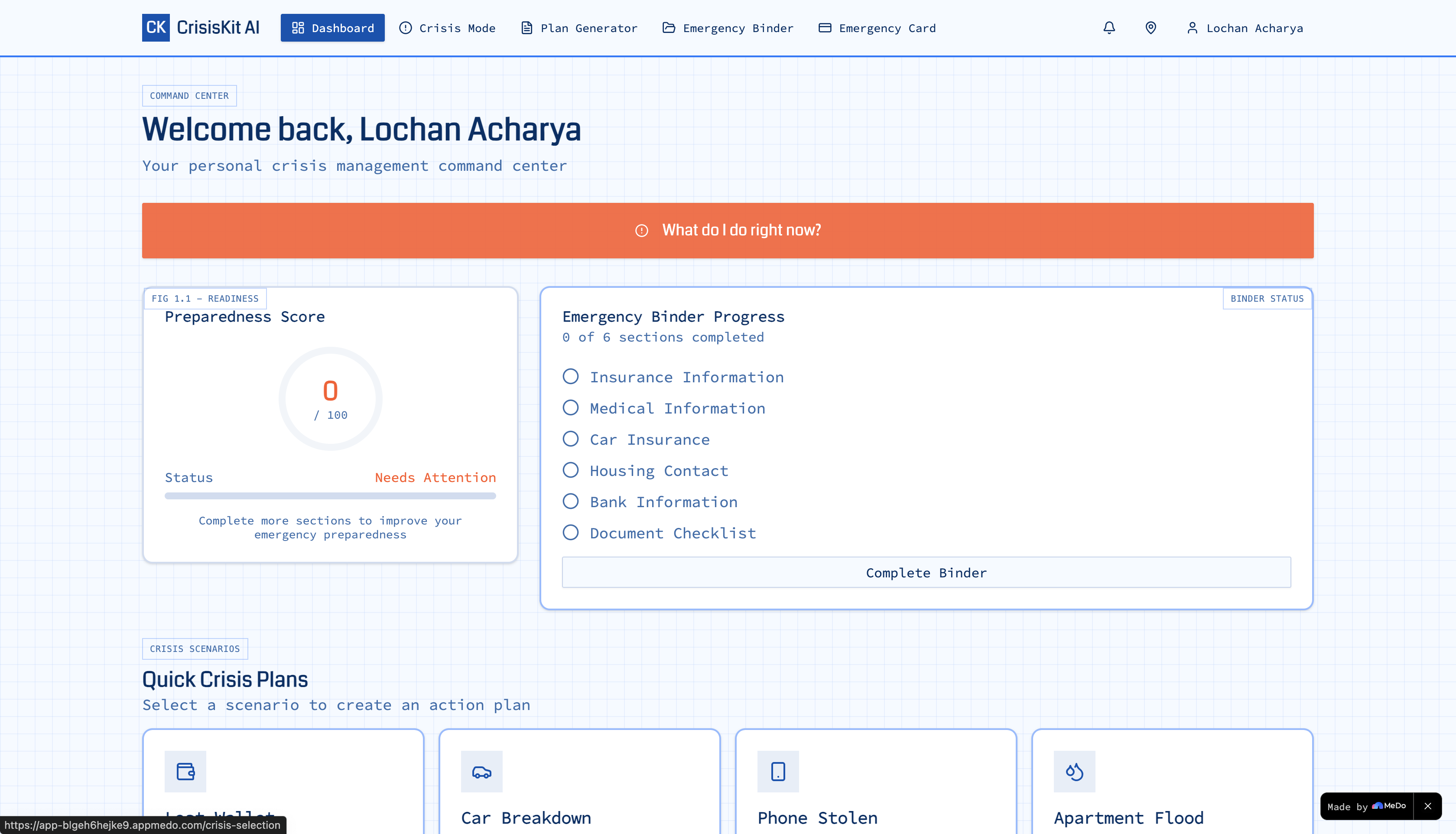
- Build a personal emergency binder with emergency contacts, insurance info, medical notes, housing contacts, bank support numbers, and document checklists
- Track a preparedness score
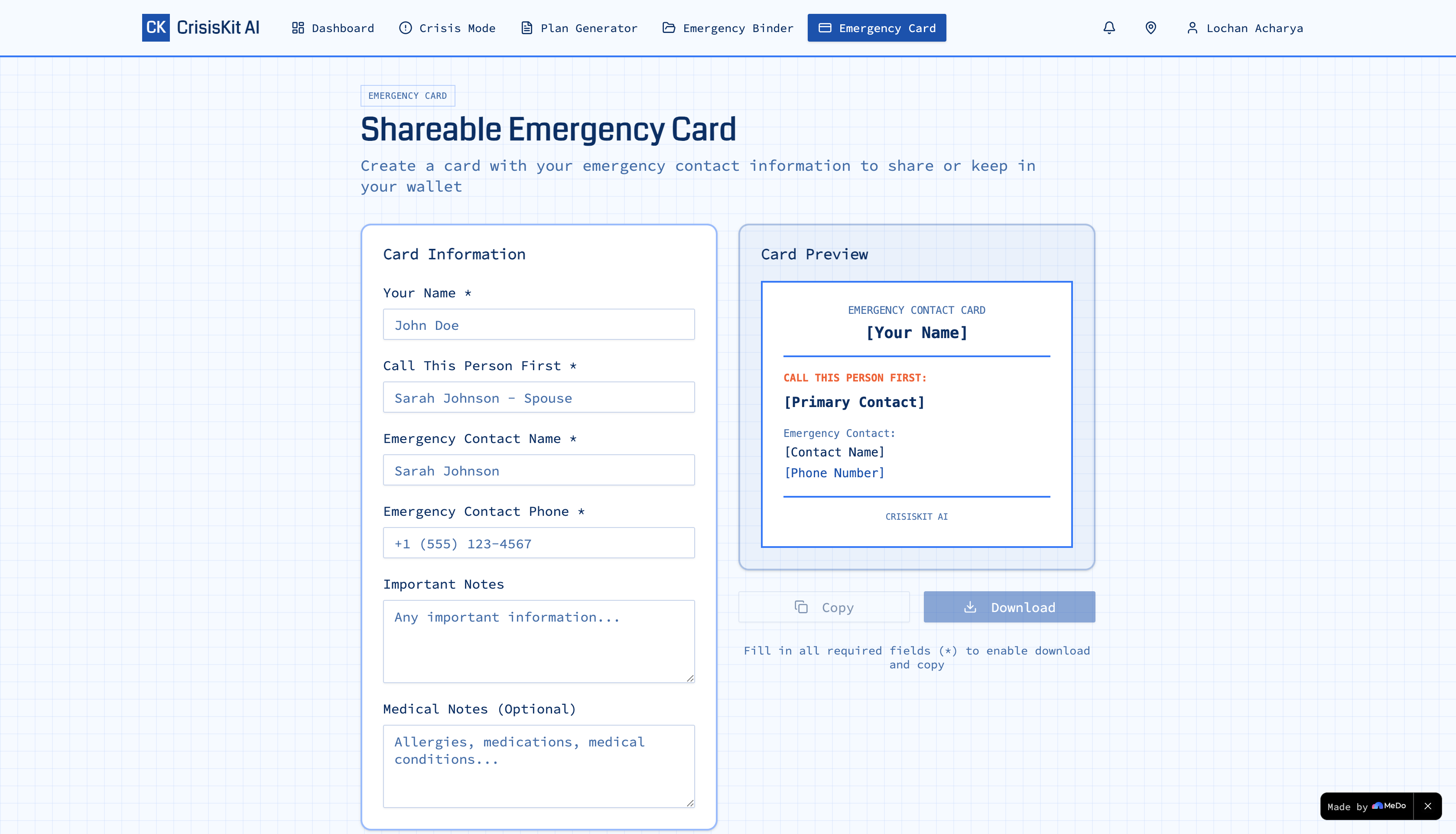
- Create a shareable emergency card
The app uses a hybrid approach: instant template-based plans for common emergencies and AI-powered plans for custom situations.
How we built it
CrisisKit AI was built as a full-stack web app with a Blueprint-inspired design style.
The app includes:
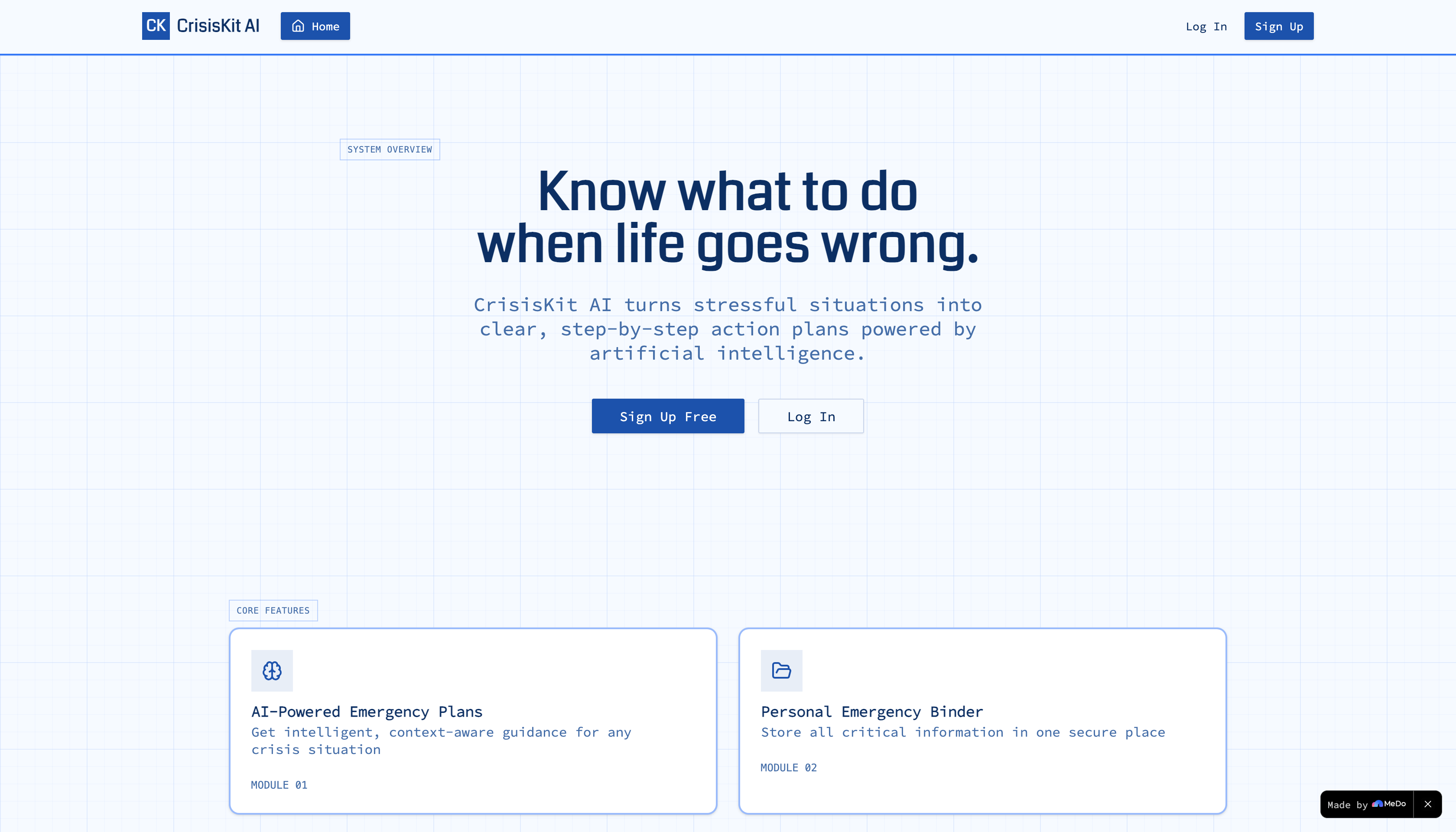
- Landing page
- User authentication
- Dashboard
- Crisis mode
- AI crisis plan generator
- Personal emergency binder
- Shareable emergency card
- Preparedness score
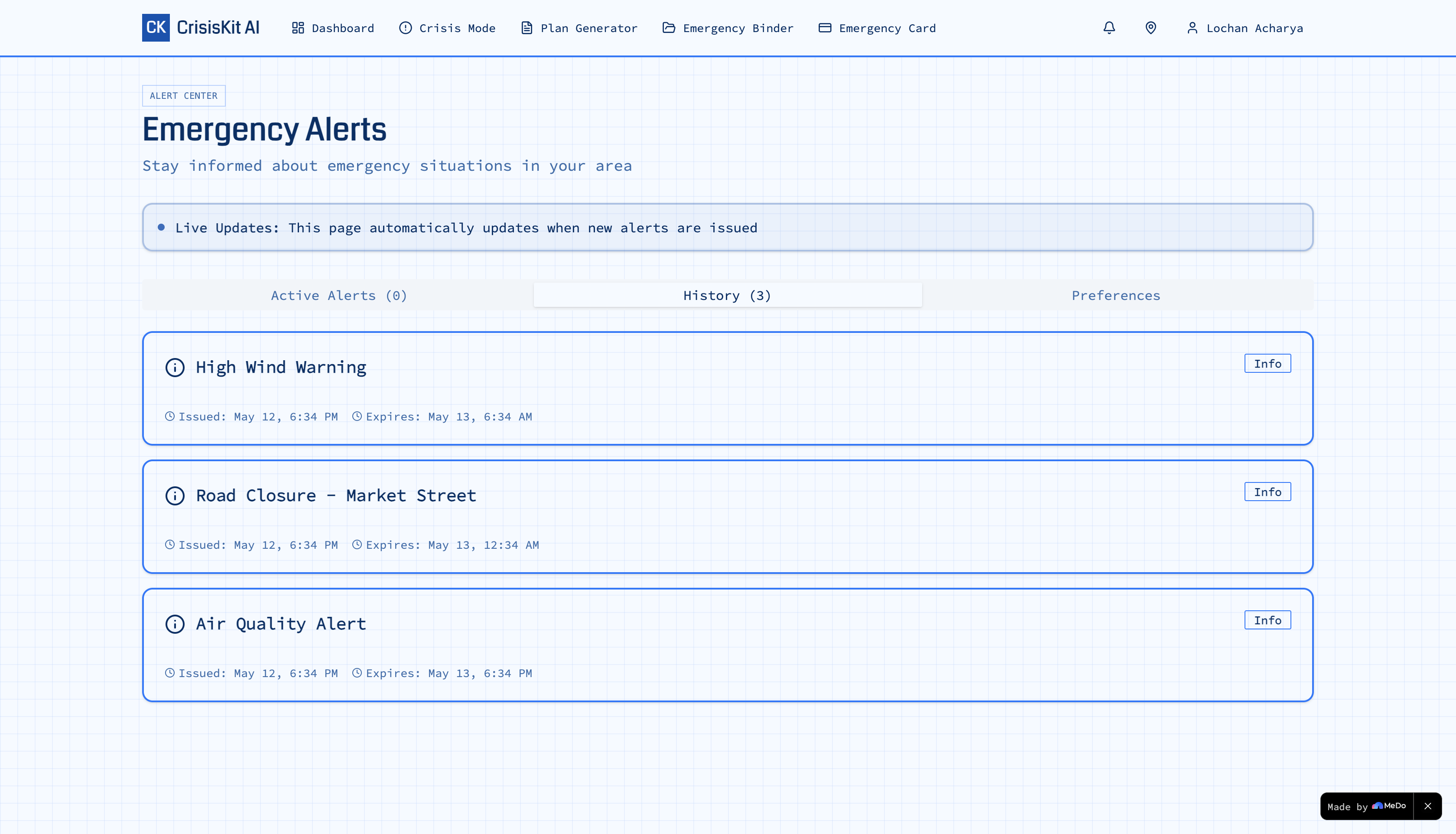
- Location-based emergency resources
- User profile settings
The core crisis flow works like this:
- The user selects a crisis type.
- The app asks relevant context questions.
- The system generates a structured response plan.
- The plan is saved and displayed in a calm, organized layout.
For predefined crises, the app uses template-based plans so users can get guidance instantly without needing an API key.
For custom situations, the app uses an AI-powered plan generator to create personalized plans based on the user’s description and location.
The preparedness score increases as users complete important sections like emergency contacts, insurance information, medical notes, document checklists, crisis plans, and emergency cards.
Challenges we ran into
One challenge was balancing speed and flexibility.
In a real emergency, users need guidance immediately, so waiting for an AI response is not always ideal. To solve this, CrisisKit AI uses template-based plans for common emergencies and AI-powered plans for custom situations.
Another challenge was making the app helpful without making it scary. Emergency apps can easily feel overwhelming, so the design needed to stay calm, clear, and action-focused.
We also had to think carefully about sensitive information. Since users may enter emergency contacts, insurance details, medical notes, and document reminders, the app avoids requiring sensitive document uploads and focuses on structured fields, reminders, and user-controlled information.
Accomplishments that we're proud of
I am proud that CrisisKit AI feels like a real product, not just a simple checklist app.
The app has a complete flow from landing page to dashboard, crisis mode, plan generation, emergency binder, preparedness scoring, and emergency card creation.
The biggest accomplishment is the hybrid crisis-plan system. Common emergencies can be handled instantly with reliable templates, while unique situations can use AI-powered custom plans.
I am also proud of the preparedness score because it gives users a clear reason to complete their emergency setup before a crisis happens.
What we learned
I learned that emergency apps need to be designed differently from normal productivity apps.
The user may be stressed, rushed, or confused, so the interface has to be simple, calm, and focused on the next action.
I also learned that AI is most useful when it supports structured decision-making instead of replacing it completely. For common emergencies, templates are faster and more reliable. For unusual situations, AI adds flexibility and personalization.
The biggest lesson was that usefulness matters more than adding too many features. The app should quickly answer one important question:
What should I do right now?
What's next for CrisisKit AI
Next, I would like to improve CrisisKit AI with:
- More crisis templates, such as job loss, identity theft, severe weather, school emergency, and lost travel documents
- Multi-language crisis plans
- Offline mode for saved emergency plans
- Voice input for situations where typing is difficult
- Better location-based emergency resources
- Emergency plan sharing with trusted contacts
- More privacy controls for sensitive emergency information
- AI follow-up questions to make custom plans more accurate
The long-term vision is to make CrisisKit AI a personal safety and preparedness assistant that helps people prepare before emergencies and act clearly during emergencies.
Built with
- Built with MeDo
- React
- TypeScript
- Tailwind CSS
- Supabase
- Perplexity AI API
- Browser geolocation
- Template-based crisis plan engine
- AI-powered crisis plan generator
- Blueprint UI design
Built With
- ai-powered-crisis-plan-generator
- and
- blueprint
- browser-geolocation
- medo
- perplexity-ai-api
- react
- supabase
- tailwind-css
- template-based-crisis-plan-engine
- typescript
- ui

Log in or sign up for Devpost to join the conversation.