-
-
Assistant
-
Home screen
-
Checklist
-
Dashboard
Inspiration
Disasters do not wait for you to be ready. A fire alarm goes off, a flood warning hits your phone, an earthquake shakes the room, and in that first minute most people freeze. Not because they do not care, but because the information they need is scattered across a dozen government websites, and the advice on those sites is generic. It does not know that you have a medical condition, or that you live alone, or that your go bag has been sitting half packed for six months. We wanted to build something that actually meets people in that moment, instead of handing them a PDF to read after the fact.
What it does
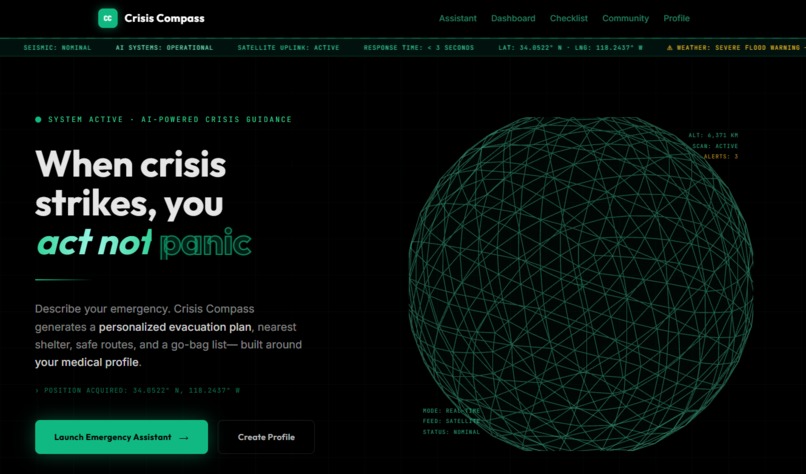
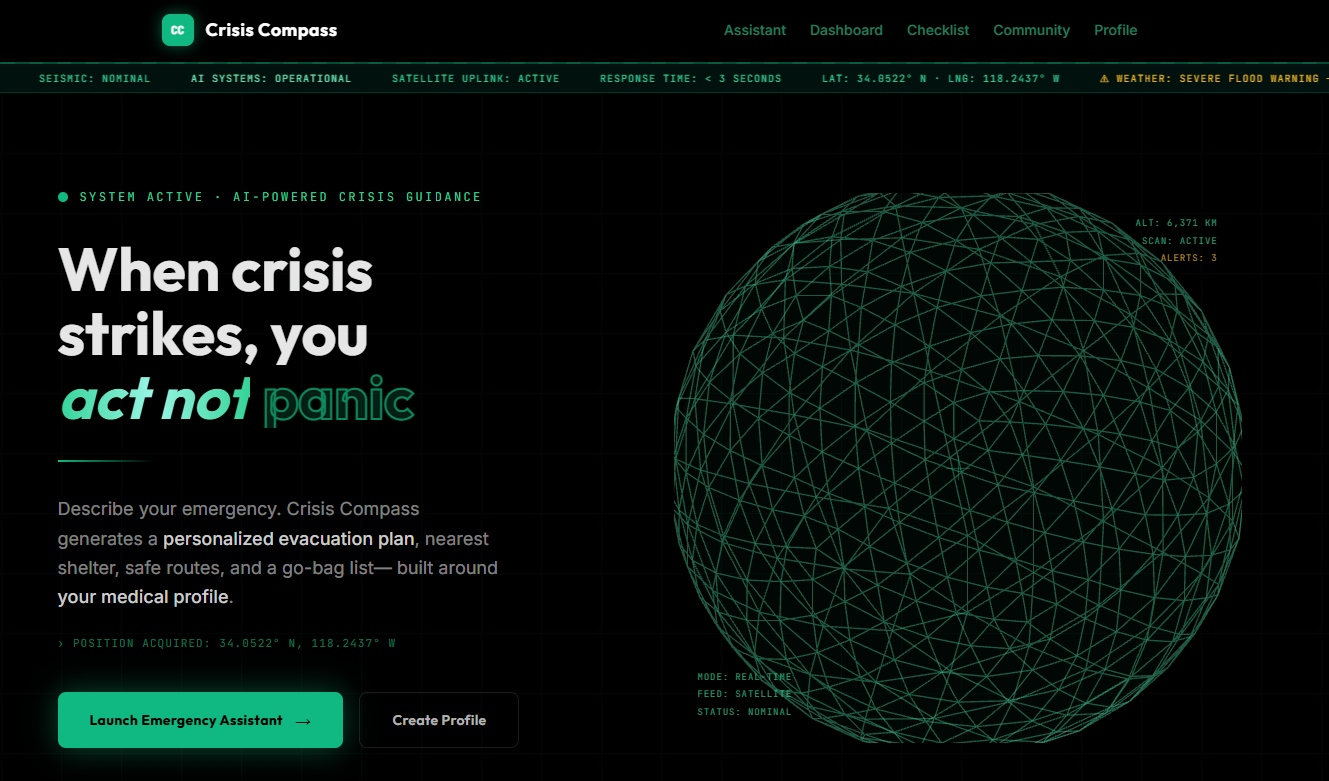
Crisis Compass is a tactical, AI-powered emergency response platform built around one idea: your guidance should be personal, not generic.
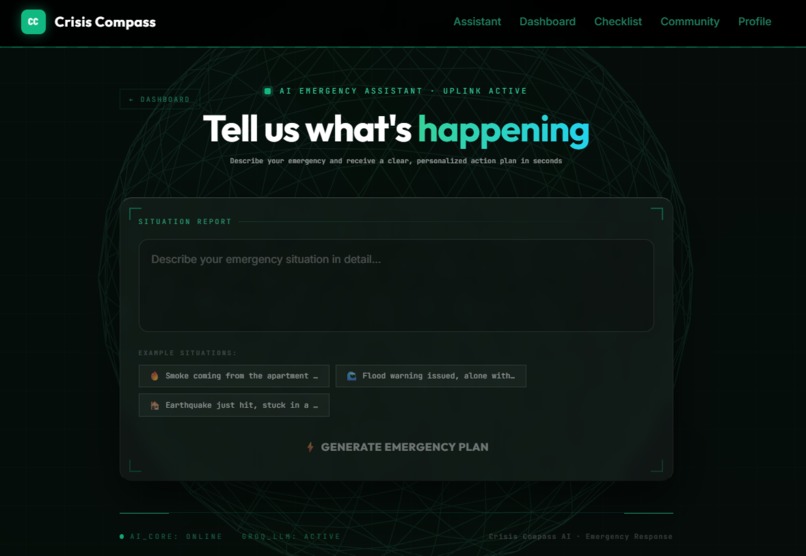
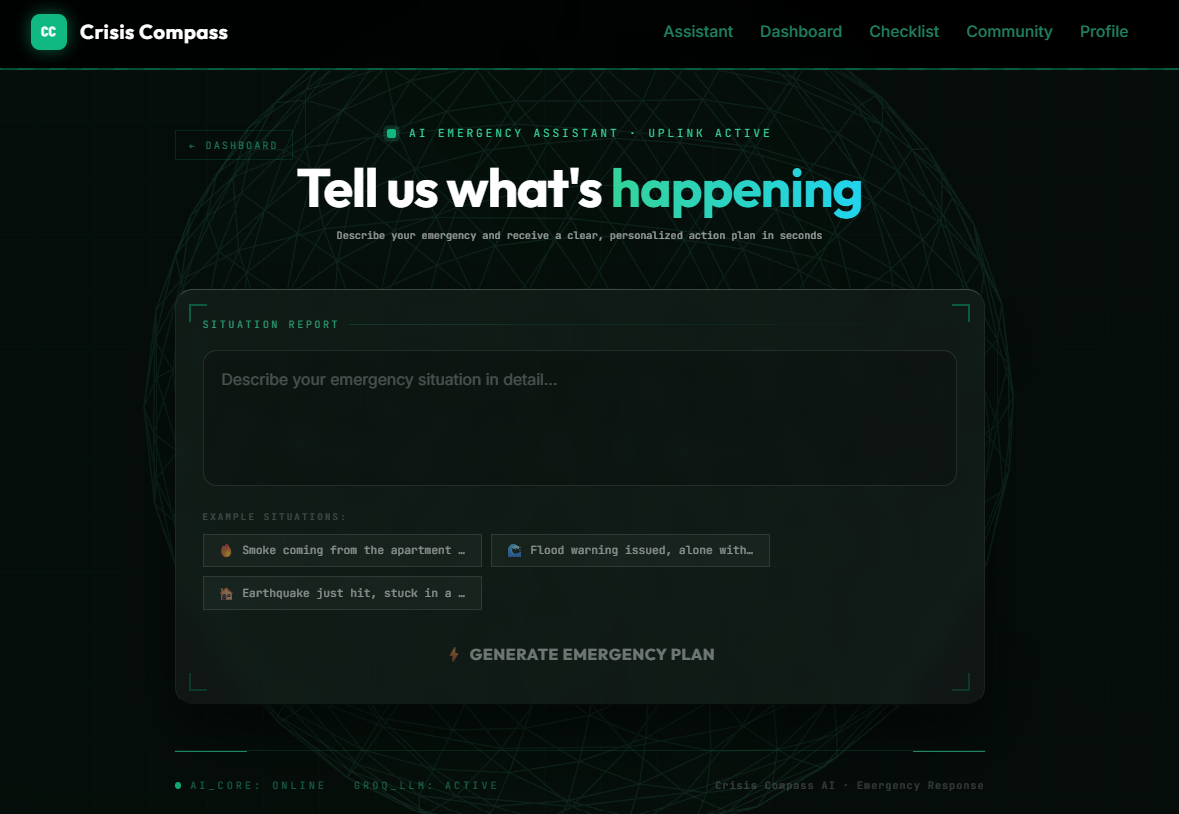
At its core is an AI Emergency Assistant. You describe your situation in plain language, something like "there is smoke in my building" or "flood water is rising near my home," and it returns a structured plan built with Groq and LangChain: a danger level, step-by-step immediate actions, a list of what to carry, nearby shelter and hospital suggestions, and safety tips tailored to your medical profile.
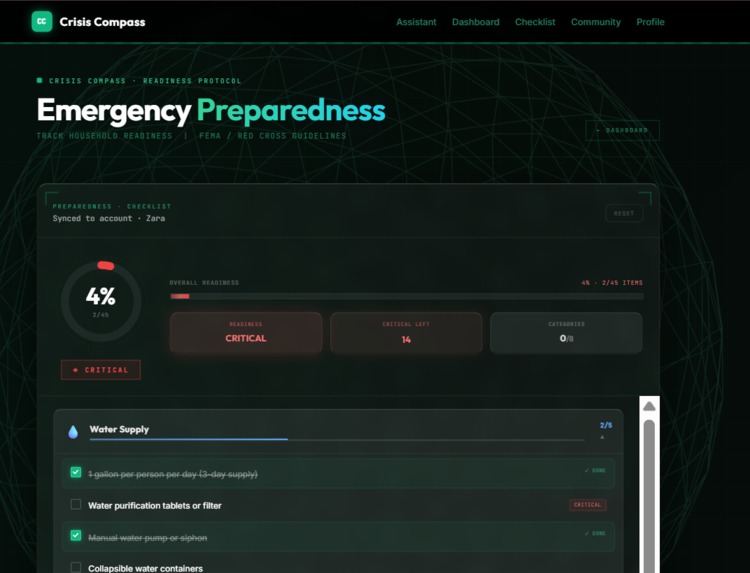
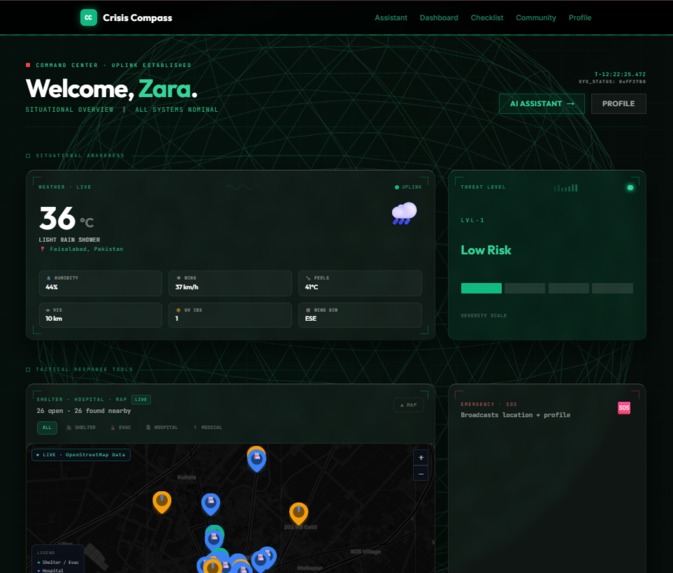
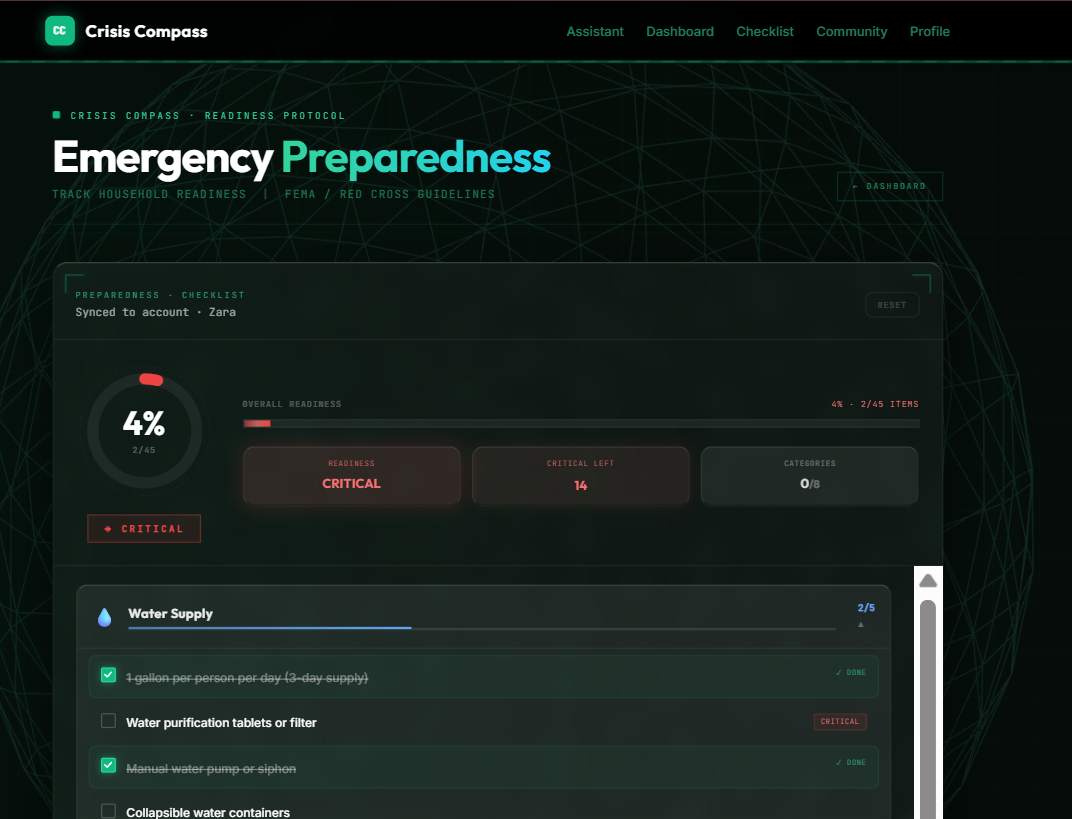
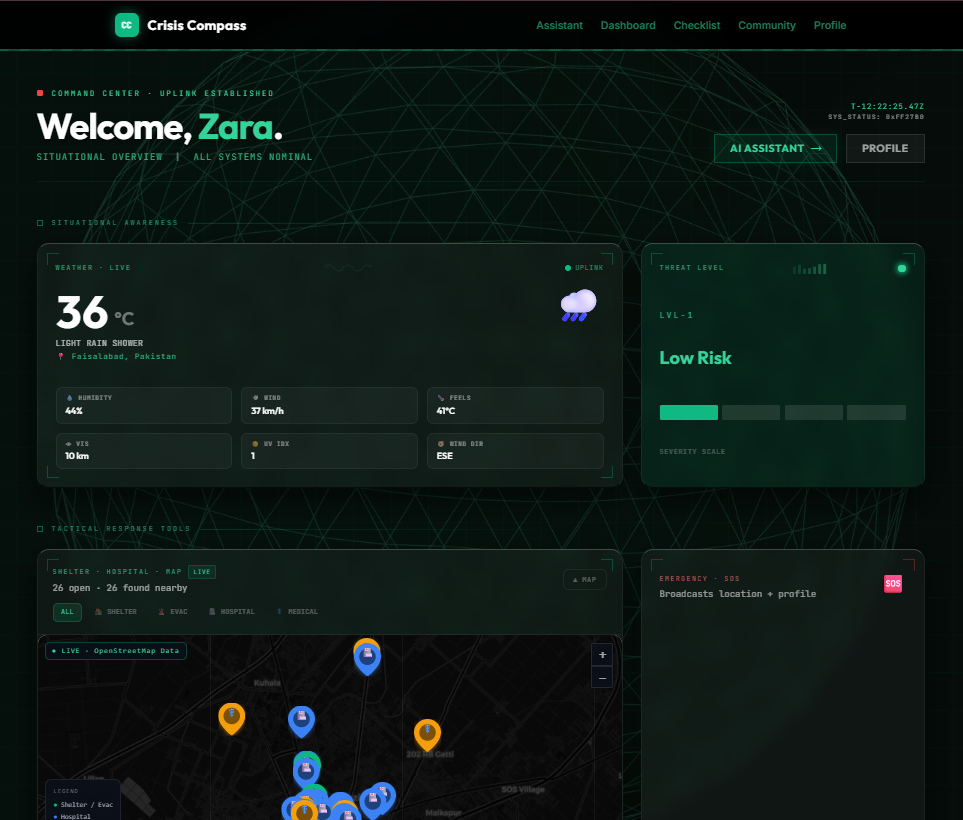
Around that sits a live Emergency Dashboard with real-time weather, disaster alerts pulled from GDACS and NWS, and an interactive shelter and hospital map. There is a Preparedness Checklist built on FEMA and Red Cross guidelines that tracks your household readiness over time and syncs across devices. And because getting through a disaster is rarely something anyone does alone, we built a Community Help Board where people can post and browse real requests for water, food, shelter, or rides.
The whole thing is also a fully installable Progressive Web App, so checklists and guides stay accessible even when the internet goes down, which is often exactly when you need them most.
How we built it
The frontend runs on React 18 with TypeScript, Vite, Tailwind CSS, and Framer Motion, with Leaflet handling the interactive maps. The backend is FastAPI with SQLAlchemy and PostgreSQL, with JWT authentication protecting user profiles and data. The AI assistant is powered by Groq's LLM through LangChain, with Pydantic used to keep the model's output in a strict, structured format so the frontend can render it reliably instead of parsing free text. The frontend is deployed on Vercel and the database runs on Supabase.
We treated the AI assistant as the hardest and most important piece, so we built it first: getting the model to reliably return a structured emergency plan, then layering the dashboard, checklist, and community board around it.
Challenges we ran into
Getting the AI assistant to return consistent, structured output instead of a wall of unstructured text took real iteration. Emergencies described in plain language are messy and ambiguous, and we needed the model's response to be reliable enough to render directly into UI components, not just readable as a paragraph.
Pulling in live data from multiple external sources, weather, GDACS, and NWS, and reconciling their formats into one coherent dashboard was another one. Each source has its own quirks, update frequency, and failure modes, and the dashboard needed to stay useful even if one of them was slow or down.
Making the app genuinely usable offline, not just a static page, meant being deliberate about what the service worker caches and how the app behaves when a request fails silently instead of just showing a blank screen.
Accomplishments that we're proud of
We are proud that this is not a demo shell. The AI assistant is live and calling Groq's API, user auth and profiles are live with JWT and PostgreSQL, the preparedness checklist syncs per user in the database, the community help board supports full CRUD, and weather and alerts pull from real NWS and GDACS APIs. The one piece we labeled as demo data in the UI, honestly, is the shelter map data, and we said so rather than pretending otherwise.
We are also proud of how personal the guidance actually feels. Two people describing the same emergency can get two different plans, because their profiles, medical conditions, and circumstances are different, and the app treats that as the whole point rather than an edge case.
What we learned
We learned how much careful prompt and schema design matters when you are asking an LLM to produce something a real interface depends on, not just conversational text. We also learned that in a crisis-focused product, the boring reliability work, caching, offline behavior, graceful failure when an external API is down, matters just as much as the AI feature that gets people's attention.
What's next for Crisis Compass
We want to add push notifications for nearby disaster alerts so people do not have to have the app open to be warned. We are also planning an AI damage analysis feature where users can upload a photo after an incident and get an initial assessment. And we want to move the community help board to real-time updates, so requests for help show up the moment they are posted instead of on the next page refresh.
Built With
- fastapi
- framer-motion
- groq
- jwt
- langchain
- leaflet.js
- postgresql
- pydantic
- python
- react
- sqlalchemy
- supabase
- tailwindcss
- typescript
- vercel
- vite

Log in or sign up for Devpost to join the conversation.