-
-
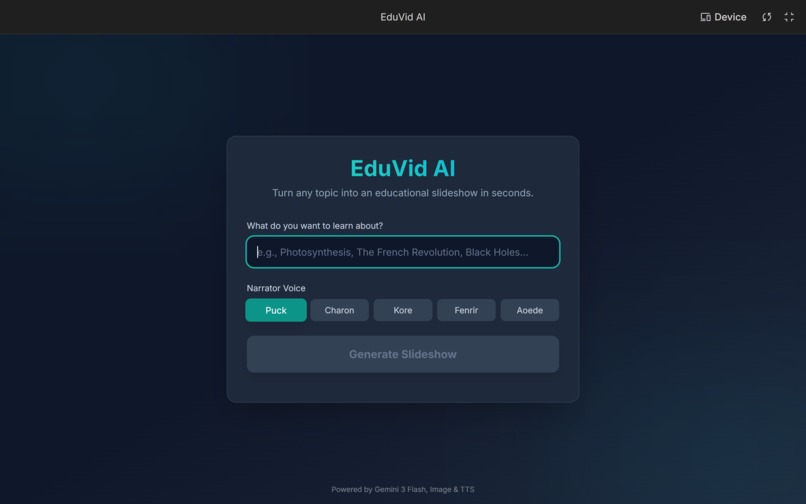
INTRO PAGE
-
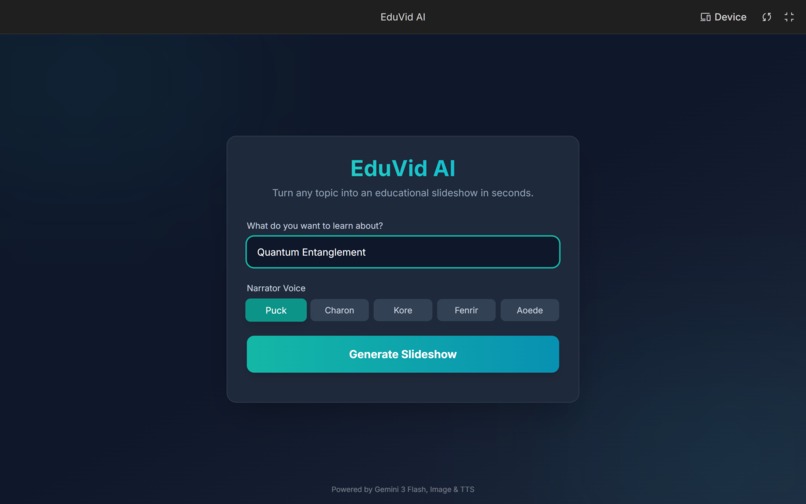
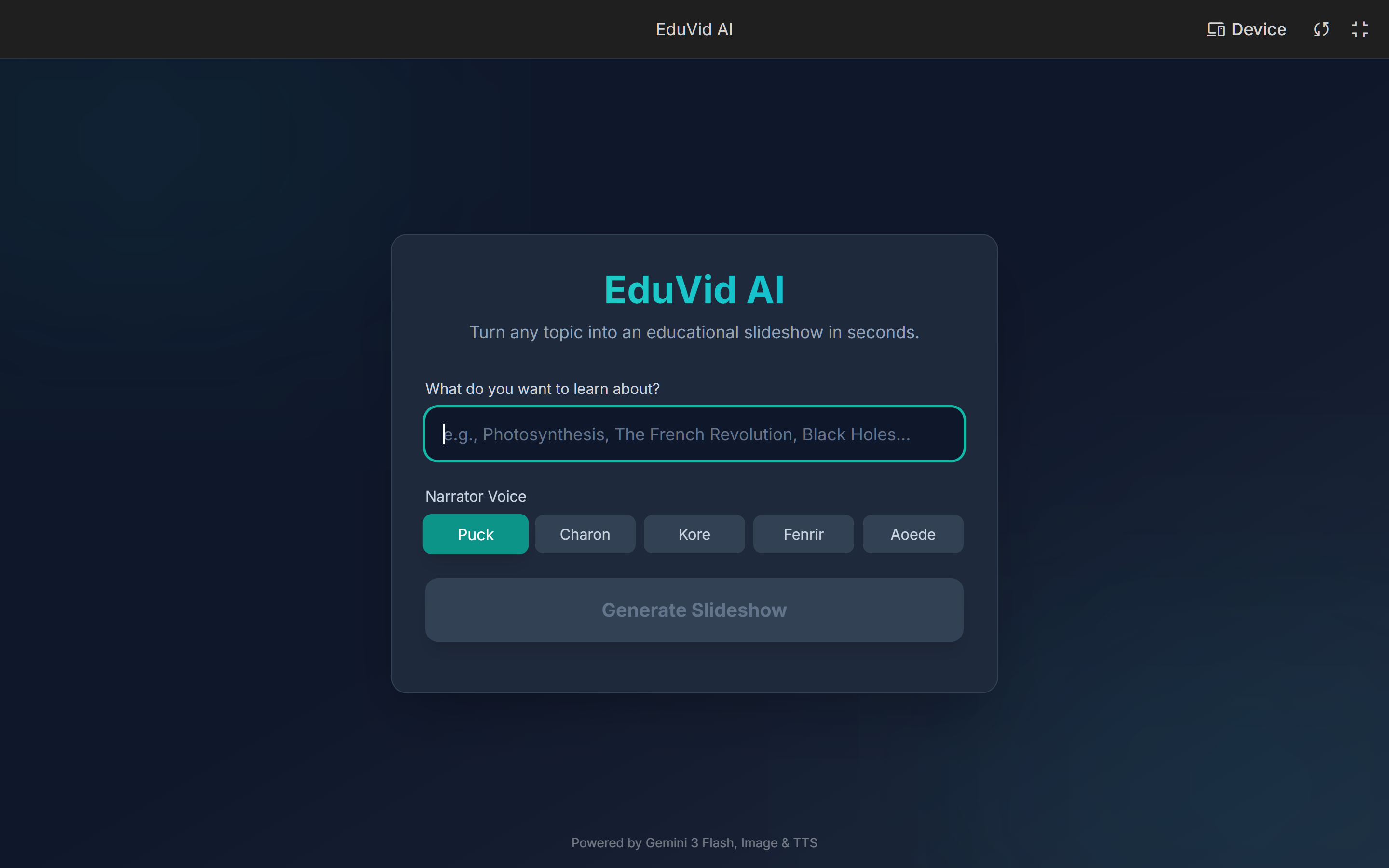
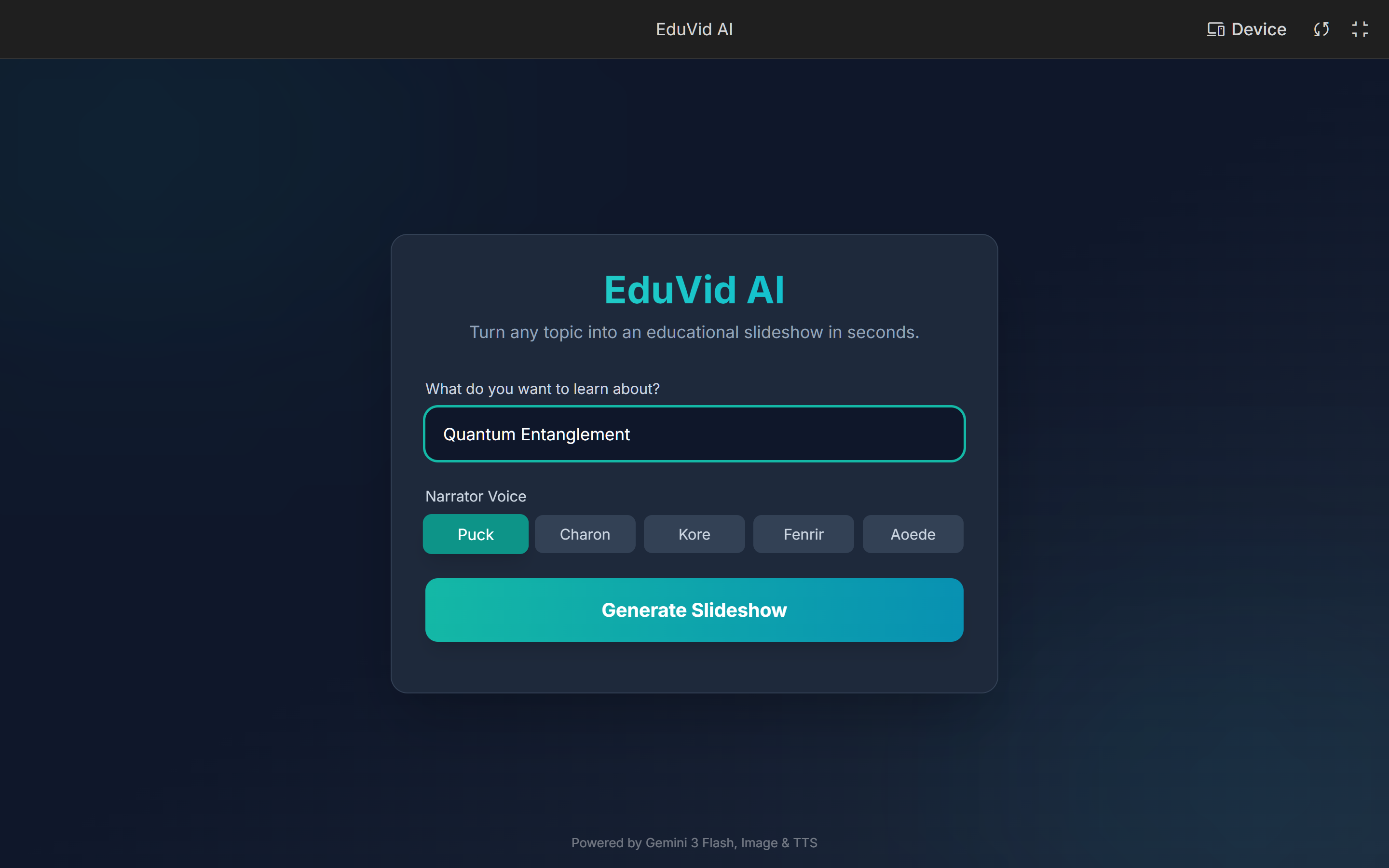
TOPIC INPUT with selectable voices (Puck, Charon, Kore, etc.)
-
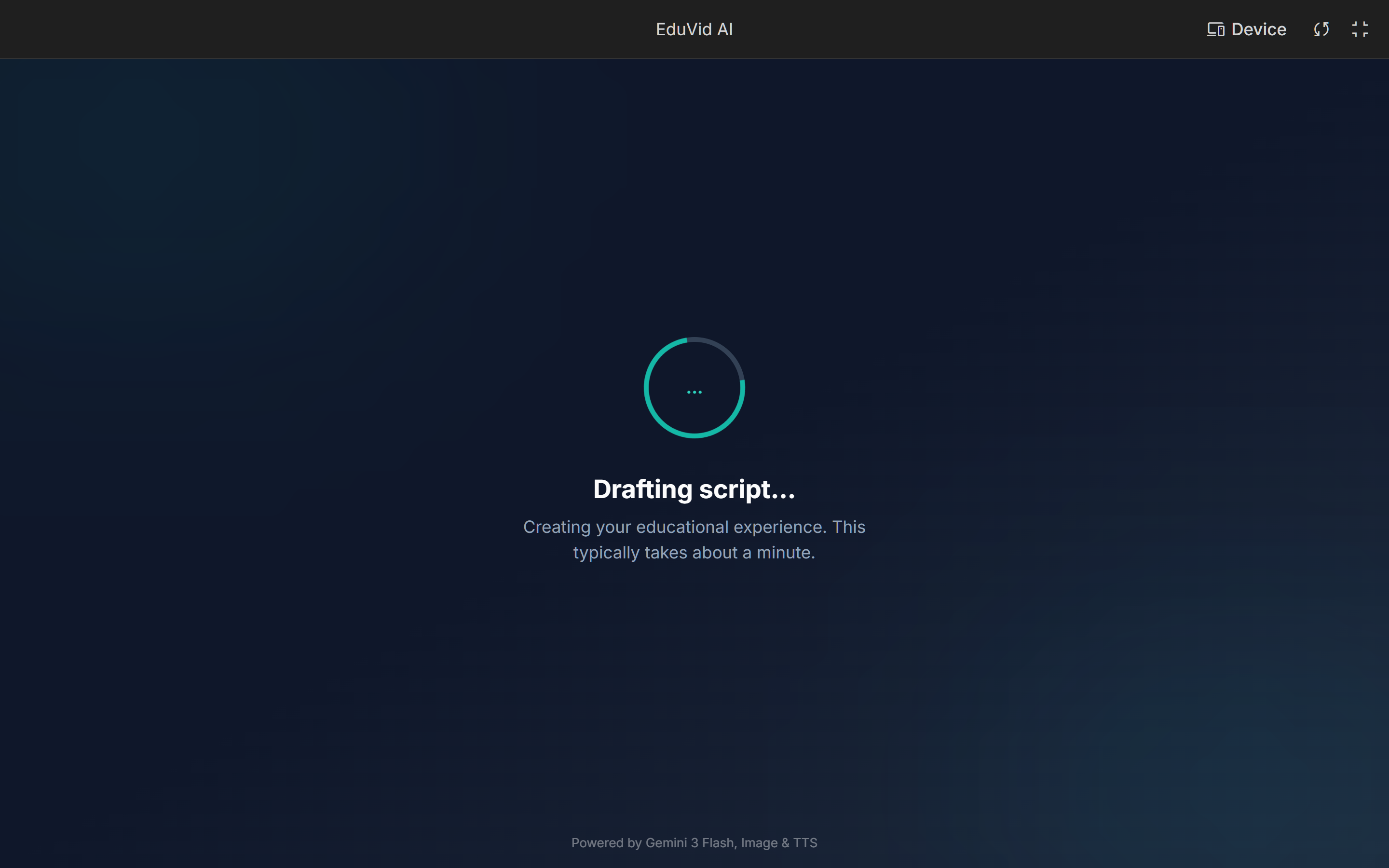
AI AGENT #1 : Drafting script
-
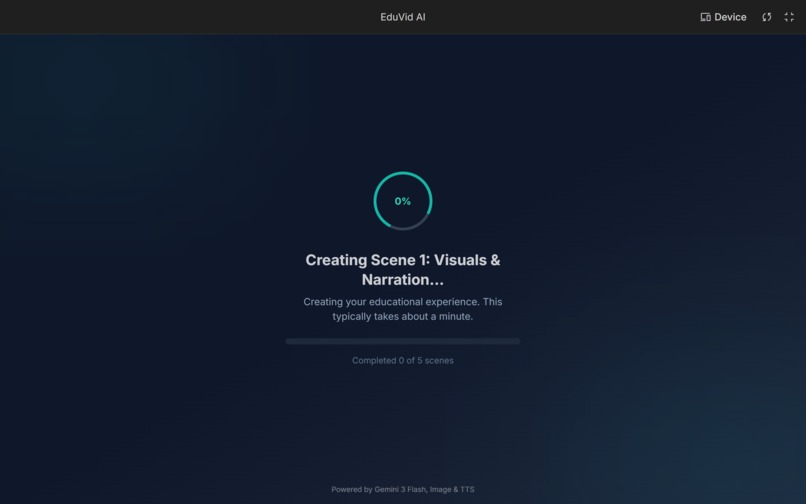
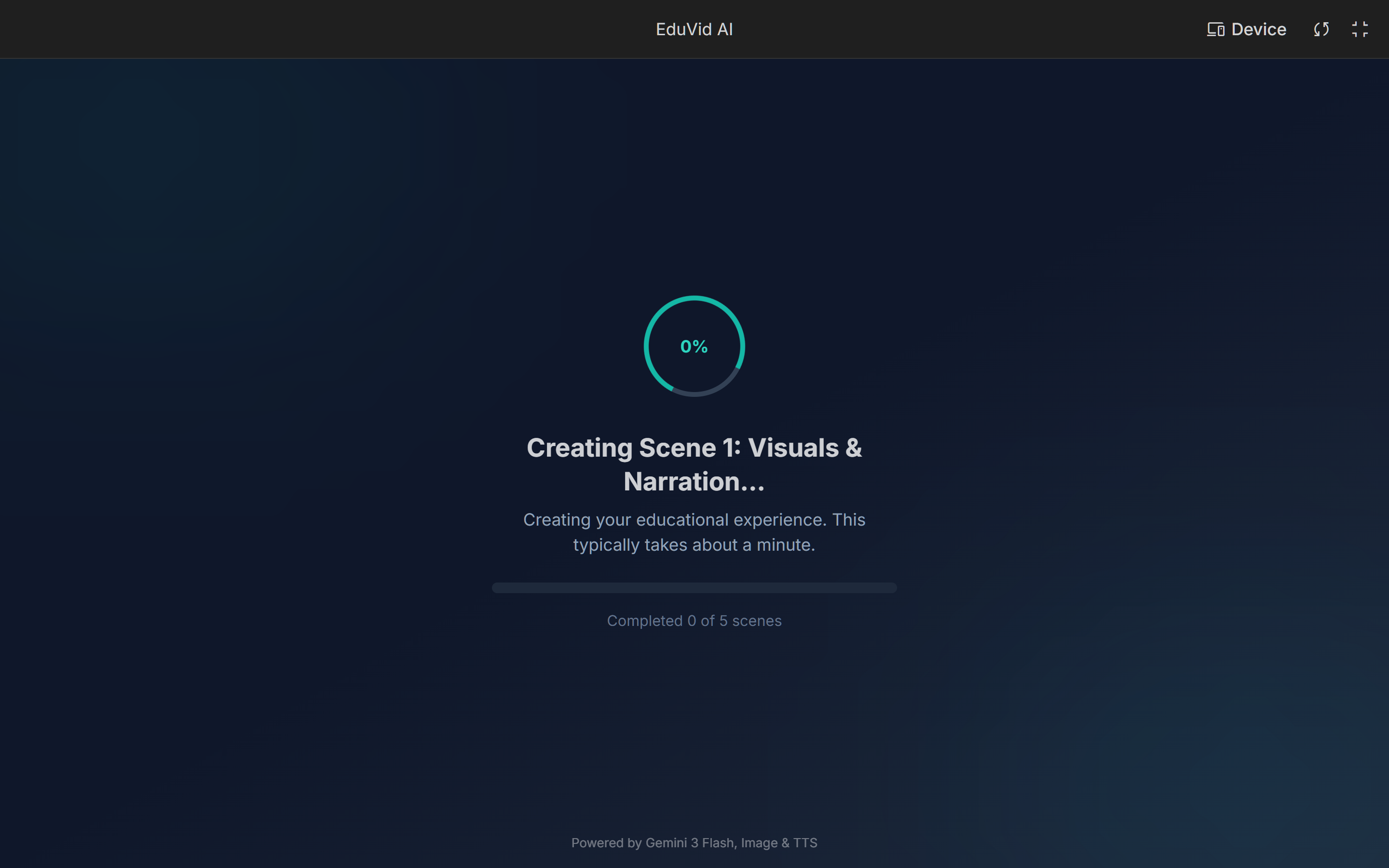
AI AGENT #2 :Creating Scenes : Visuals & Narration
-
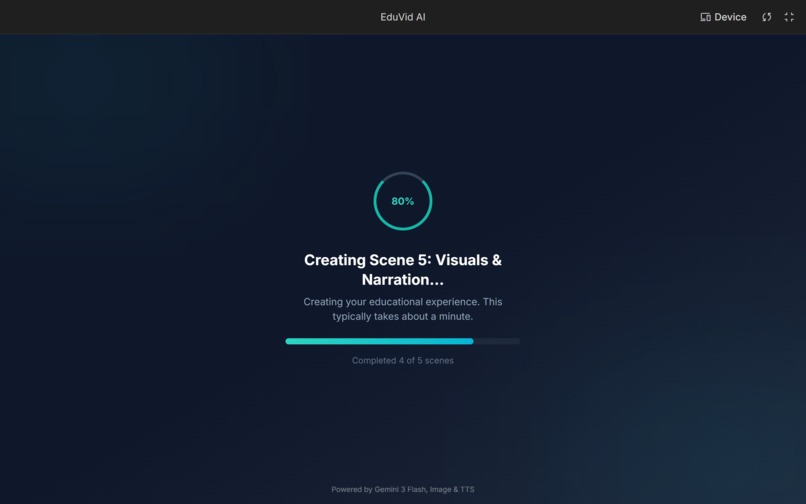
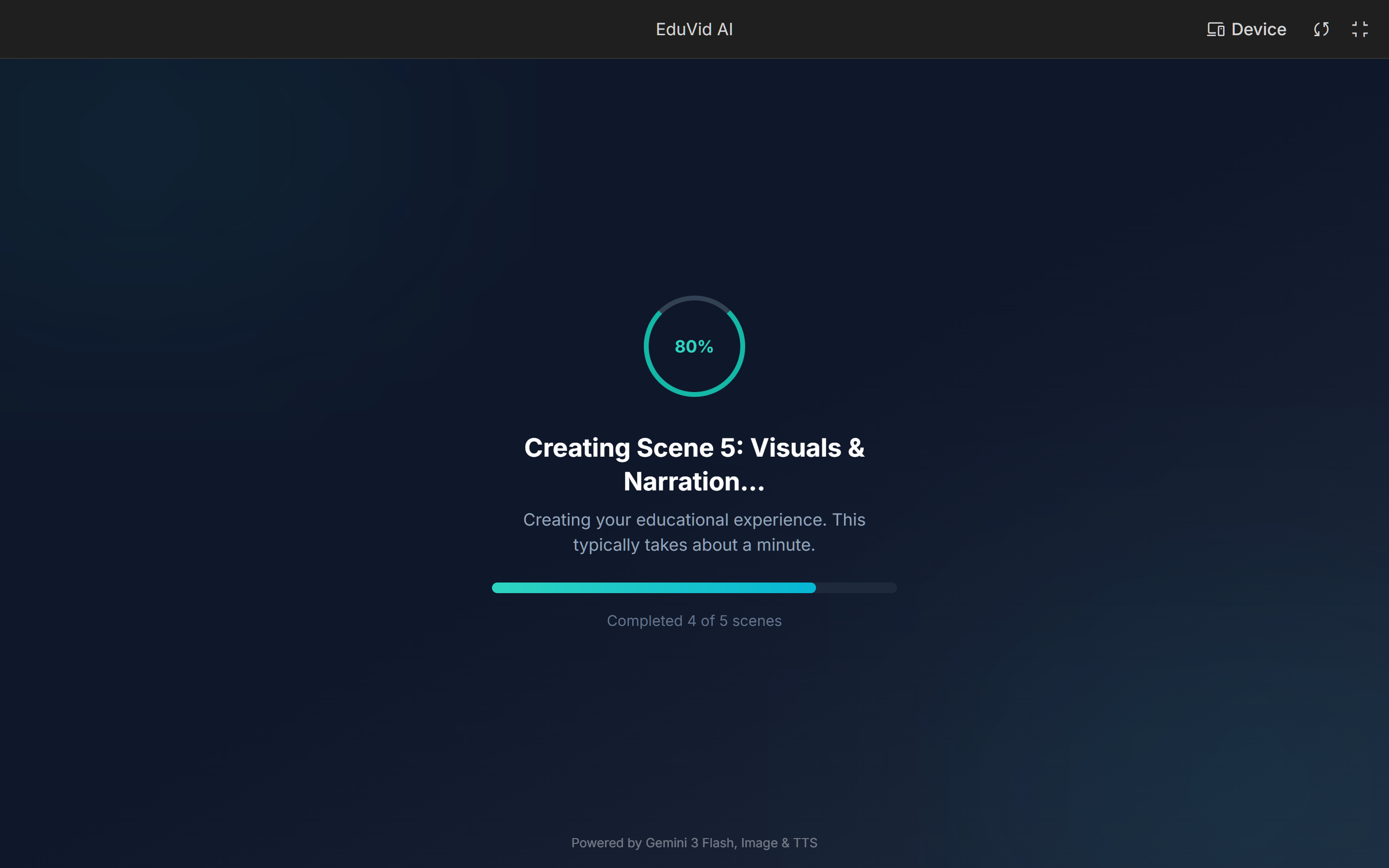
AI AGENT #2 :Creating Final Scene: Visuals & Narration
-
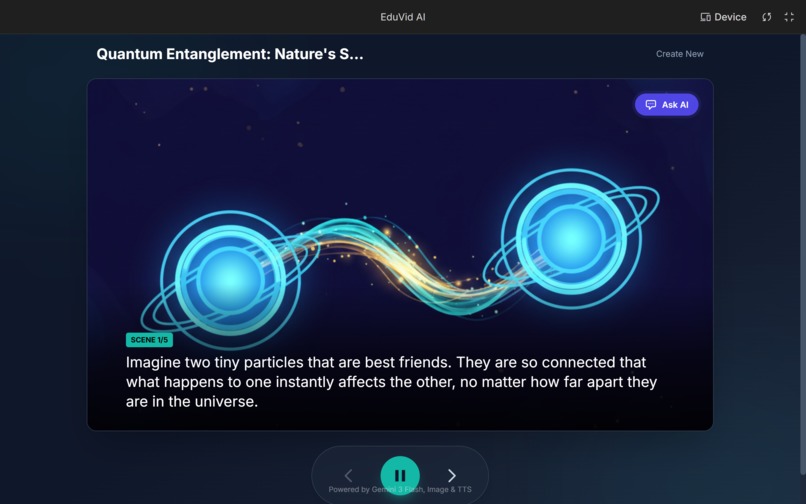
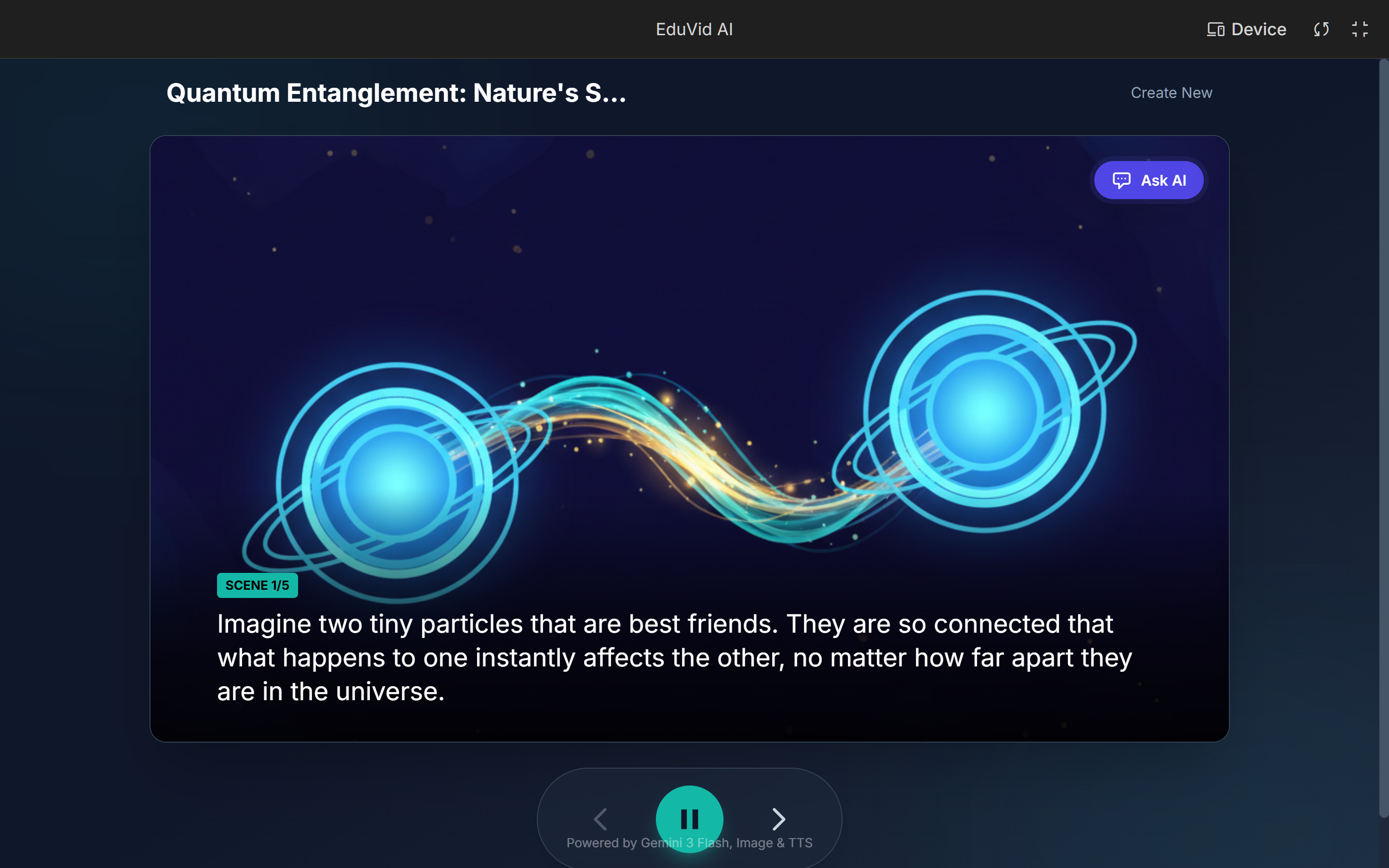
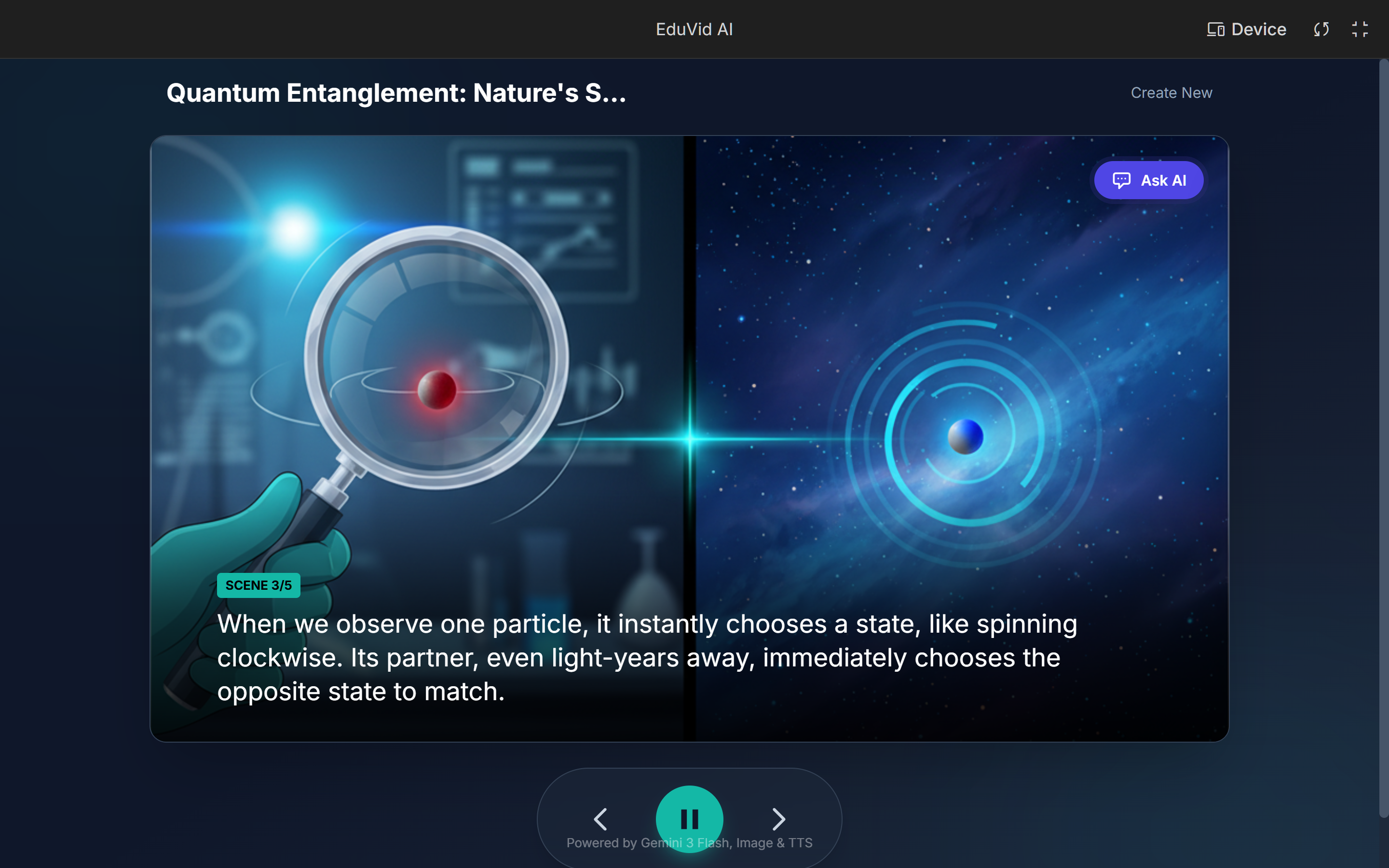
SCENE 1 : Uses advanced Text-to-Speech models to narrate the script
-
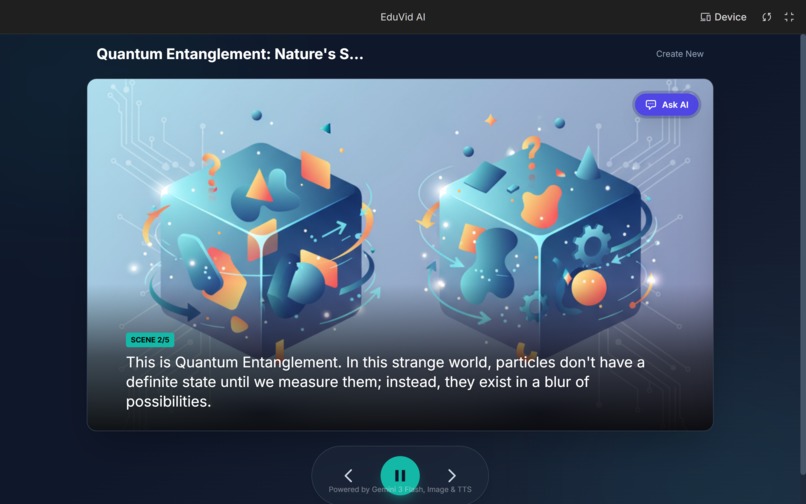
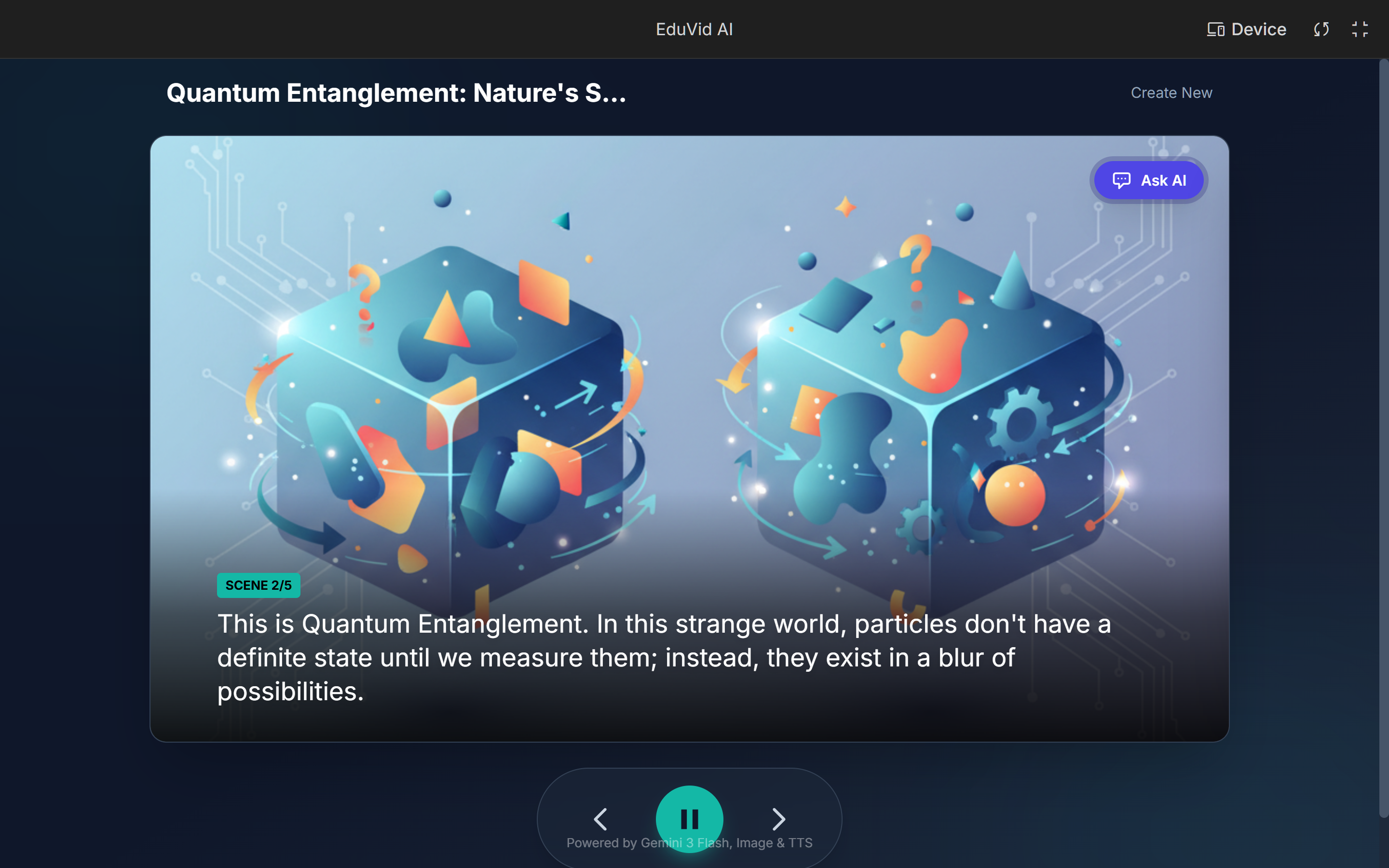
SCENE 2
-
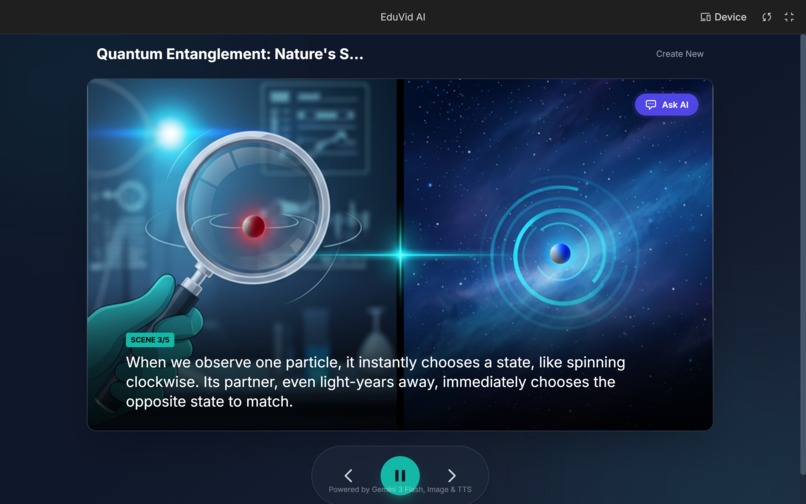
SCENE 3
-
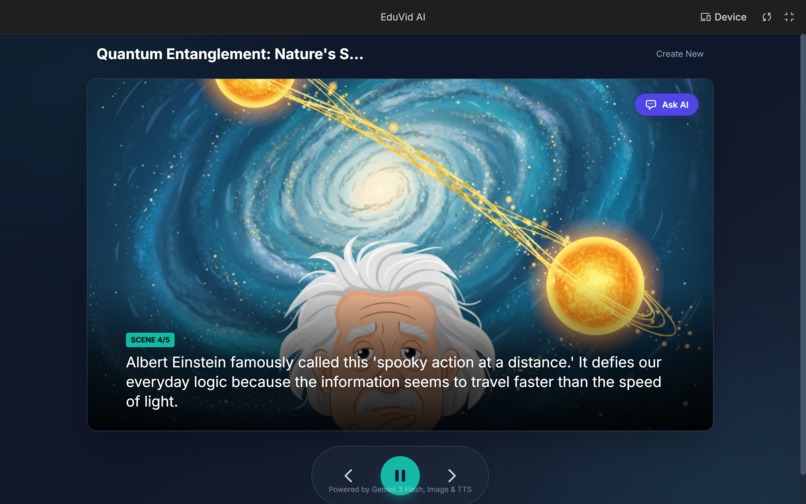
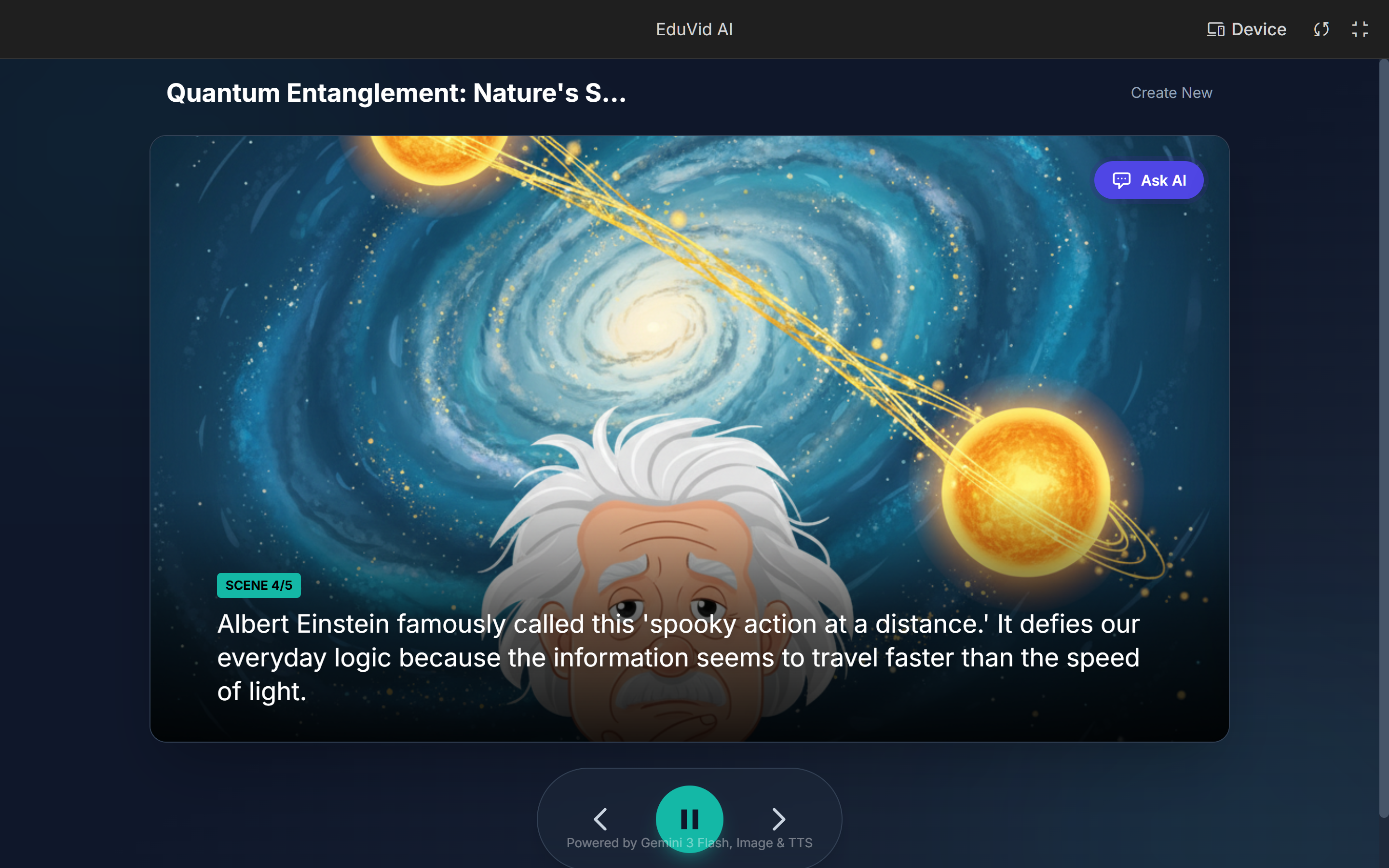
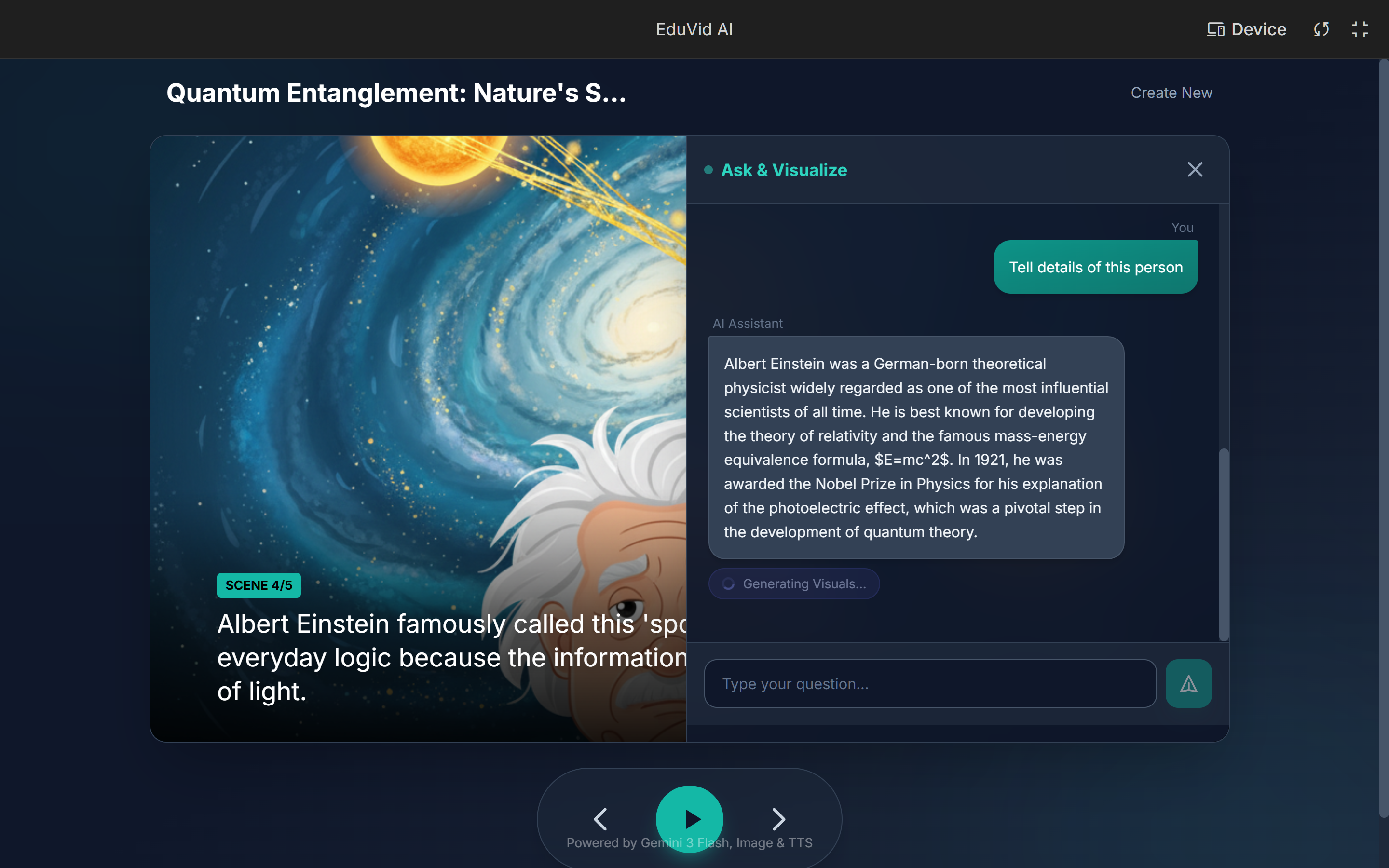
SCENE 4
-
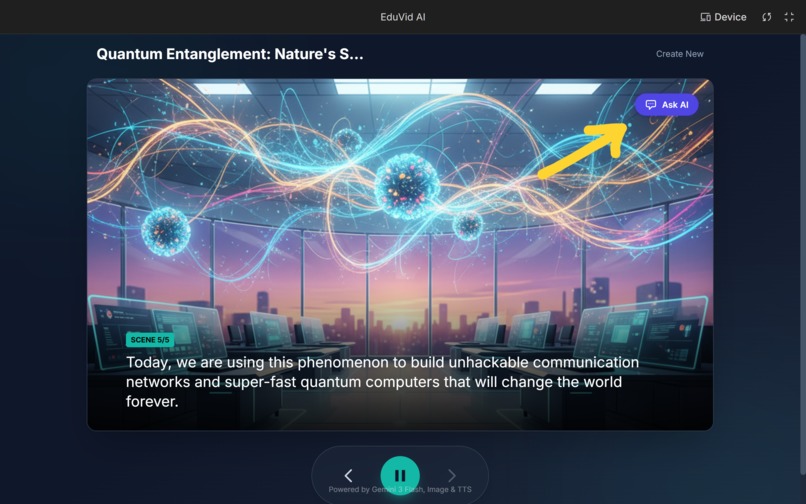
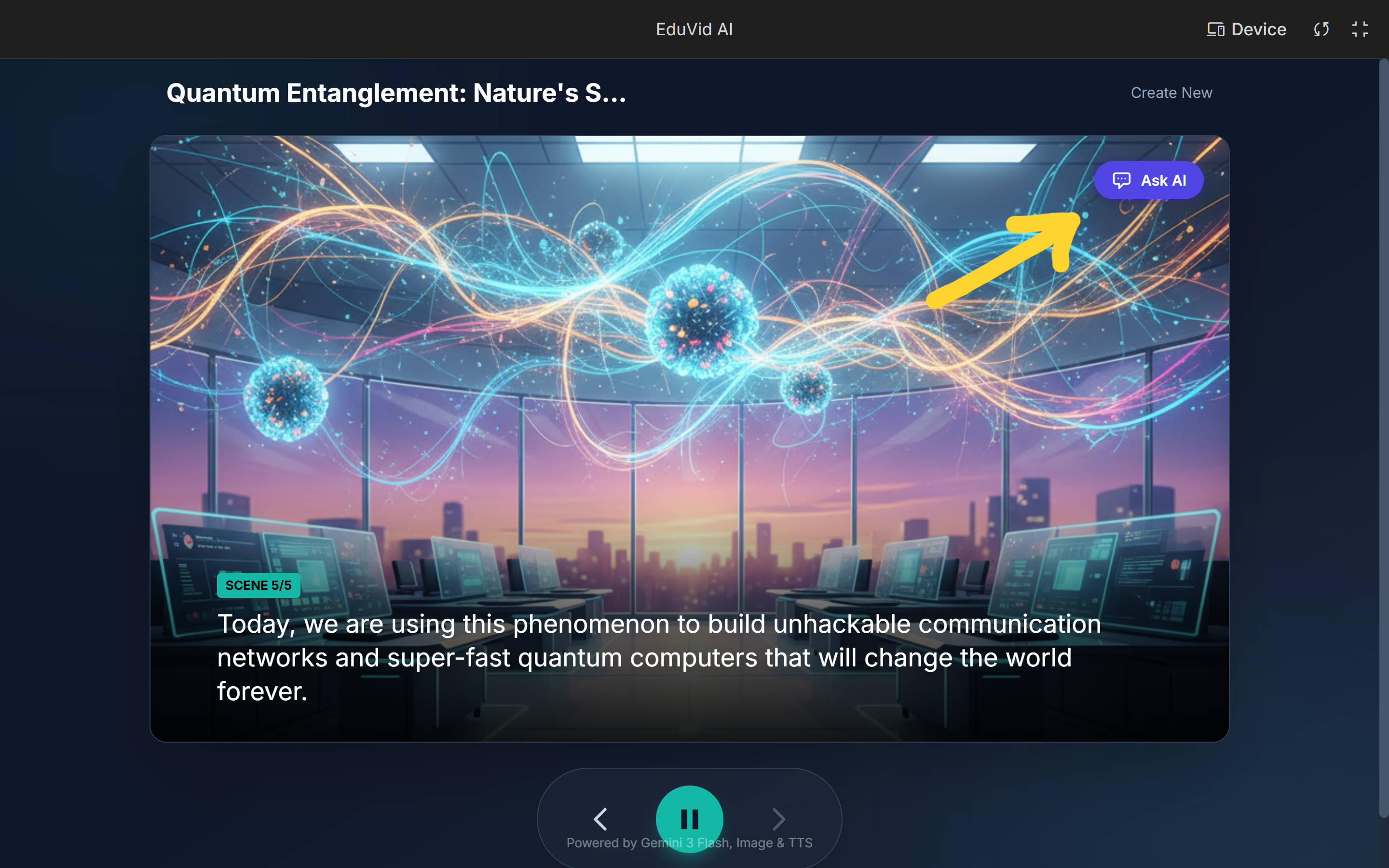
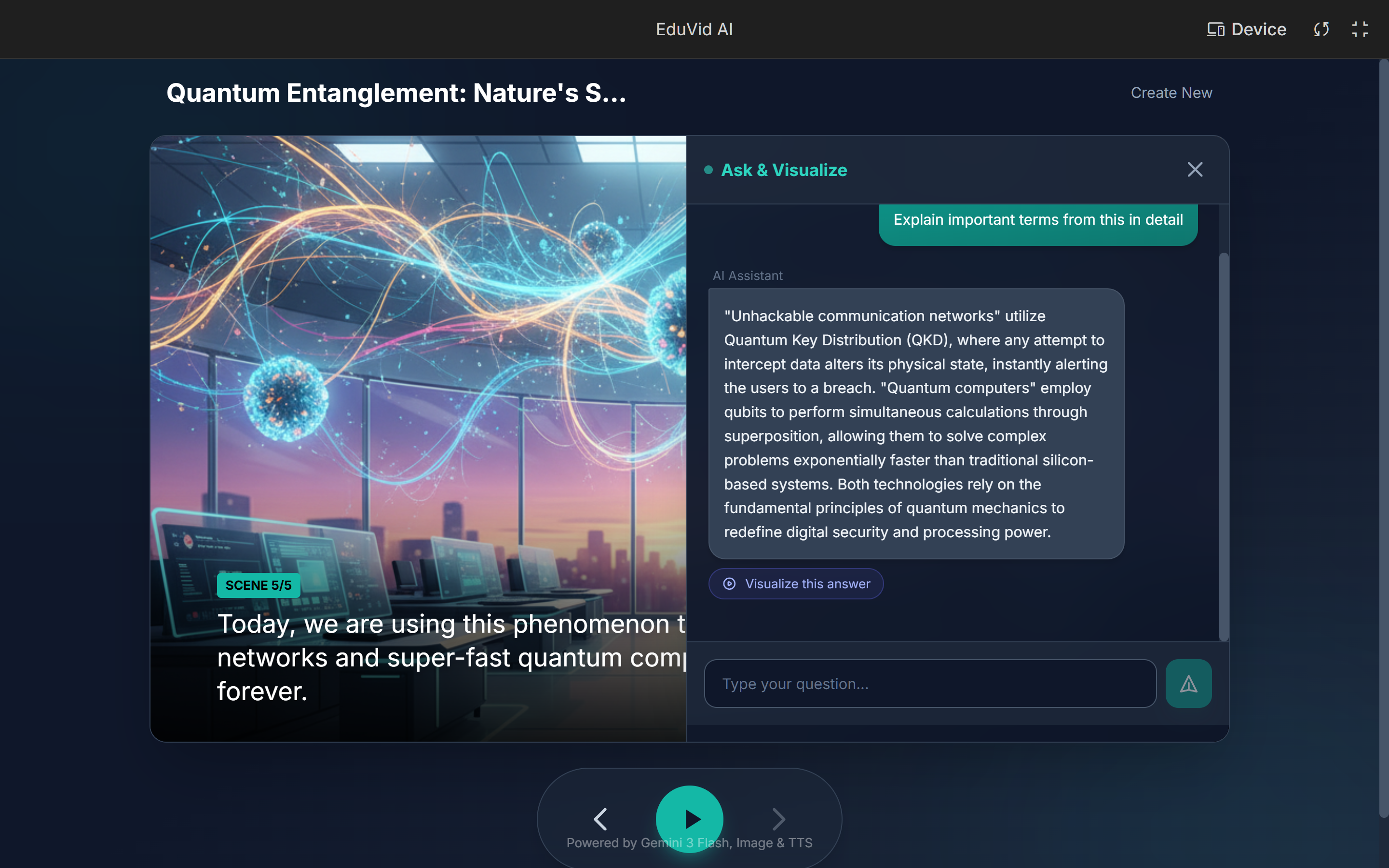
SCENE 5 : For Follow-up Question we click on Ask AI.
-
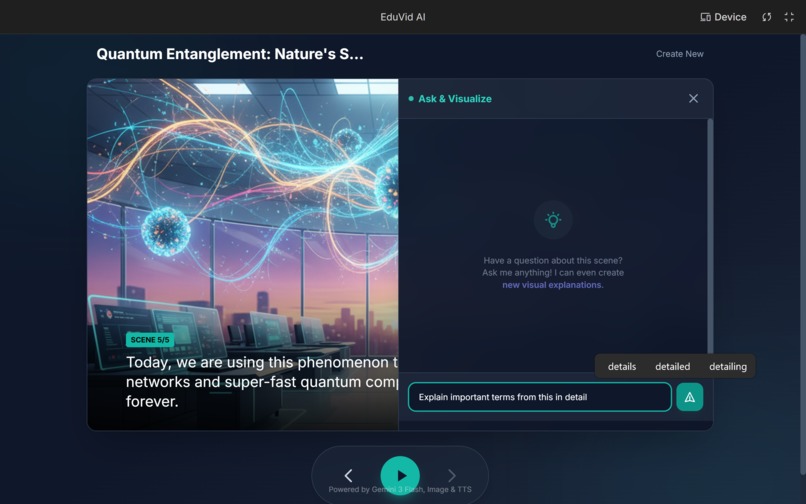
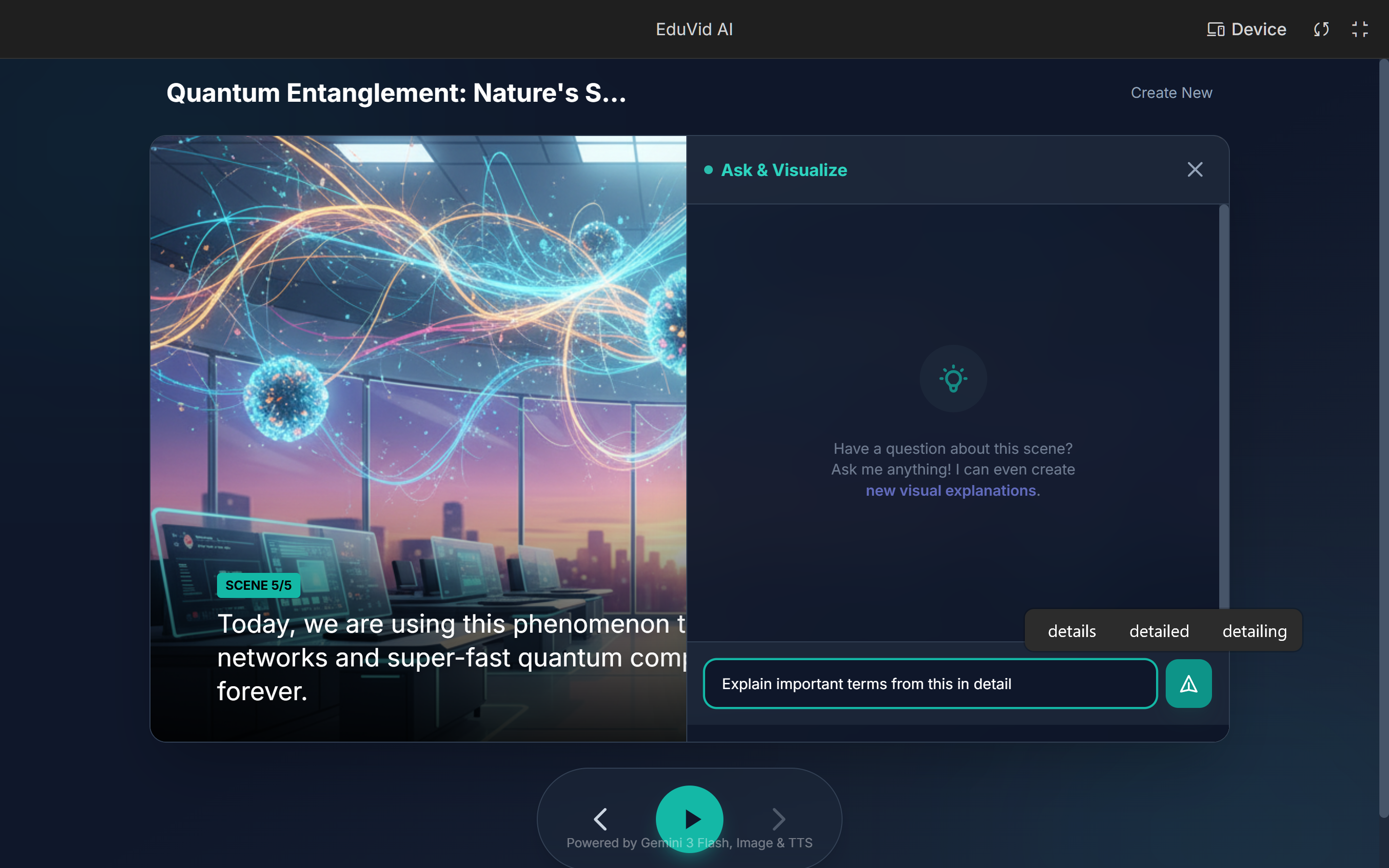
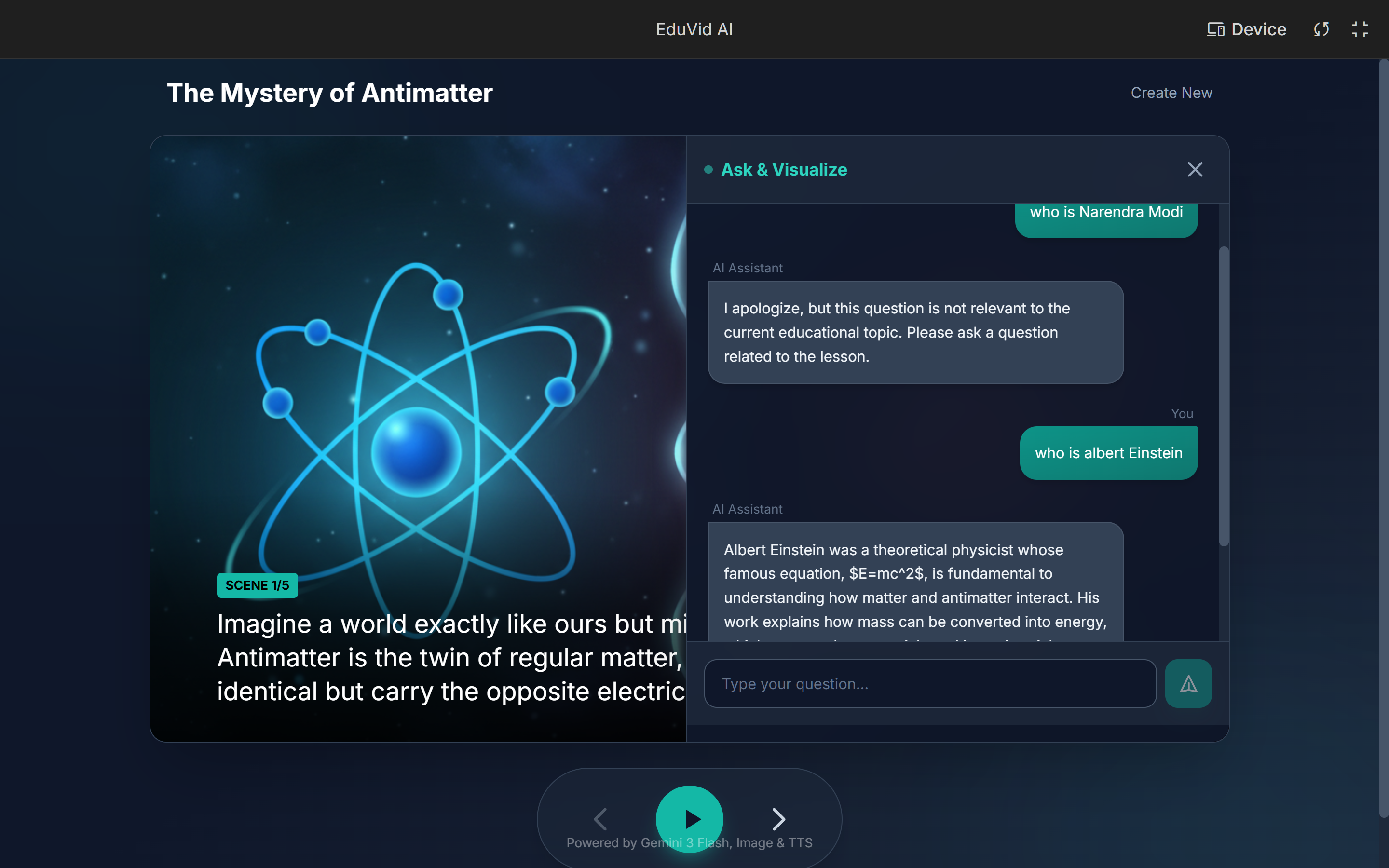
Ask AI: Users can pause the presentation and ask specific questions about the current slide.
-
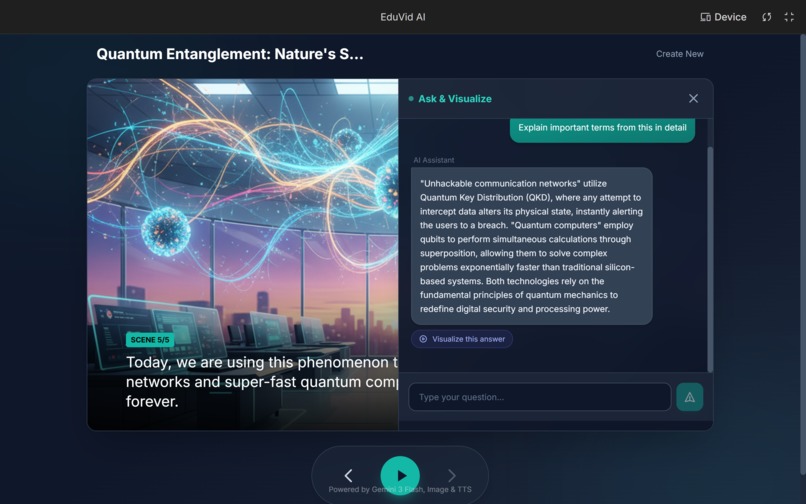
AI answers the question based primary on current slide, or entire topic.
-
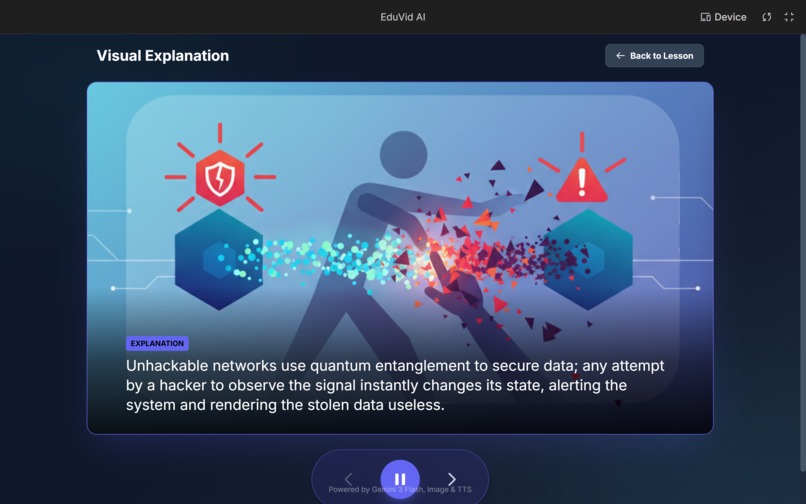
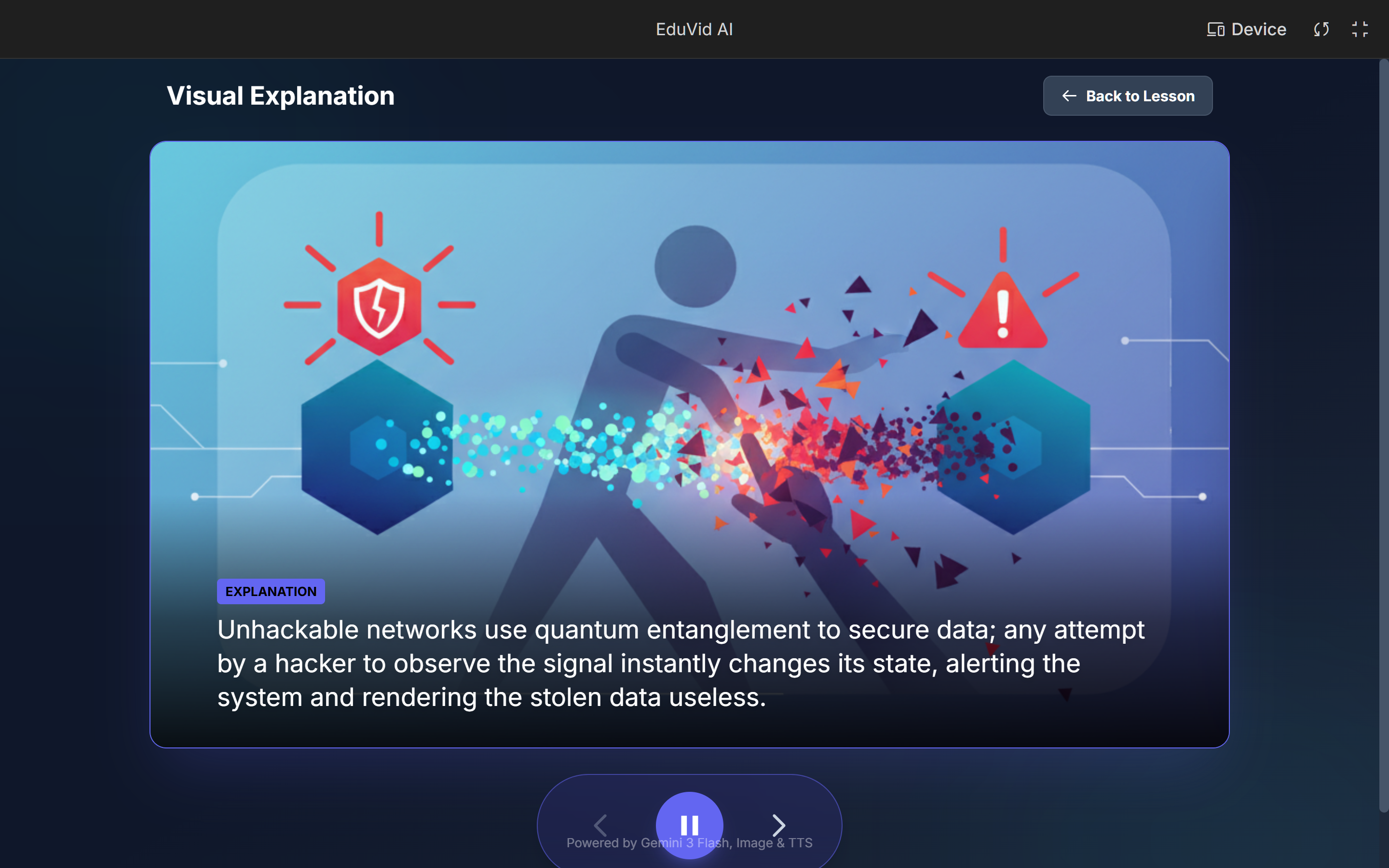
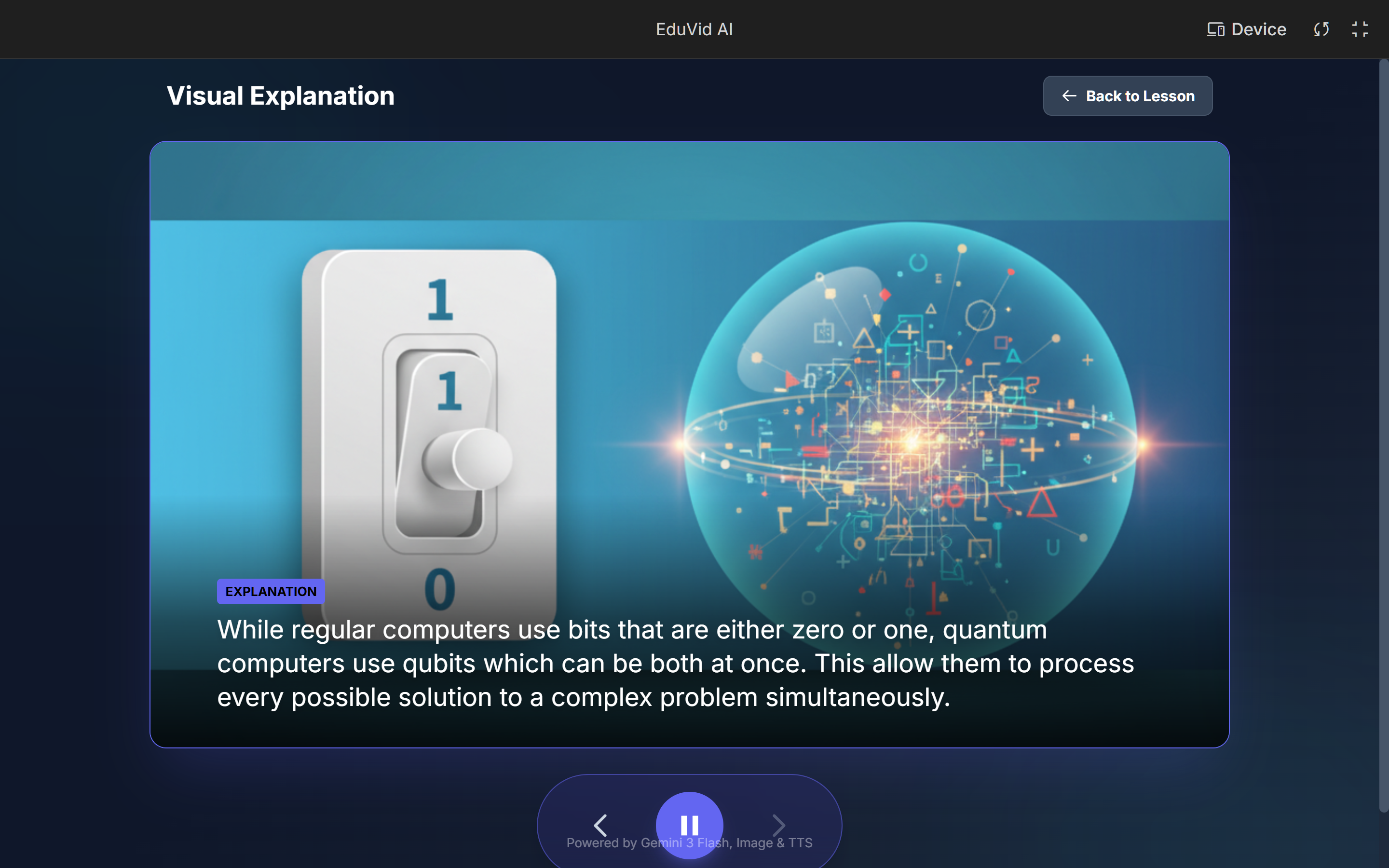
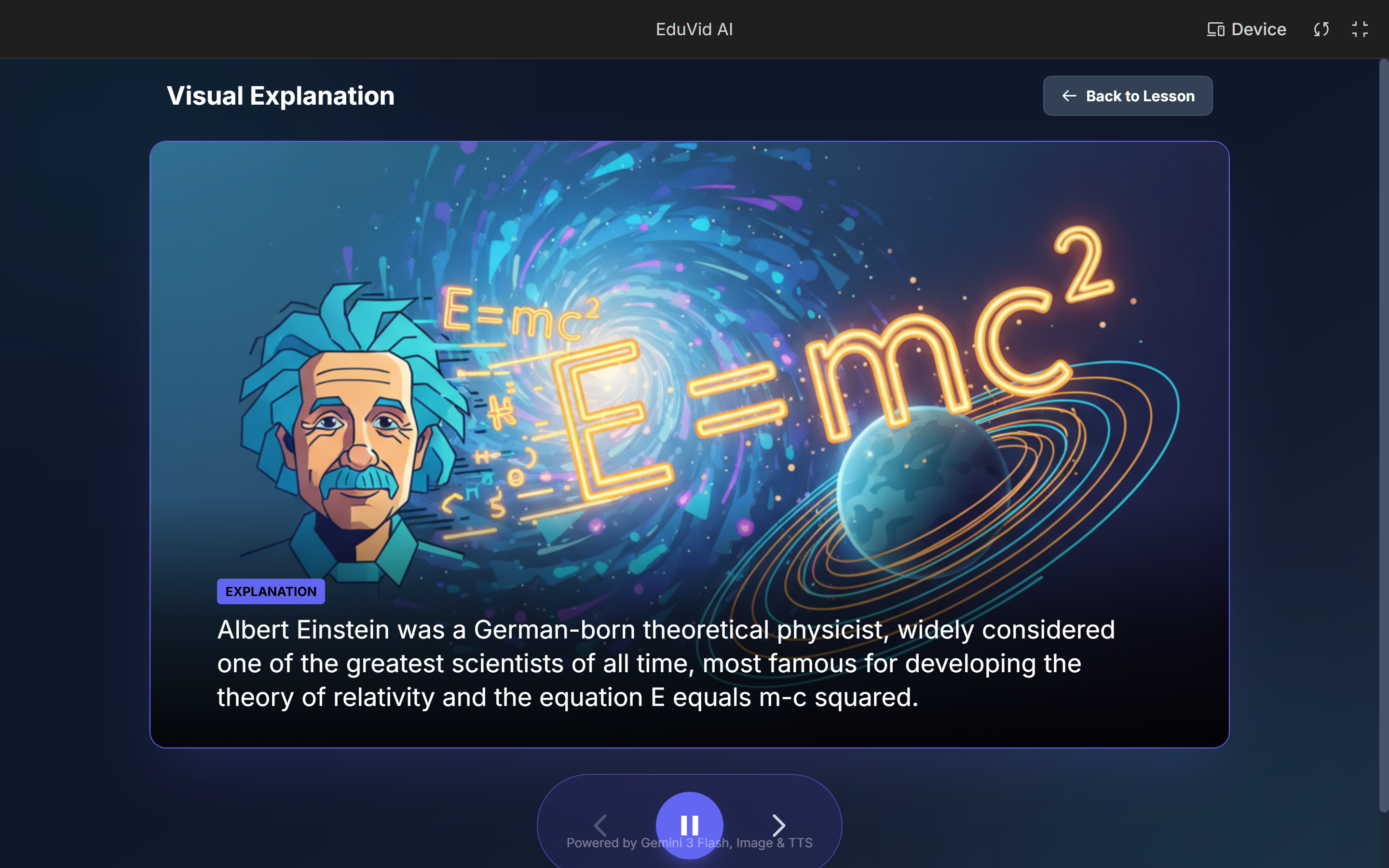
For more clarity, the AI can generate a "Visualization Branch"
-
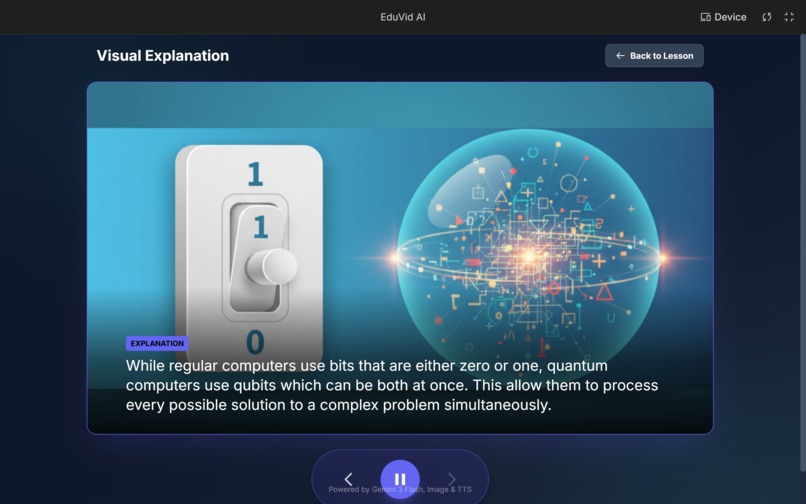
Overlays the main lesson to visually explain the answer
-
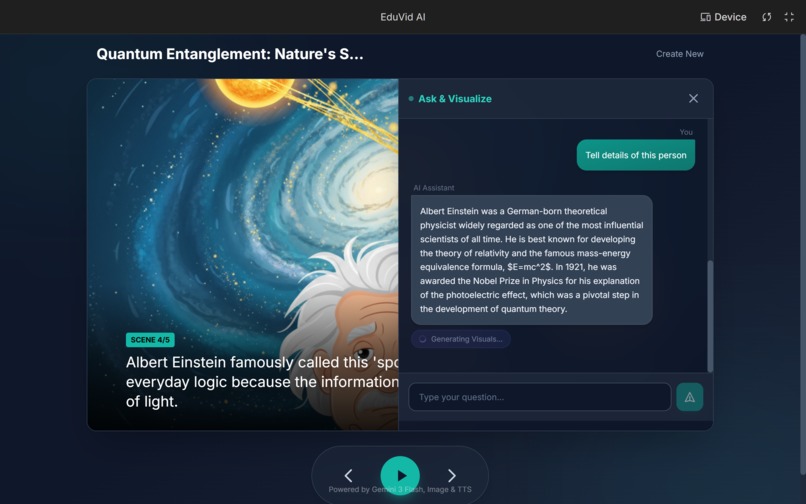
AI generates Answer primarily based on current slide.
-
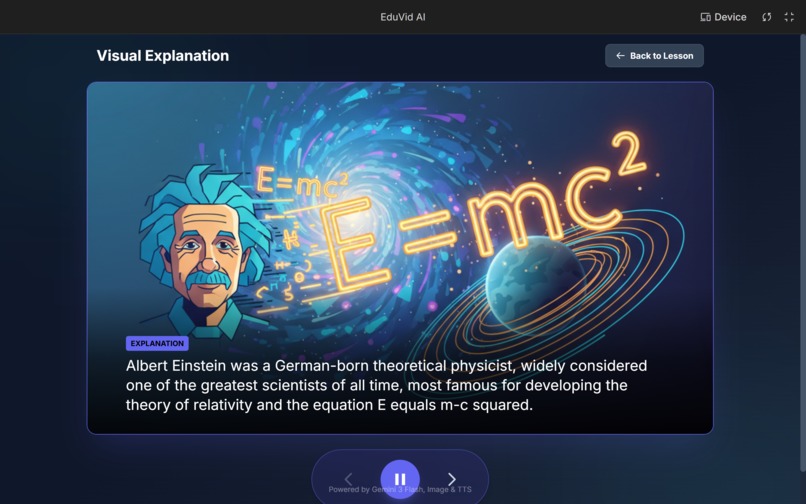
Visualization of Context based Follow up-question
-
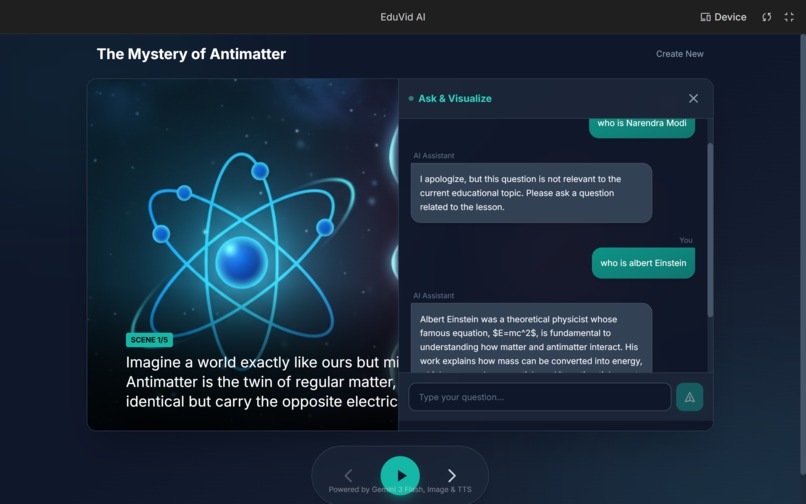
AI validates slide content against the broader topic
Inspiration
As students, we've experienced the frustration of staring at dense textbooks, wishing the content could just explain itself. Research shows that video content increases retention by up to 65% compared to text alone—but creating quality educational videos is expensive and time-consuming. The launch of Gemini 3's multimodal capabilities made us ask: What if AI could generate interactive visual lessons in seconds? Not just text summaries, but narrated slideshows you can actually talk to.
What it does
EduVid AI transforms any topic into an AI-narrated, visual slideshow with interactive learning features:
- 📝 Instant Script Generation — Converts a topic into a structured educational script with scenes, narration, and visual descriptions
- 🎨 AI Image Generation — Creates consistent, vector-style educational illustrations for every scene
- 🔊 AI Narration — Natural text-to-speech with selectable voices brings the lesson to life
- 💬 Interactive Chat — Pause any slide and ask follow-up questions about the content
- 🌿 Visual Branching — Need more clarity? The AI generates a mini-slideshow with new images to visually explain your question, then returns you to the main lesson
## How we built it
We built EduVid AI using React, TypeScript, and Tailwind CSS, powered entirely by the Google Gemini API through Google AI Studio.
Three Gemini models work together:
| Feature | Model |
|---------|-------|
| Script & Logic |
gemini-3-flash-preview| | Image Generation |gemini-2.5-flash-image| | Text-to-Speech |gemini-2.5-flash-preview-tts| A key technical challenge was raw audio processing—we decode raw PCM audio streams from Gemini TTS and wrap them with RIFF headers to create playable WAV files directly in the browser. ## Challenges we ran into - Raw PCM Audio Handling — Gemini TTS returns raw PCM bytes, not standard audio files. We had to build custom utilities to convert these streams into playable WAV blobs.
- Visual Consistency — Early image generations had inconsistent styles. We solved this with a unified style prompt appended to every request, ensuring cohesive vector-style illustrations.
- State Management for Branching — Managing the "Visual Branch" overlay while preserving main slideshow state required careful architecture in our Slideshow component. ## Accomplishments that we're proud of
- True interactivity — Users don't just watch; they can ask questions and get visual explanations on the fly
- Seamless multi-model orchestration — Text, image, and speech generation working together in one fluid experience
- Custom audio pipeline — Built raw PCM-to-WAV conversion from scratch for gapless browser playback
- Production-ready UI — Clean, responsive design that feels like a real product ## What we learned
- How to orchestrate multiple AI models (text → image → speech) in a single pipeline
- Processing raw audio streams and creating valid WAV files programmatically
- Prompt engineering for visual consistency across generated images
- Managing complex UI state with overlays and branching narratives ## What's next for EduVid AI
- Veo 3 Integration — Animate scenes using Gemini's video model to turn static slides into dynamic educational films
- Multi-language Support — Generate lessons in any language
- Export to Video — Download completed lessons as MP4 files
- Batch Processing — Convert entire chapters or textbooks into video courses
Built With
- css
- gemini-3-flash
- gemini-image-generation
- gemini-tts
- google-ai-studio
- google-gemini-api
- html
- javascript
- react
- tailwind-css
- typescript

Log in or sign up for Devpost to join the conversation.