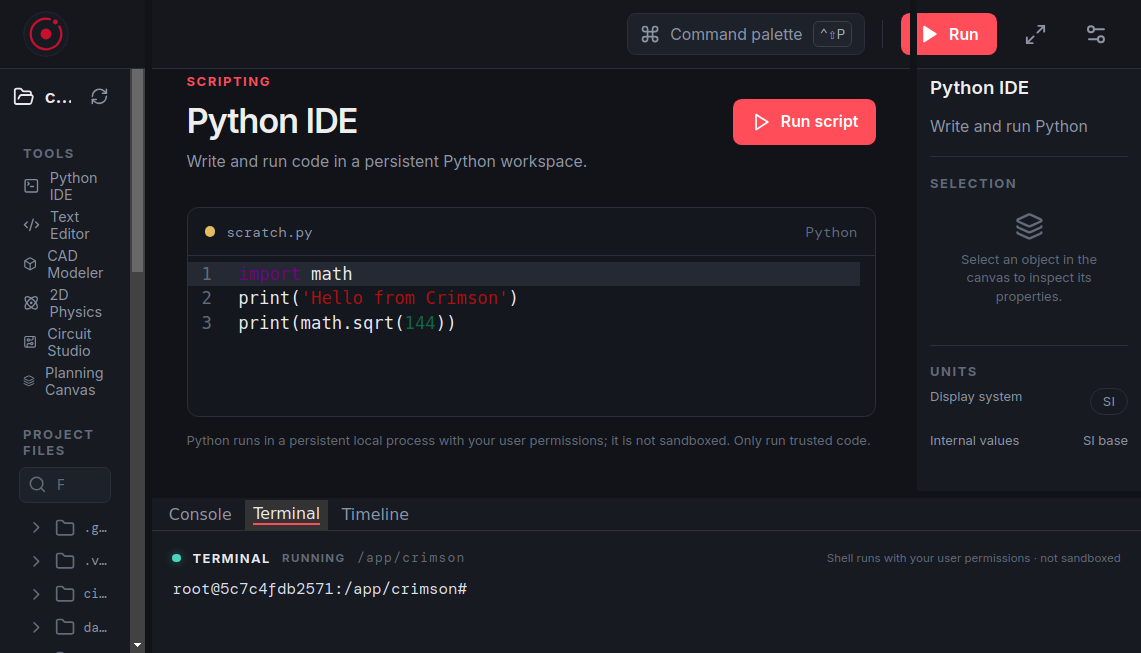
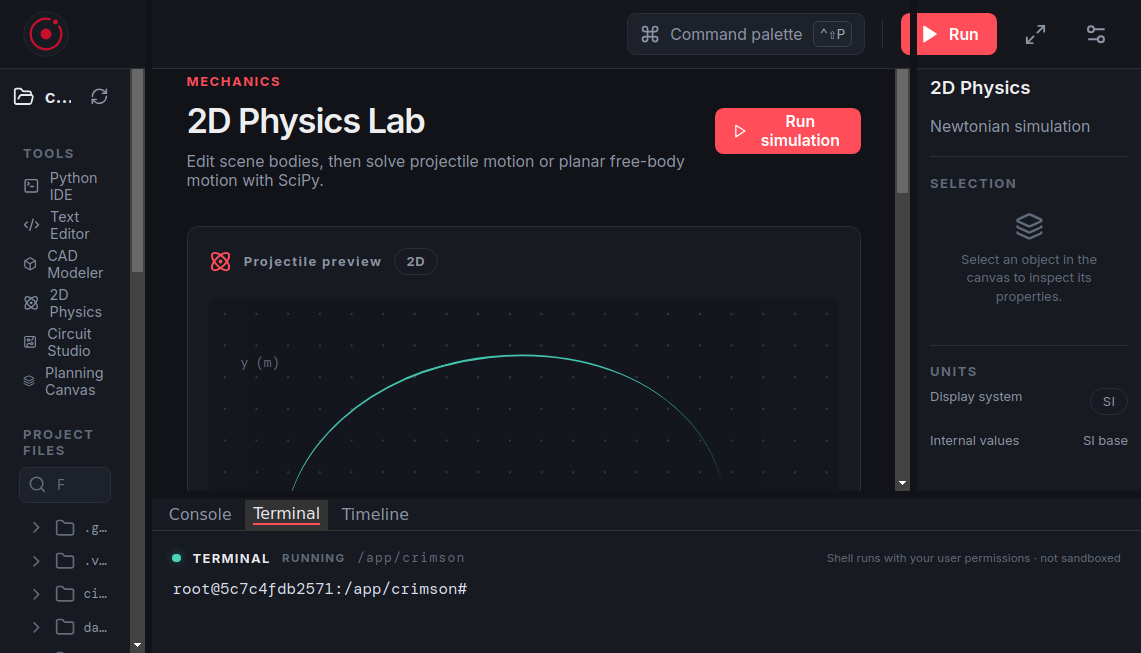
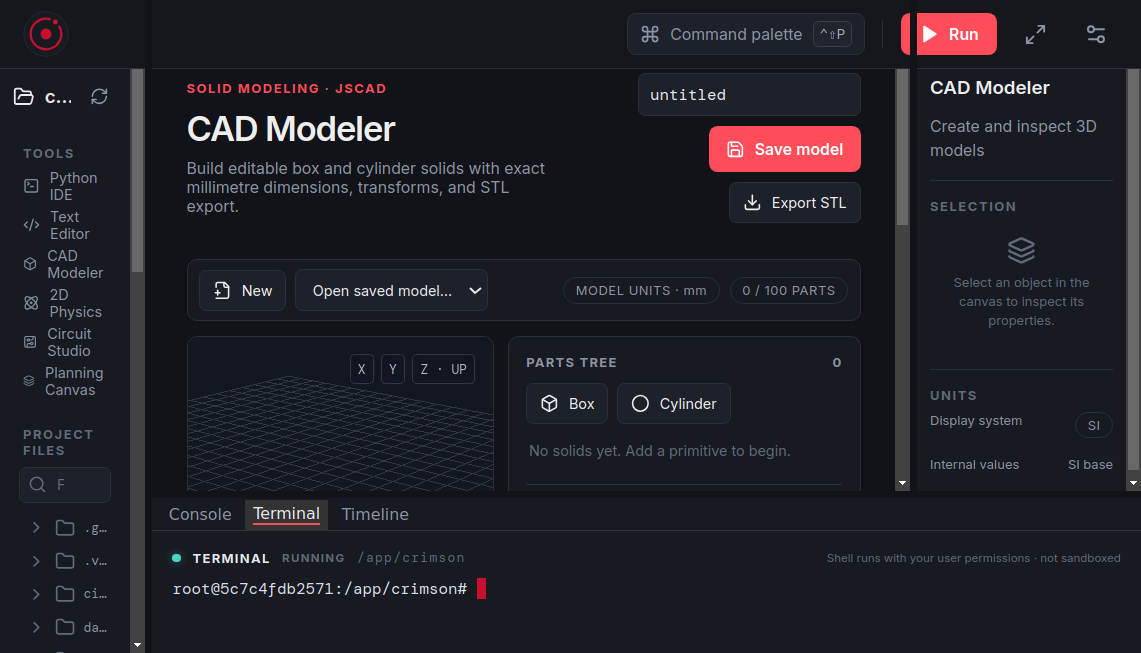
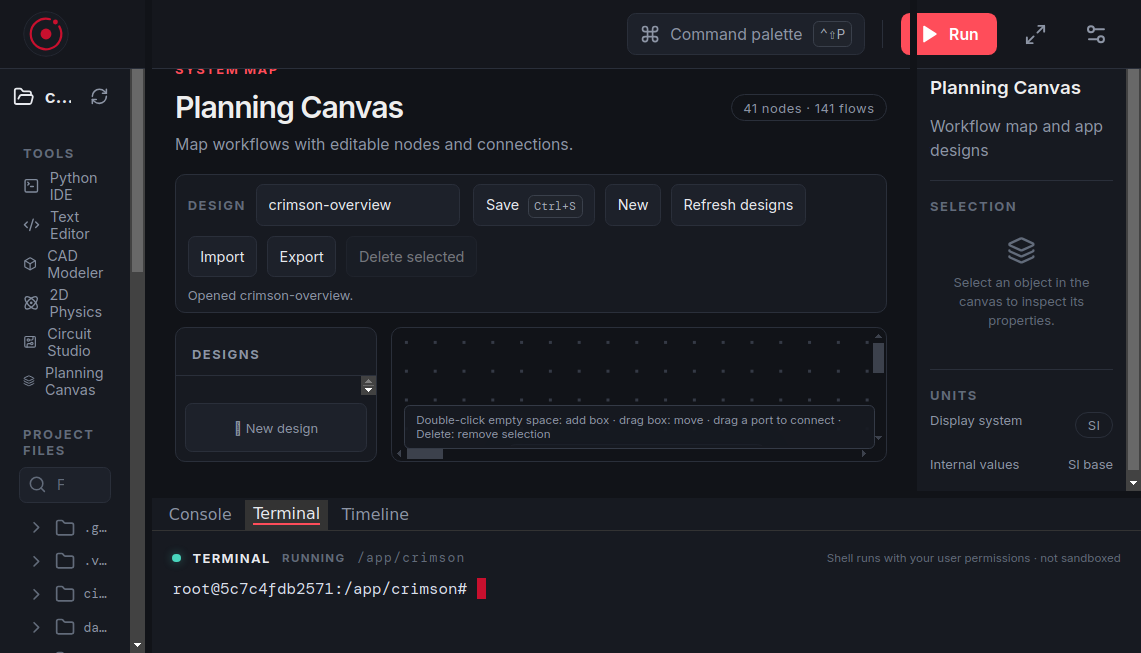
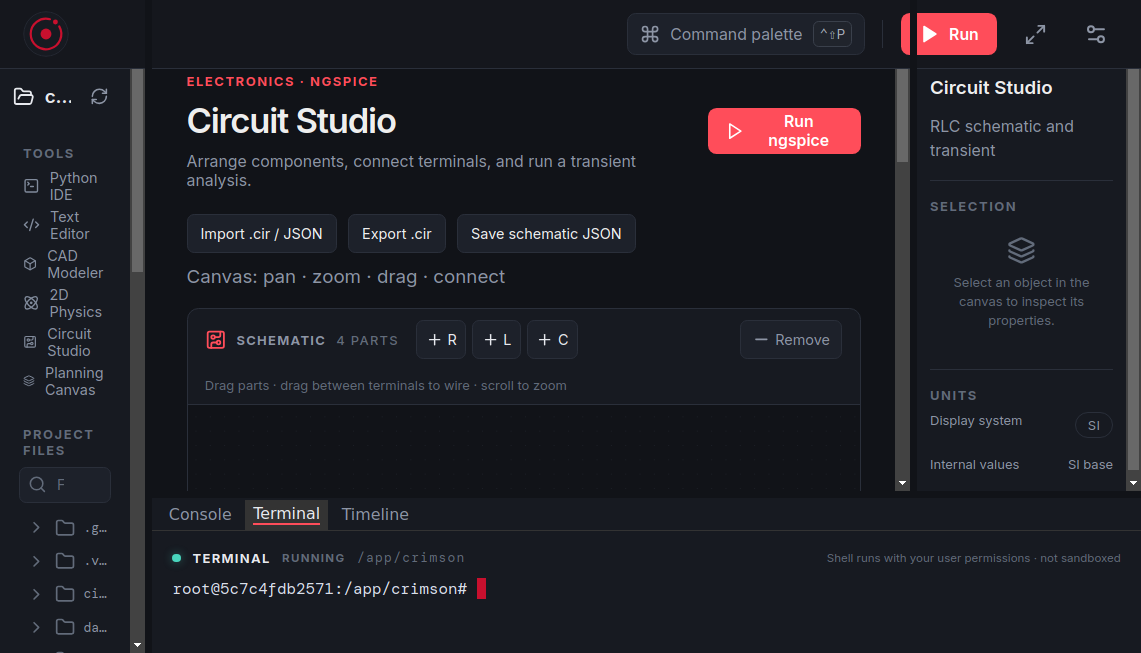
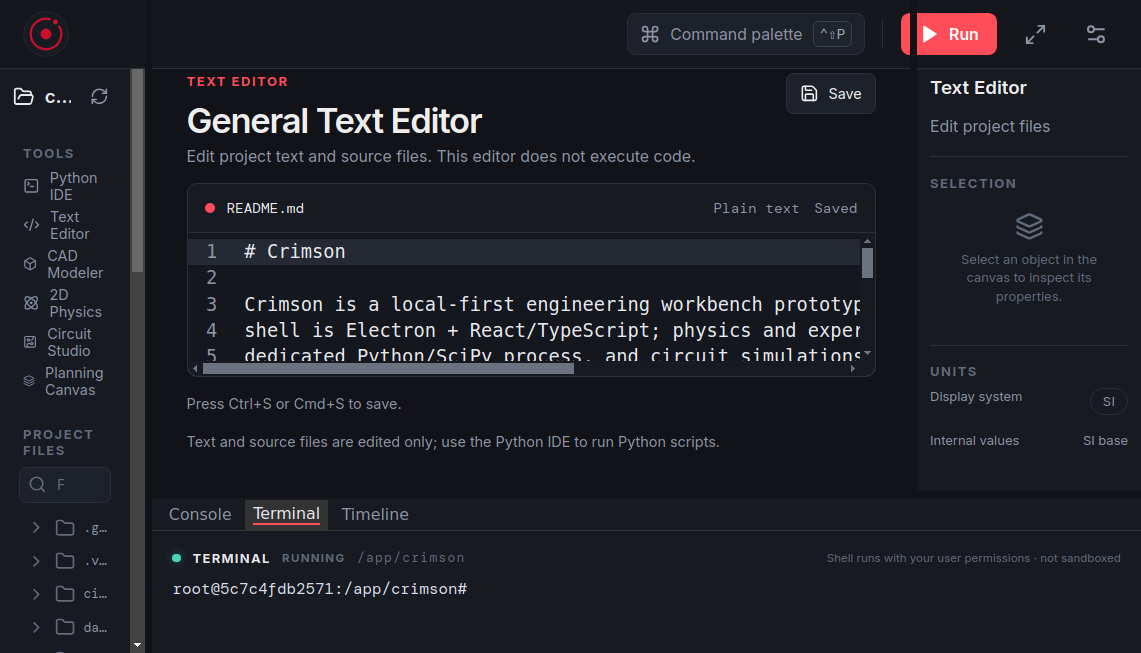
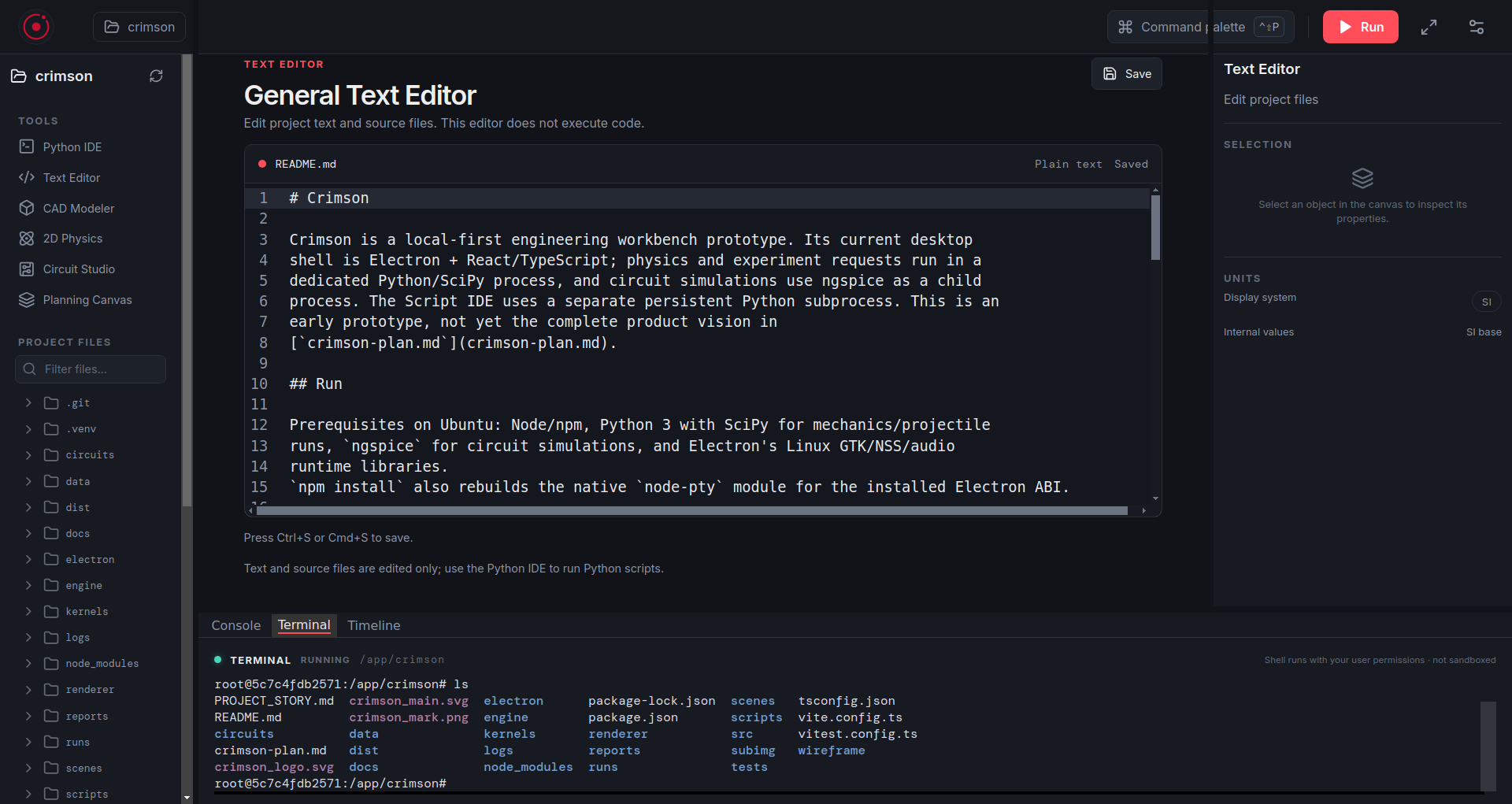
Inspiration Engineering workflows are scattered across editors, terminals, simulators, and design tools. Crimson aims to bring them together in one local desktop workspace. What it does Crimson combines Python scripting, an interactive mechanics canvas, ngspice circuit simulation, simple 3D modeling, an editable wireframe canvas, project files, and a real terminal. How we built it Electron, React, and TypeScript provide the desktop app. Python/SciPy powers mechanics, ngspice handles circuits, CodeMirror provides editing, and JSCAD/Three.js power simple 3D modeling. Challenges we ran into Keeping separate tools and solvers connected through reliable file and IPC contracts; supporting interactive canvases; and debugging Electron rendering and terminal behavior in a container. Accomplishments that we're proud of A working local-first workbench with project browsing, editable circuit and wireframe canvases, draggable mechanics bodies, a persistent Python IDE, and an interactive terminal. What we learned Reuse specialized engines instead of building every solver ourselves. Keep projects portable and file-based, and test each app boundary independently. What’s next for Crimson Add collisions, joints, and constraints to mechanics; expand CAD beyond simple solids; improve circuit coverage; and keep hardening the editor, terminal, and app stability.
Crimson
Crimson is a FOSS engineering workbench for coding, circuit design, mechanics, and 3D modeling—bringing simulations and design tools together in one desktop app.
Updates

Leave feedback in the comments!
Log in or sign up for Devpost to join the conversation.