-
-
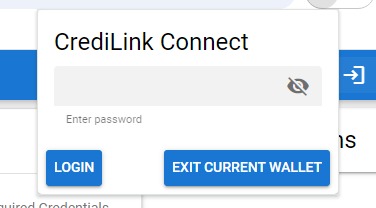
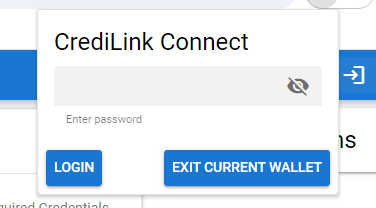
Login view
-
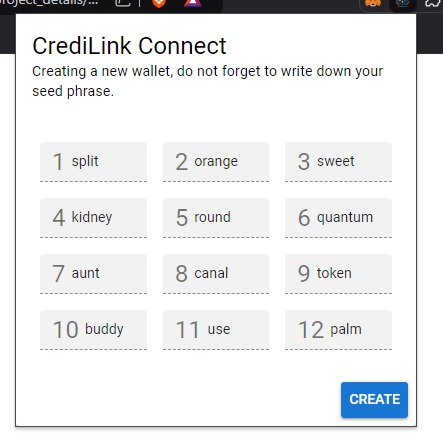
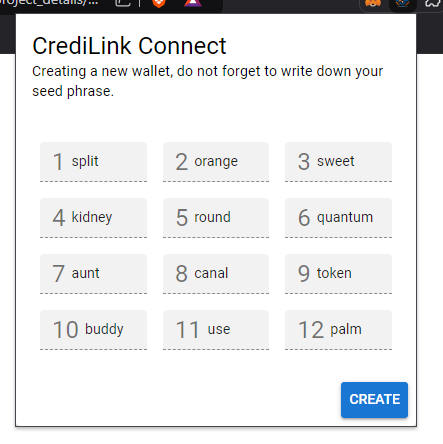
Seedphrase creation
-
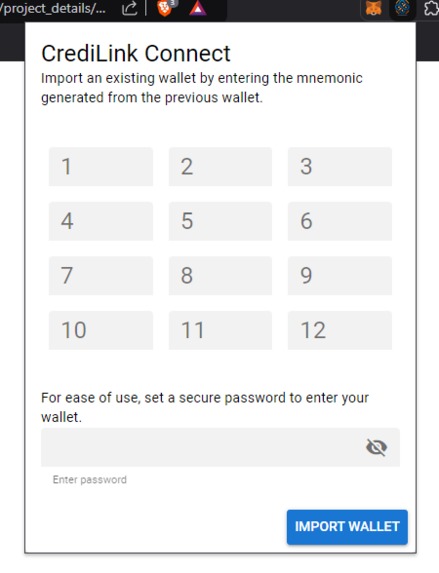
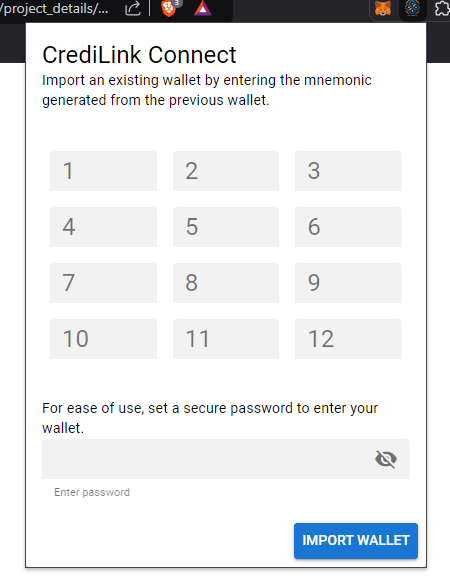
importing a seed
-
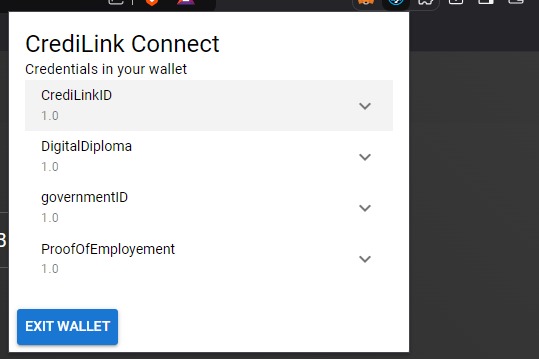
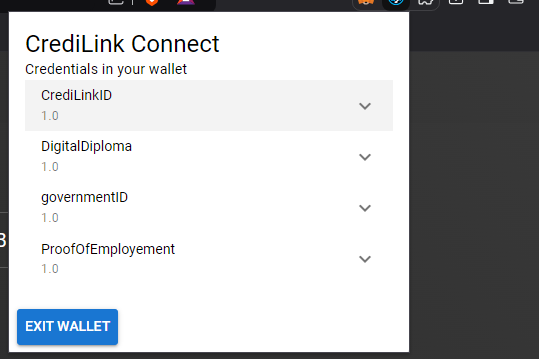
Wallet home page
-
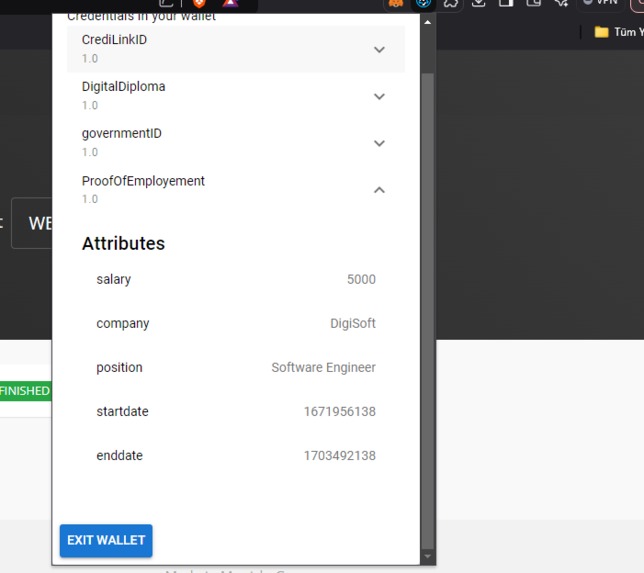
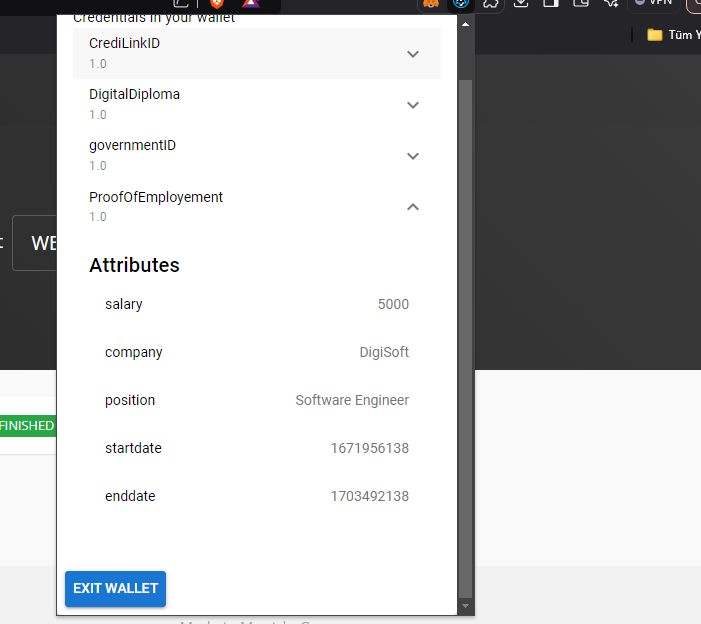
Credential detailed view
-
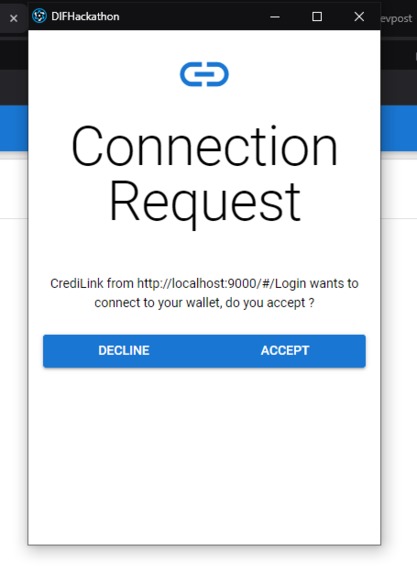
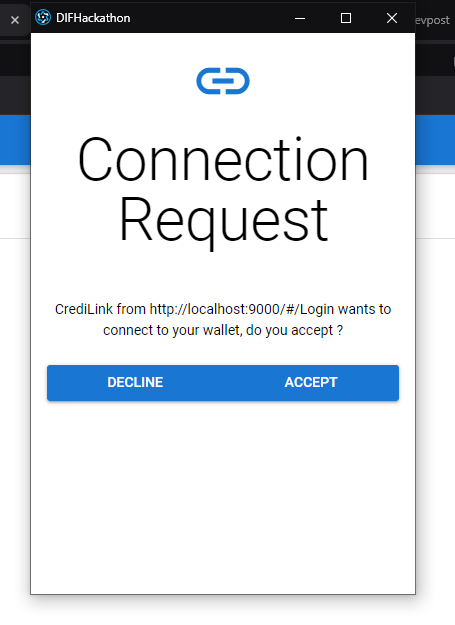
Connection Request
-
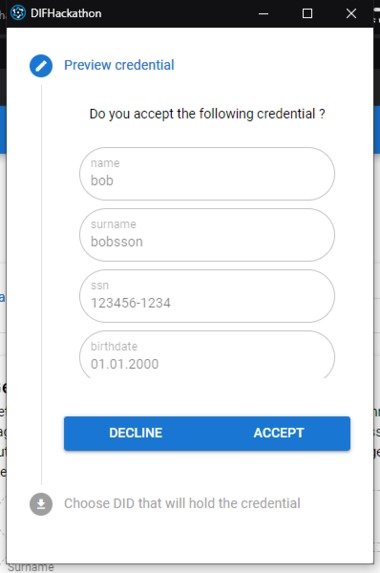
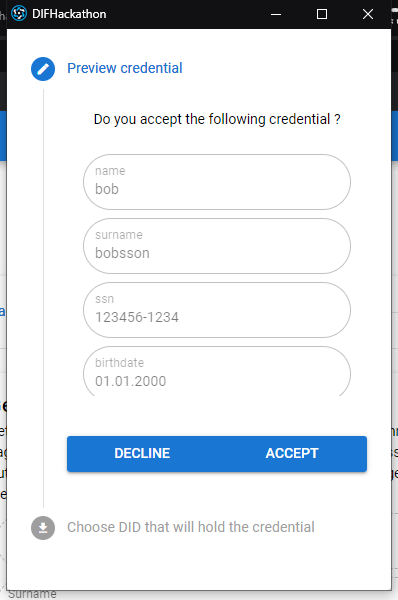
Receiving a credential
-
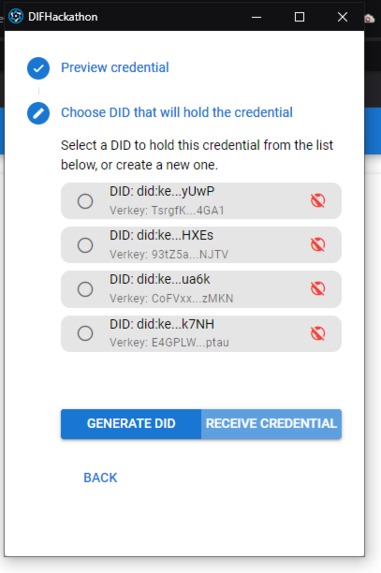
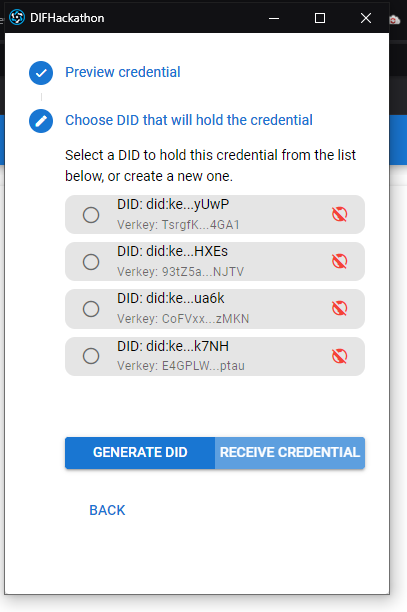
Select did to hold credential
-
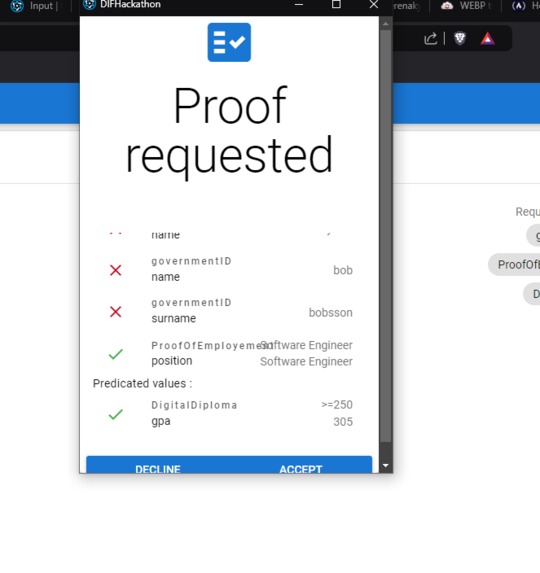
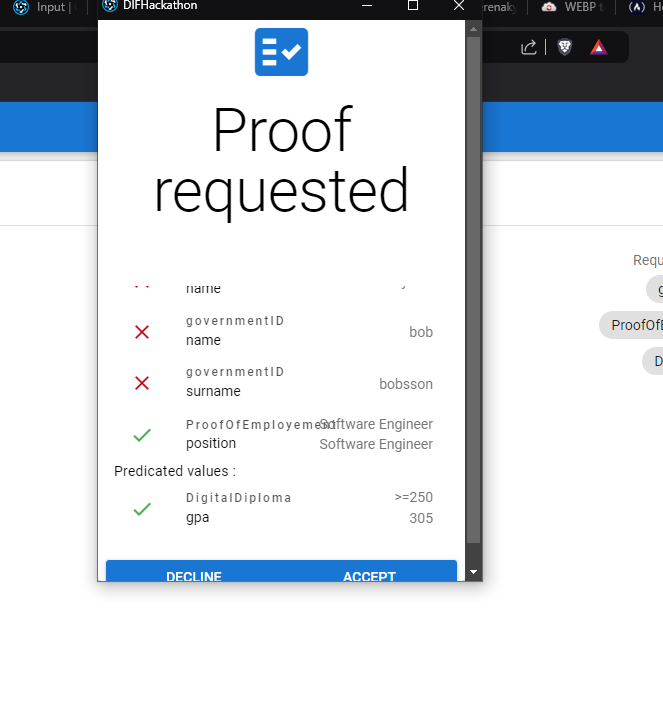
Proof request with correct and incorrect values
-
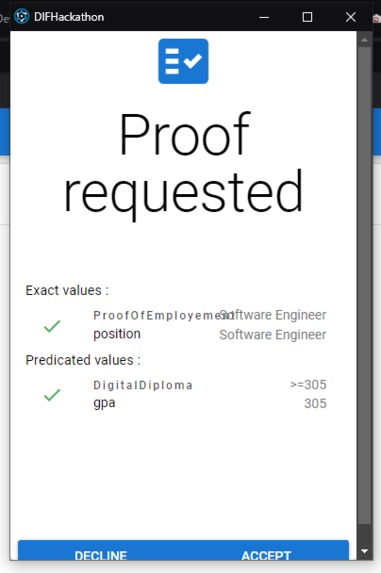
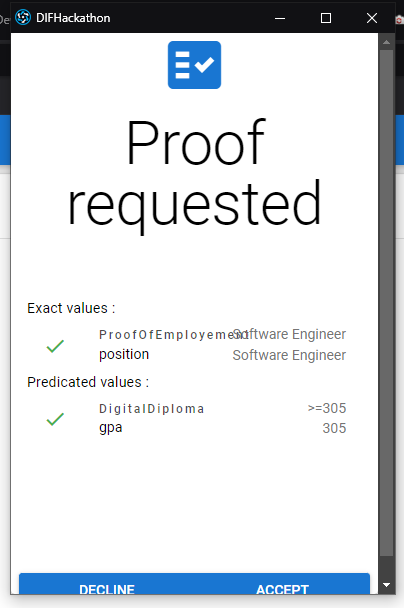
Proof with all correct fields
-
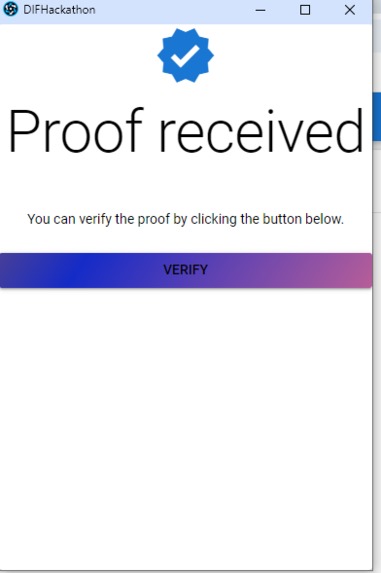
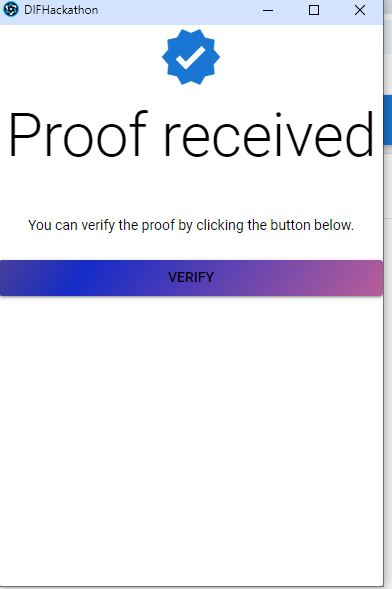
Verify page
-
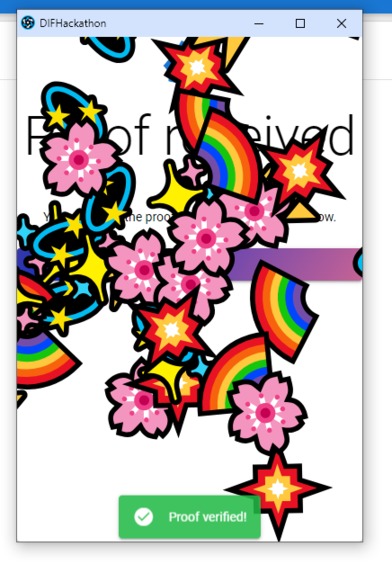
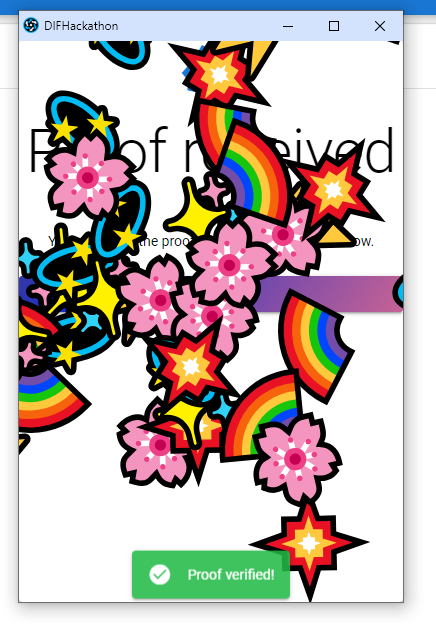
Successfull verification
-
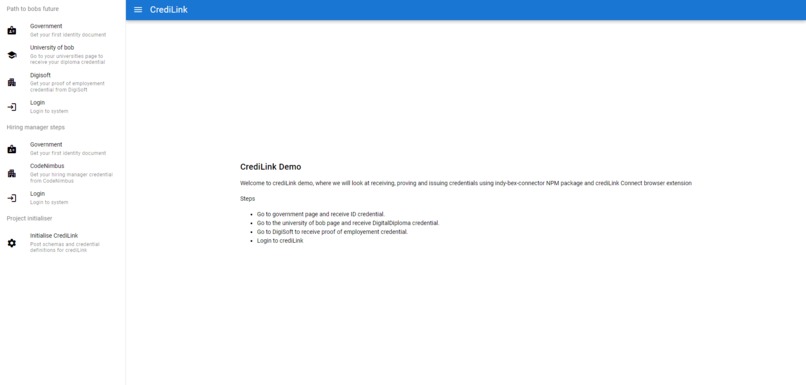
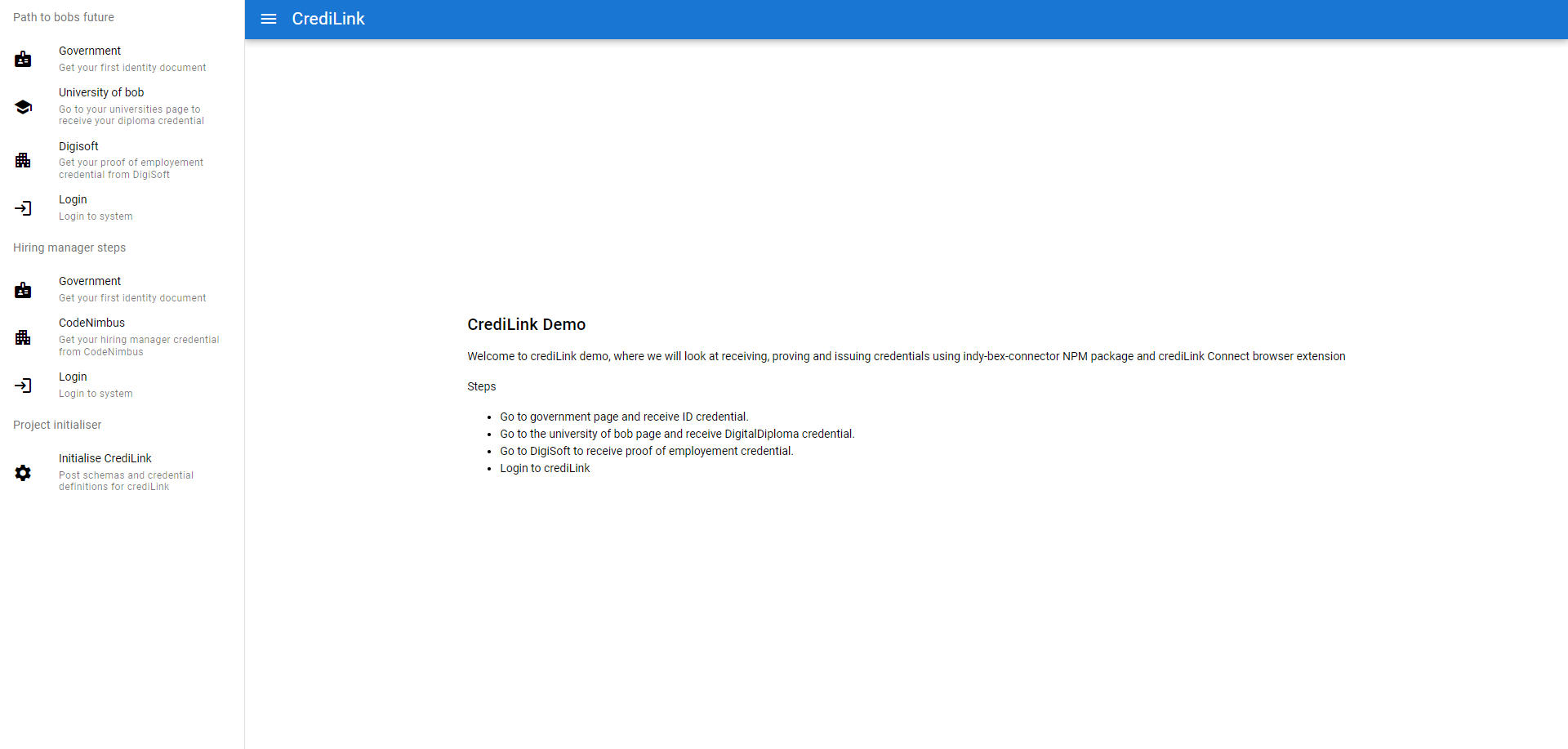
Demo page
-
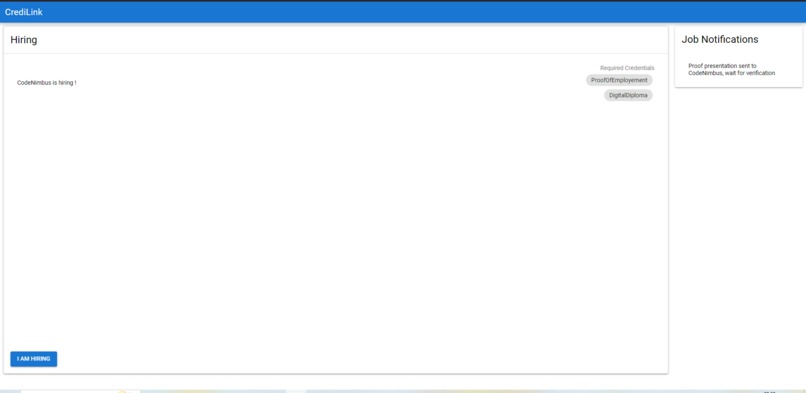
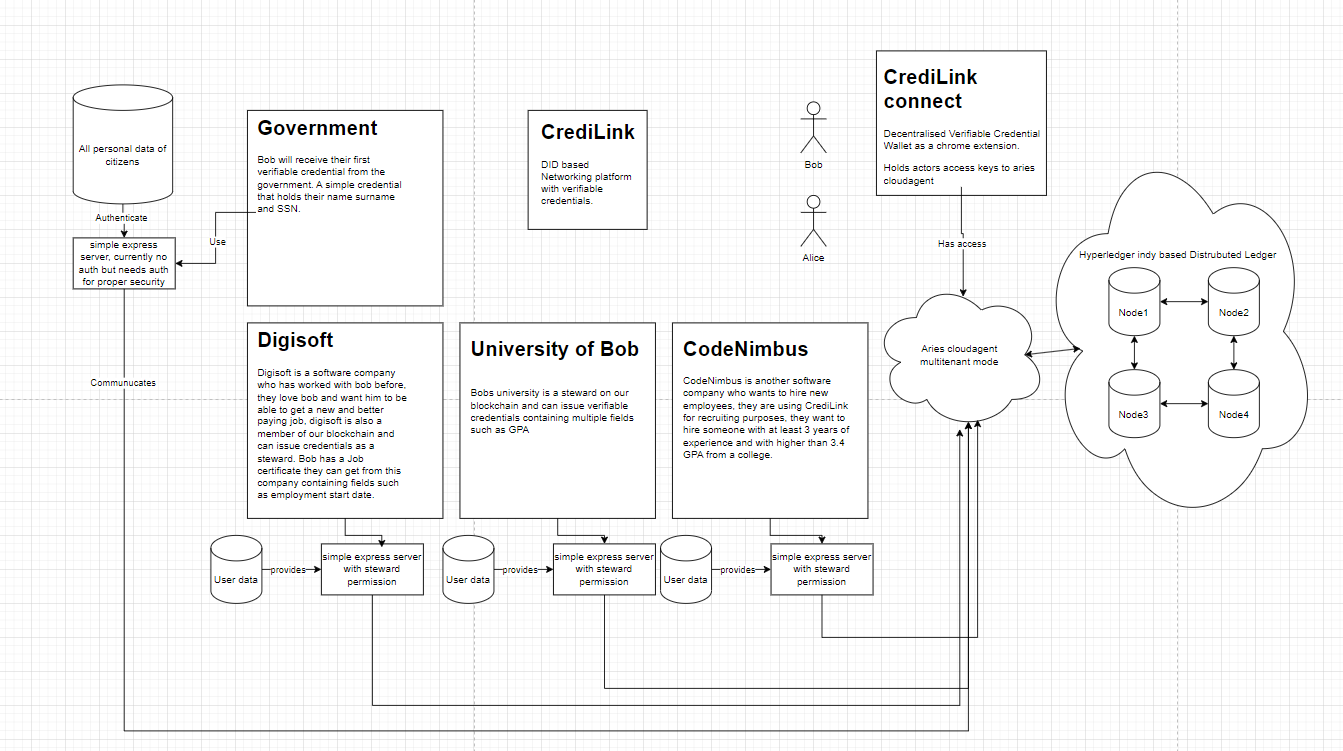
Main website CrediLink
-
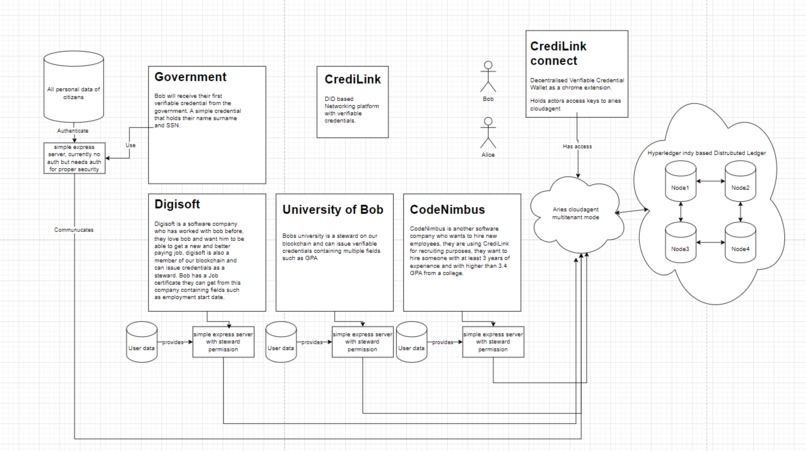
Project demo
-
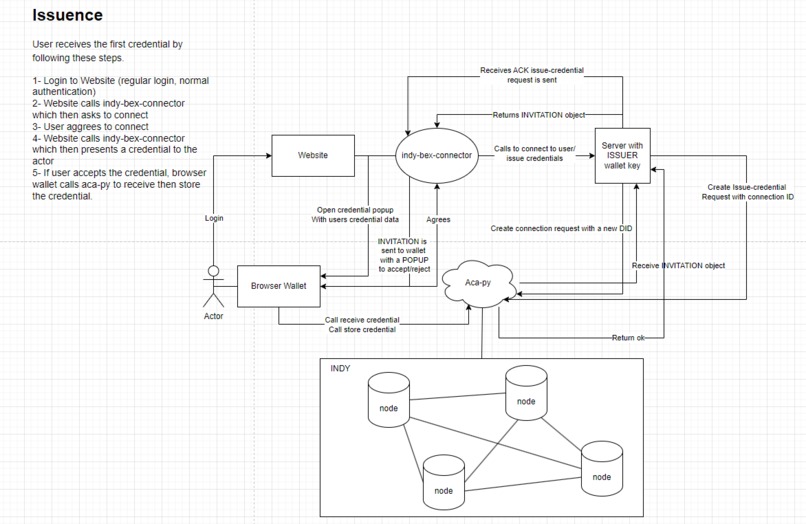
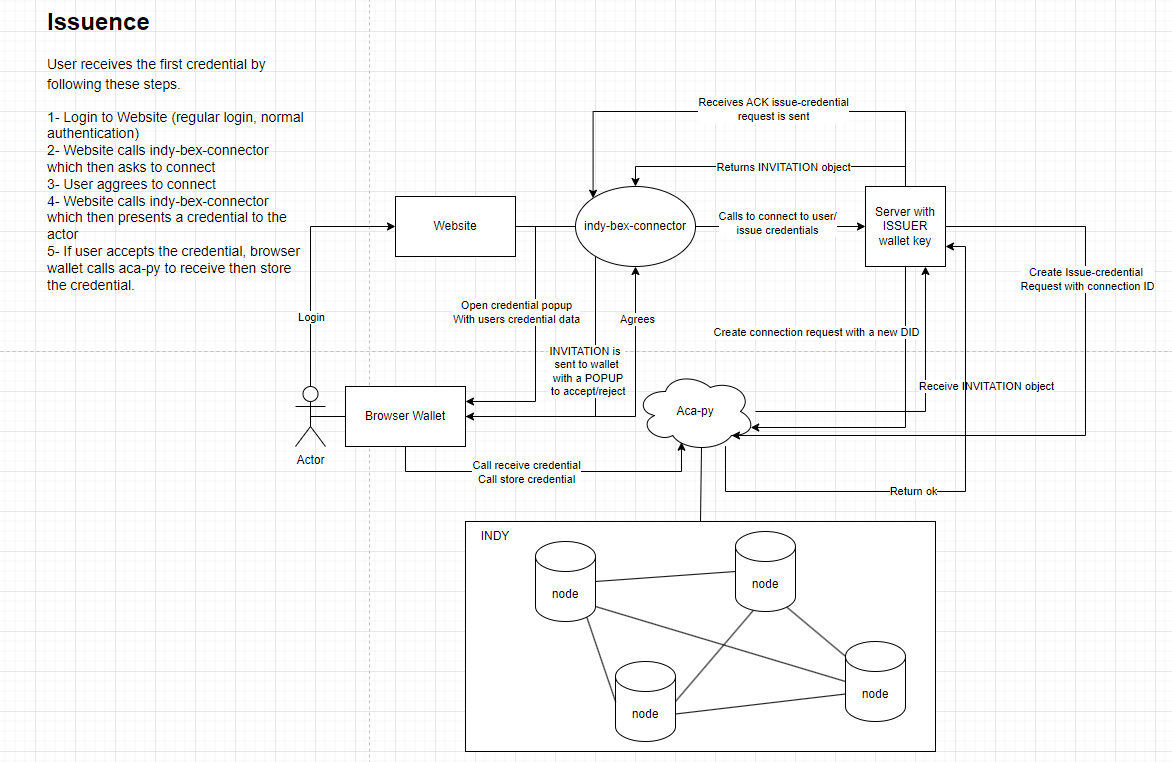
Issuence
-
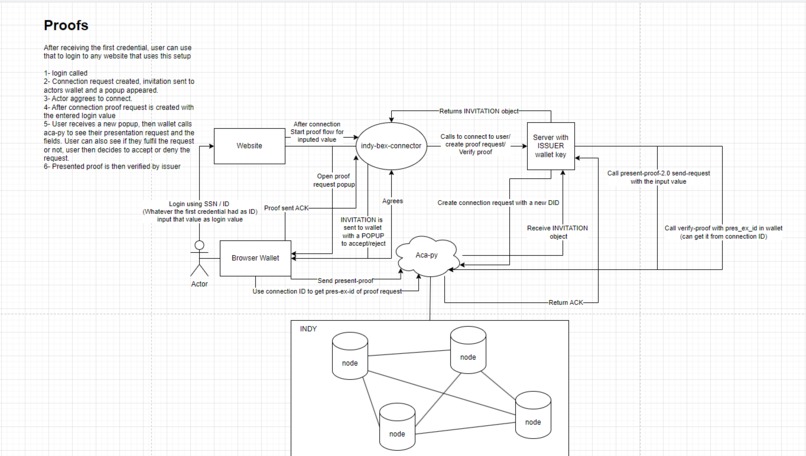
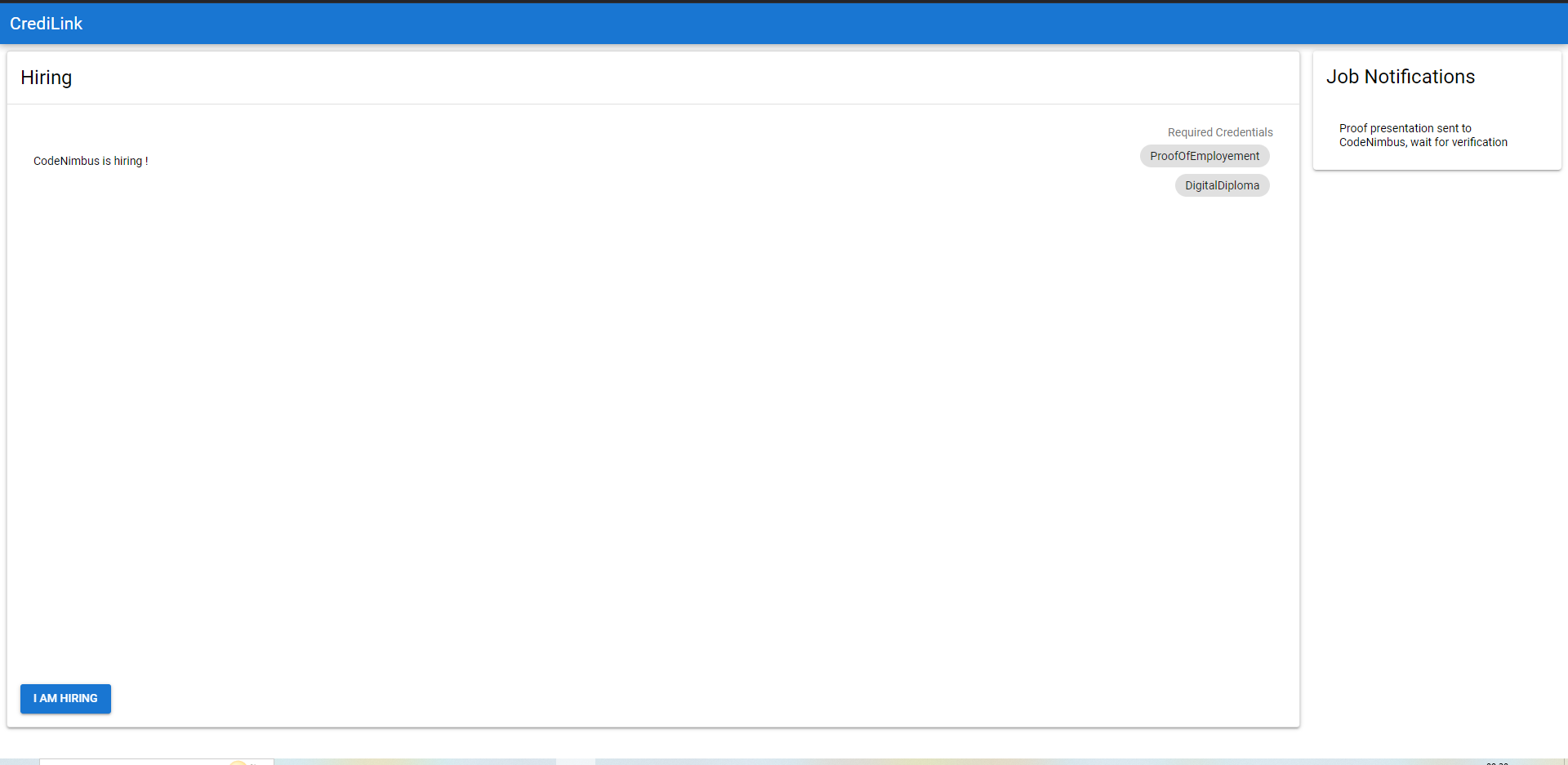
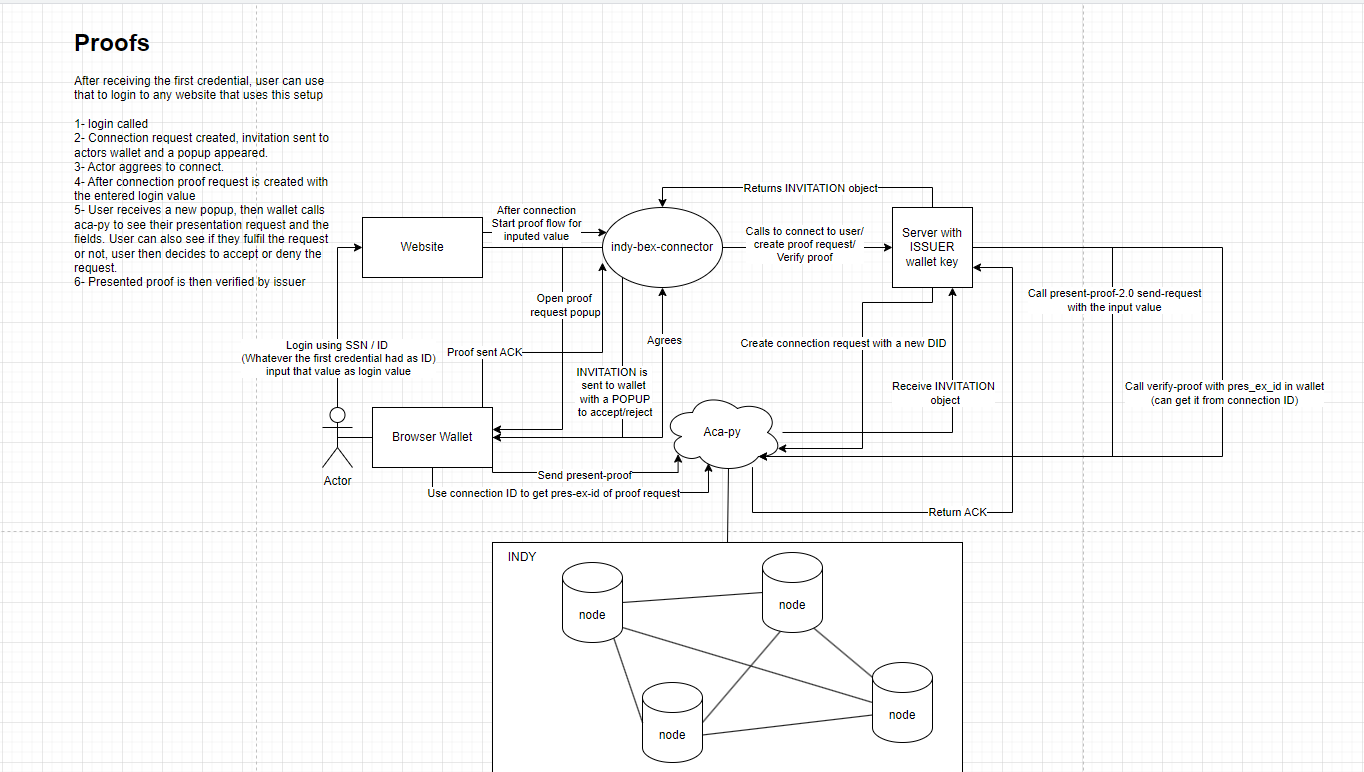
Proofs with website
-
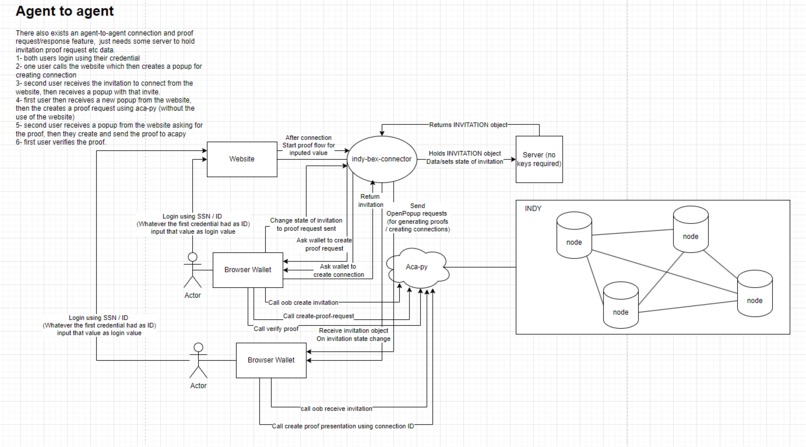
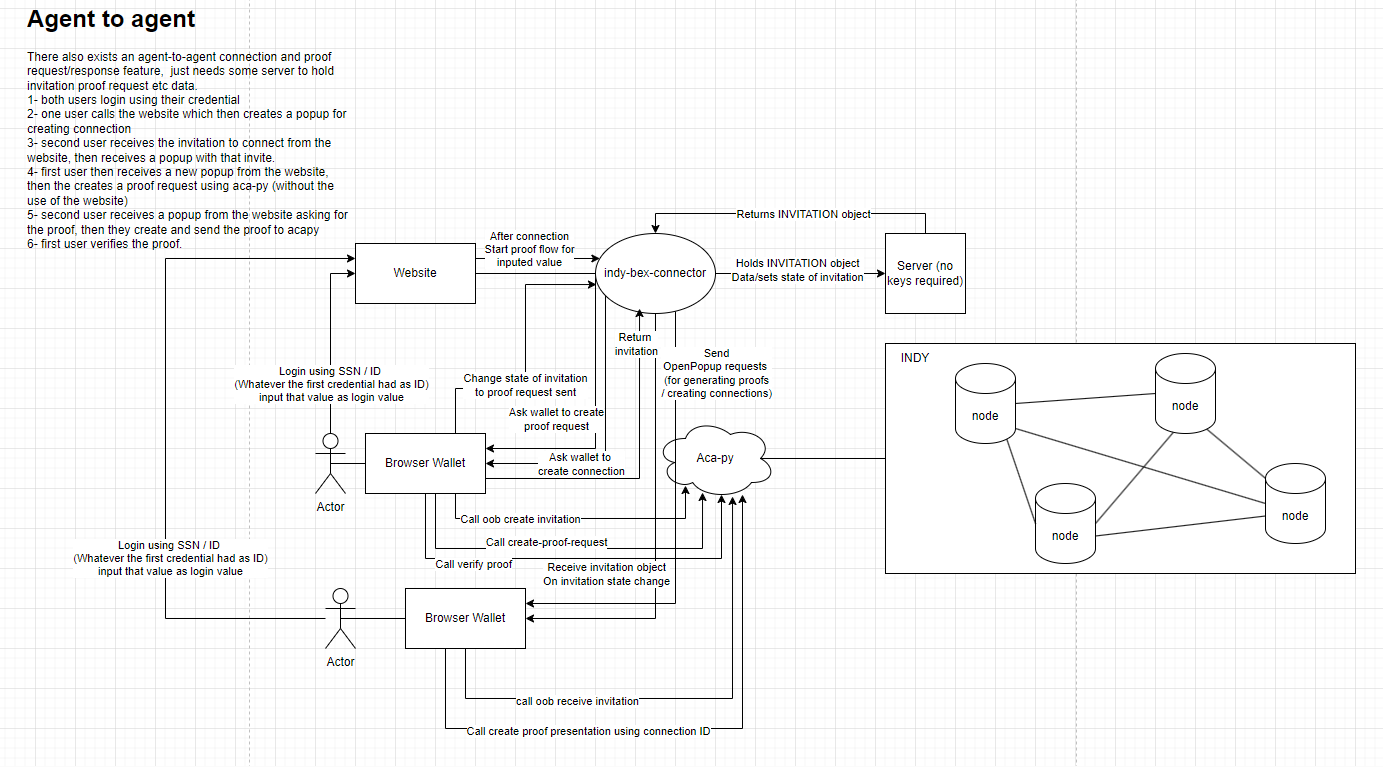
Agent to agent connections and proving credentials
Inspiration
Linkedin as a networking platform contains users that can claim whatever they want on their profile page, not being able to verify if the person you are speaking to is actually who they are telling is an issue for developers that are looking for new jobs. I wanted to solve this problem using Verifiable Credentials.
Some examples of LinkedIn's issues:
Only 50 or so profiles out of 7,000 Binance employees on LinkedIn are real, says CZ (CEO of binance) link
My personal experience with scammers and attackers on linkedin that claim to be hiring managers for companies and send github repositories that clearly contain malware.
What it does
CrediLink connect is a browser extension that is used with indy-bex-connector NPM package (also written for this hackathon).
Using the browser extension you can:
- Create a wallet/import an existing wallet
- Create DID's
- Receive VC's
- Create/Receive Connections
- Create/Receive Proof requests
- Verify proofs
The extension uses BIP-39 for generating seedphrases which are then turned into the users wallet-key and wallet-name.
How we built it
CrediLink connect is built using Vue.js and Quasar Framework's BEX mode The extension requires a blockchain, i use hyperledger-indy with 4 nodes (note that indy-sdk is deprecated but indy-node is not) and aries cloudagent on multitenant mode for managing wallets.
Challenges we ran into
This was the first time I created a browser extension.
To make a demo for the browser extension, you need a website that can interact with the browser extension, so I had to create an NPM package as well as a website that uses that package to communicate with the BEX.
After creating the NPM package i realised that the seedphrase is contained inside that package (to give credentials as issuer), which would make it so that anyone using package would be able to steal the phrase and create any credential they want using that seed.
So I had to also write a basic js server that holds the seedphrase and connects to aries cloudagent.
Accomplishments that we're proud of
The extension works properly on chromium based browsers, users are able to receive credentials using their wallets, if any user loses their wallet, they can retrieve it using their mnemonic.
Final notes
long demo Please watch the long demo if you wish to run this project.
The long demo contains instructions on how to start the indy nodes and how to connect aries cloudagent to the nodes. It also contains the information on the initial configuration steps that are required to be done before running.
Built With
- acapy
- indy
- javascript
- vuejs

Log in or sign up for Devpost to join the conversation.