Inspiration
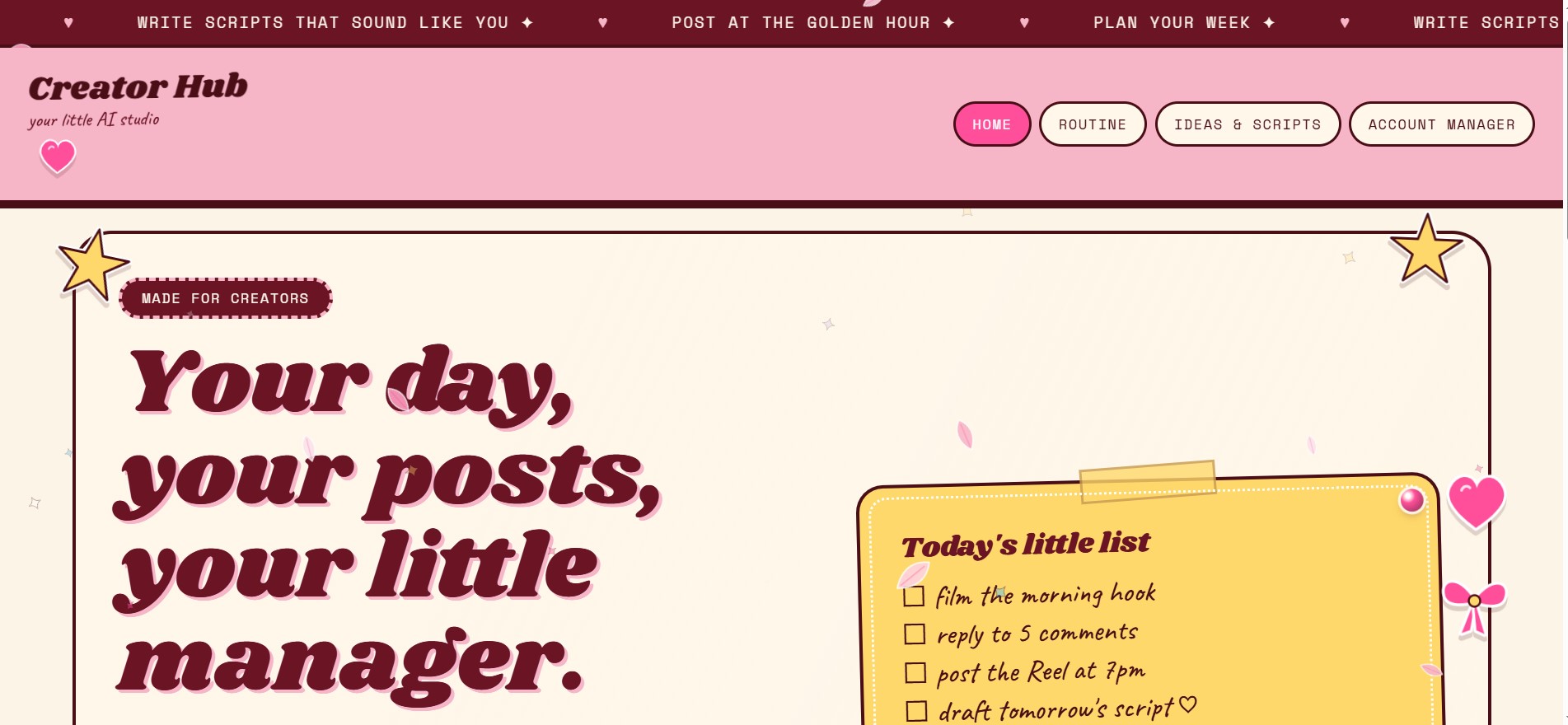
Content creators juggle ideas, scripts, posting schedules, and several accounts, usually spread across scattered notes apps. We wanted one calm, playful place to plan the day and week and always know what to post next.
What it does
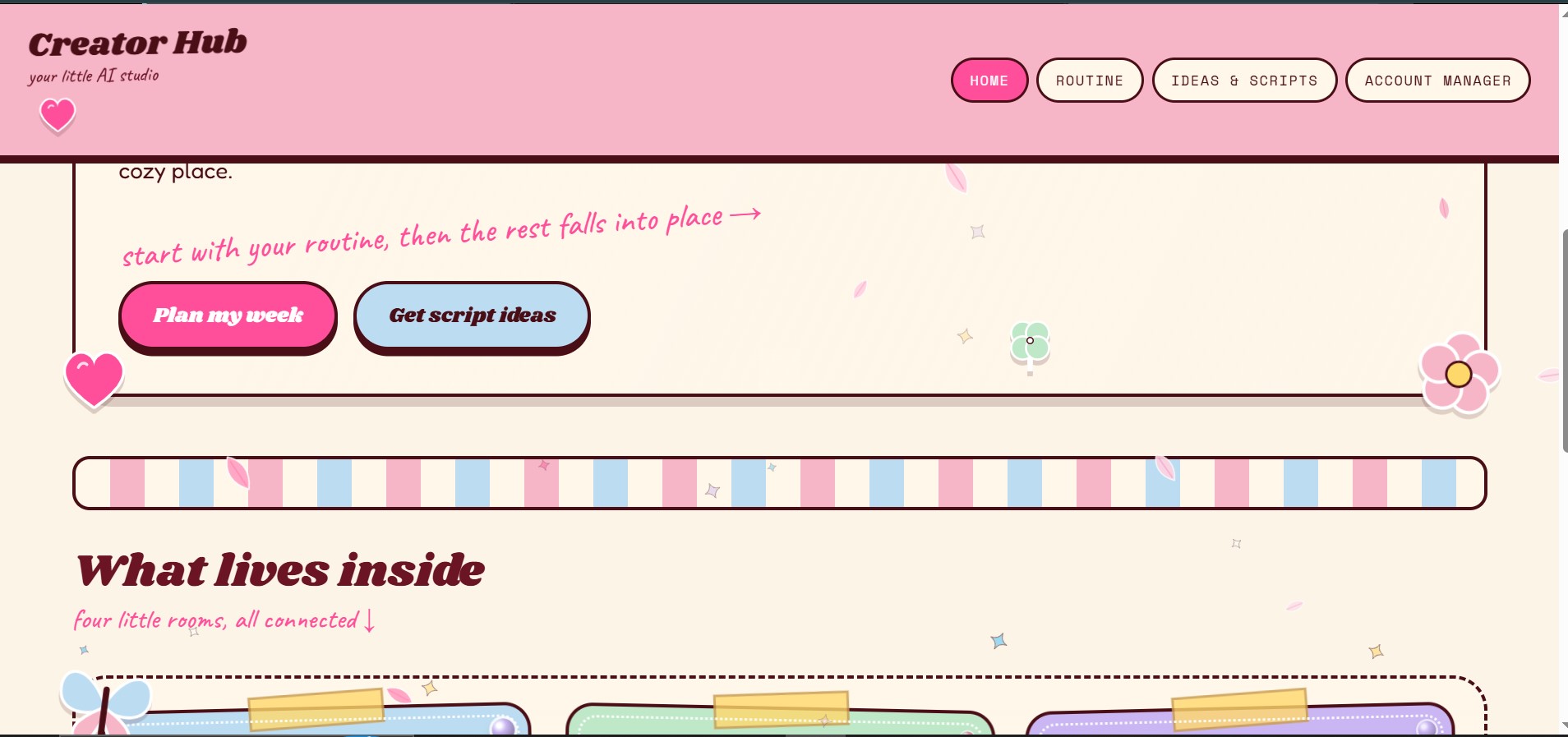
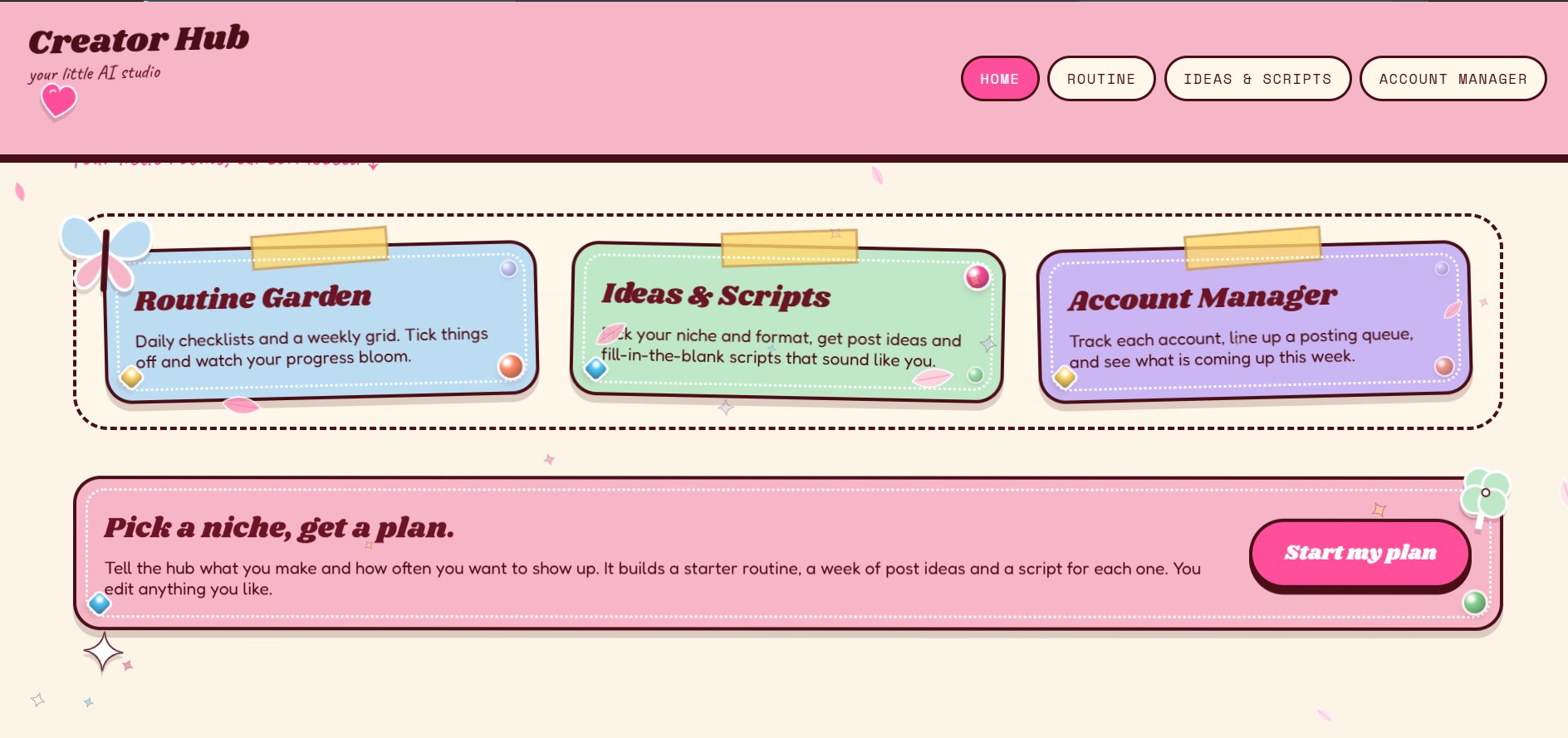
Creator Hub is four linked pages:
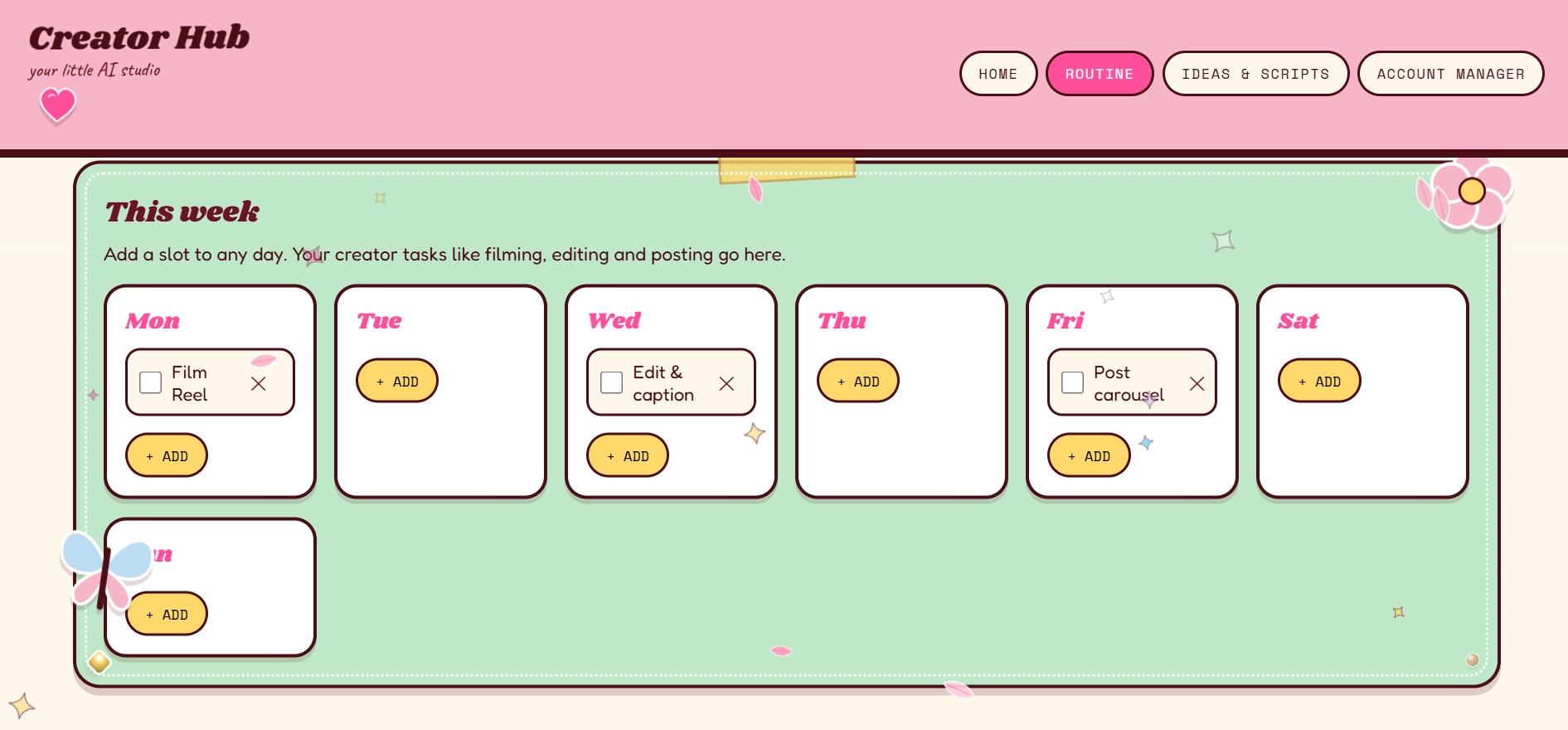
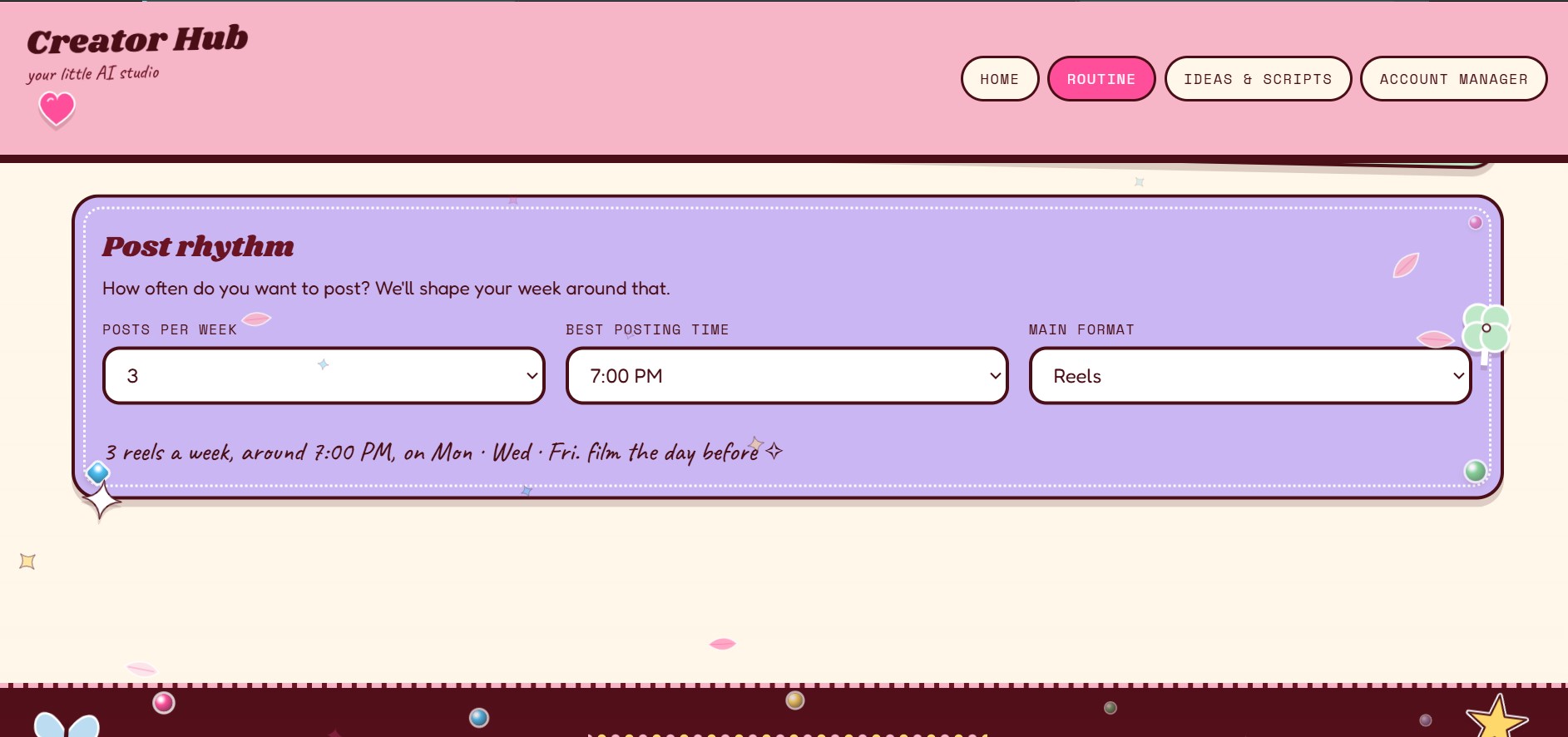
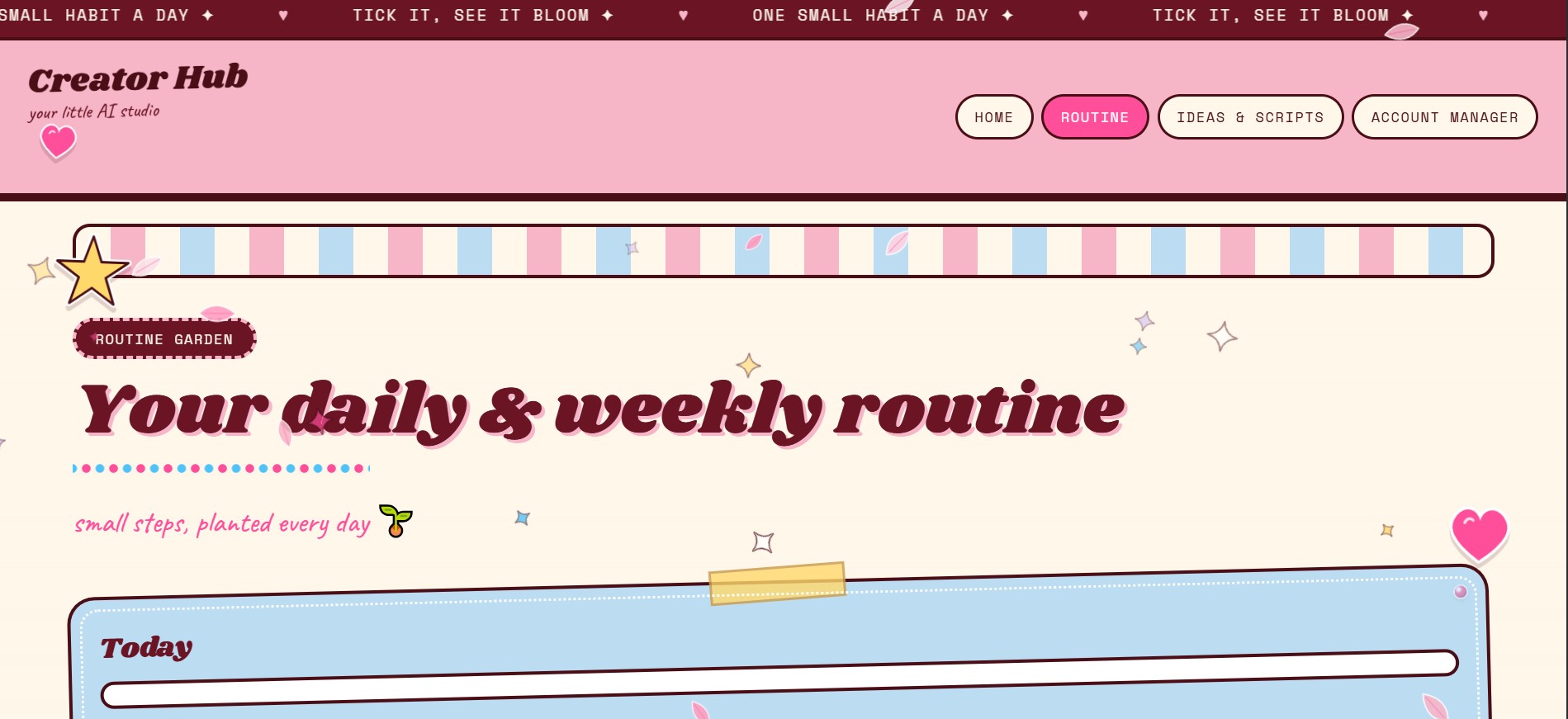
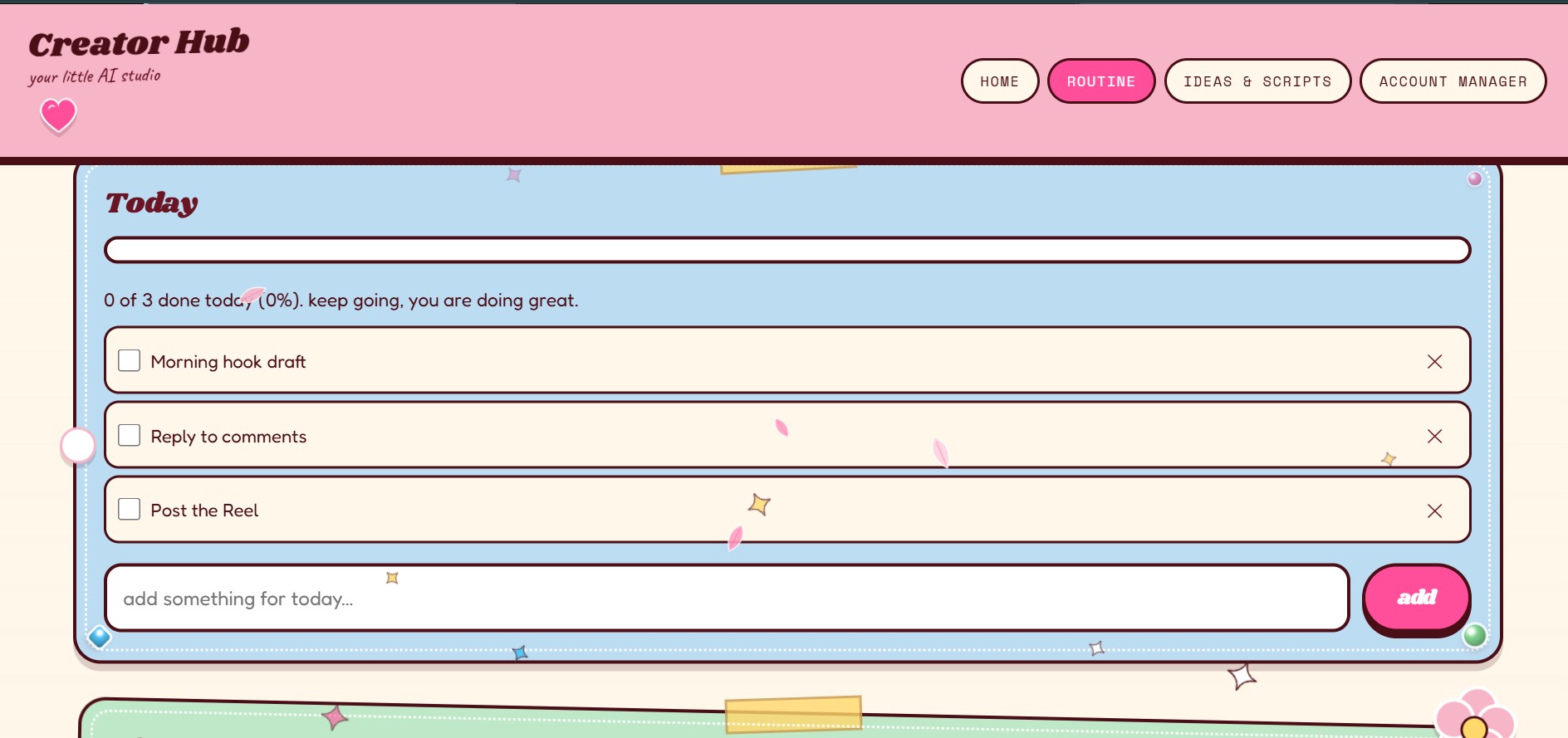
- Routine Garden: a daily checklist with a progress bar, a weekly grid where you add tasks to any day, and a post-rhythm planner (posts per week, best time, main format).
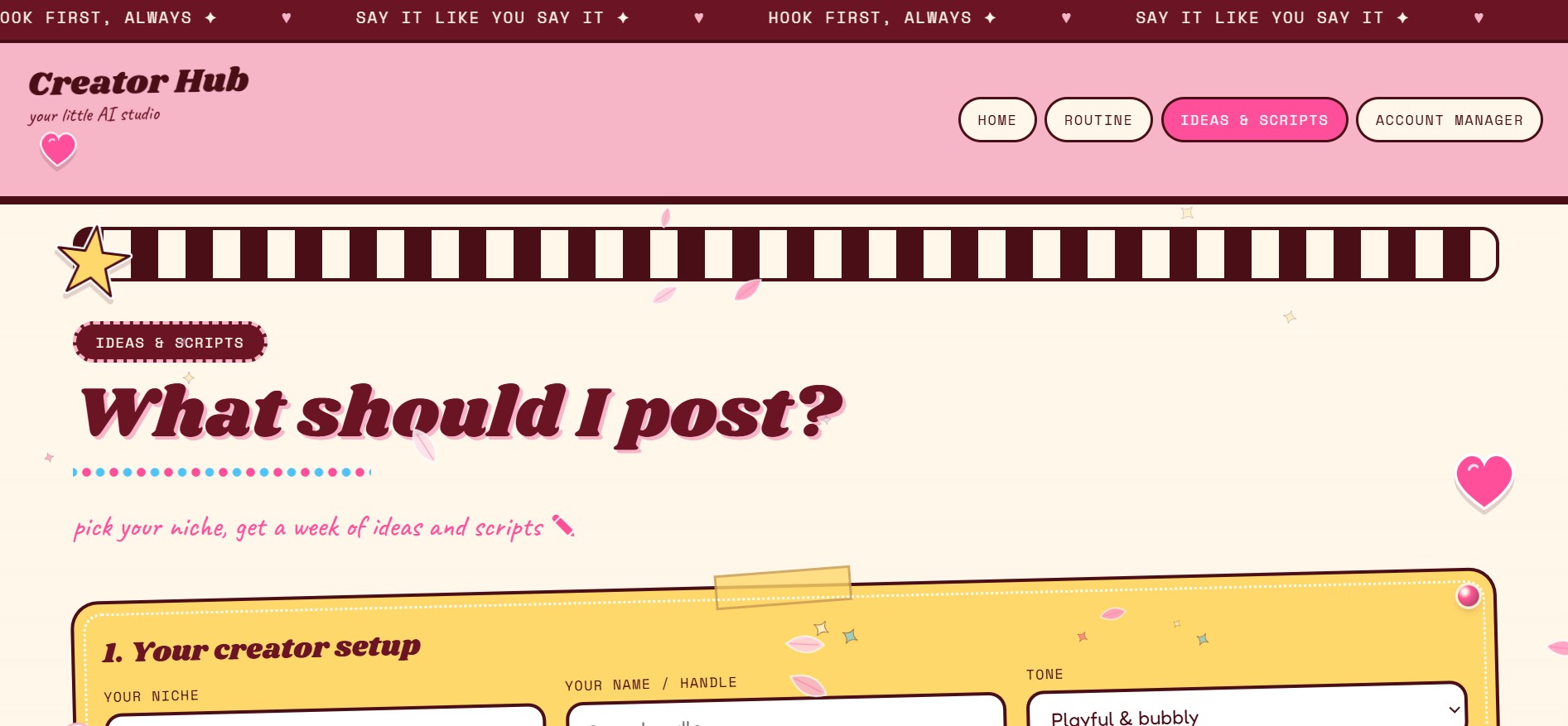
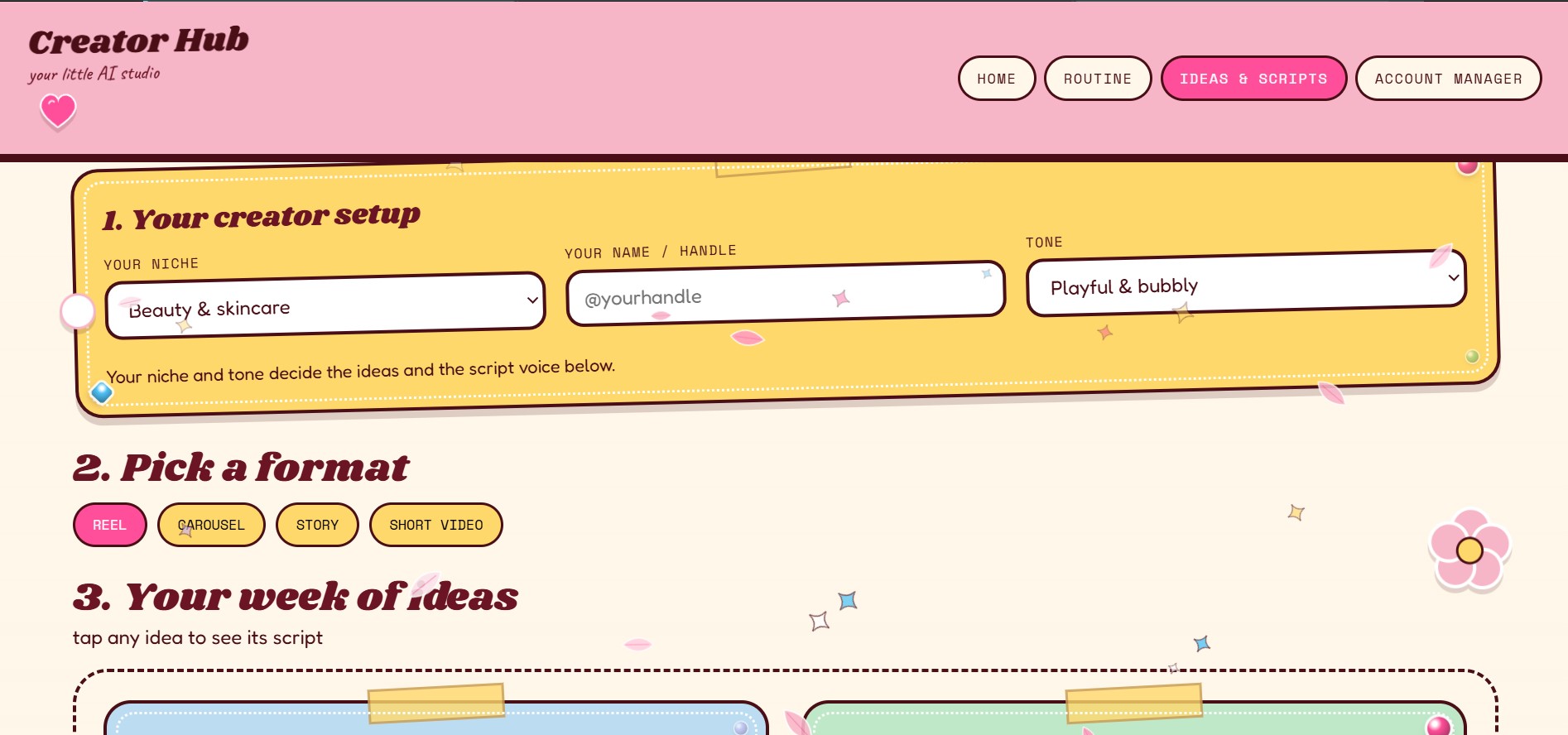
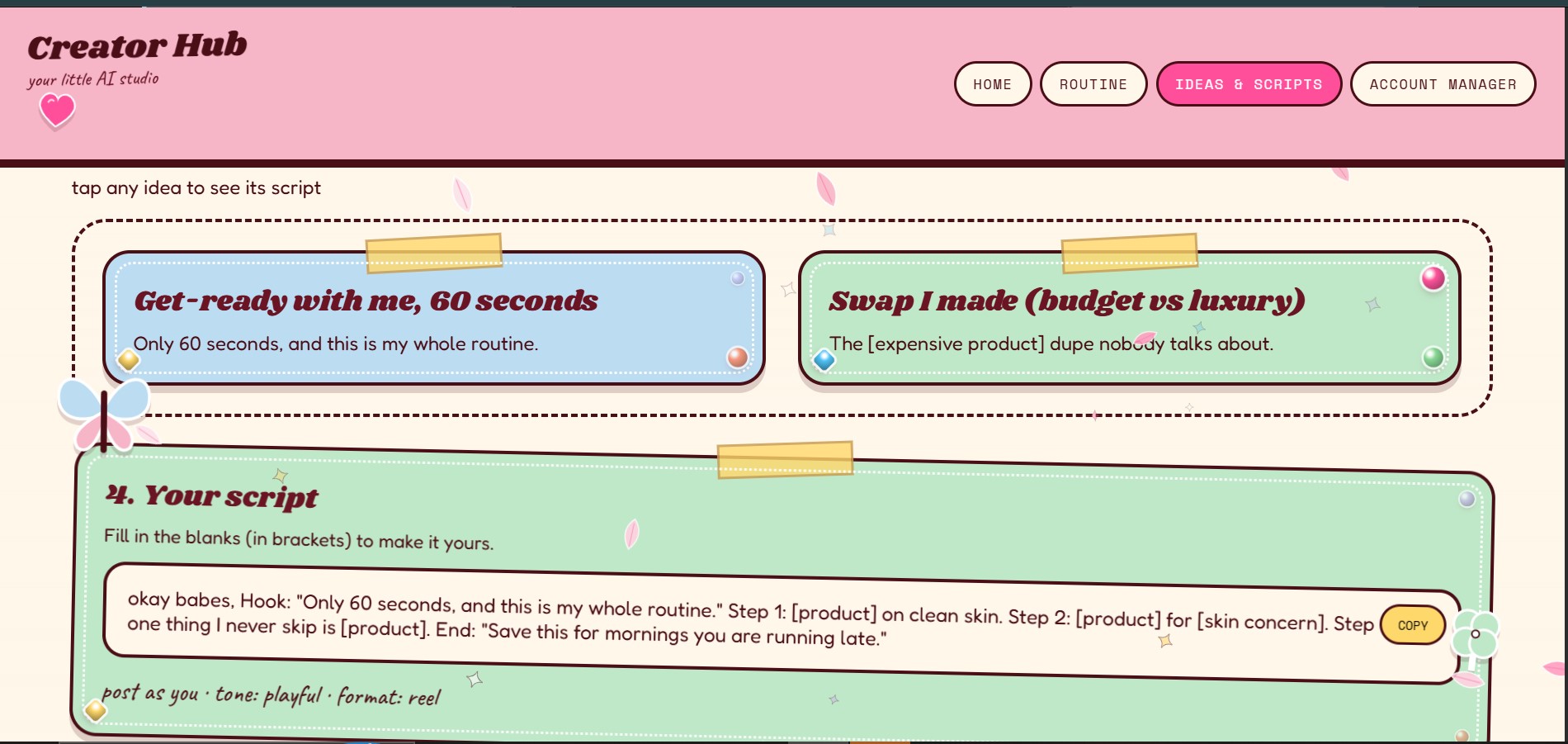
- Ideas & Scripts: pick a niche, tone, and format to get a week of post ideas. Each idea comes with a fill-in-the-blank script and a copy button.
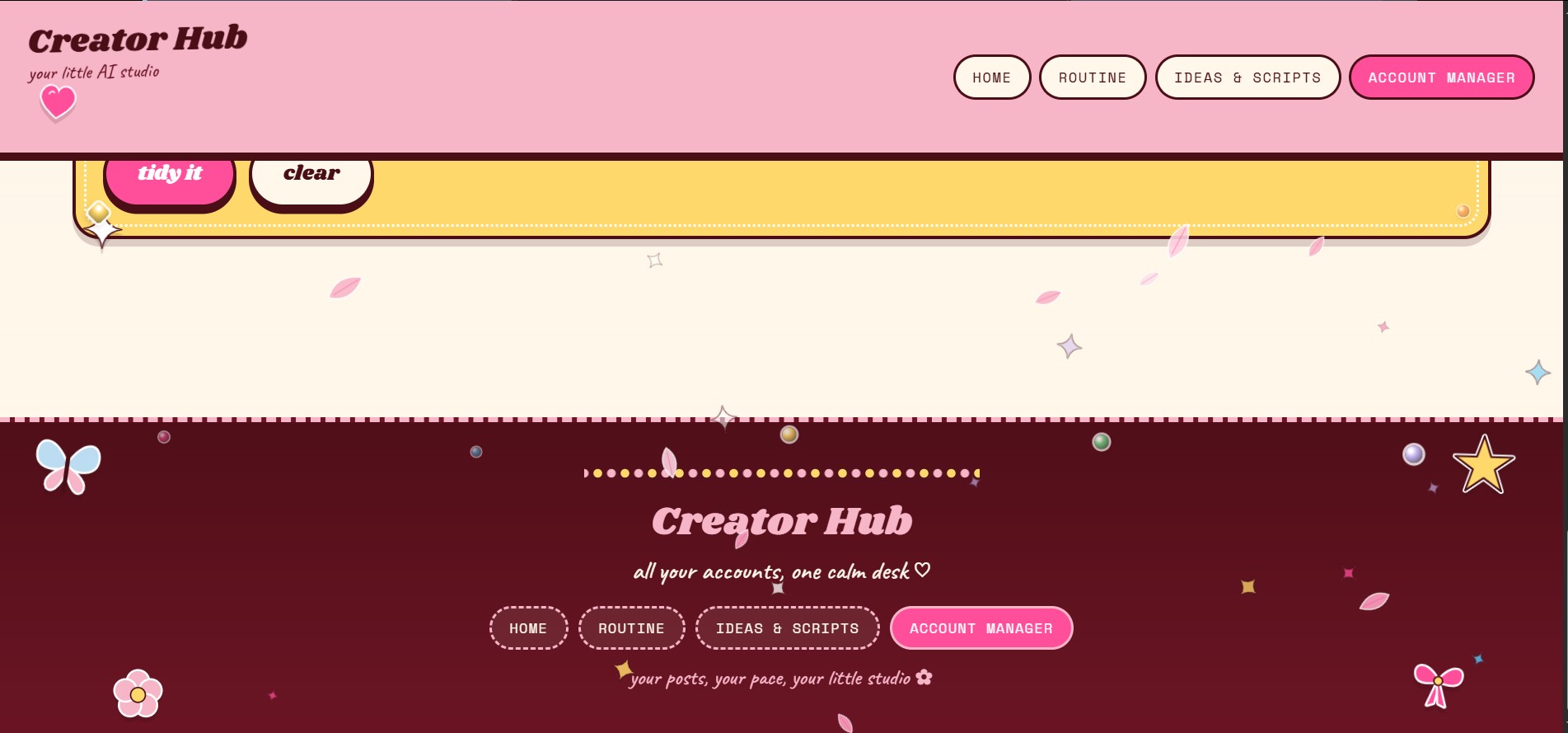
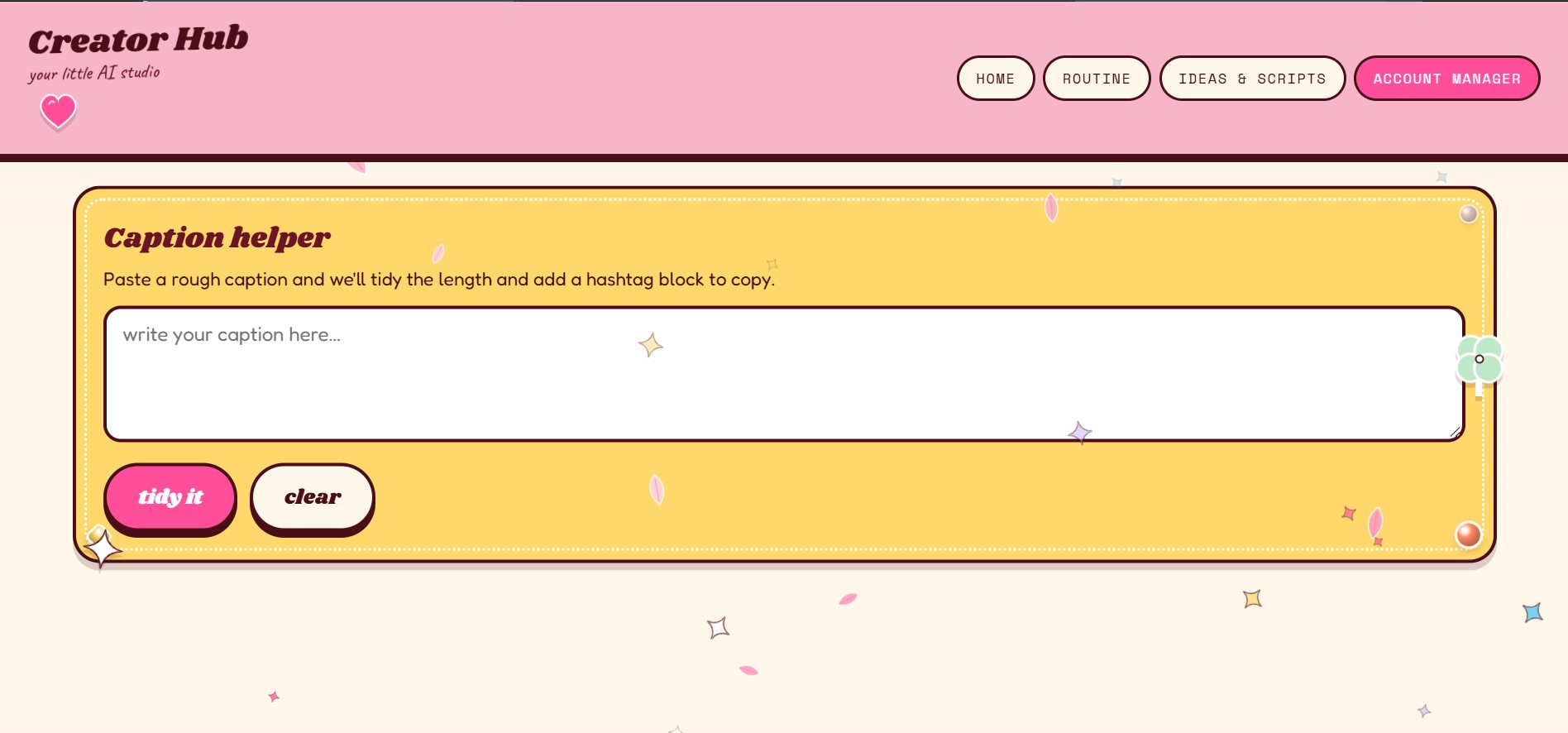
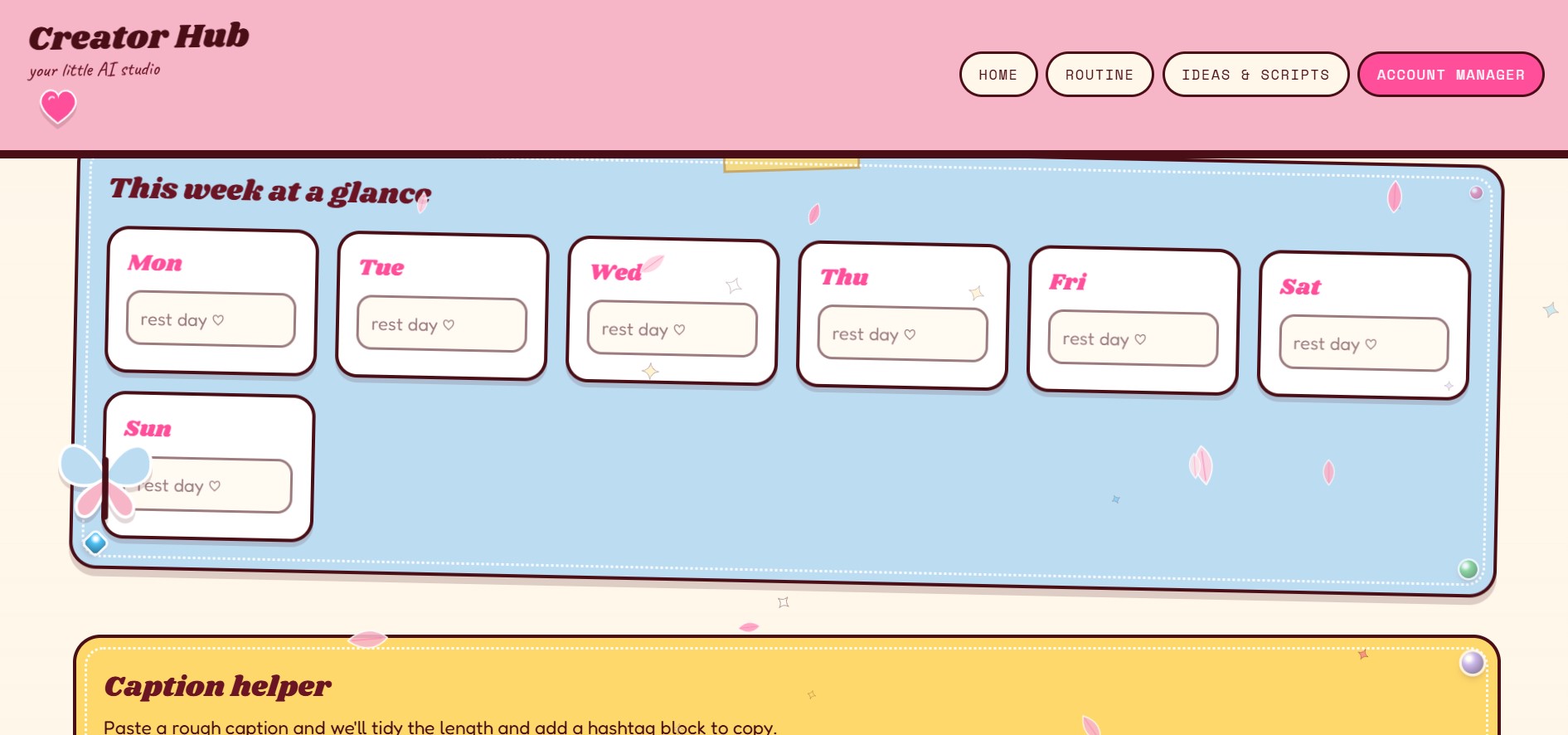
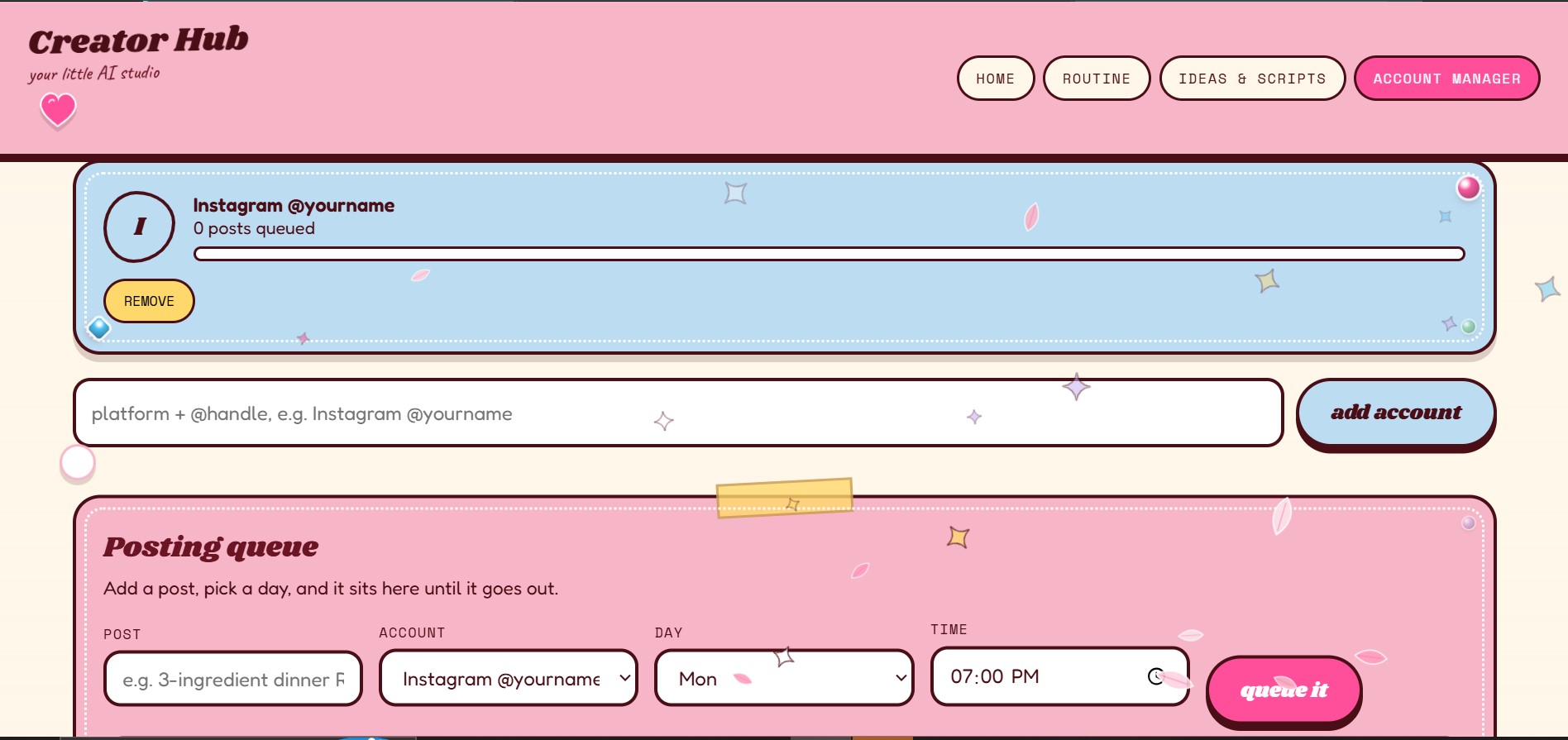
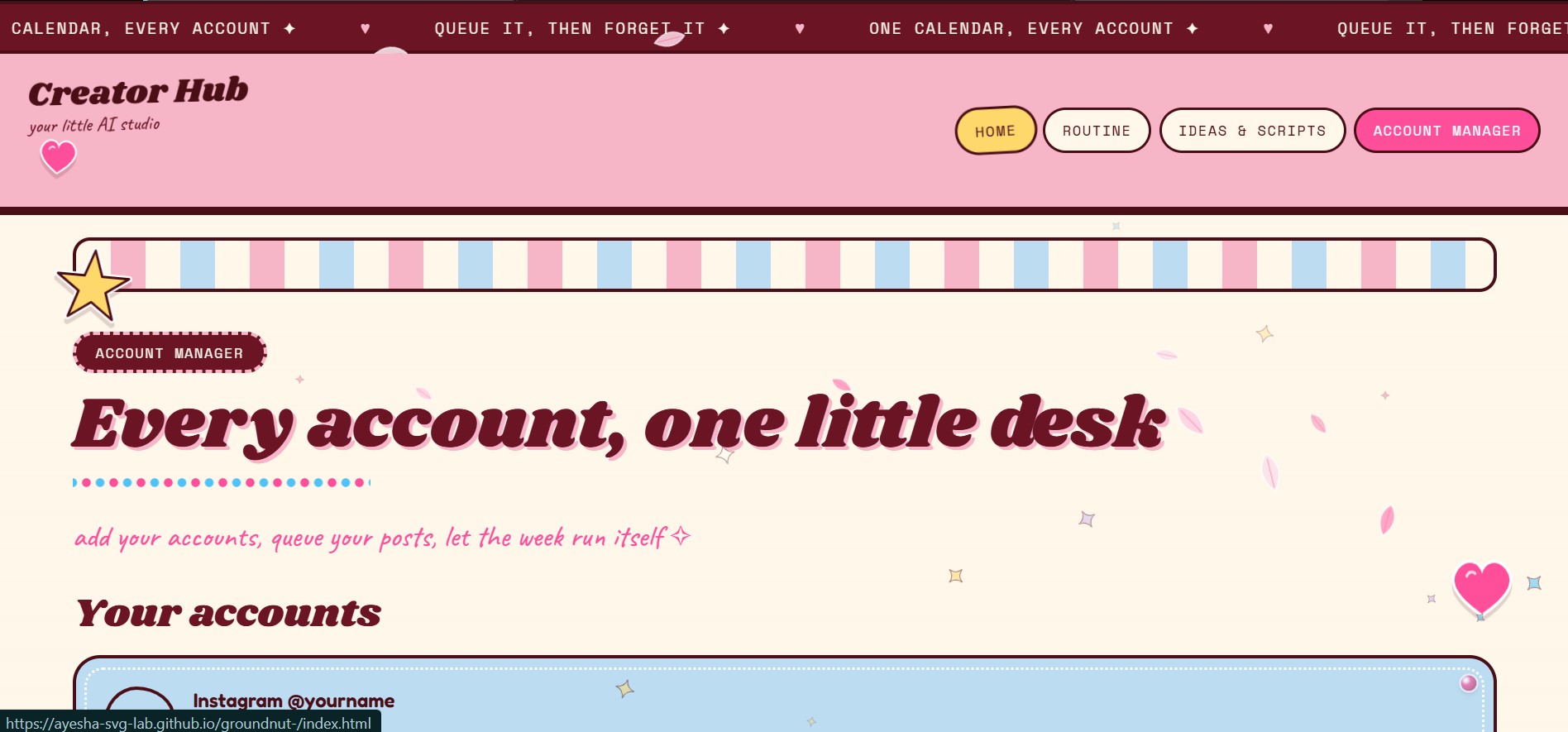
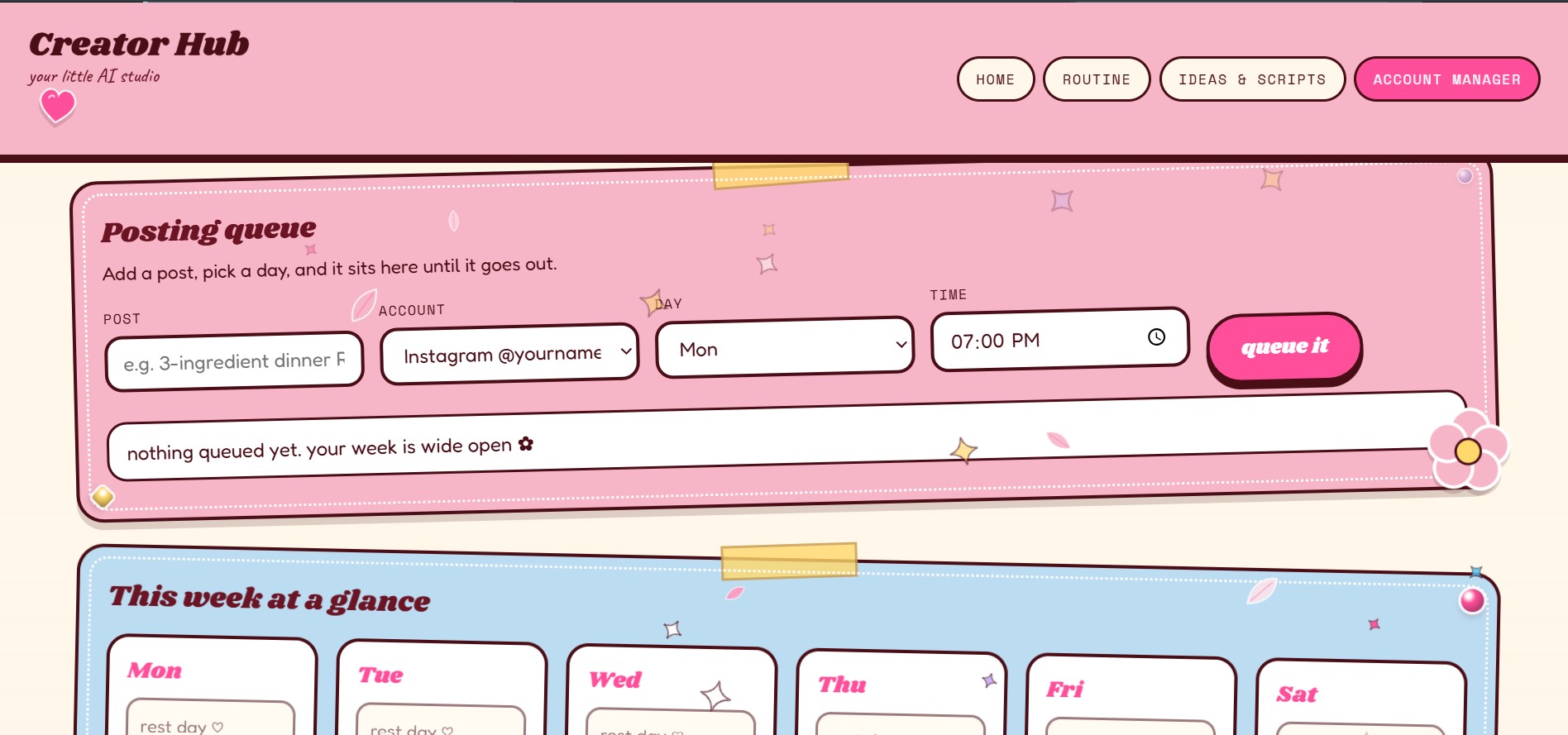
- Account Manager: add your social accounts, queue posts by day and time, see the week at a glance, and tidy captions with a hashtag list.
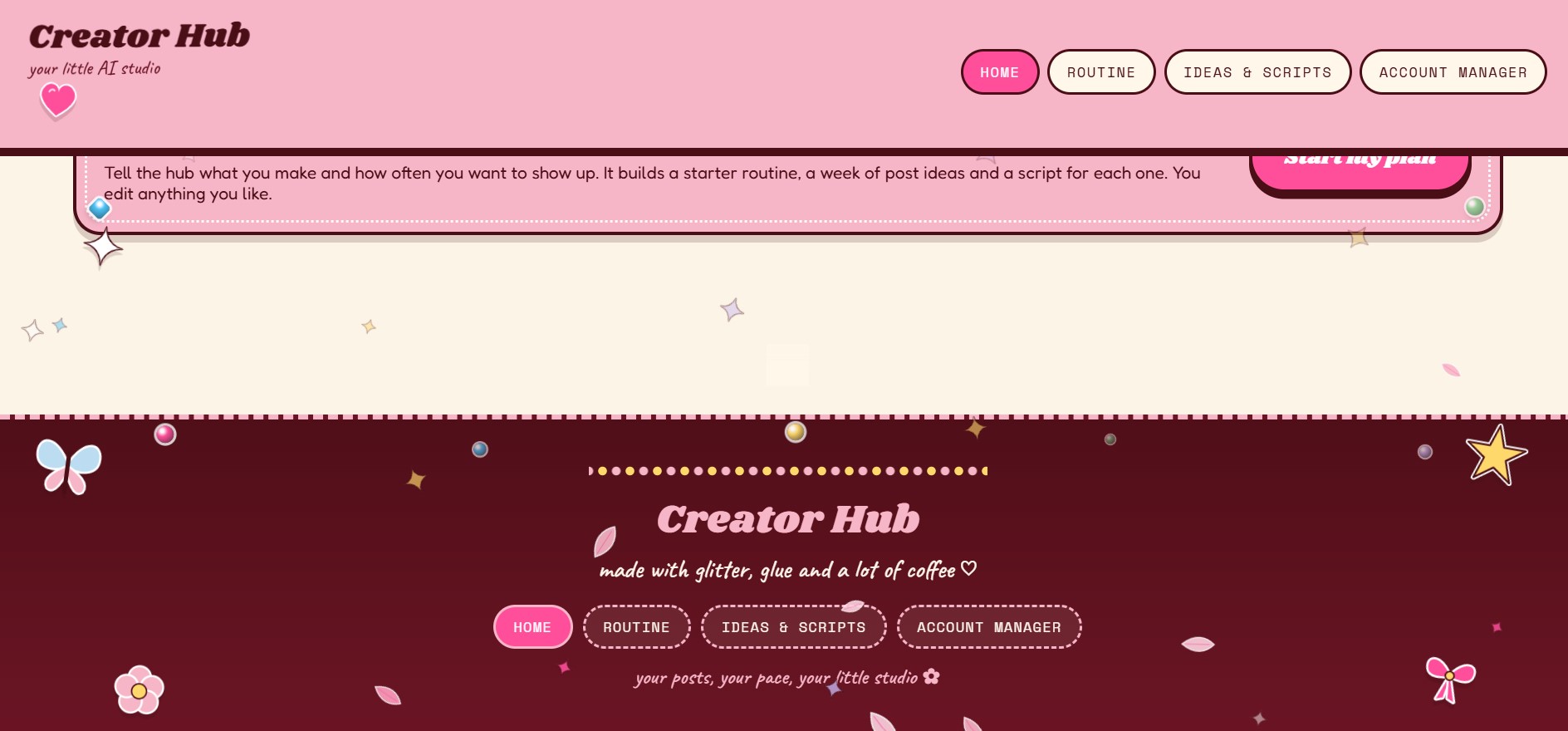
- Home: the entry point that links to every page.
It works on phones, and your routines, queue, and accounts are saved on your device.
How we built it
We built it with plain HTML, CSS, and JavaScript, with no framework. A shared stylesheet and small script files handle the look, the effects, and the phone layout. The display fonts come from Google Fonts. Routines, the posting queue, and accounts are stored in the browser's local storage. The backgrounds and stickers are our own collected artwork.
Challenges we ran into
- Keeping four pages consistent in style and navigation without a framework.
- Adding decorative effects (sparkles, petals, a cursor trail) without hurting readability or speed. We added support for reduced-motion settings.
- Fitting many stickers and gems onto small phone screens without covering text.
- Keeping the scope realistic. The ideas come from a built-in list for now, not from an AI model.
Accomplishments that we're proud of
- A complete four-page site with working links between every page, running in the browser with no server.
- A distinctive whimsical look built from our own images.
- Working daily and weekly routines and a posting queue that stay saved between visits.
- A layout designed for phone widths, with safe spacing for notches and system bars.
What we learned
- How to structure a multi-page site with shared styles and scripts.
- How to balance delight and usability: motion needs an off switch, and text must stay readable on every background.
- How to design around a creator's real workflow, where quick and low-effort tools matter most.
- That a clear, working core beats many half-finished features.
What's next for Creators hub
- A real AI backend that writes personalized ideas and scripts from each creator's niche and past posts.
- Official platform integrations (such as Instagram, TikTok, and YouTube) for scheduled posting and basic analytics.
- Accounts and cloud sync, so routines follow creators across devices.
- Community templates for popular niches.
Built With
- css
- google-fonts
- html
- javascript
- localstorage
- responsive-design

Log in or sign up for Devpost to join the conversation.