-
-
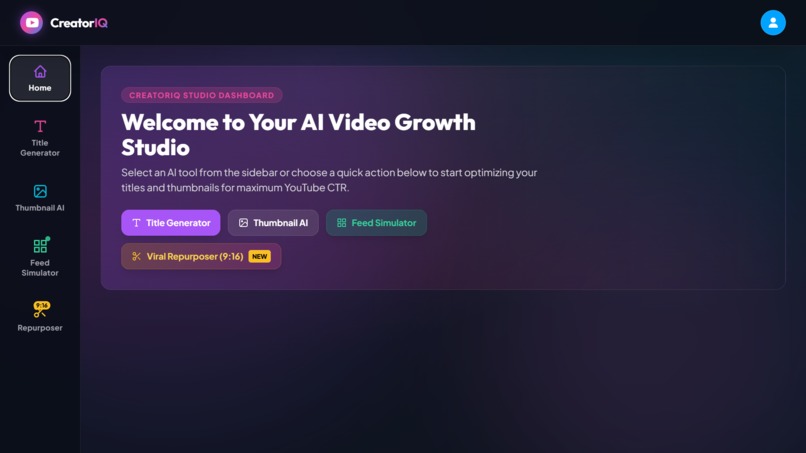
CreatorIQ Studio
-
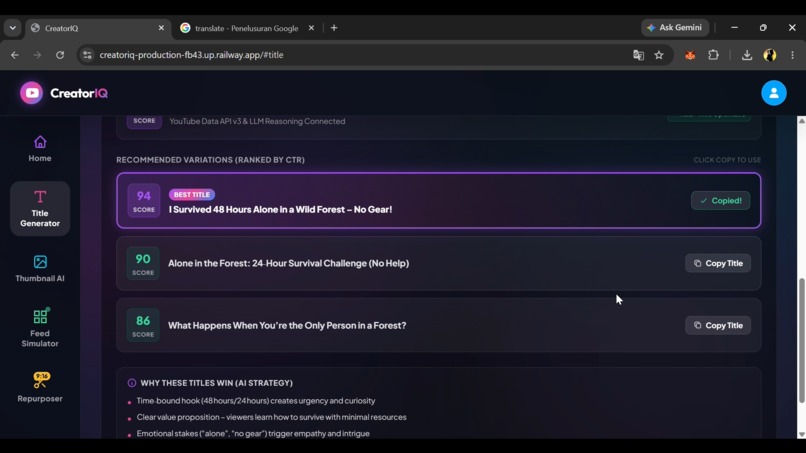
Title Generator
-
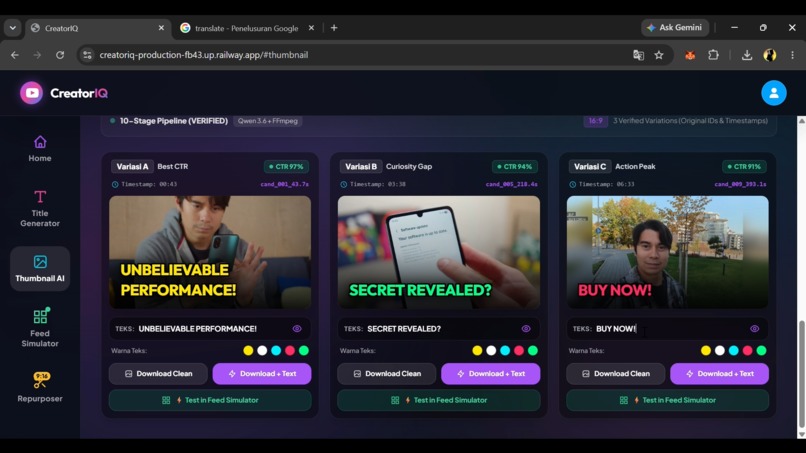
Thumbnail AI
-
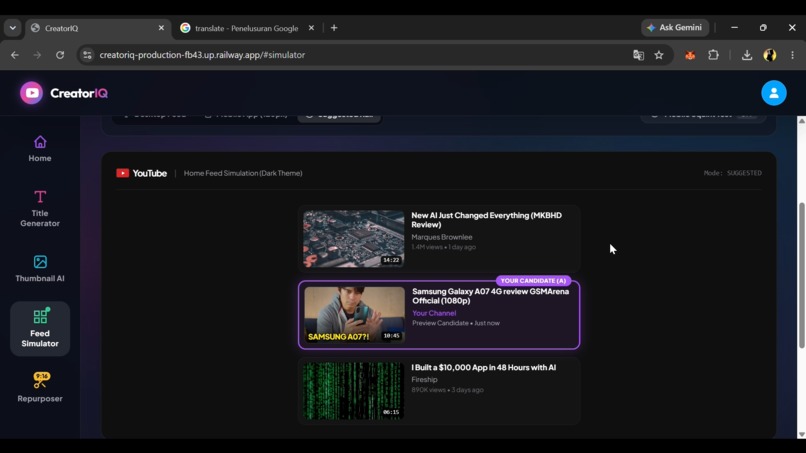
Feed Simulator
-
Repurposer 1 Video → 3 Shorts
-
Repurposer 1 Video → 3 Shorts
Inspiration
Publishing high-performing digital content today takes much more than just editing raw footage. Creators need to spot viral clips, craft titles that are catchy but still authentic, design thumbnails that grab attention, and test how their assets look inside real algorithm-driven feeds before uploading. Doing all this across separate apps takes hours and creates friction. I wanted to build an all-in-one AI content engine where a solo creator can take an idea or a long video and turn it into a complete, publish-ready campaign—from vertical clips to packaging and feed previews.
What it does
CreatorIQ brings together four powerful tools in one studio:
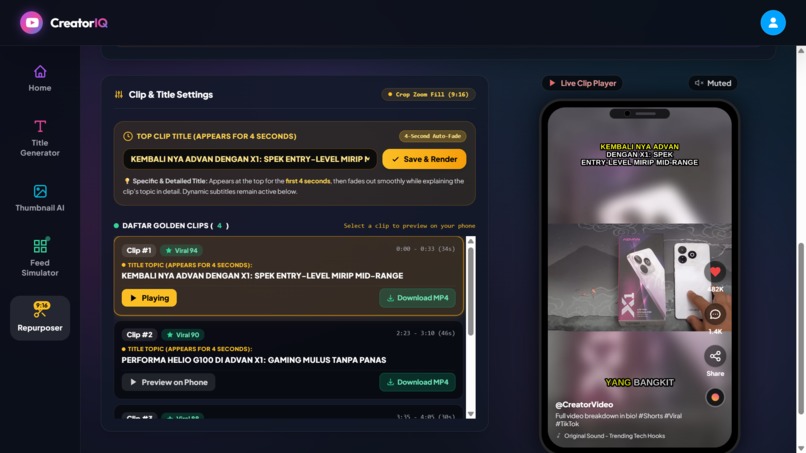
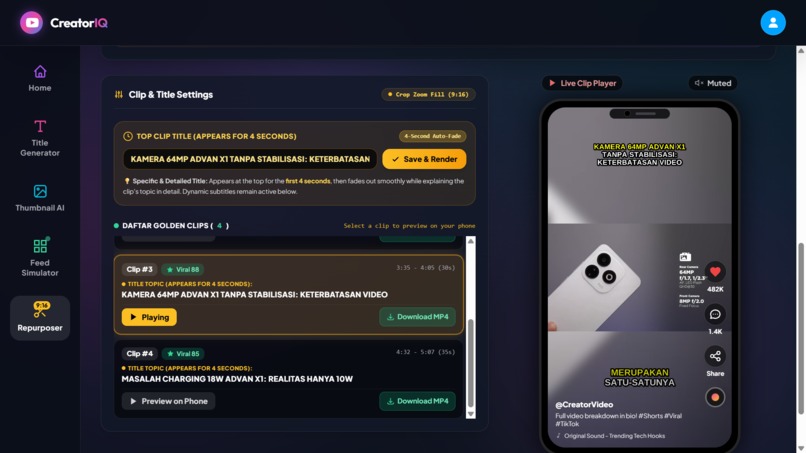
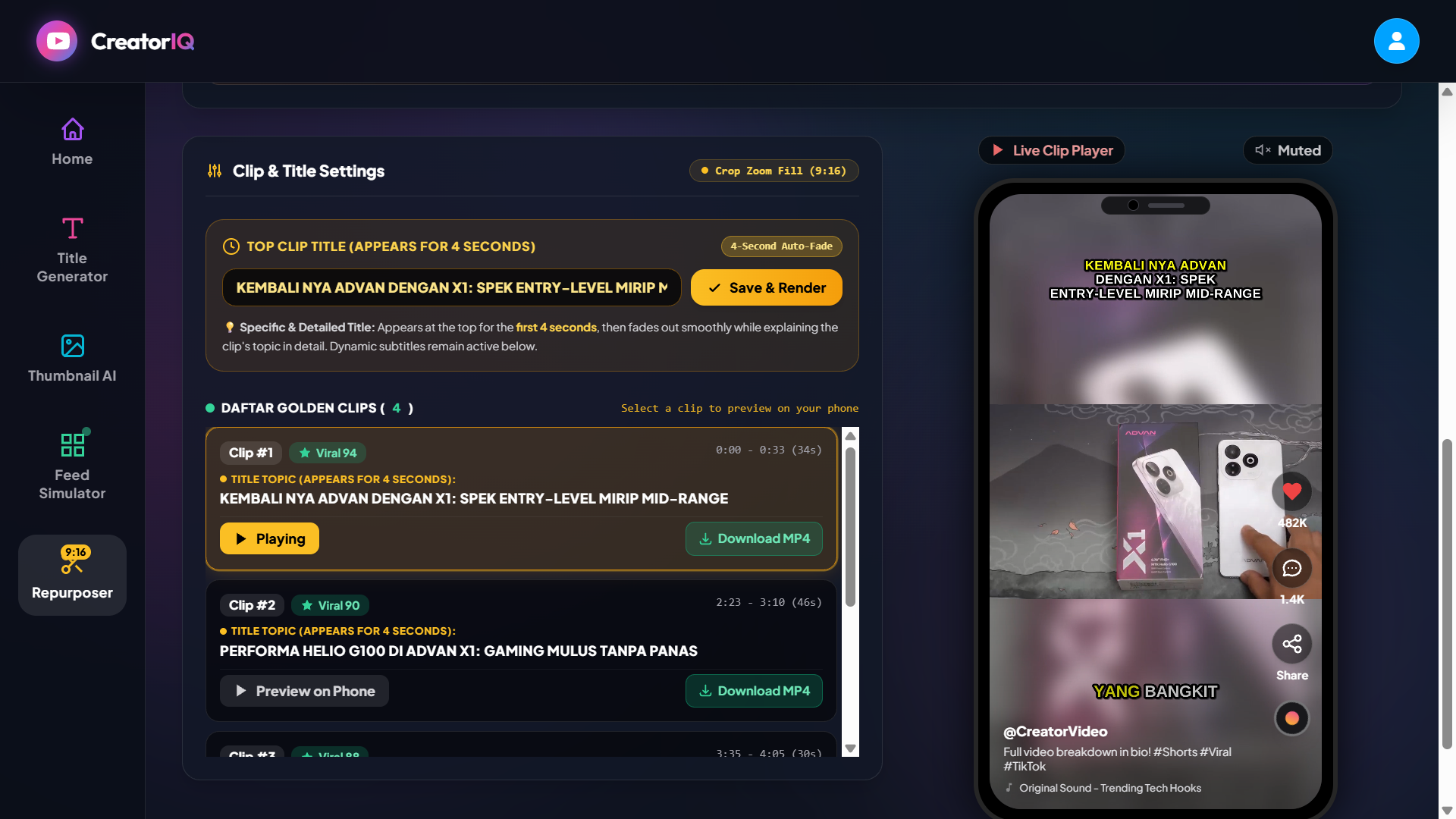
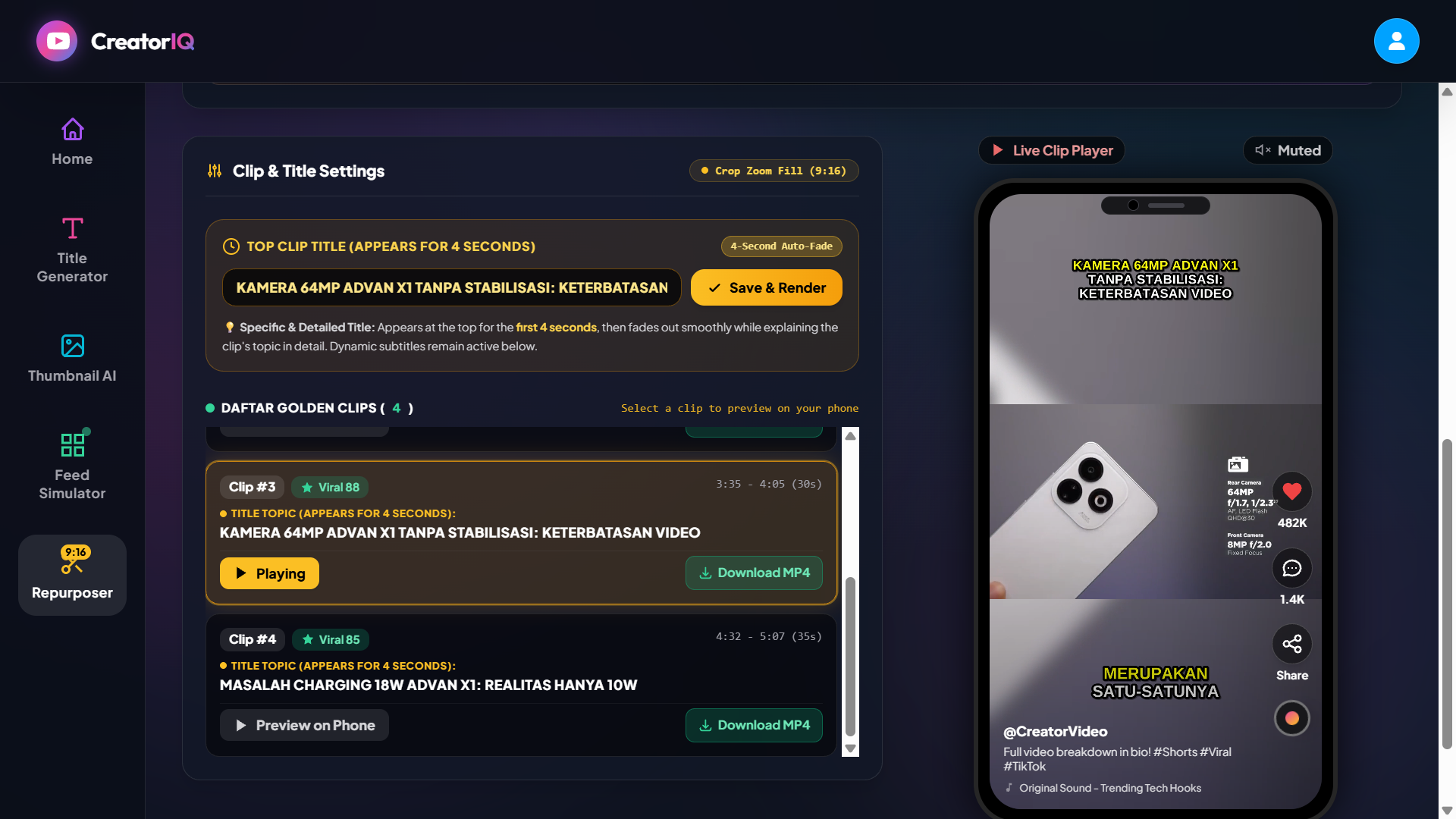
Viral Video Repurposer
Extracts speech timestamps from long videos.
Automatically detects the strongest 25–55 second moments based on dialogue flow.
Cuts horizontal videos into vertical 9:16 clips with dynamic subtitles, and generates titles directly from what the speaker says—no generic clickbait.
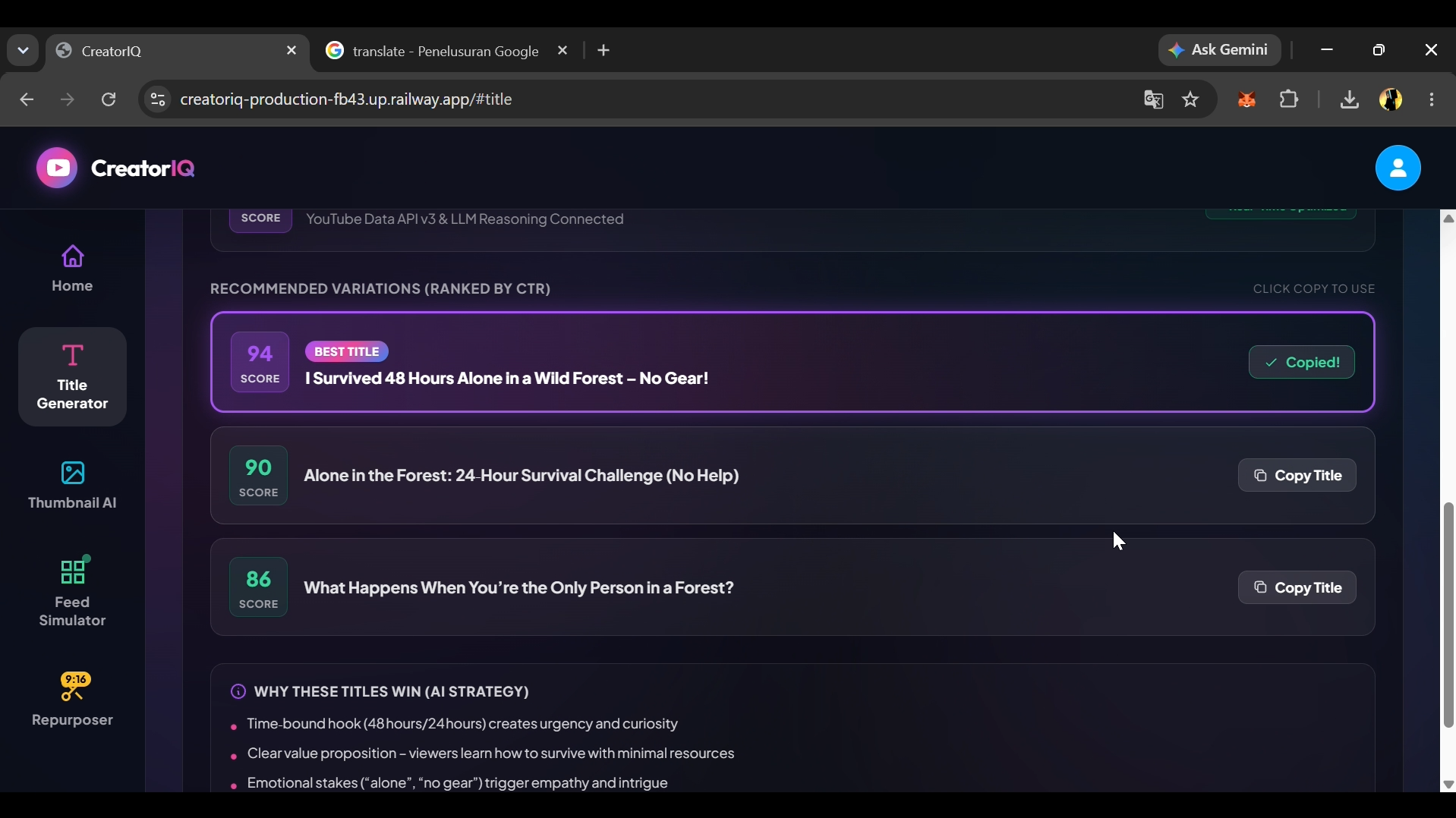
- Viral Title Generator
Analyzes topics, keywords, and niches to create authentic, high-CTR titles.
Produces tested formats (question hooks, contrasting statements, number-driven proofs) with virality scores and character count indicators.
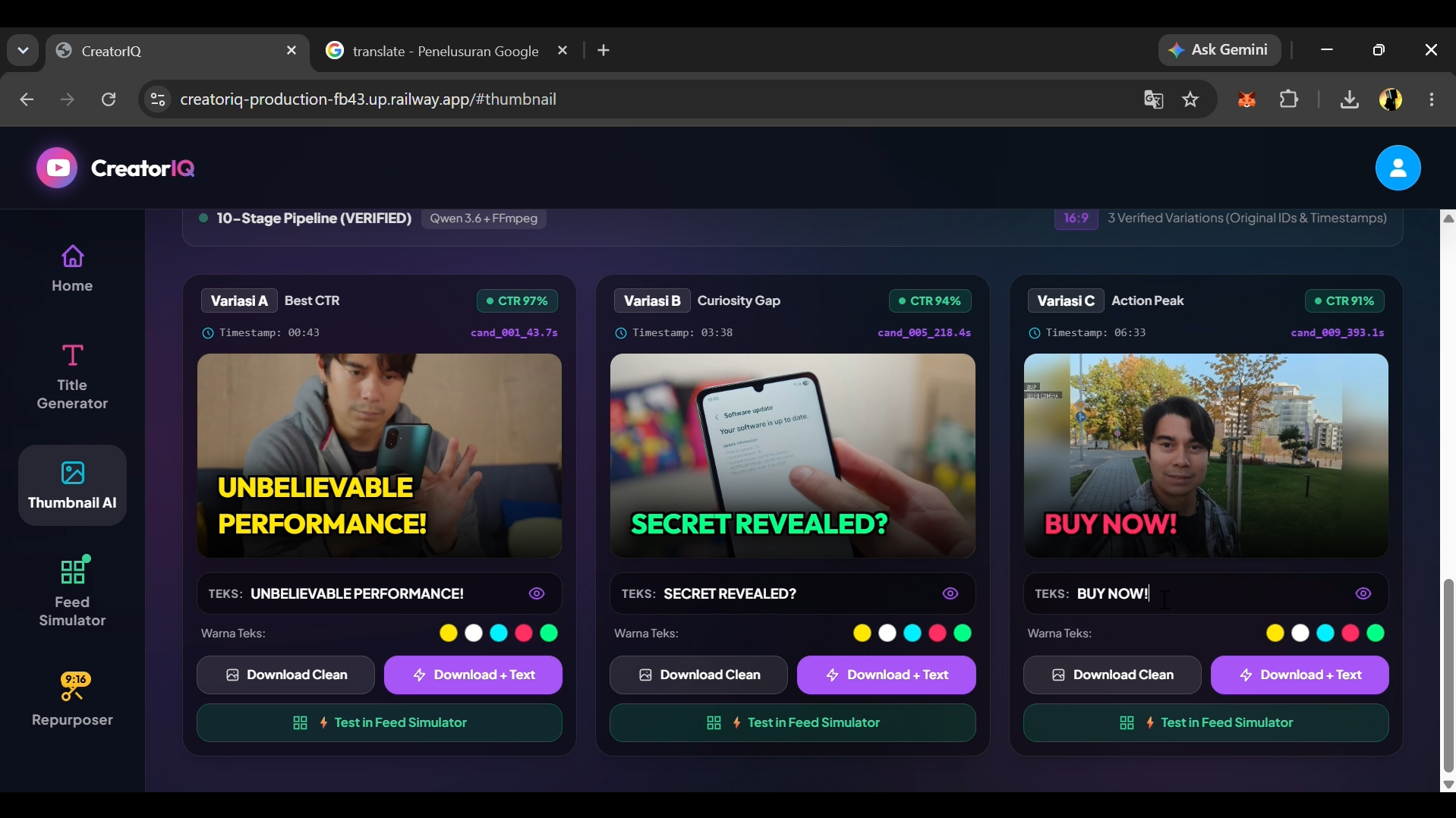
- AI Thumbnail Studio
Creates visual thumbnail concepts and ready-to-use cover layouts tailored to the video topic.
Extracts key frames and adds bold typography, high-contrast badges, and neon accents for both 16:9 and 9:16 formats.
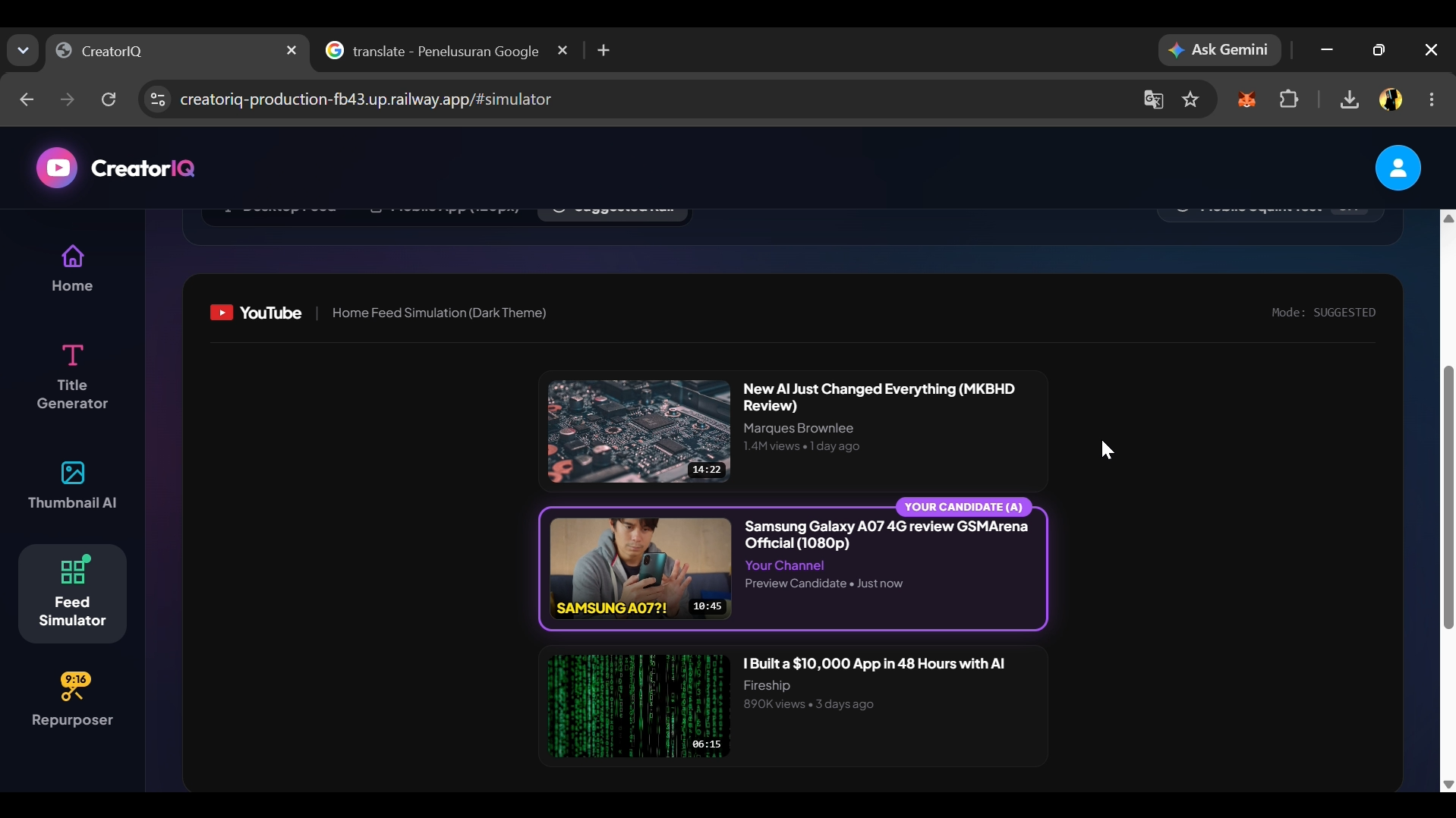
- Interactive Feed Simulator
Lets creators preview thumbnails, titles, and clips inside realistic mockups of YouTube, Shorts, and TikTok feeds.
Helps compare against competitor videos, check readability, and confirm how titles appear before publishing.
How i built it
As a solo developer, I built CreatorIQ from the ground up as a full-stack web app:
- Frontend: React, Vite, Tailwind CSS with a responsive dark/light studio interface and real-time canvas rendering.
- Backend & Queue: Node.js and Express managing server-side rendering pipelines, FFmpeg processes, and SSE for live job tracking.
- AI Intelligence: Groq Cloud API (openai/gpt-oss-120b and qwen/qwen3.8-27b) on LPUs for instant title ideas, script analysis, and clip detection.
- Media Engine: FFmpeg for audio extraction, precise clipping, 9:16 transforms (blur-fill and smart crop), and ASS subtitle burning.
Challenges i ran into
- Multi-Tool Coordination: Linking outputs across modules (like clips into Thumbnail Studio and Feed Simulator) without forcing re-uploads.
- Groq Model Transitions: Handling sudden deprecations with a dynamic auto-discovery utility to select active models at startup.
- Consistent Text Rendering: Ensuring subtitles, thumbnail typography, and feed preview text stay clear across resolutions and aspect ratios.
Accomplishments that im proud of
Successfully built and integrated all four core modules into one seamless workflow.
Designed the repurposer to generate genuine titles from actual speech, eliminating hollow clickbait.
Made the pipeline fully functional in local standalone mode, while scaling effortlessly to cloud inference when APIs are available.
What i learned
Building effective creator tools isn’t just about AI generation—it’s about packaging and previewing, helping creators see their content in context before publishing.
Strict constraints and transcript parsing are key to guiding LLMs to summarize truthfully.
Managing async video transcoding requires clean garbage collection to avoid memory leaks and leftover temp files.
What's next for CreatorIQ
Adding automated facial tracking and speaker framing for multi-host podcasts.
One-click scheduling and direct publishing to YouTube Shorts and TikTok via official APIs.
A/B thumbnail testing tools to simulate audience split-tests directly inside the Feed Simulator.

Log in or sign up for Devpost to join the conversation.