-
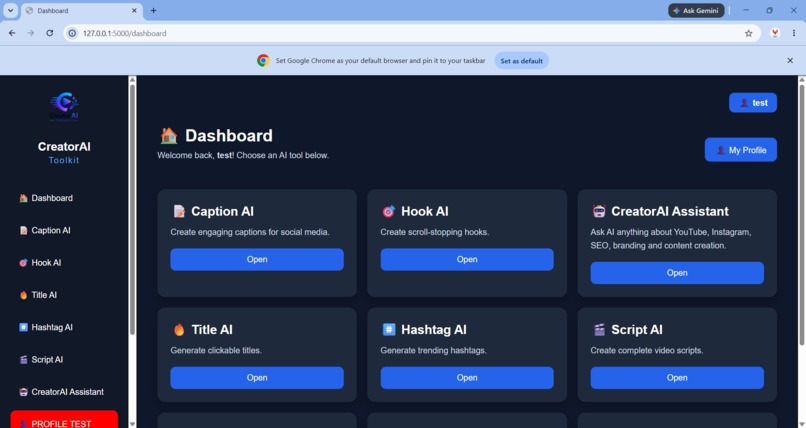
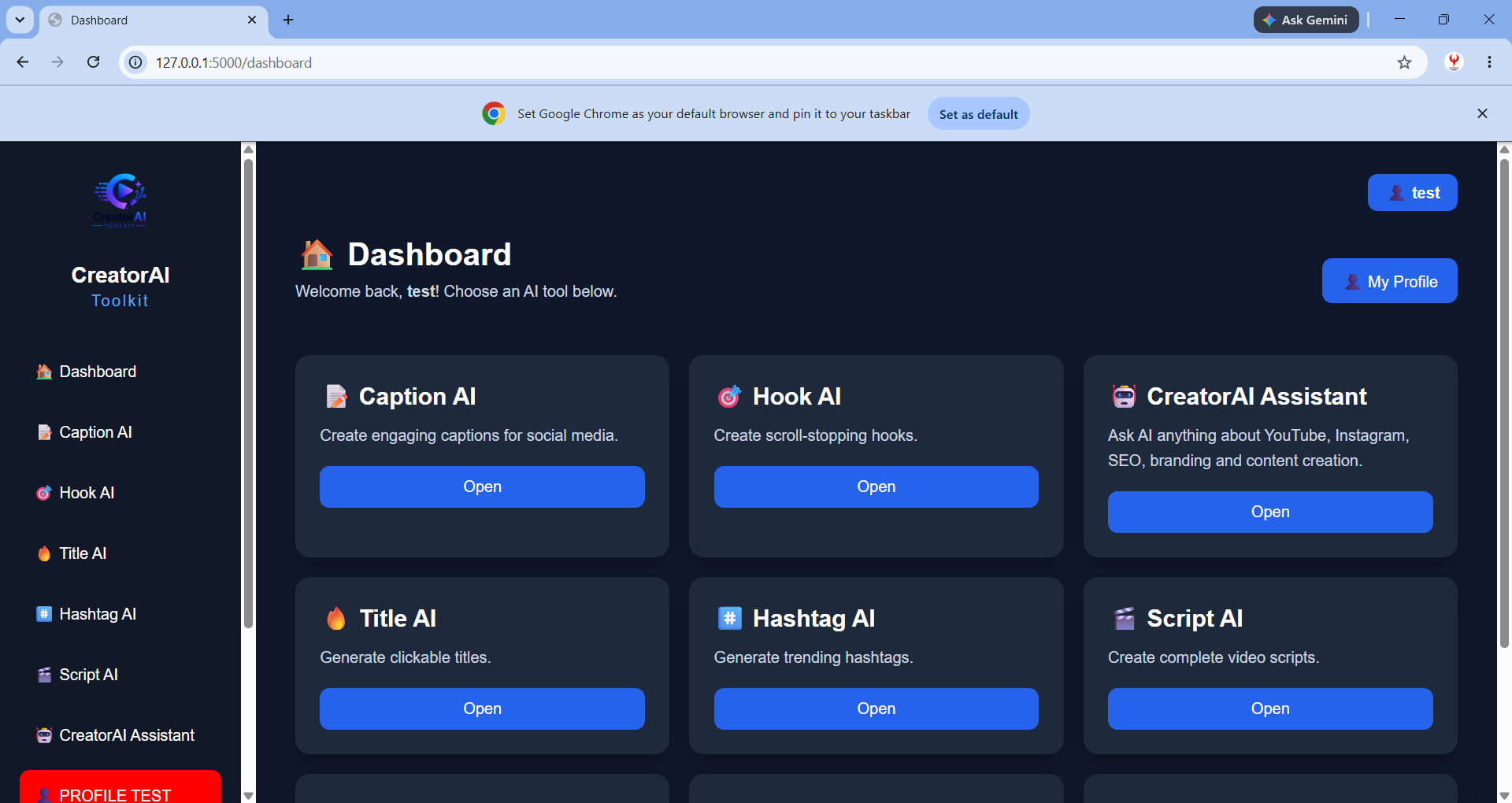
Dashboard
-
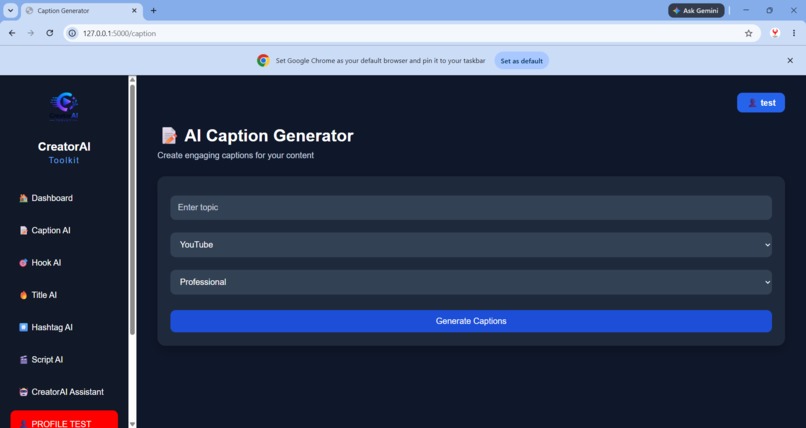
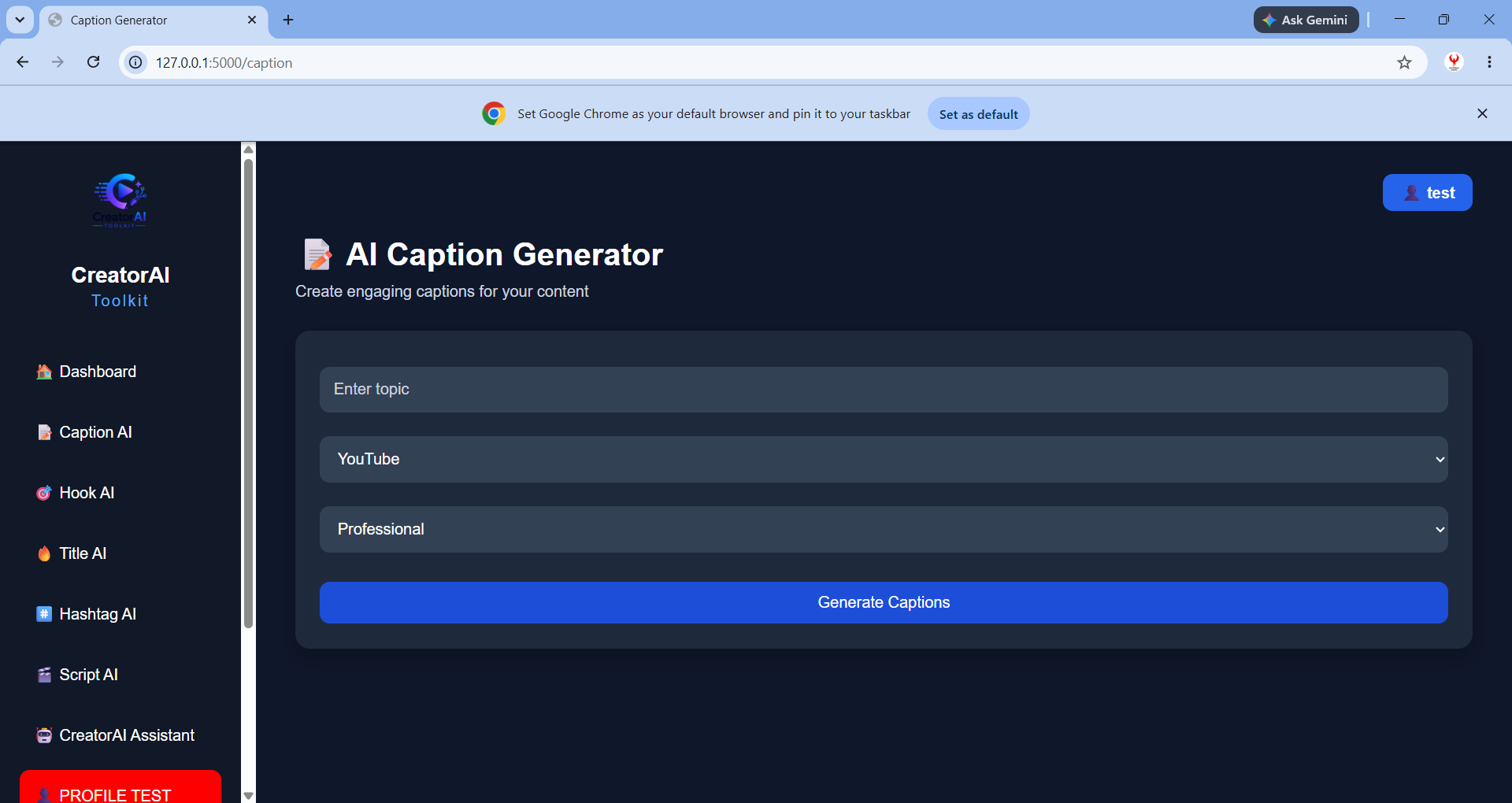
AI Caption Generator
-
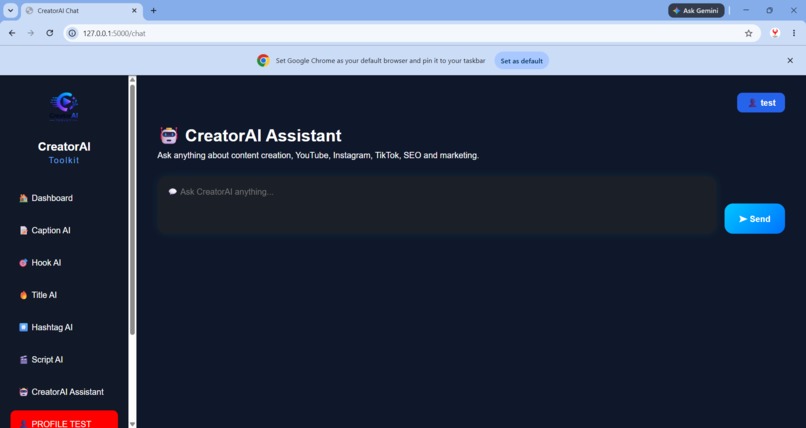
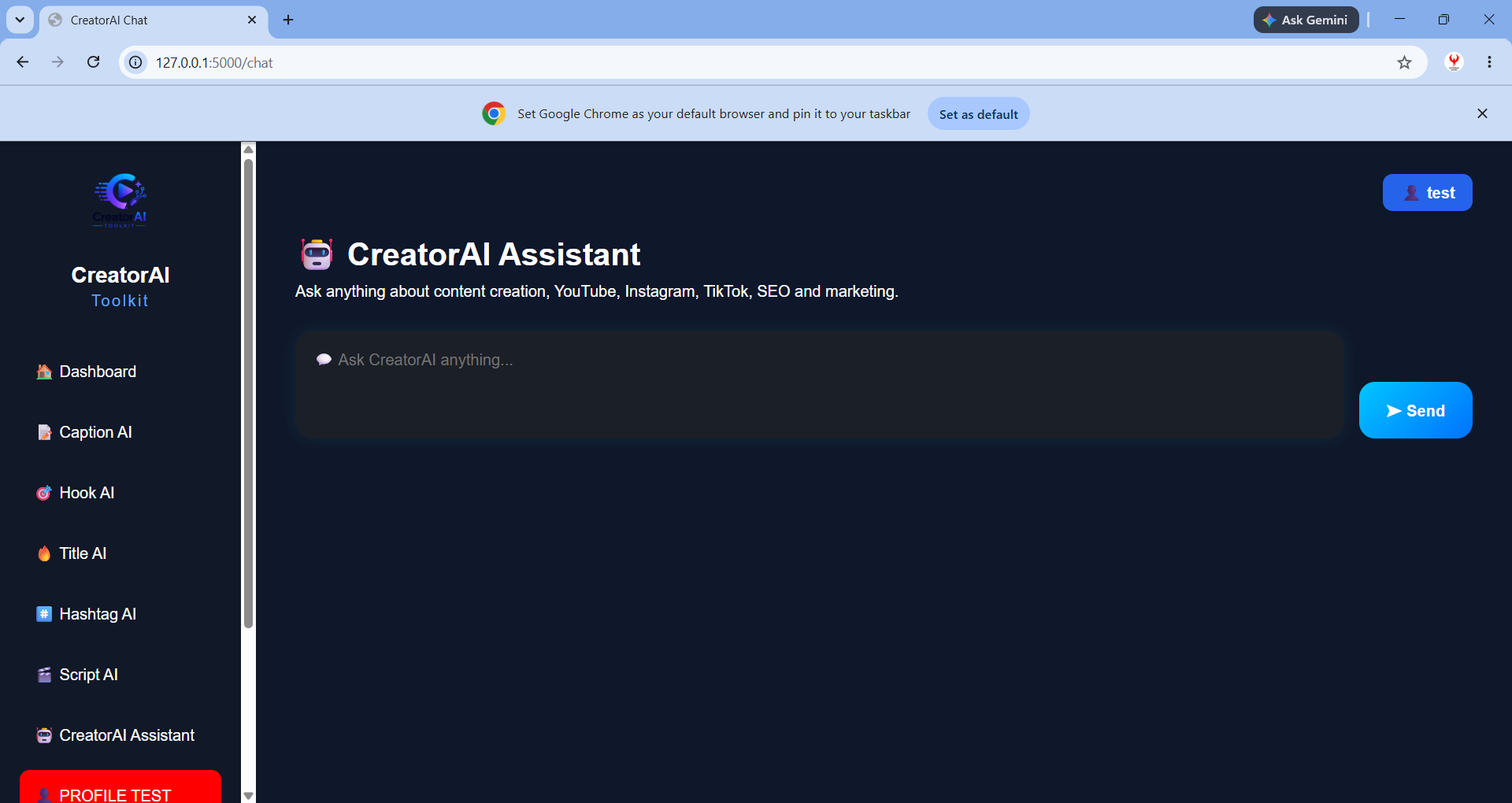
CreatorAI Assistant
-
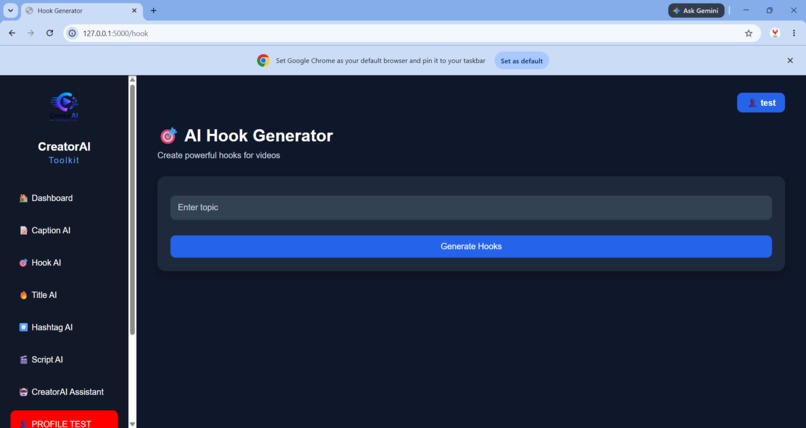
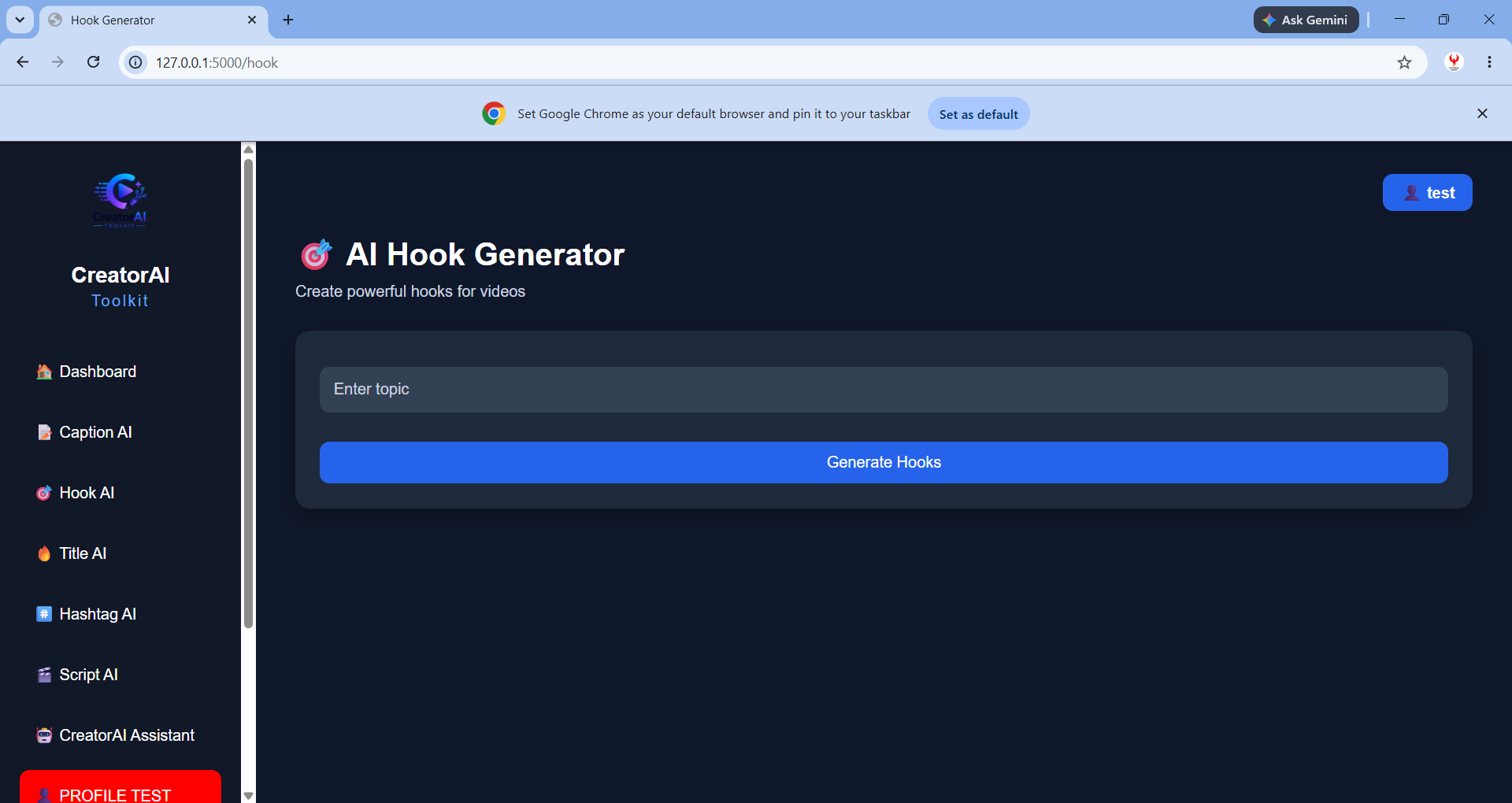
AI Hook Generator
Inspiration
Creating content consistently can be difficult. Creators often have to switch between different tools to come up with ideas, write captions, generate hooks, create titles, organize content, and keep track of previous work. I wanted to build one simple workspace that could help creators go from an idea to usable content without constantly switching between tools. That idea became CreatorAI Toolkit an AI powered content workspace designed to help creators generate, save, organize, and manage their content from one place.
What it does
CreatorAI Toolkit combines AI content generation with organization tools in a single web application.
Users can generate: Captions for social media posts Hooks to make content more engaging Titles for videos and posts Hashtags based on their content Content ideas to help overcome creative blocks
The application also includes features for saving generated content and maintaining content history, making it more than just a one time AI generator.
The goal is simple: create, save, and organize your content with AI.
How I built it
CreatorAI Toolkit was built as a full stack web application. Technology: Python Flask HTML CSS JavaScript AI integration Jinja2 templates
Challenges I ran into
One of the biggest challenges was connecting the different parts of the application reliably. During development, I encountered issues involving Flask templates and database initialization. For example, the application initially produced a no such table: history error because the database tables had not been initialized correctly. I also had to make sure that generated content, user information, and content history were handled consistently between the frontend and backend. These problems helped us understand that building an AI application is not only about integrating an AI model, the surrounding software architecture, data persistence, error handling, and user experience are equally important.
Accomplishments that I am proud of
I am proud that CreatorAI Toolkit evolved from a basic AI generation idea into a functional content management workspace.
What I learned
This project taught us that building a useful AI application requires much more than simply calling an AI API. -I learned about: -Full-stack web application architecture -Flask routing and templates -Debugging backend errors -Designing AI features around an actual user workflow
I also learned the importance of building the core functionality first and then improving the product.
What's next for CreatorAI Toolkit
CreatorAI Toolkit is still evolving.
-Future versions could include: -AI-powered content planning -Content calendars -Analytics dashboards -Improved personalization -SQLite database to securely store user accounts -Team collaboration -Scheduling and publishing integrations

Log in or sign up for Devpost to join the conversation.