-
-
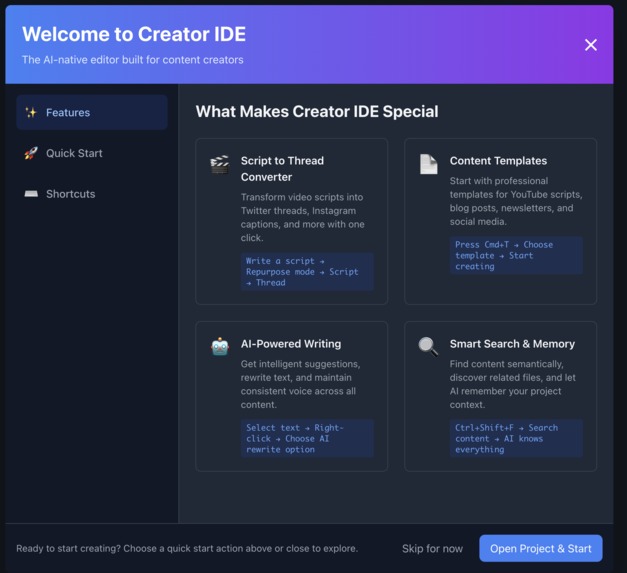
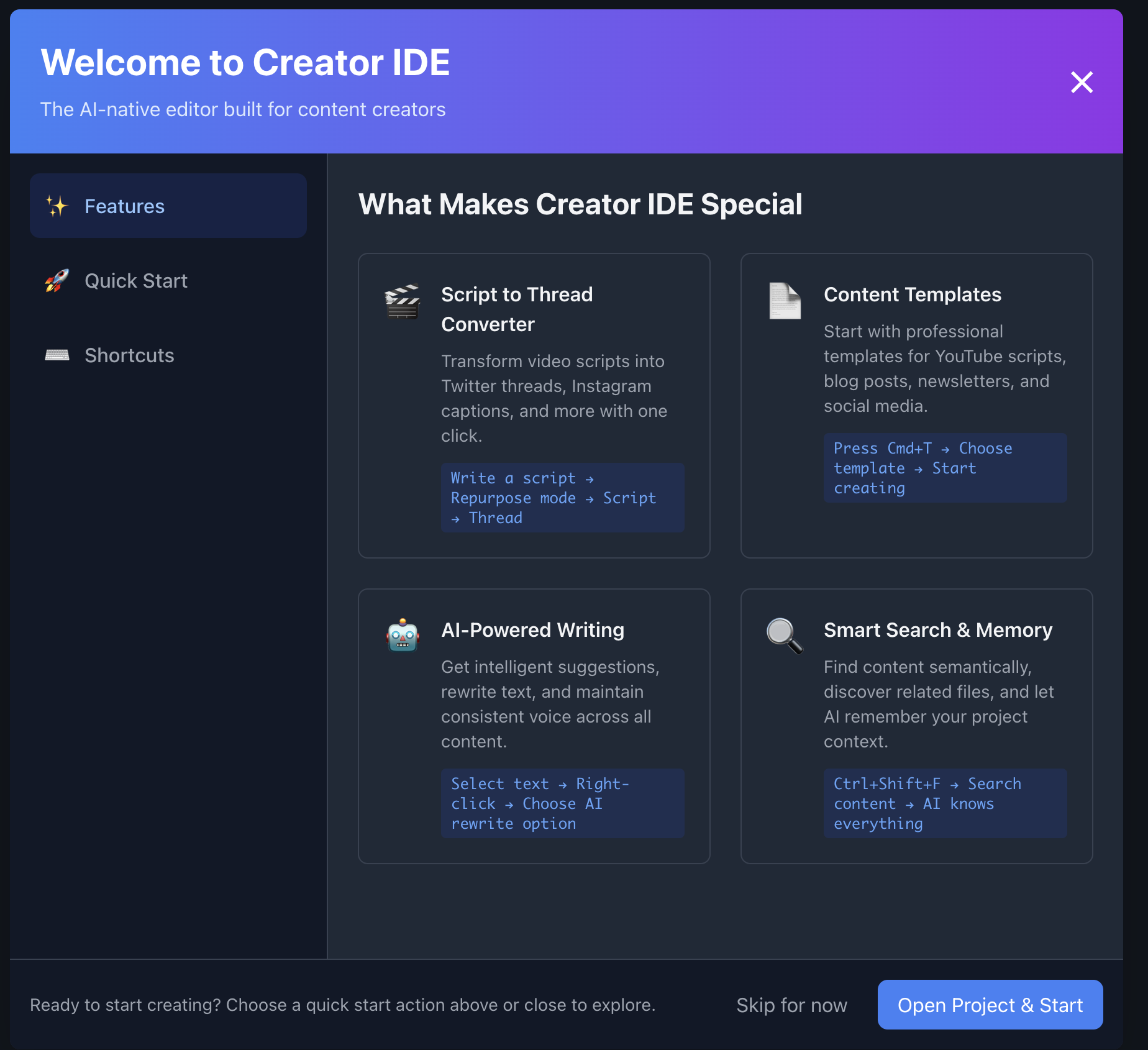
welcome screen
🌟 Inspiration
Creators today work across too many tools—Docs for writing, ChatGPT for ideas, Notion for organizing, Twitter/X for publishing—and nothing remembers their tone, style, or content. Developers now have tools like Cursor that understand their code. Why don’t creators have the same?
I built Creator IDE to bring that kind of intelligent, context-aware workspace to writers, YouTubers, and online creators.
💡 What it does
Creator IDE is a desktop app for content creators that feels like a code editor, but is built for writing. It offers:
- ✍️ Real-time AI completions (ghost text) as you write
- 🔁 Right-click rewrite options like “make it funnier” or “more concise”
- 🧠 Search and reuse of your past content using local vector memory
- 📤 One-click conversion of a script to a Twitter thread, blog post, or caption
It helps creators write faster, stay consistent in style, and repurpose content without switching tools.
🏗️ How I built it
- Built using Electron, React, and Monaco Editor
- Used Gemini Flash for fast and cost-efficient AI generation
- Used browser-native vector storage to keep everything local and persistent
- Embedding and memory runs entirely in the app, offline
- Prompt templates and style analysis help personalize AI suggestions
🧱 Challenges I ran into
- Getting AI suggestions to show up inline (like ghost text) inside the editor took work with Monaco's lower-level API.
- Browser security blocked us from downloading AI models—I solved this by serving models locally in the app.
- Gemini Flash’s token limit meant I had to be smart about summarizing and chunking context data.
🏆 Accomplishments that I'm proud of
- I built a real-time AI writing experience that feels native—suggestions show up as you type.
- Rewriting content with right-click is seamless and stylistically consistent.
- Everything works locally: no cloud sync or server required.
- It's more than a demo—it's a usable tool creators could adopt today.
📚 What I learned
- Context is everything—stateless AI tools are frustrating once you have more than one file.
- Inline AI is more helpful than chatbots when you're trying to write fast.
- Optimizing for local-first AI made us think deeply about what’s truly needed.
🚀 What's next for Creator IDE
- Adding a smart AI chat sidebar that answers questions about your own content
- More advanced cross-format transformations (e.g. blog → script → IG caption)
- Personal style learning and tone matching
- Support for images, audio transcripts, and video clips in your project memory

Log in or sign up for Devpost to join the conversation.