-
-
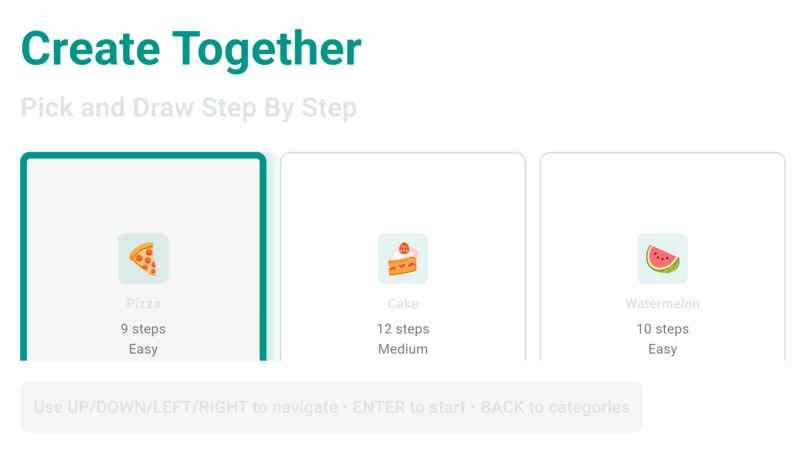
Pick a Draw
-
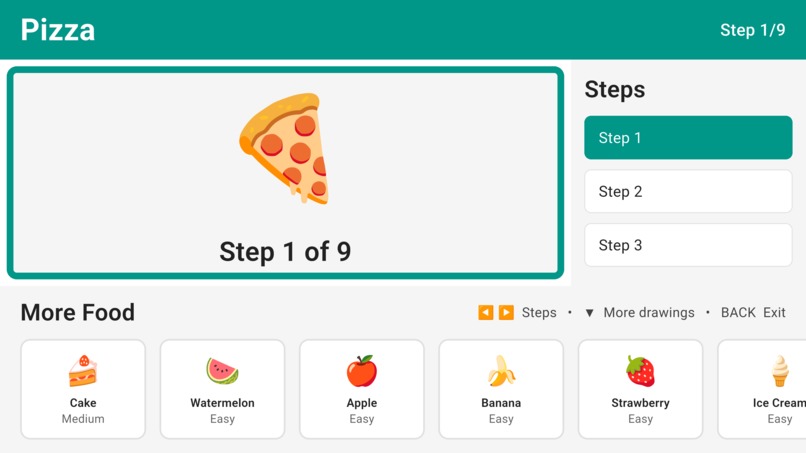
Step 2 of ...
-
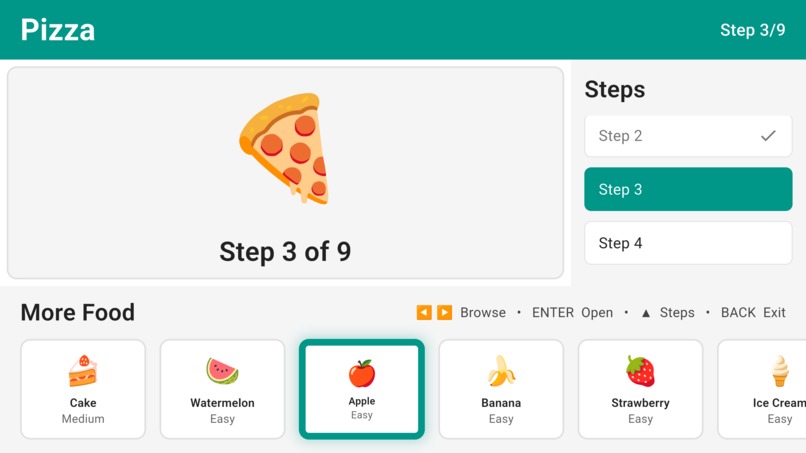
Step By Step Draw
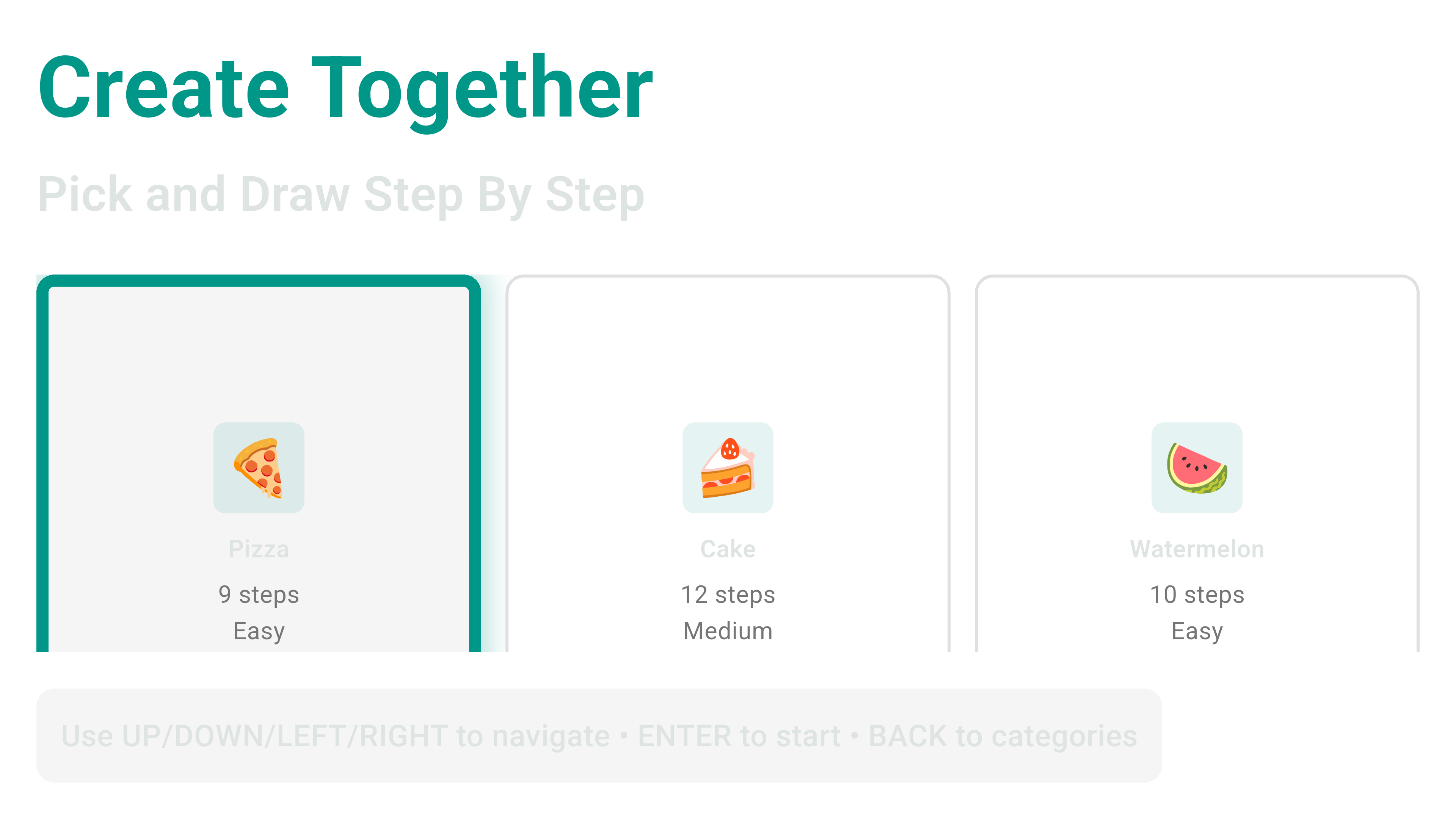
Inspiration
As a parent and app developer, I noticed a paradox: families want kids to be creative and learn, but most Fire TV content is passive consumption. Meanwhile, I'd built EasyStep Drawing—an app loved by parents on iOS and Android for turning screen time into skill-building. The lightbulb moment: What if we brought that same educational, interactive experience to the TV?
Parents struggle with guilt about screen time. Kids scroll endlessly. Fire TV lacks quality creative tools. CreateTogether solves all three: it's engaging enough that kids actually want it, creative enough that parents feel good about it, and interactive enough that Fire TV becomes a learning device, not just an entertainment box.
What It Does
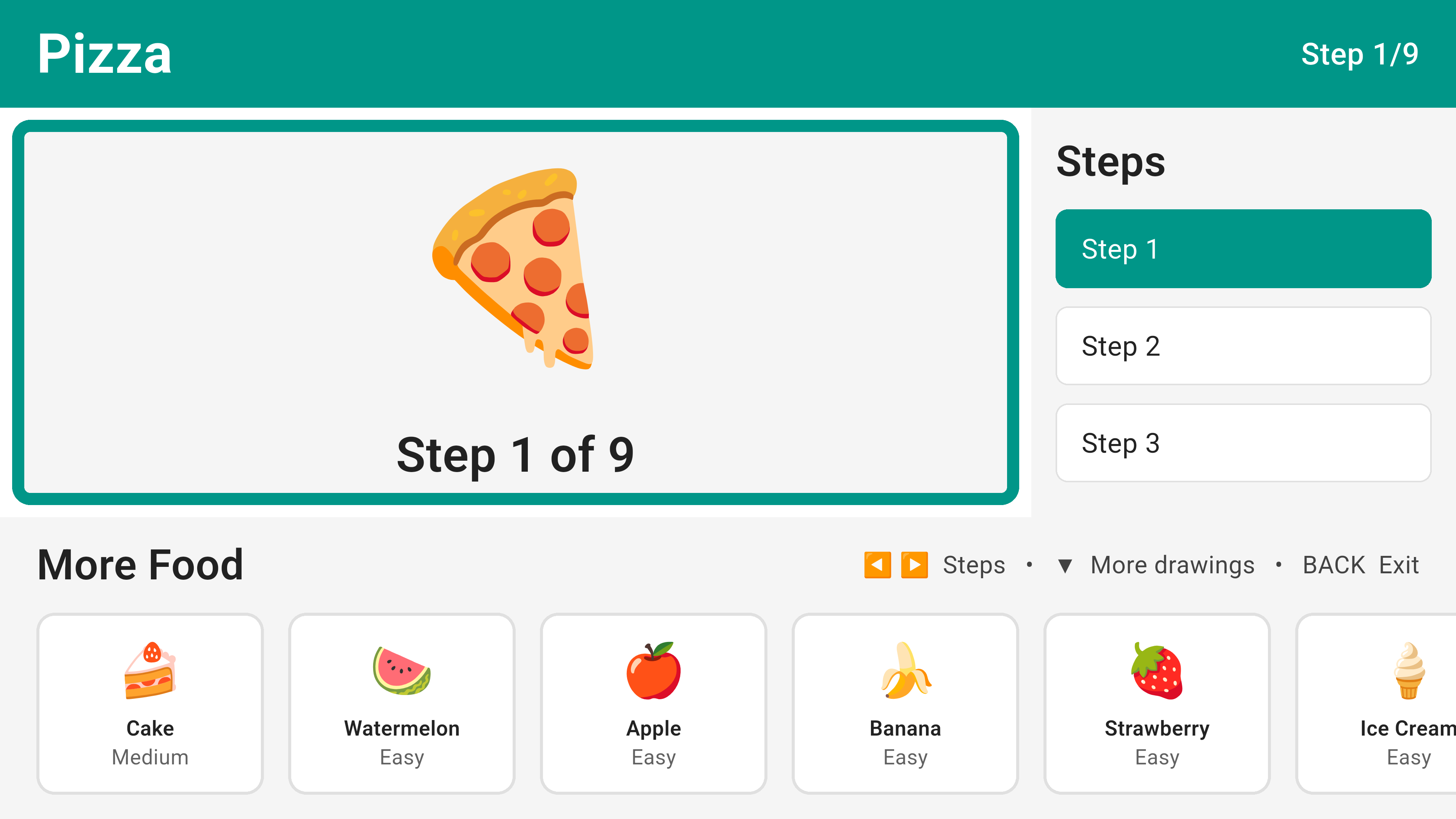
CreateTogether transforms Fire TV into a creative studio for kids and Family. Children follow step-by-step guided drawing lessons, progressing through increasingly complex illustrations while learning fine motor skills and artistic fundamentals. Parents watch their kids create, not just consume.
Core Features
- Step-by-step drawing tutorials with live guide overlays
- D-pad remote navigation (no touch required)
- Pan and scroll for large canvases
How We Built It
- Foundation: Adapted EasyStep Drawing (proven iOS/Android app) into a Fire TV-native experience using Flutter.
Key Build Steps
- Remote-First Input System
- Mapped D-Pad + Select button to all interactions.
- Eliminated touch gestures; built keyboard-driven navigation.
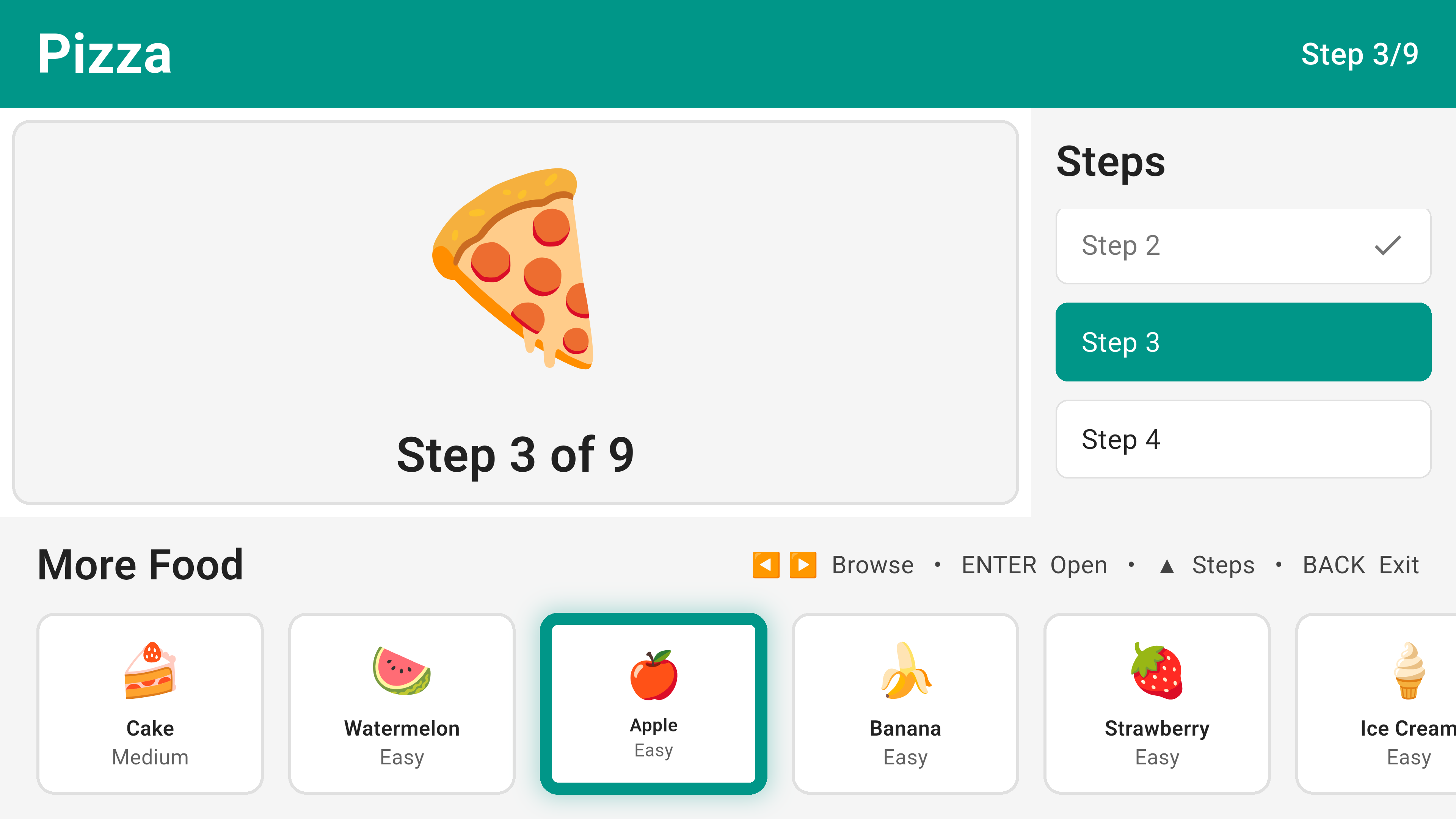
- Created focus system with visual highlights for TV viewing.
- TV-Optimized UI
- Rescaled all elements for 10-foot viewing distance.
- Minimum 48dp touch targets; readable fonts ($36\text{sp}+$).
- Safe zone compliance (5% edge margin).
- High-contrast focus rings for remote selection.
- Drawing Engine for TV
- Optimized canvas painter for Fire Stick's limited hardware.
- Batched redraws to maintain target frame rates on entry-level devices.
- Performance Tuning
- Limited stroke sampling.
- Used
RepaintBoundaryto isolate the drawing layer. - Disabled animations during active drawing.
Tech Stack: Flutter • Firebase • Custom Canvas Painter • Keyboard Event Handling
Challenges We Ran Into
- Touch Coordinates on Zoomed Canvas (Hardest): When zoomed to 2x with padding, a touch at screen position was drawing at the wrong location. It took side-by-side video comparisons to identify the root cause.
- Performance on Limited Hardware: Fire Stick Lite throttles aggressively. Drawing at 2x zoom with complex strokes caused frame drops.
- D-Pad Focus & Navigation Clarity: Users didn't know which button was "selected" because focus wasn't visually obvious on TV.
- Gesture Conflicts (Pan + Draw when Zoomed): Nested
GestureDetectors fought each other when zoomed. Drawing tried to pan; panning tried to draw.
Accomplishments We're Proud Of
- Production-ready app adapted from a proven product (not a proof-of-concept).
- Flawless coordinate alignment between the canvas and guide image at all zoom levels.
- Intuitive D-pad UX that feels natural after 2 minutes of testing.
- Cross-platform parity — same drawings sync seamlessly between iOS, Android, and Fire TV.
- Solved Fire TV's creative app gap — this is the kind of tool the ecosystem has been missing.
What We Learned
- Remote-first thinking is fundamentally different from touch-first. Swipe gestures, pinch-to-zoom, and small tap targets don't translate to TV. D-pad navigation requires rethinking every interaction.
- Coordinate math is unforgiving. One missing offset breaks alignment. Multiple transforms (zoom, padding, scale) must be applied in the exact right order.
- Fire TV devices are more constrained than assumed. Gen 1 hardware has serious limits. Profiling and ruthless optimization are non-negotiable.
- Parents care about outcomes, not engagement metrics. They don't want infinite play-time; they want kids to finish something. A gallery of completed drawings is more powerful than session length.
- Testing on actual hardware catches what emulators miss. Focus visibility, performance, and thermal behavior vary significantly on real devices.
What's Next for CreateFire
- Multiplayer mode: Kids draw together on the same TV.
- Weekly challenges: "Draw a puppy," "Color a dragon"—with community voting.
- Parental dashboard: Detailed progress tracking and exporting completed drawings as PDFs.
- Seasonal themes: Holiday drawings and seasonal palettes.
- Leaderboards: Friendly, parent-controlled competition.
- Accessibility: Voice control for navigation (Alexa integration).
- Premium library: 500+ additional drawing tutorials (plants, animals, vehicles, landmarks).
- Long-term vision: Make Fire TV the go-to device for kids' creative learning—the place parents want their kids to spend time.


Log in or sign up for Devpost to join the conversation.