-
bar
-
experimental
Music Visualizer
Pretending Frequency of Music
You might listen to music while hacking, but have you built anything to elevate your music listening experience? Try building a project that visualizes the music you’re listening
There are two types of Visualizer:
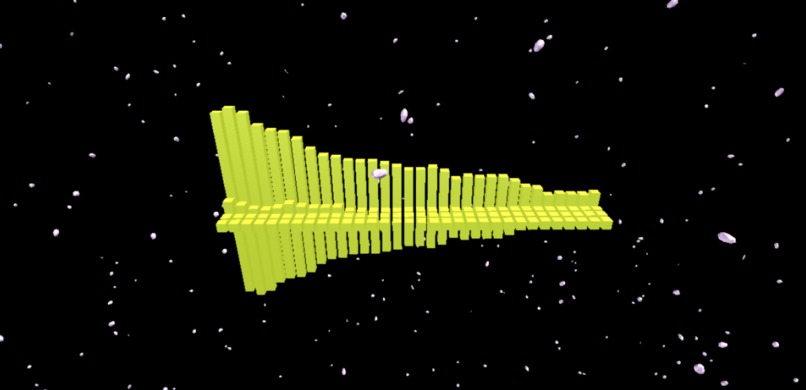
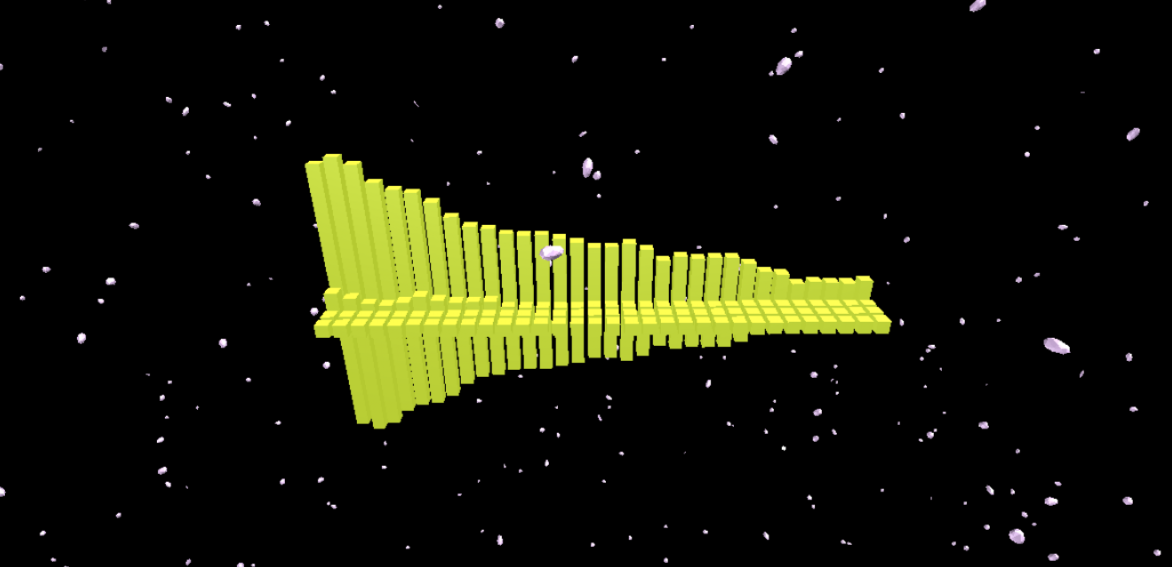
- Bars Visualizer (Main)
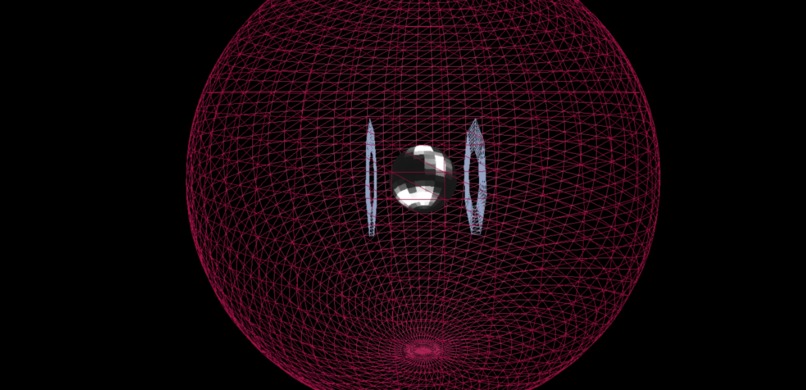
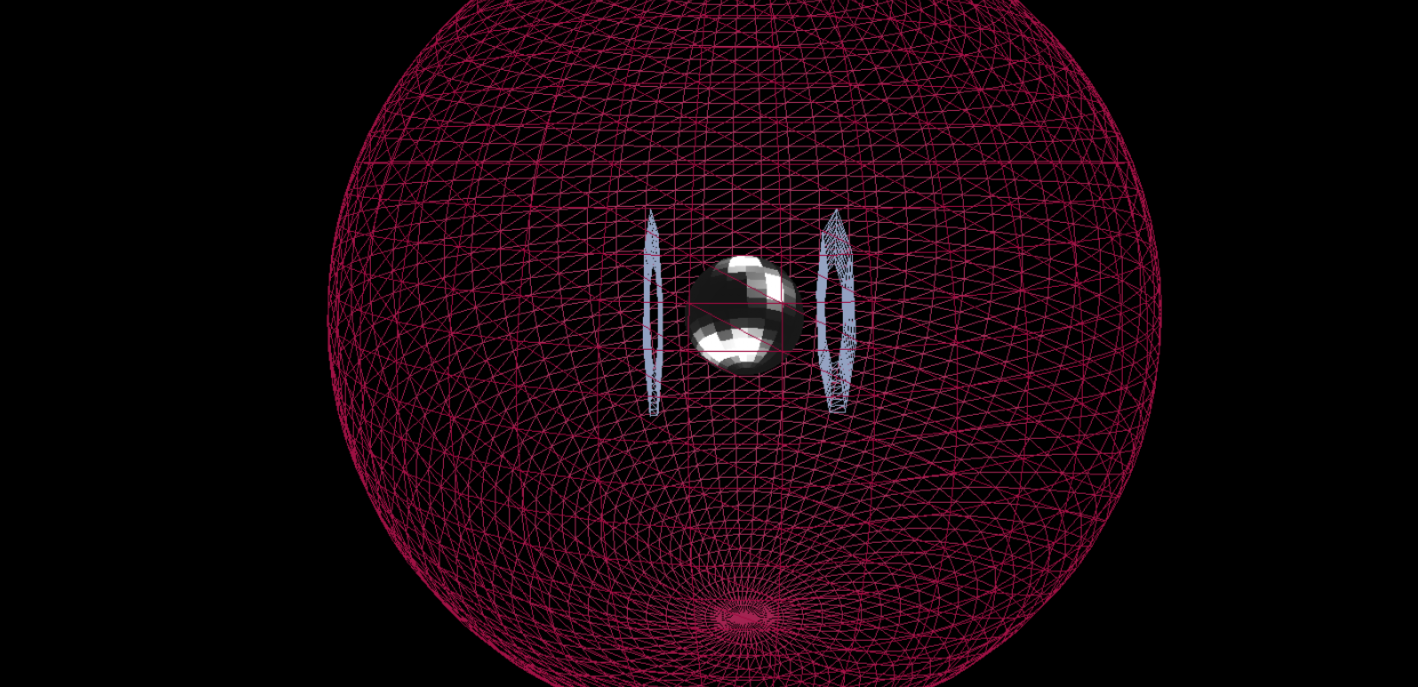
- Experimental Visualizer (Web)
User's can either upload a song or choose one that has been uploaded by other users and then see the visualizations for it on their screen. Once a song is uploaded visualizations are created by analyzing the frequency data and waveform with the Web Audio Api. The data is then render with THREE.js. GUI controls are also included to control the camera rotation and positioning. Different songs create different colors and affect how high each bar goes in the visualization.
Technical Details: The core of this project was built using THREE.js in order to render the visualizers in canvas. When a user uploads a song to visual it also gets stored in Google Firebase so that the song can be reused by other people. This is also useful for people that do not want to upload a song. Web Audio Api analyzes the song data so that it could be visualized by THREE.js.
Sample Code: This sample code was how I generated the random floating shapes around the scene.
var asteroidMesh = new Array()
    var asteroidGeometry = new THREE.TetrahedronGeometry((Math.random() + 0.5 ), 2);
    var asteroidMaterial = new THREE.MeshPhongMaterial({
        color: (Math.random() * 0xffffff),
        flatShading: true
    });

    var i = 0;
    for(var x = 0; x < 1; x++){
        var j = 0;
        asteroidMesh[i] = new Array();
        for(var y = 0; y < 1000; y++){
            asteroidMesh[i][j] = new THREE.Mesh(asteroidGeometry, asteroidMaterial);
            asteroidMesh[i][j].position.x = ( Math.random() - 0.5 ) * 300;
            asteroidMesh[i][j].position.y = ( Math.random() - 0.5 ) * 300;
            asteroidMesh[i][j].position.z = ( Math.random() - 0.5 ) * 300;
            asteroidMesh[i][j].scale.z = (Math.random() * 2, Math.random() * 2, Math.random() * 2);
            asteroidMesh[i][j].rotation.set(Math.random() * 4, Math.random() * 4, Math.random() * 4)
            scene.add(asteroidMesh[x][j])
            j++;
        }
        i++;
    }
Future Improvements
- Incorporate AFrame for VR & smoother interactions
- Basic VR using Google Cardboard

Log in or sign up for Devpost to join the conversation.