-
-
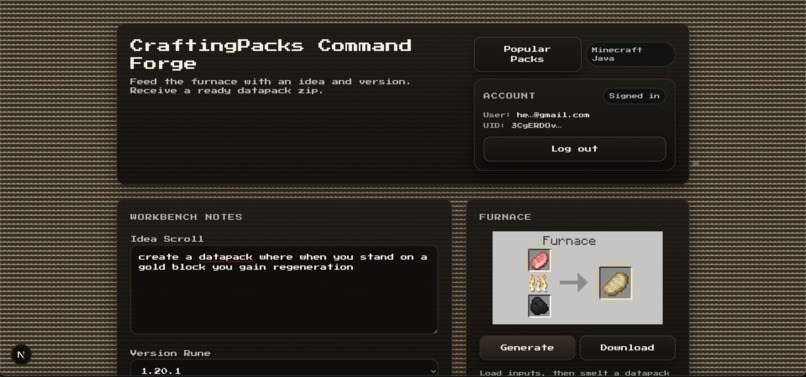
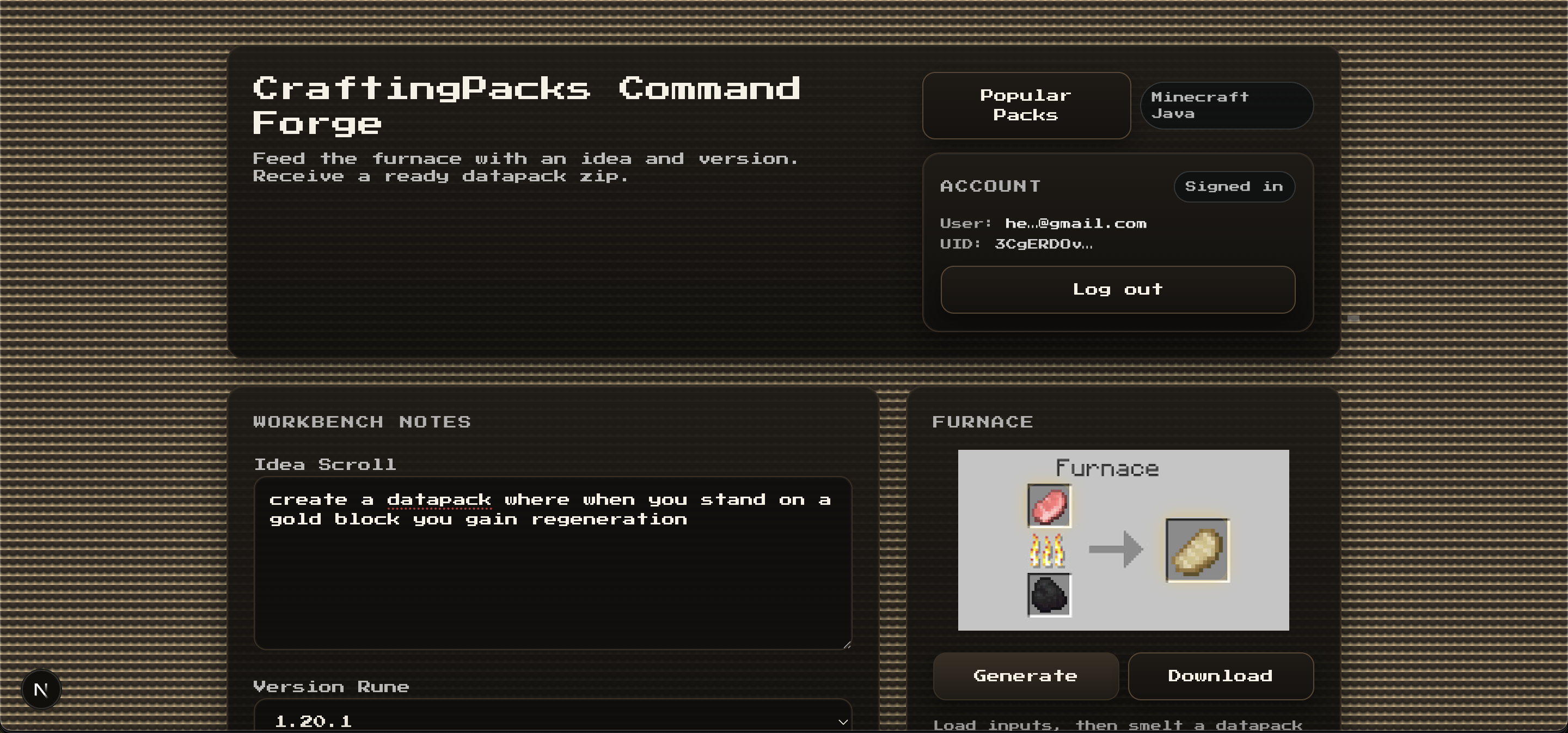
home screen
-
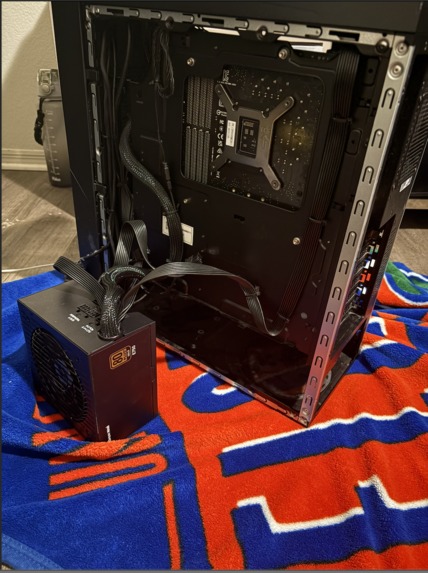
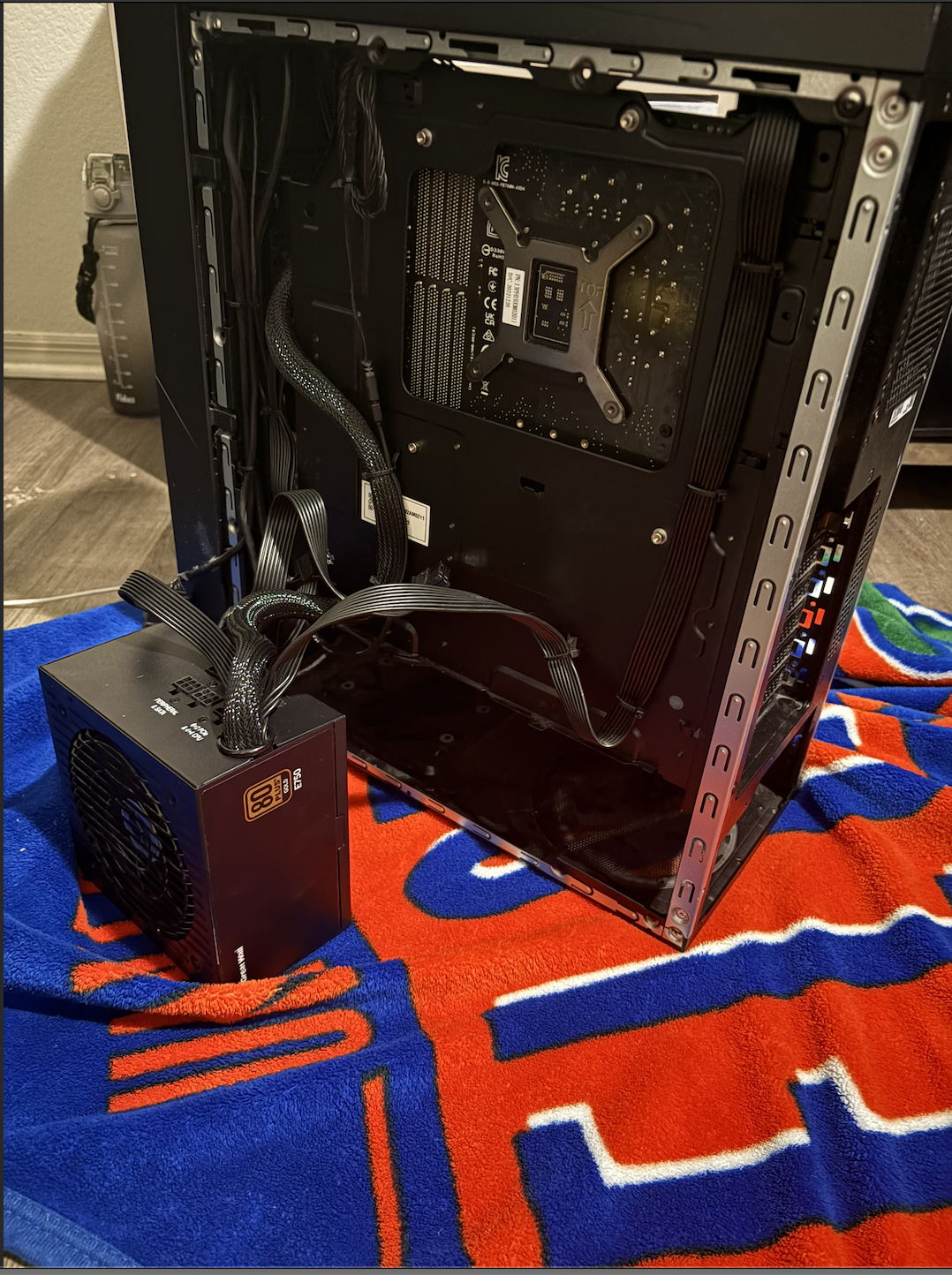
:(
Inspiration:
Our inspiration came from our experiences playing Minecraft together during school breaks. When we play, we often use different datapacks and mods to make the game more interesting. While playing, we frequently come up with our own ideas for features or gameplay changes that we wish we could add, but we usually don’t have the technical knowledge to create those datapacks ourselves. This inspired us to build a tool that makes it easier for anyone to turn their ideas into working Minecraft datapacks.
What It Does:
Our website allows users to describe a Minecraft datapack idea using a natural language prompt. The prompt is processed by an AI model that generates the files required to create a functional datapack. Once generated, the site provides the user with a downloadable ZIP file that can be placed directly into their Minecraft world’s datapack folder. In addition to generation, we implemented a user authentication system using Firebase. This allows users to create accounts, log in and out of the platform, and keep track of the datapacks they have generated. Each generated datapack is stored in a Firestore database along with its description, metadata, and the user ID of the account that created it. This allows users to view and manage their previously generated datapacks while maintaining a personalized experience on the platform.
How We Built It:
We built our website using Next.js and React for the frontend, which allowed us to create an interactive and responsive user interface. The backend API routes in Next.js handle datapack generation requests and communicate with our AI model to produce the datapack files based on the user’s prompt. To generate the datapacks, we use an AI model (Google Gemini) that converts a natural language prompt into a structured datapack specification containing the necessary Minecraft files and functions. The generated output is validated to ensure it follows the correct datapack structure before being packaged. Once validated, the datapack files are automatically compiled into a ZIP file using a server-side zipping utility. This ZIP file is then returned to the user for download so it can be placed directly into their Minecraft world’s datapack folder. For authentication and data storage, we integrated Firebase Authentication and Firestore. Firebase Authentication manages user sign-up, login, and logout functionality, while Firestore stores metadata about generated datapacks, including their descriptions, file structures, and the user ID of the creator. This allows users to view their previously generated datapacks and maintain a personalized history on the platform.
Challenges We Ran Into:
During development we ran into several technical challenges. One of the first issues was rate limiting from the Gemini API, which occasionally prevented us from generating datapacks while testing different prompts. Another challenge involved Firebase configuration, including authentication setup and ensuring that datapack metadata was correctly stored in Firestore. We also encountered multiple syntax errors and validation issues when trying to ensure the AI-generated datapacks followed the correct Minecraft datapack structure. A major challenge was prompt engineering. Getting the AI model to consistently generate valid datapack files required multiple iterations, validation checks, and a repair step when the generated output didn’t meet the required format. Our biggest unexpected issue was hardware-related. We initially had a PC set up specifically to test datapacks in Minecraft, but it was accidentally damaged when water spilled on it and short-circuited the system. Because of this, we had to quickly pivot and continue development and testing on a Mac work laptop, which required adjusting our workflow and environment setup.
Accomplishments That We're Proud Of:
One of the main accomplishments we are proud of is that this is actually a tool we plan to use ourselves. We often had ideas for datapacks but never had the knowledge or time to build them manually. Creating a website that can generate working datapacks from a simple idea feels very rewarding because it solves a problem we personally had. We are also proud of successfully integrating multiple technologies into one project. This includes connecting the Gemini AI model to generate datapack files, implementing Firebase authentication for user accounts, and storing generated datapacks in Firestore so users can view their past creations. Getting all of these systems to work together took a lot of troubleshooting and testing. Another accomplishment was building a clean interface that makes the process simple for users. Instead of needing technical knowledge about Minecraft datapack structure, users can just type an idea and download a working datapack.
What We Learned:
Through this project we learned how different technologies work together to build a full web application. We gained experience integrating the Gemini AI API, handling issues like rate limits and invalid outputs. We also learned how to use Firebase for authentication and storing user-generated datapacks in Firestore. Along the way we improved our understanding of debugging, Git version control, and how to guide AI to generate structured outputs that follow Minecraft datapack formats.
What’s Next for CraftPacks:
Moving forward, we want to improve the AI generation system so datapacks are more consistent and require fewer fixes. We also plan to enhance the user experience by letting users browse and download their previously generated datapacks and by adding features like sharing and popular community packs. Another goal is improving testing to make sure generated datapacks work properly in Minecraft. If the project grows beyond a prototype, we would also focus on scaling the backend and improving storage to support more users.


Log in or sign up for Devpost to join the conversation.