-
-
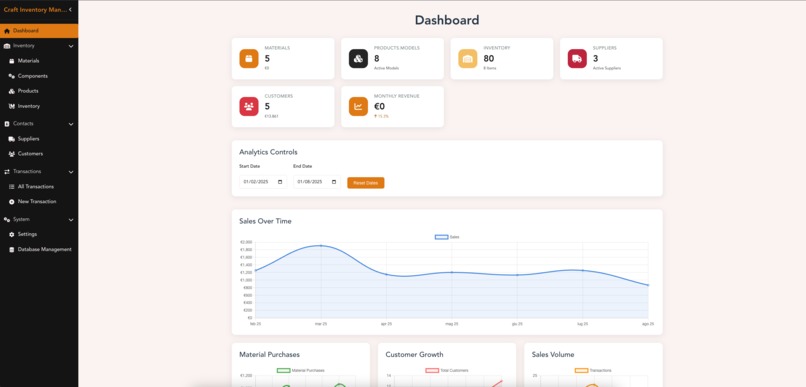
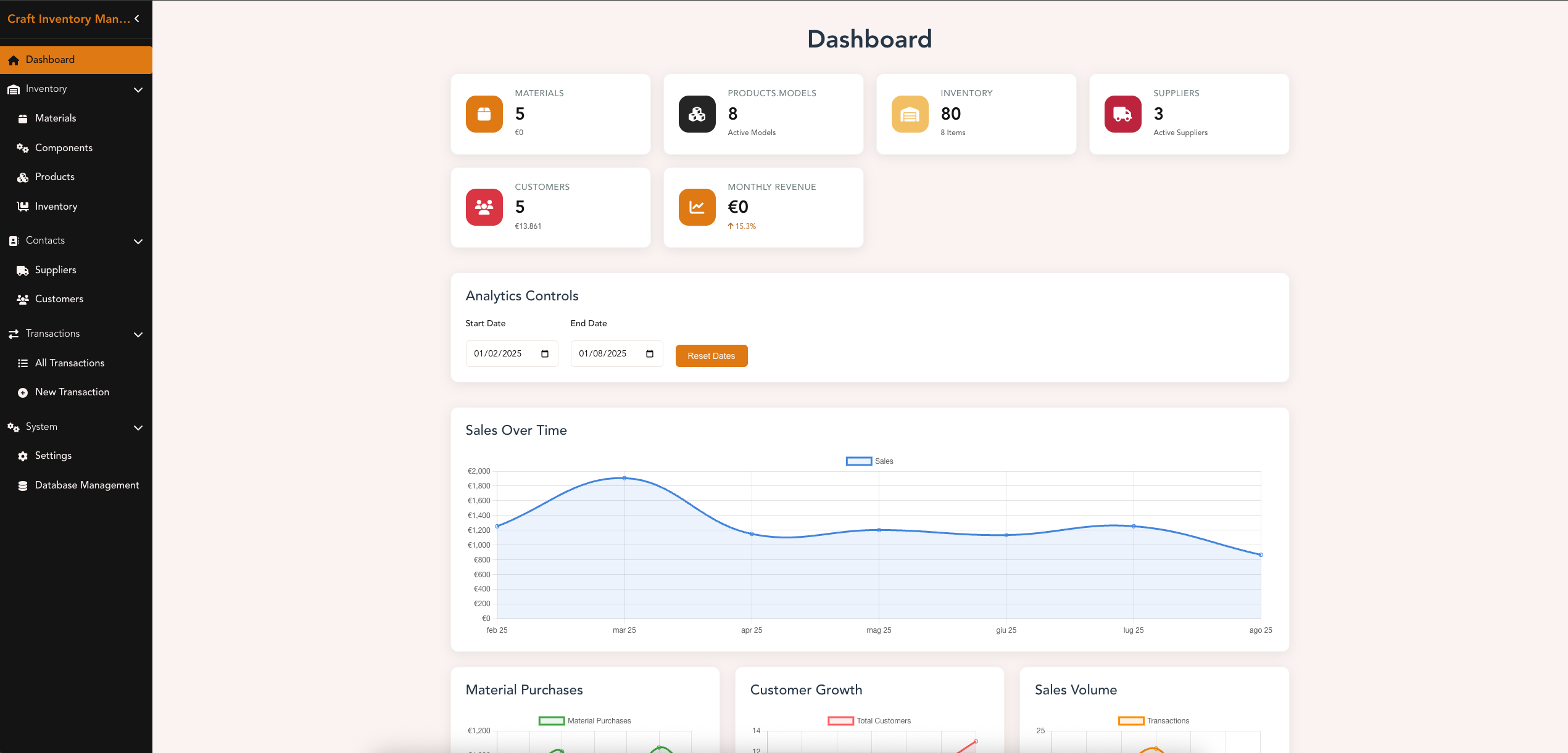
Dashboard View (wide) - Focus on some counters
-
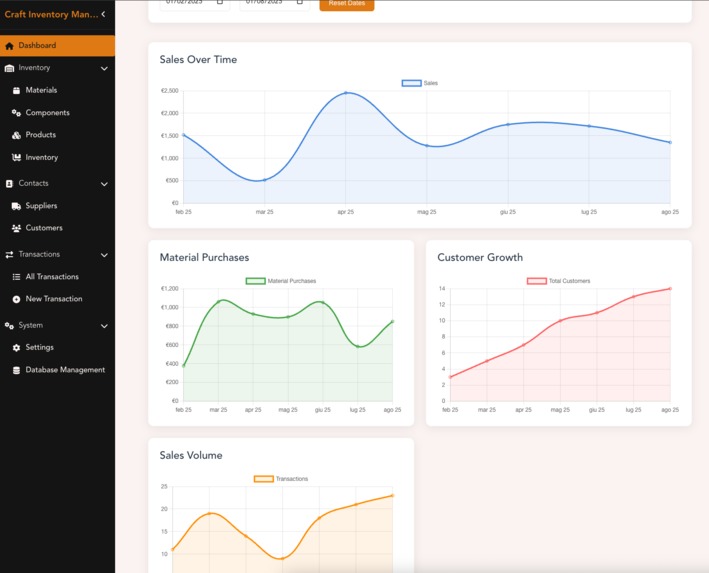
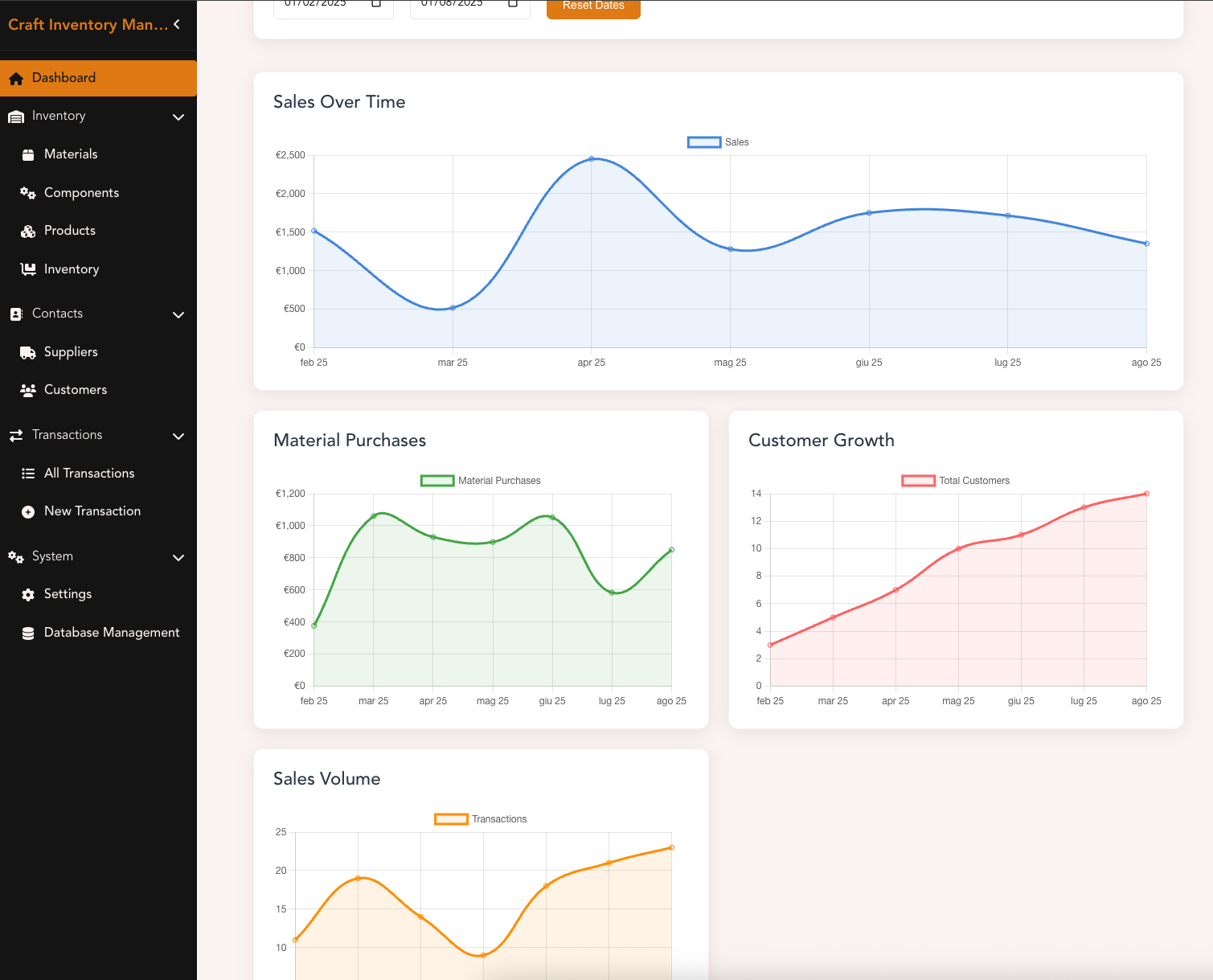
Dashboard View (smaller) - Focus on graphs details
-
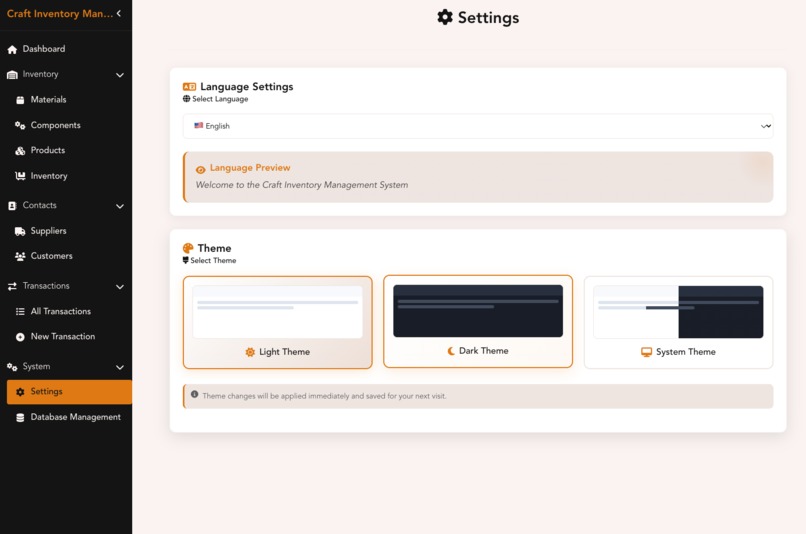
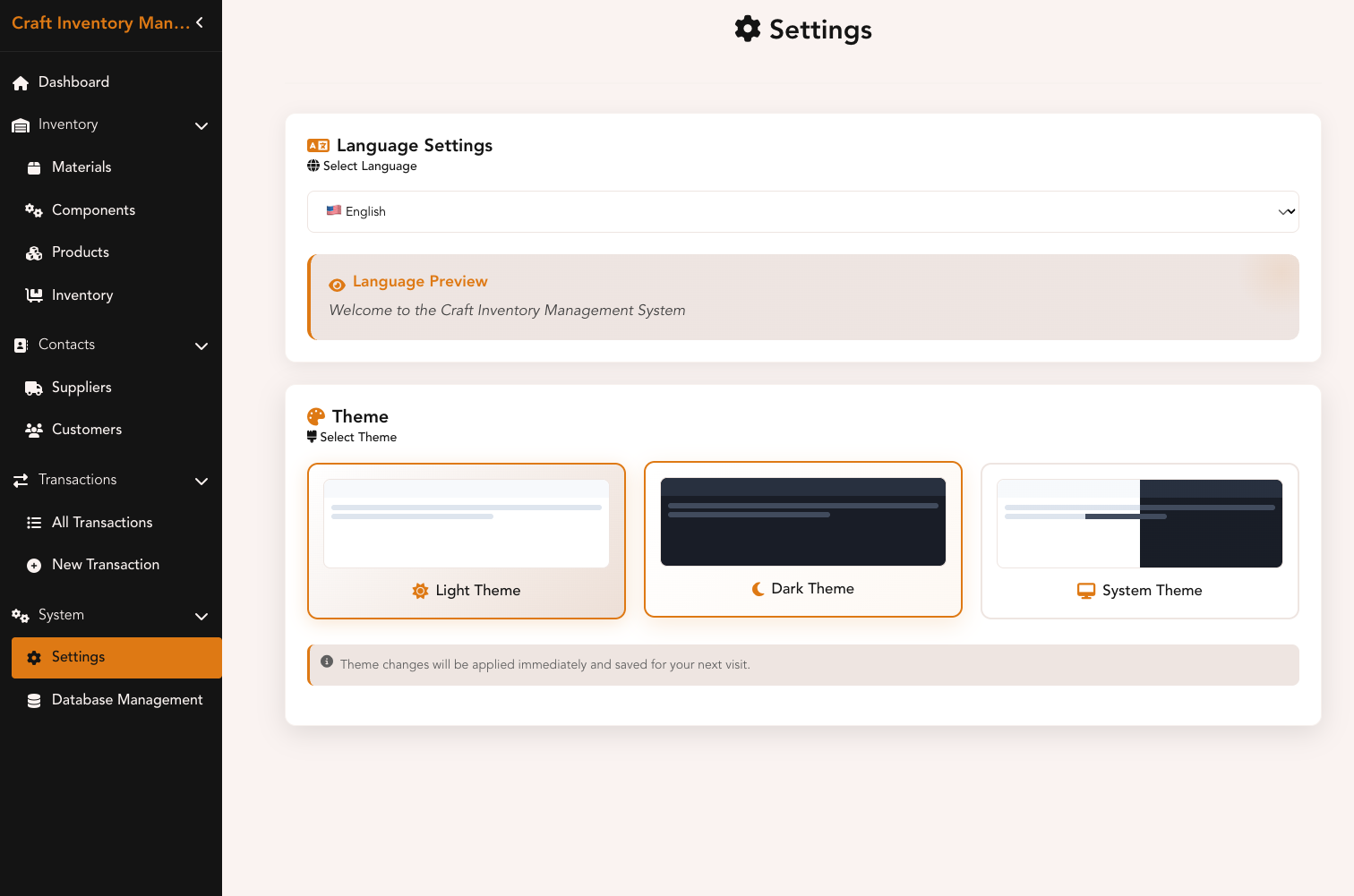
Settings View - Focus on language setting and color style
-
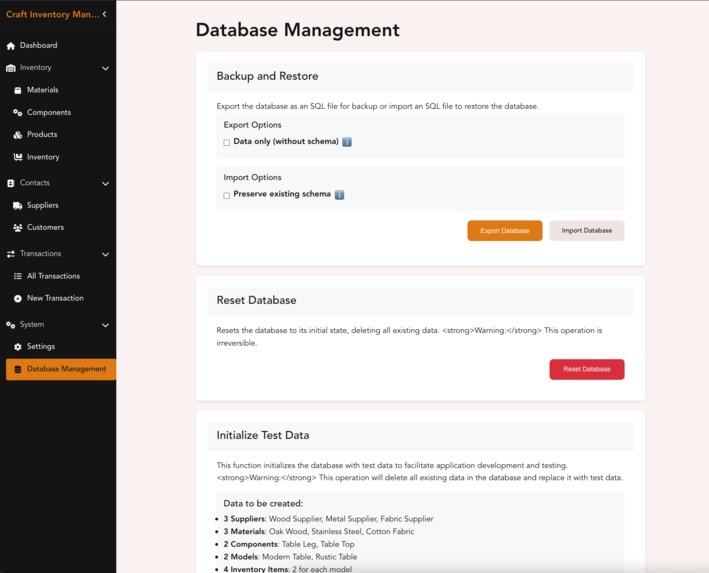
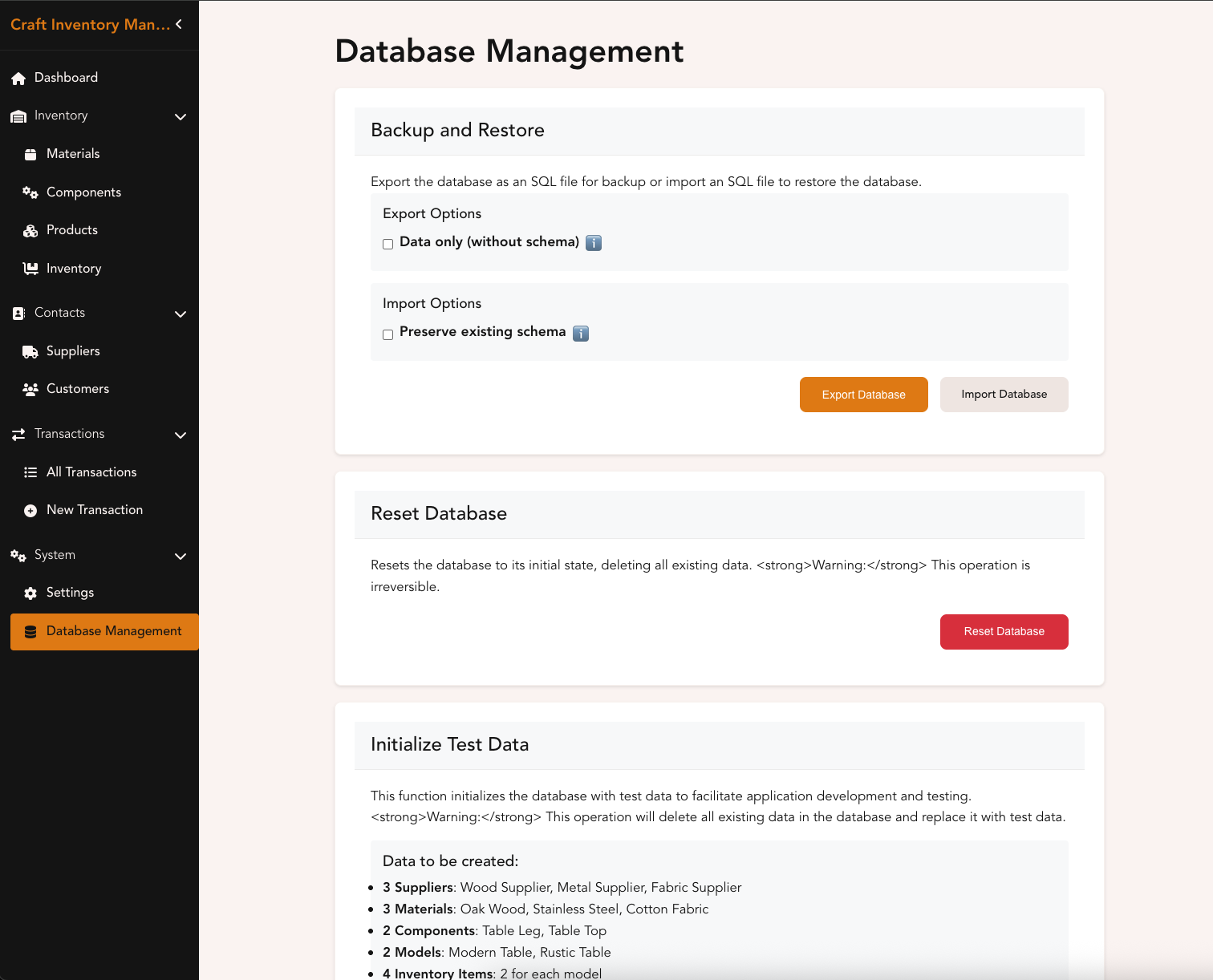
Settings View - Database administration page
-
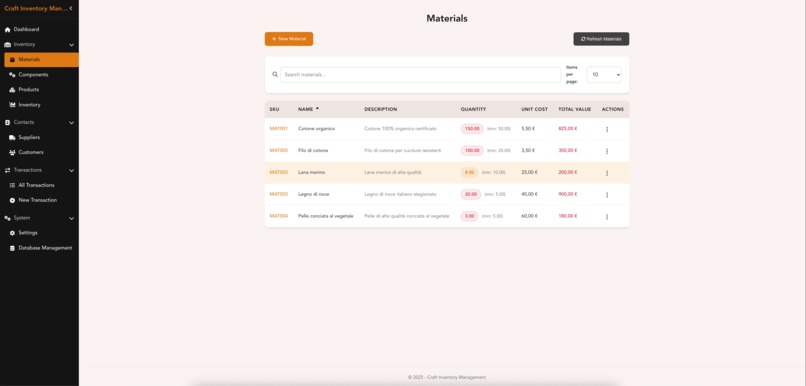
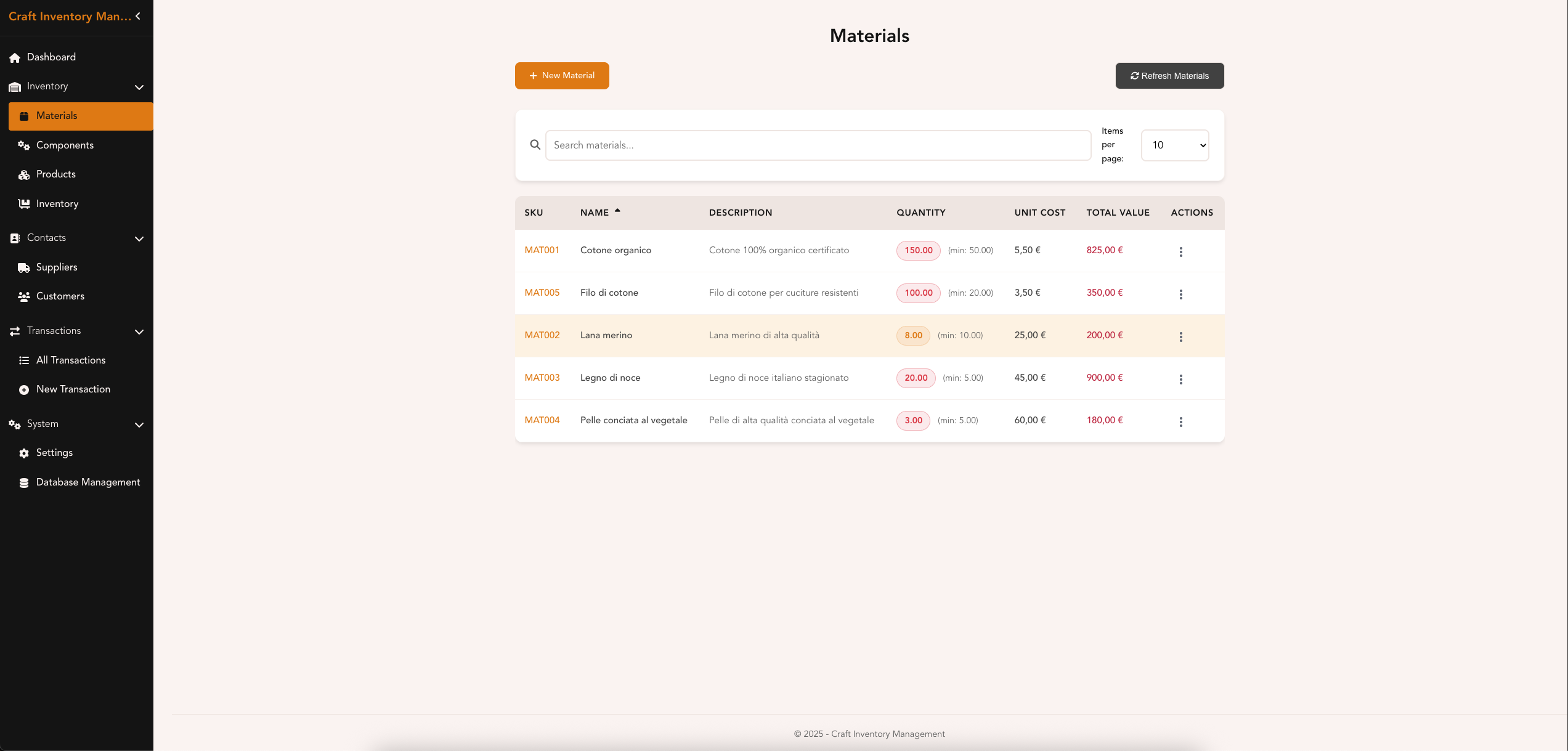
Materials View (wide) - Table with detail view around materials used for crafting
-
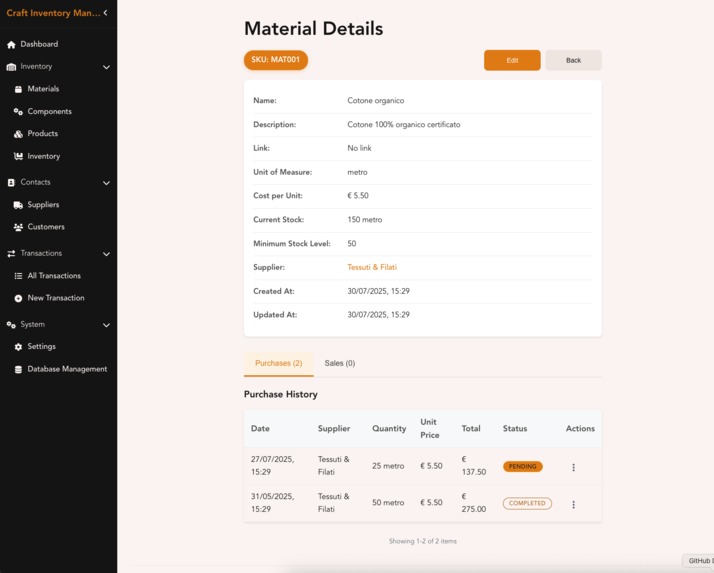
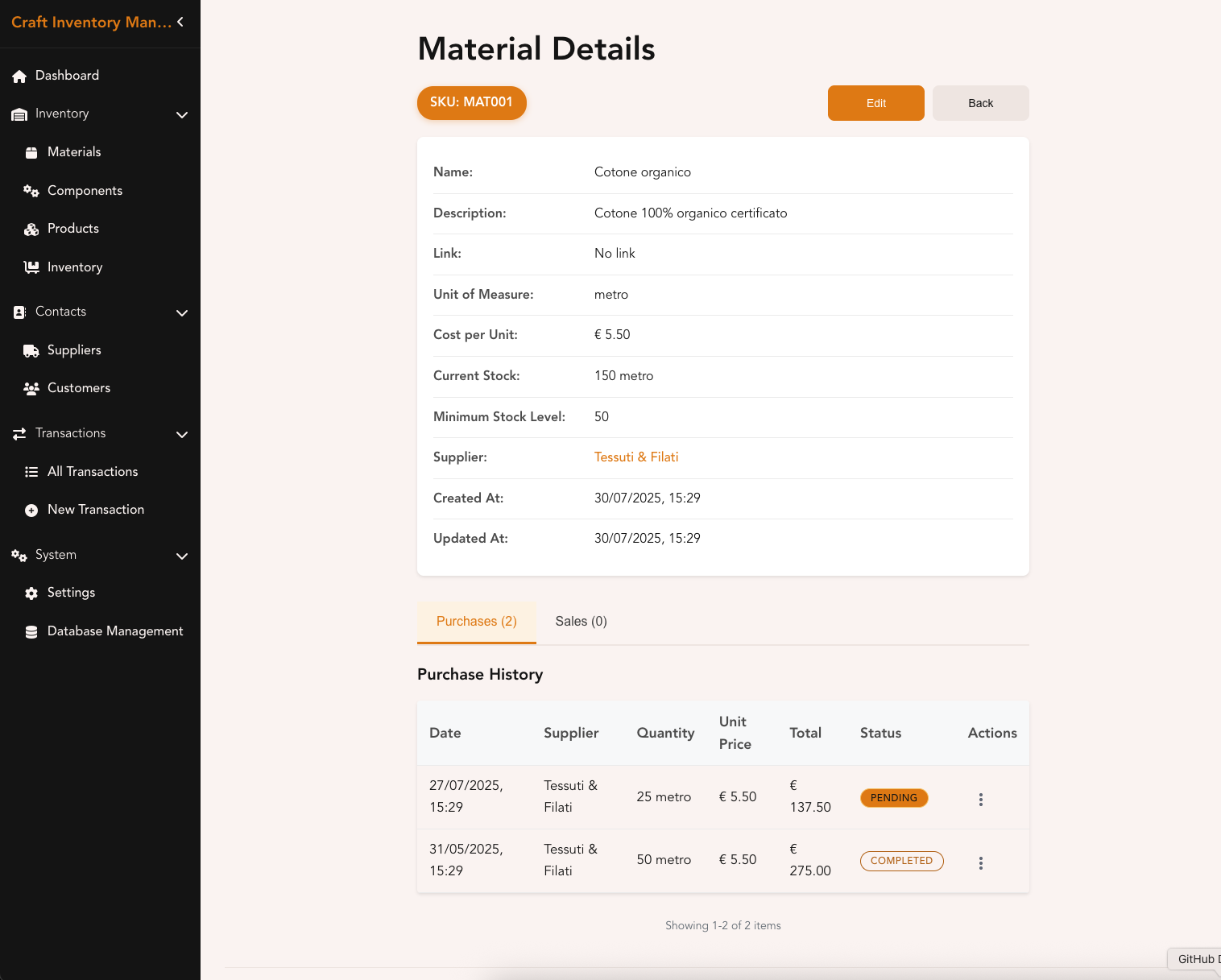
Materials View - Detail of a single material with purchase/sale info
-
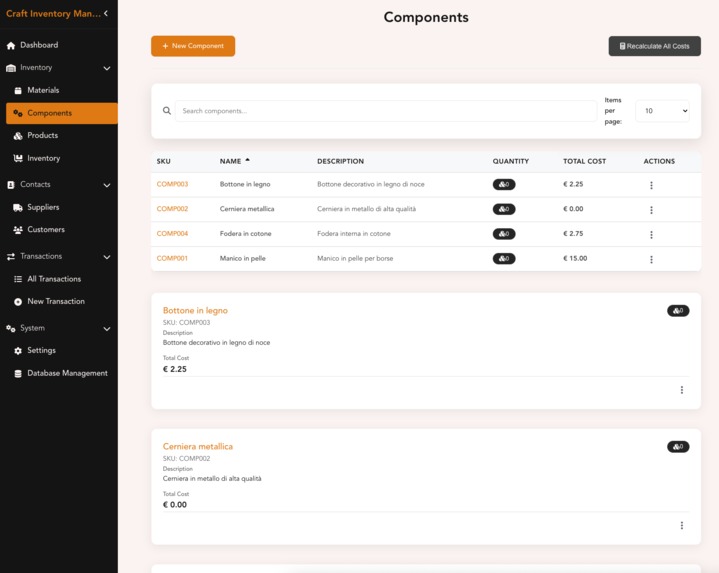
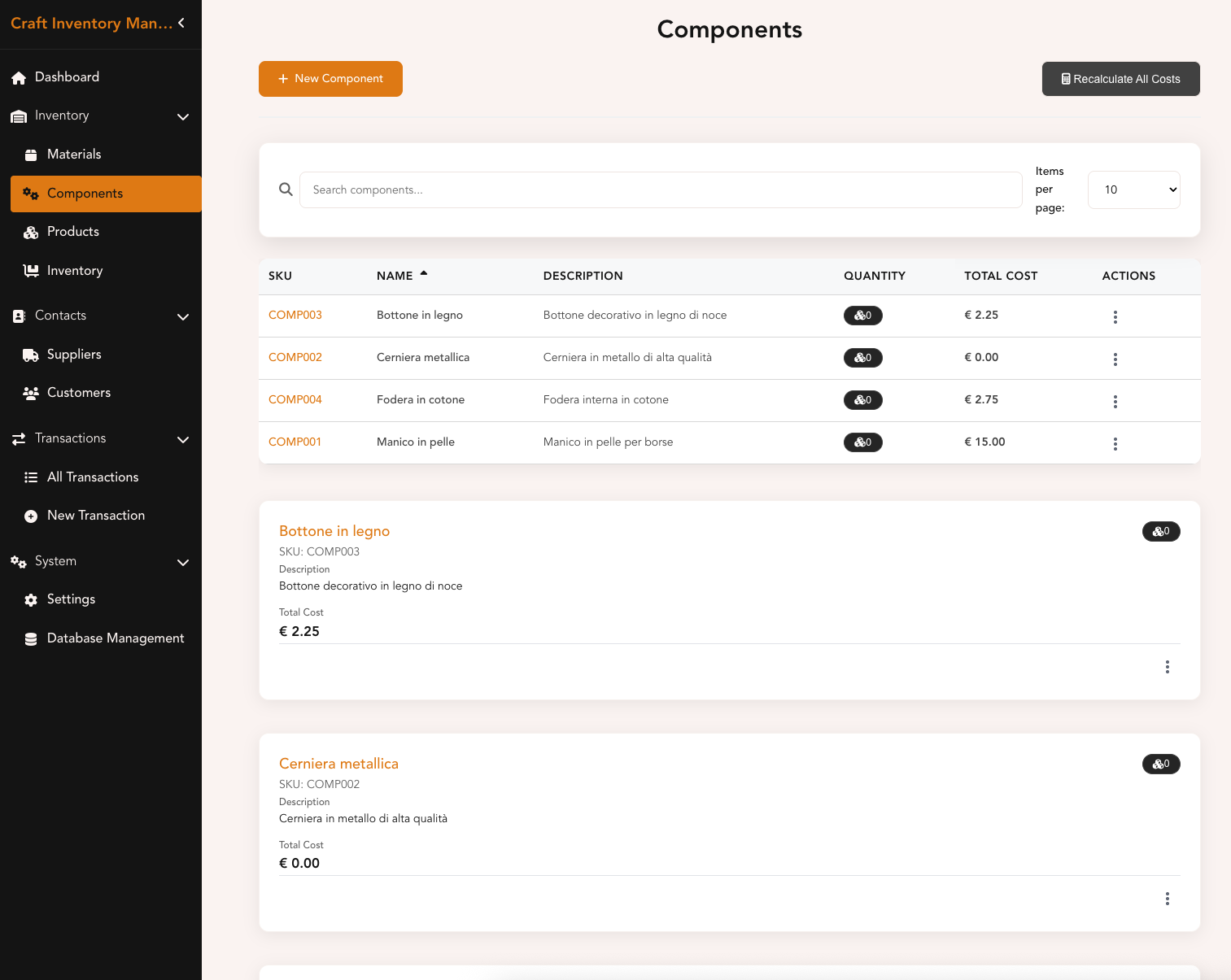
Components View - Parts that can be combined to form a Product
-
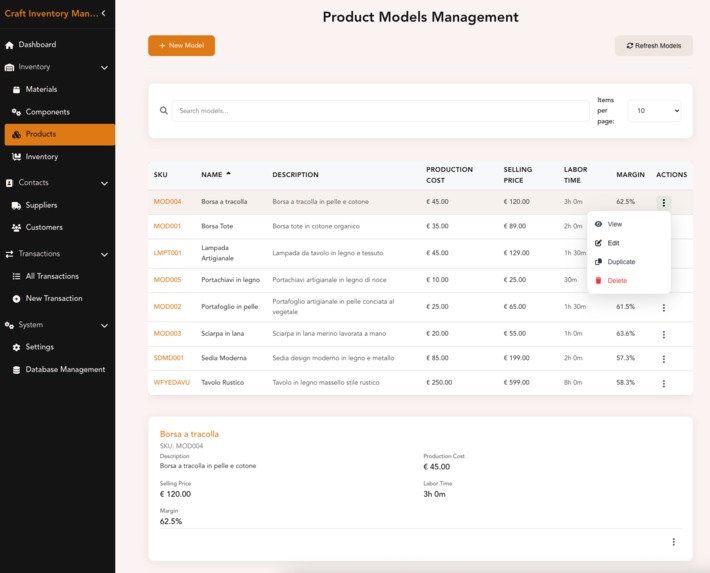
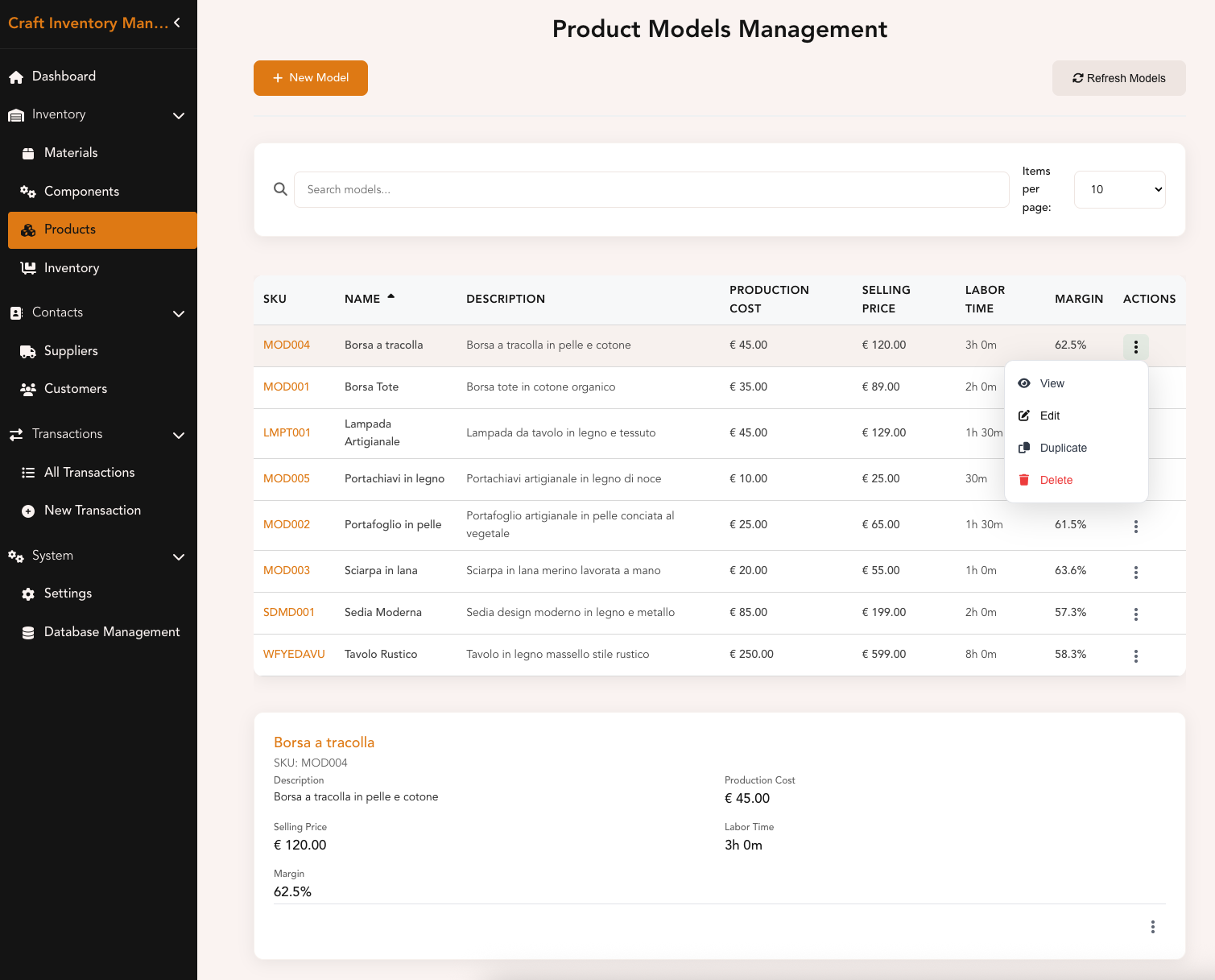
Products View - List of of products (aka models) created
-
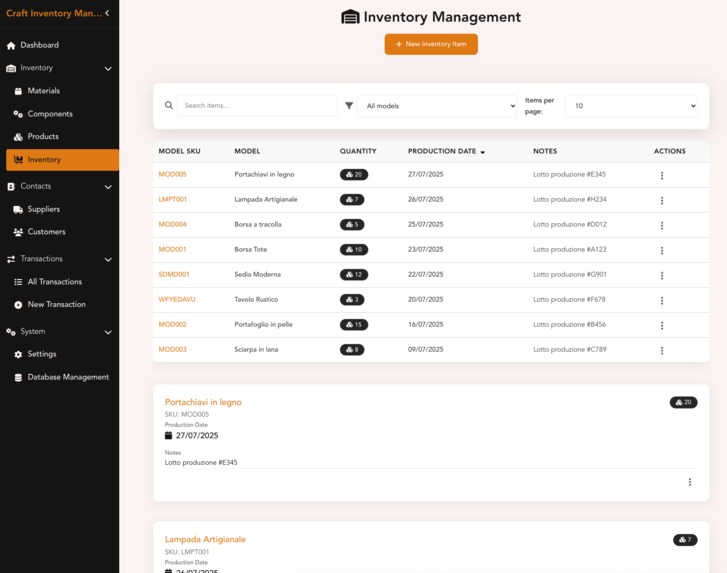
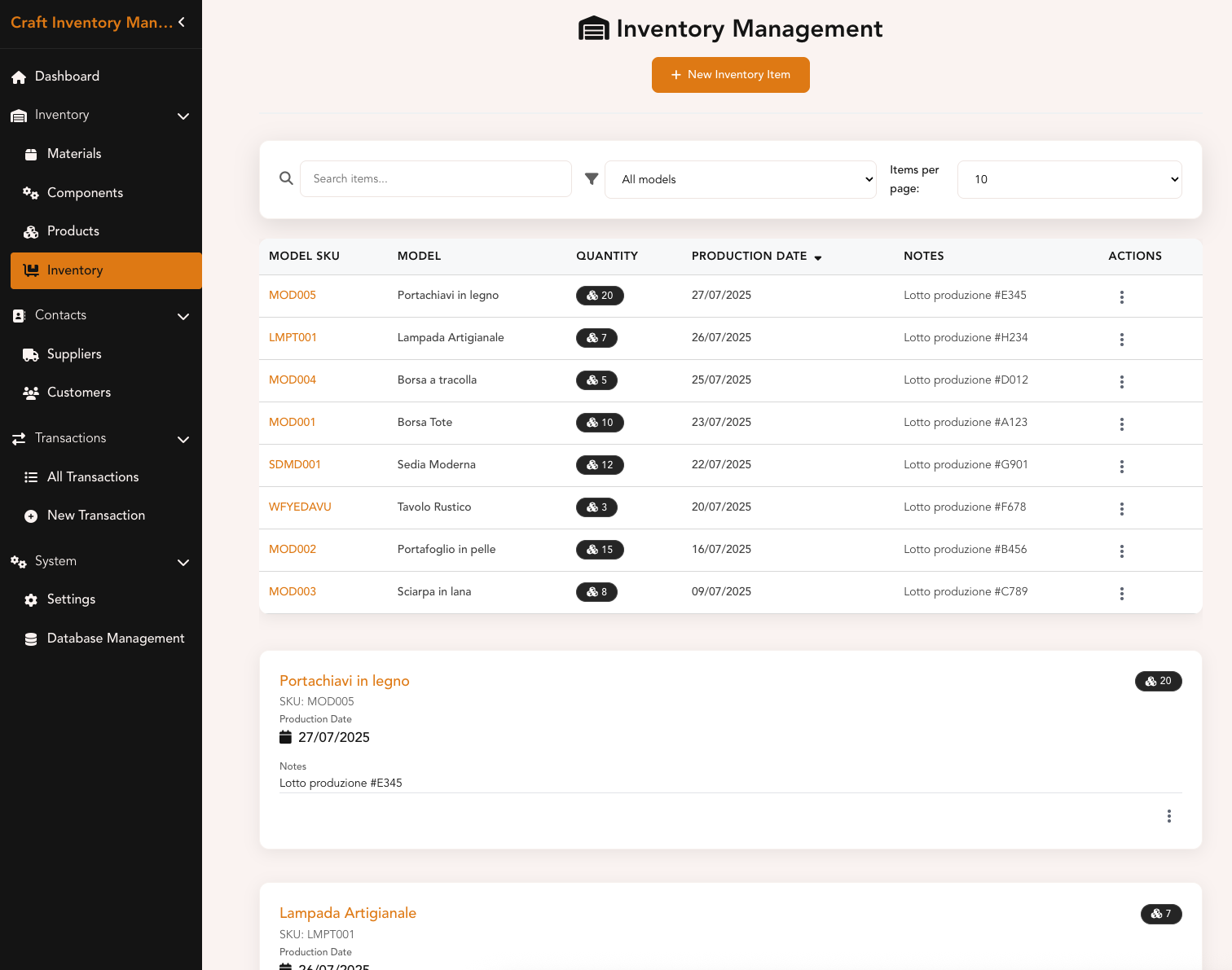
Inventory View - List of products of any given models in stock
-
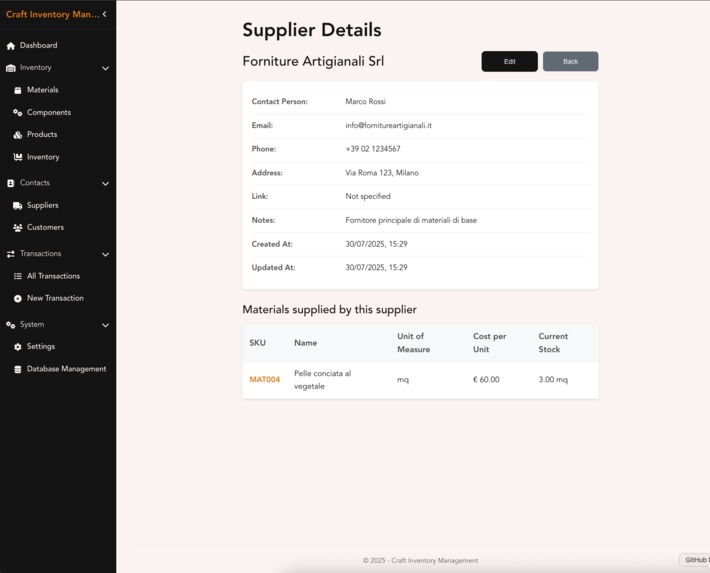
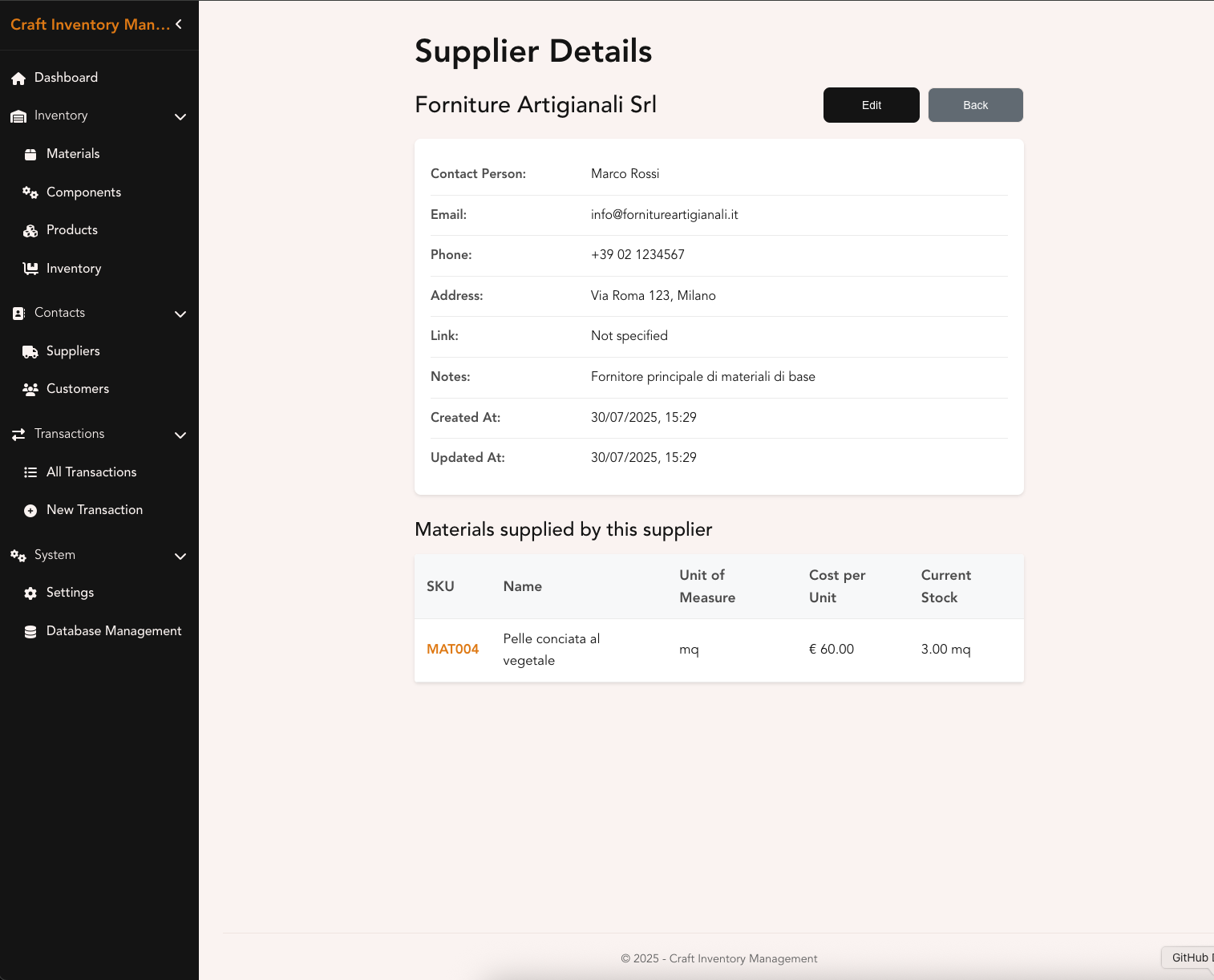
Suppliers View - Detailed view of a given supplier
-
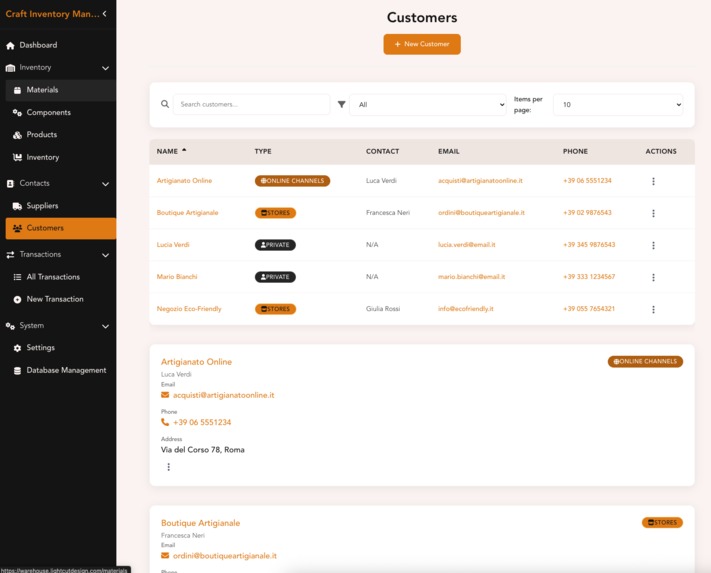
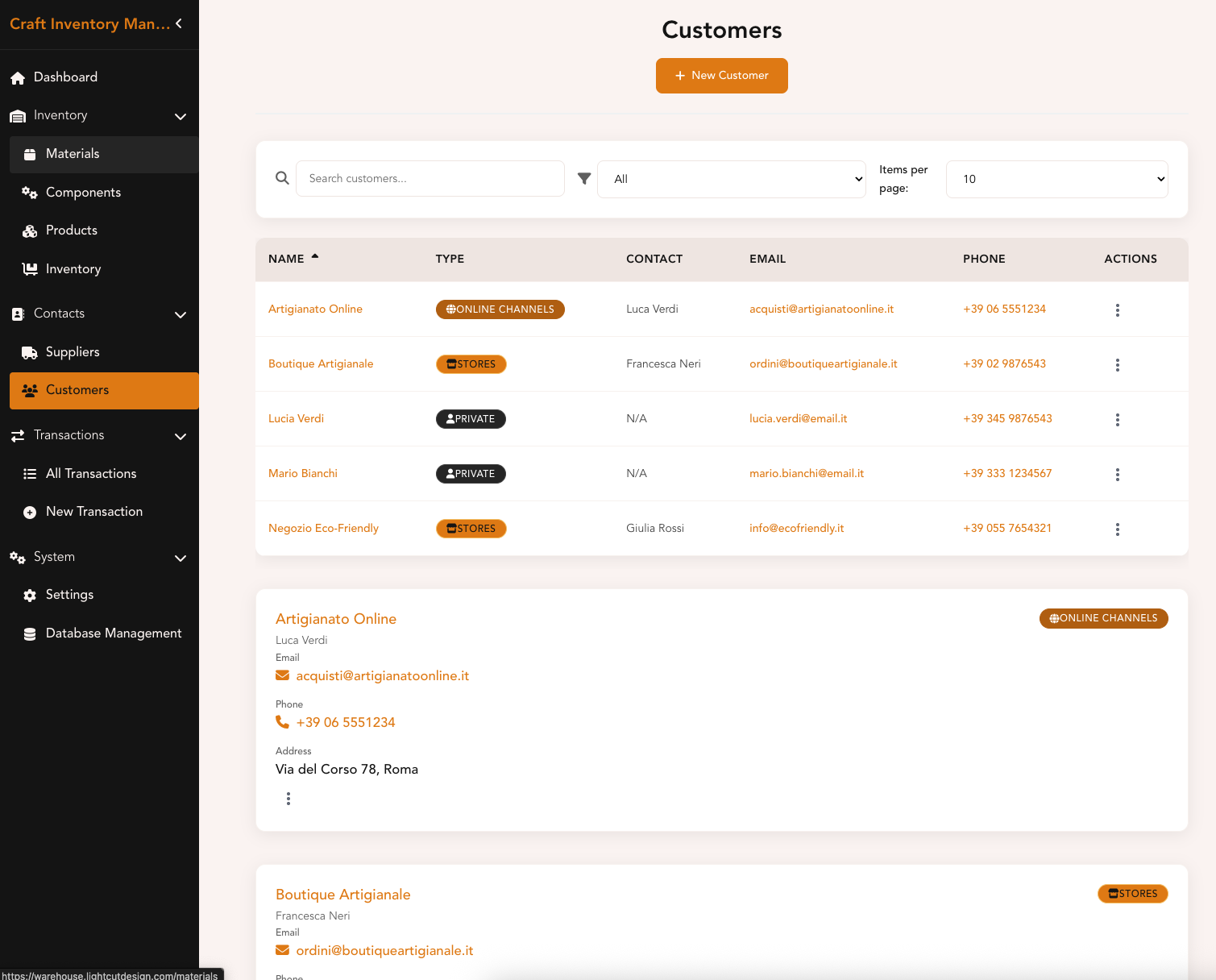
Customers View - Details view with online, private and store label identifier
-
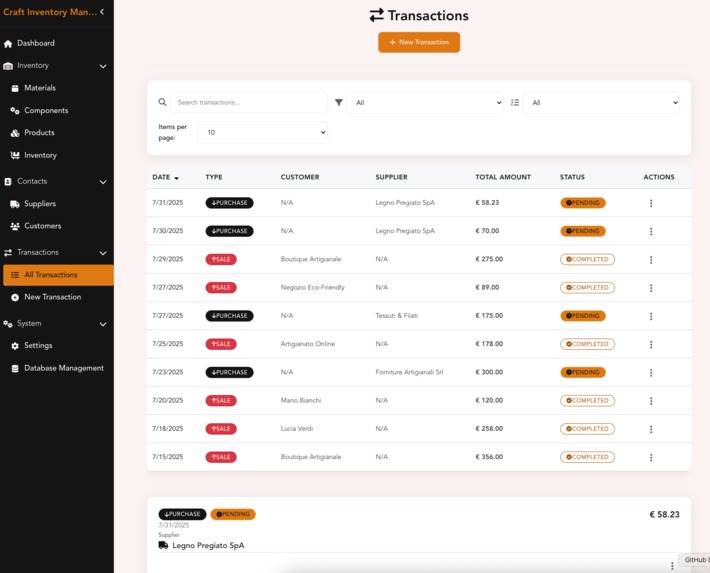
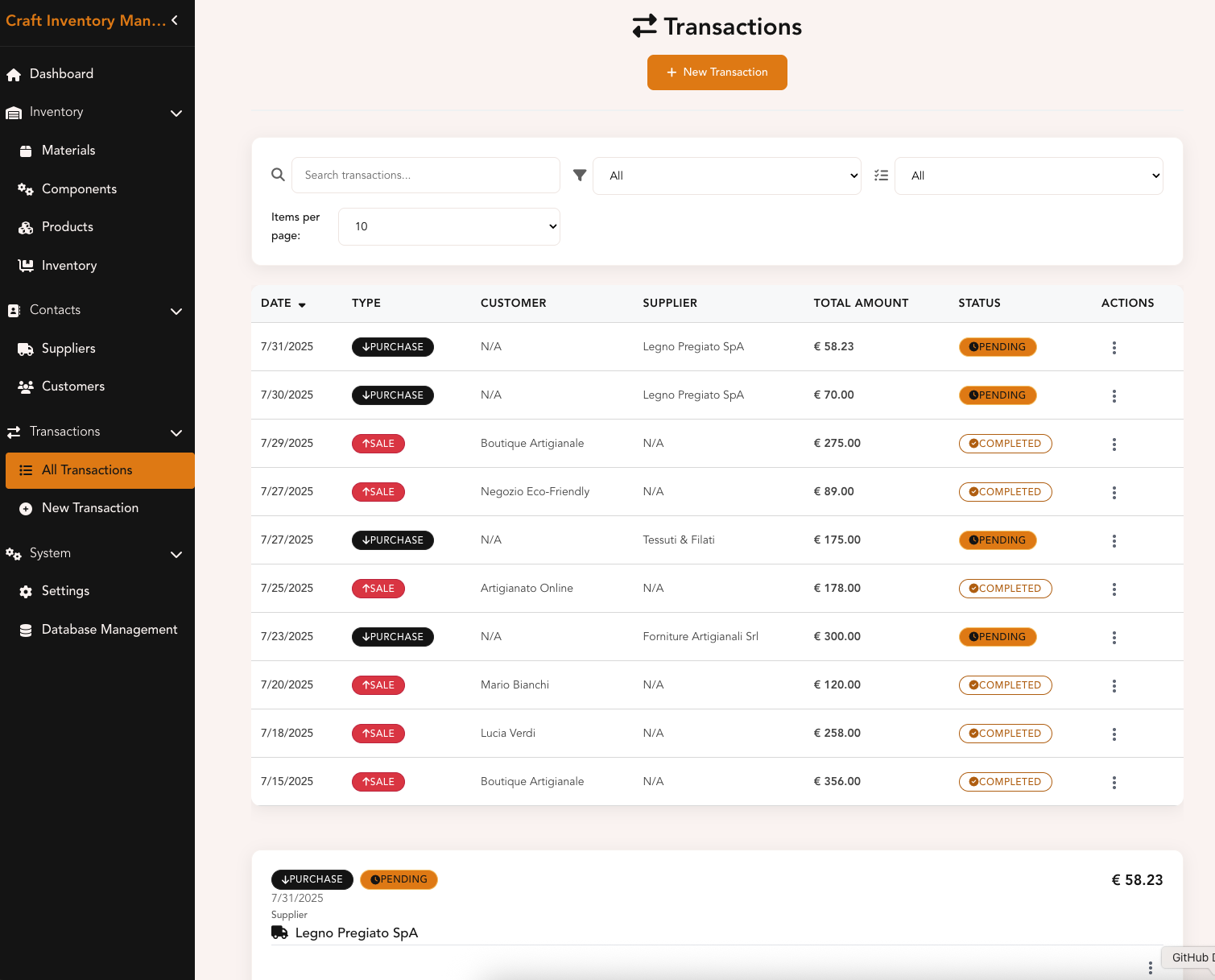
Transactions View - Dashboard with all details about purchases/sales
-
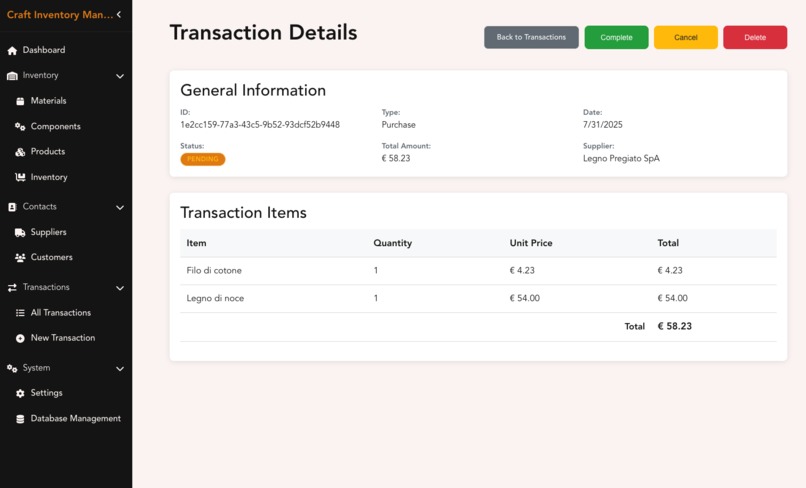
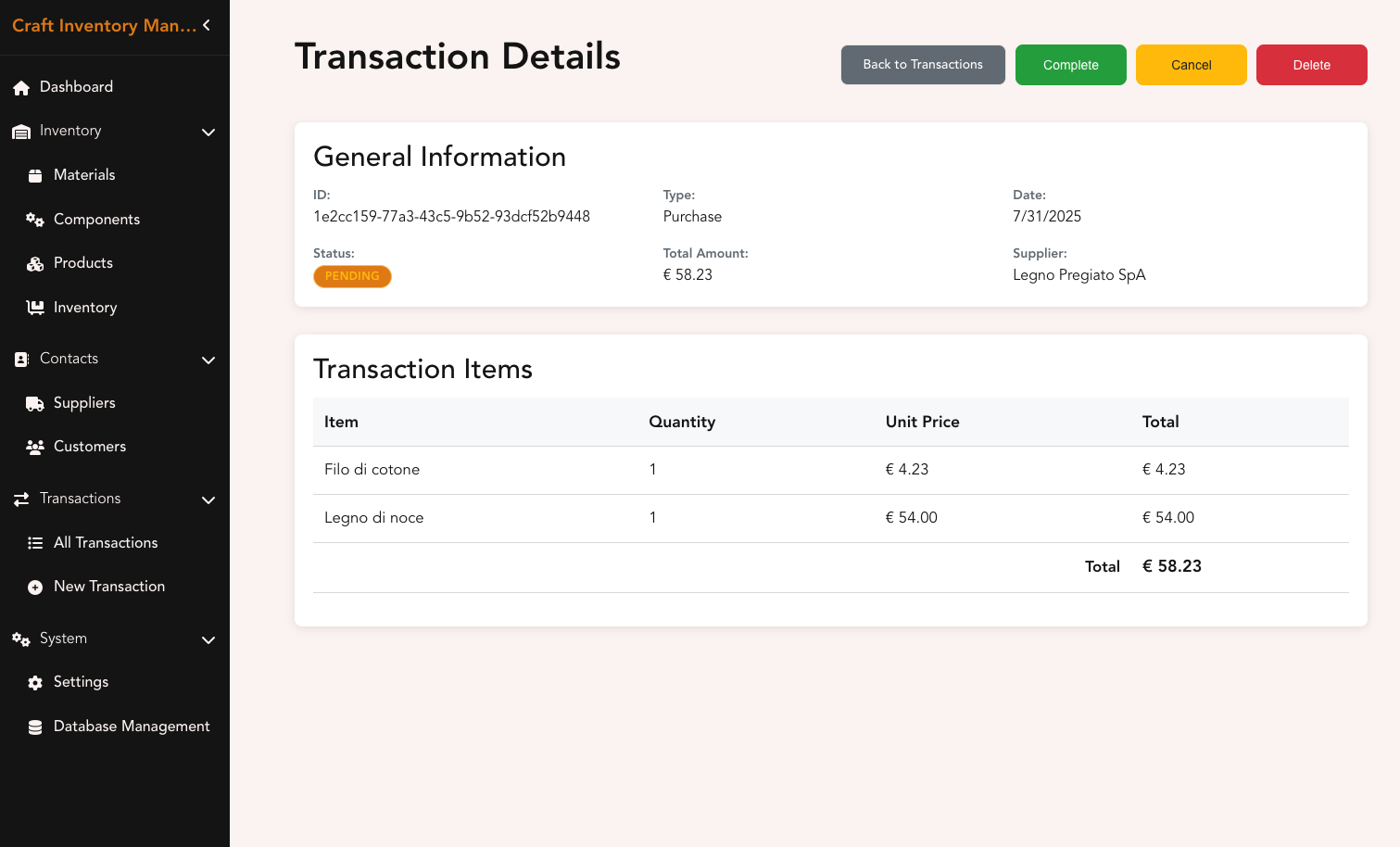
Transaction Detail View - Detail and actionable over a specific transaction
-
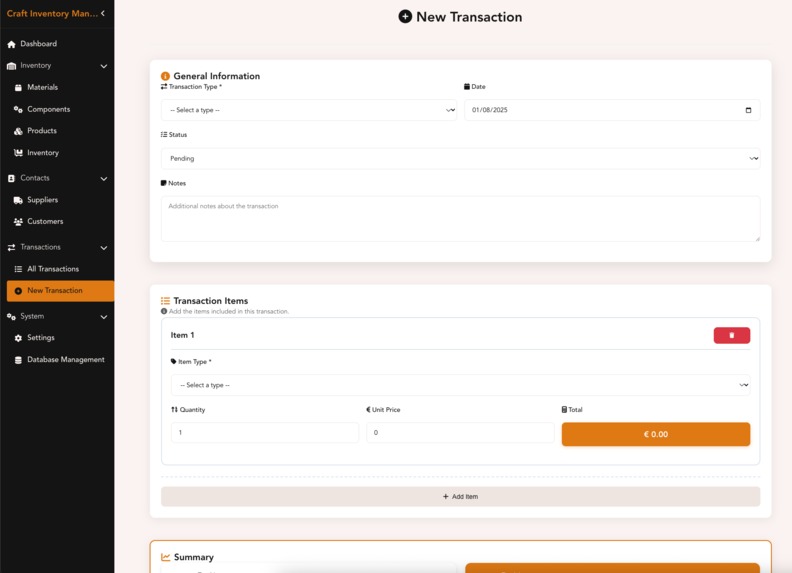
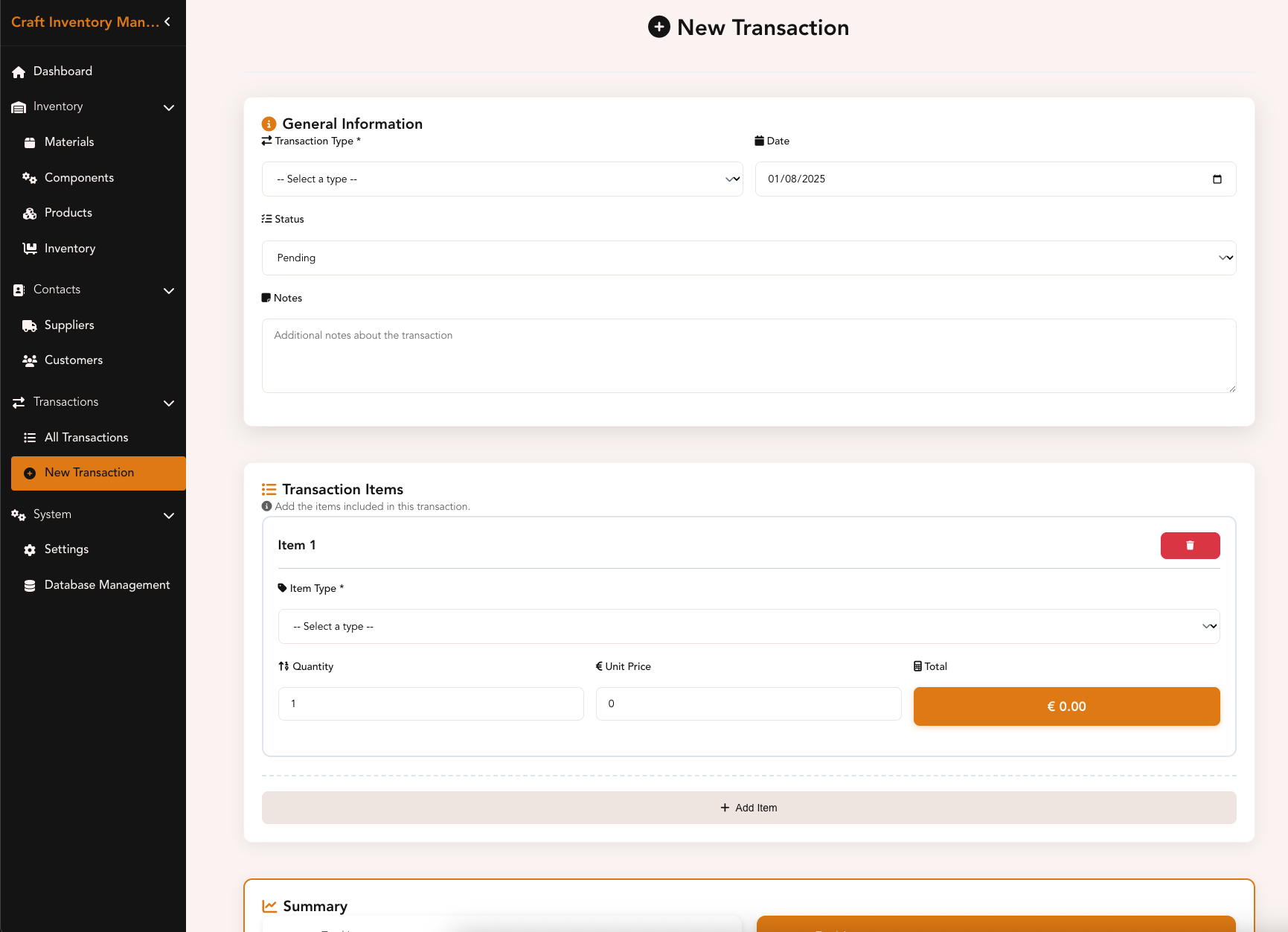
New Transaction View - To add a new transaction
Inspiration
Last winter, I had an idea: being passionate about DIY projects, I bought a new laser engraver. Initially, my plan was to craft small wooden parts for my 5G-controlled autonomous robot and its robotic arm. But unexpectedly, I ended up cutting jewelry just for fun. That side project eventually became lightcutdesign.com — feel free to take a look!
I’m still exploring the full potential of my laser engraver, but in the meantime, I’ve started packing orders and managing materials and components to assemble my products. That’s when it hit me: I needed a web-based solution to manage my warehouse and bills of materials — something simple, effective, and free (since I already have a full-time job and plenty of expenses).
While searching for a tool that met my needs, I discovered Kiro.dev through AWS (I’ve been an AWS Community Builder for a while). And I thought: Why not let AI help me build my own inventory management system?
What it does
Craft Inventory is a lightweight web application (for now!) designed for small artisans and makers. It helps track materials, components, models, and product inventory. It also supports maintaining lists of suppliers and customers, and managing transactions — purchases and sales — while keeping track of quantities, costs, and margins.
How we built it
I built this over a weekend while experimenting with Kiro.dev. I started by asking the AI to help define the core features, focusing on the specific needs of my crafting process. The result was a flexible schema that fits small makers of all kinds — simple, adaptable, and easy to use for managing inventory.
Challenges we ran into
A major challenge was constantly iterating and refactoring the app as new ideas emerged. I was fully immersed in "vibe coding" — building something I had manually done many times before. The hardest part was adapting new insights to fit with what was already built.
Accomplishments we're proud of
I’m proud to have built a functional web application that runs smoothly in just a few Docker containers. I’m now working on making it easy for others to self-host. It's already solid enough for small businesses, and I plan to make it more resilient, scalable, secure, and fast in the future.
What we learned
I learned a lot about AI-assisted development, better prompting techniques, and modern frontend/backend best practices — areas I don’t usually deal with in my day-to-day work as a Platform Engineer (where I mostly focus on AWS infrastructure).
What's next for Craft Inventory
Next steps include:
- Making it a multitenant application
- Adding user authentication
- Supporting multiple user roles
- Integrating notifications and event/store-friendly features (like QR code scanning to update inventory)
- Making it deployable anywhere — cloud, local, or even on a Raspberry Pi
Built With
- amazon-web-services
- docker
- docker-compose
- express.js
- kiro.dev
- postgresql
- vue3

Log in or sign up for Devpost to join the conversation.