-
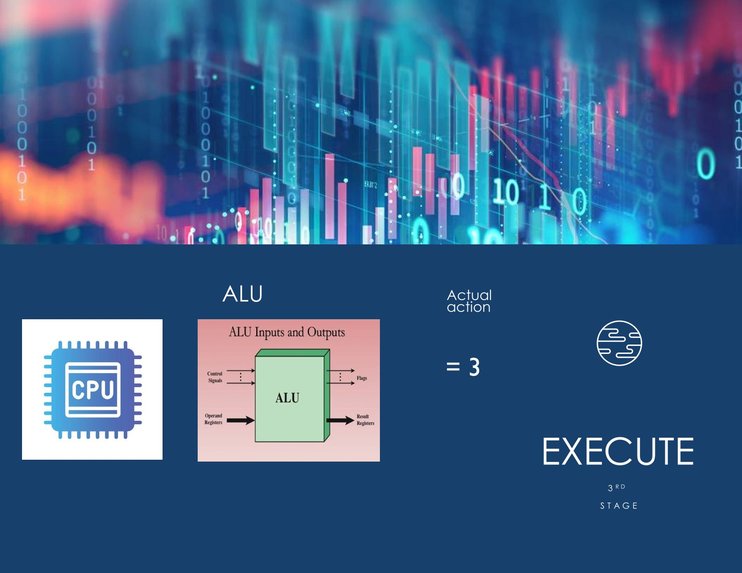
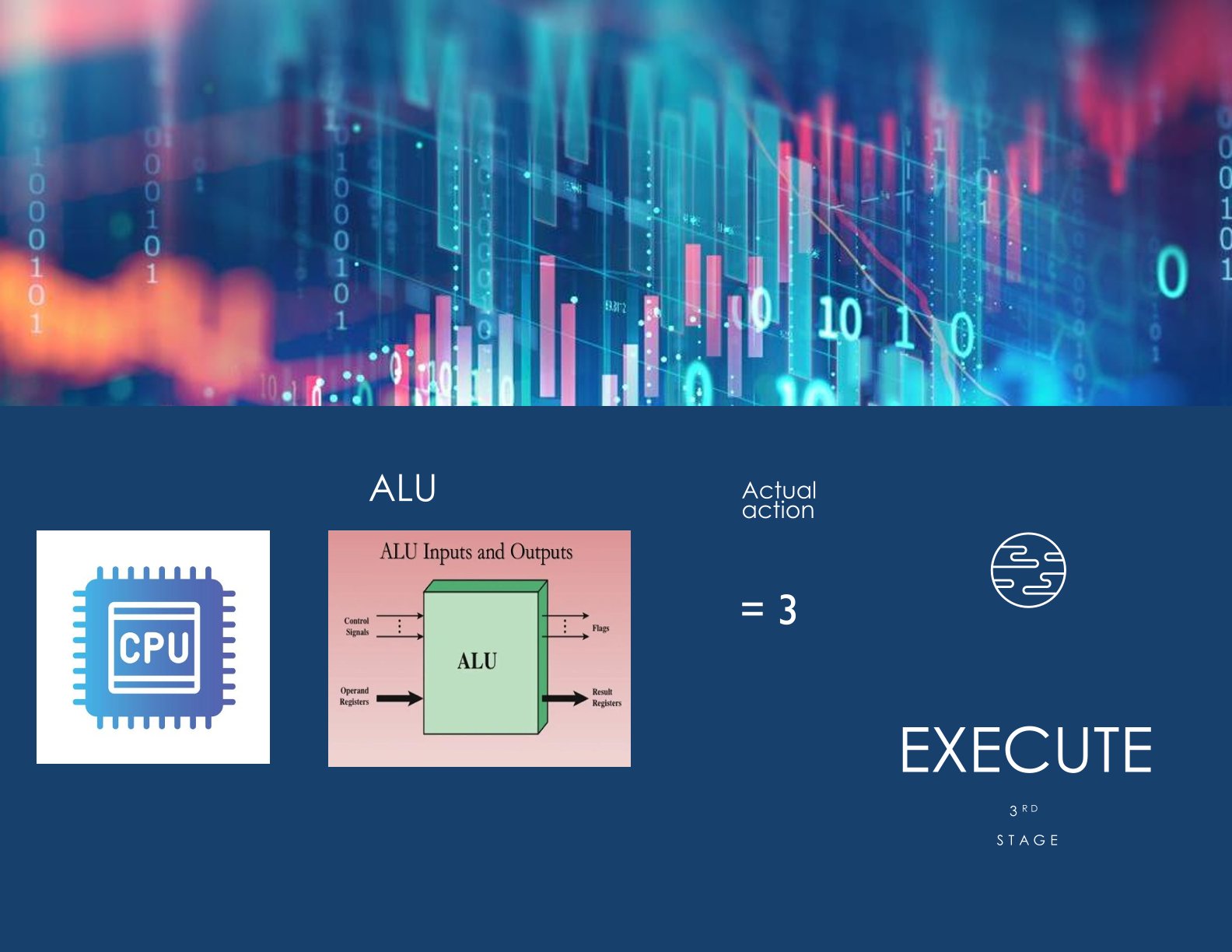
Execute
-
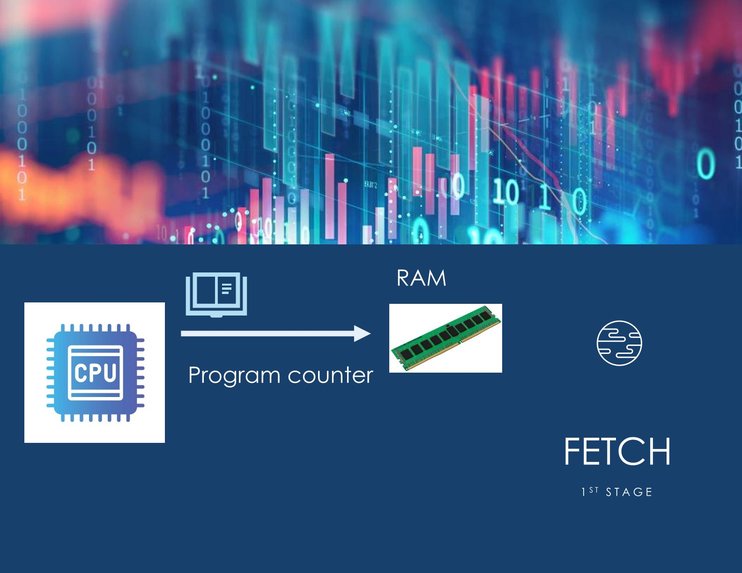
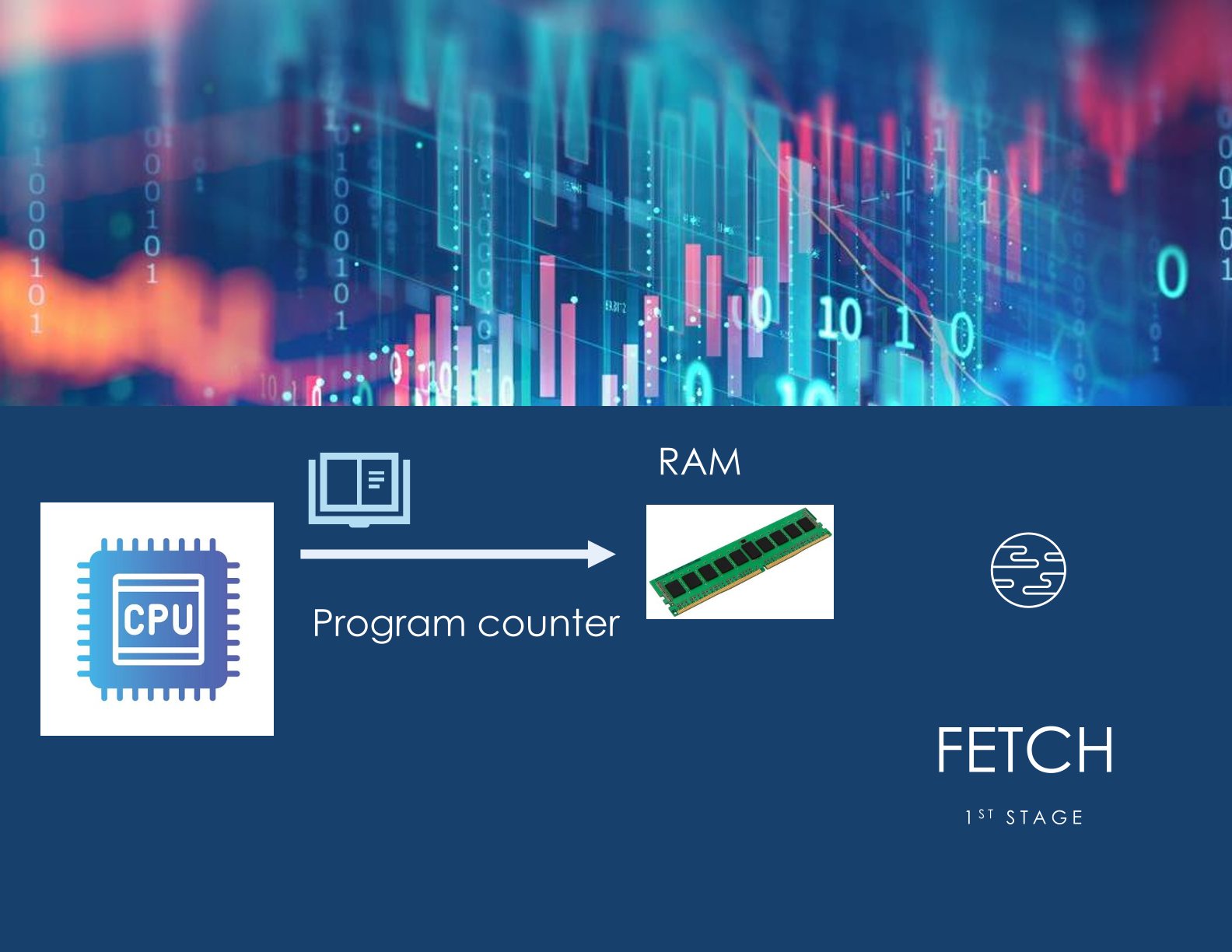
Fetch
-
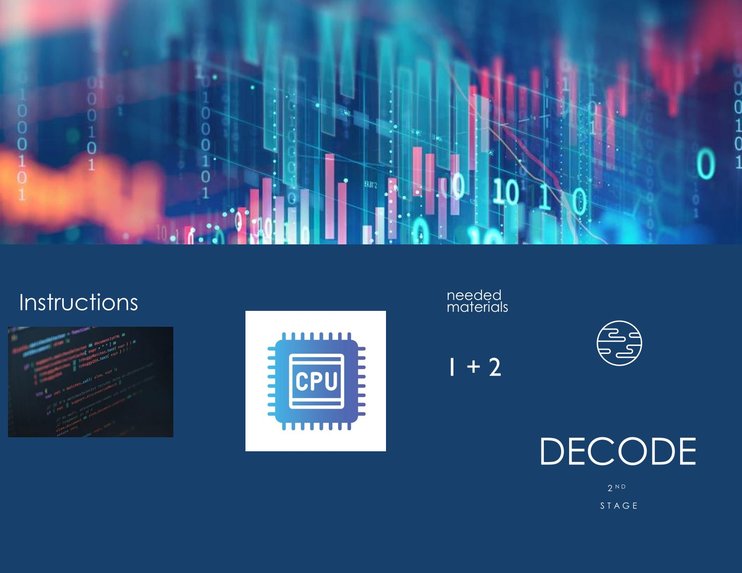
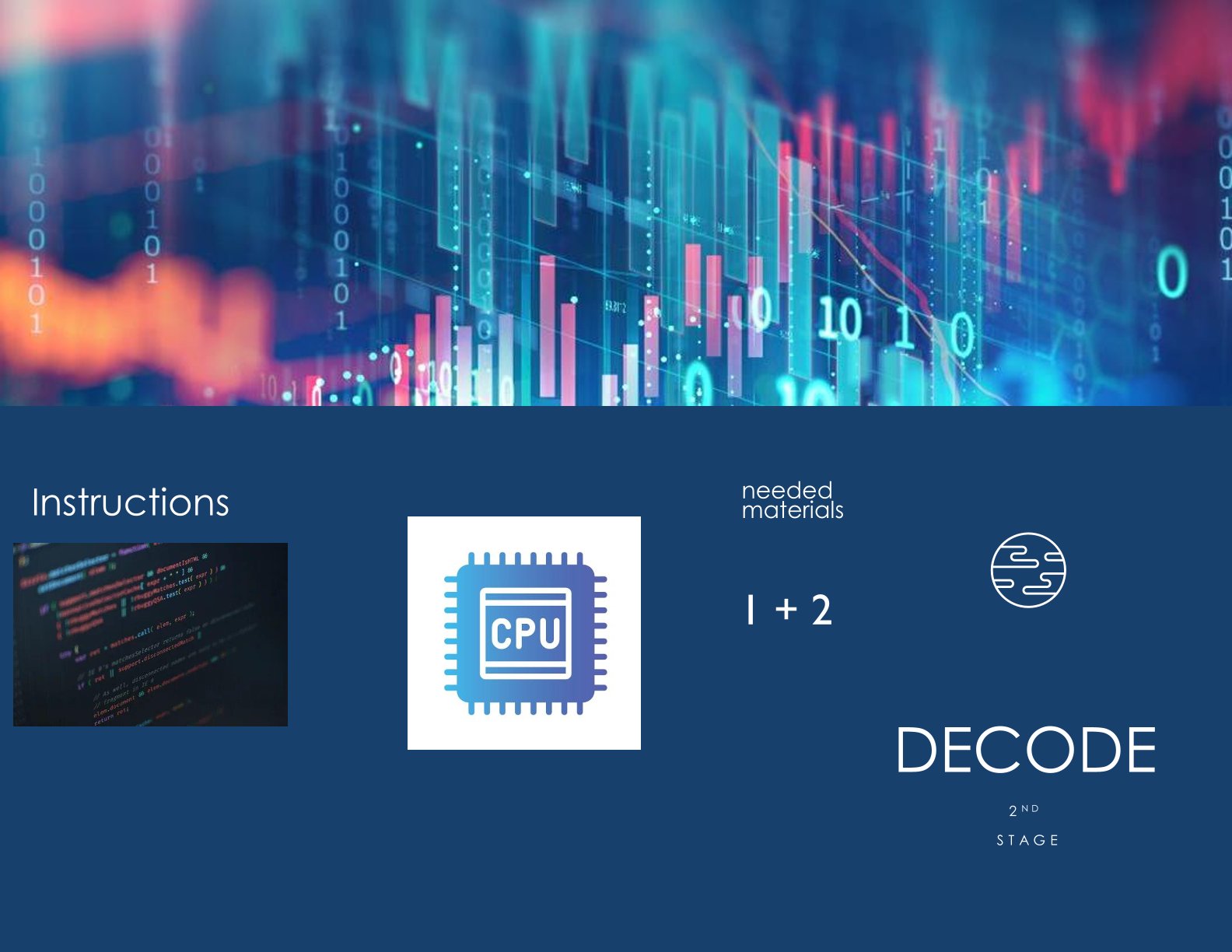
Decode
-
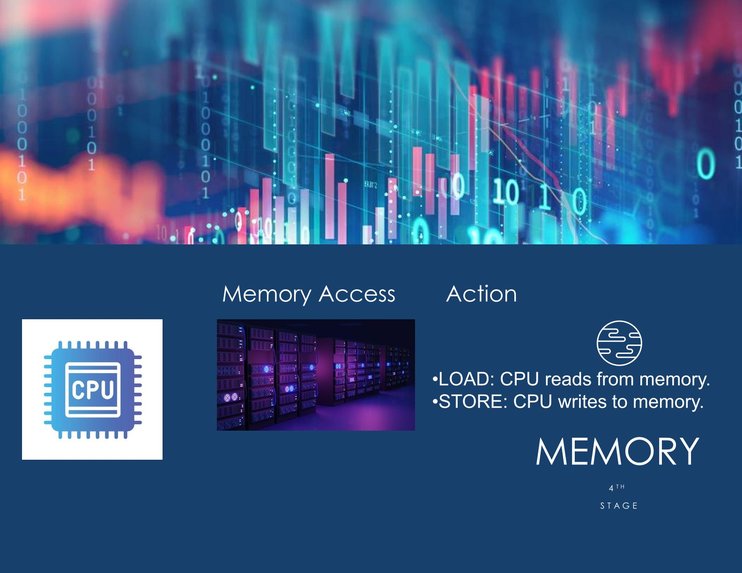
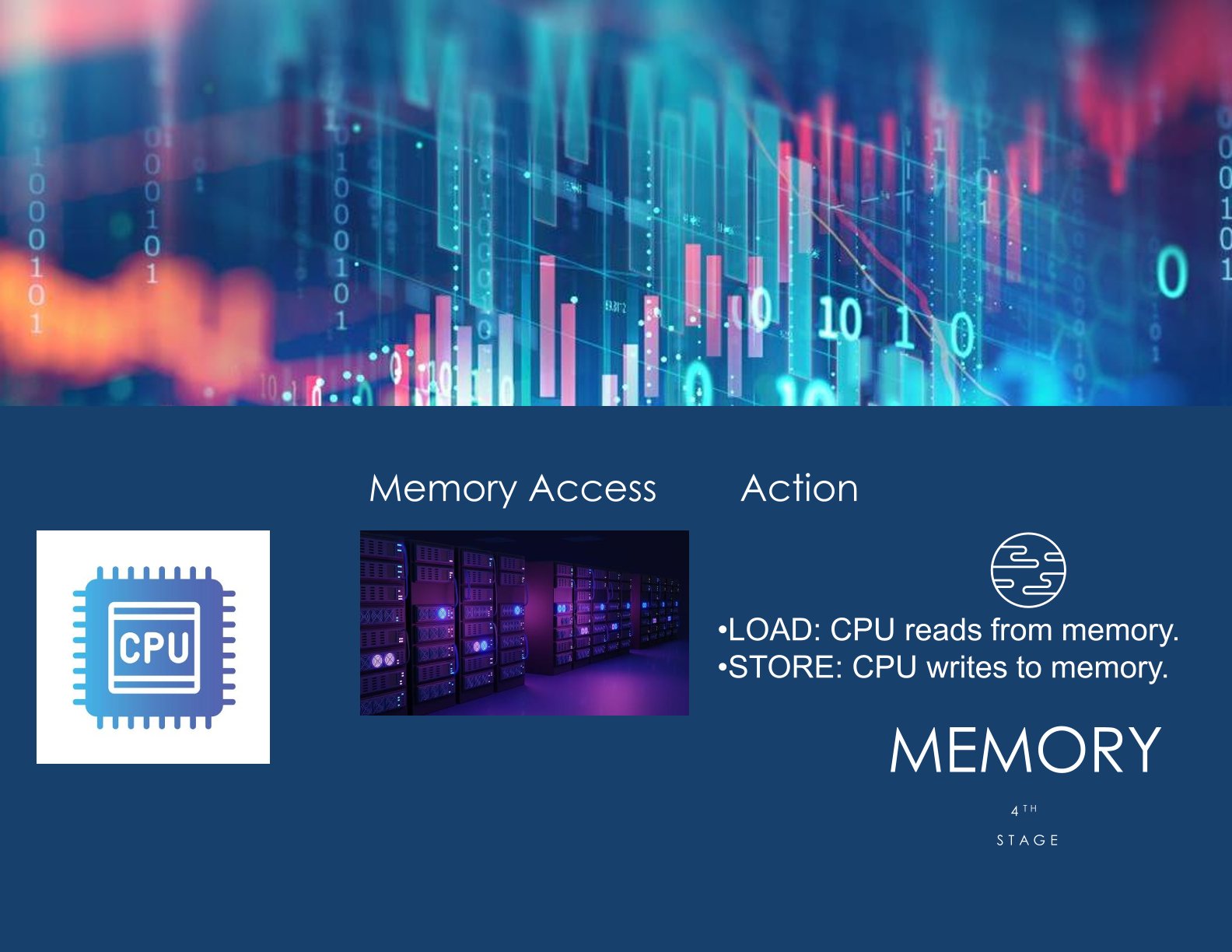
Memory
-
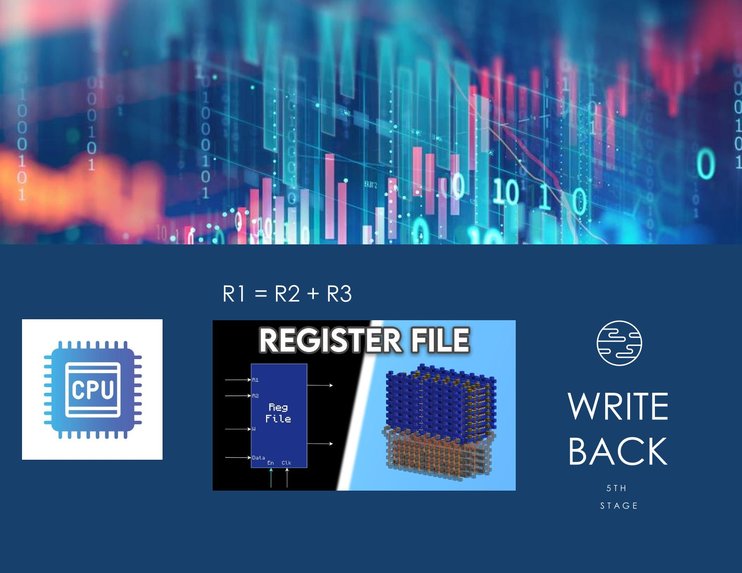
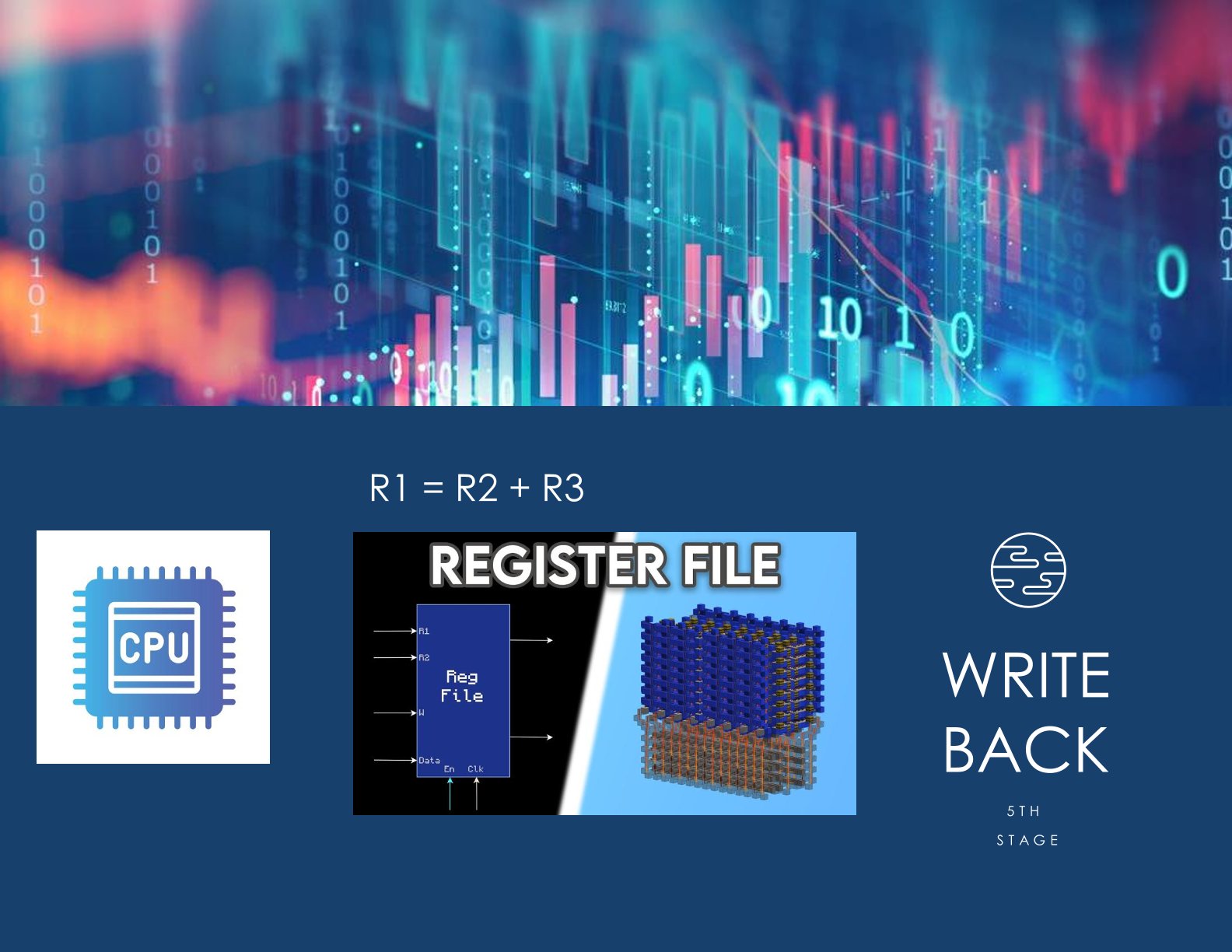
Write back
Inspiration
Understanding CPU pipelines is one of the most confusing topics for beginners in computer architecture. I wanted to create a simple way to visualize how instructions move through each pipeline stage.
What it does
The CPU Pipeline Visualizer shows the flow of instructions through the five classic pipeline stages—Fetch, Decode, Execute, Memory, and Writeback—using a clear diagram and a small simulation script.
How we built it
I created a simple diagram illustrating the stages and wrote a short Python script that prints each instruction as it progresses through the pipeline. The goal was to build something easy to understand and easy to run.
Challenges
The biggest challenge was simplifying CPU behavior without losing accuracy. CPU pipelines are complex, but the goal was to make a model that beginners can grasp quickly.
Accomplishments
I’m proud of creating a very clean and accessible visualization of a normally difficult topic. Even with a simple design, it clearly shows how pipelining works step-by-step.
What's next for CPU Pipeline Visualizer
Future versions could include hazard detection, pipeline stalls, forwarding, and an interactive interface where users can add custom instructions and watch them flow in real time.

Log in or sign up for Devpost to join the conversation.