-
-
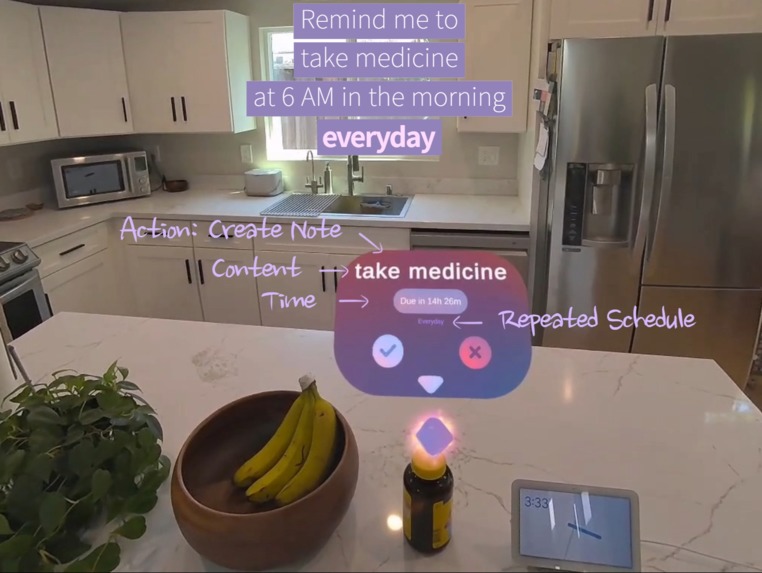
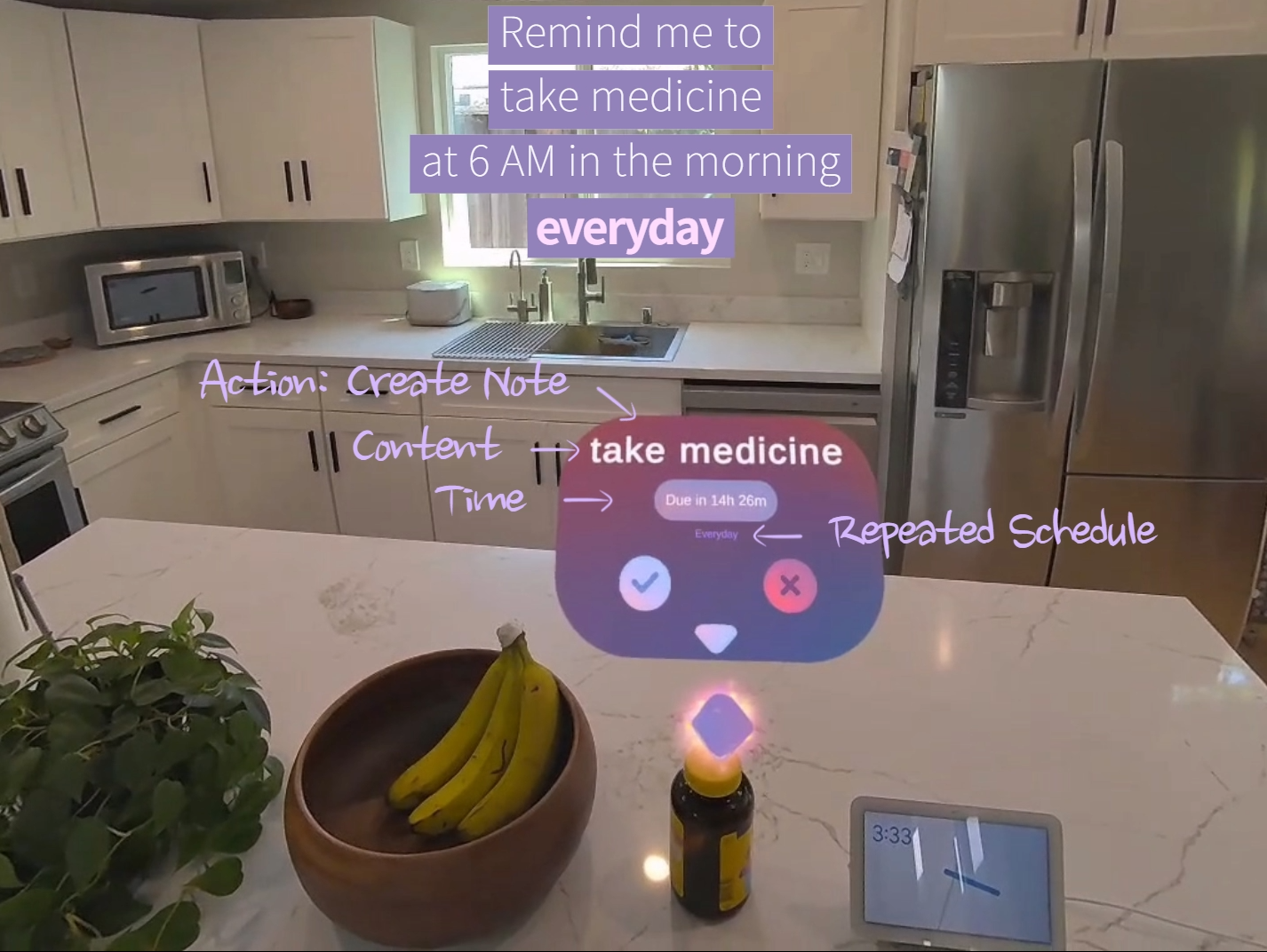
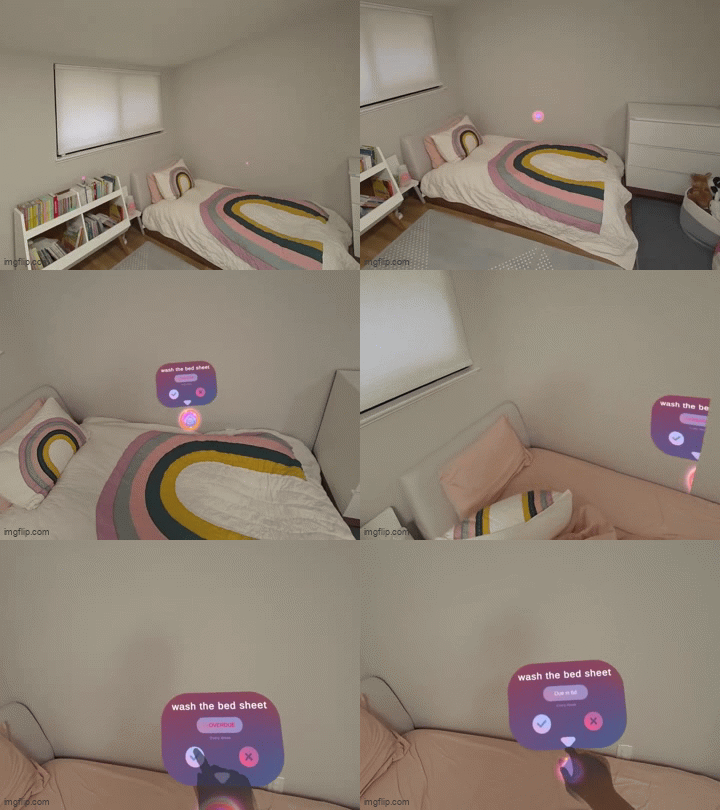
Anatomy of a spatial task
-
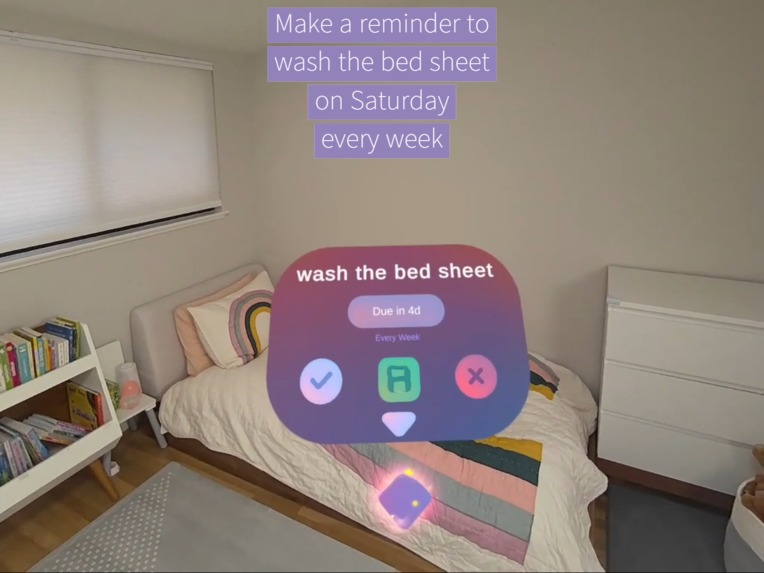
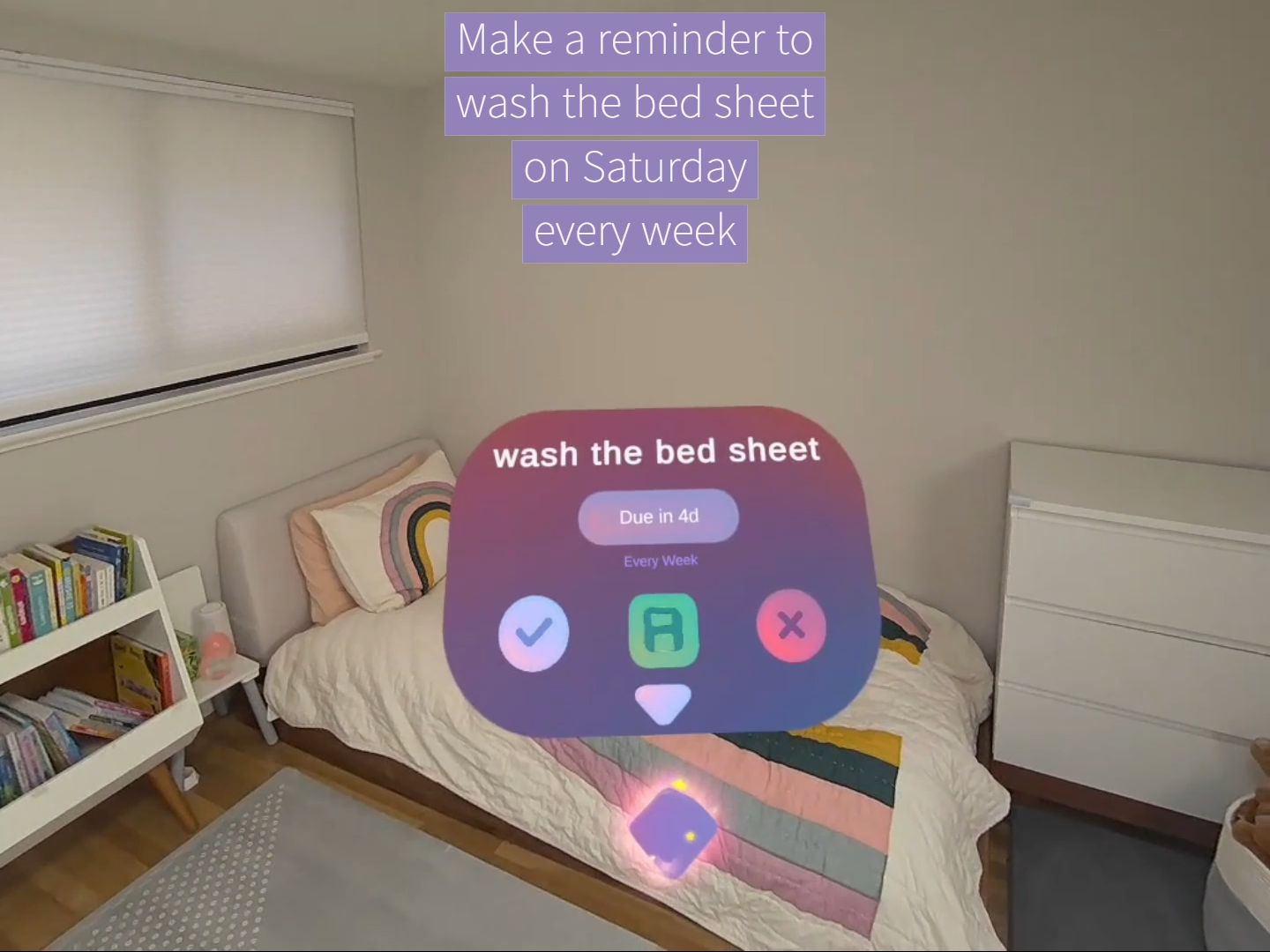
Create recurring tasks
-
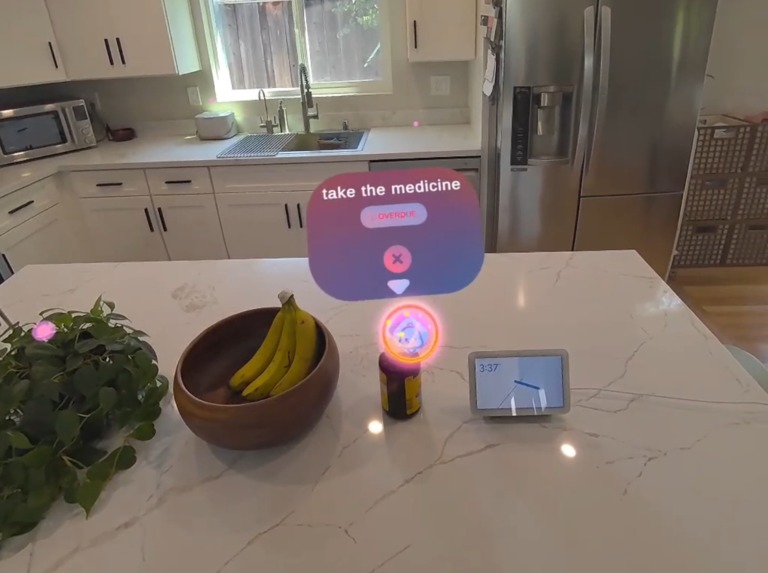
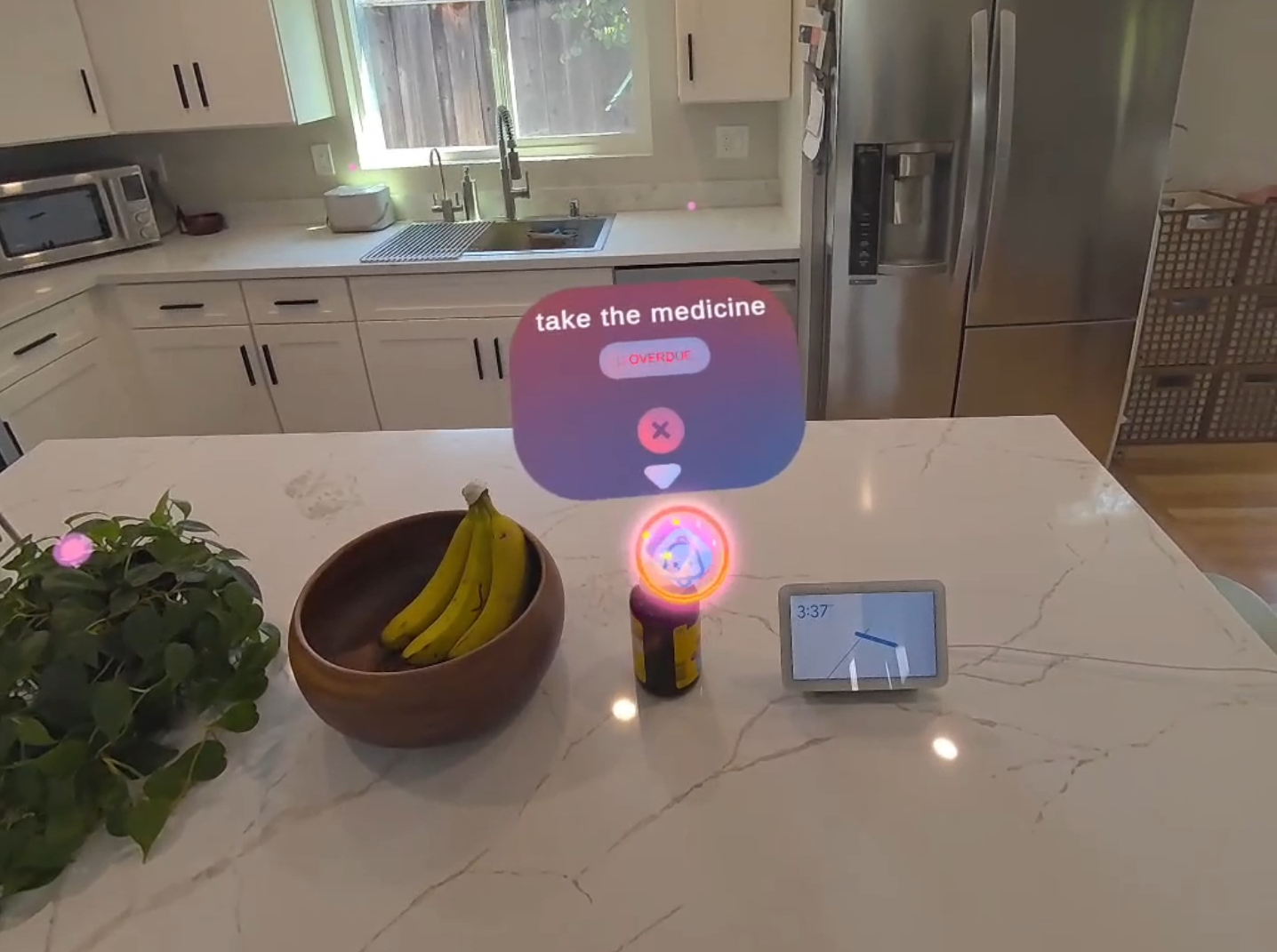
Overdue task notification
-
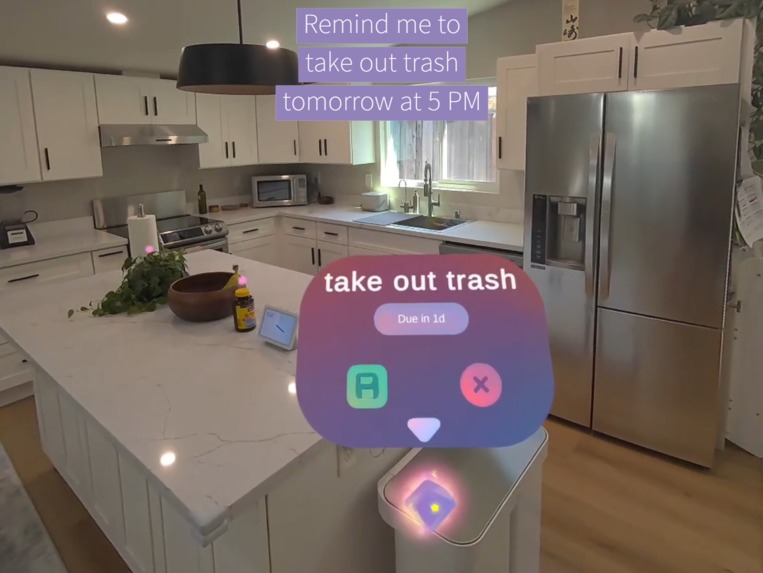
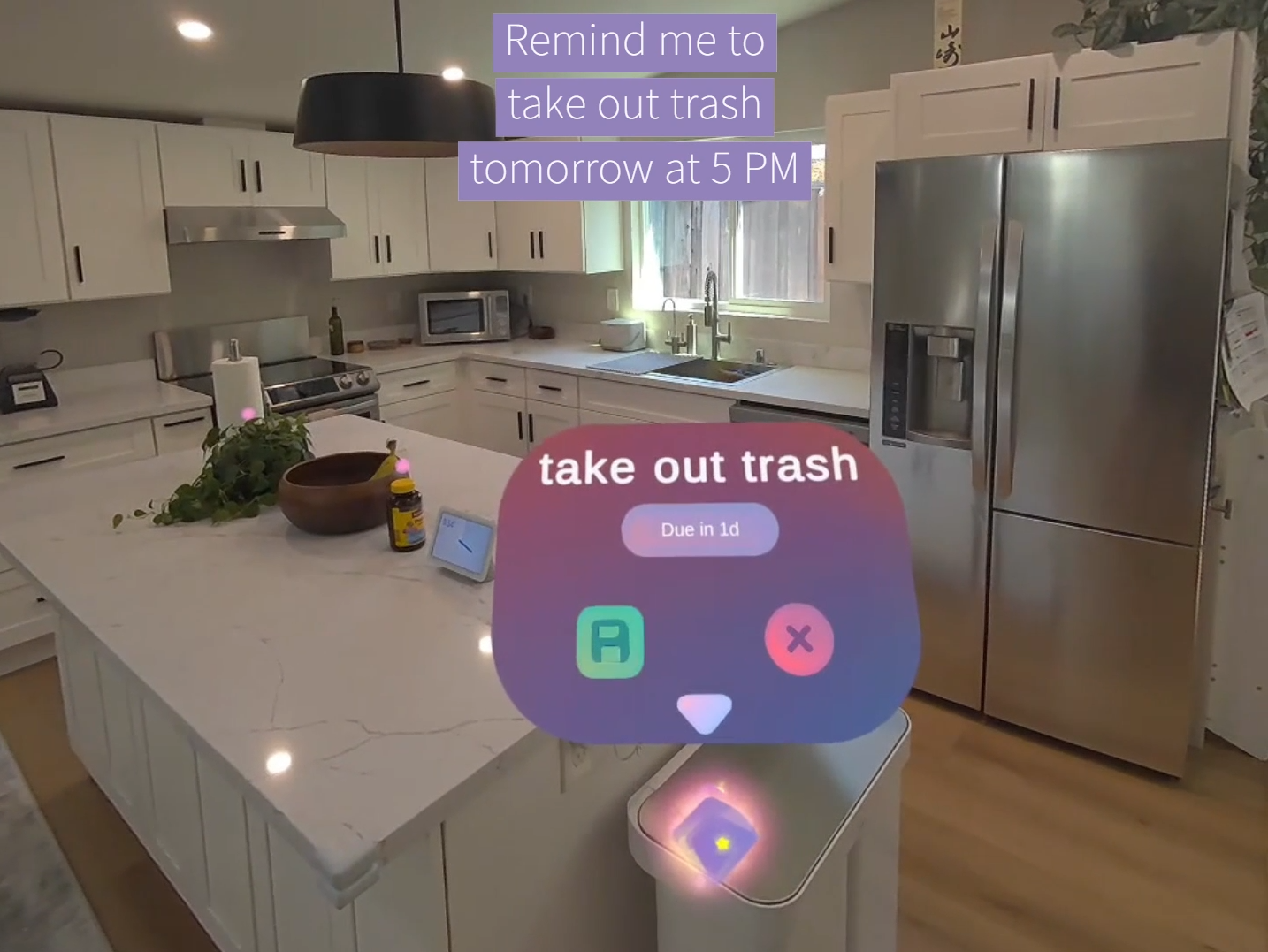
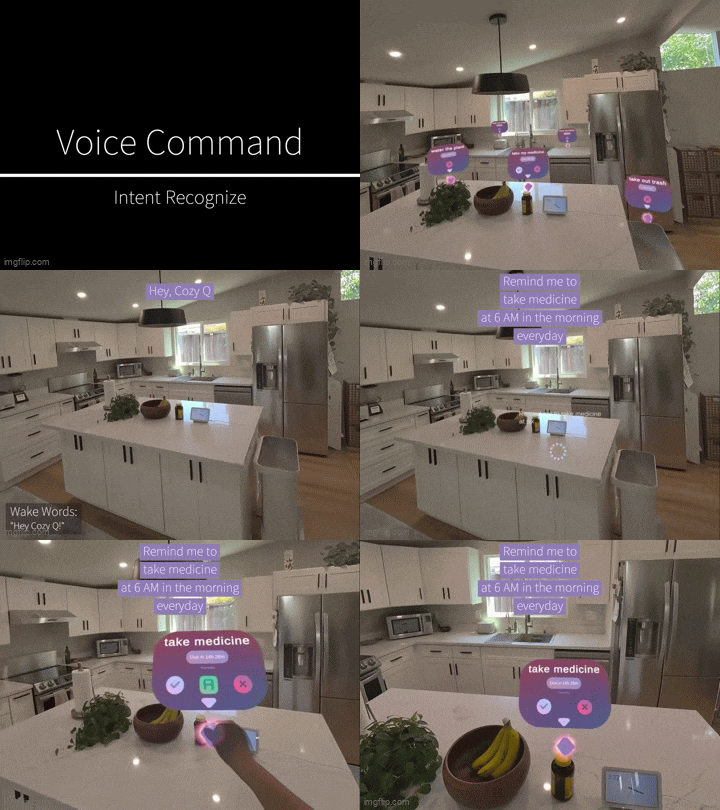
Create reminder
-
 GIF
GIF
Gesture & voice interactions
-
 GIF
GIF
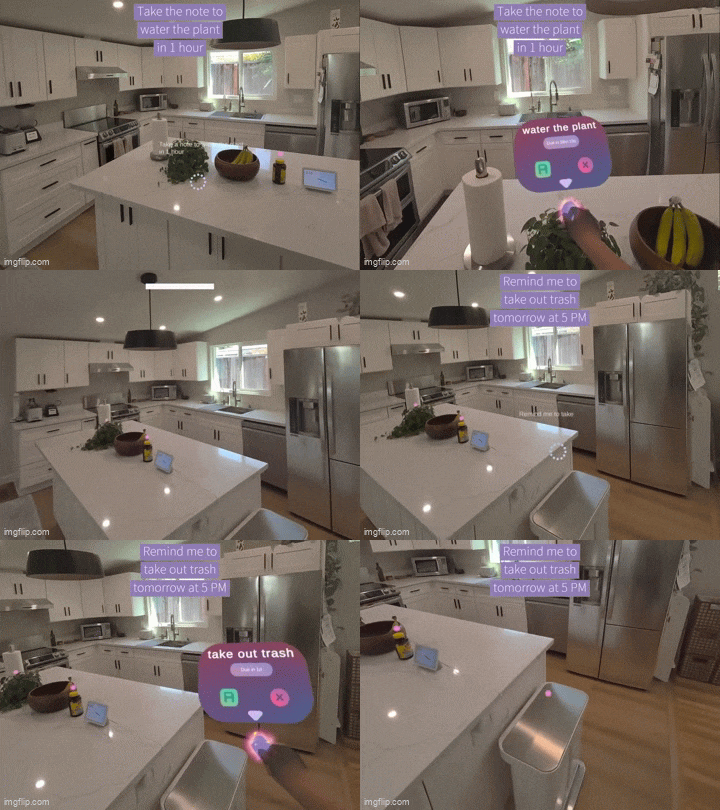
Creating and anchoring a spatial task
-
 GIF
GIF
Gaze interactions
-
 GIF
GIF
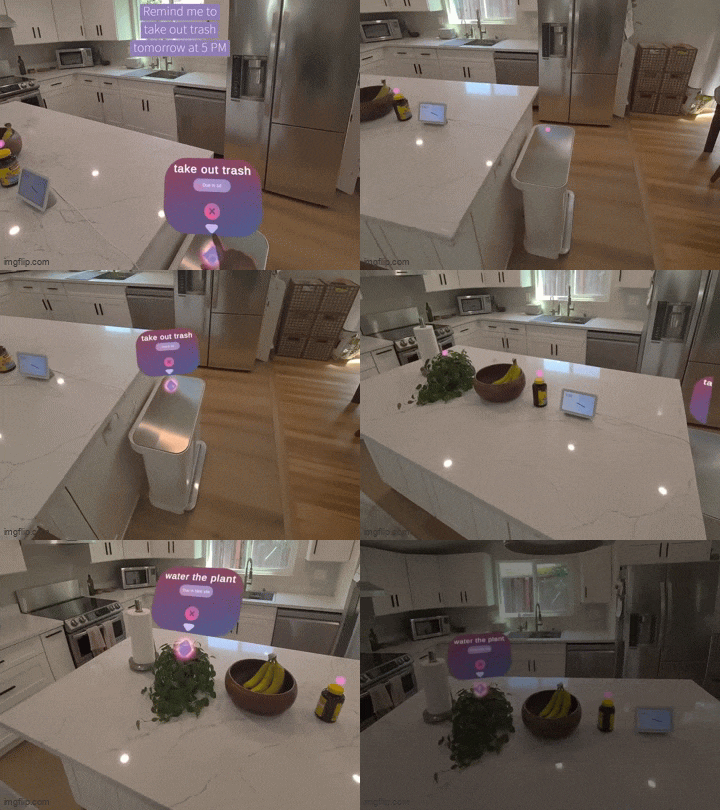
Alerts when a task is due
-
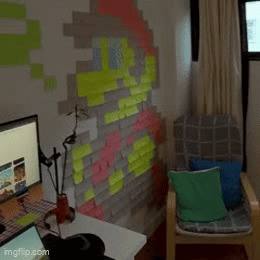
 GIF
GIF
-
 GIF
GIF
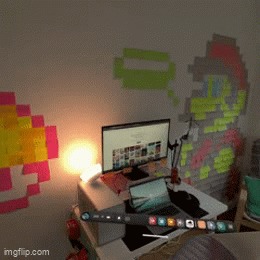
Wrist Menu Watch
-
 GIF
GIF
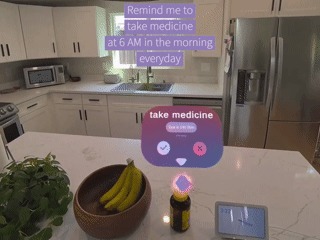
OS Level Notifications on due Tasks
-
 GIF
GIF
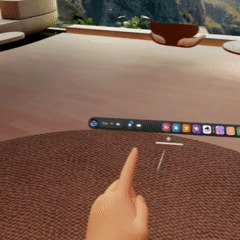
Improved UI
-
 GIF
GIF
Dashboard to Keep track of due and completed tasks
CozyQ
IMPORTANT: Updated project
We've all stared at a wilted plant, realizing we forgot to water it...AGAIN!
Traditional reminder apps exist in a separate digital space. You dismiss a notification, and by the time you're near the plant, you've forgotten.
What if reminders lived in your actual environment? Mixed Reality finally lets us bridge that gap with ambient, contextual information that appears exactly where you need it.
What it does:
Cozy Q anchors tasks, note and reminders directly into your physical space.
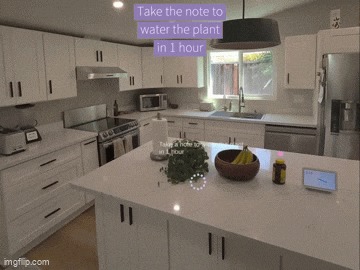
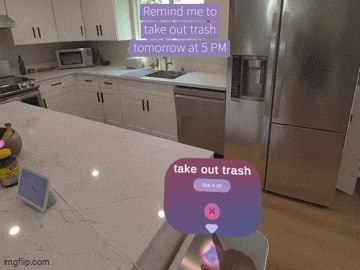
Place a reminder on your fridge, above your plant, a note next to your door, and it stays there anchored. Walk into your kitchen days later, it's still floating in the exact same spot. Simply say "Add reminder to water plant" and use AI-powered voice commands to create tasks hands-free. Capture screenshot notes of your environment. Set recurring schedules for daily chores. Complete them with a poke or re-new for next recurrence.
The result: ambient productivity that helps you remember without interrupting your flow.
How we built it:
We built Cozy Q with Unity and Meta's Quest 3 SDKs:
- MRUK & Spatial Anchors for persistent location mapping
- Meta Voice SDK + Wit.ai for natural language understanding
- Hand Tracking SDK for gesture-based interactions
- Passthrough API for camera and screenshot capture

*UPDATES TO PROJECT: *
- OS Level Notifications!
Never miss a notification even when not using the app.
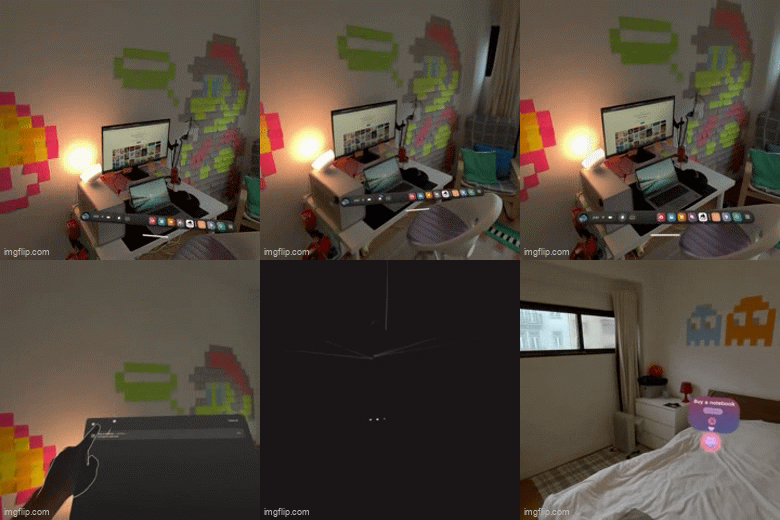
- New Wrist Menu featuring New Hand and Gaze Interactions! Control your notifications and tasks from the new wrist menu that is gaze activated and poke interactable. See due tasks at a glance and much more. It even tells the TIME! :)
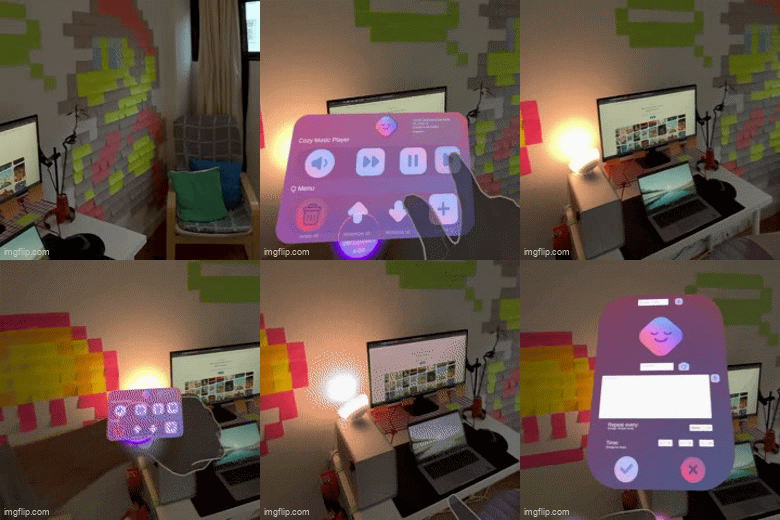
- New Dashboard featuring Task Tracking! Track your due tasks, completed tasks and daily available tasks to stay motivated and informed!
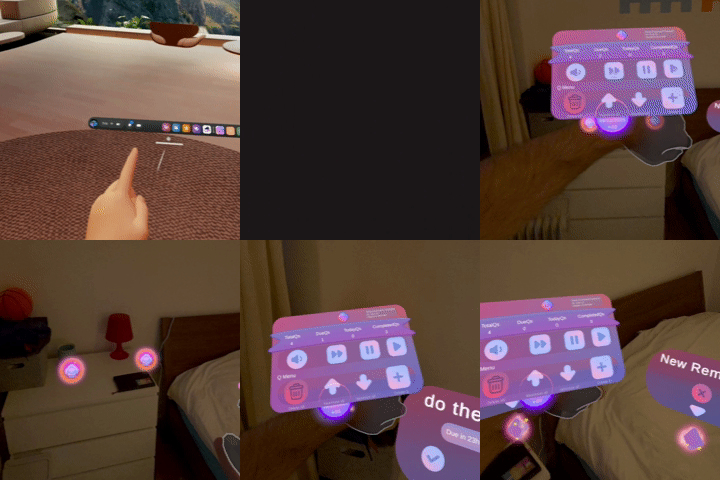
- Better UX, Better UI, Better Voice Commands, More Music, More CozyQ!
Challenges:
- Voice misinterpretation with ambient noise. Fixed with better training intents.
- Gesture false positives. Fixed with clearer UI and feedback.
- UI clutter. Fixed by having notes minimize when out of gaze and maximize on command or when in gaze range.
Accomplishments that we're proud of
- Spatial precision that persists across sessions
- Professional UX polish with rich audio and smooth animations, and visuals
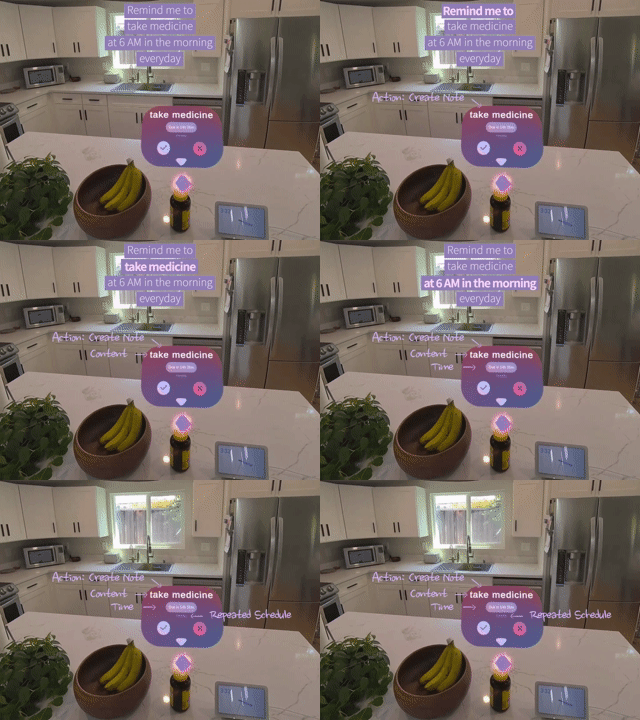
- AI Voice Command Intent Recognition: "Create a note", "Remove a note", "Mark as complete" as well as content recognition: note content, time/date, schedule repetition.
- Actually solving real problems
What we learned:
Tools and SDKs that I was previously only familiar with on a surface level. The importance of UX and UI design for actually useful products. The best interfaces are invisible and spatially integrated. Ambient systems are more powerful than active ones.
What's next for CozyQ:
Multi-user support, cloud sync, calendar integration, smart task suggestions, custom themes.
We're building a future where your environment is intelligent, so you can focus on what matters.


Log in or sign up for Devpost to join the conversation.