-
-
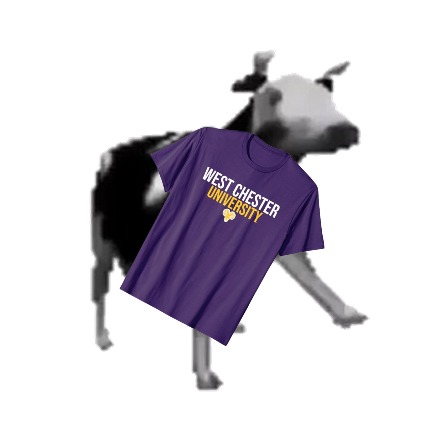
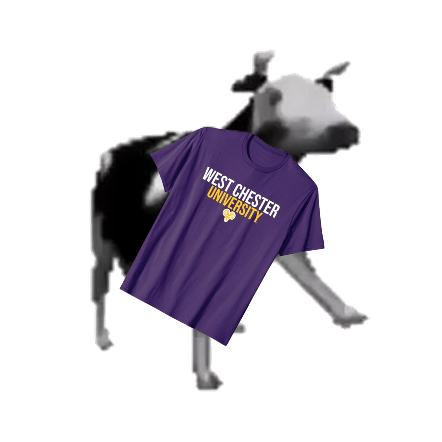
Our Bot Logo (A cow with our school's T-Shirt)
Inspiration
We wanted to create an accessible Discord bot for people to request prints and monitor their progress. Our own Computer Science Club would make use of this, and we see it's potential for others to use as well. A Discord bot was chosen as the interface because it is a widely used platform and is accessible from many devices, making it easy for any user regardless of their technical background to use the bot.
What it does
CowSay is a Discord bot that allows users to remotely control a 3D printer.
The bot manages a print queue for the printer, and allows users to upload and manage gcode files.
Ideally an operator will be at the 3D printer watching it as it prints, and the bot will allow them to monitor and control the printer from their phone or computer or anything that has Discord.
How we built it
The bot is written in Rust and uses Serenity to interact with Discord. The bot then uses UNIX domain sockets to communicate with Klipper, a 3D printer firmware.
Challenges we ran into
Some of our team was unfamiliar with the Rust programming language, so there was some learning and teaching to be done. This was also the first time we've used UNIX domain sockets in a program. Figuring out a reliable, thread-safe way to integrate them into the bot was a challenge.
Accomplishments that we're proud of
Learning how to use UNIX domain sockets in an asynchronous context using broadcast channels and learning how to use interior mutability to allow shared mutable state in an async runtime.
What we learned
We gained experience working in Rust and with Unix, as well as integration and communication with Klipper. We also learned about teamwork and time management as we divvied up tasks to get our project as complete as we could get it.
What's next for CowSay Print!
We have more commands we wish to implement, such as a "next" command and a remote print start. We will continue to develop this project after the Hackathon.
Team Members
Alex Barb [email protected]
- Writing Discord bot commands
Heather Cassel [email protected]
- Writing Discord bot commands
- Video Creation
Ben Crocker [email protected]
- Scaffolding the project
- Connecting the Discord bot with Klipper through UNIX domain sockets
Mace Scovell [email protected]
- Setting up 3D Printer
- Configuring Klipper

Log in or sign up for Devpost to join the conversation.