-
-
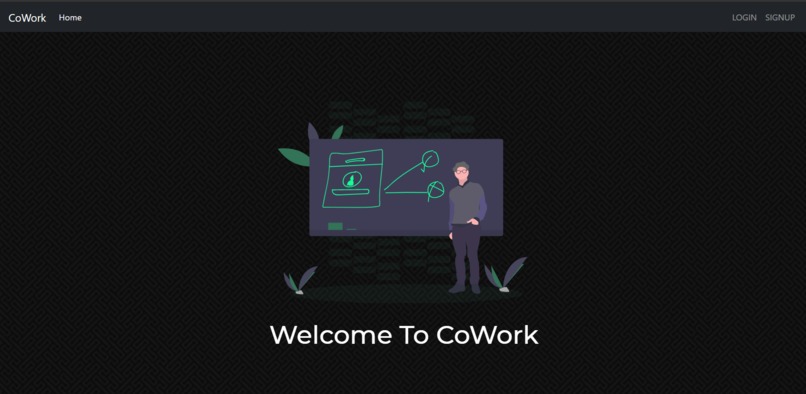
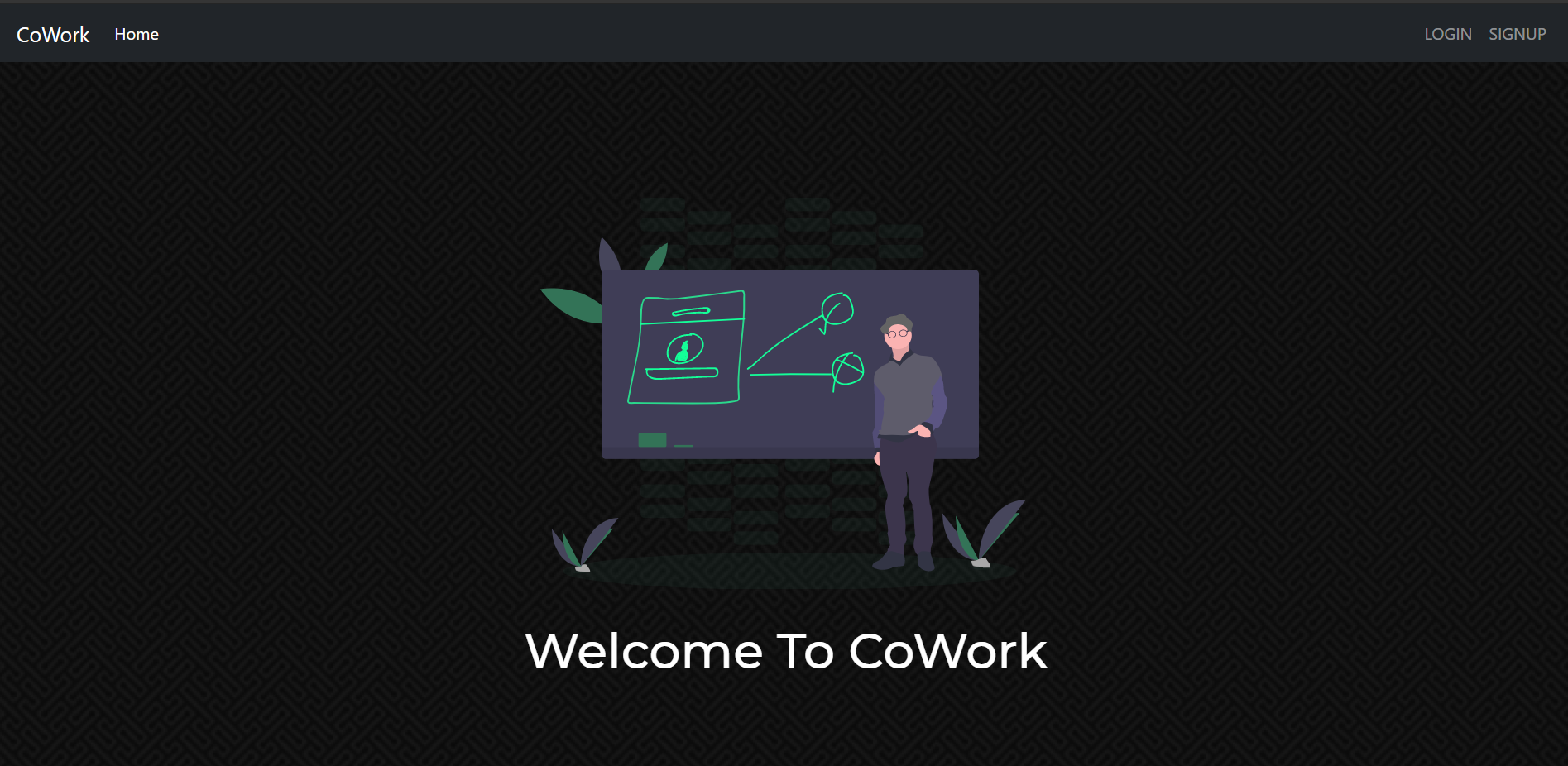
Home Page- Sign in and signup options to get started
-
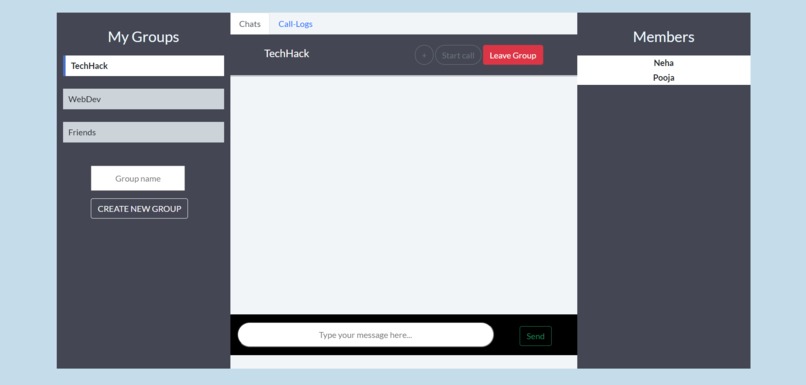
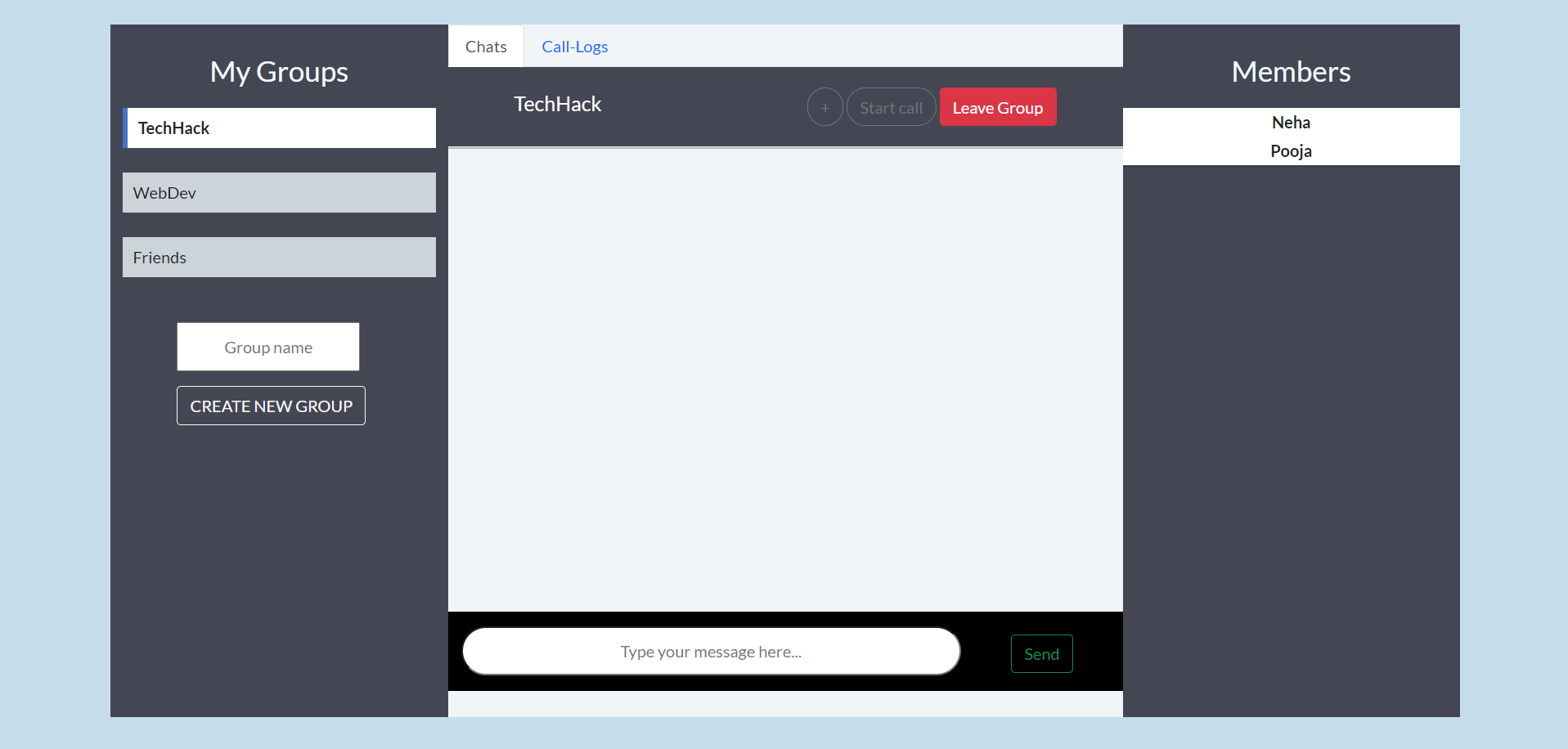
Chat Rooms- Multiple rooms with chats, call log, members list and option to video call
-
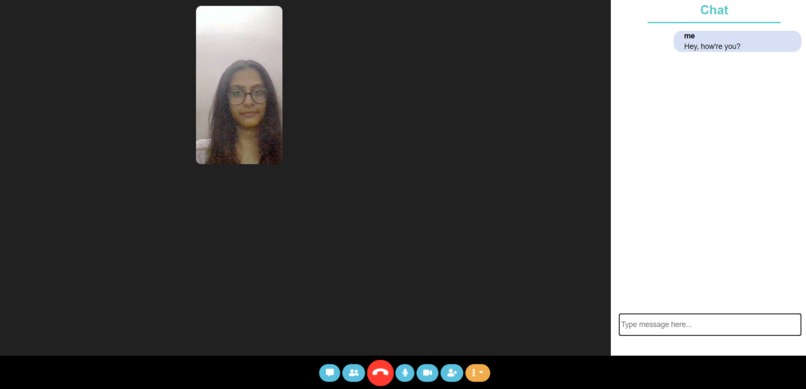
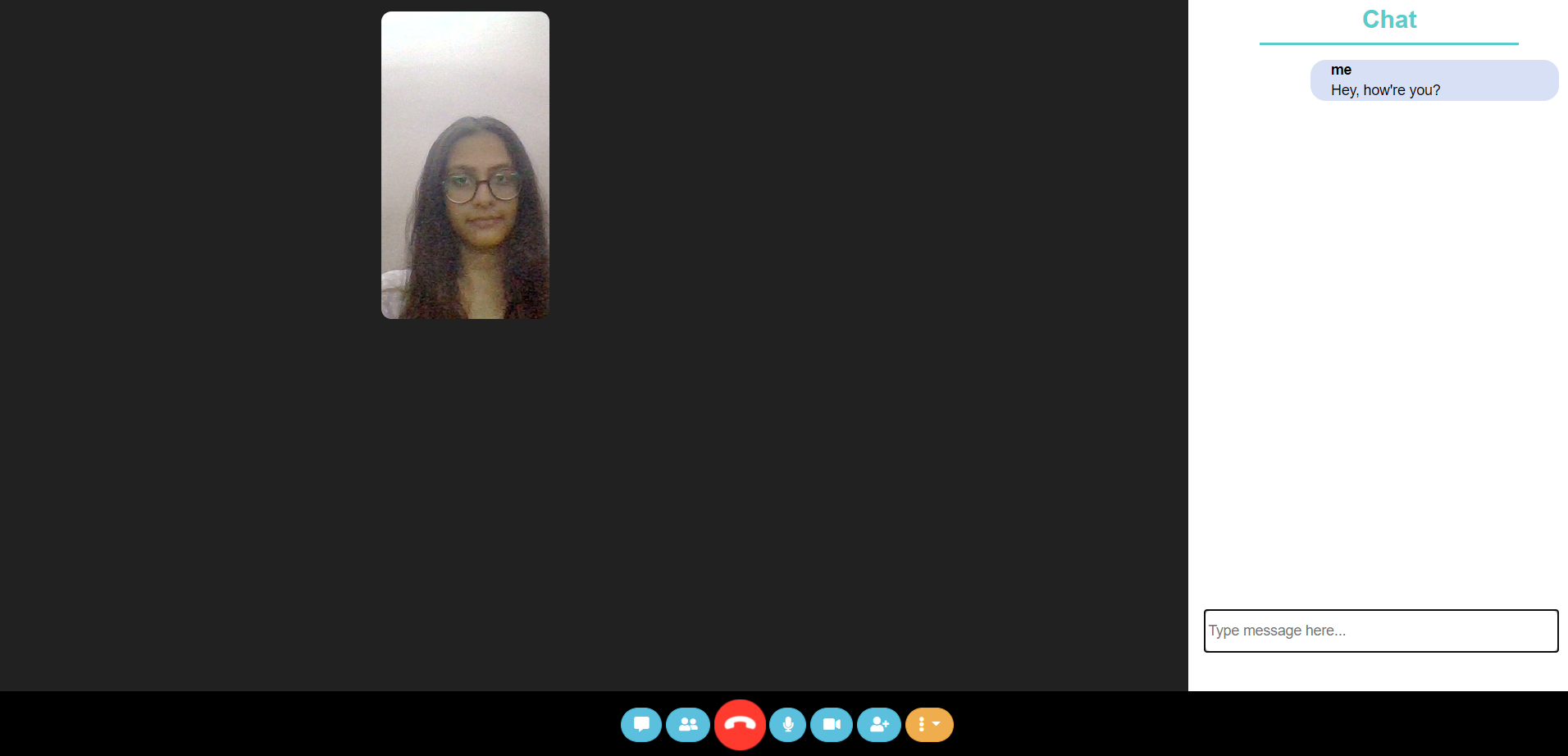
Video call page- One can see the video and hear audio of all the participants and can have real time chatting.
-
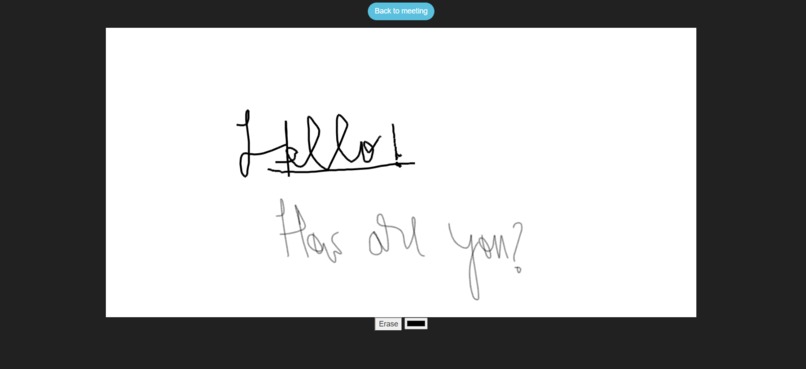
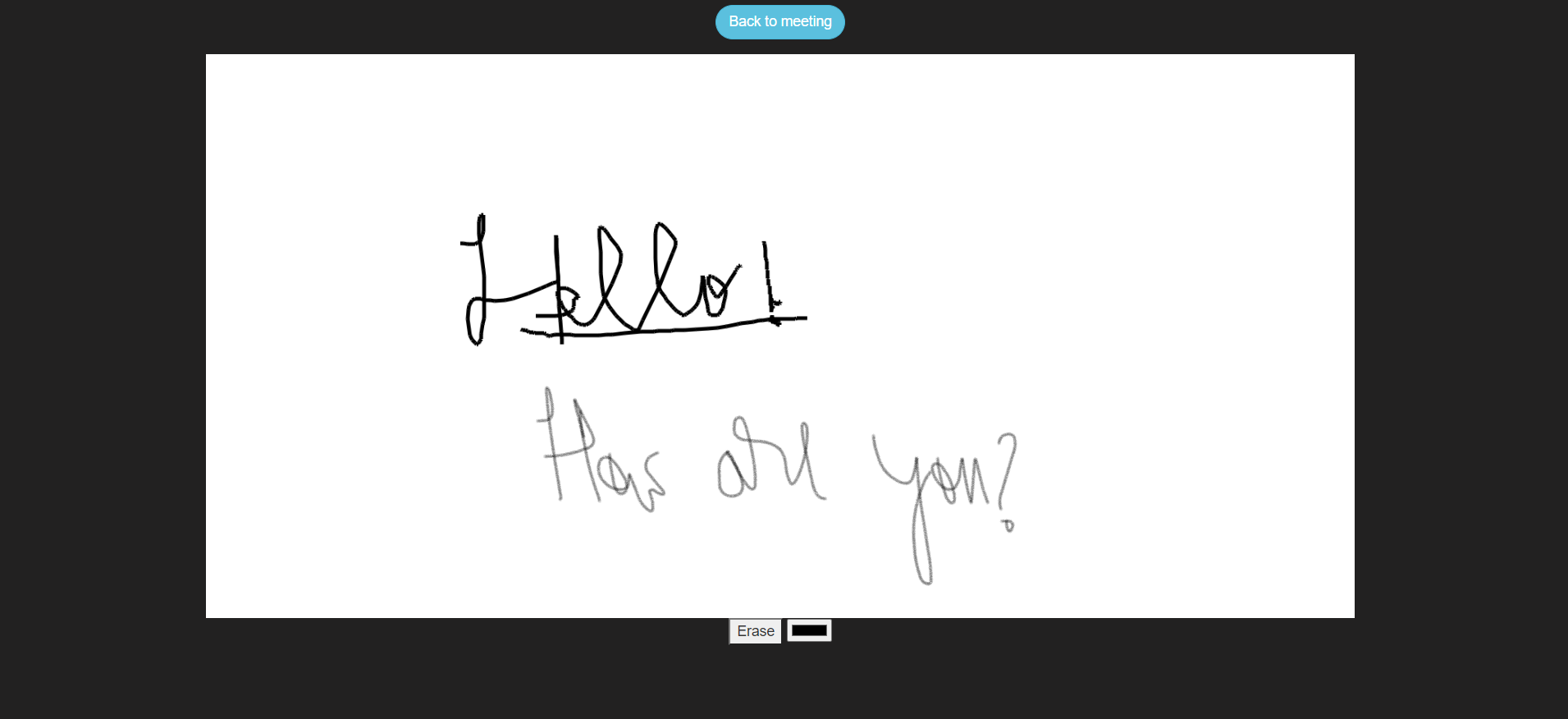
Whiteboard during the video call meeting- use different color markers and eraser
CoWork
Inspiration
Our main inspiration behind this project was to help students like us to collaborate and work easily on projects together without hassle with features like screen- share, collaborative whiteboard, collaborative notes, chats, video calling and multiple group features. The app is designed to help students interact better and facilitate better and more productive teamwork.
Learnings
To use node.js, express.js , socket.io, peerjs, mongodb and eventually build a full -stack website.
Challenges
Difficult to use peer.js with mongodb and node.js Use of timeout function while using peer.js for video calls.
CoWork is a platform for students and teachers to collaborate and learn together. With lots of amazing features, the web application provides one-on-one interaction or an option to create classrooms and have online video call classes and peer meetings, thus enhacning virtual education. Not only this, the platform can also be used to hold online parent-teacher interactions and parents can also be the part of classrooms to keep a track.
- The video-calling and chat features help students to interact better.
- The app aids teacher to teach the concepts in a better way, with the in-built whiteboard, without requiring the use of multiple apps.
- The whiteboard feature is useful for students and peers, to interact and create prototypes and drawings easily.
- The notes features is useful in keeping a track of the important points of the meeting, which can be downloaded also.
- The screen share feature helps the group to browse ideas collaboratively.
Working prototype- https://mycoworkapp.herokuapp.com/
Features
Authentication
- Signup option for new users
- Login for Existing users
- Logout from account for logged in users
Chats
- Create or be part of multiple chat-groups
- Add Members to groups
- Leave Groups
- Start calls or send messages with groups
- Easy Navigation (jumping from one group to another)
- Incoming call popup when a user starts a call
- View Call-logs and members of the group
Video Call
- Start video call with a group
- Video toggle (ON/OFF)
- Audio toggle (MUTE/UNMUTE)
- View Participants
- Chat in video-call
- Meeting chat can later be accessed within the group chat
- Screen-share
- Collaborative Whiteboard
- Draw on whiteboard using touch/mouse
- Whiteboard changes transmitted to entire meeting in real-time
- Change brush color or use eraser in whiteboard
- Meeting Notes
- Notes shared to entire meeting on every keypress
- Make text Bold/Italic/Underline in Notes
- Change font-color and text-alignment in notes
- Download Notes as .txt file
- Captions on speaking during the meeting
- End meeting option
Technology Stack
Backend
NodeJs, ExpressJS, PassportJs, Mongoose, Socket.io
Frontend
HTML, CSS, JavaScript, EJS, Bootstrap
Database
MongoDB
Getting Started
- Clone the repository in your local directory.
- Run npm install
- Run node server.js
- Web application will be serving on localhost 5000.
Future Scope
- Fun games to be played between the meetings can be added
- Screen recording to watch the video lectures later can be added


Log in or sign up for Devpost to join the conversation.