Inspiration
I really wanted to have an easy one-click access to Covid-19 stats report to stay updated even while working, which inspired me to build this small project.
What it does
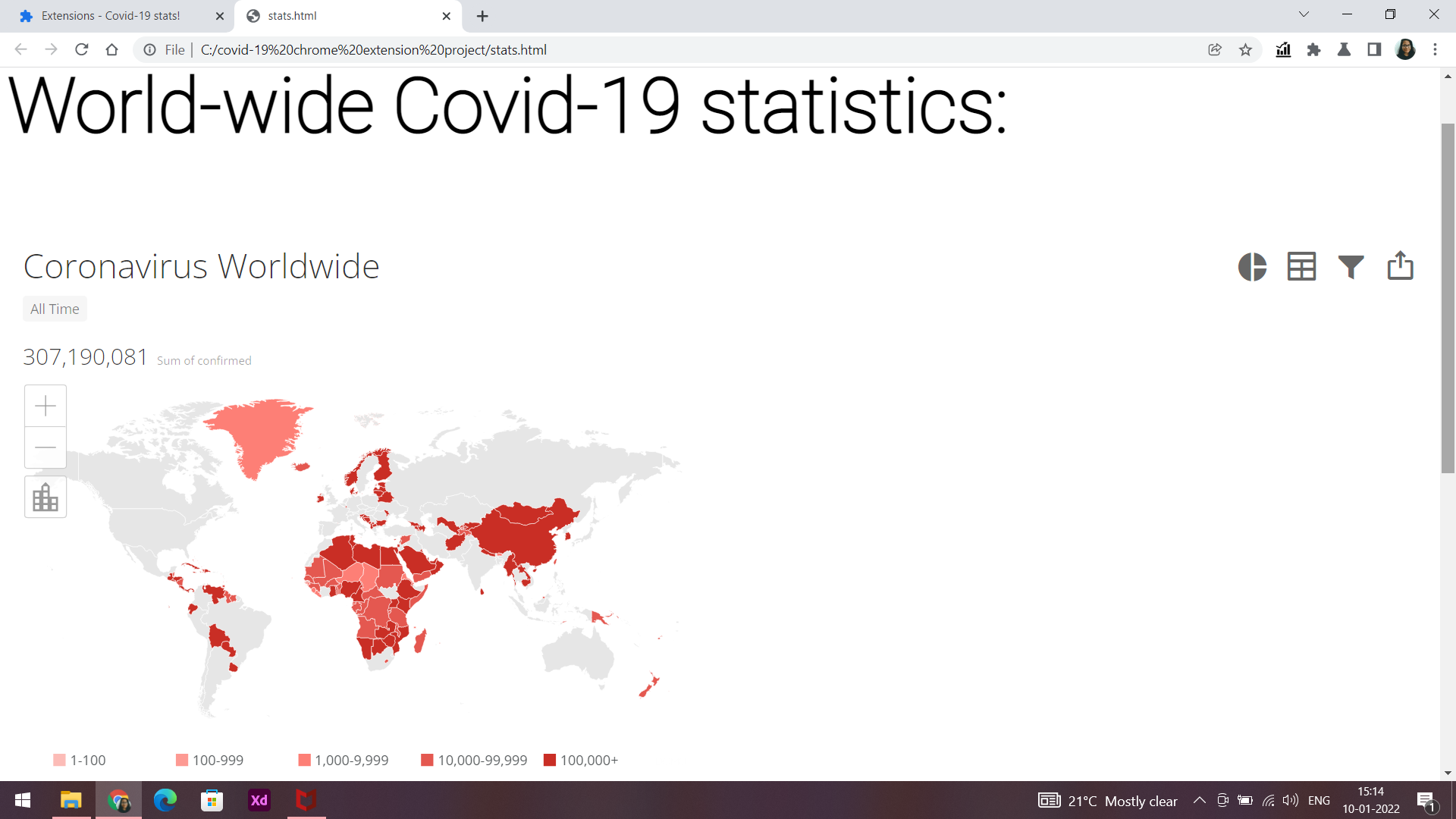
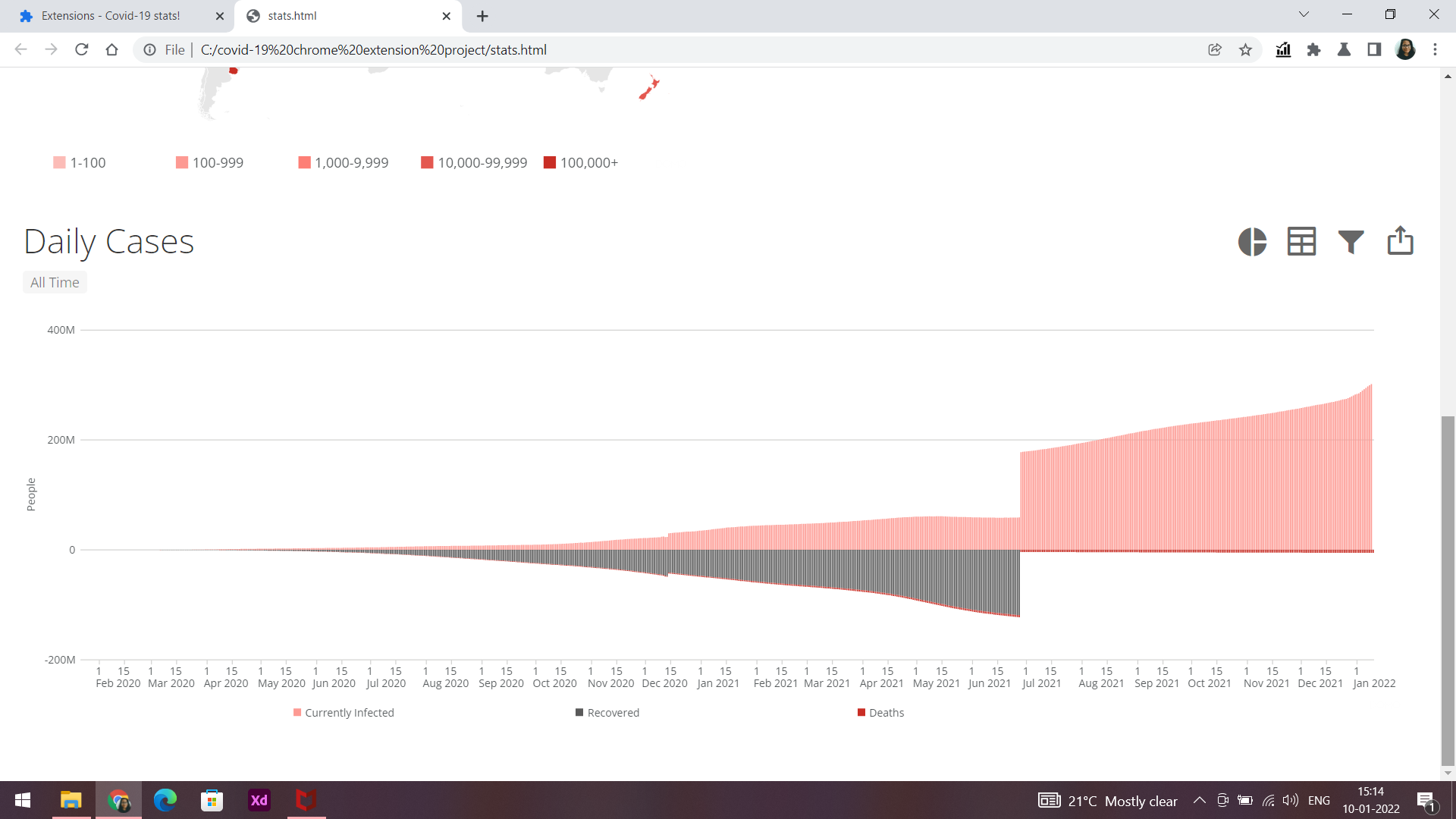
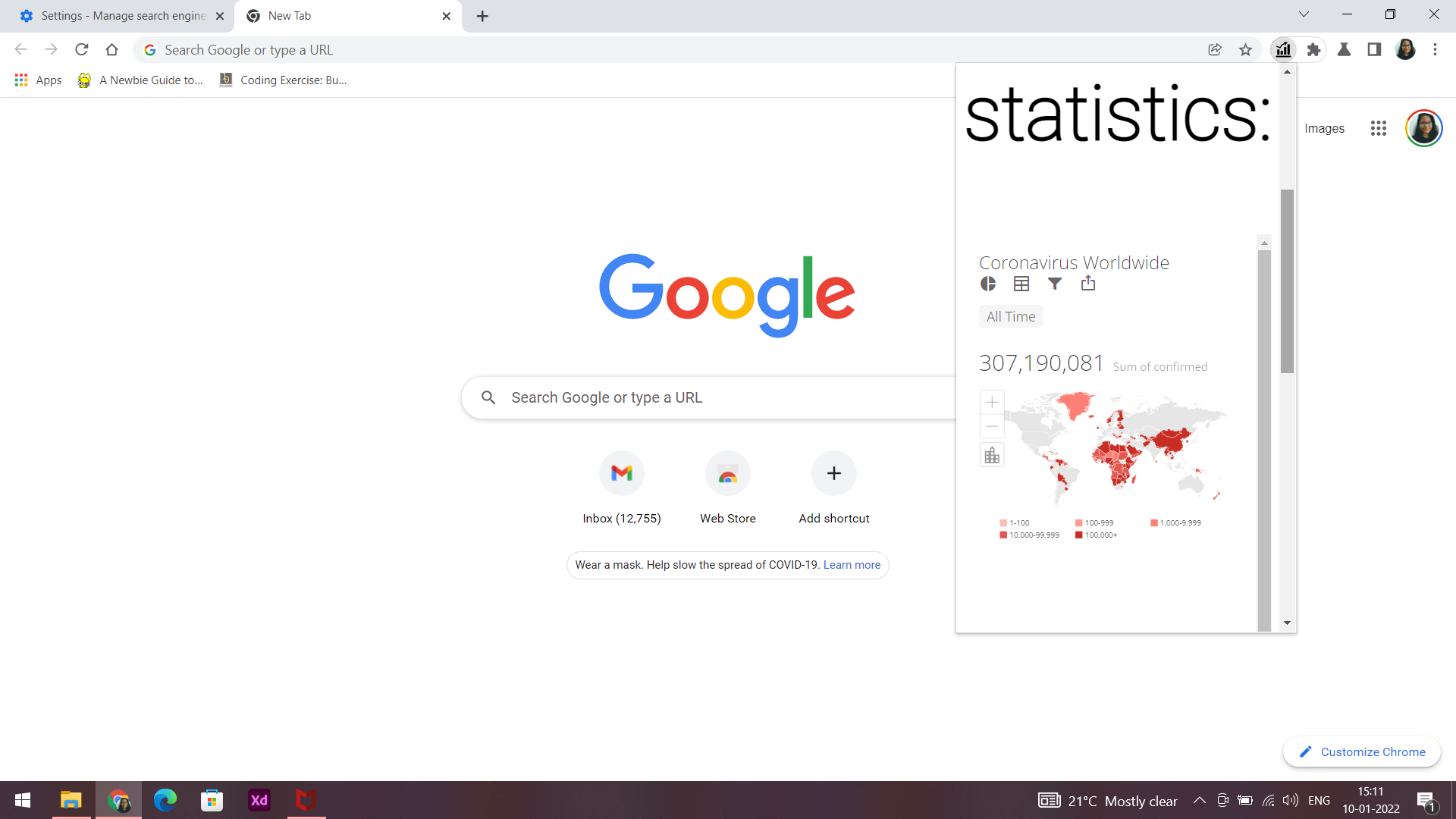
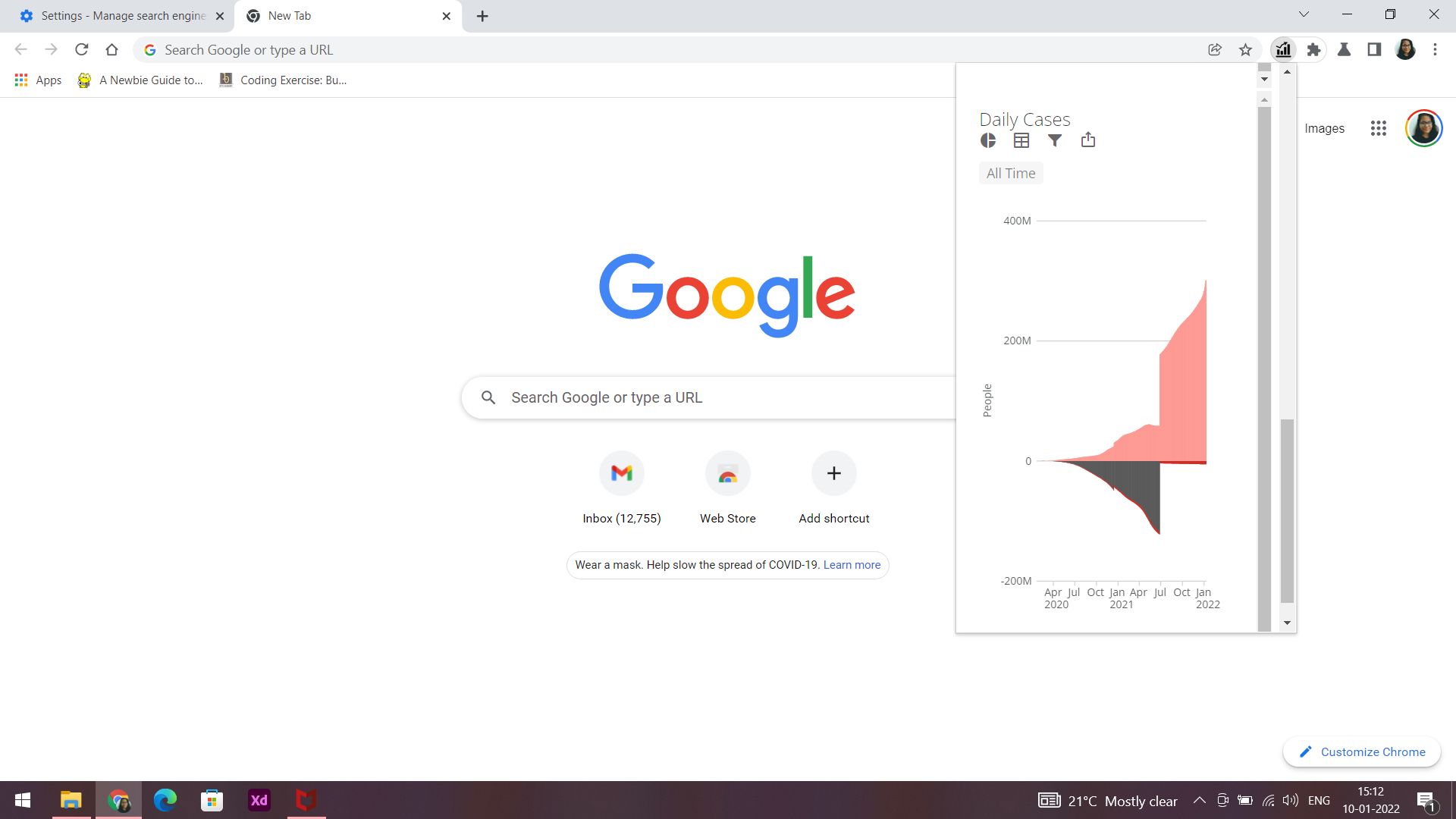
Chrome extension directs you to a webpage of live world-wide Covid-19 statistics.
How I built it
About the files: manifest.json - helps in launching the stats.html file
stats.html - a webpage to update you with live Covid-19 updates worldwide
style.css - a CSS file to define styles and fonts for stats.html file
stats_icon.png - a statisics icon that is an integral part of the extension, where you can click and begin the execution of the extension
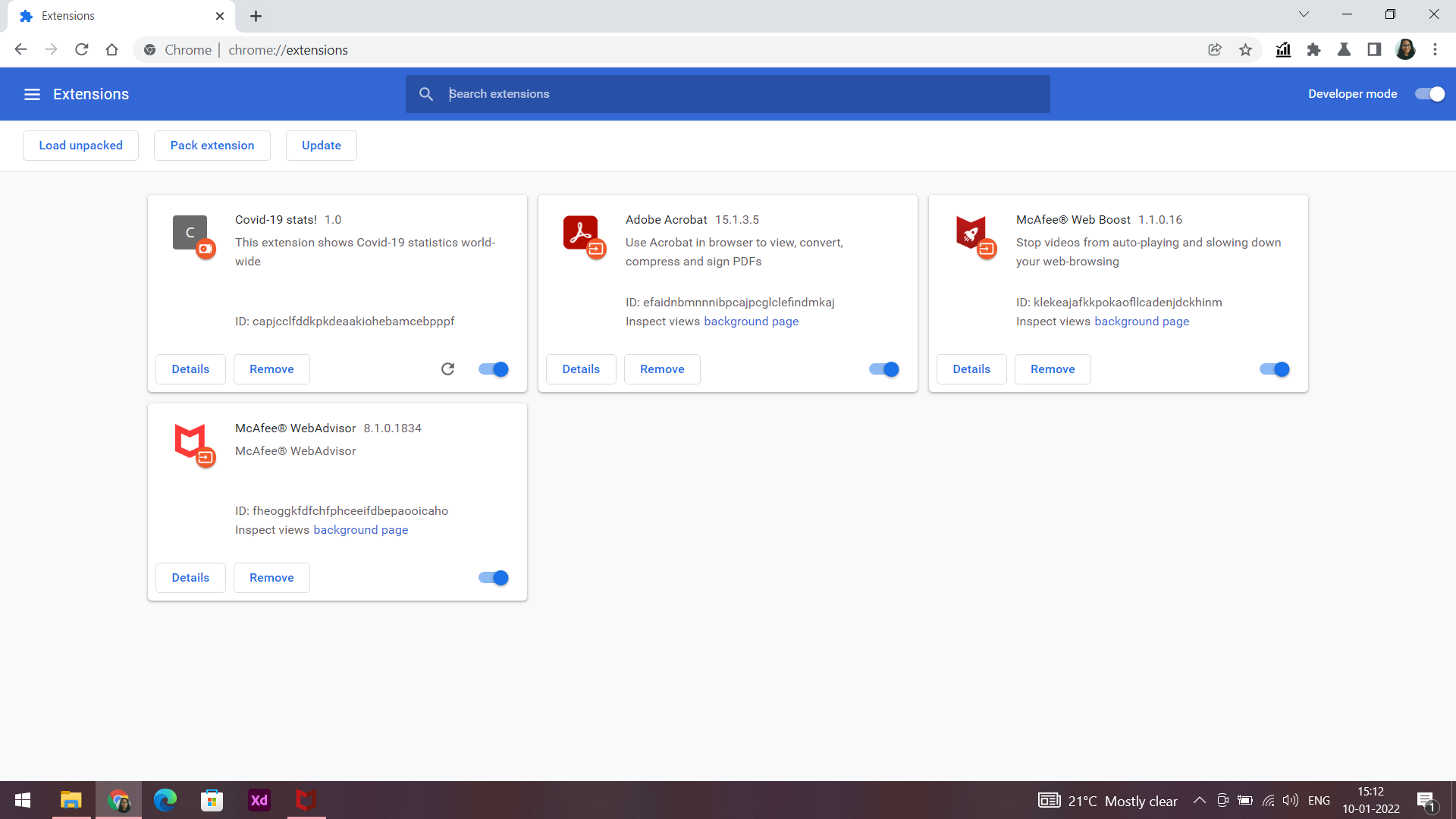
Adding a chrome extension: Open the chrome://extensions page.
Drag the folder to the chrome://extensions page.
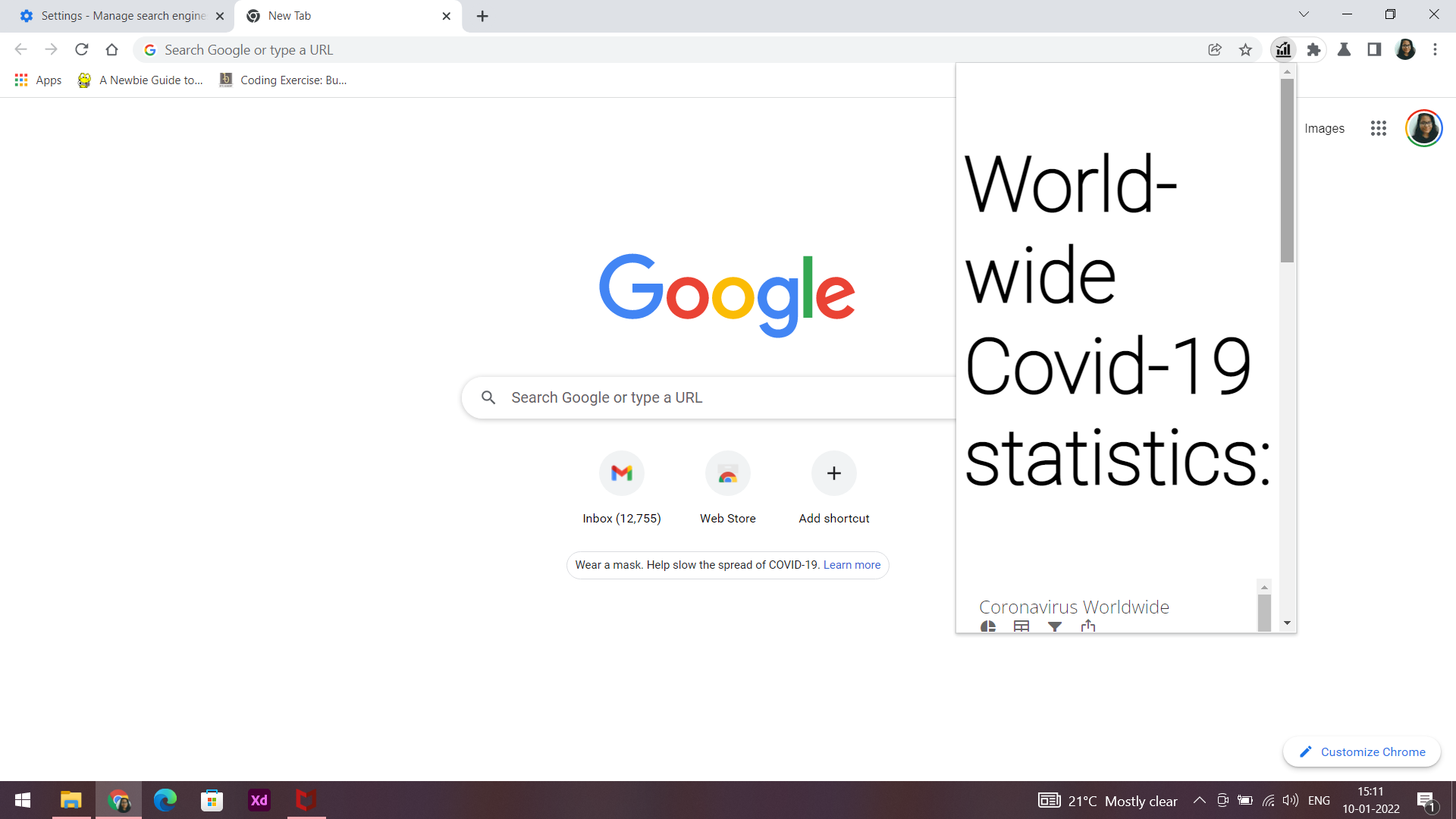
After successful installation, click on the icon to display.
Else, for Windows:
1- Open the chrome://extensions page.
2- Check the Developer mode checkbox in the top right-hand corner.
3- Click “Load Unpacked” to see a file-selection dialog.
4- Select your extension directory, if the extension is valid, it’ll be added and assigned a unique ID
5- Click on the icon in list of extensions to view the page.
6- Pin it if you want to use it frequently.
Challenges I ran into
The extension did not load in first few tries, so appropriate changes were made.
Accomplishments that I'm proud of
The extension is up and running!
What I learned
I learned about all the tools and languages involved in this project. Also learned more about Chrome extension.
What's next for Covid-19 stats chrome extension
• Access to Covid-19 statistics country-wise
• More resources and tips
• Access to emergency healthcare and helpline numbers.

Log in or sign up for Devpost to join the conversation.