COVID Connector
Helping each other has never been easier.
View our demo
Motivation
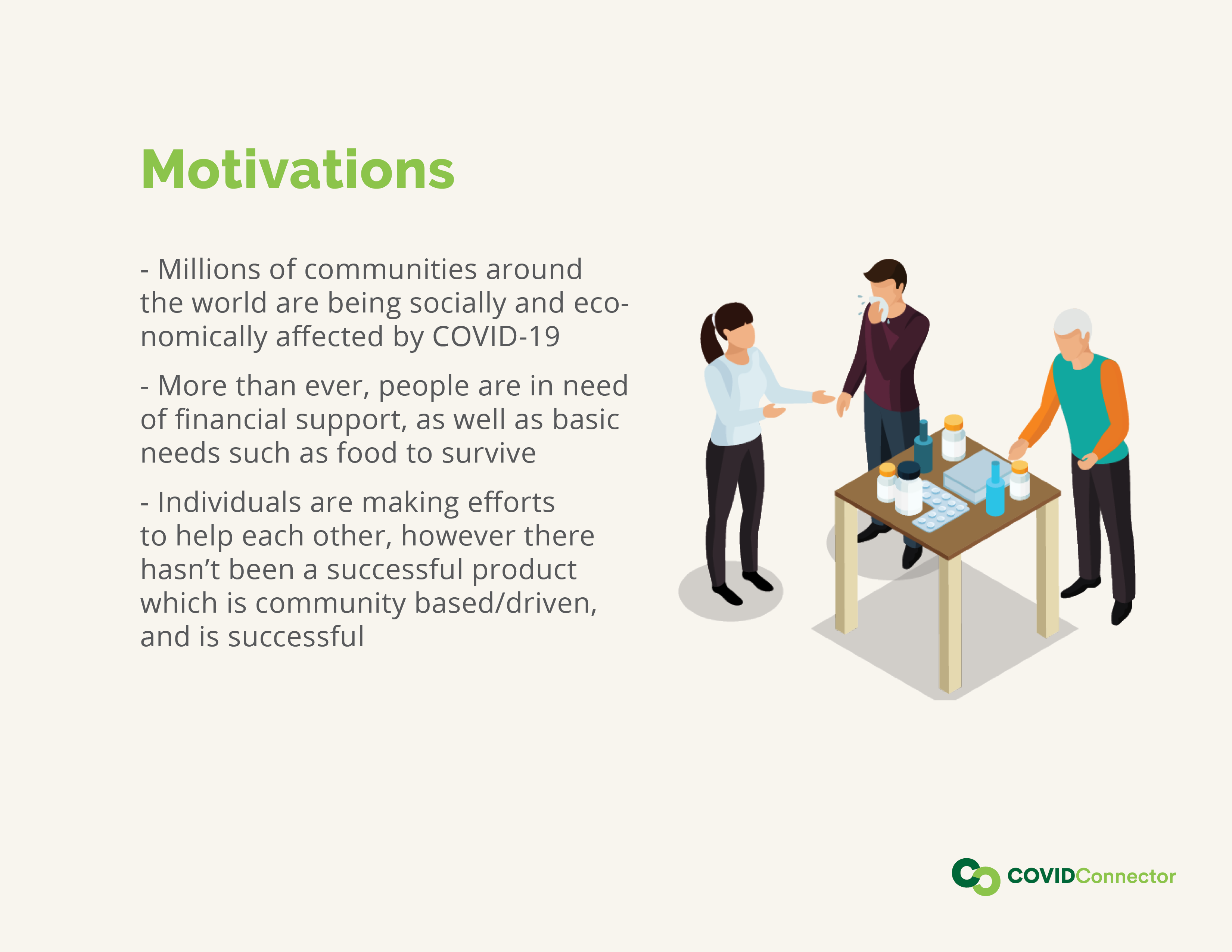
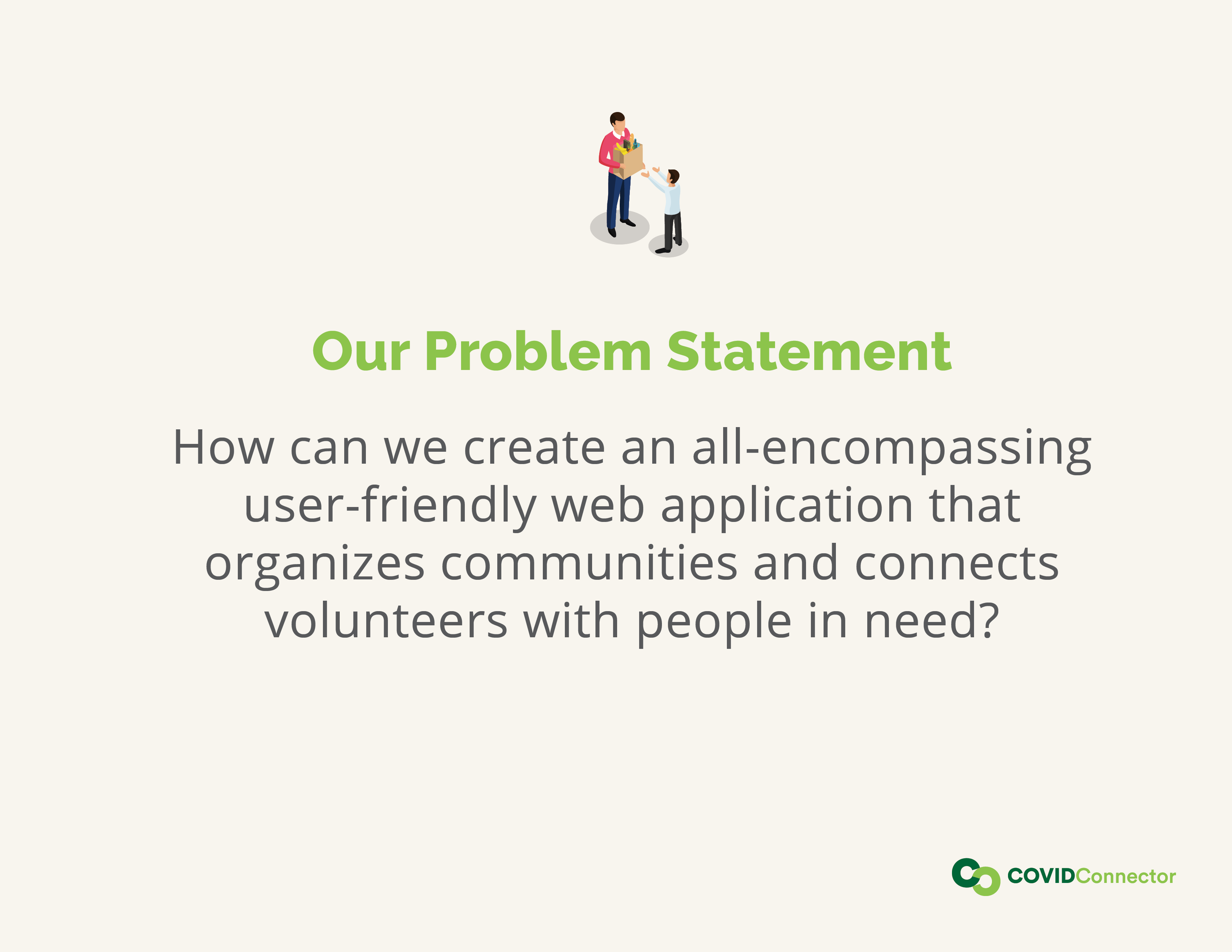
The idea came from a community organizer who asked one of us to create a website so they can organize the influx of both requests and volunteers they are currently getting in light of COVID-19. This influx of requests and volunteers was hard to manage via email, thus a more efficient solution was needed. After completing further research on the current-existing systems that solve the same problem, we decided to put our heads together to create an all-encompassing, user-friendly web-app that meets all user needs.
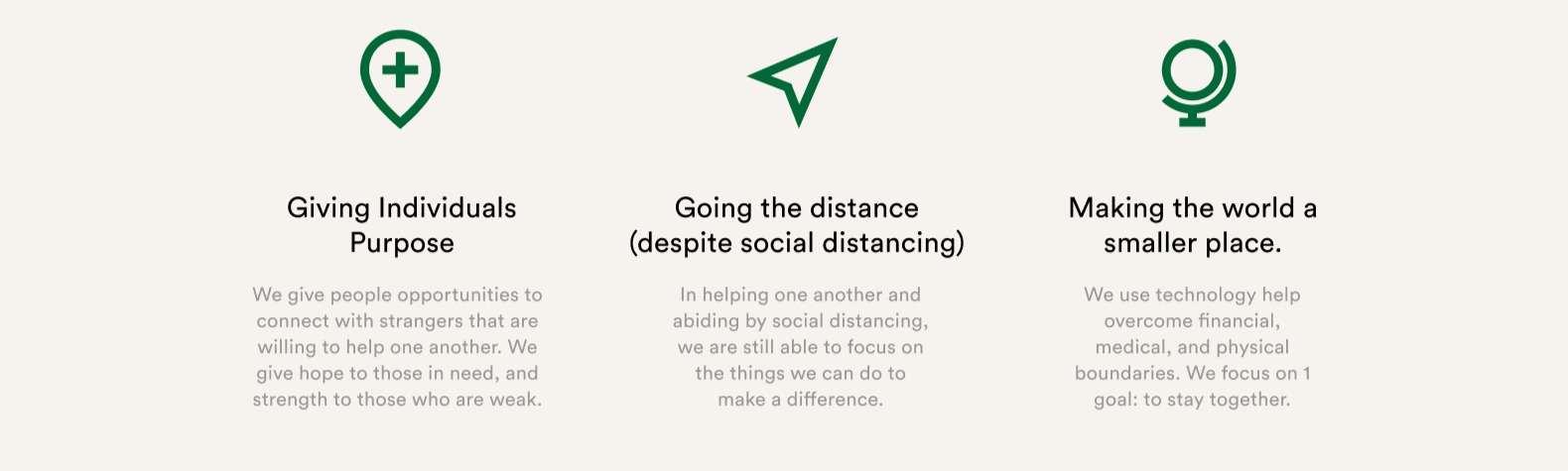
During the novel COVID-19 global epidemic, we are in desperate need of human kindness and selflessness, but we need to do this safely. We know that there are people out there in need, and those that want to help—what a better way than to start with your community. We created COVIDConnector to help you go the distance during this time of need, and get the help that you need.
How it works
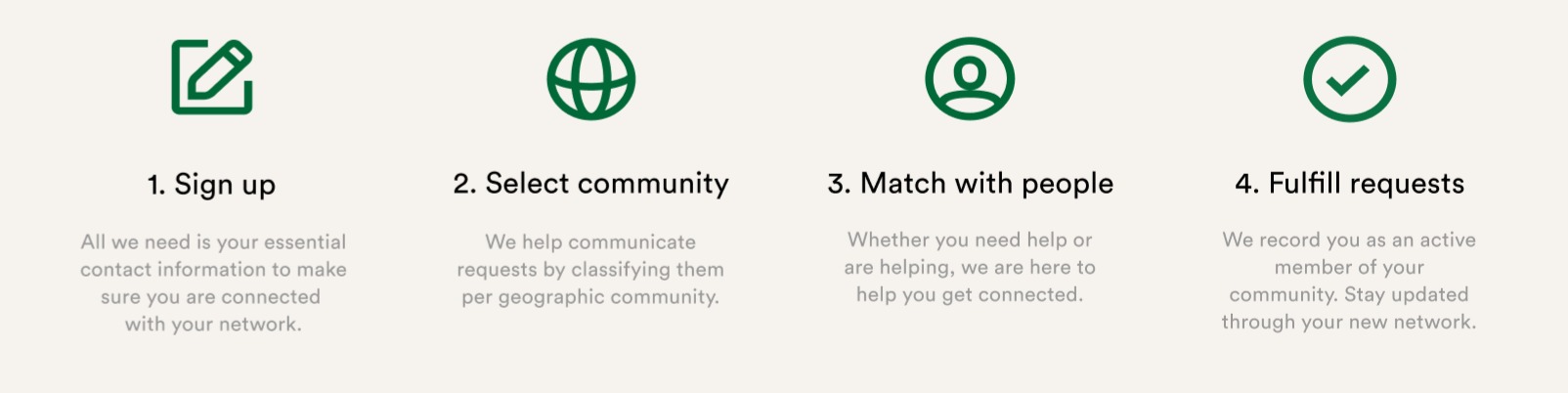
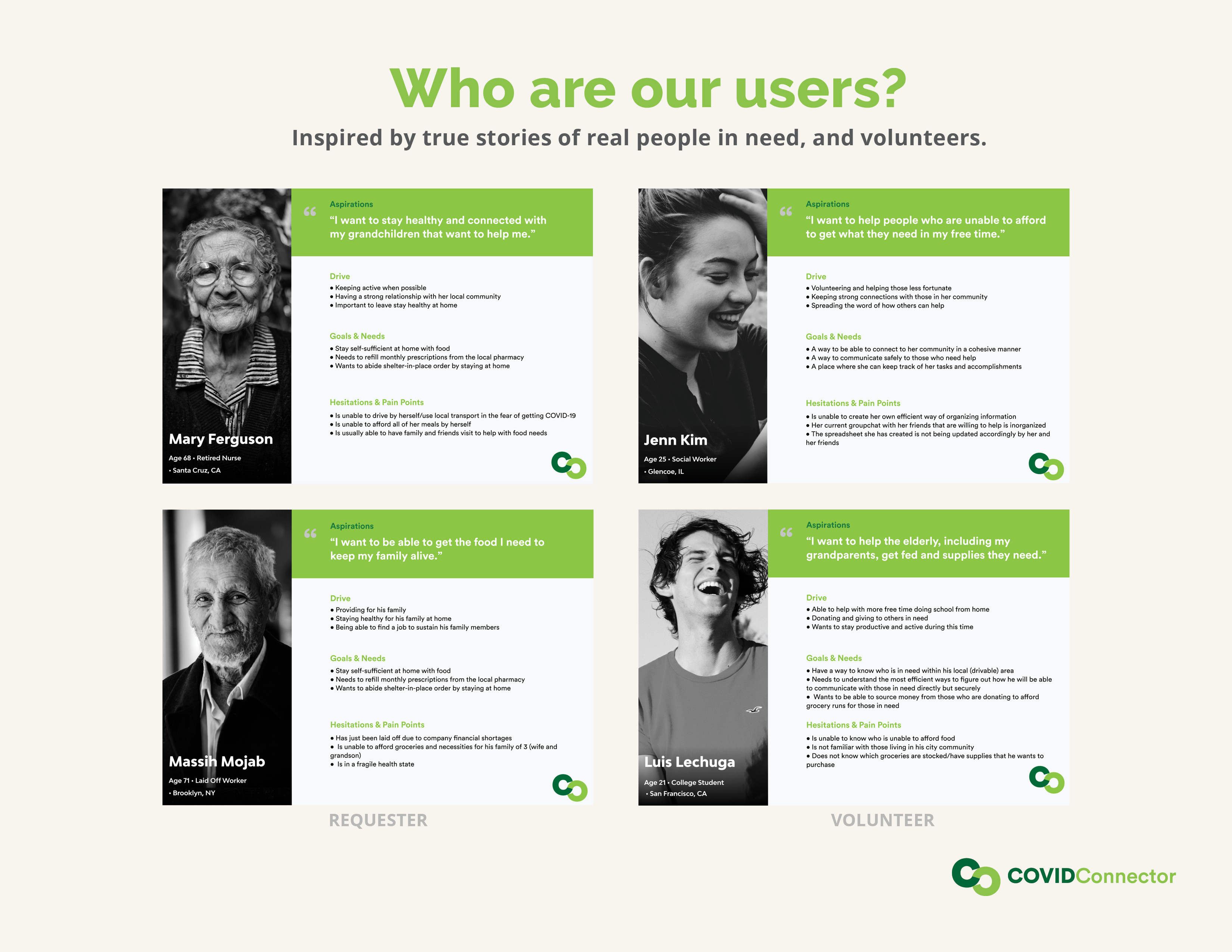
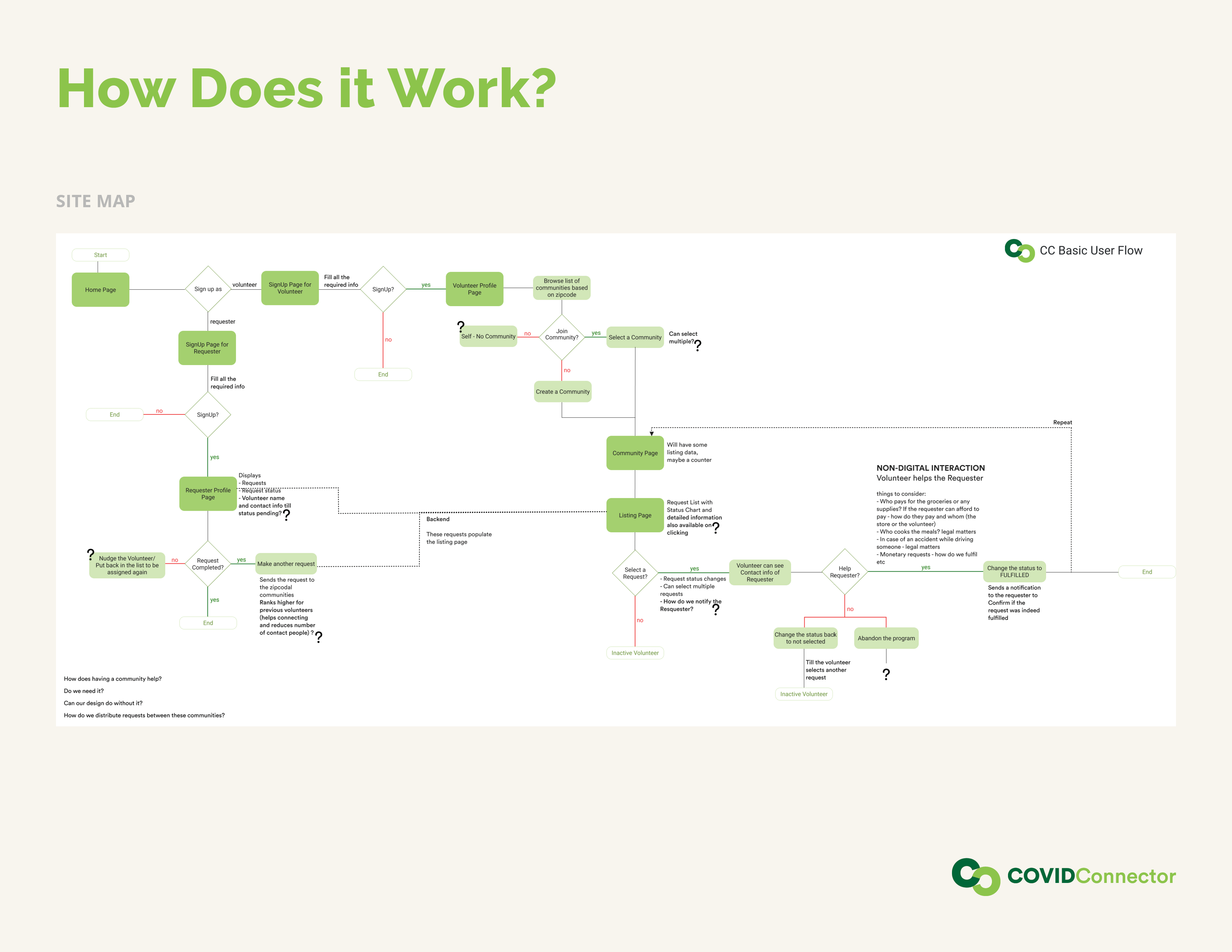
COVID Connector allows individuals to sign up as volunteers or requestors within a community. Although the most common community is geographical (everyone that lives in one neighborhood), a community has no restrictions. For example, a company can create a community for all of its employees and allow each other to help one another.
Requestors are users in need and fill out a simple help request form that describes their current need. A need can be anything from picking up groceries to needing financial support (such as rent money).
Our volunteers can see all the requests in the communities they are a part of and select the request that they can fulfill. Once a volunteer selects a request, contact information is then shared among the requestor & the volunteer so they can finalize the task at hand.
Once a request is fulfilled, both parties will mark the task as 'Done', this then gets added to the volunteers profile to help build trust among the community.
How we built it
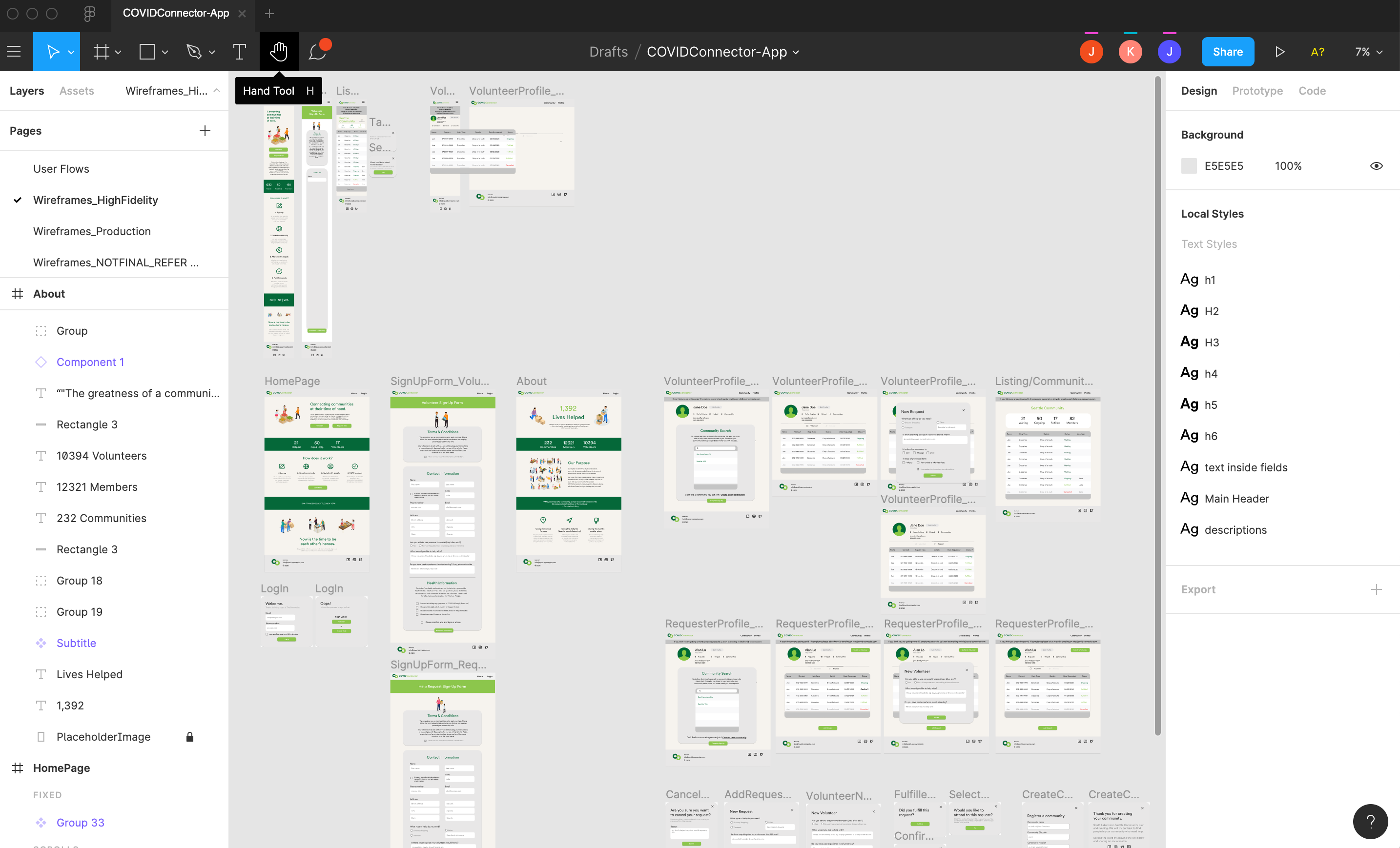
We all met on the Hackathon Slack page, none of us knew each other before Thursday!
4 developers, 2 designers, 4 days, 1 project starting from scratch.
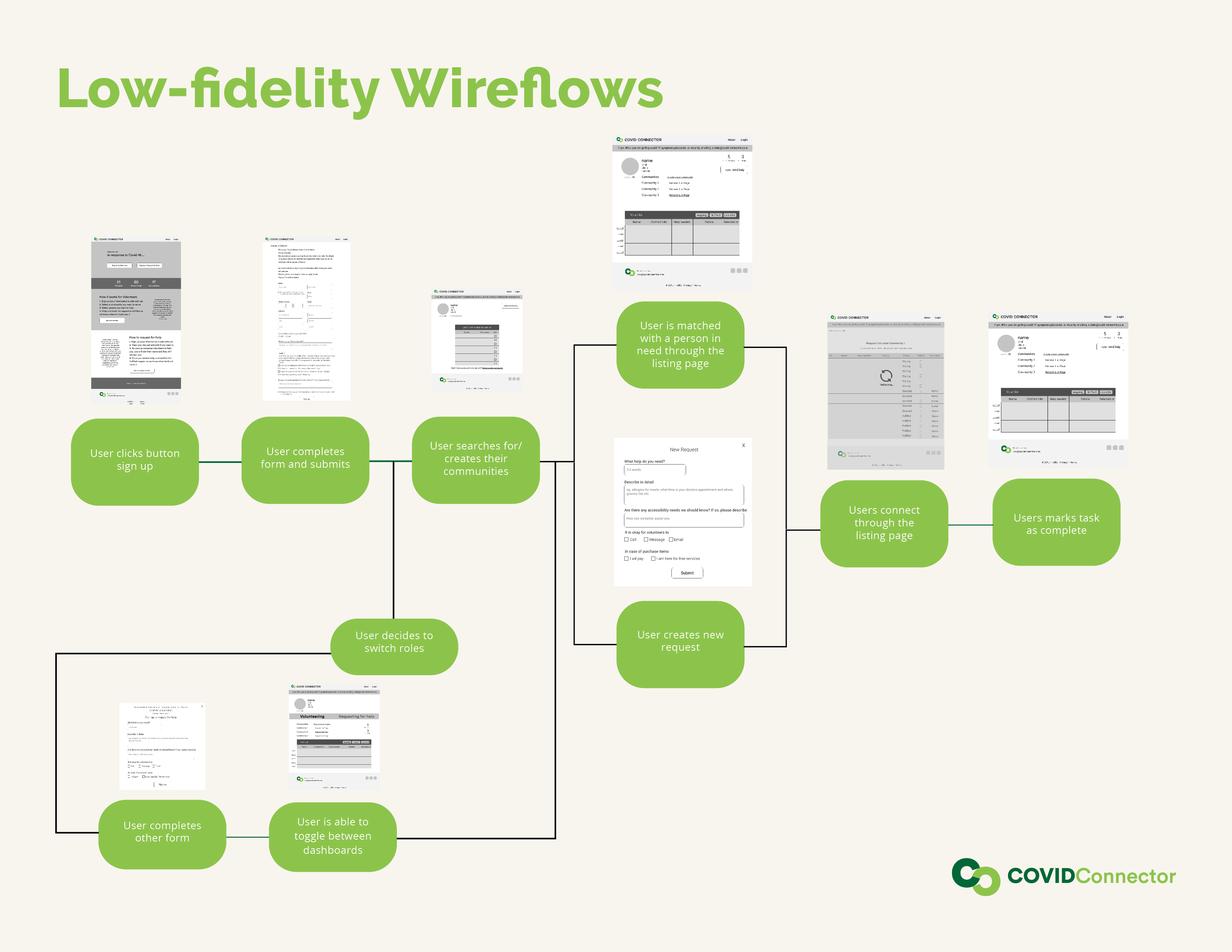
On Thursday we met and talked about basic features we wanted our web app to accomplish. Pratitee & Julia took that conversation and made some great wireframes). With the wireframe in place, the dev's worked on building a basic data model and getting the CMS set up.
Once that was in place Jared built the skeleton of the react app, which allowed the rest of us to contribute by working on specific pages. None of that could be possible without learning how to effectively communicate with each other to ensure we were all on the same page.
Challenges we ran into
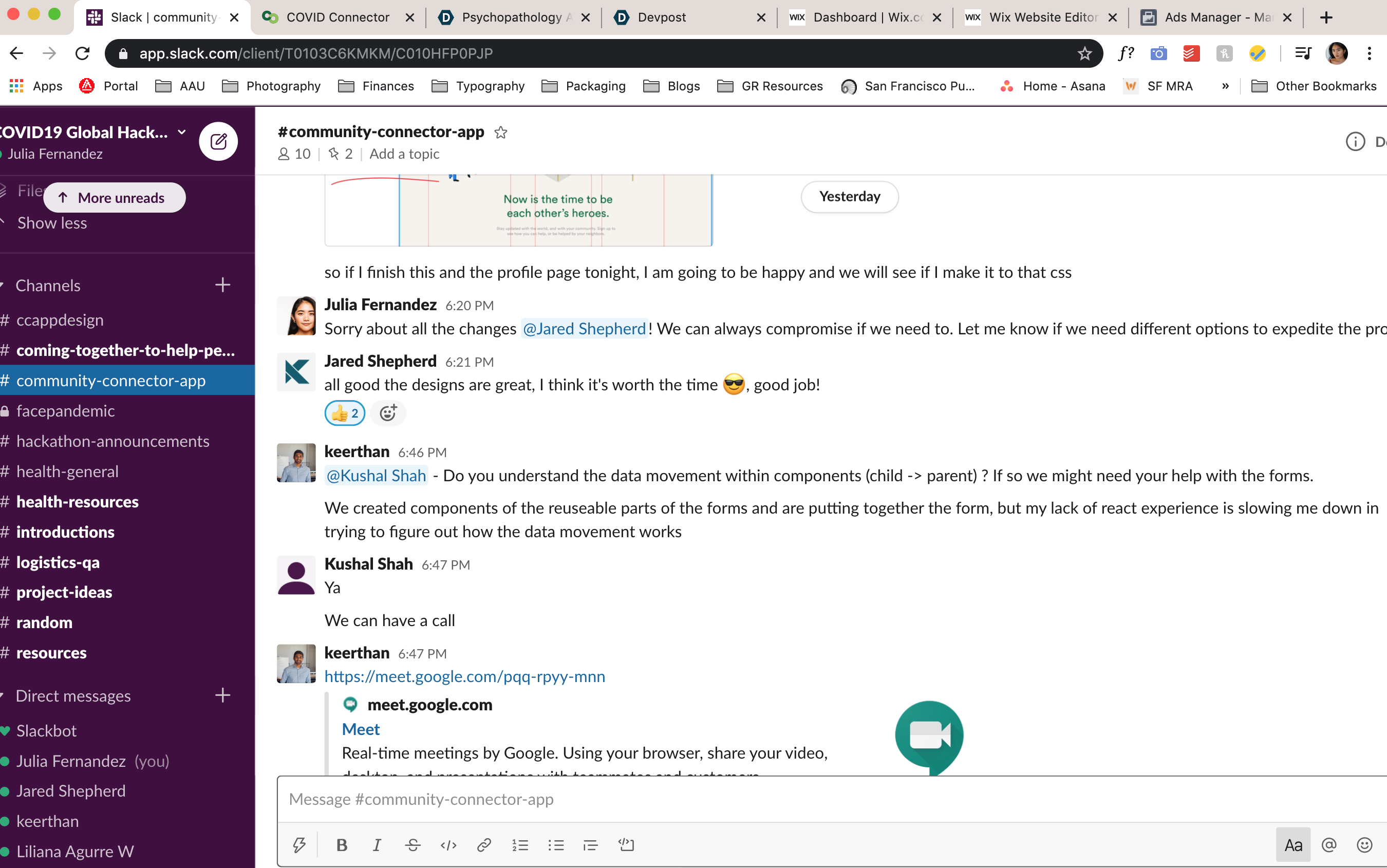
- We were a team spread across all 4 US timezones, that have never met before, and had to take time to slow down and communicate each of our strengths and weaknesses in order to move forward
- Some of us were using frameworks/concepts for the 1st time, this added additional time to get up to speed for what was already a tight timeline!
- Some team members had to utilize different apps (such as Figma and React) for the very first time, nonetheless were adaptable and able to take one for the team
Accomplishments that we're proud of
- We all hit the ground running and came together to create a product with the common goal of helping communities
- We organized, planned, and prioritized tasks and to despite the tight timeline
- We were able to get a product we are proud of out the door and into a world that needs it!
What we learned
- With grit, communication, and perseverance, you can get more done that you thought you would
- It is important to communicate and to compromise in order to accomplish a project as a team
- Sometimes, sacrifices must be made in order to maintain the quality of the product we're creating
What's next
We were not able to build out every feature that we wanted. A few that we will build after the Hackathon are:
- Email/Text notifications
- Chat system within the app - Remove the need to share private data
- Automatically match requestor with volunteers (i.e. google's "i'm feeling lucky" button for volunteers)
- Social Sharing Features - For growth, we feel its required to make profiles & requests easily shareable on social media.
- Potentially creating a mobile app for Android/IOS
Acknowledgements
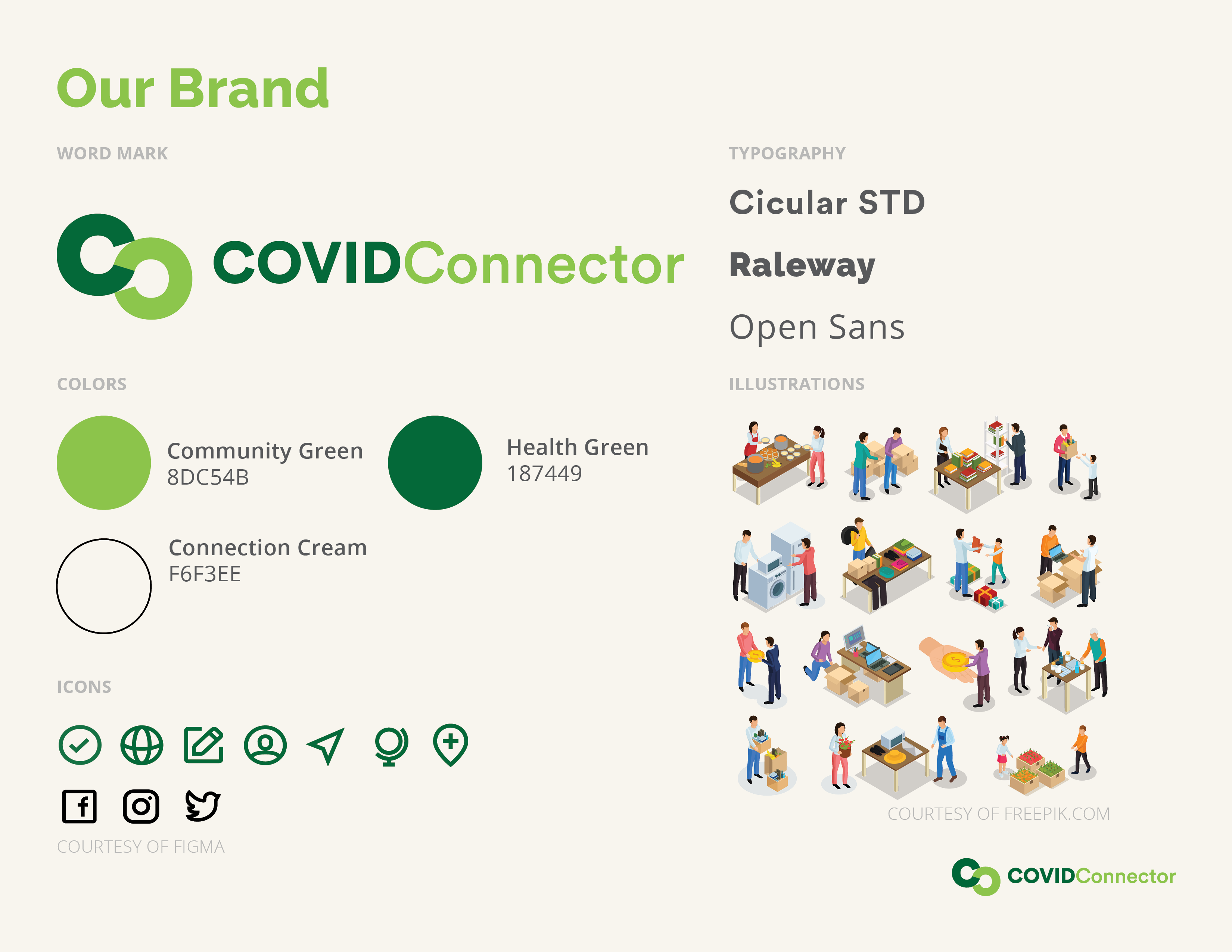
Acknowledgements Illustrations sourced from http://freepik.com


Log in or sign up for Devpost to join the conversation.