-

CourseHub logo
-
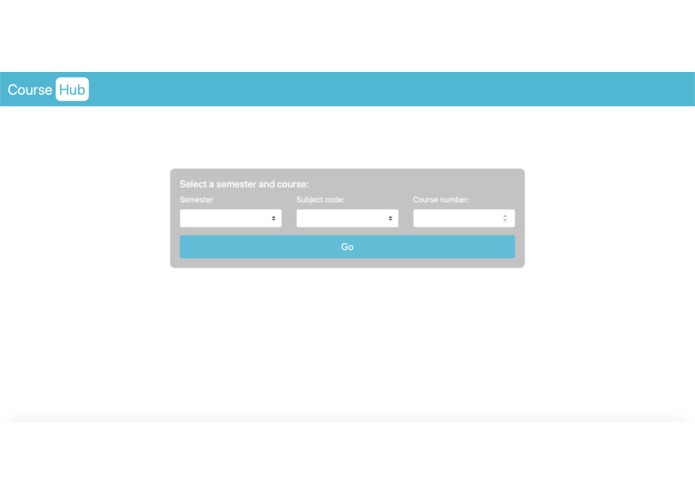
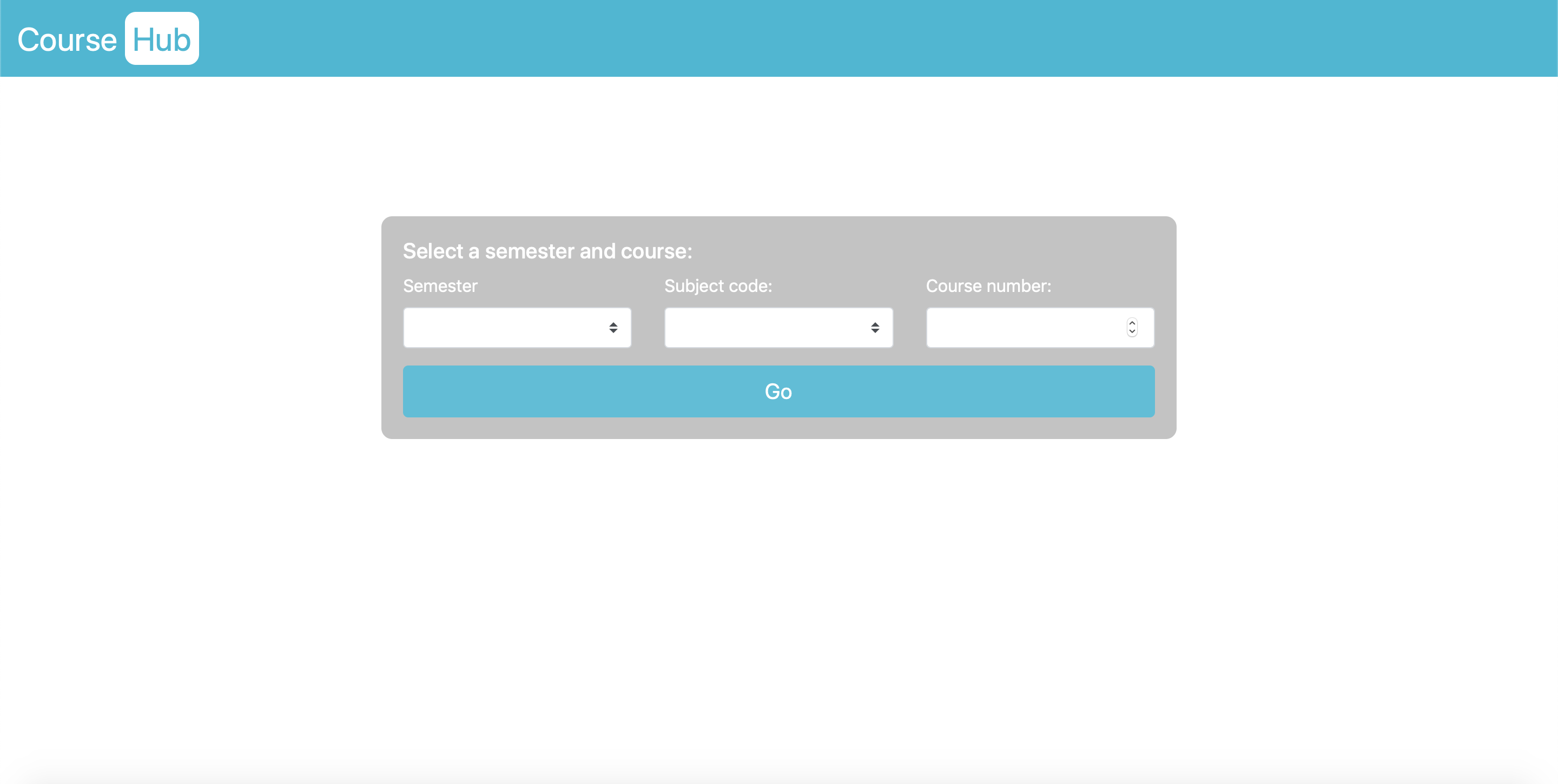
On the homepage, users select their desired course from the specific semester
-
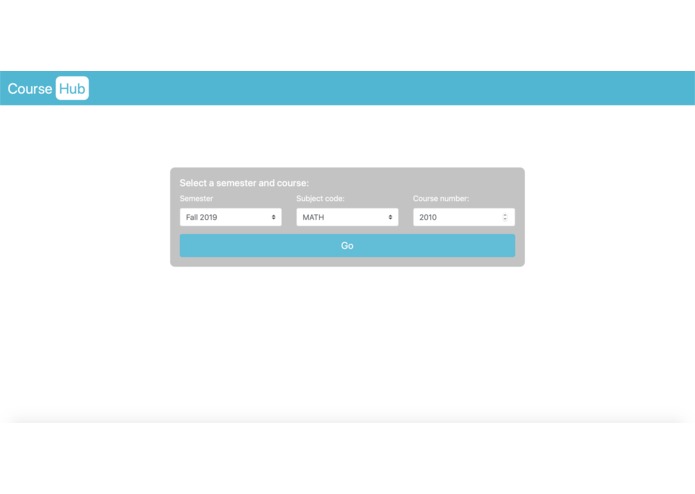
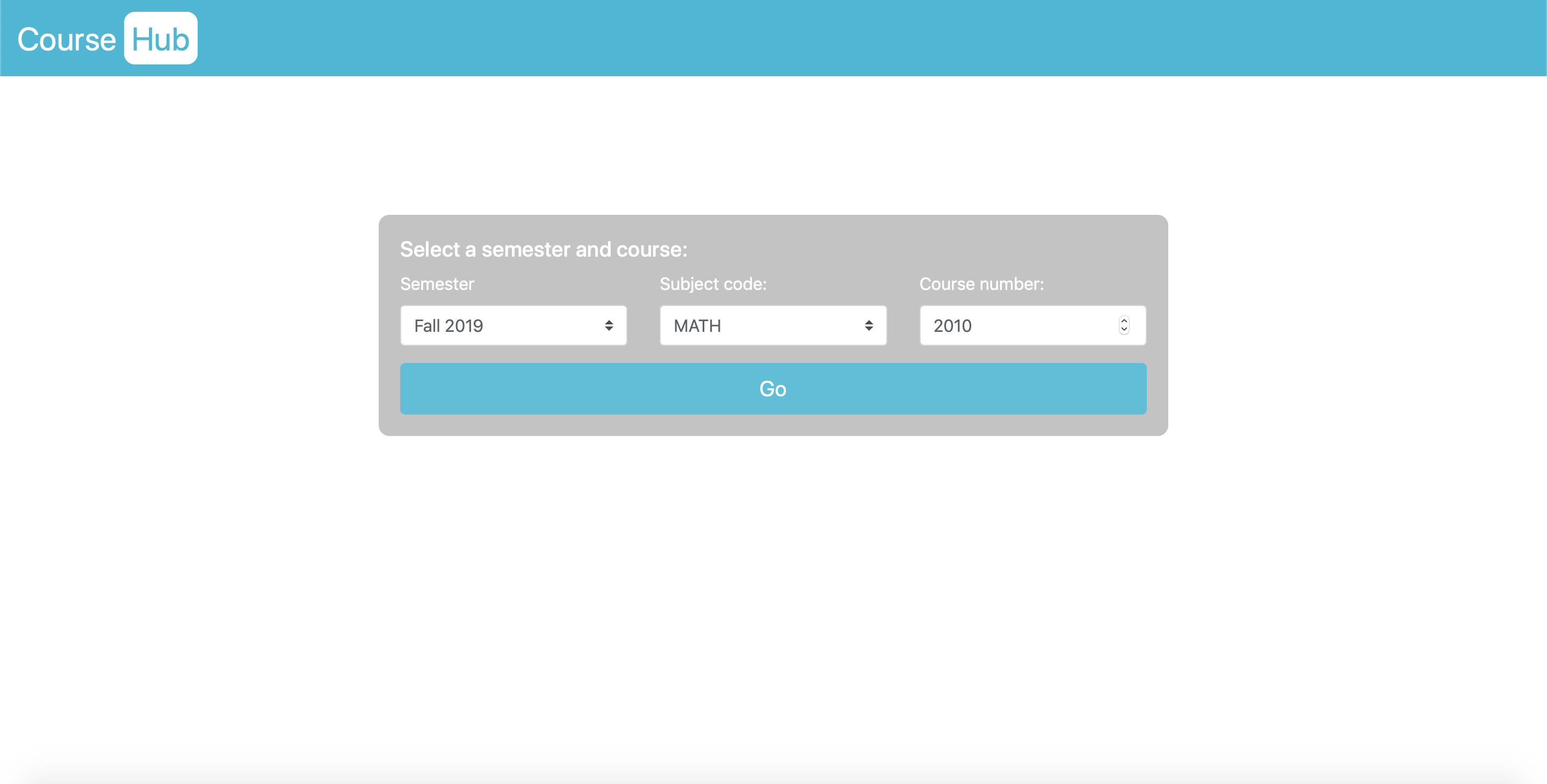
An example of the form filled out
-
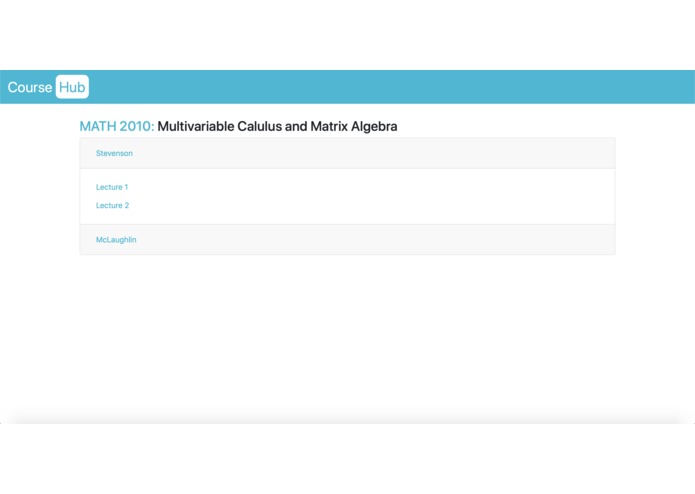
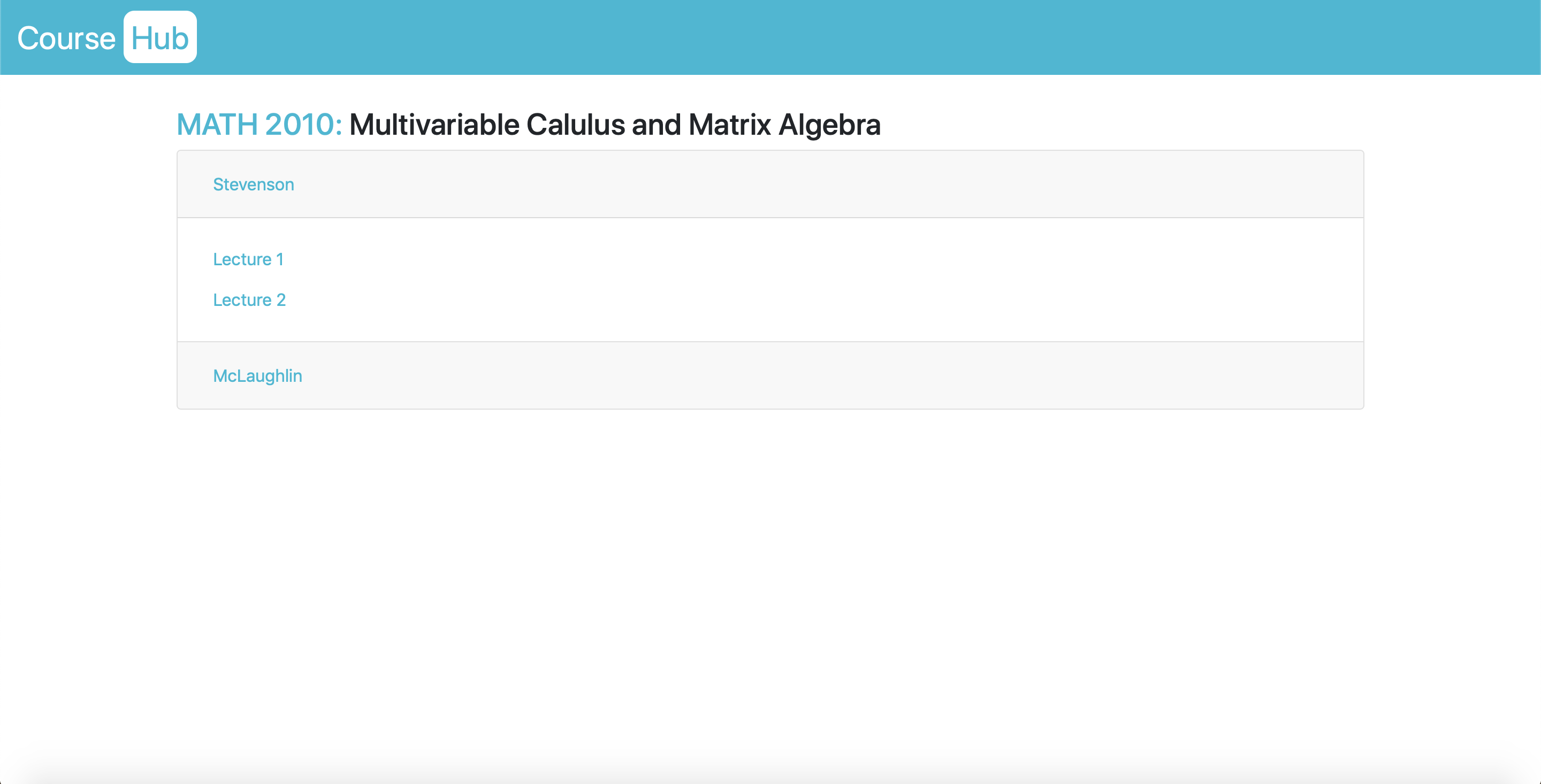
The resulting course page when the information from the previous image is submitted
-
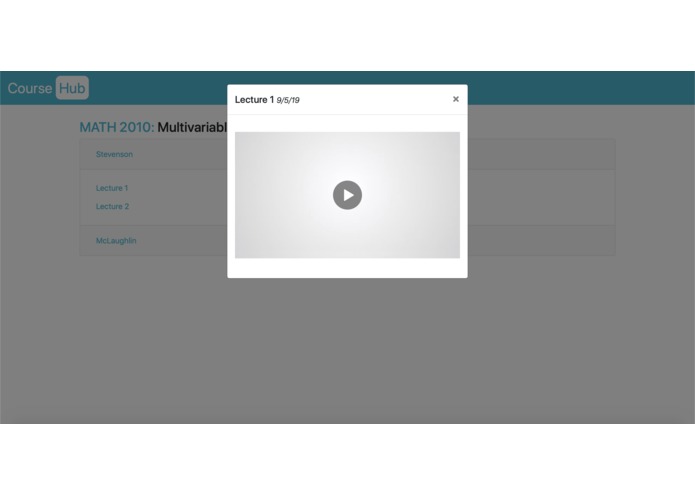
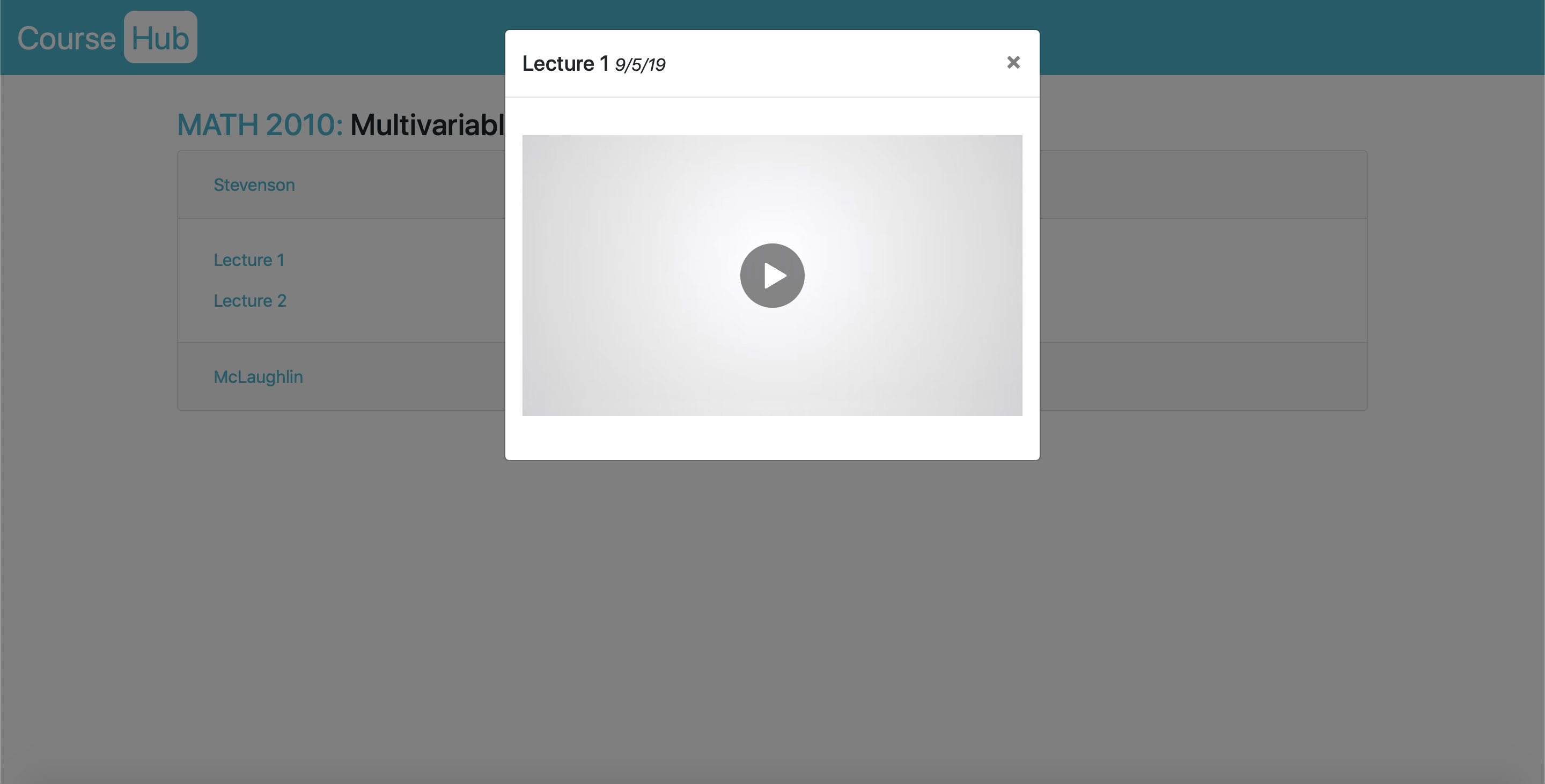
When a lecture is selected, the recording comes up in a modal
-
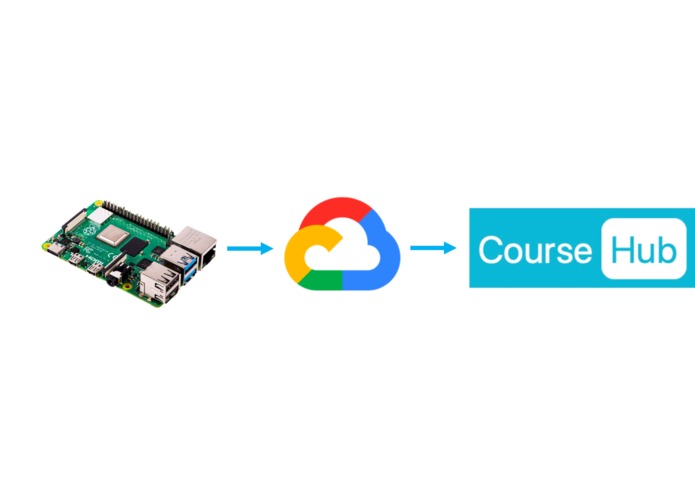
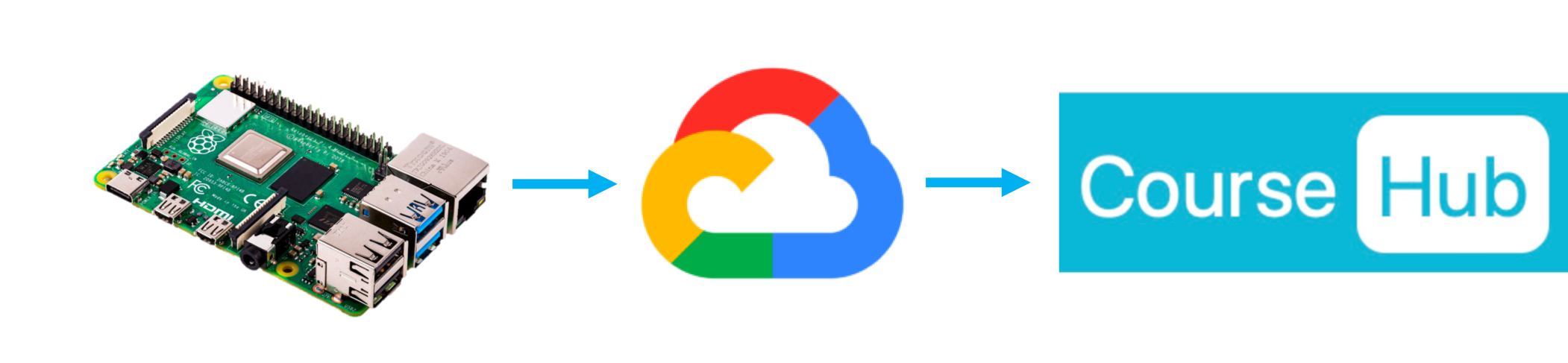
Workflow

Inspiration
The traditional classroom has transformed with the advent of the Internet and cloud-based technologies. Now, it's easier than ever to access educational videos on virtually any topic. However, for college students, especially RPI students, it's difficult to view a specific lecture, whether they simply missed class or want to see what it is like for scheduling purposes.
What it does
CourseHub allows students to easily find and access lecture videos which are uploaded automatically to the Google Cloud. A Raspberry Pi is placed in each lecture hall and is set to record video at the start time of each corresponding lecture. After the lecture ends, the Pi uploads the video to the Google Cloud and deletes the video from its local storage. To view a video, the user:
- Selects a semester and year
- Enters the course code and number
- Chooses their professor and lecture date
How we built it
Our team:
- Used a webcam, Ubuntu, and OpenCV to simulate a Raspberry Pi automatically recording video
- Implemented Google Cloud Storage Services to store the uploaded videos
- Created a Flask application to access the stored videos
- Designed a simple UI to find classes
- Populated the application with sample classes and videos
Challenges we ran into
- Interfacing with the provided Raspberry Pi without a micro-HDMI cable
- Changing the authentication requirements of Google Cloud Storage to make stored videos publicly accessible
- Storing very large and high-quality video files without compromising local storage
- Processing video from the webcam as .mp4 instead of other data formats
Accomplishments that we're proud of/what we learned
- Learning how to leverage Google Cloud Storage effectively
- Implementing a dynamic website using the Flask micro-framework
- Successful scheduling of Python scripts
What's next for CourseHub
We hope to integrate databases within the Flask application to store all RPI course data, use multiple Raspberry Pis to upload video from separate locations, and automate the embedding of these videos into the website. (And putting out a decked out merch line)


Log in or sign up for Devpost to join the conversation.