-
-
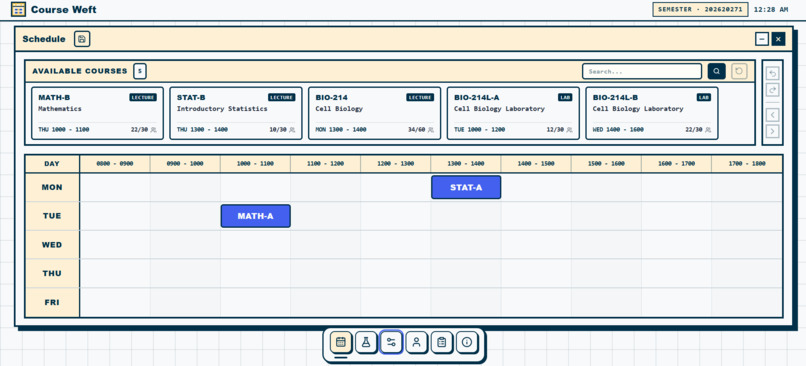
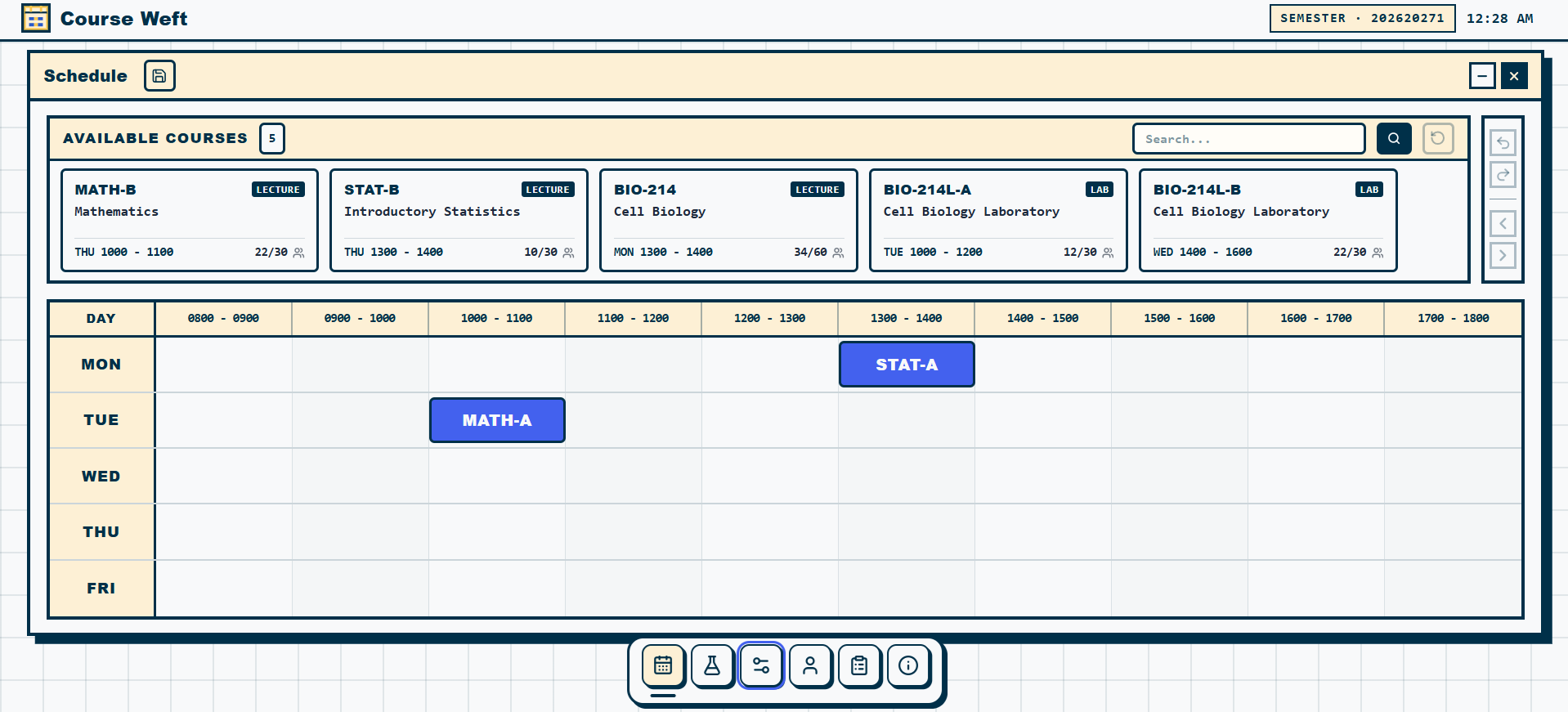
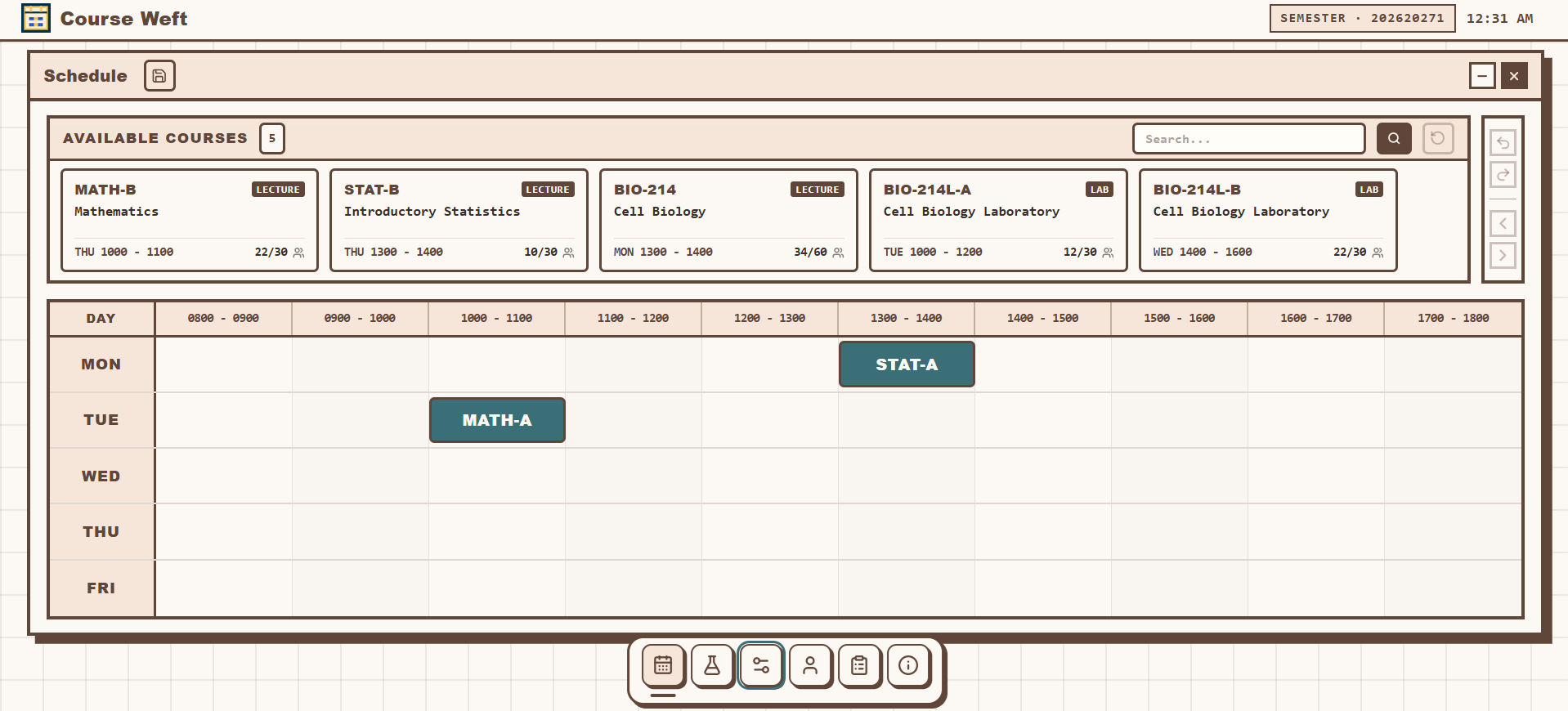
Course Weft timetable and starting schedule
-
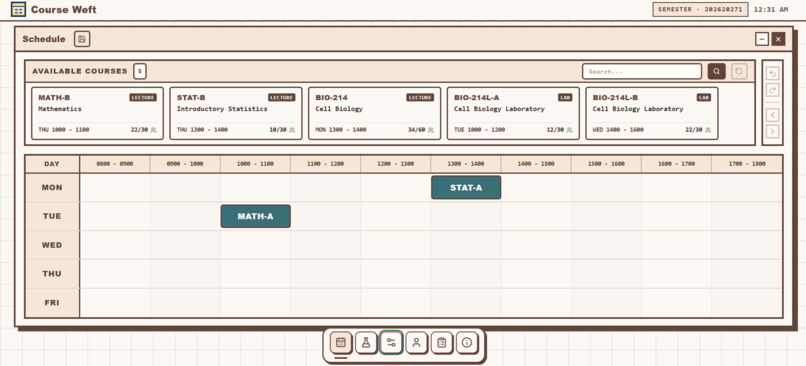
Soft Peach theme
-
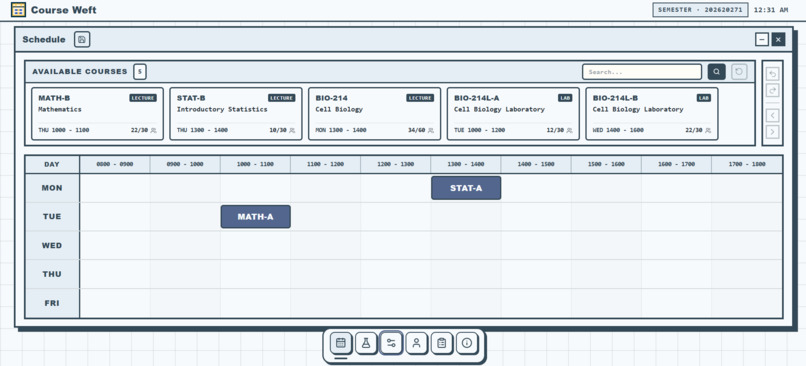
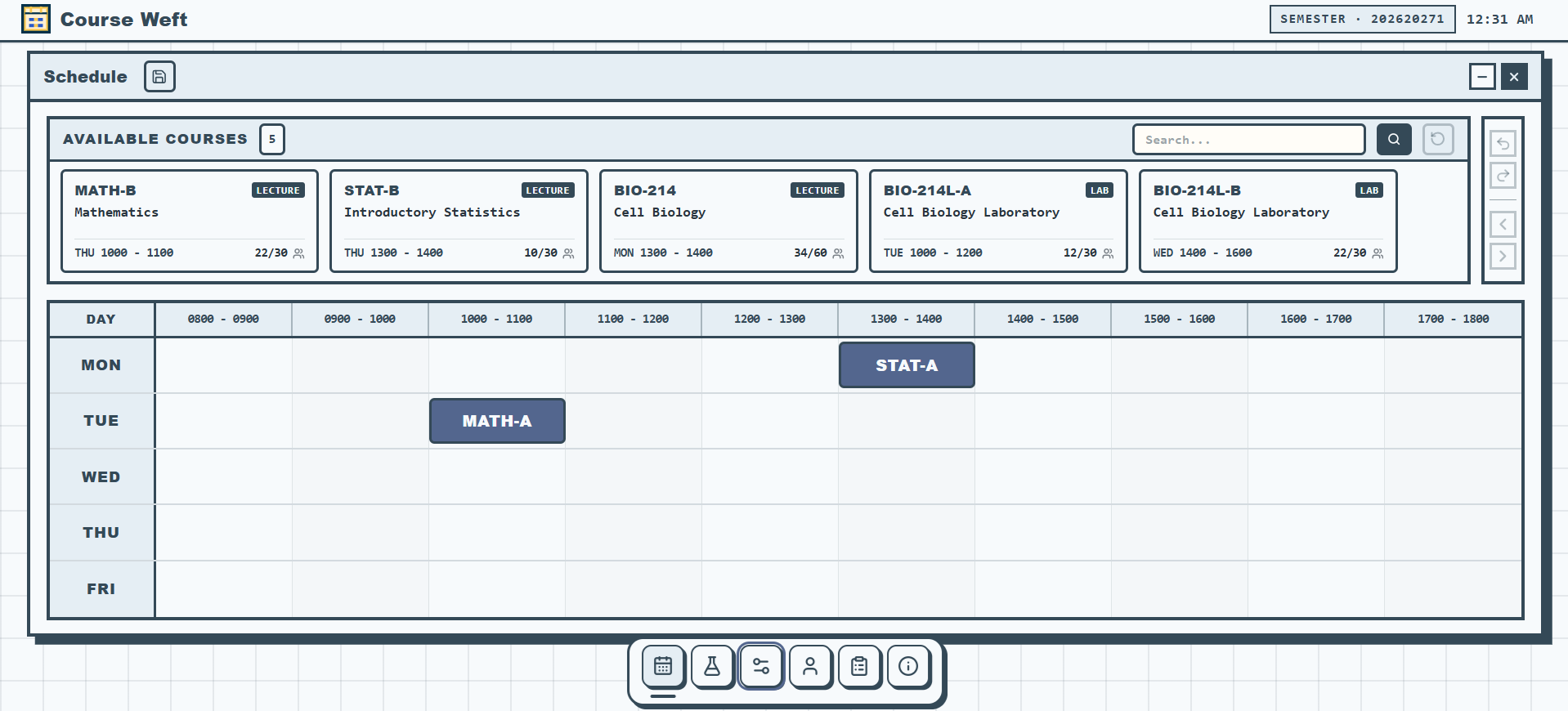
Pale Sky theme
-
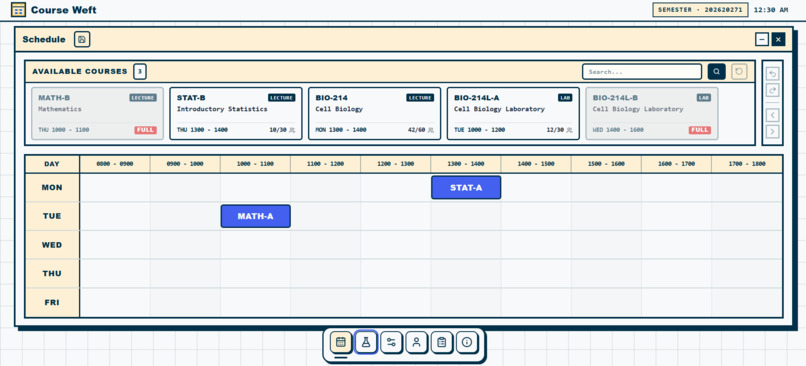
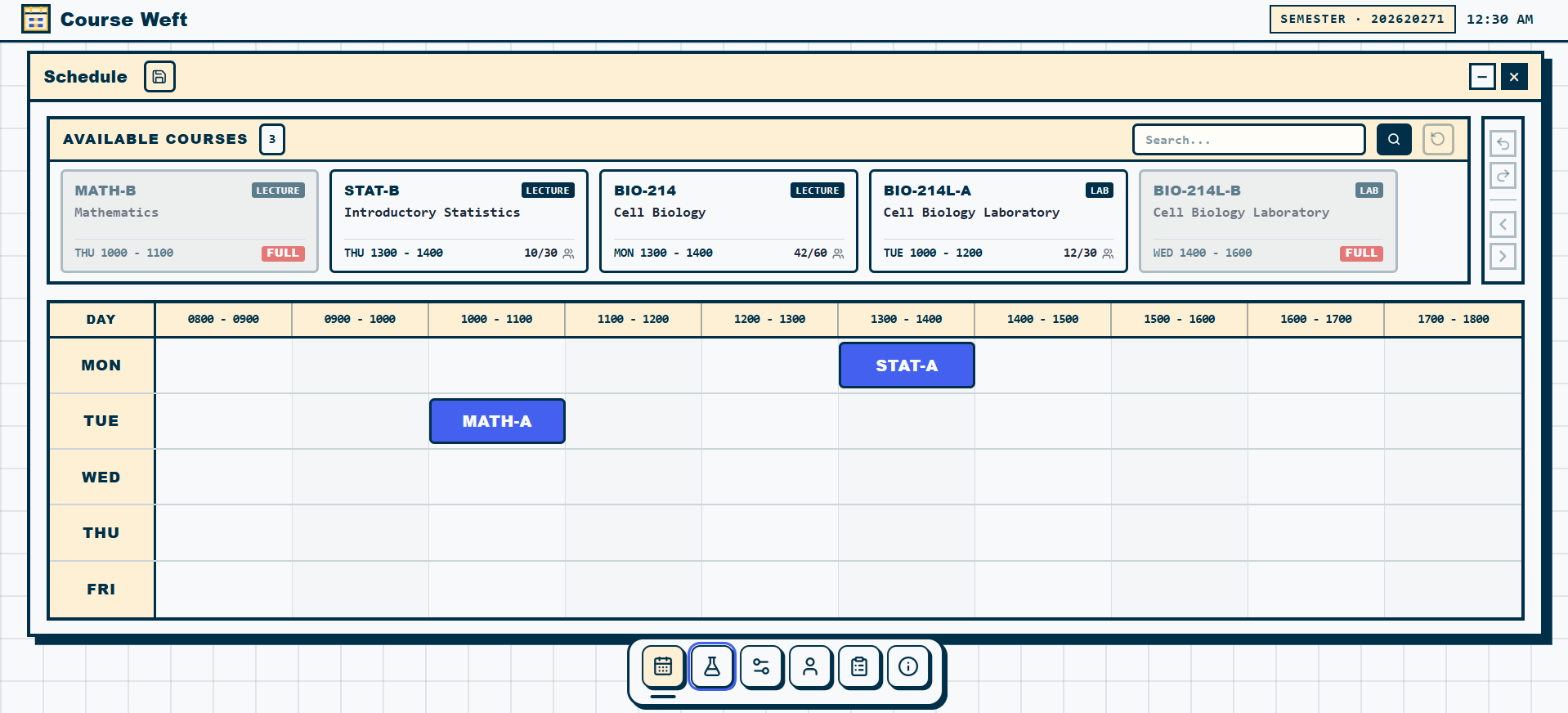
Full sections and limited repair scenario
-
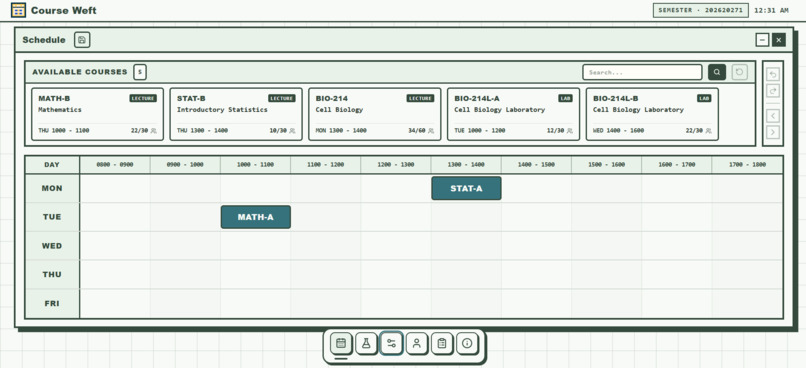
Soft Mint theme
-
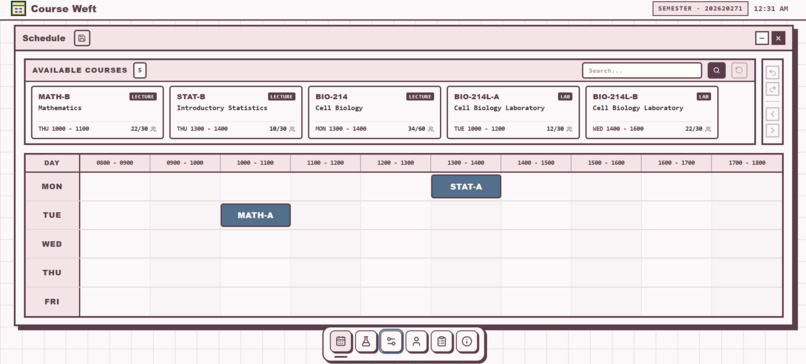
Soft Rose theme
-
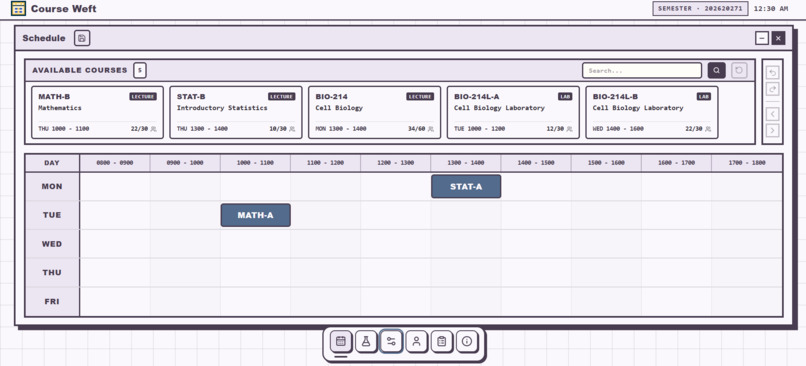
Soft Lavender theme
-
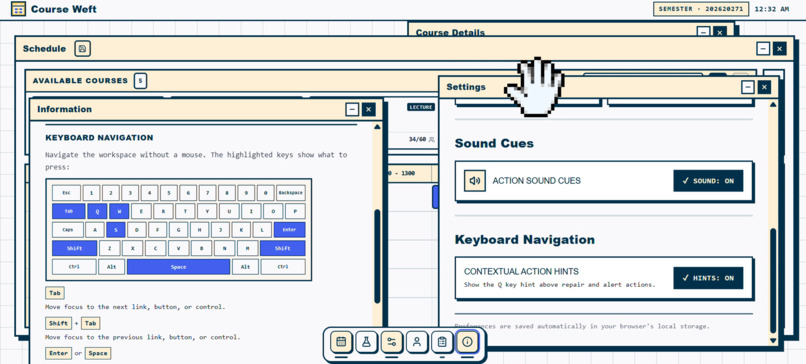
Course Weft multi-window workspace
Inspiration
Planning a course schedule can be stressful when two classes overlap. A warning may identify the problem, but students still need to understand what could change and decide whether the proposed schedule works for them. I created Course Weft to make that review process clearer.
What it does
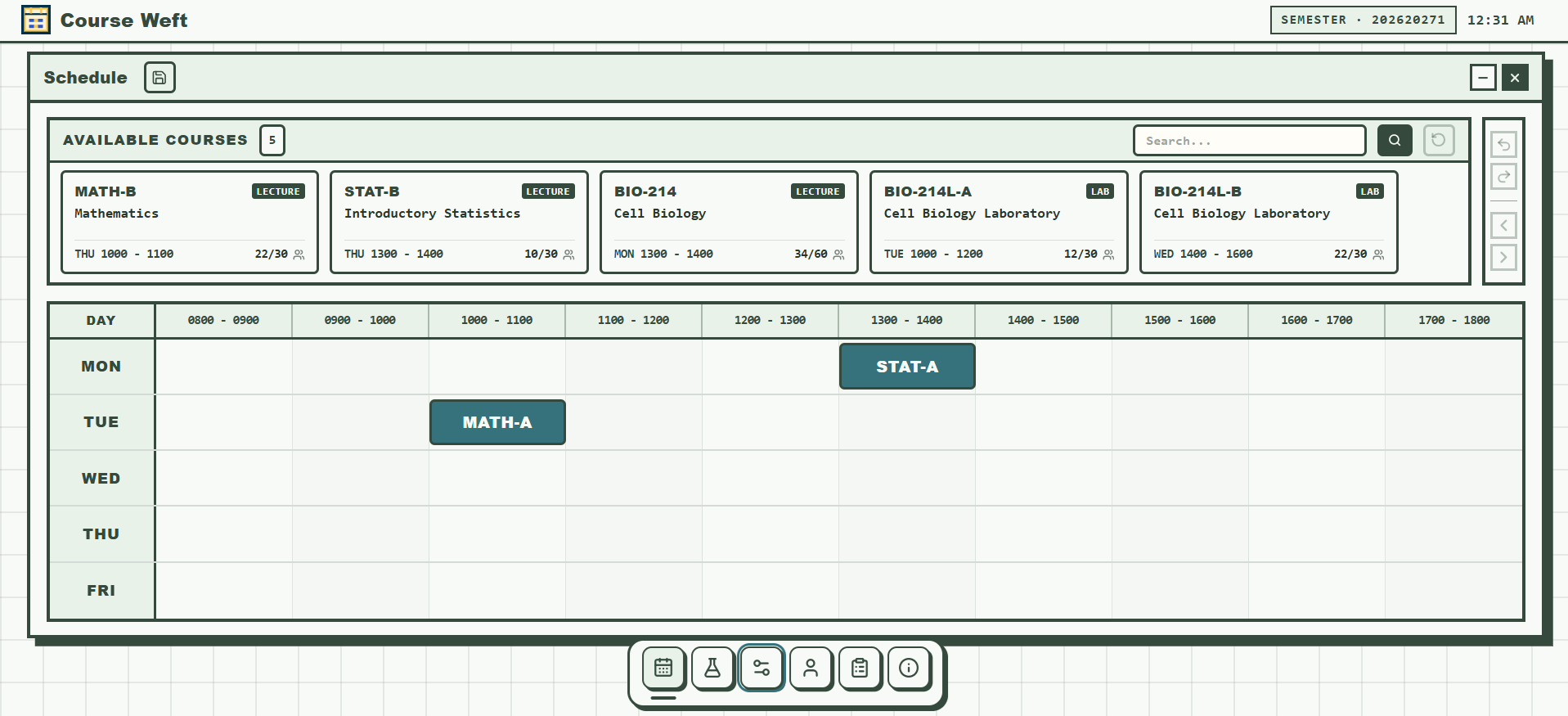
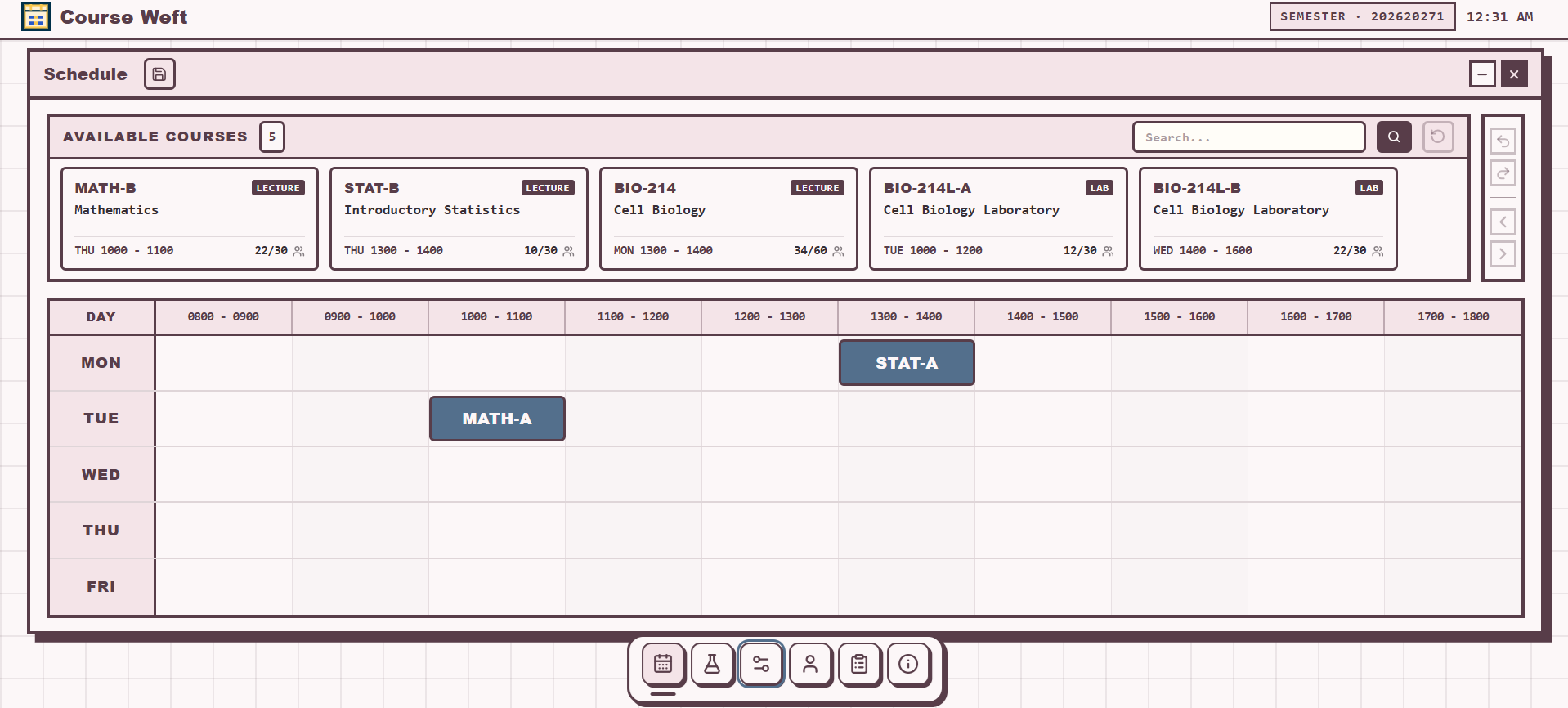
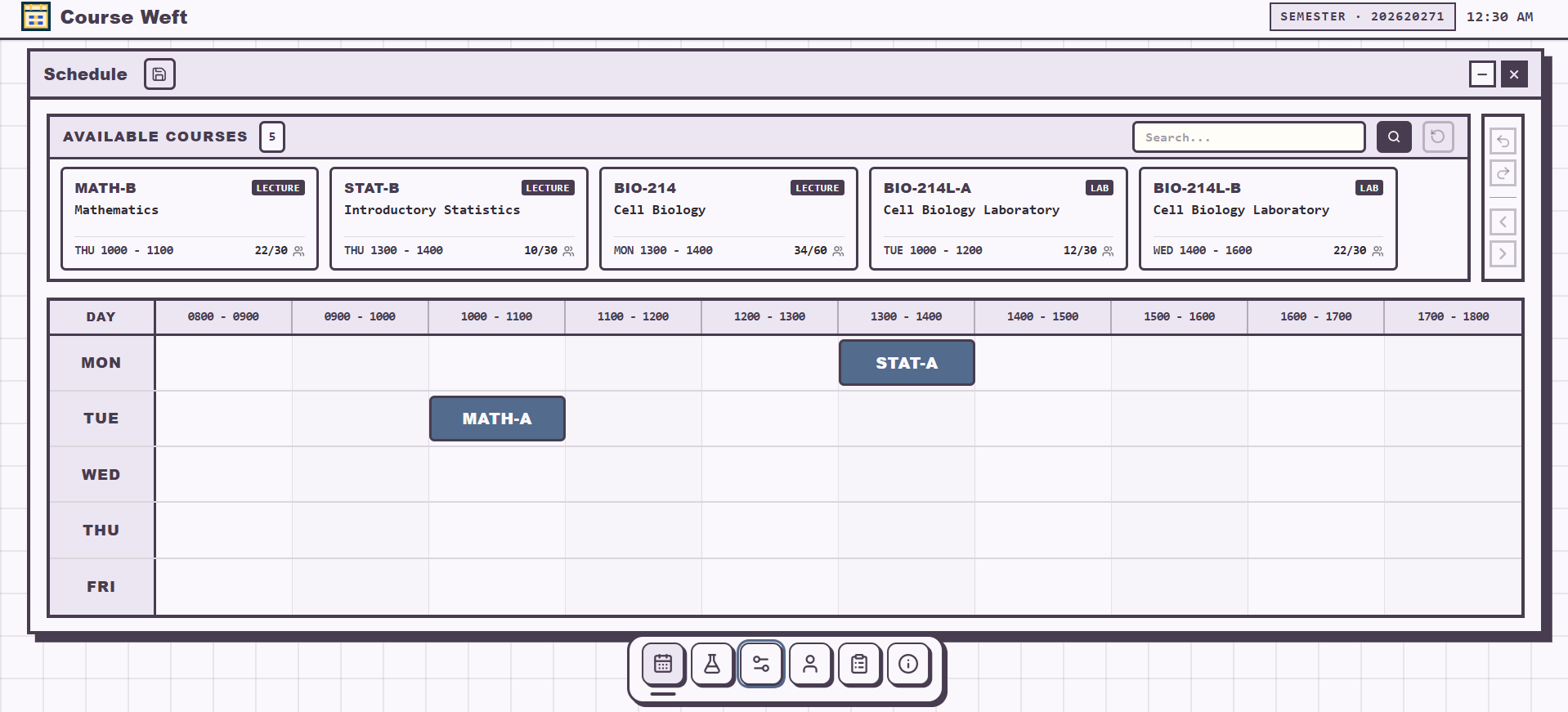
Course Weft is an interactive course-planning prototype. Students can explore a sample course catalogue, view a weekly timetable, and see when a course conflicts with their current selections. When a repair is available, the app presents proposed additions and section swaps for review before the student chooses whether to apply them. Changes update a local sample timetable only. The app does not connect to university registration systems or submit enrollments.
How I built it
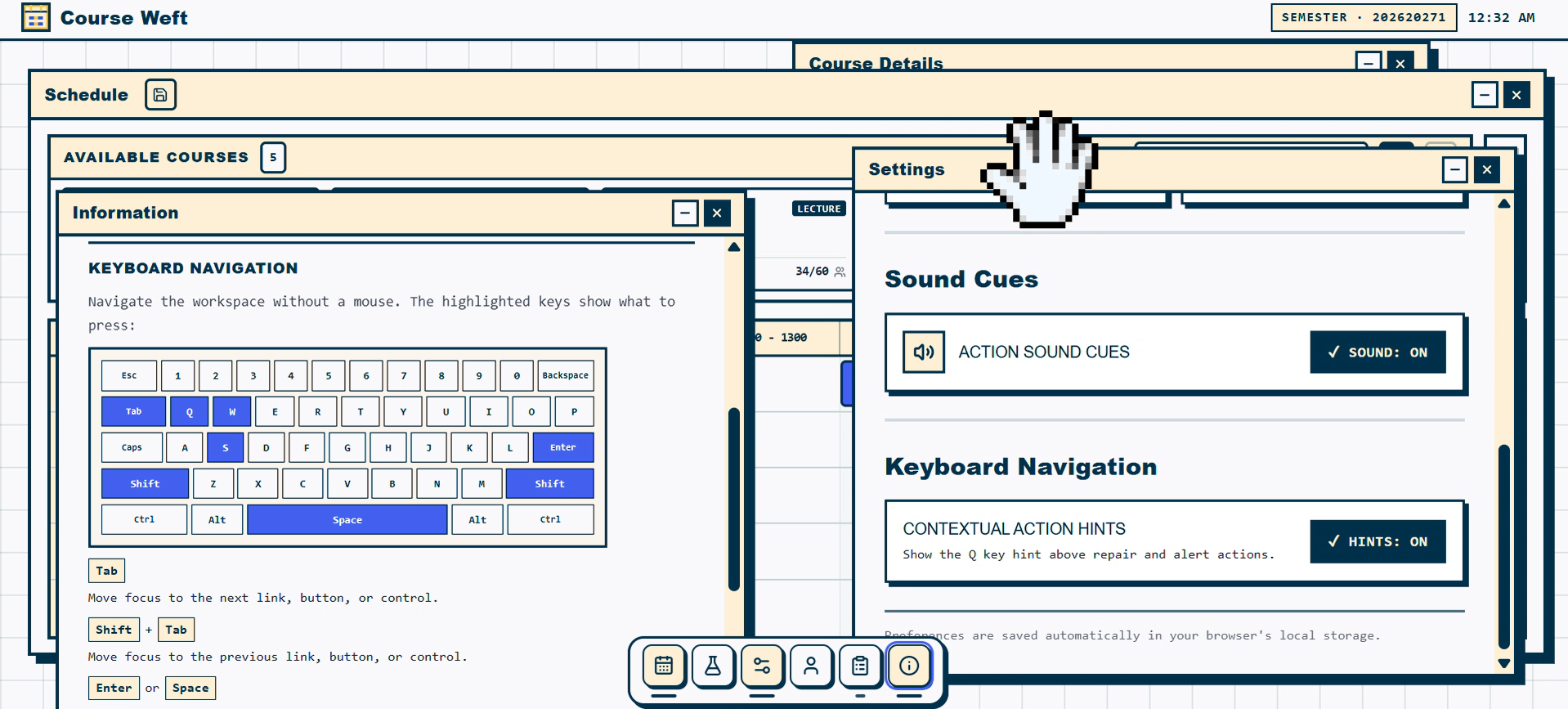
I built Course Weft as a web application with a component-based interface and a local schedule model. The timetable, course cards, conflict previews, repair suggestions, and undo controls work together to show how a proposed change affects the draft. I also added mouse and keyboard interactions so users can explore the schedule in different ways.
Challenges I ran into
One challenge was keeping the repair preview accurate and easy to understand. The app needs to distinguish between courses that are added, sections that are swapped, and courses that remain unchanged. I also worked through interaction details such as showing conflict previews during drag and drop, keeping card layouts consistent, and making keyboard hints appear only during keyboard navigation.
Accomplishments I'm proud of
I'm proud that users can see a timetable conflict, review a possible repair, and decide whether to apply it without losing the original draft. The interface also supports undo and reset, uses fictional sample data, and provides both pointer and keyboard interactions.
What I learned
I learned that a useful planning tool needs to explain not only that a conflict exists, but also what a proposed repair changes. I also learned how important it is to test interaction states carefully, including focus, hover, drag, animation, and returning to an earlier draft.
What's next for Course Weft
Next, I would like to improve the clarity of the repair explanations, test the experience with more users, and continue refining keyboard and screen-reader support. Any connection to real course catalogues or registration systems would require separate planning, permission, and security review.
Built With
- css
- html
- javascript
- react
- tailwind
- vite

Log in or sign up for Devpost to join the conversation.