-
-
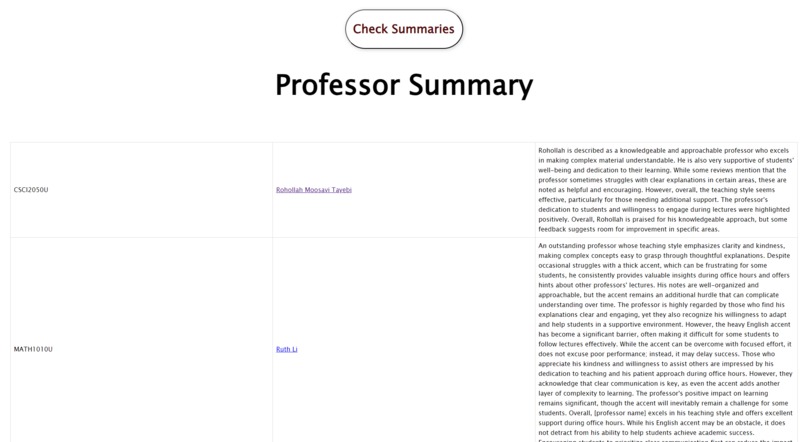
AI Professor Summaries
-
Top of Page
Group 11: Members: Joseph Salama, Allan Sangle, Nabila Tabassum
Inspiration
The inconvenience of the Ontario Tech course registration system, and how difficult it is to navigate.
What it does
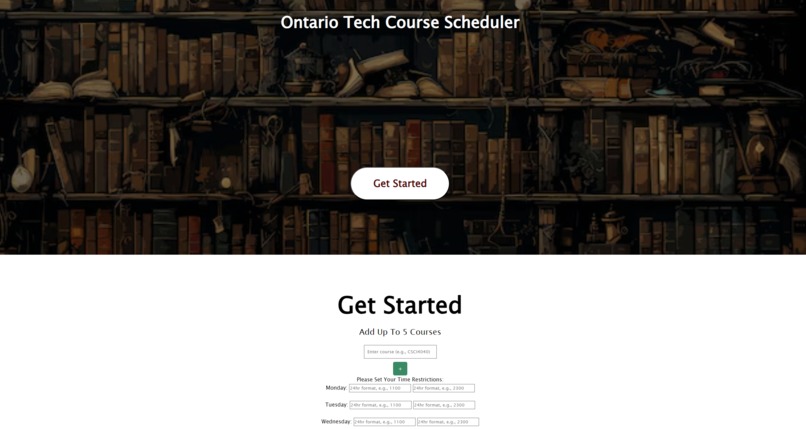
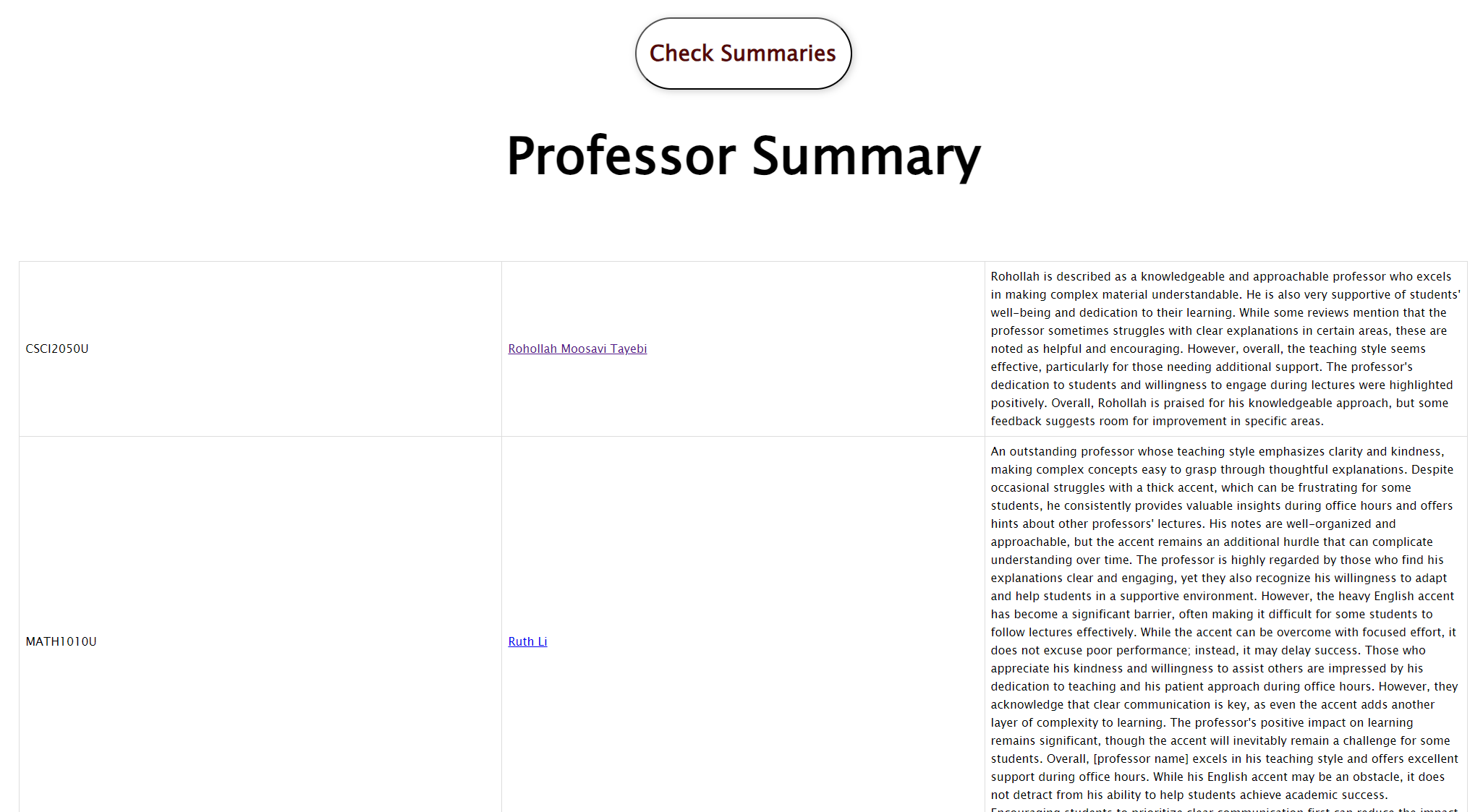
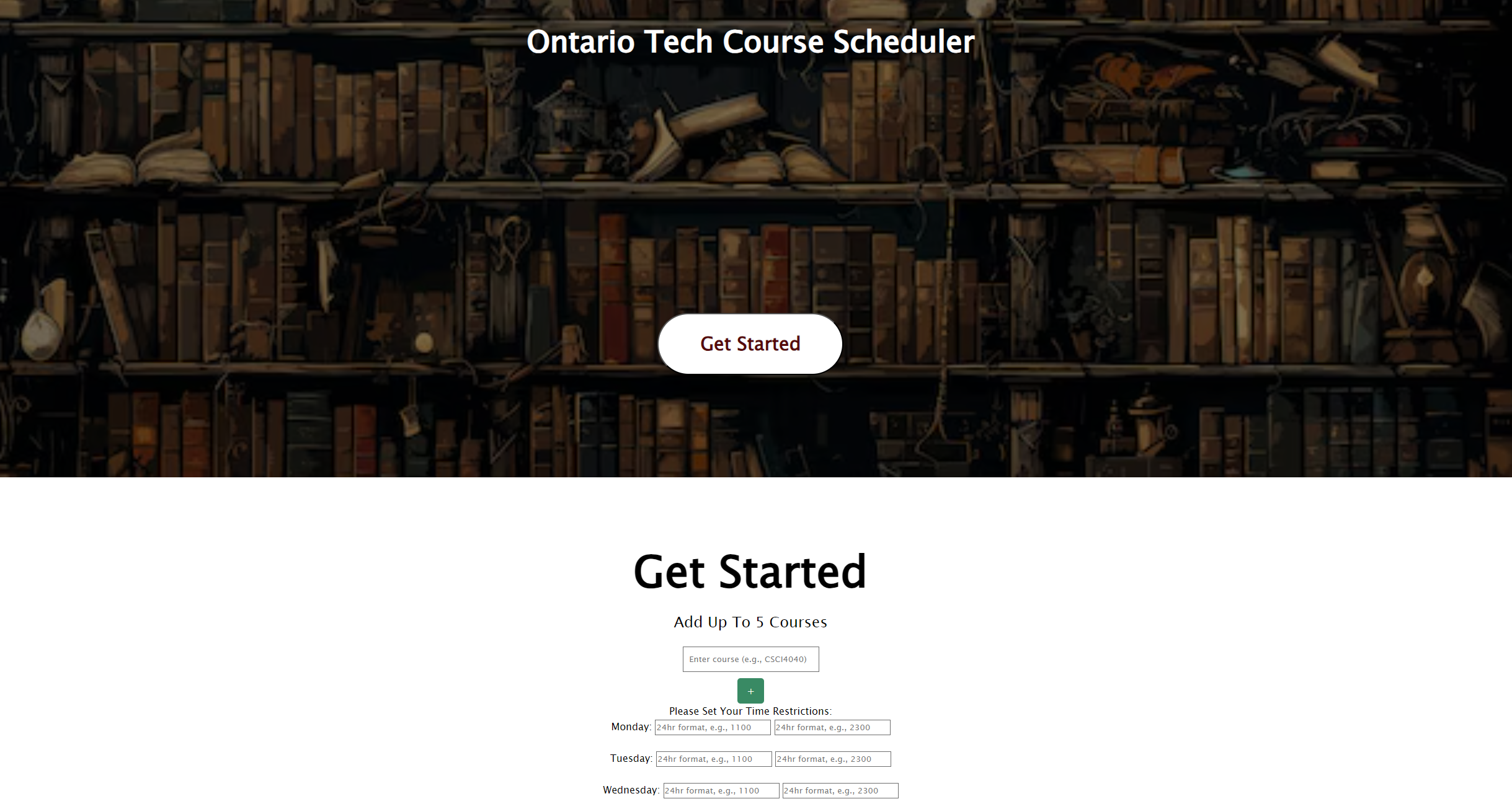
Utilizes the Ontario Tech course registration system to recreate a clean planner of up to 5 courses that you wish to take into that year, and utilizes AI to give you a reformatted google calendar download and professor summaries based off the website RateMyProfessor, to simplify searching and planning into one page.
How we built it
Utilized Html/CSS to create the basic layout of the page. Python was used in the back-end, which was connected by Javascript, which fetches and sends information to the back in order to scrape the web to get the information into the web page.
Challenges we ran into
- Web scraping off the Ontario Tech course registration page was difficult as it is a private page
- Linking the front-end to the back-end through fetching
- Making sure everything is automated and runs seamlessly through user-input of courses
Accomplishments that we're proud of
- Accomplishing all basic necessities in a limited time
- Debugging errors in the code as a group
- Communication was extraordinary in understanding each other's sections
- Connecting everyone's sections
What we learned
- Web scraping off URL's
- How to run the basics of AI
- Creating JSON files and exporting onto Html through Javascript
- Many new imports
What's next for Course Scheduler
- Adapt to working for more restraints (days off, stricter times, different professors)
- Display a downloadable schedule on the site instead of google Calendar
- More usage of AI in the summary of courses through web scraping to be descriptive
- AI recommendation of courses
Built With
- html/css
- javascript
- python

Log in or sign up for Devpost to join the conversation.