-
-
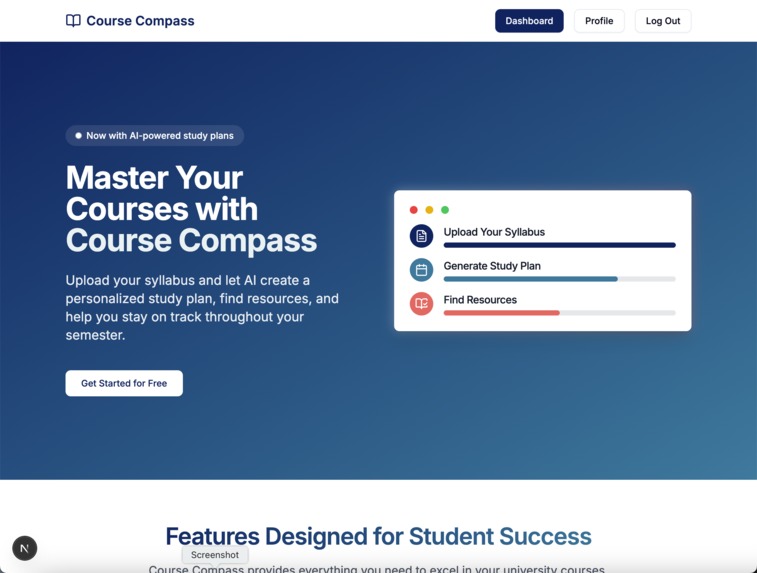
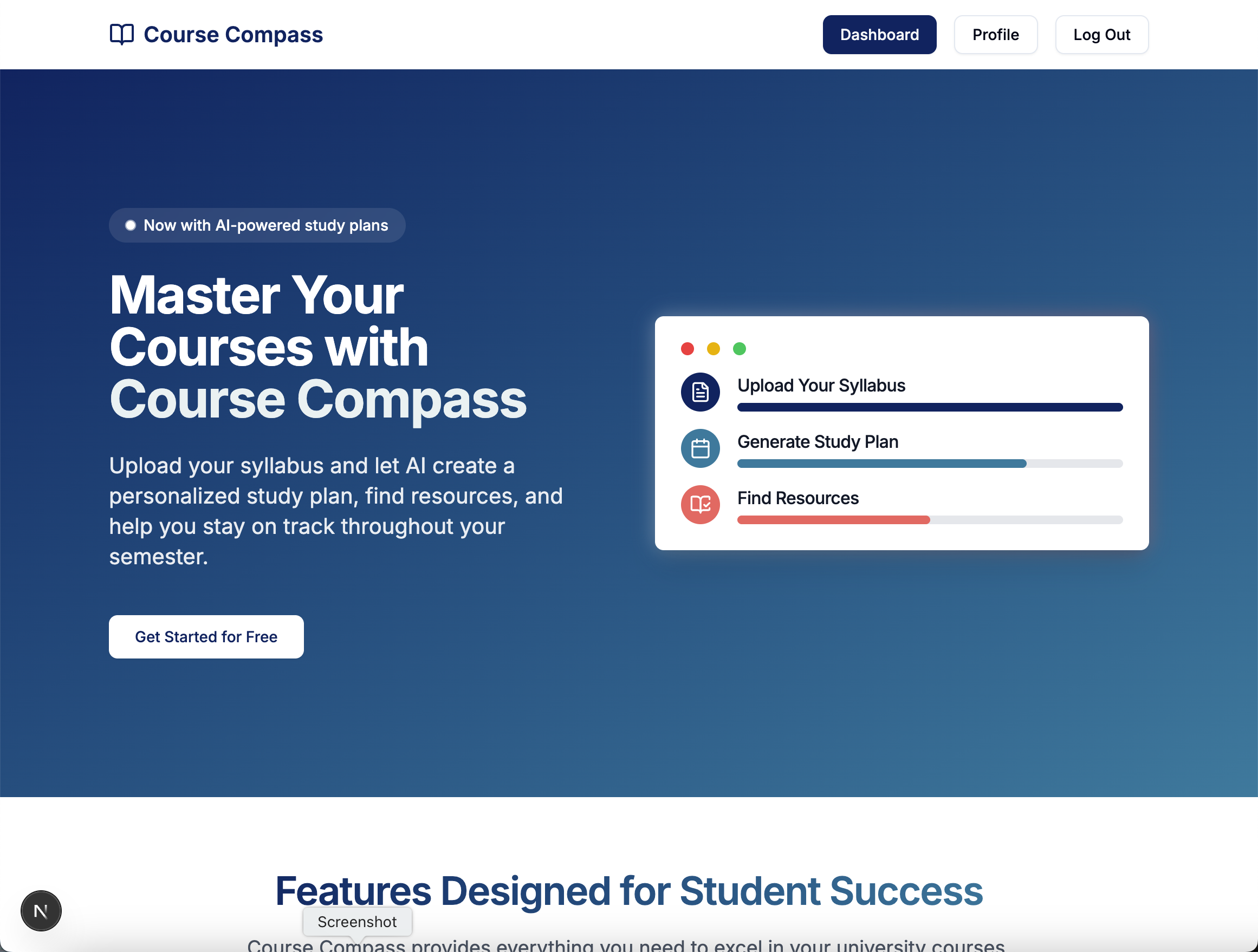
Home page
-
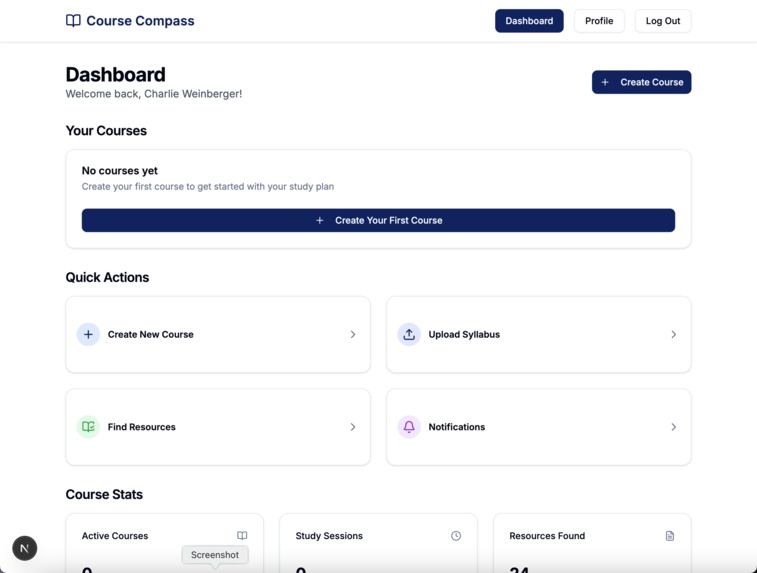
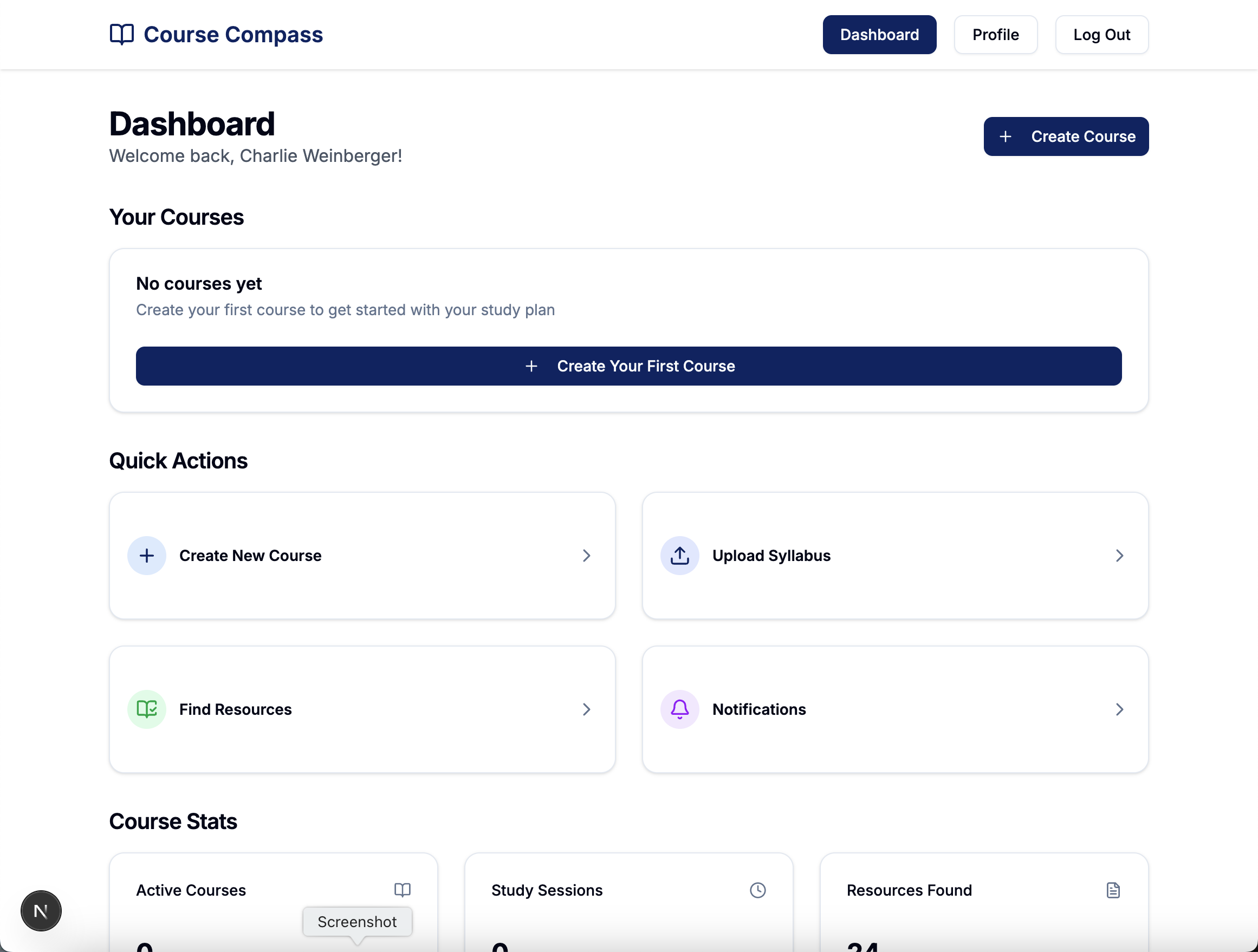
Dashboard
-

New course
Inspiration
As a college student with several upper-div courses, I often get overwhelmed with all of the work I have to do, especially when professors make exams 90% of your grade but then don't do any useful lecturing in class. To help myself and fellow students study, I created Course Compass, a study companion that helps students keep track of their studying.
What it does
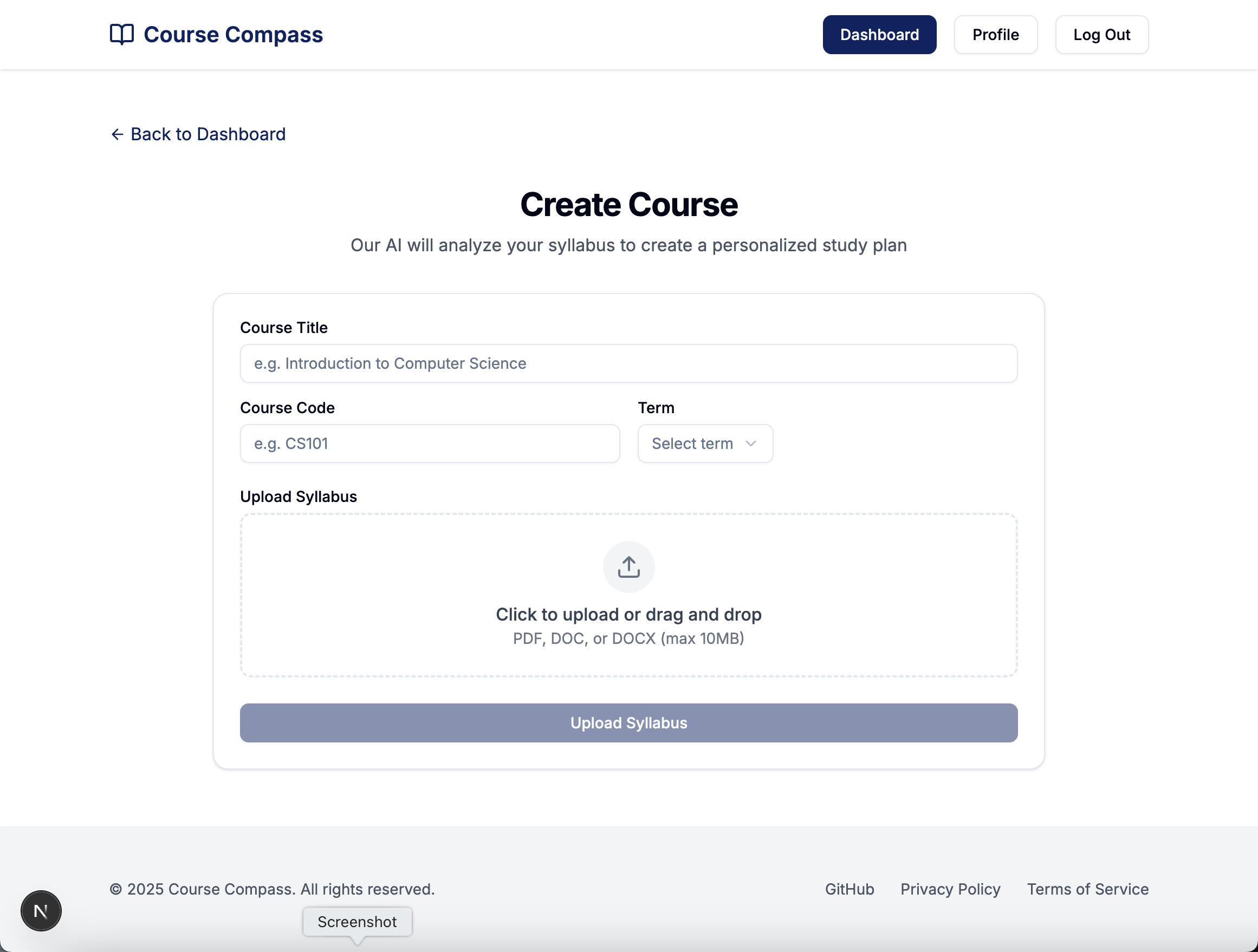
Course Compass allows students to create courses similar to their university courses by uploading course syllabi or course schedules, and other information related to their course. Course Campus then analyzes the documents, creates a study plan, and finds helpful resources online to guide in studying. It also sends useful reminder notifications to help students stay on track when studying.
Challenges I ran into
This was my first solo hackathon, and I ran into several problems because of it. Coming up with a good idea was a huge problem, since I usually have others to brainstorm ideas with and bounce ideas off of. Planning my schedule was another thing, since it was completely on me to decide when to eat, work, and socialize. Unfortunately, I ended up not finishing all the features I had planned for the website. Finally, debugging AI-generated code was a nightmare (see below).
What I learned (about Vibe Coding)
This hackathon, I set out with the goal of playing around with AI-generated code: "vibe coding". At one point, I have 5 different AI code-generation tools open at once, seeing which tool generated the most accurate and useful code. To start, I landed on Lovable for an initial template, but then converted their code into a Next.js project. For the middle third of the hackathon, I used GitHub Copilot with Claude 3.7 Sonnet, with decent success, falling back on GPT 4.0 or Vercel's v0 when Copilot couldn't do the job. Finally, to finish my project, I used Windsurf, an AI-powered IDE that allowed me to use the entirely of the large codebase as context. This worked well for the most part. However, every AI-generation tool I used was a nightmare to debug, if they didn't get the solution correct the first time. Understanding what you're programming is still essential for making a successful web app, since I had to manually go through most if not all of what the AIs generated.
Successes I'm proud of
I'm glad that I showed up and put the effort in to compete as a solo hacker. I'm confident that I gained some valuable experiences working on my own, and would definitely recommend it to others. It's all too easy to rely on others during hackathons, and getting out of your comfort zone to work on your own is something to be proud of. In addition, I'm glad that I was able to make use of AI to program something somewhat useful - my project was unfinished, and the idea needs refinement, but for a shackathon, I think I did a decent job.
Tech stack
Frontend: TypeScript, React, Next.js, Tailwind CSS, shadcn/ui Backend: Supabase, Auth0, Gemini
Built With
- auth0
- gemini
- nextjs
- react
- shadcn/ui
- supabase
- tailwindcss
- typescript

Log in or sign up for Devpost to join the conversation.