-
-
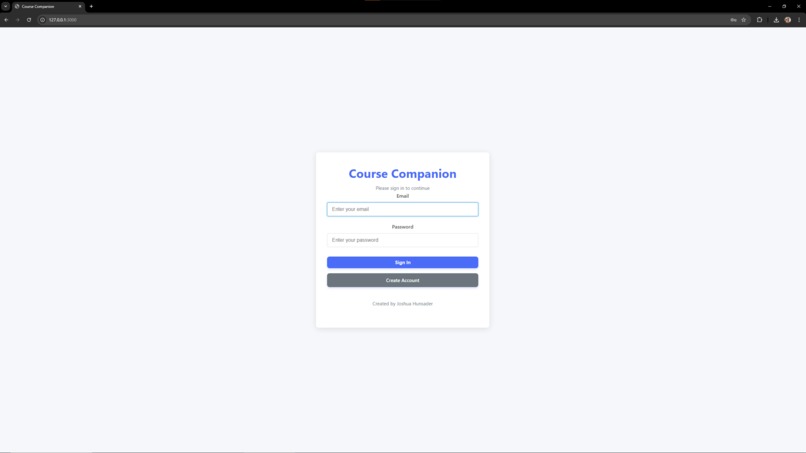
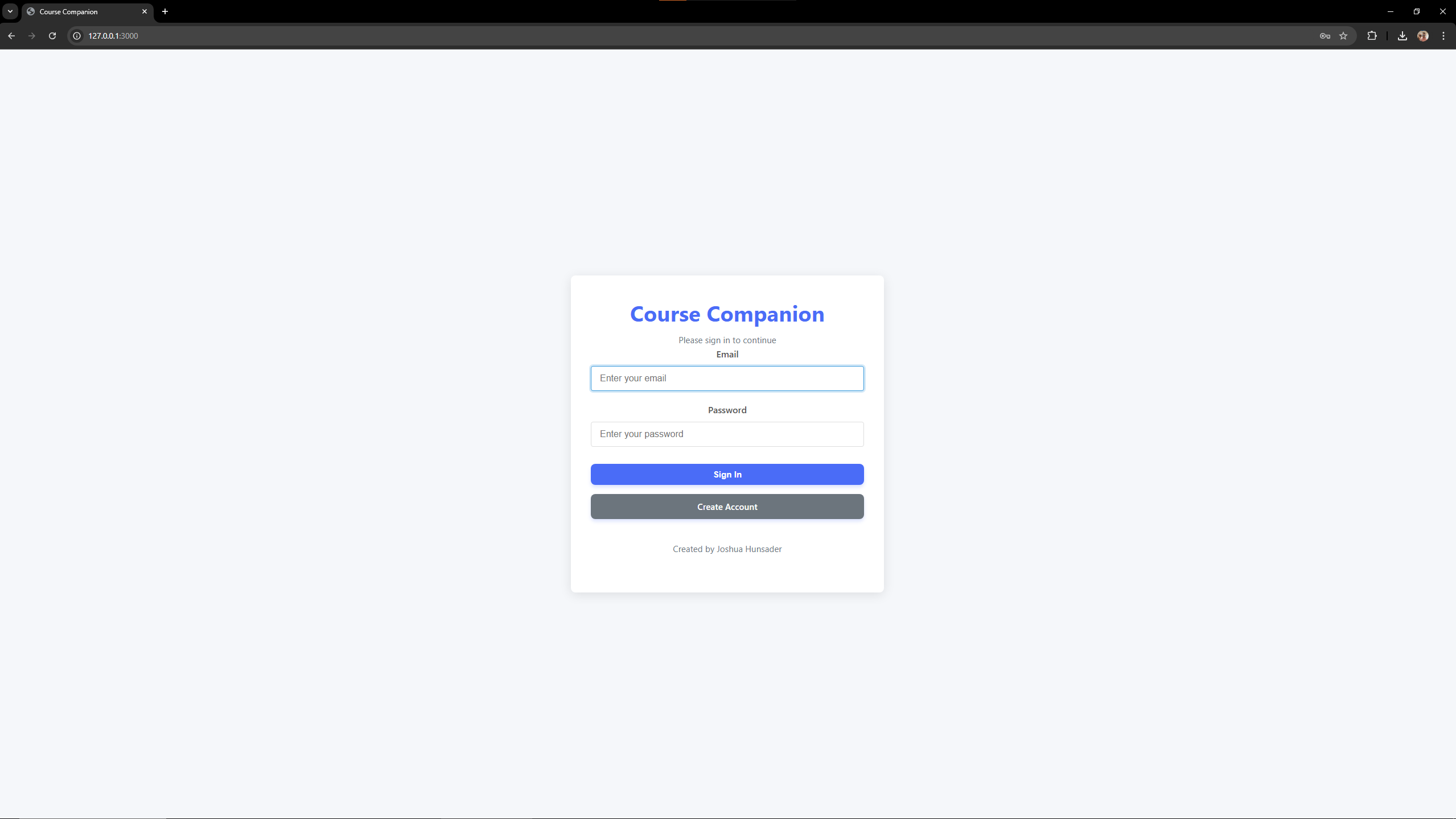
Login Page
-
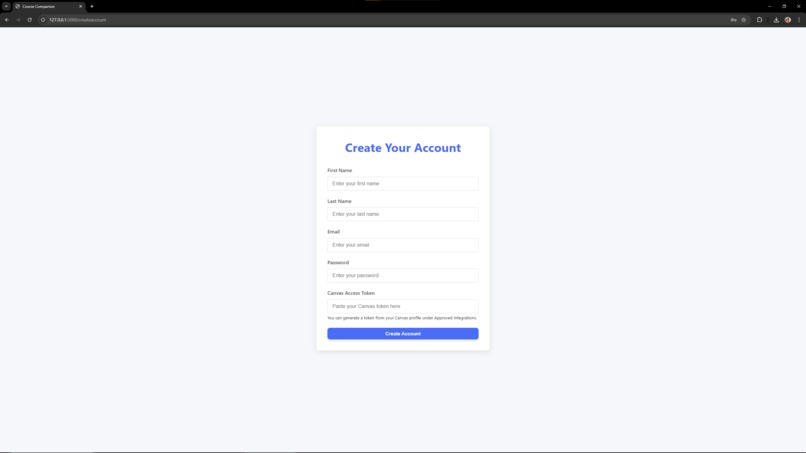
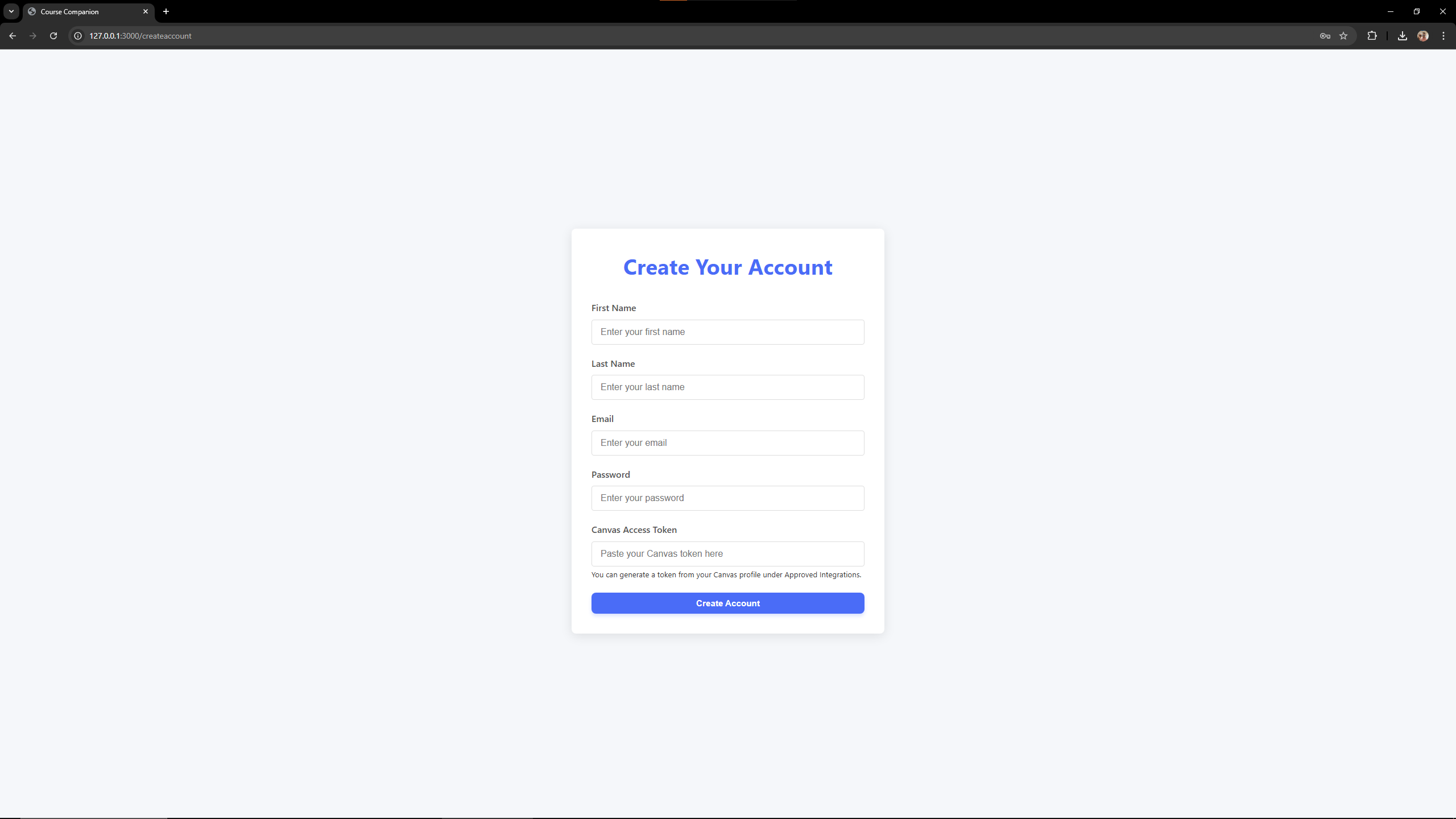
Account Creation Page
-
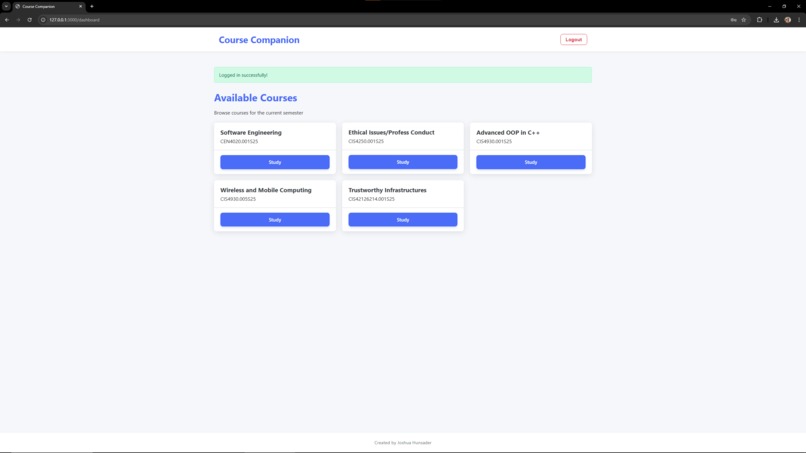
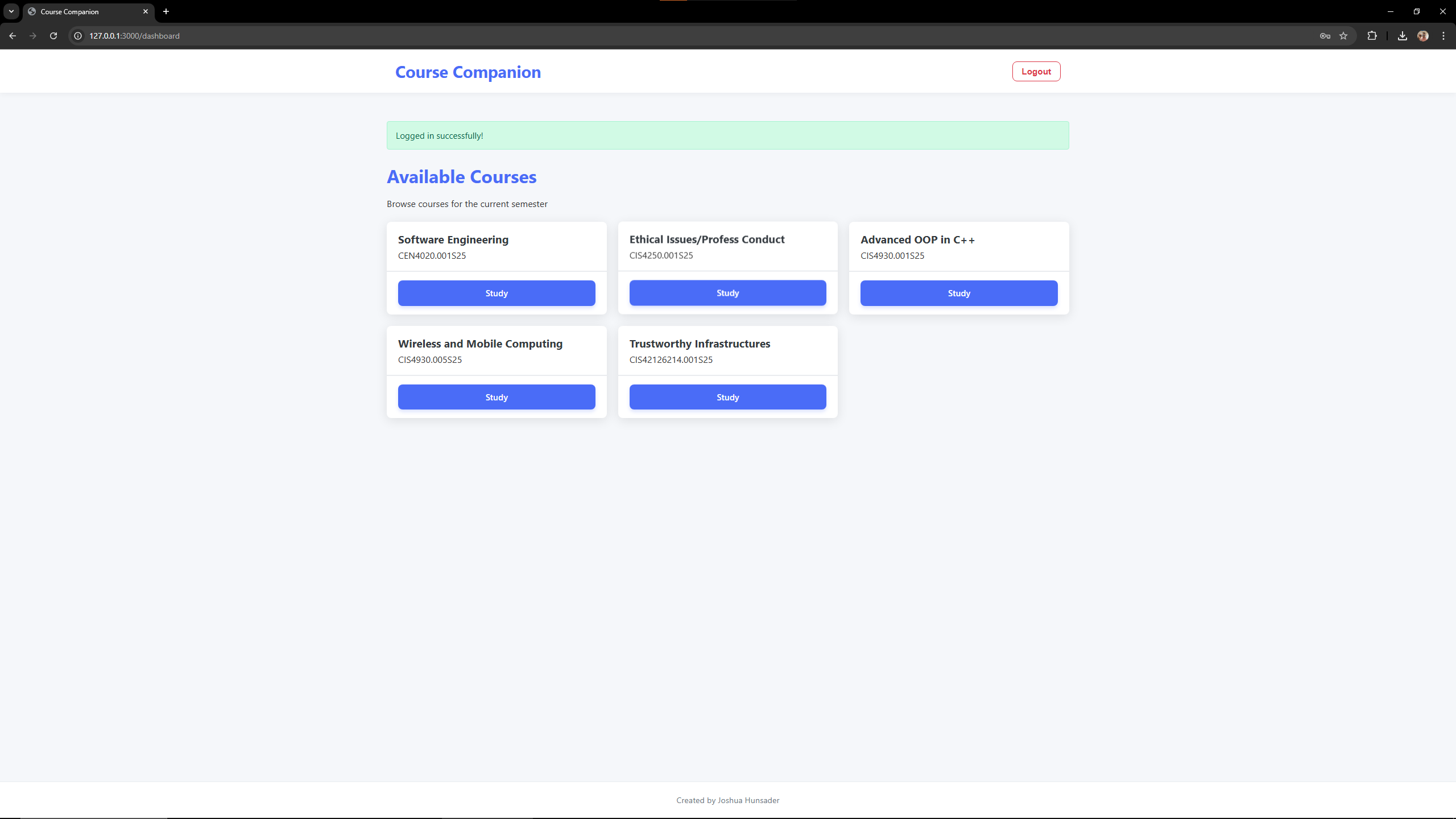
Course Selection Page
-
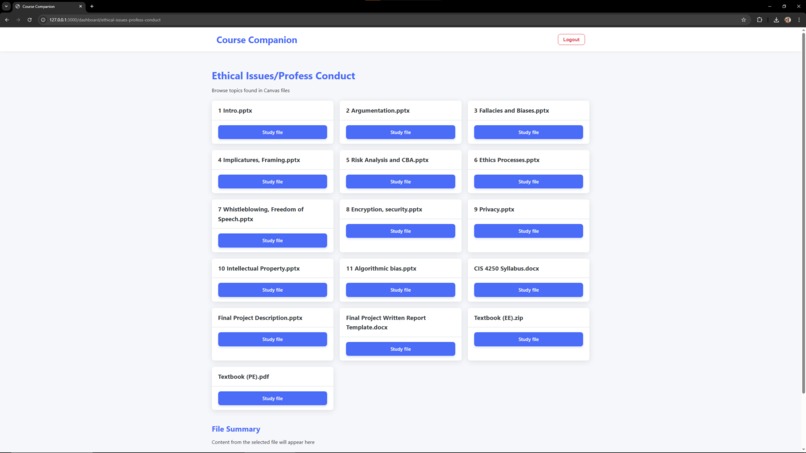
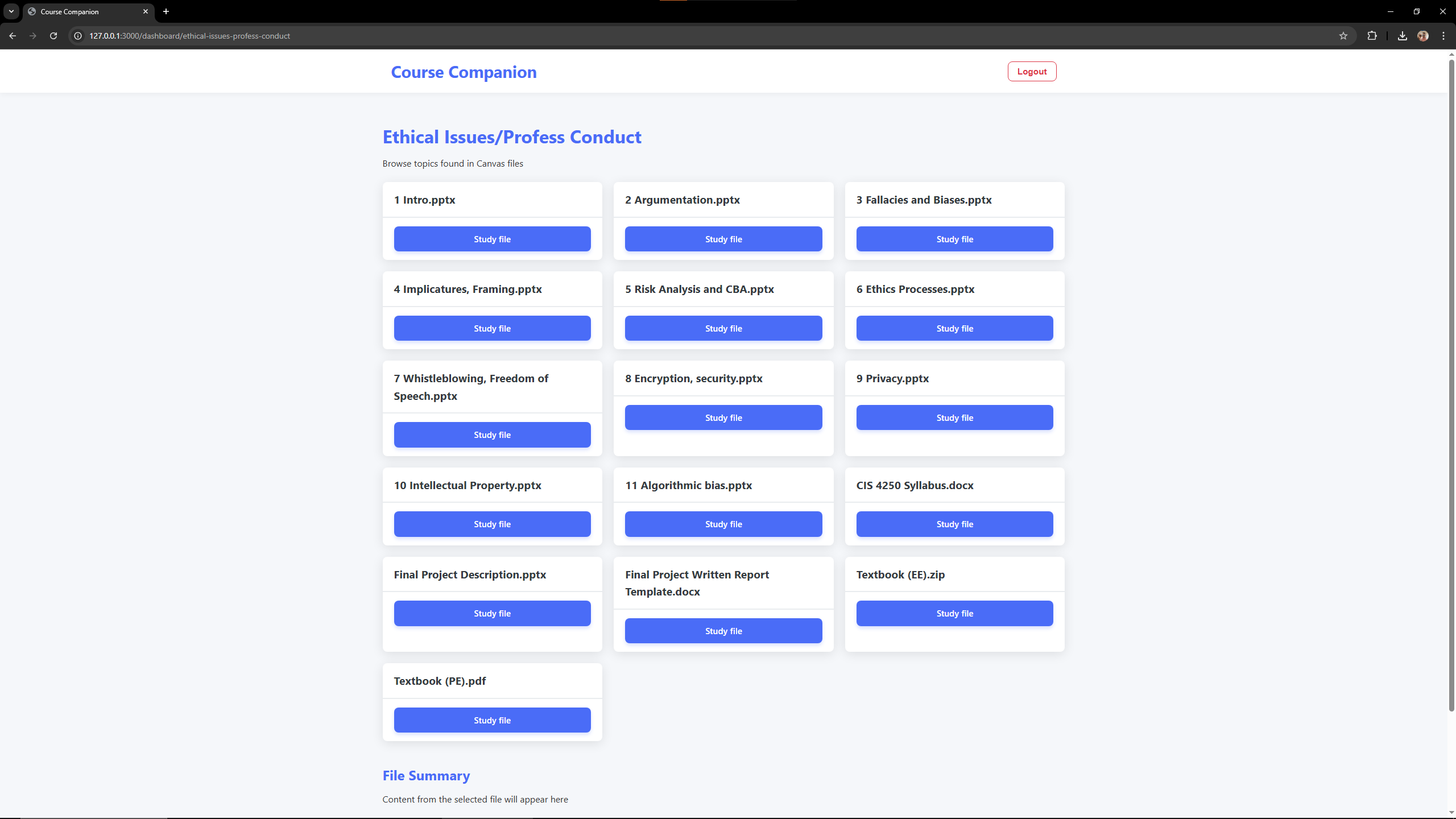
File Selection Page
-
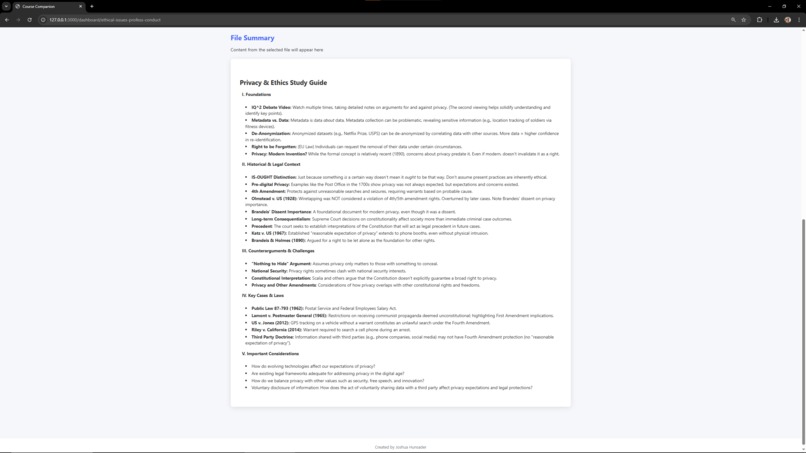
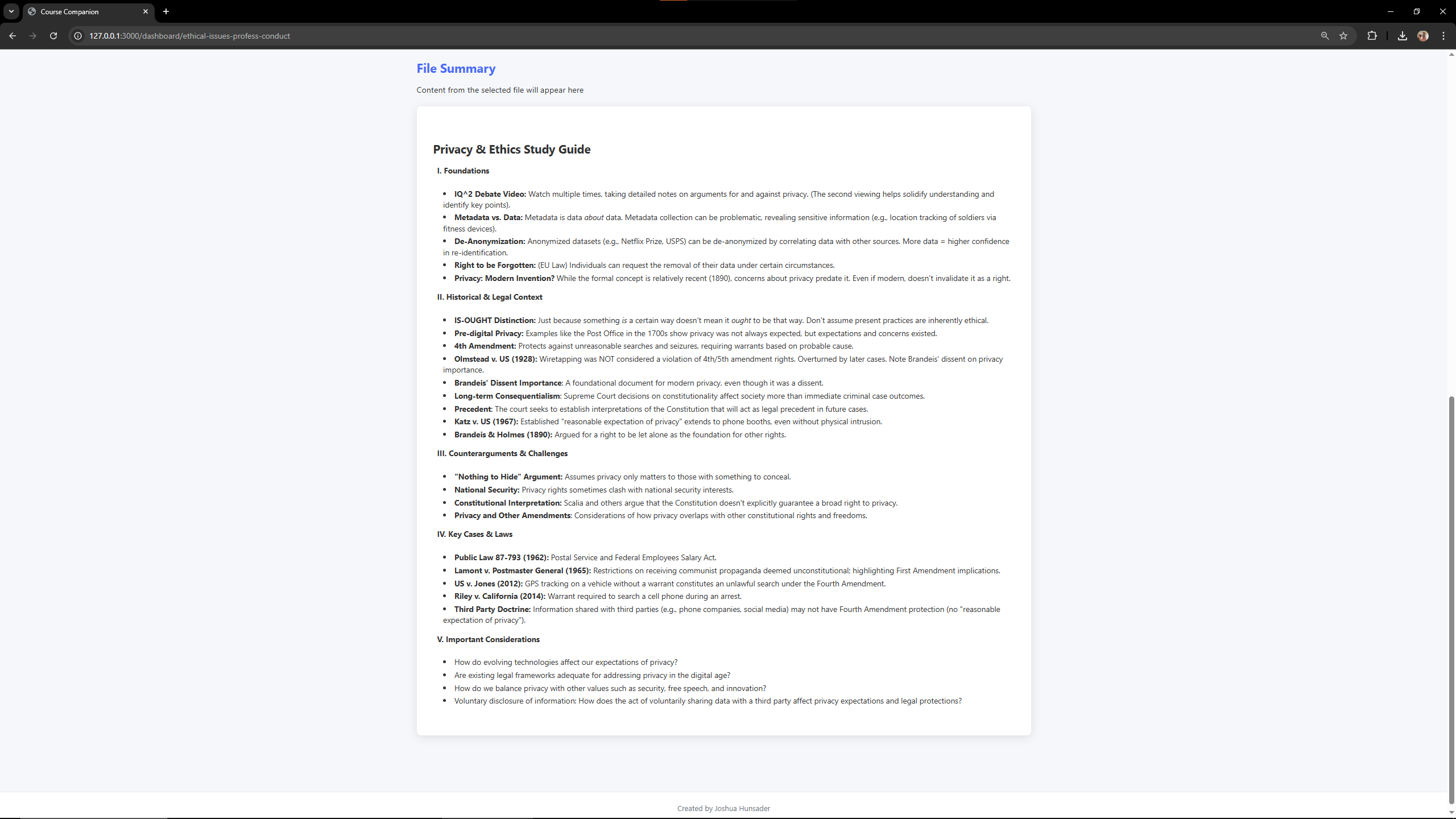
File Summarization Example
Inspiration
Navigating Canvas and summarizing academic materials can be overwhelming for students. I wanted to create a tool that could streamline the process of studying by intelligently surfacing the most important information from class files — directly and automatically.
What it does
Course Compass connects to your Canvas account, fetches your enrolled courses, and scans course materials like PDFs, DOCX, and PPTX files. It uses AI to summarize these files into concise, readable study guides that appear within the web app — no downloads, no switching tabs. Students can browse summaries instantly by selecting files from their courses.
How we built it
Course Compass is built with Ruby on Rails for the backend and ERB templates for server-rendered HTML.
- It authenticates users and securely fetches course and file data using the Canvas API with access tokens.
- File parsing is handled by
pdf-reader,docx, andzip/Nokogirifor PDFs, Word docs, and PowerPoint files respectively. - Summarization is done using Google Gemini (Generative Language API).
- We use Redcarpet to render Markdown summaries into clean HTML.
- Styling is handled with custom CSS for cards, alerts, and responsive layouts.
- No JavaScript was required — everything works server-side and renders dynamically with Turbo Frames.
Challenges we ran into
- Parsing different file formats cleanly (especially corrupted or oddly formatted PPTX files)
- Following multi-step redirects when downloading files from Canvas securely
- Avoiding content bleed or overflow in HTML when rendering large summaries
- Managing rate limits and handling inconsistent responses from external APIs
Accomplishments that we're proud of
- Building a fully functional AI-integrated study platform using only server-rendered Ruby on Rails — no JS needed
- Automatically parsing and summarizing real-world course content in a clean, readable format
- Delivering a seamless, fast user experience that feels modern and helpful
What I learned
- How to parse and extract text from a variety of binary file formats
- How to integrate modern AI models (Gemini) with legacy web tech in a clean way
- The power of Turbo Frames for progressively enhancing user interfaces without JavaScript
- How students interact with and benefit from summarized content at scale
What's next for Course Compass
- Auto-generating flashcards from summaries
- Support for more file types like spreadsheets and code files
- Admin tools for teachers to review what students are studying most
- Use OAuth 2.0 instead of requiring users to manually input Canvas tokens ## How we built it
Challenges we ran into
Accomplishments that we're proud of
What we learned
What's next for Course Companion
Built With
- canvas
- canvas-api
- google-gemini
- html
- ruby
- ruby-on-rails
- sqlite

Log in or sign up for Devpost to join the conversation.