-
-
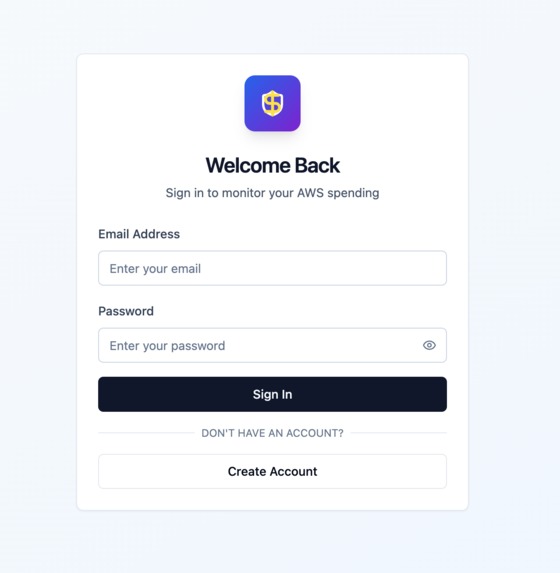
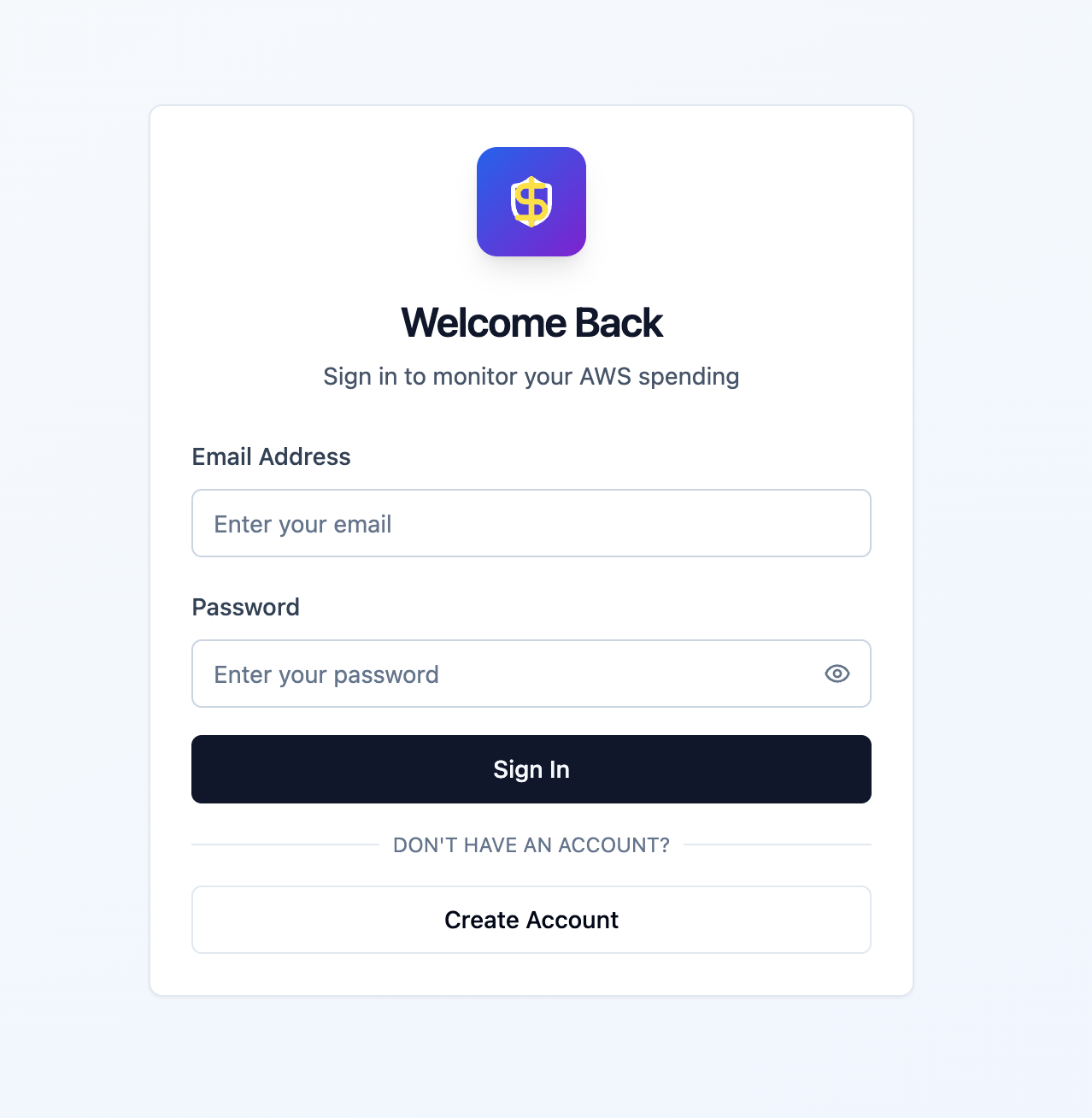
Login Page
-
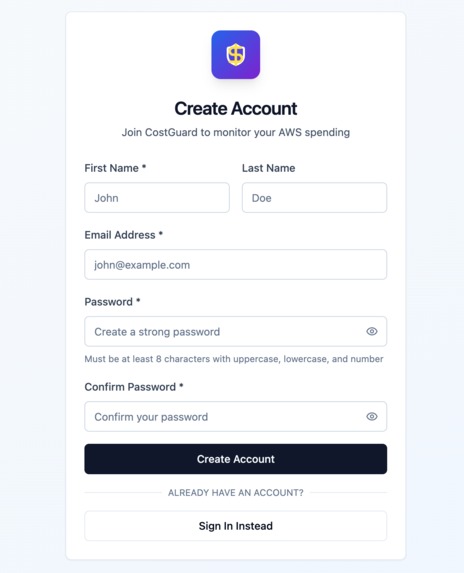
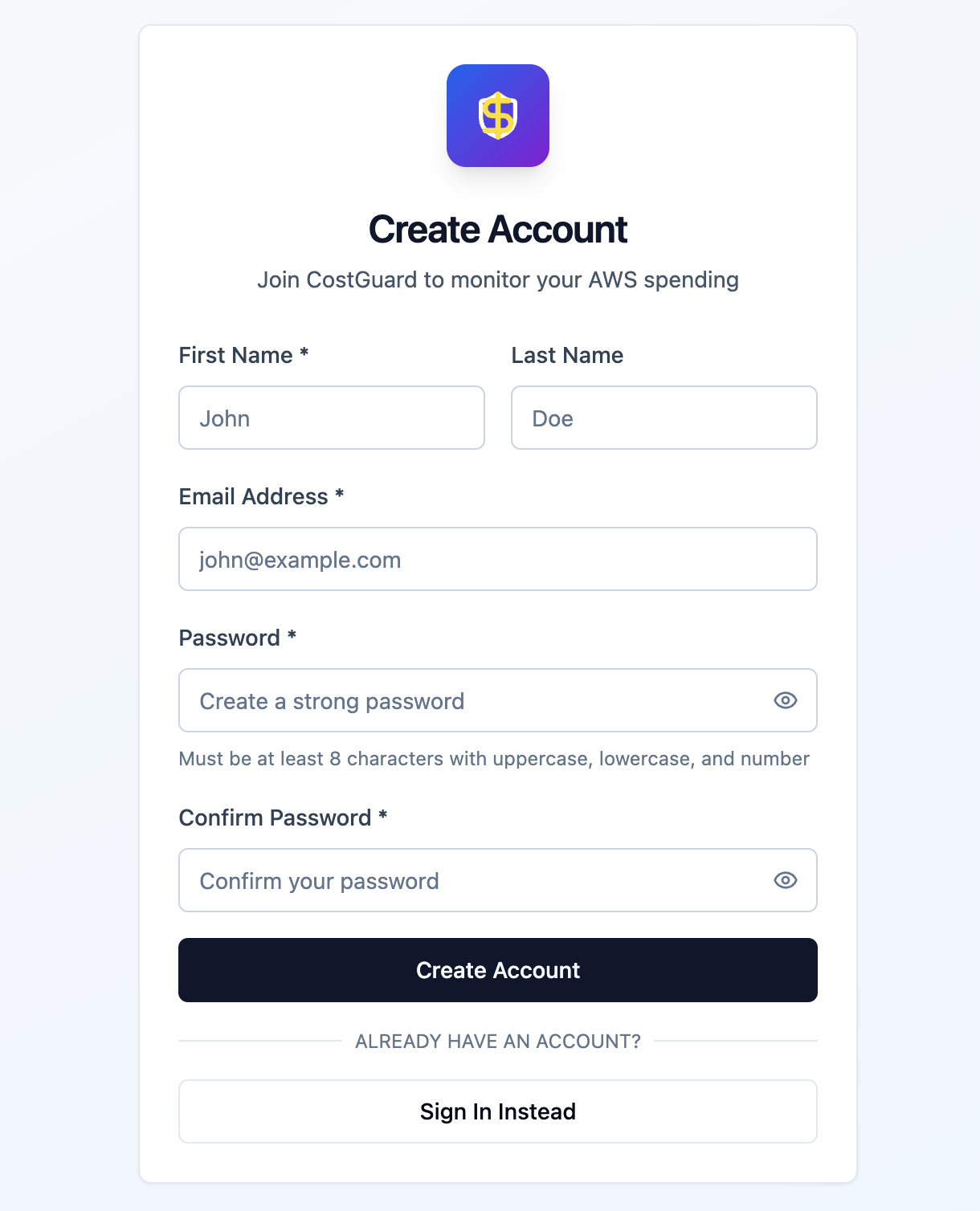
Create Account page
-
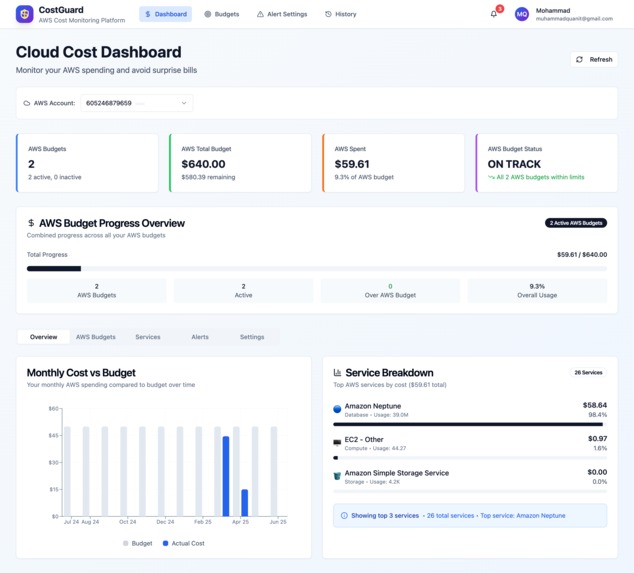
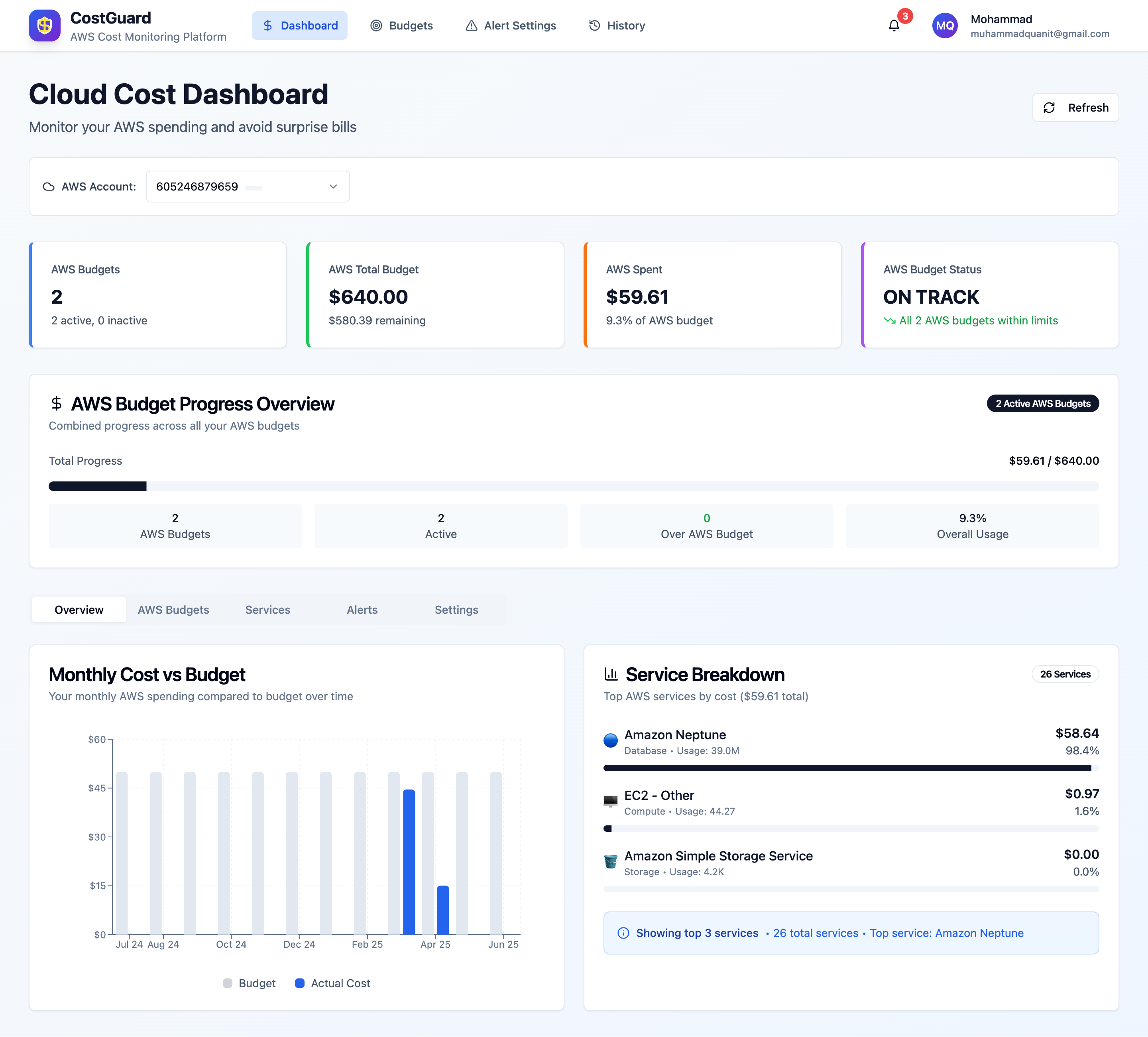
Dashboard Page
-
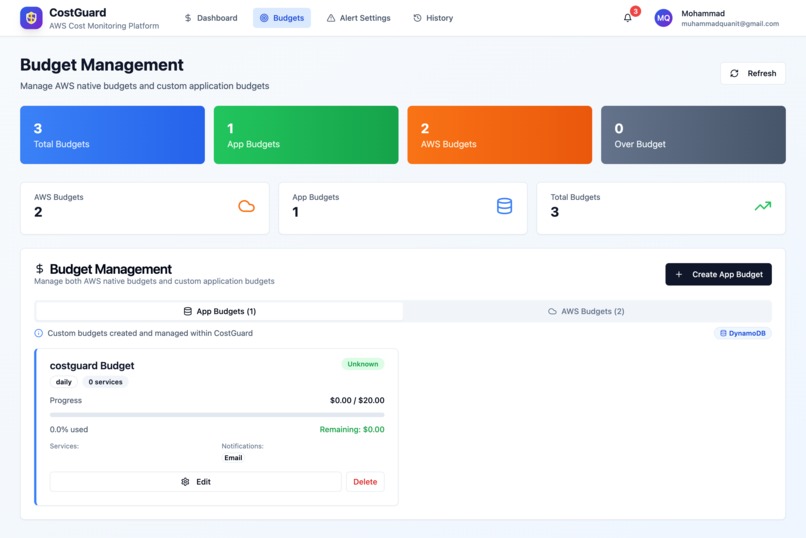
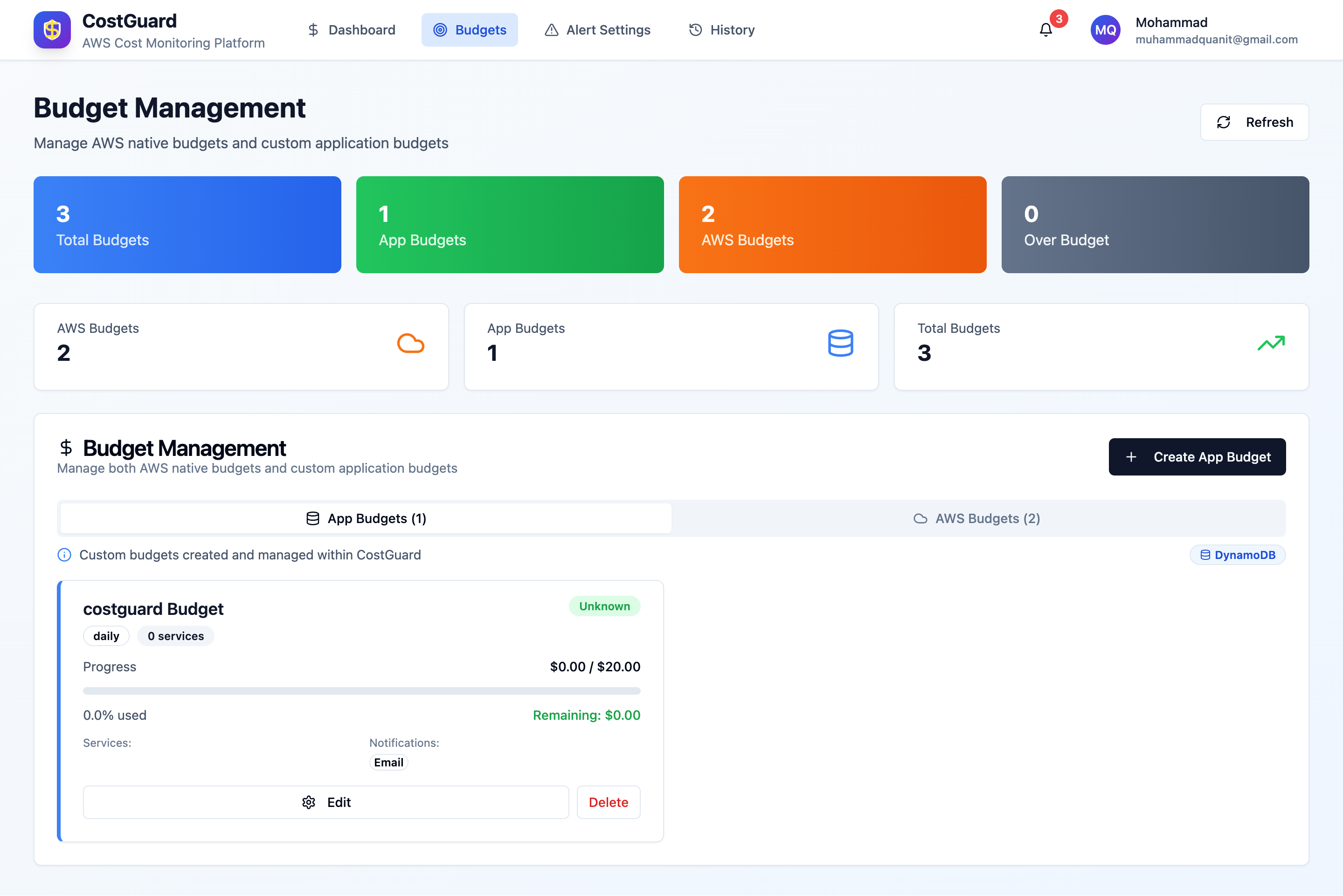
Budgets Page
-
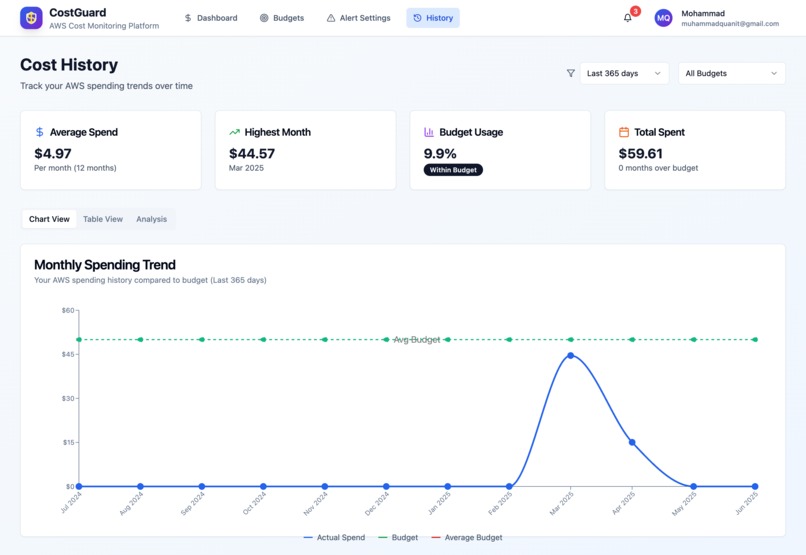
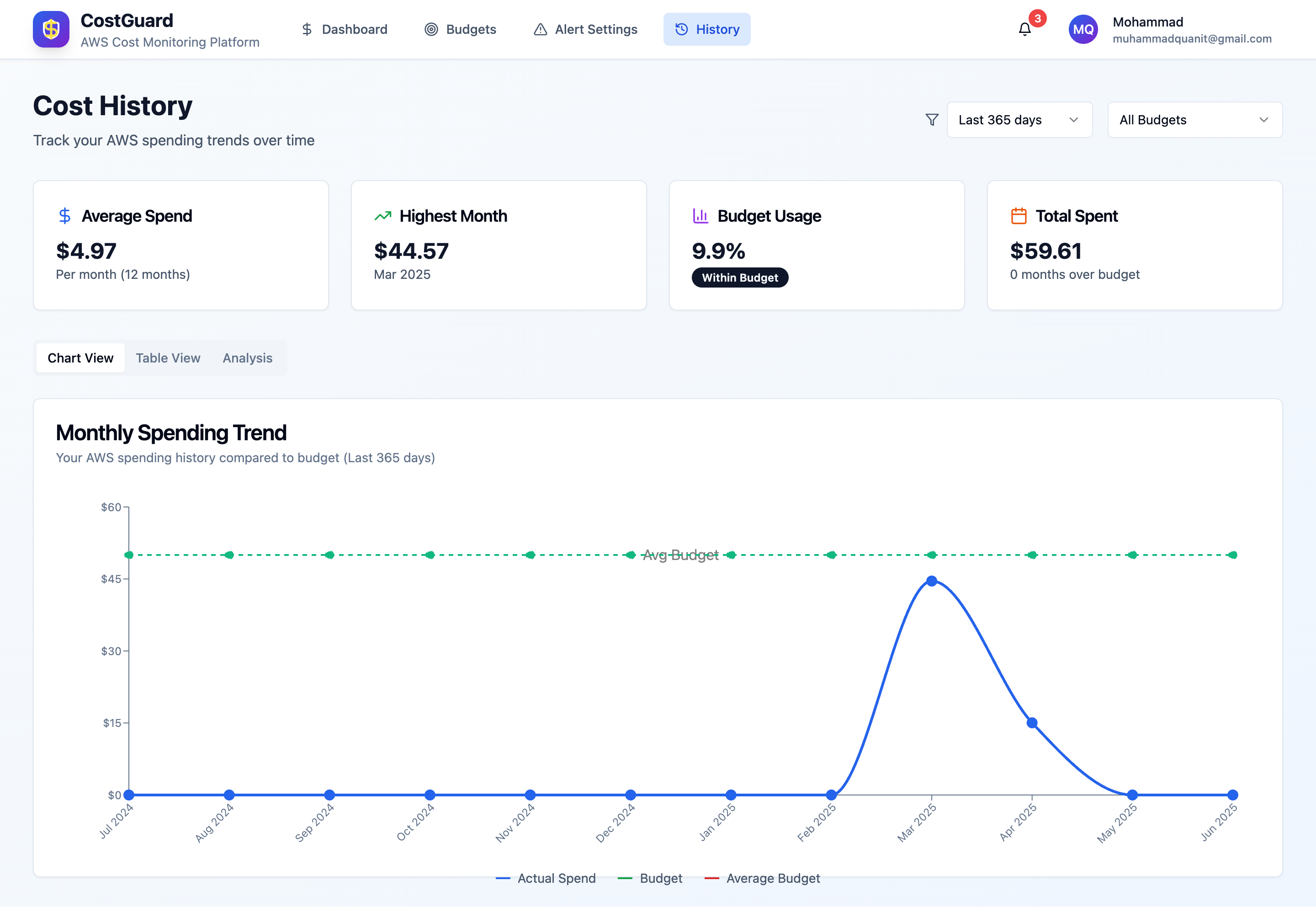
Cost History Page
-
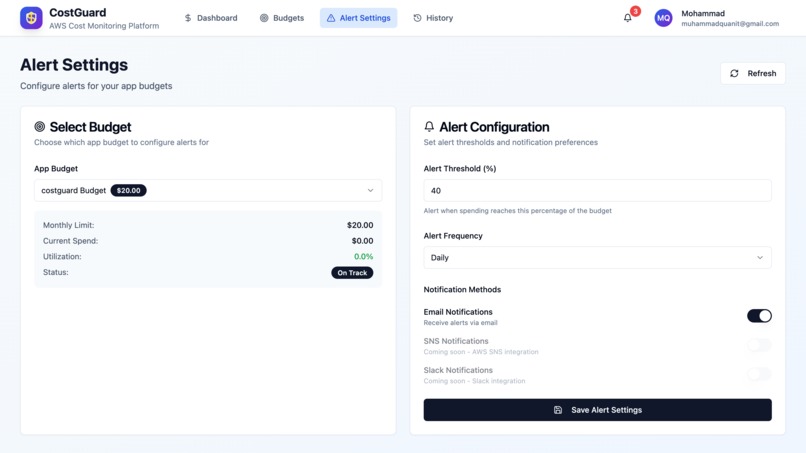
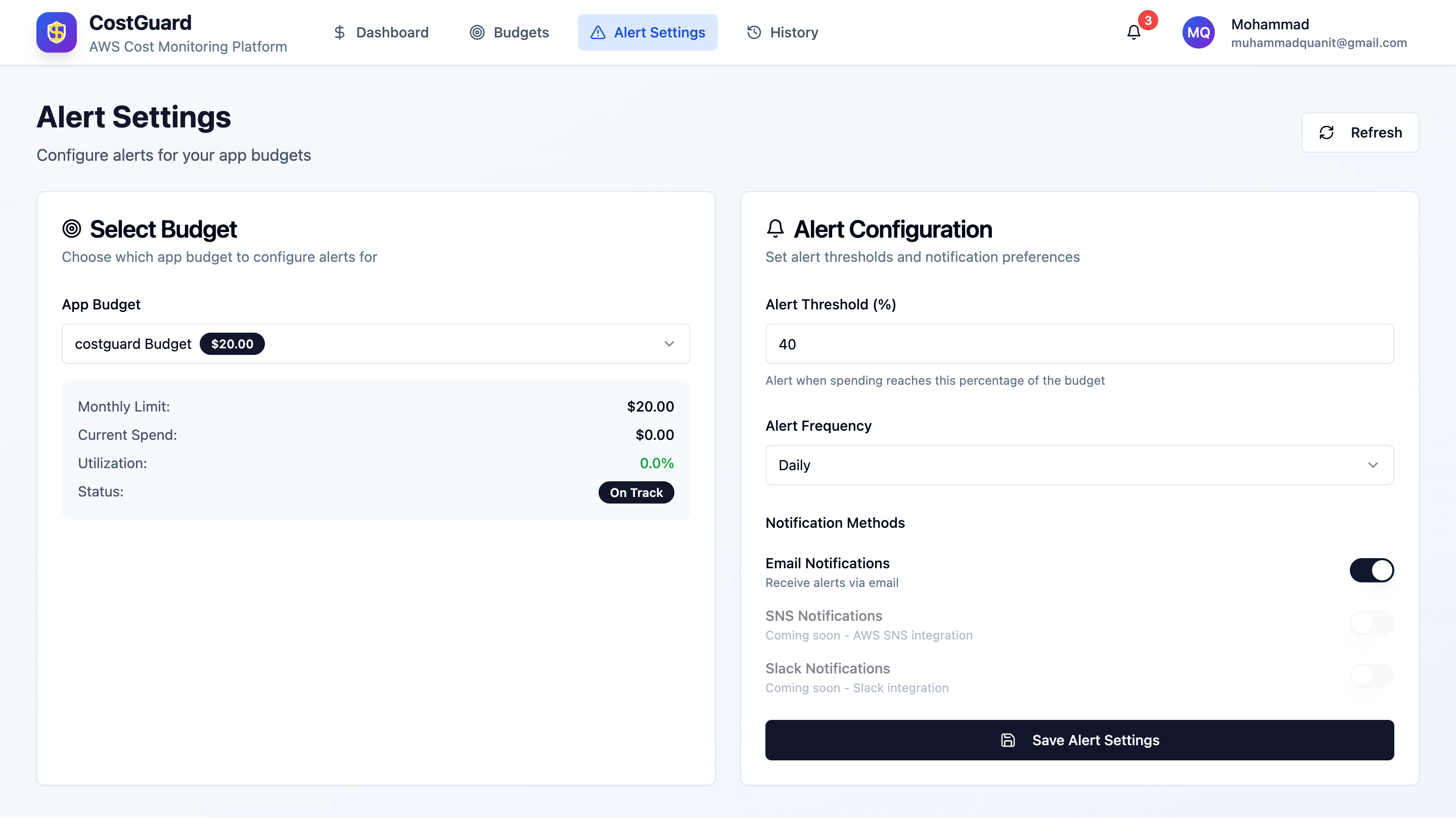
Alert Setting Page
-
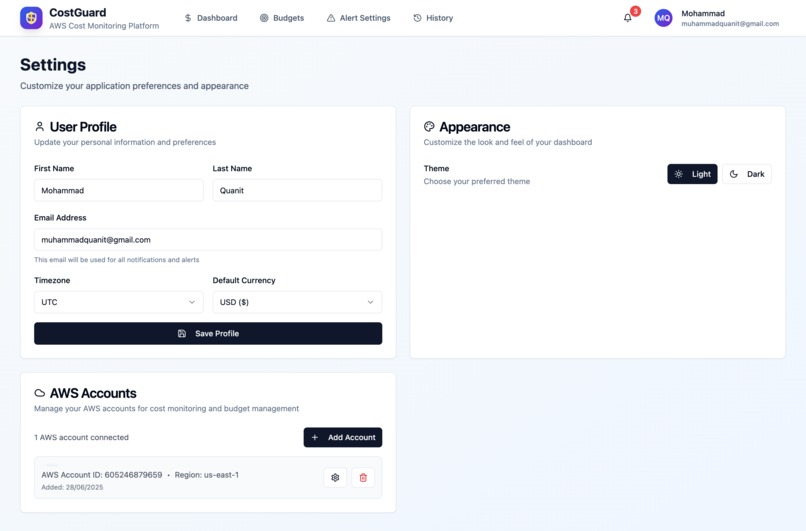
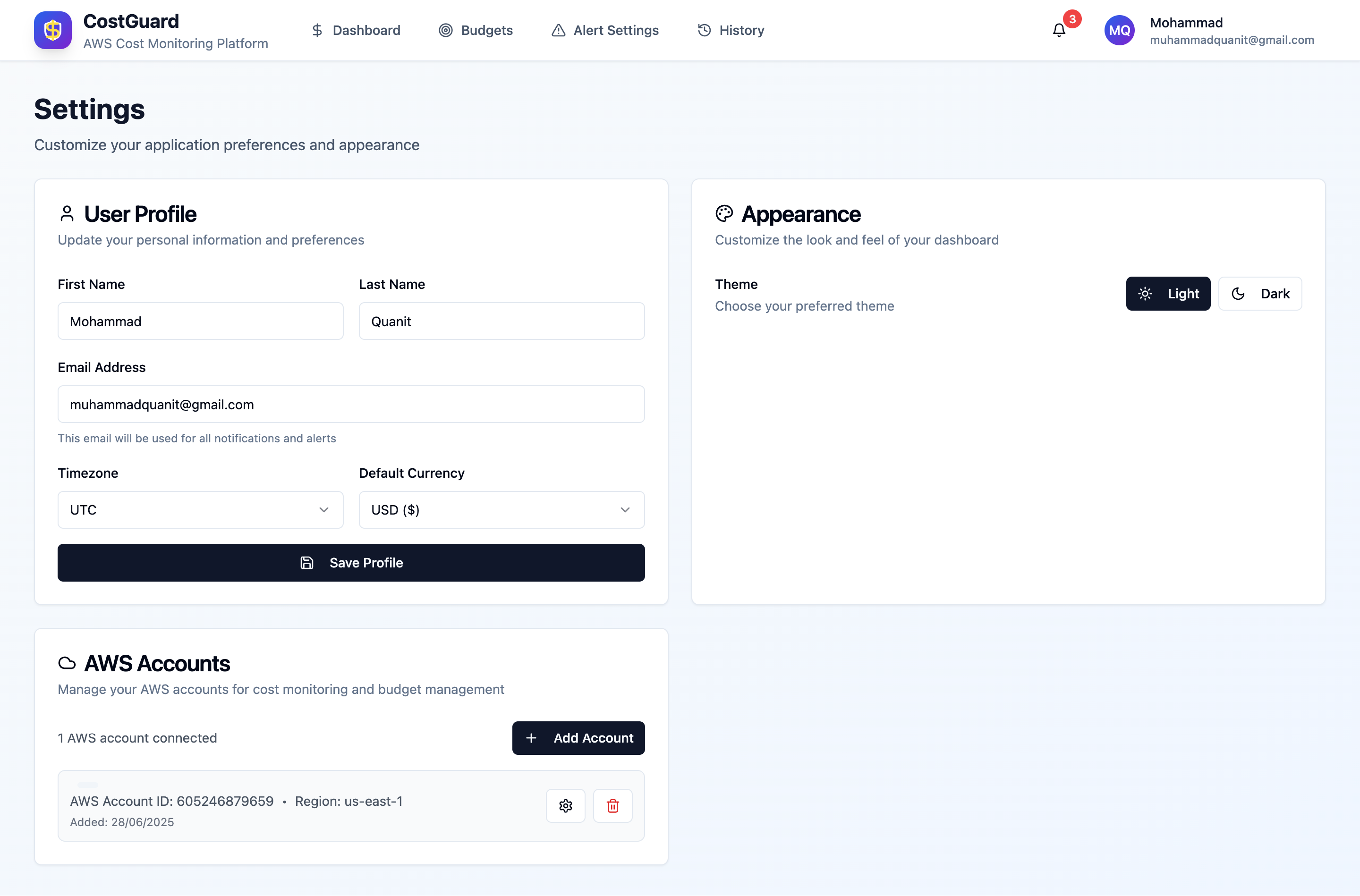
Profile Settings Page
-
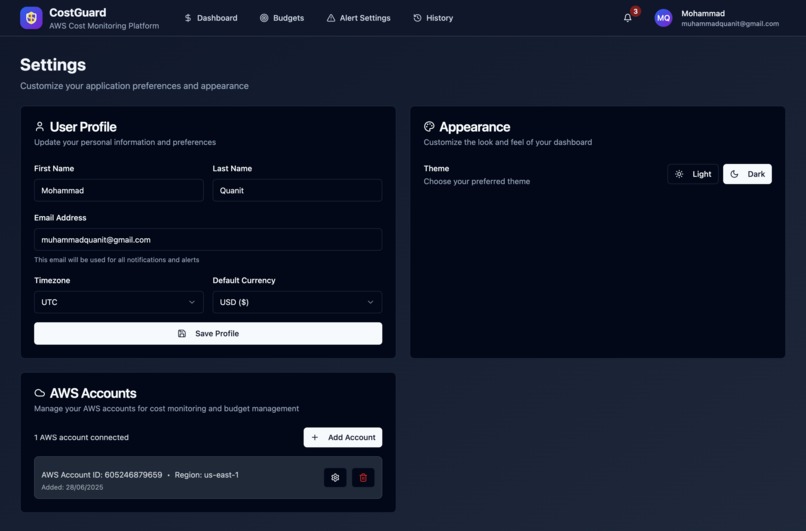
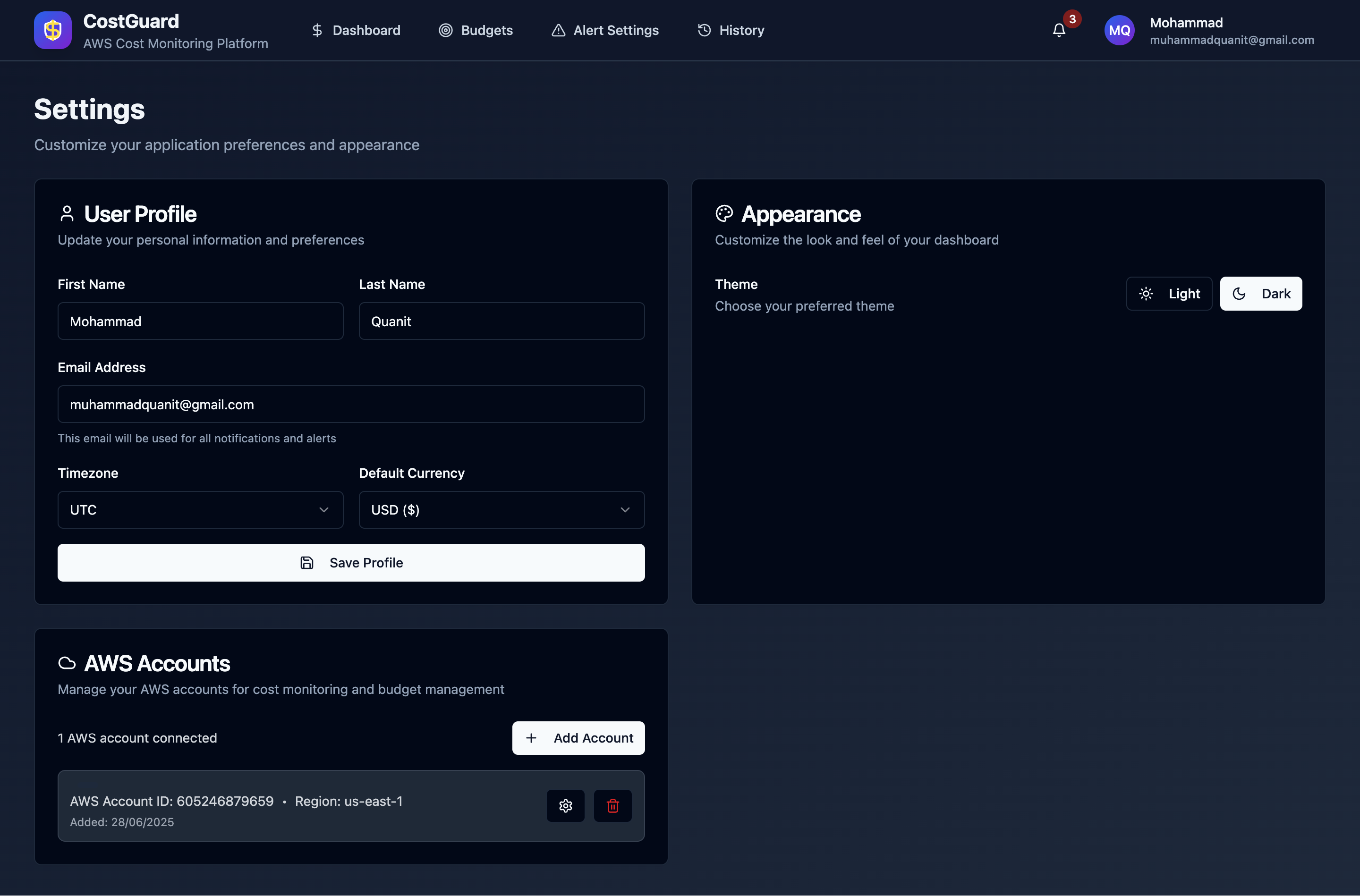
Profile settings (dark mode)
-
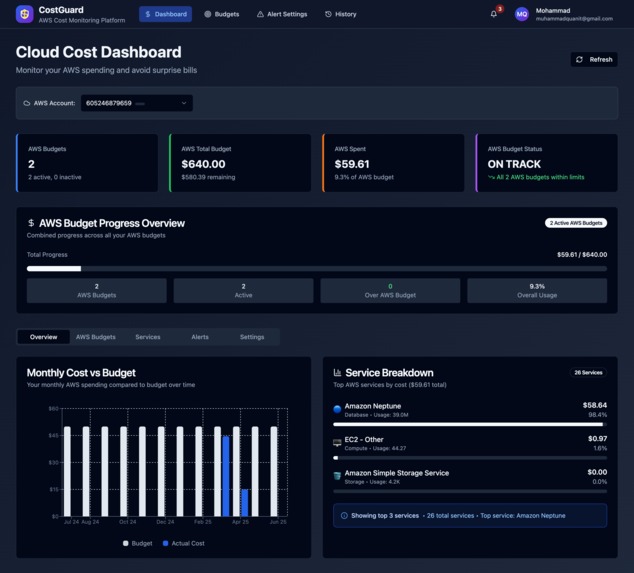
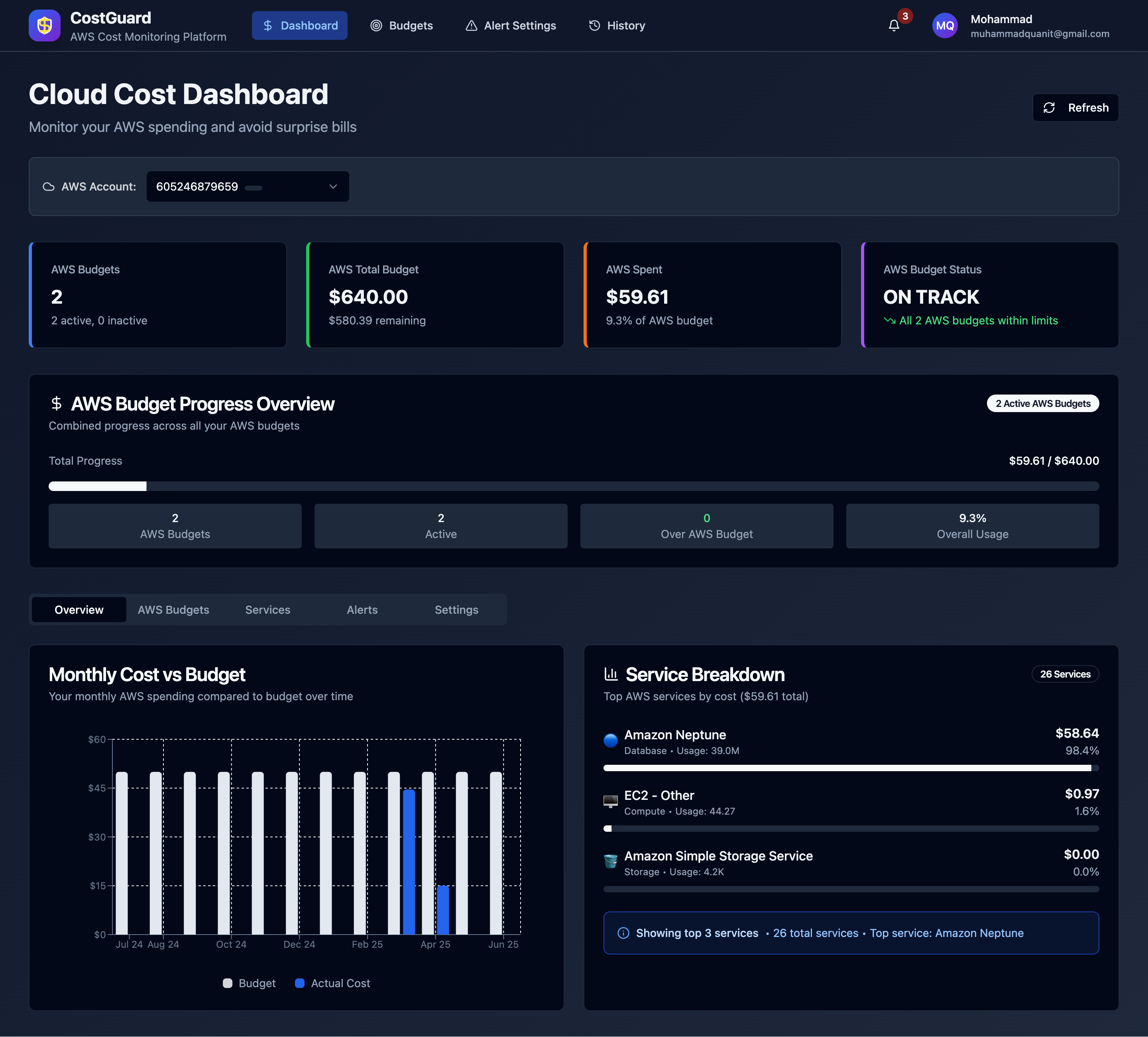
Dashboard (dark-mode)
-
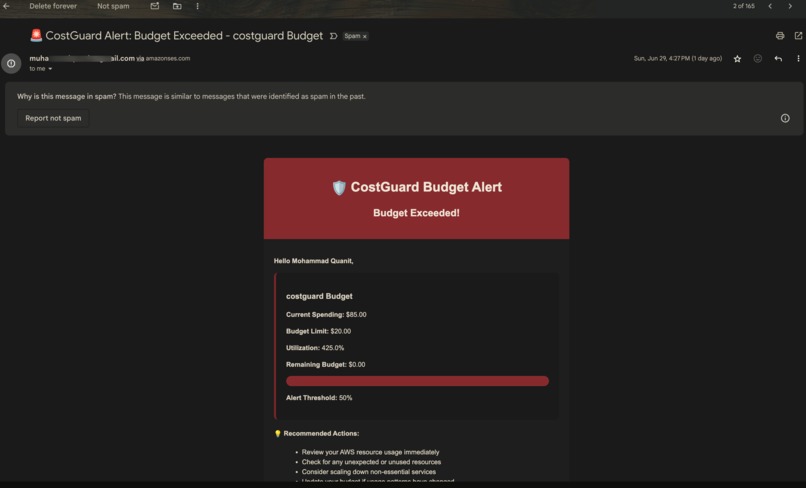
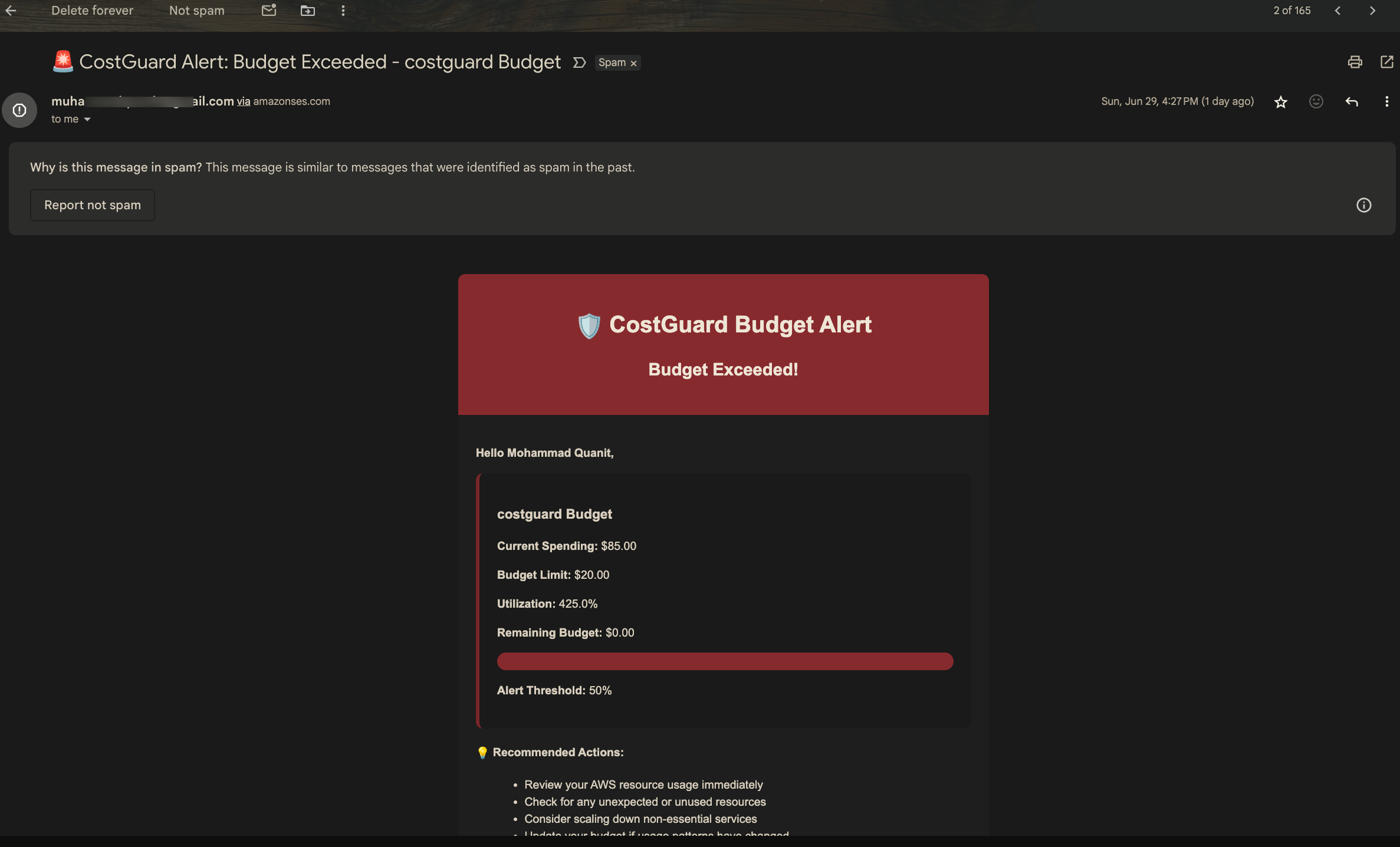
email alert on budget threshold exceed
Inspiration
Monitoring costs and expenses is essential for any company, especially startups that rely on cloud platforms. Many teams may work with different AWS cloud services, and it can be overwhelming to track each department's spending without proper practices. I myself was in this situation where I had set up AWS Neptune for a demo project and forgot to remove its instances, and guess what, I have to pay a handsome amount just due to a simple mistake. That's why I created a developer-first, API-accessible alternative to AWS Budgets & Cost Explorer — one that emphasizes usability and speed and helps you track your spending.
What it does
CostGuard is a comprehensive AWS cost monitoring and budget management system that solves the problem of unexpected AWS bills and a lack of cost visibility. It helps you set budgets with custom thresholds and receive alerts automatically when thresholds are crossed. We can monitor costs across all AWS accounts. It also helps you save money through proactive monitoring with minimal manual effort. We can see the current month vs. the historical spending comparison. In short, CostGuard essentially transforms complex AWS cost management into a simple, automated system that gives you complete control over your cloud spending across multiple accounts.
How I built it
I designed it using a serverless architecture that uses 12+ AWS Lambda functions along with other services. I chose:
- Serverless Framework -- for Infrastructure as Code
- DynamoDB tables -- for users, budgets, and AWS accounts storage
- AWS CloudFormation -- for resource provisioning
- AWS Cost Explorer and Budget API -- integration for real-time cost data and budget data
- API Gateway -- for REST endpoints
- AWS Cognito -- integration for user management and authentication
- SES email verification -- with Cognito post-confirmation trigger
- EventBridge scheduled triggers -- for automated monitoring
Challenges I ran into
There were many challenges during development on this serverless framework:
- Staging mismatch -- as I was testing on multi-staging, I got a lot of issues during the rollback process.
- Incomplete IAM permissions -- Every service needs specific permissions to operate, and I have to make sure to use those with the Least Privilege model.
- Validating AWS credentials using STS without exposing them.
What I've learned
I've learned how different AWS services can be combined to create a technical solution that addresses real-world problems at scale. From managing serverless architecture to making functions small with shared dependencies, so that the cold start time can be minimized. From managing IAM permissions(Least privilege) for each specific service to making it event-driven using event bridge schedulers. The combination of real-time monitoring, multi-account support, and automated alerts creates a comprehensive solution that addresses real business needs in AWS cost management.
What's next for Costguard - AWS Cost Monitoring Platform
There are a lot of features that I am planning, such as: Using ML to analyze spending behaviour or predictive scaling. I might add these tech services Amazon Kinesis for real-time cost streaming Amazon SageMaker for ML-powered insights Amazon QuickSight for advanced analytics AWS Step Functions for complex workflows
Built With
- amazon-dynamodb
- amazon-ses
- amazon-web-services
- aws-api-gateway
- aws-budgets-api
- aws-cloudformation
- aws-cognito
- aws-cost-explorer-api
- aws-eventbridge
- aws-lambda
- aws-sts
- node.js
- react
- serverless-framework
- typescript
- vite

Log in or sign up for Devpost to join the conversation.