-
-
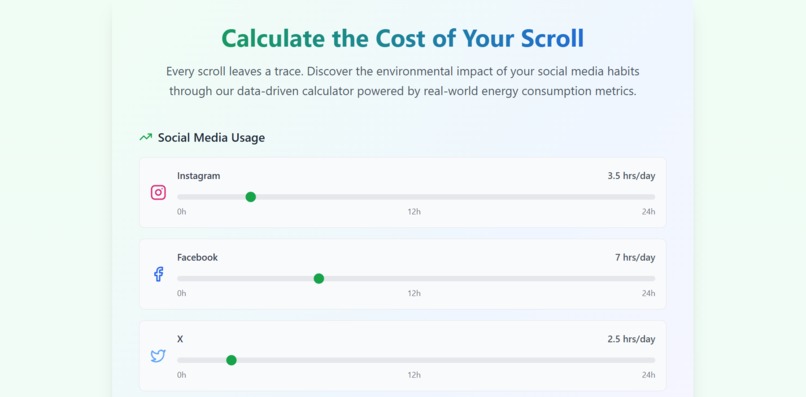
Select Platform
-
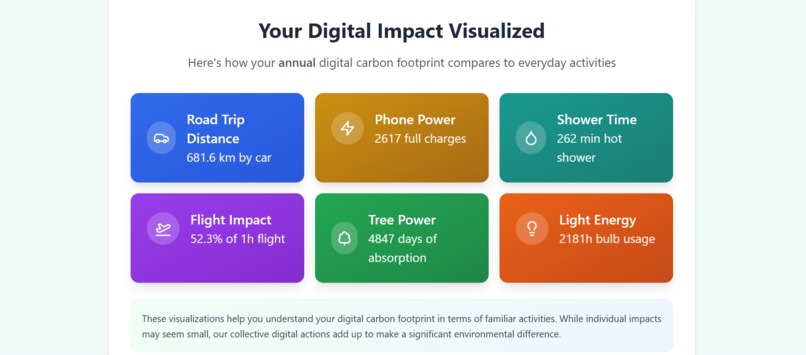
Annual Impact
-
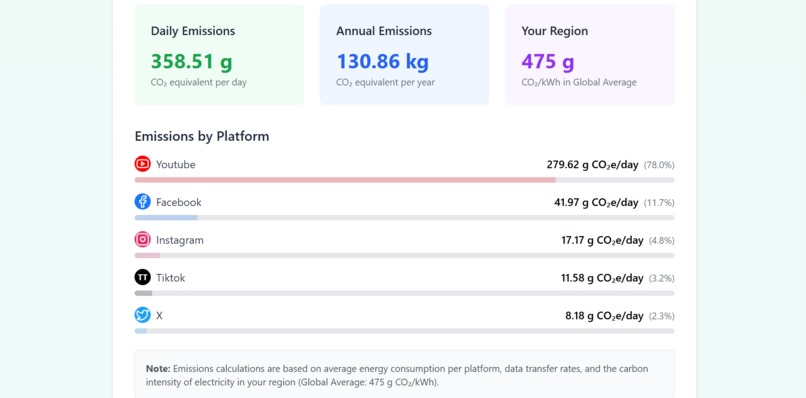
Detailed Analysis
-
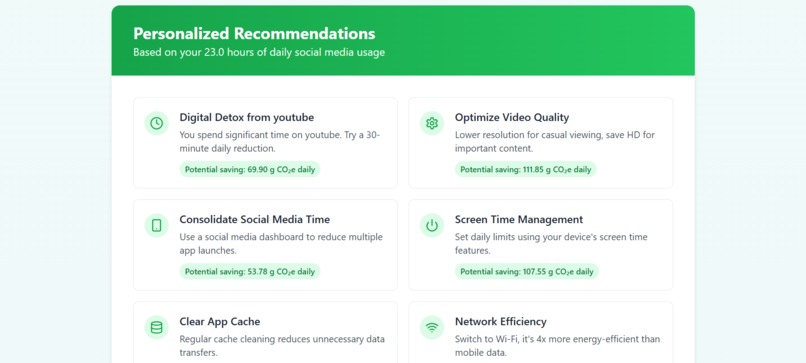
Tips
-
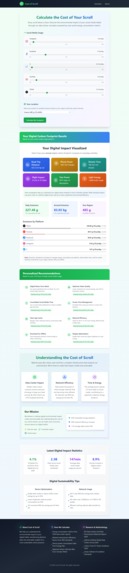
Full Page Screenshot
🌿 Cost of Scroll
GitHub Repo
🔗 Go
💡 Inspiration
We often hear about the environmental cost of flights, food, and fashion, but rarely about the emissions from our daily social media usage. So, I wanted to spotlight the invisible carbon footprint of social media use in a simple, relatable way. That’s where Cost of Scroll began: a tool to raise awareness and prompt reflection through data.
⚙️ What it does
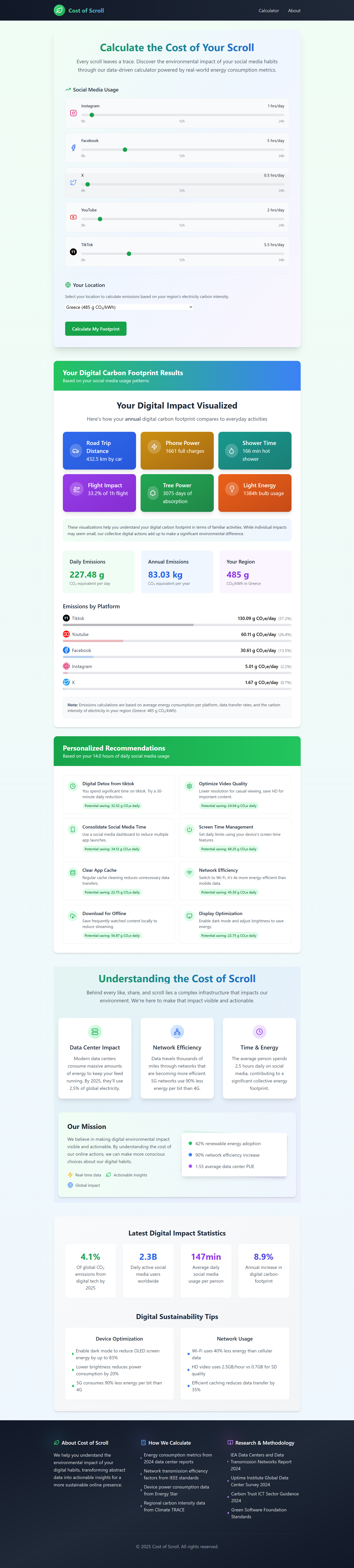
Cost of Scroll calculates the estimated carbon emissions generated from the time a user spends on popular social media platforms like Instagram, YouTube, and TikTok.
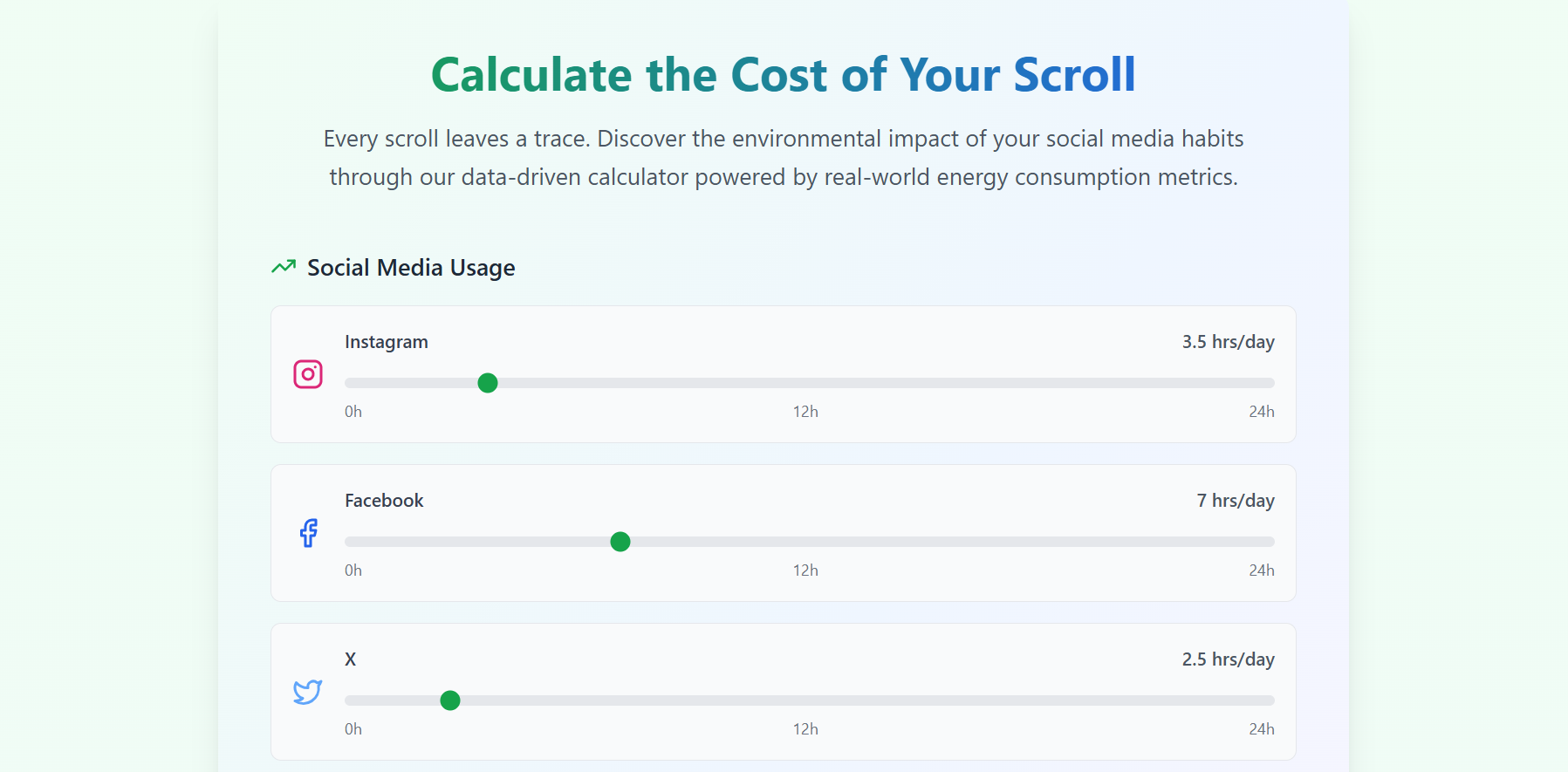
Users input their daily screen time per app, and the site returns:
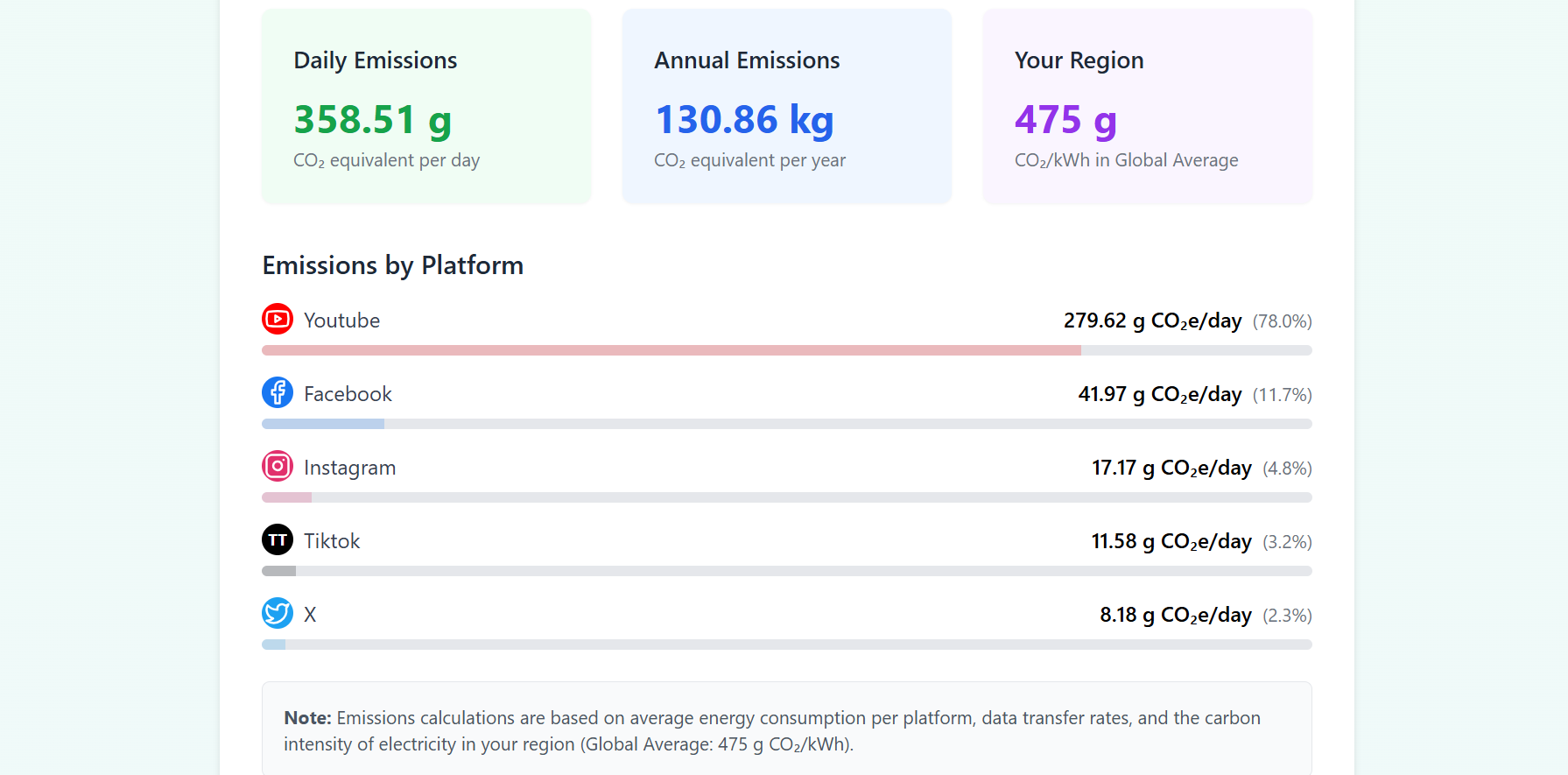
- Estimated grams of CO₂ emitted
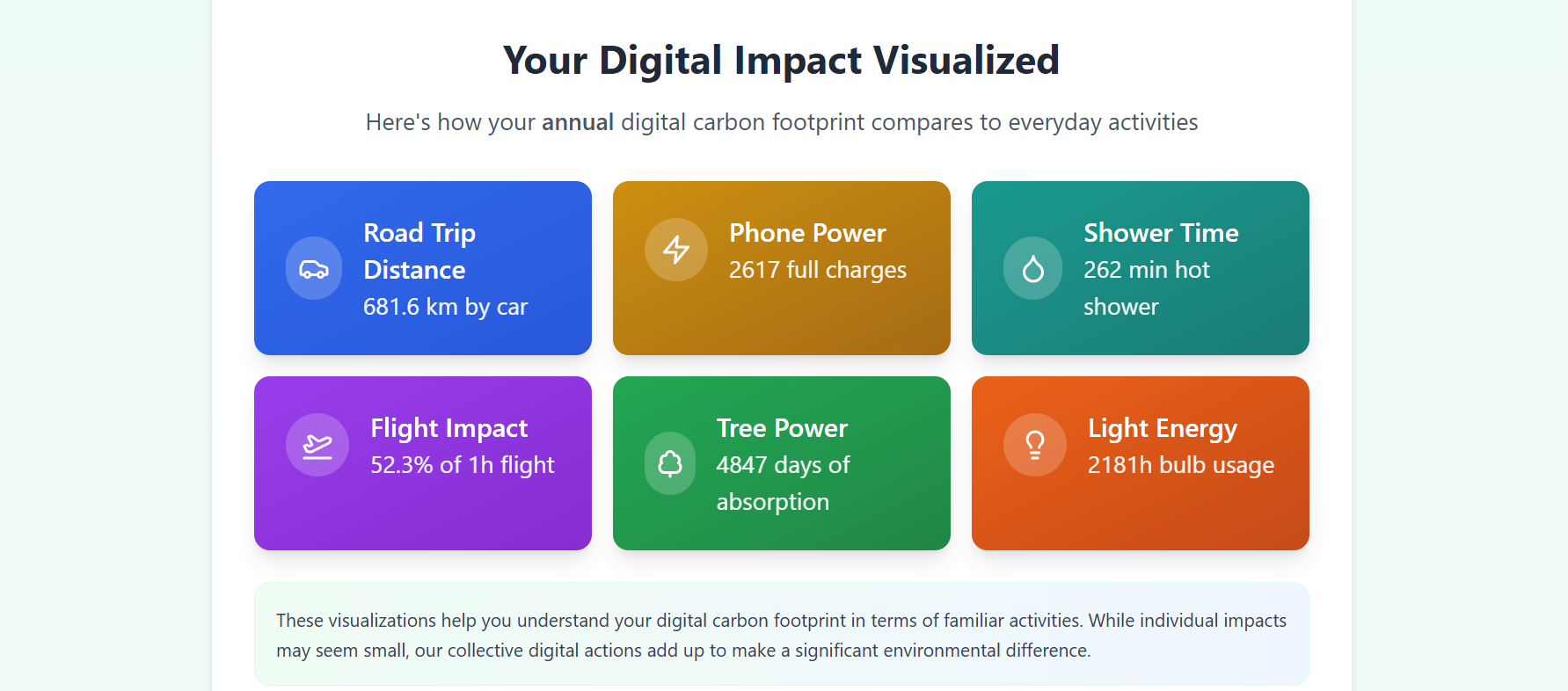
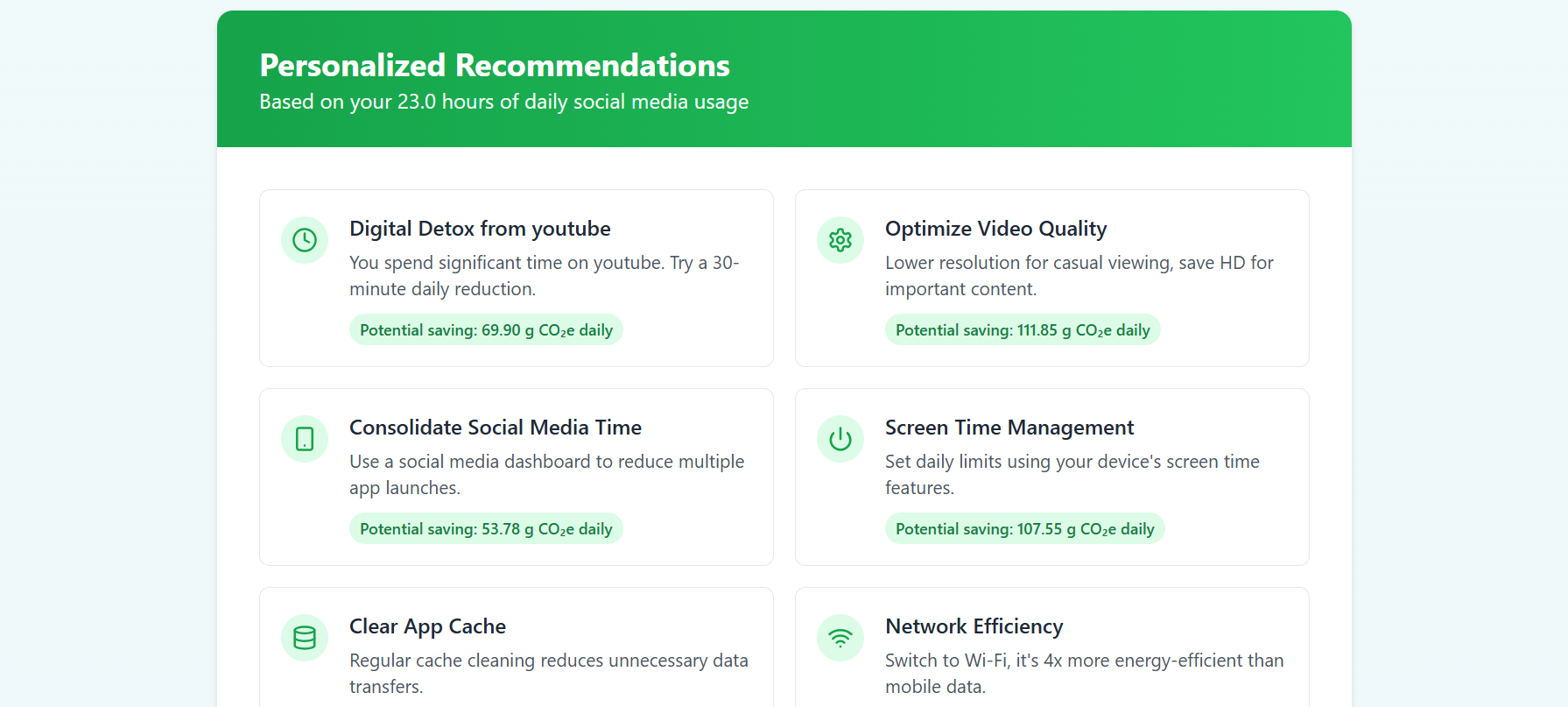
- A comparative impact (e.g., "equivalent to driving x km")
- A simple visual summary to contextualize their digital footprint
All estimates are based on publicly available data on data center energy use and content delivery emissions.
🛠️ How I built it
- Frontend: React + TypeScript for robust UI logic and type safety
- Styling: Tailwind CSS for clean, responsive design
- Build Tool: Vite for fast dev environment and optimized builds
- Deployment: Netlify (lightning-fast and free to host static sites)
The site is a single-page app with no backend, making it fast, lightweight, and fully client-side.
🧗 Challenges I ran into
- Data accuracy: Emission estimates for streaming and scrolling vary widely. I had to normalize values and make conservative assumptions while maintaining transparency.
- Design clarity: Striking a balance between scientific accuracy and visual simplicity was tricky — especially in helping users intuitively understand abstract data like "grams of CO₂".
🏁 Accomplishments that I am proud of
- Built and deployed a working tool in a short time with real-world relevance
- Designed an interface that turns abstract sustainability data into something visually digestible
- Used only client-side tools and still delivered a meaningful experience
📚 What I learned
- How to translate environmental data into useful, educational UI components
- How to work efficiently with TypeScript + Tailwind to build clean UIs
- How small design choices — like color contrast, layout, and tone — affect how users perceive information
🔮 What's next for Cost of Scroll
- 📱 Add more platforms (e.g., Snapchat, LinkedIn, Reddit)
- 📊 Add charts for daily/weekly impact trends
- 🌐 Localization for global accessibility
- 💾 Option to save and compare usage over time
- 🔌 Potential integration with real screen time data from devices (with permission)
Awareness is the first step toward action. If this tool made you pause before your next scroll, it's done its job.
Built With
- netlify
- react
- tailwind
- typescript
- vite

Log in or sign up for Devpost to join the conversation.