-
-
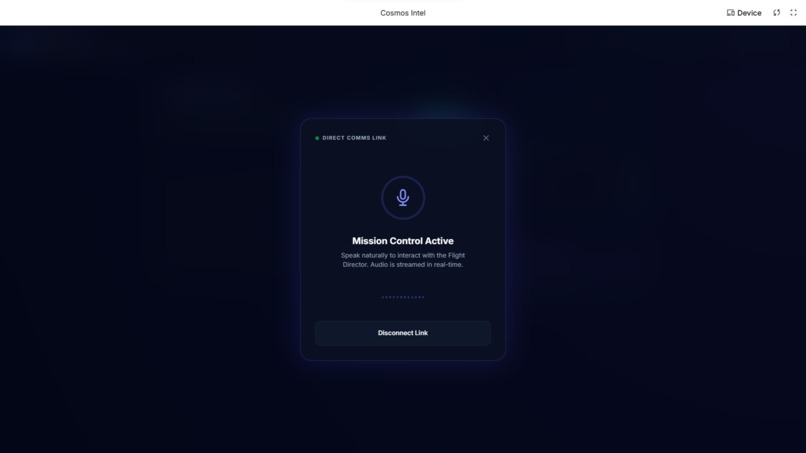
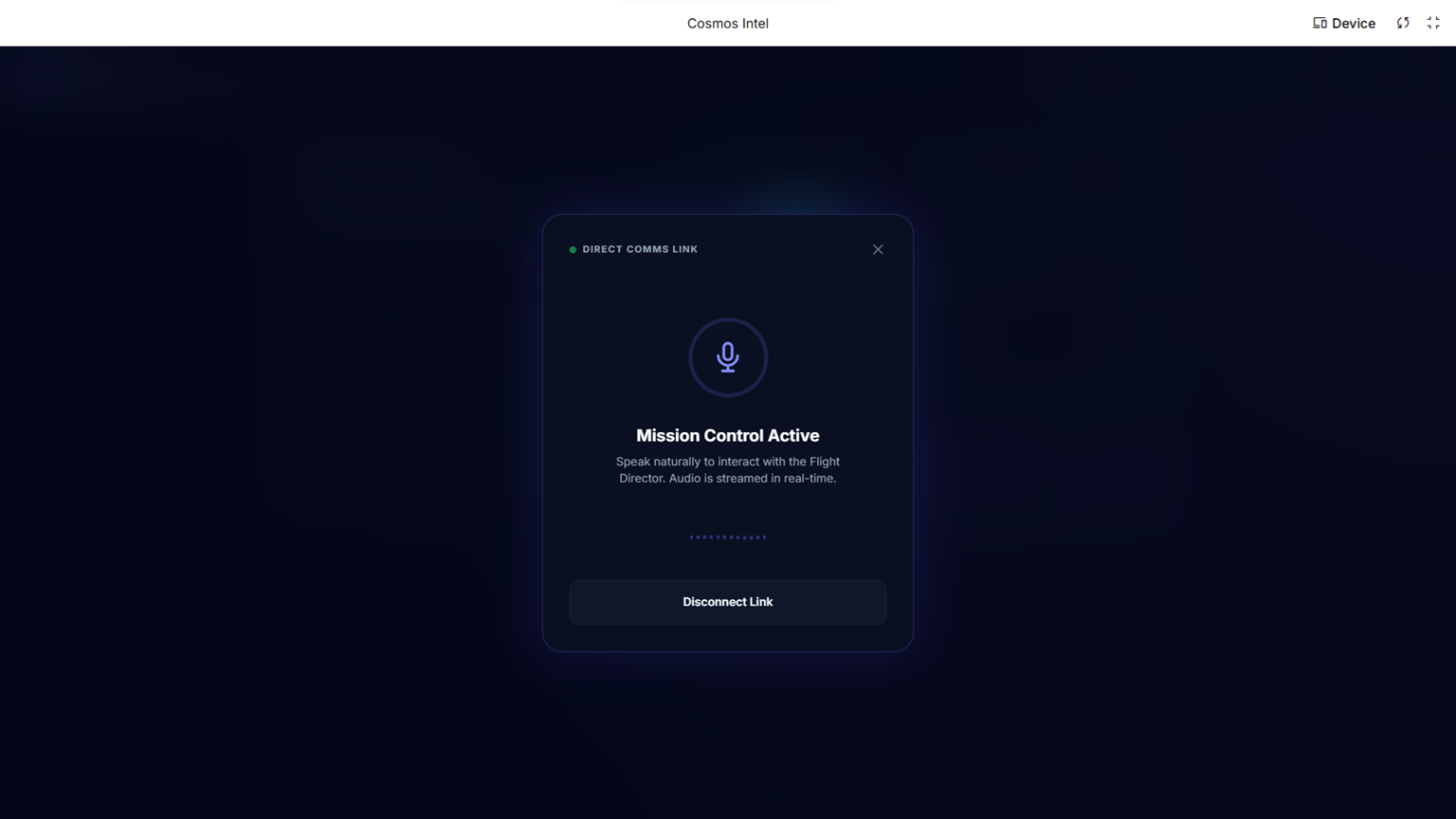
Direct Comms
-
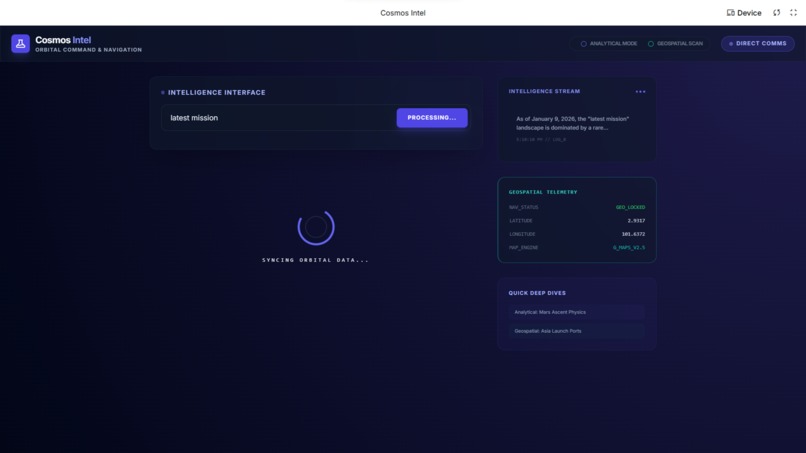
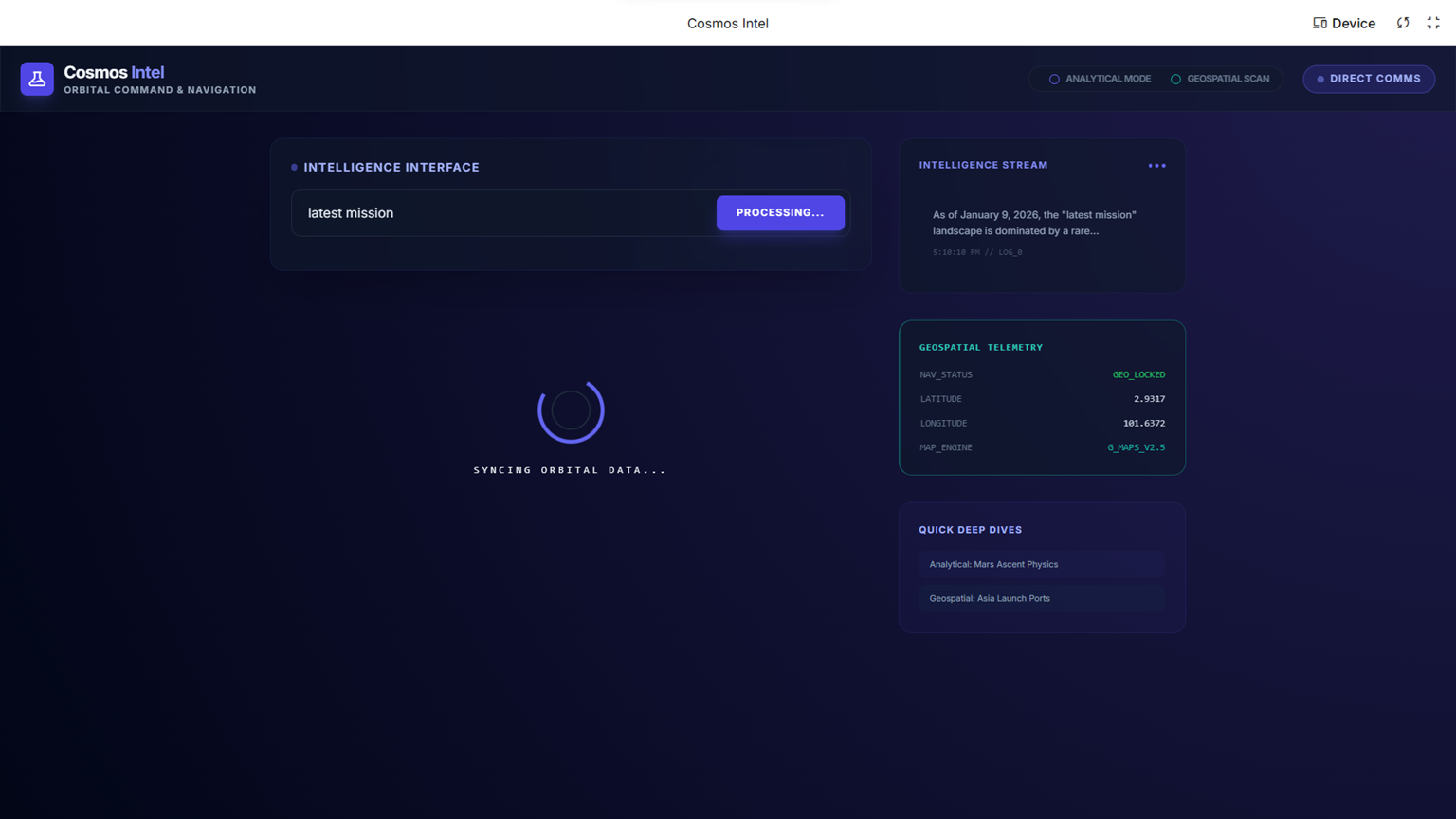
Cosmos Intel Dashboard
-
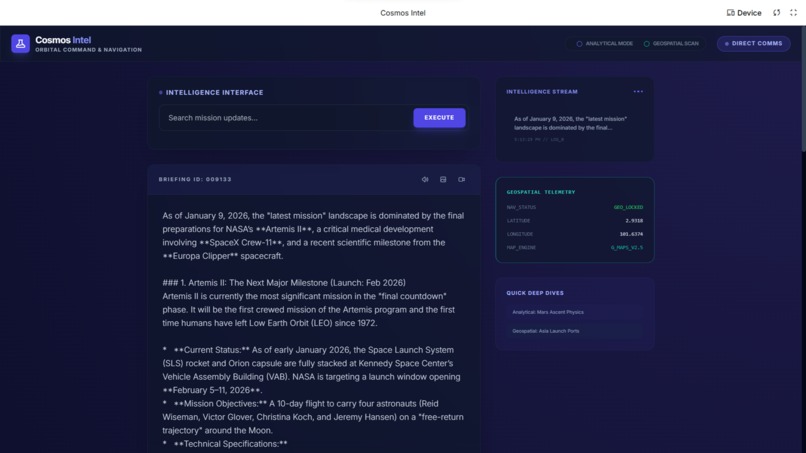
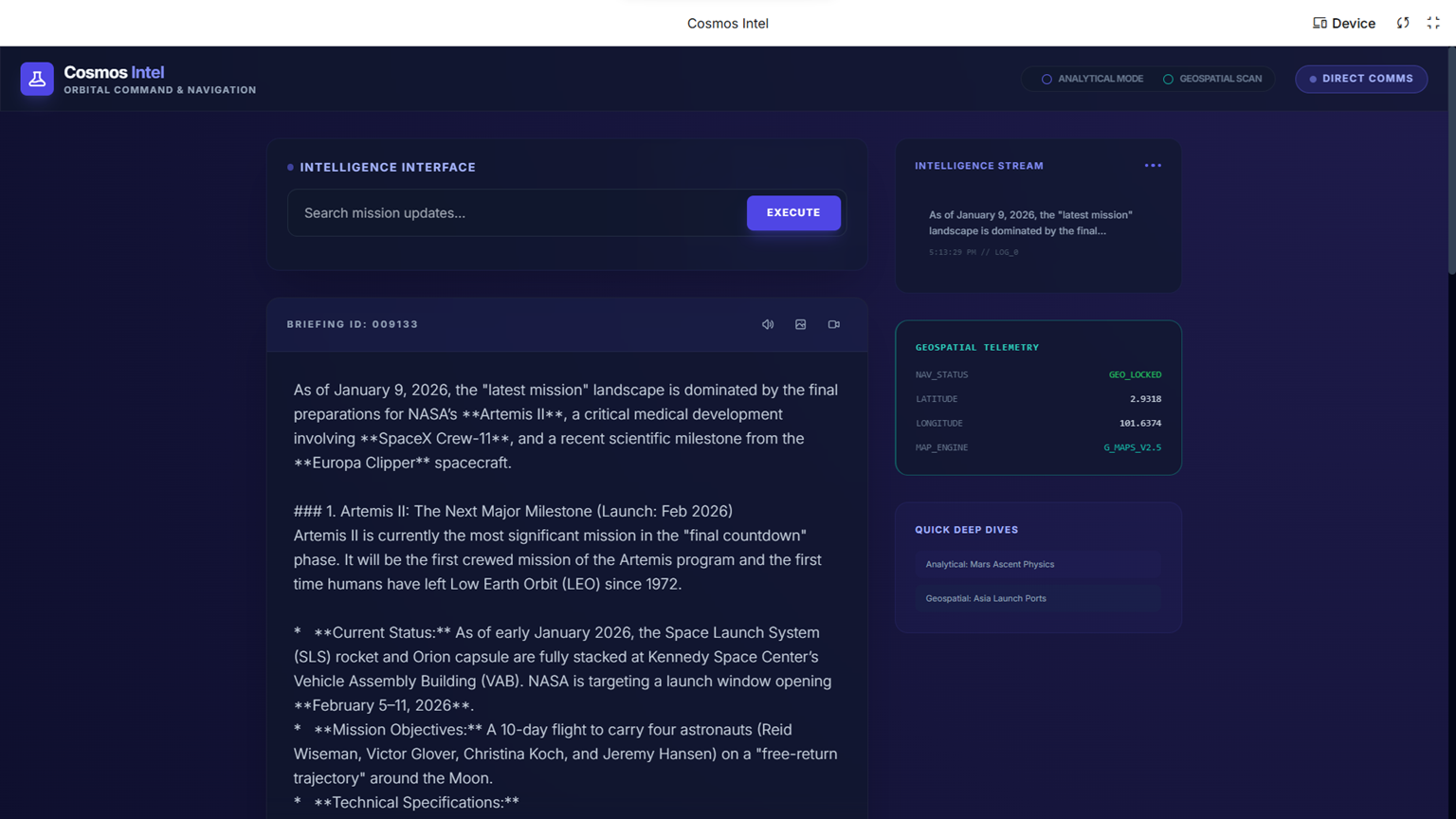
Search Grounding Capabilities
-
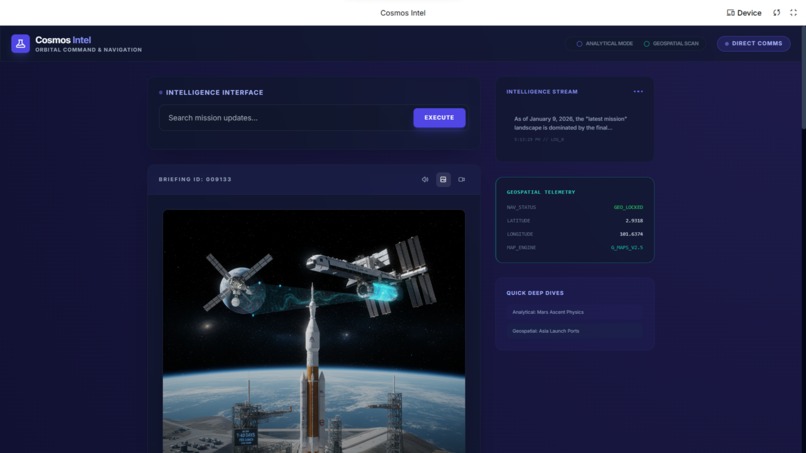
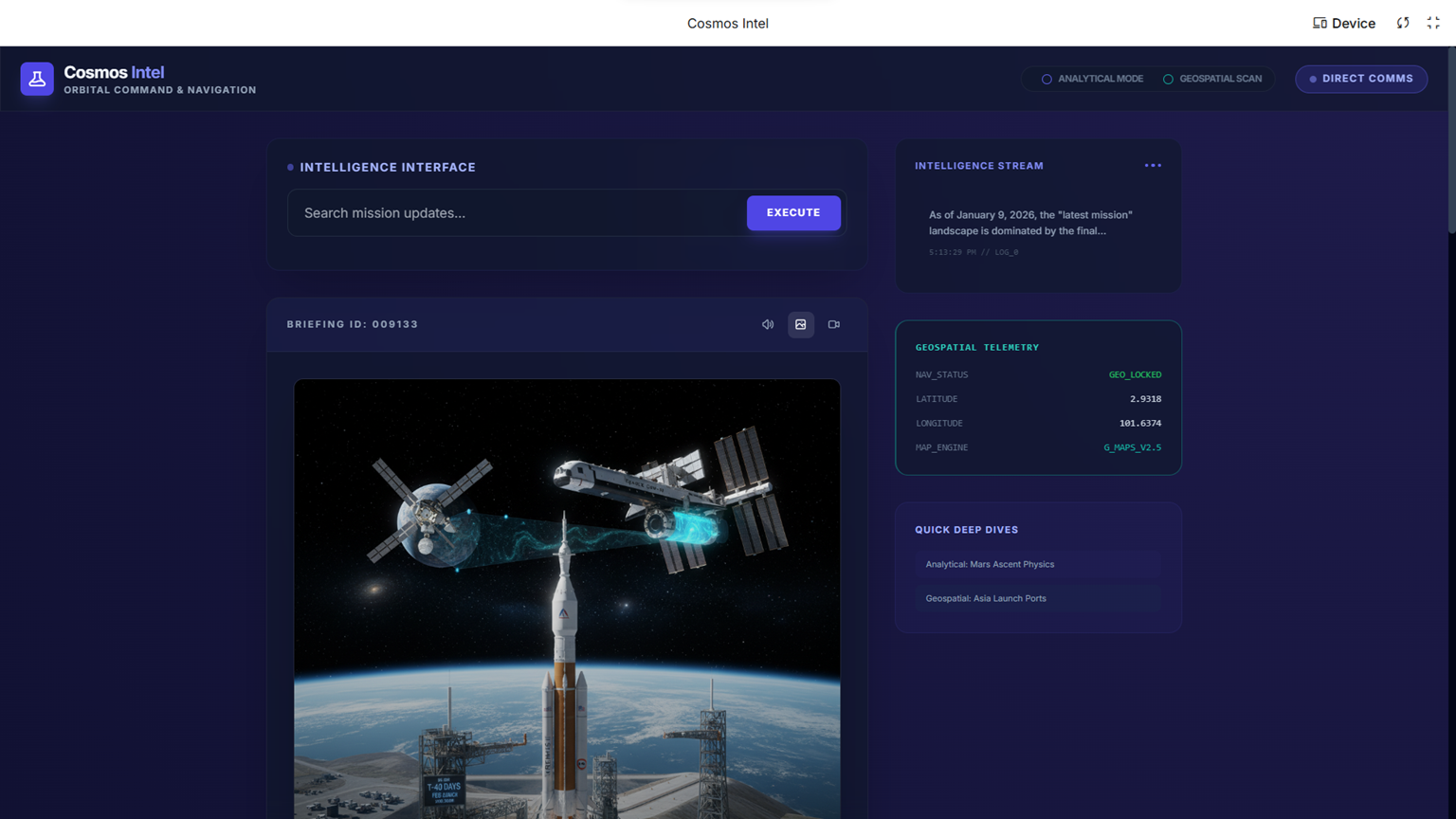
Multi-Modal Intelligence Interface
Inspiration
To explore on new Gemini 3 and uses it to do something cool !
What it does
Cosmos Intel is a high-fidelity space exploration dashboard designed to provide real-time, verified intelligence on the universe.
How we built it
I built this to demonstrate the power of Gemini 3’s Search Grounding capabilities.
Service Layer (geminiService.ts): I’ve abstracted the API logic here. It specifically configures the model with temperature: 0.1 to ensure the output remains technical and factual rather than creative.
UI/UX (App.tsx & index.html): -Glassmorphism: The interface uses a "glass" effect (backdrop blur and semi-transparent borders) to create a futuristic, sci-fi aesthetic. -Cosmic Design: A custom radial gradient background simulates deep space. -Responsive Layout: A two-column grid that shifts to a single column on mobile, ensuring a great experience on all devices.
Then, I transform it from a text-based dashboard into a multi-sensory exploration platform.
Phase 2 Specification: "The Multi-Modal Upgrade"
Visual Intelligence (Mission Visualization) Update: Integrate gemini-2.5-flash-image to generate high-fidelity artistic renders of the celestial bodies or spacecraft being researched. Behavior: A "Visualize Mission" button will appear in the intelligence briefing. Clicking it triggers the model to interpret the technical text and generate a relevant 1:1 aspect ratio image. Visual: The image will be displayed in a high-contrast, glow-bordered frame within the briefing card.
Audio Comms (Voice Briefings) Update: Integrate gemini-2.5-flash-preview-tts for single-speaker technical readouts. Behavior: A "Comm Link" button will read the search results aloud using the "Kore" voice profile, simulating a mission control audio feed. Visual: A pulsing audio waveform icon will appear during playback.
Interactive Telemetry (Enhanced Grounding) Update: Refine the grounding display to include "Confidence Levels" and a more prominent source list. Behavior: Users can now click on "Deep Dive" buttons that trigger follow-up questions specifically designed to push the Gemini 3 model into deeper technical analysis.
Performance UI Visual Appearance: Addition of "Scanline" overlays on images to enhance the "satellite feed" aesthetic. Improved button states with indigo-to-purple gradients.
Then, I upgrade the next logical evolution for Cosmos Intel is to move from static data and single images to Cinematic Simulations and Real-Time Voice Mission Control.
Phase 3 Specification: "The Orbital Command Upgrade"
Cinematic Visualization (Veo 3.1) Update: Integration of veo-3.1-fast-generate-preview to generate short, high-quality cinematic videos of space phenomena. Behavior: After a search, a "Generate Simulation" button appears. If the user has selected a billing-ready key, it will generate a 16:9 MP4 video based on the search context (e.g., "A Starship landing on the lunar surface"). Visual Appearance: A sleek video player with a "Scanning..." overlay and technical readouts during generation.
Live Mission Control (Gemini Live API) Update: Integration of the Gemini Live API using gemini-2.5-flash-native-audio-preview-12-2025. Behavior: A "Direct Comms" feature that opens a low-latency voice channel with a "Flight Director." Users can speak to the AI about the mission, and it responds with low-latency human-like audio. Visual Appearance: A dedicated "Comms Overlay" with a real-time reactive CSS waveform and signal strength indicator.
Deep Reasoning (Gemini 3 Pro) Update: A "Deep Analysis" mode that switches from Flash to gemini-3-pro-preview for complex physics calculations or mission logic. Visual Appearance: A "Computing..." animation with a different accent color (e.g., Cyan/Teal) to signify the higher-order reasoning at work.
The next level for Cosmos Intel is to bridge the gap between abstract space data and Earth-bound reality while adding high-order reasoning. Then, we implement Phase 4: "Geospatial Grounding & Analytical Reasoning".
Phase 4 Specification: "The Interstellar Navigator Upgrade"
Geospatial Mapping (Google Maps Grounding) Update: Integration of the googleMaps tool within the Gemini 2.5 series to locate launch sites, observatories, and space centers. Behavior: When the search query relates to a location (e.g., "Where is the nearest planetarium?" or "Show me SpaceX's Starbase coordinates"), the app will query the model with the googleMaps tool. Visual: Map sources will be displayed with unique "Geospatial Link" badges that lead directly to Google Maps or provide site-specific snippets.
Deep Analytical Mode (Gemini 3 Pro + Thinking) Update: A toggle for "Analytical Mode" that switches the engine to gemini-3-pro-preview. Behavior: This mode utilizes a thinkingBudget (set to 10,000 tokens) to solve complex orbital mechanics, physics equations, or long-term mission feasibility studies. Visual: A "Cognitive Processing" indicator with a teal-to-cyan glow, signifying the model is performing intensive reasoning before outputting.
Geolocation Awareness Update: The app will request browser geolocation to provide context-aware responses (e.g., "What space events are visible from my current location?").
UI "Navigation" Dashboard Appearance: Addition of a "Geospatial Scan" panel and a "Reasoning Terminal" that displays the status of the model's analytical process.
Challenges we ran into
To prompt the ideas
Accomplishments that we're proud of
- Quantum Query Engine: A centralized search interface for complex astronomical or mission-based questions.
- Intelligence Log: A persistent history of your session's queries so you can toggle between different research points.
- Trending Missions: One-click shortcuts to current high-interest topics like Voyager 1 telemetry or Artemis schedules.
- Intelligence Briefing: A structured markdown-style output for easy reading of technical data.
What we learned
The power of Gemini 3 couple with AI: Google Search Data
What's next for Cosmos Intel
To reach the final frontier of the Cosmos Intel platform, we proposed implement Phase 5: "The Command Hub Elite". This phase focuses on collaborative intelligence and advanced data visualization.
Phase 5 Specification: "The Command Hub Elite Upgrade"
Multi-Speaker Command Debrief (Advanced TTS) Update: Integration of gemini-2.5-flash-preview-tts multi-speaker mode. Behavior: A new "Command Debrief" button converts the briefing into a dialogue between "Flight Director Alpha" (Kore) and "Science Lead Beta" (Puck). Visual: A split audio visualizer that pulses on the left or right depending on which mission specialist is speaking.
Interactive Telemetry Diagnostics (Function Calling) Update: Implement FunctionCalling with a tool called renderTelemetryChart. Behavior: When Gemini identifies technical numerical data (like propellant levels, trajectory curves, or radiation doses), it will call a tool to visualize this data. Visual: A real-time generated SVG line/bar chart appearing directly in the briefing card to visualize mission metrics.
Ultra-HD Elite Renders (Gemini 3 Pro Image) Update: Integration of gemini-3-pro-image-preview for high-fidelity 1K imagery. Behavior: Users can toggle "Elite Imaging" to use the Pro model for 1K resolution renders (requires mandatory API key selection). Visual: Images will feature deeper textures and more accurate astronomical lighting.
System Polish Appearance: Immersive "CRT" scanline effects over visuals, a "Command Terminal" font for logs, and interactive "hotspots" on images.
Cosmos Intel will be now a state-of-the-art space exploration dashboard. It leverages Gemini 3 Pro for deep reasoning, Gemini 3 Flash for low-latency grounded search, Veo for cinematic simulations, and Gemini 2.5 series for multi-modal audio and high-quality imagery. The platform is context-aware via geolocation and capable of visualizing complex telemetry through function-calling diagnostic charts.
Built With
- google-ai-studio

Log in or sign up for Devpost to join the conversation.