Cosmic Navigator 🚀
Your Personal Gateway to the Cosmos
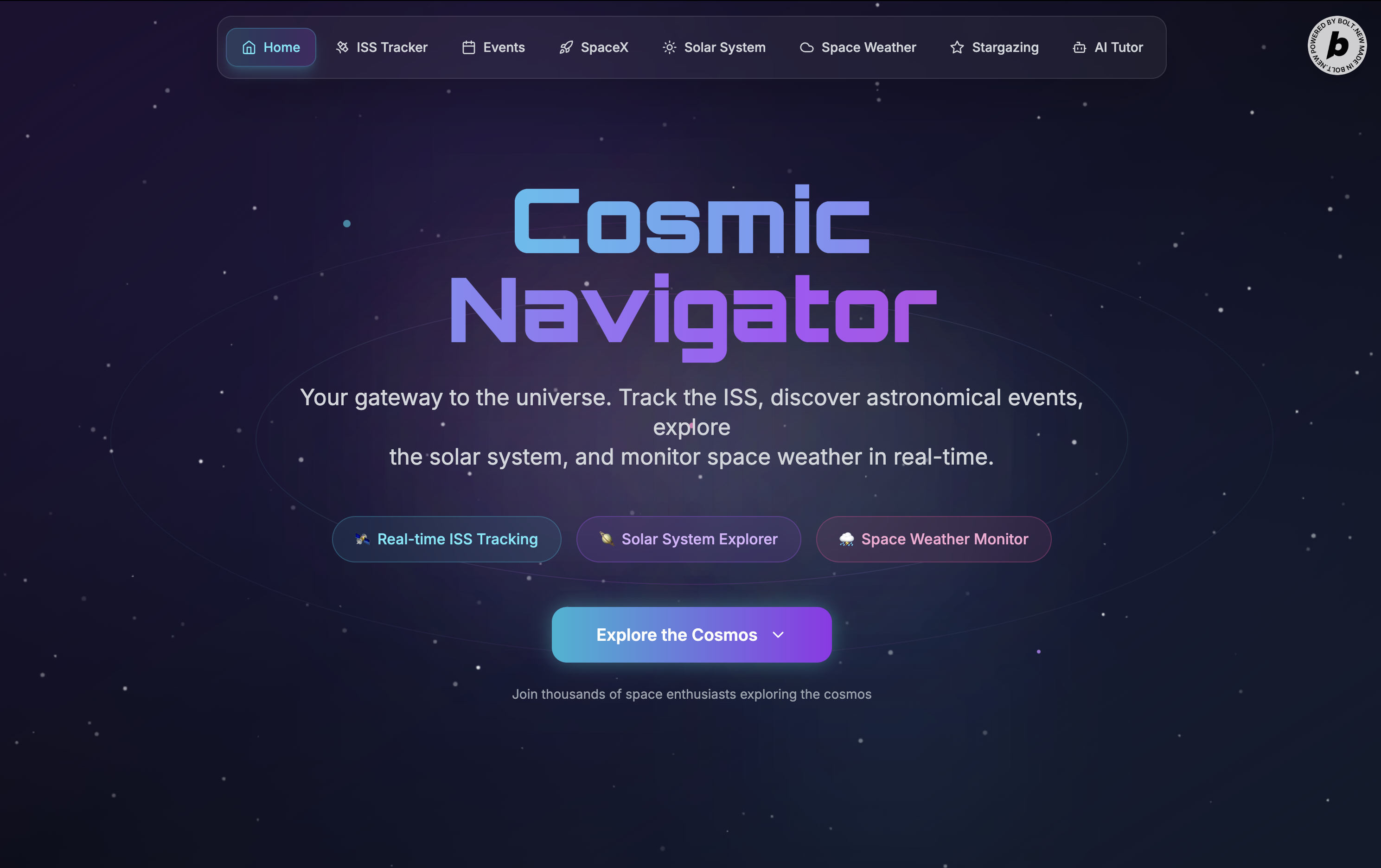
Cosmic Navigator is a beautifully designed, all-in-one web platform that brings the universe to your fingertips. It transforms complex astronomical data into an intuitive, interactive, and visually stunning experience, making space exploration accessible to everyone from casual stargazers to dedicated enthusiasts.
Inspiration
The universe is vast, and its data is scattered across dozens of complex APIs and academic websites. My goal was to build the single portal I always wished I had: a place where tracking the ISS, exploring our solar system, and getting the latest on SpaceX launches felt less like a research project and more like an immersive adventure. This project is my effort to centralize that wonder and make space data beautiful, personal, and interactive for all.
What it does
Cosmic Navigator is a real-time portal to the universe. It combines multiple data sources into a seamless, unified dashboard where you can:
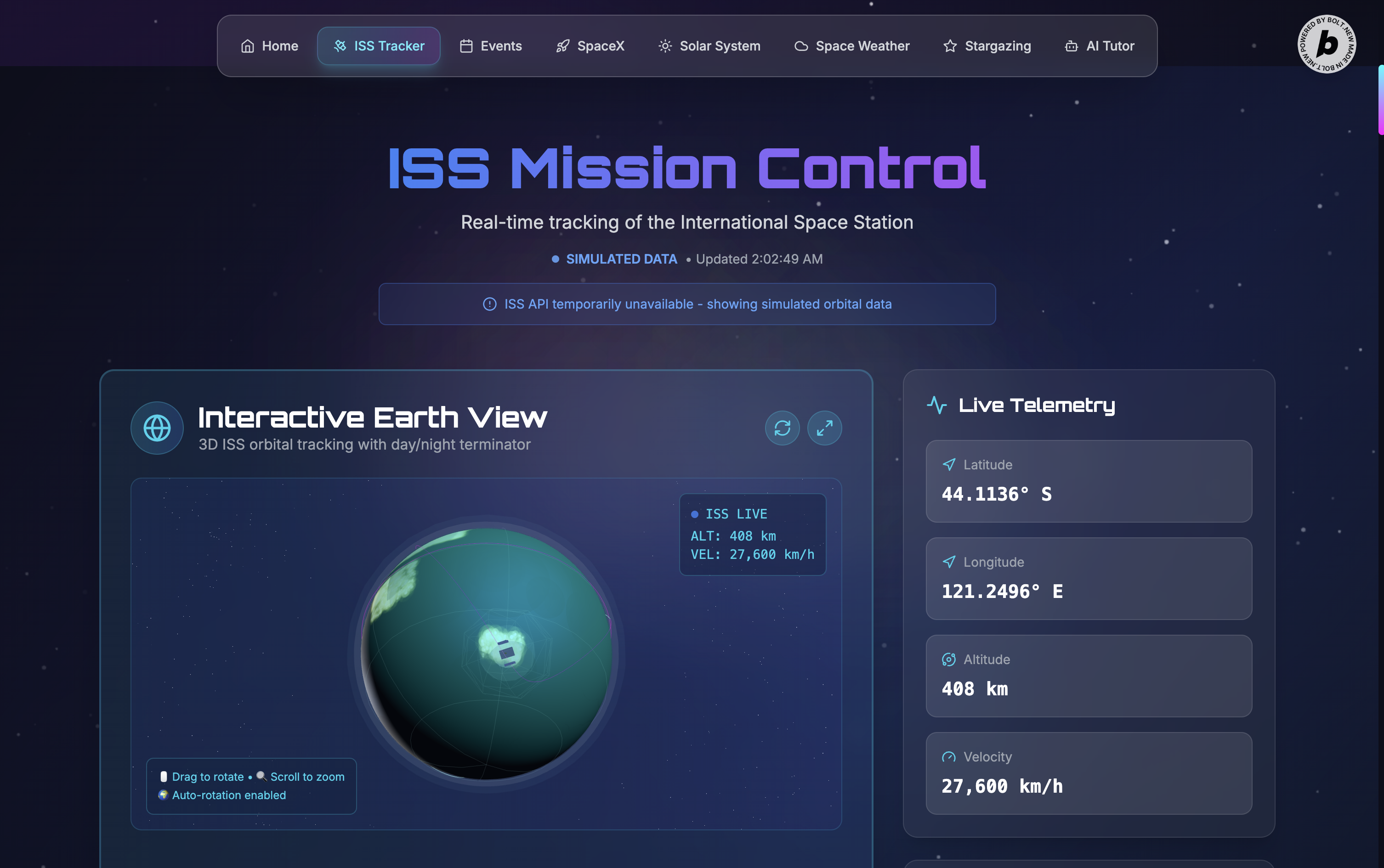
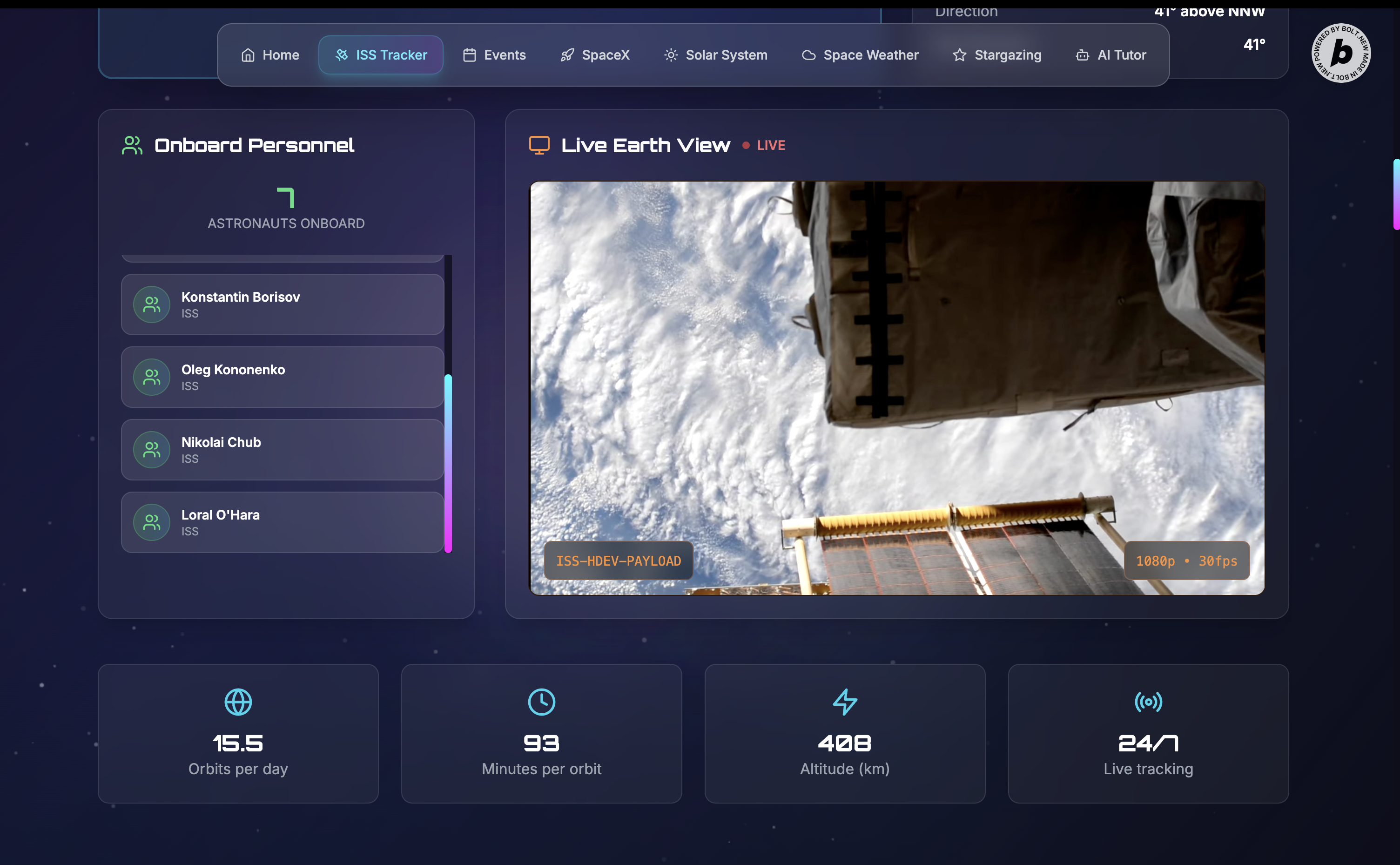
- 🛰️ Track the ISS: Get the live position of the International Space Station on a 2D map, along with its current altitude, velocity, and a list of the astronauts currently on board.
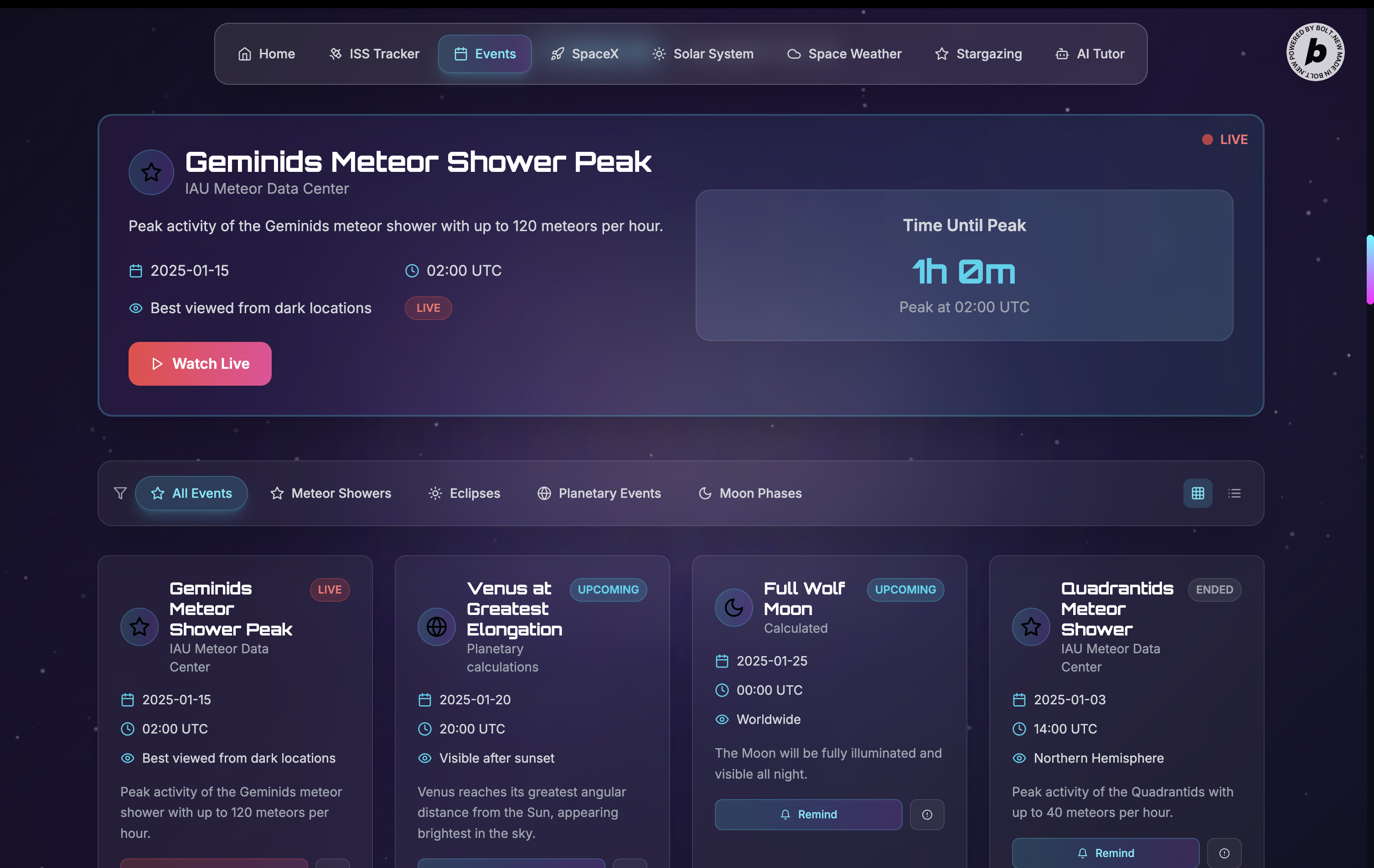
- 📅 Explore Astronomical Events: Discover upcoming meteor showers, eclipses, and moon phases with a dynamic, easy-to-browse events calendar.
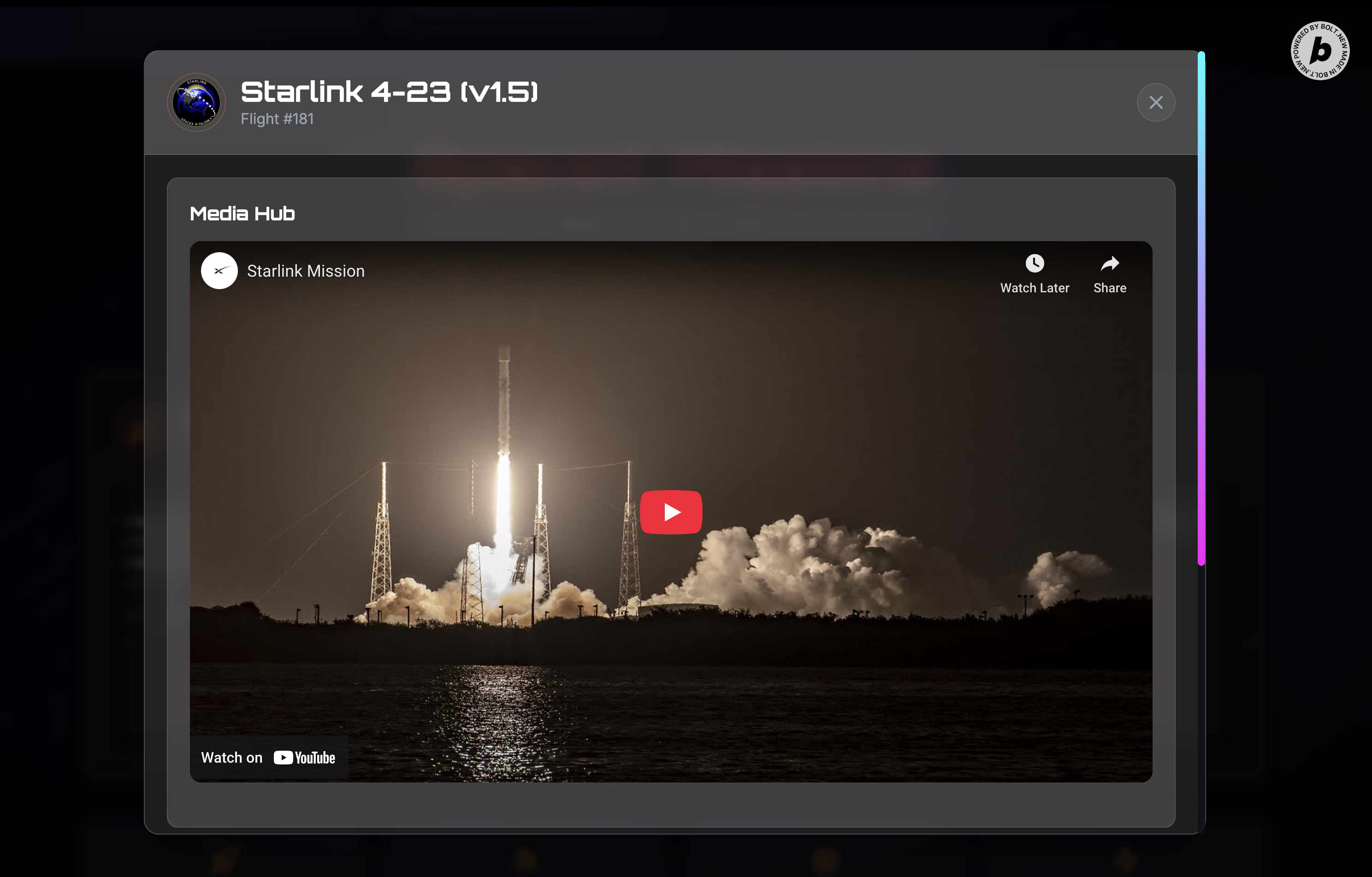
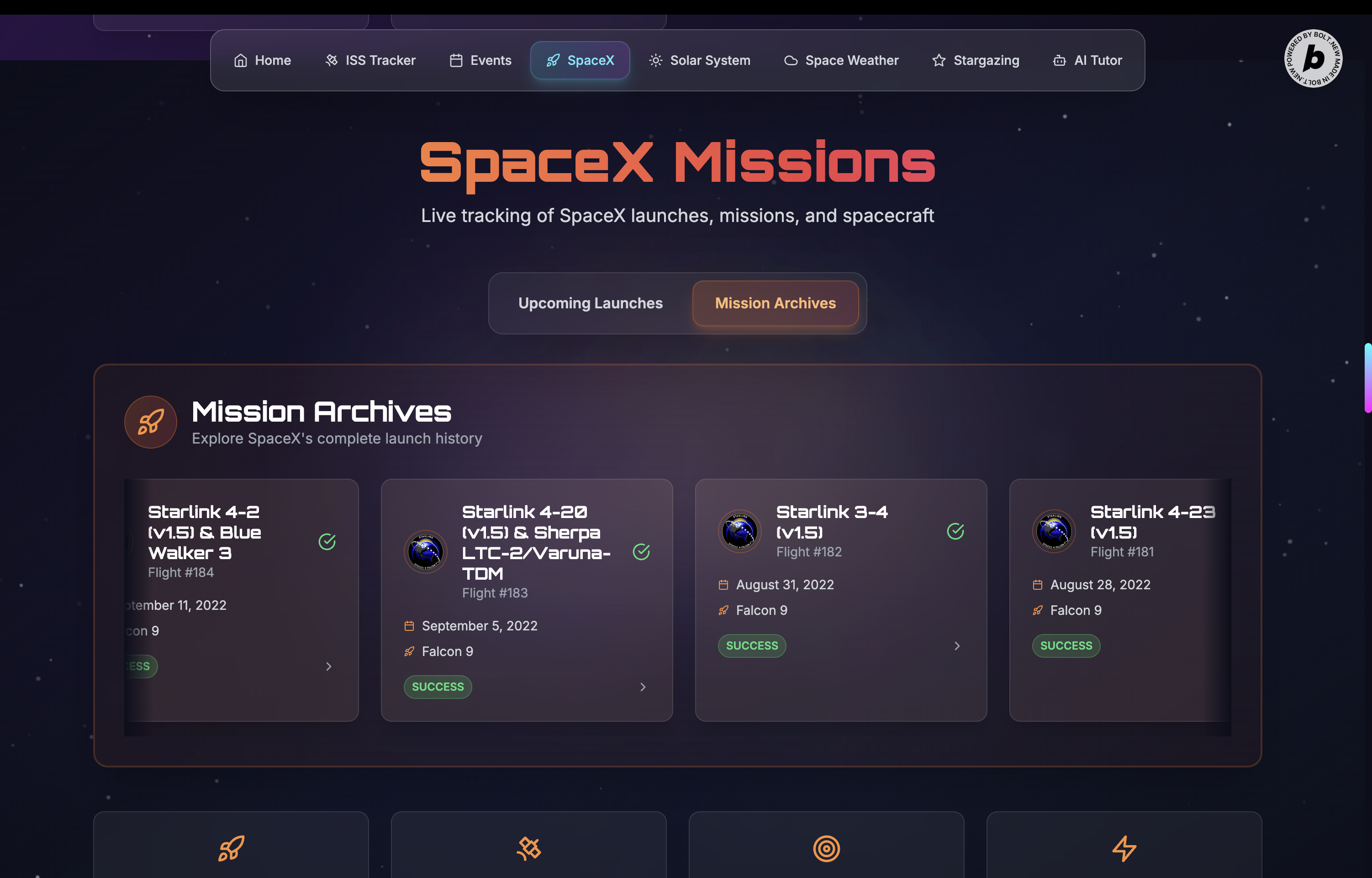
- 🚀 Monitor SpaceX Missions: Follow the latest SpaceX launches with a live countdown to the next mission and explore a rich, interactive archive of past launches, complete with mission patches, stats, and media links.
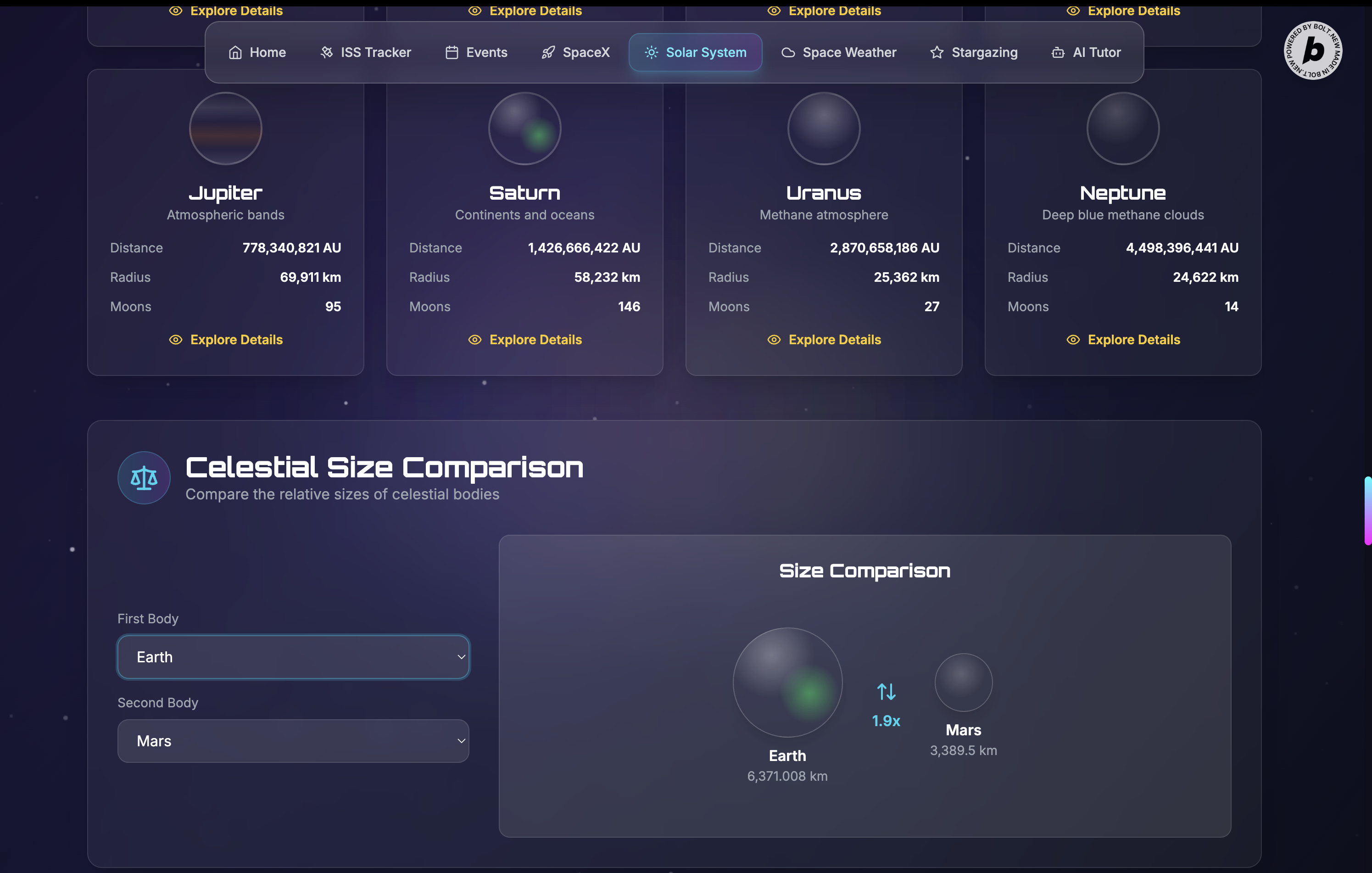
- 🪐 Explore the Solar System: Journey through our cosmic neighborhood with an interactive guide to the planets. Compare their sizes, explore their moons, and dive deep into fascinating data like gravity, temperature, and length of day.
How we built it
This project is a testament to the power of modern frontend development, designed to be fast, reliable, and completely client-side.
- Frontend: Built with React + Vite + TypeScript for a lightning-fast, type-safe user interface.
- Styling: Tailwind CSS and shadcn/ui were used to create a clean, responsive, and visually stunning design system that is consistent across the entire application.
- Data Integration: We creatively sourced data from multiple public, key-less APIs, ensuring the application remains dynamic and informative without requiring a backend or exposing secret keys.
- Open Notify API: For real-time ISS location and crew data.
- SpaceX API: For all upcoming and past launch information.
- The Solar System OpenData API: For detailed planetary and celestial body information.
- Client-Side Logic: Features like the Moon Phase calendar are powered by lightweight JavaScript libraries (like
SunCalc.js), performing calculations directly in the browser to reduce external dependencies.
Challenges I ran into
- API Limitations: Relying solely on key-less APIs meant we had to be resourceful. The lack of a single, comprehensive "astronomical events" API led us to a hybrid approach, combining data from multiple sources with a curated list of annual events.
- Data Consistency: Different APIs provide data in vastly different formats. A significant effort was made to build a robust data-massaging layer to normalize this information into a consistent structure for our UI components.
- Performance vs. Visuals: The initial idea of a 3D solar system model was scrapped in favor of a faster, more accessible 2D experience to ensure the site loaded quickly on all devices without sacrificing its interactive feel.
Accomplishments that I'm proud of
- A True Single-Page Application: Every feature, from the ISS tracker to the solar system explorer, is seamlessly integrated into one cohesive and performant application.
- 100% Client-Side Architecture: We successfully built a feature-rich, data-driven application without the need for a backend, demonstrating the power of modern frontend tools and public APIs.
- Design-Driven Development: Every component was designed with a user-first mindset, focusing on transforming raw data into a beautiful and intuitive user experience.
What I learned
- Resourceful Engineering: We learned to be creative and resourceful, finding clever ways to provide dynamic content by combining multiple free APIs and client-side calculations.
- The Power of a Strong Design System: Using Tailwind CSS and a component-based architecture allowed for rapid development while maintaining a polished and consistent look and feel across complex views.
- Prioritizing User Experience: We learned the importance of making trade-offs (like skipping a heavy 3D model) to prioritize performance and accessibility for a wider audience.
What's next for Cosmic Navigator
- User Personalization: Allow users to set their location to receive personalized alerts for ISS passes and visible astronomical events.
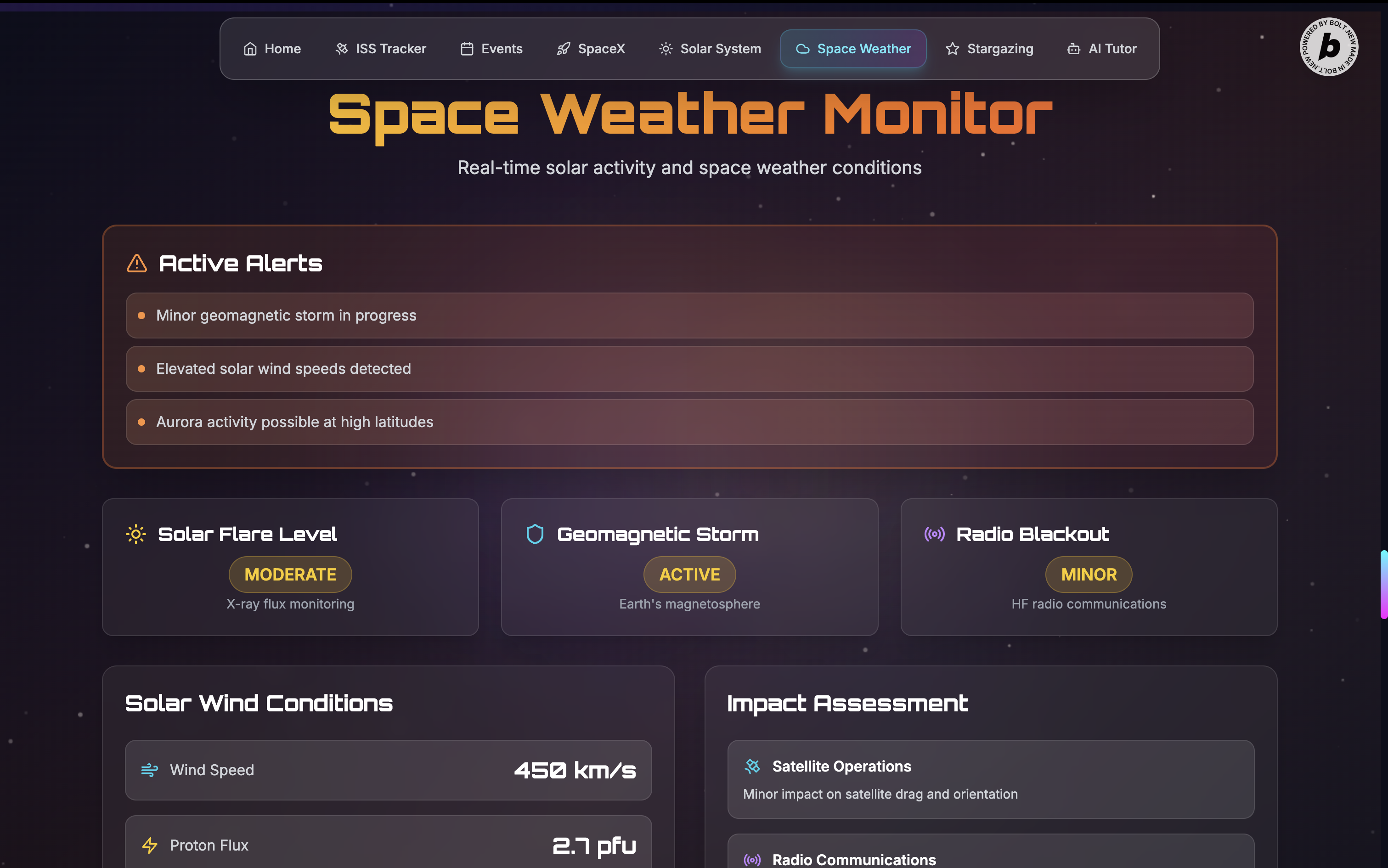
- Space Weather Dashboard: Integrate data from NOAA's Space Weather Prediction Center to add a live dashboard for solar flares, geomagnetic storms, and aurora forecasts.
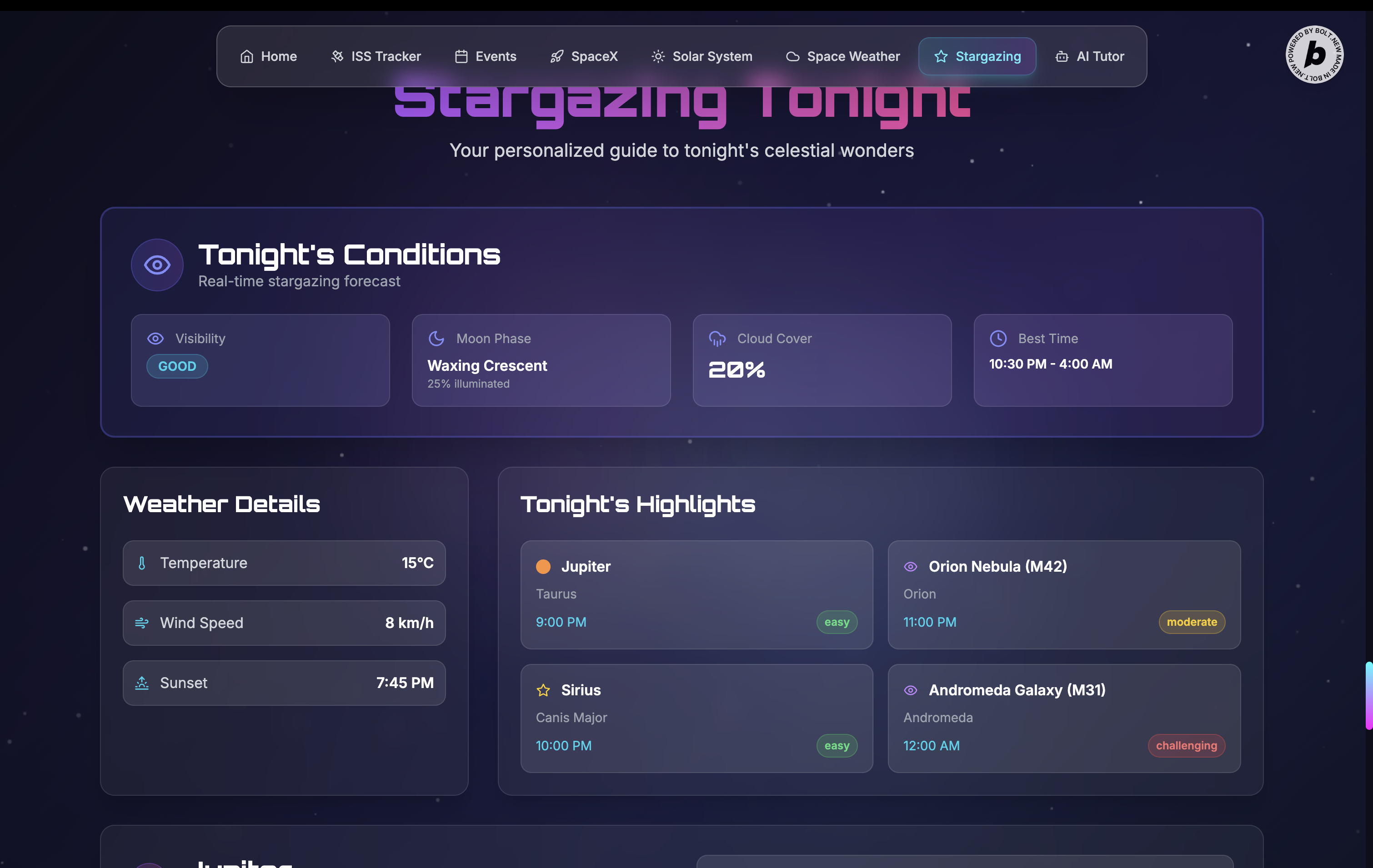
- AI-Powered Stargazing Guide: Integrate a conversational AI (like Gemini) to act as a personal astronomy tutor, answering questions about what users can see in the night sky.
- Community Features: Create a space for users to share their own astrophotography and stargazing tips.
Built With
- netlify
- opendataapi
- react
- spacexapi
- tailwind
- typescript
- vite


Log in or sign up for Devpost to join the conversation.