1) Inspiration
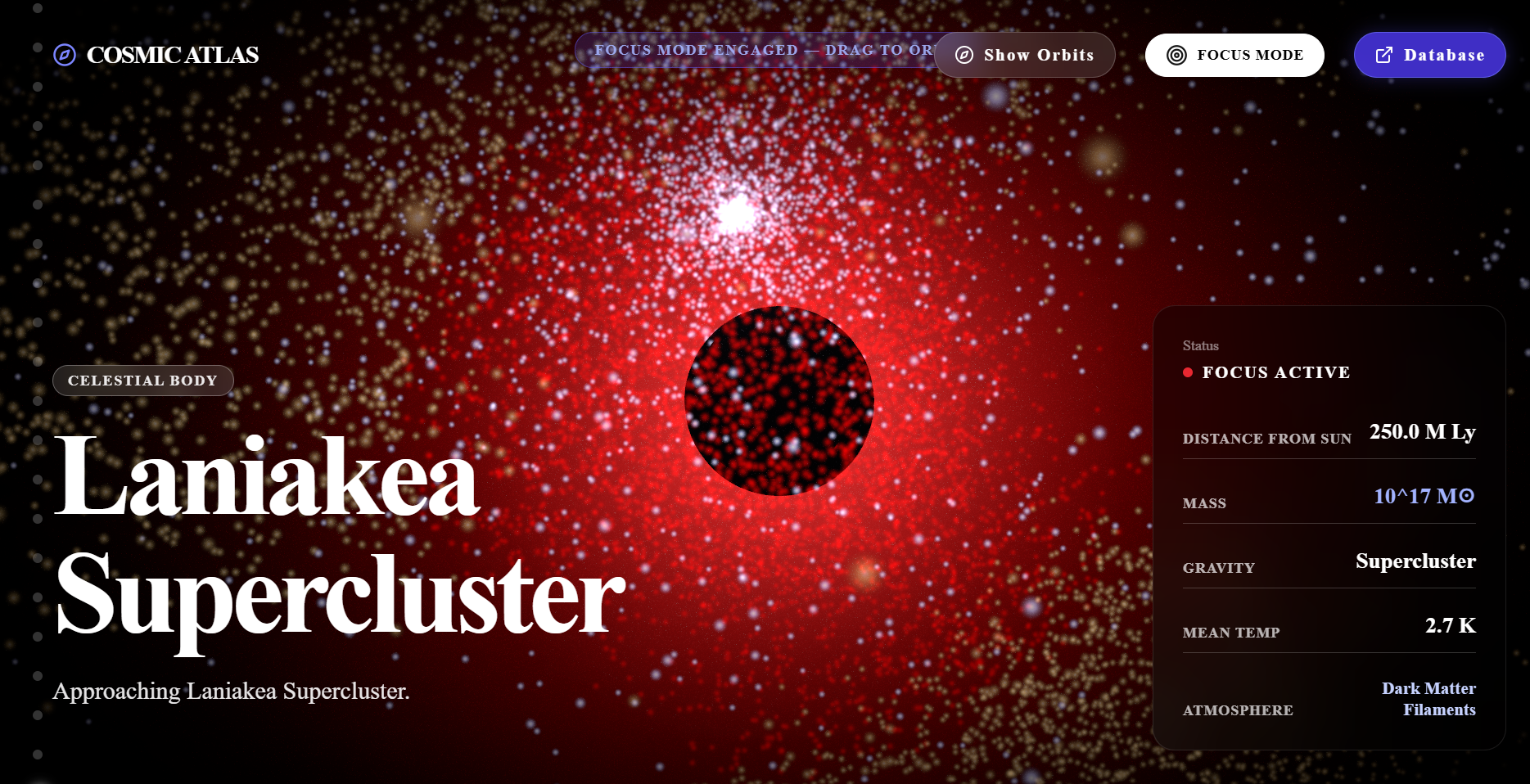
We've always been fascinated by the sheer scale of the universe — the fact that our Sun is just one star among 100 billion in the Milky Way, which is itself one of trillions of galaxies. Most space visualizations either give you a static image or a dry data table, neither of which captures what it actually feels like to zoom out from a planet to a supercluster. We wanted to build something cinematic: a single continuous journey, driven by nothing but scrolling, that takes you from the surface of the Sun all the way out to the Laniakea Supercluster — the structure that contains our entire galaxy.
What it does
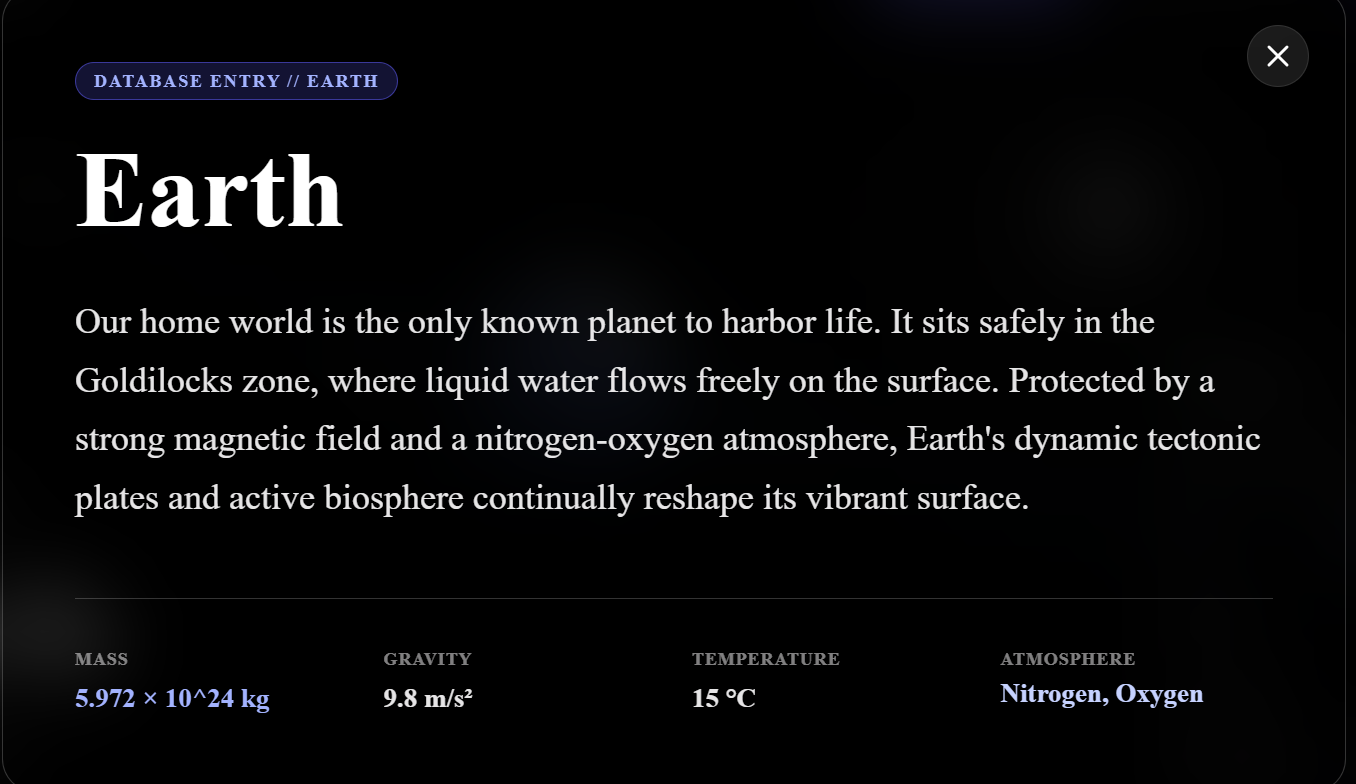
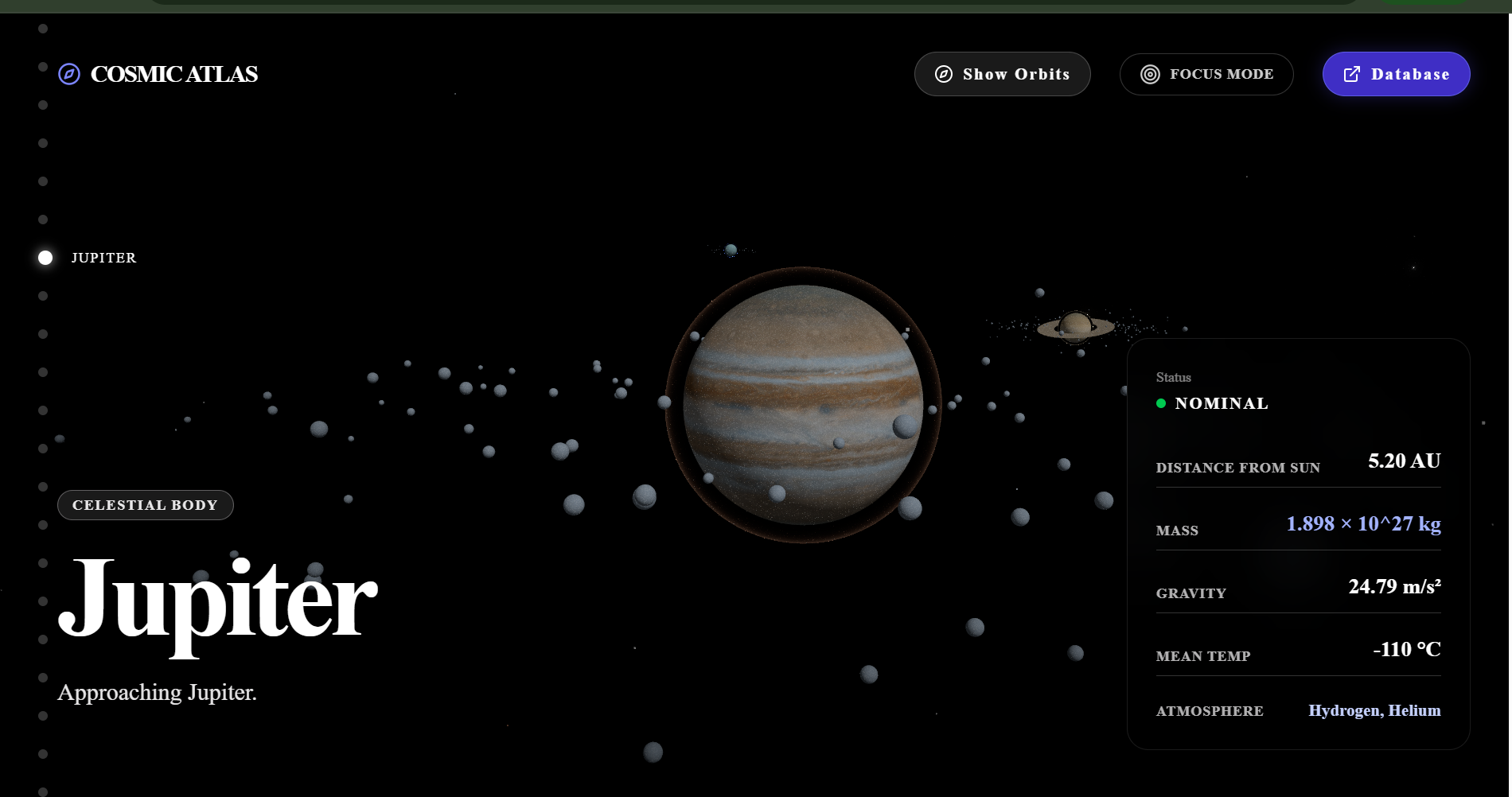
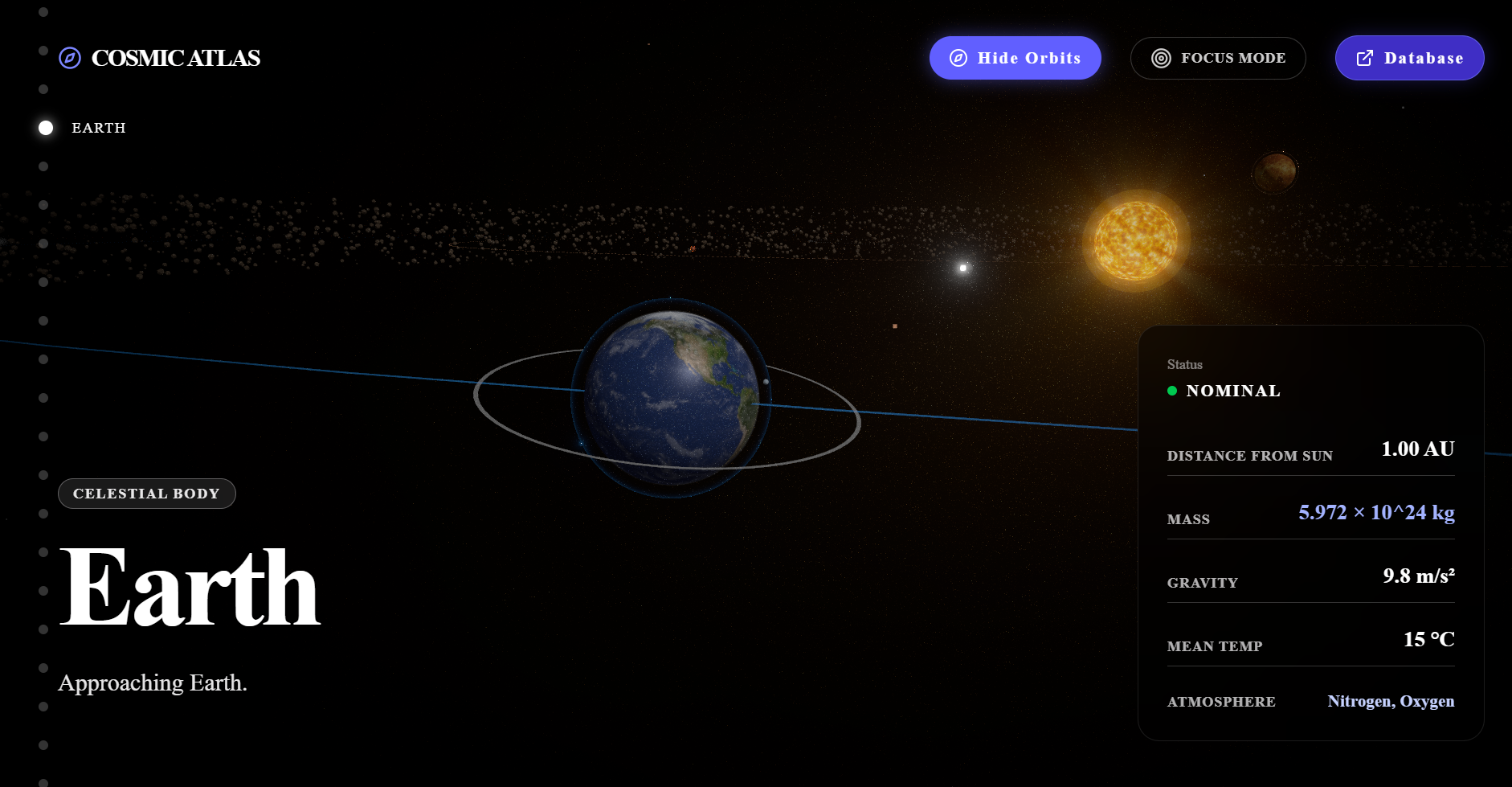
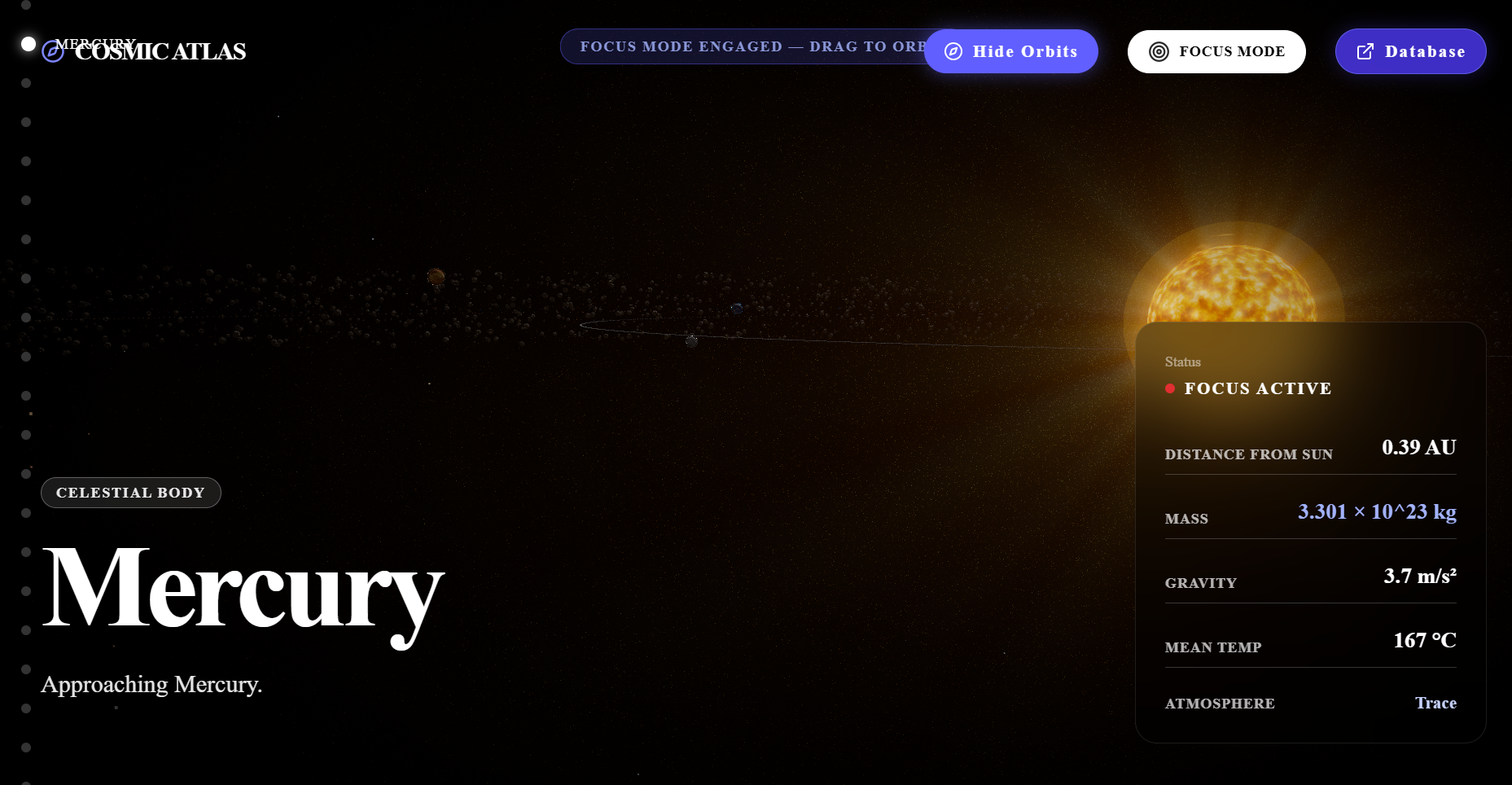
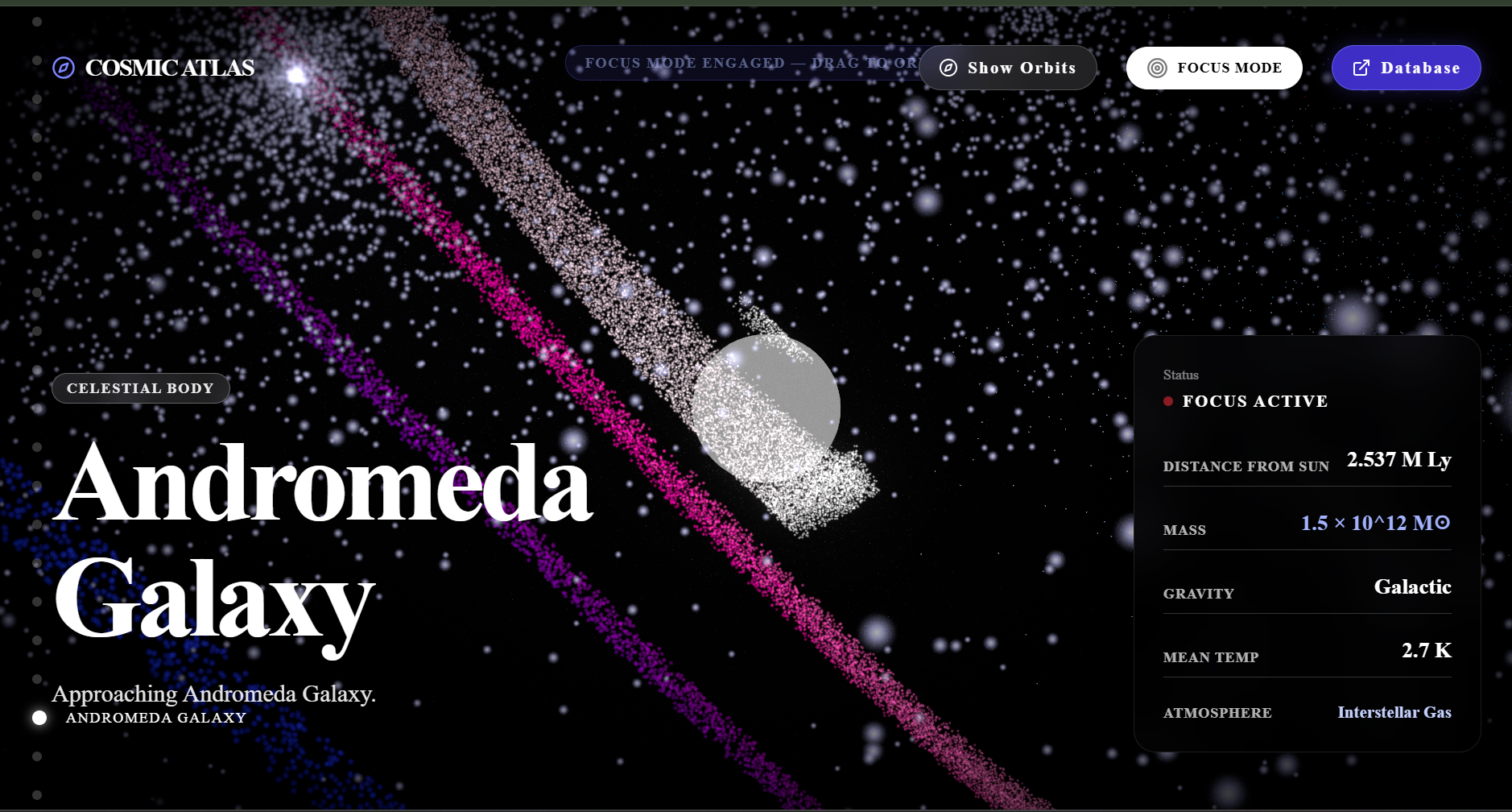
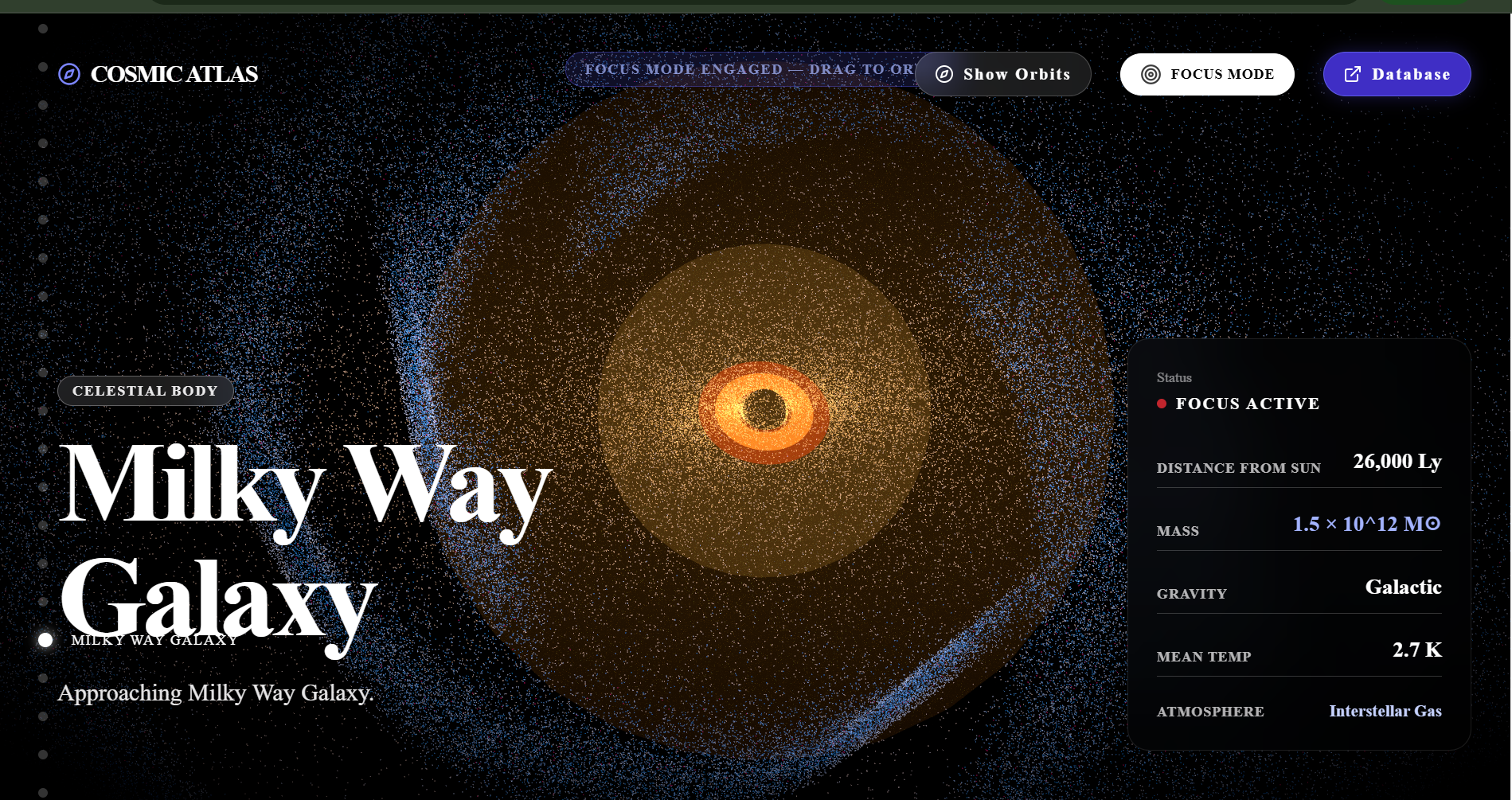
Aurora Atlas is an interactive 3D cosmic atlas. As you scroll, the camera travels along a smooth spline path through our solar system, out past the Milky Way's spiral arms, through the supermassive black hole at our galaxy's center, and finally out to the cosmic web itself. Along the way:
- Procedural astrophysics — the Milky Way is generated from real Sérsic brightness profiles and 4-arm logarithmic spiral equations, not a static texture.
- Sagittarius A* — our galaxy's black hole renders a dynamic accretion disk, event horizon, and gravitational lensing effect.
- Instanced moons — up to 285 moons (including all 146 of Saturn's) orbit with Kepler-like physics, rendered in a single draw call.
- X-Ray mode — users can slice planets open with clipping planes to see their silicate mantles and iron cores.
- Volumetric shaders — custom GLSL creates atmospheric Fresnel glow, stellar coronas, and the dark matter filaments of the cosmic web.
2)How we built it
The frontend is built with Next.js and React Three Fiber on top of Three.js, with React Three Postprocessing handling bloom, god rays, and vignette effects for the cinematic look. Scroll position drives the camera along a Catmull-Rom spline, so the journey always feels continuous rather than jumping between fixed viewpoints. State (like the active celestial body or X-Ray toggle) is managed with Zustand, UI chrome uses shadcn/ui, and Tailwind CSS plus Framer Motion handle layout and transitions. Performance was a first-class concern from the start — we relied heavily on InstancedMesh to render thousands of celestial bodies (moons, stars, cosmic web nodes) in as few draw calls as possible, which is what let us keep 60+ FPS even during the busiest sequences. 3)Challenges we ran into
- Scale. The universe doesn't fit into a normal 3D scene — the ratio between a planet's diameter and the distance to the next galaxy is astronomical (literally). We had to build a custom logarithmic scaling system so nearby objects felt tactile while distant structures were still visible without the camera clipping or z-fighting.
- Performance at scale. Rendering hundreds of moons and thousands of cosmic web points naively tanked the frame rate. Moving to InstancedMesh with per-instance orbital physics computed in a single shader pass was the fix, but it took several rewrites to get the orbital math correct while still batching efficiently.
- Shader work. Writing GLSL for the accretion disk's gravitational lensing and the atmospheric Fresnel glow required a lot of trial and error — small changes in the math produced wildly different (and sometimes very wrong-looking) visual results.
- Scroll-driven camera feel. Mapping raw scroll delta to smooth, physically plausible camera movement along a spline — without jitter, overshoot, or motion sickness — took a lot of easing and interpolation tuning.
4) Accomplishments that we're proud of
- Getting 60+ FPS while rendering thousands of instanced celestial bodies at once, on a topic (real-time WebGL astrophysics) where most projects settle for choppy performance or heavily simplified visuals.
- Building a scroll experience that feels genuinely cinematic rather than like a series of disconnected 3D scenes — the spline camera path makes the whole journey feel like one continuous shot.
- Getting the physics-adjacent details right: Kepler-like orbital motion for moons, a Sérsic brightness profile for the galaxy, and a gravitational lensing effect around Sagittarius A* that's visually convincing without needing a full relativistic ray tracer.
- Making something that's genuinely fun to explore. X-Ray mode in particular turned into one of our favorite features — slicing open a planet to see its core is oddly satisfying.
5) What we learned
- How to think in logarithmic rather than linear scale when building a 3D scene that spans from a planet's surface to a supercluster — this fundamentally changed how we approached camera, lighting, and object placement.
- A much deeper practical understanding of GLSL shader programming, especially around volumetric effects like Fresnel glow and accretion disk lensing.
- How to profile and optimize a React Three Fiber scene for real-world performance — instancing, draw call reduction, and knowing when to trade visual fidelity for frame rate.
- That good scroll-driven interaction design is as much about easing curves and interpolation as it is about the 3D content itself.
6)What's next for Aurora Atlas
- Adding more waypoints to the journey, including nearby exoplanetary systems and other notable galaxies beyond the Milky Way.
- Expanding X-Ray mode to stars and gas giants, not just rocky planets.
- Adding an audio layer — ambient sound design and narration to make the journey feel even more immersive.
- Improving mobile performance so the full experience is accessible on phones and tablets, not just desktop.
- Open-sourcing more of the procedural generation logic (galaxy, orbital mechanics) as a standalone library other developers could use in their own WebGL projects.
Built With
- 3d-visualization
- astronomy
- astrophysics
- black-hole
- data-visualization
- education
- framer-motion
- galaxy
- interactive
- javascript
- milky-way
- nextjs
- procedural-generation
- react
- react-three-fiber
- science
- shadcn-ui
- shaders
- solar-system
- space
- tailwindcss
- three.js
- typescript
- webgl
- zustand

Log in or sign up for Devpost to join the conversation.