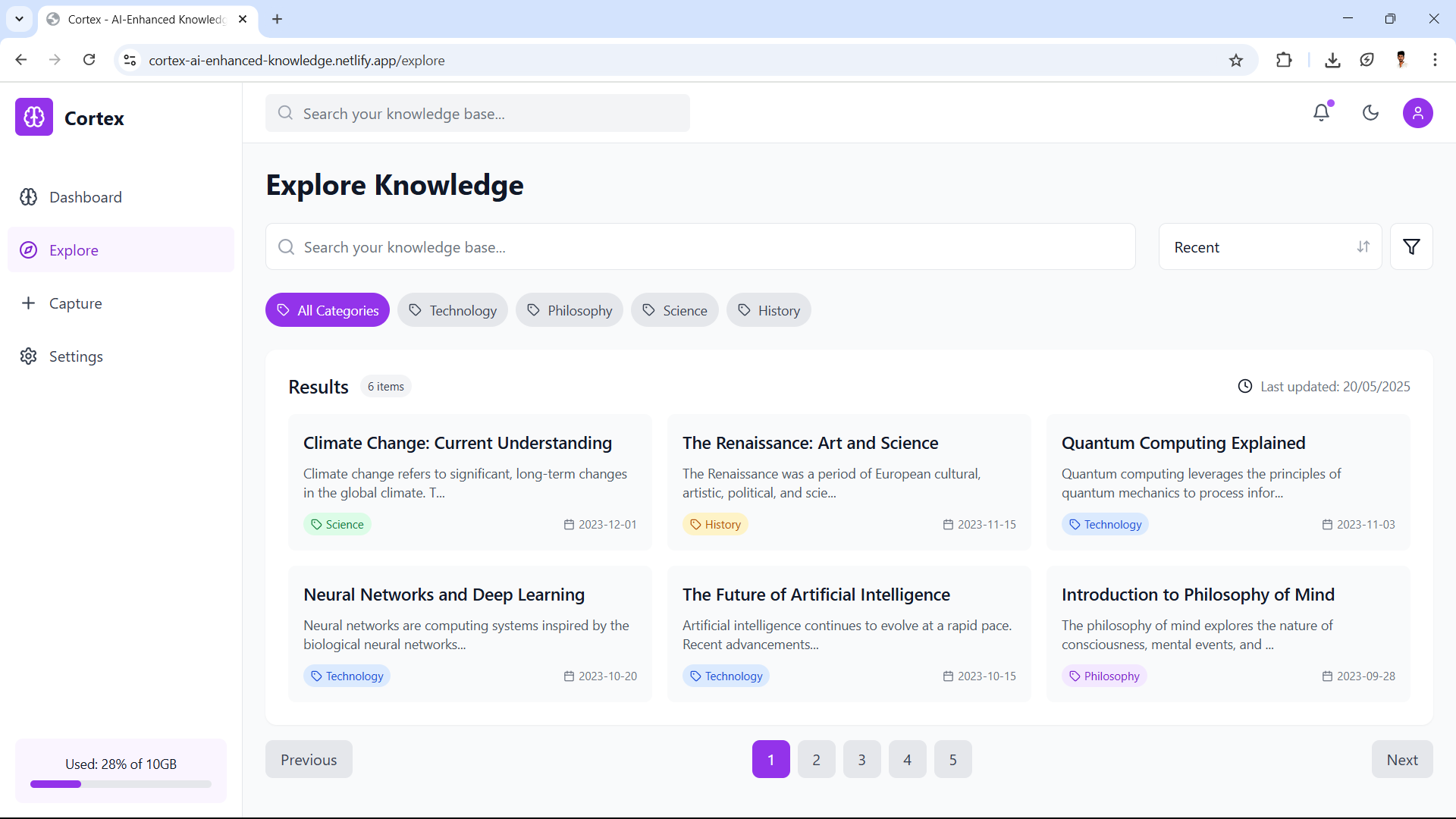
Inspiration We often come across useful articles, videos, and thoughts—but forget them later. I wanted to create a tool that acts like a second brain—a place where you can store, organize, and make sense of everything you learn. That’s how Cortex was born.
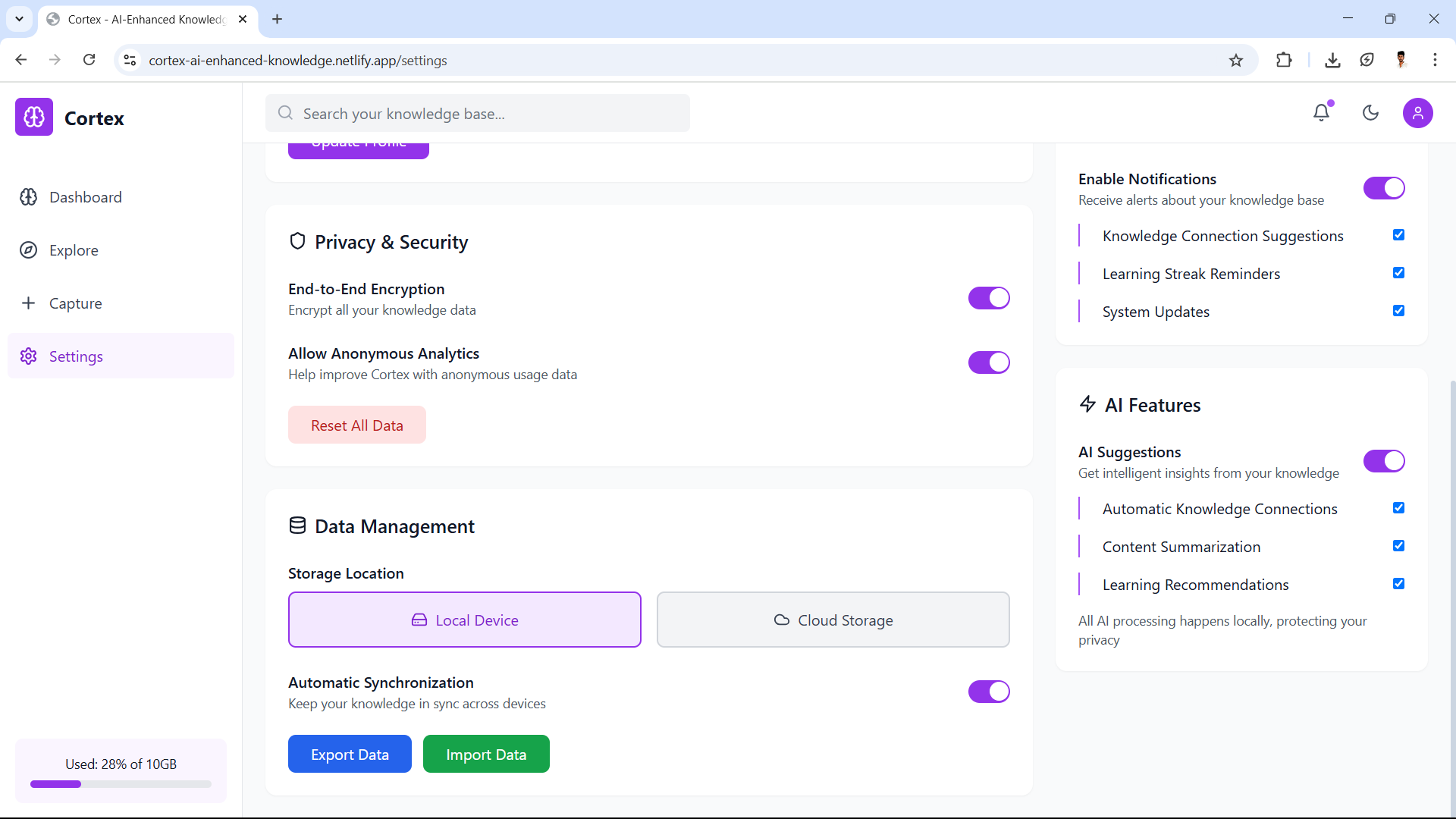
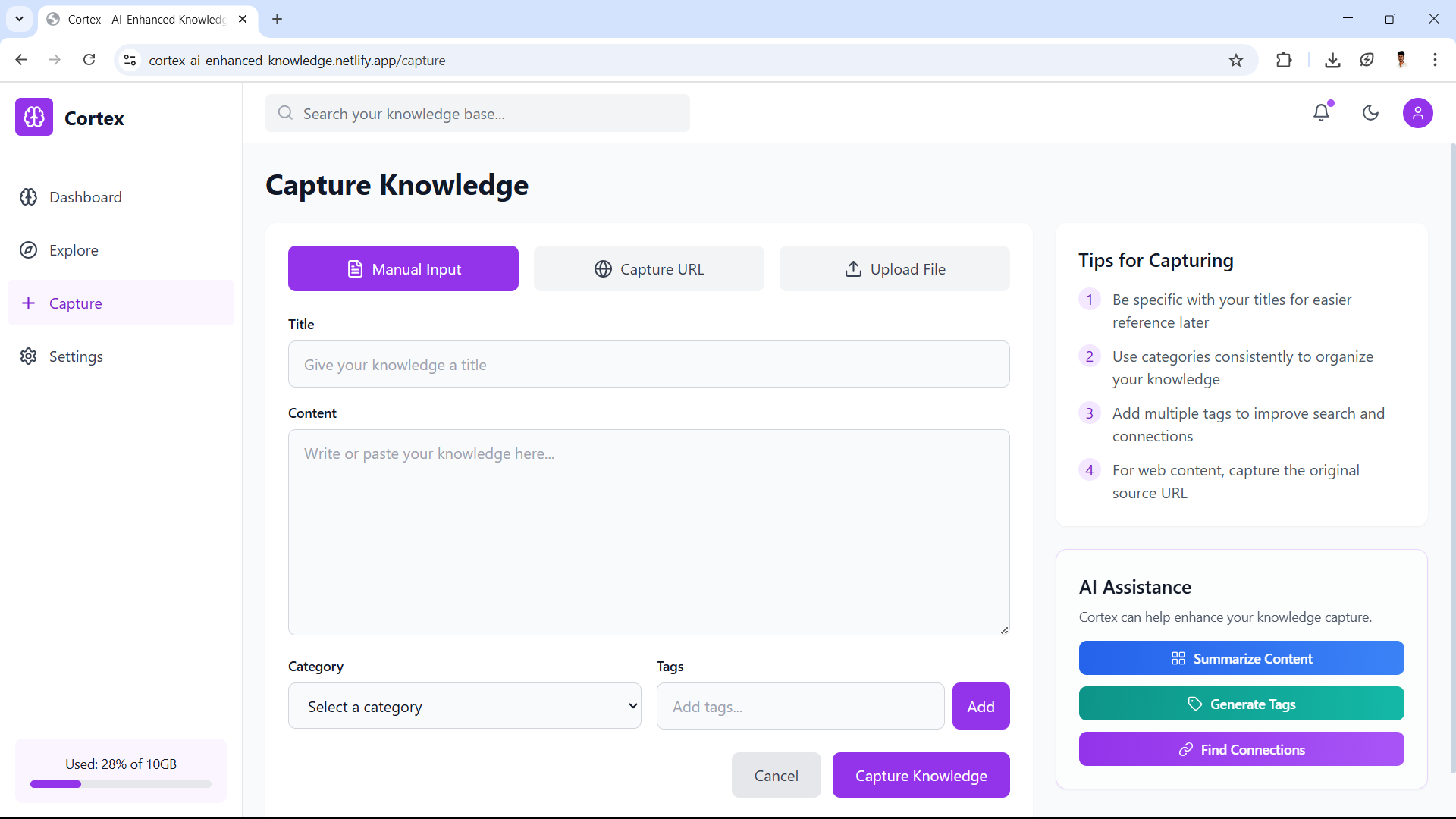
What it does Cortex helps you capture knowledge in different ways—manual input, saving links, or uploading files. It organizes your content with categories and tags, and uses AI to suggest connections, generate summaries, and offer smart recommendations. All your data stays private, with built-in encryption.
How we built it The project was built using React, Tailwind CSS, and deployed on Netlify. We designed it to be lightweight and user-friendly, with features like dark mode, AI assistance, and end-to-end encryption for privacy.
Challenges we ran into Setting up environment variables for different build stages
Managing AI features without compromising user privacy
Handling UI responsiveness across different screen sizes
Accomplishments that we're proud of A clean and functional interface that’s easy to use
AI features that add real value without feeling intrusive
Smooth performance and secure data management
What we learned Deepened our understanding of React-based workflows and AI integrations
Learned how to deploy and configure projects using Netlify
Improved UI/UX design thinking from user feedback
What's next for Cortex Chrome extension for quick capture
Better offline support and cloud sync
Team-based collaboration features Coming soon.
🔗 Try it here: https://cortex-ai-enhanced-knowledge.netlify.app


Log in or sign up for Devpost to join the conversation.