-
-
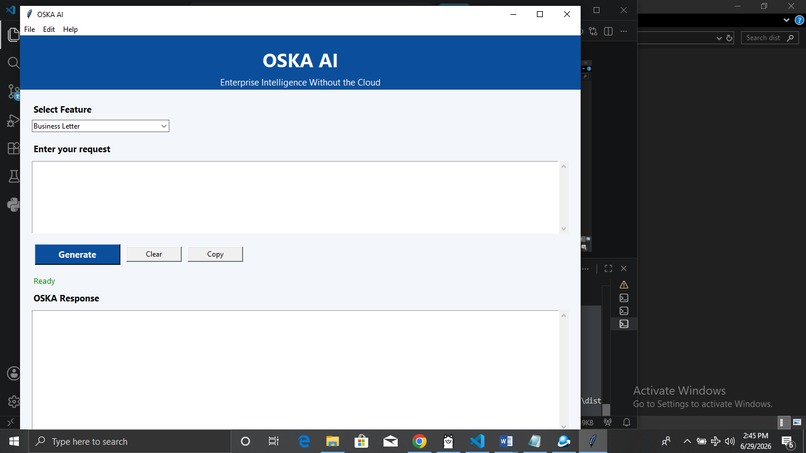
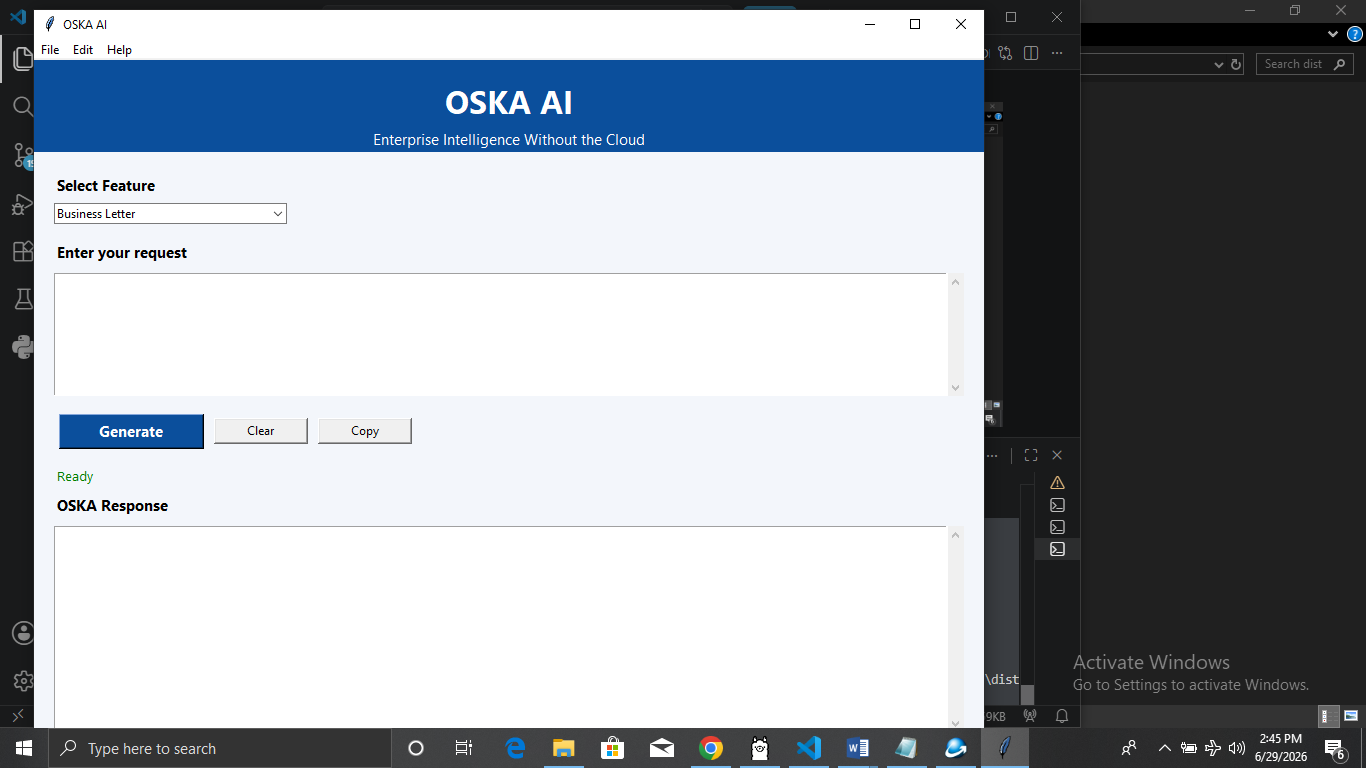
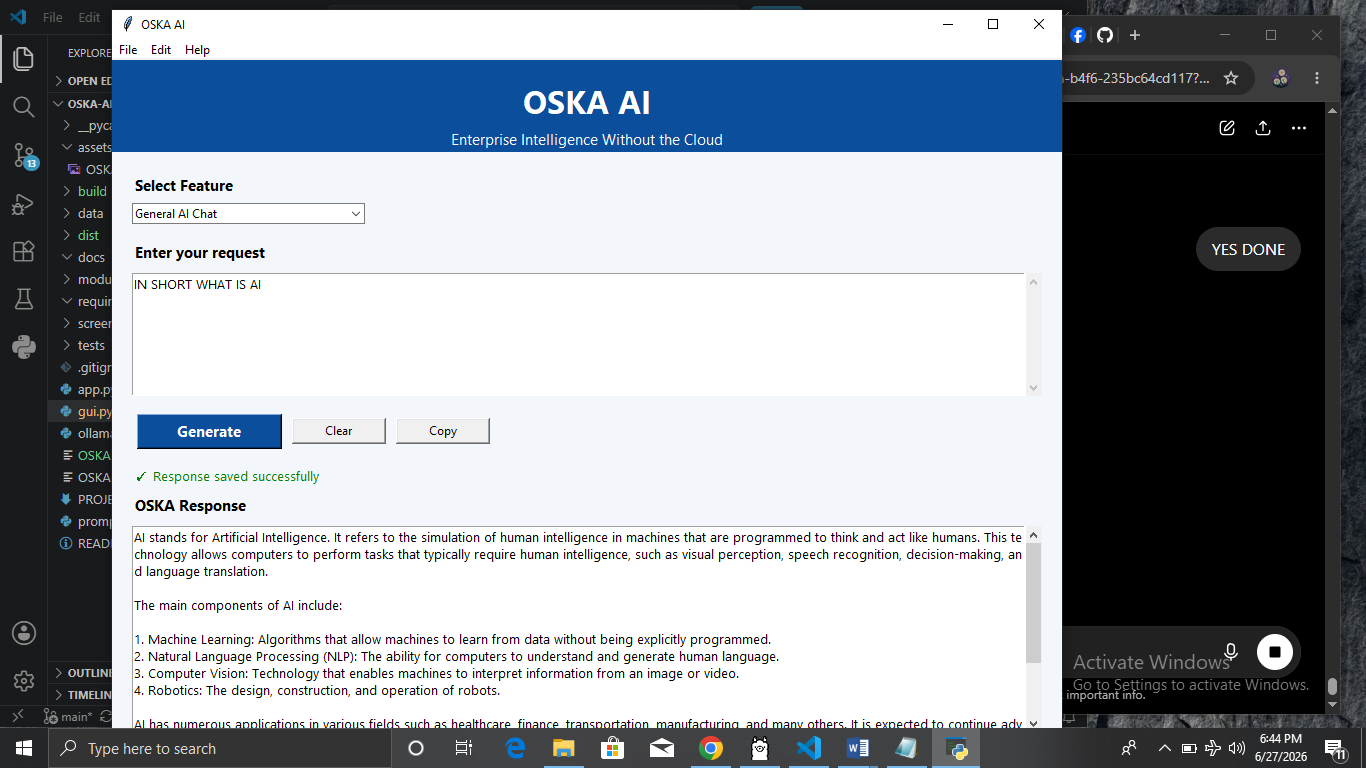
MAIN MENU
-
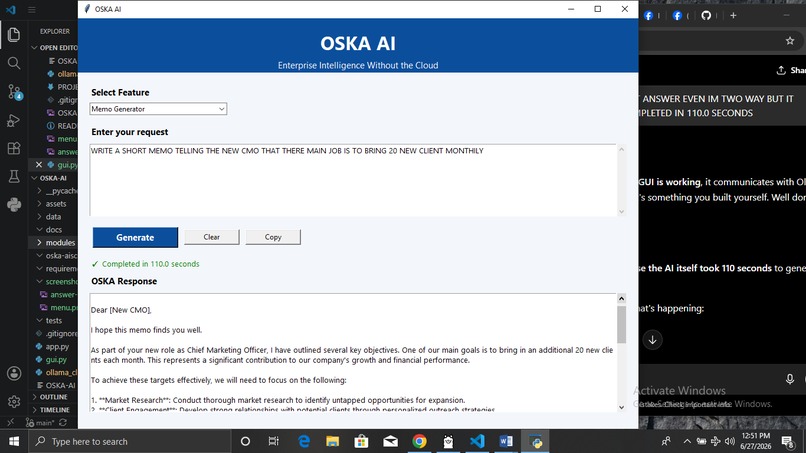
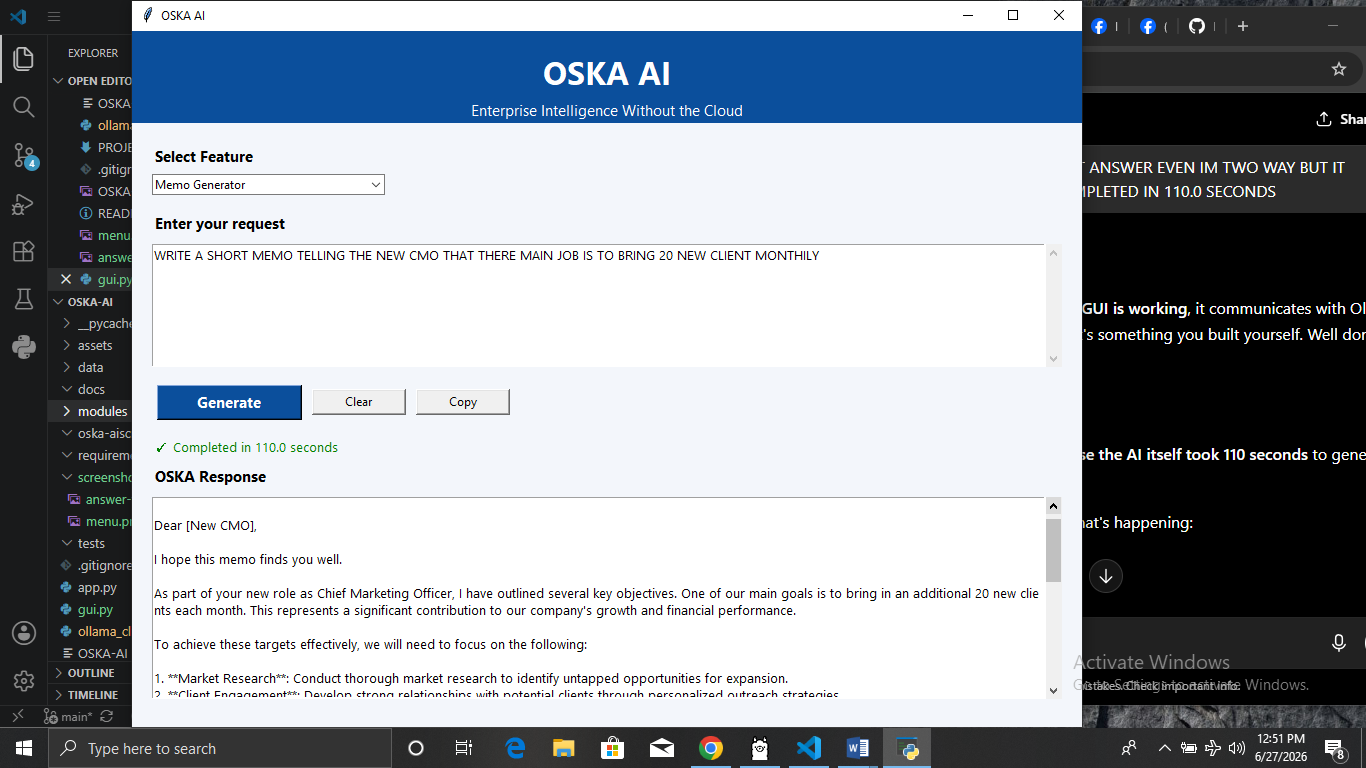
RESPOND FROM OSKA
-
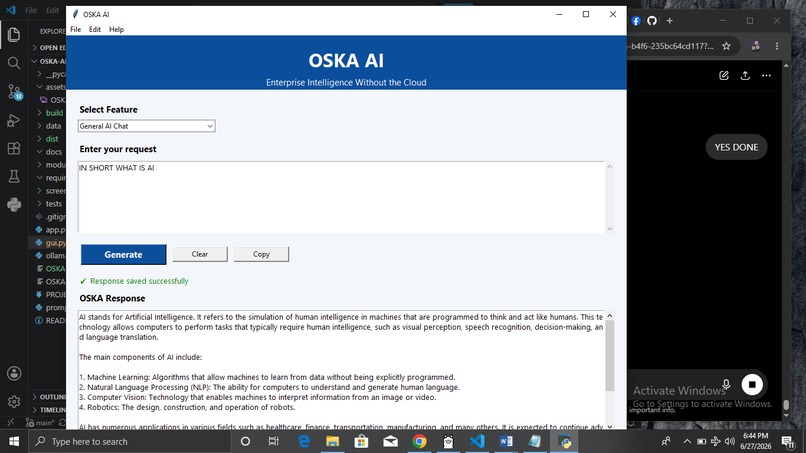
RESPOND FROM OSKA AI
-
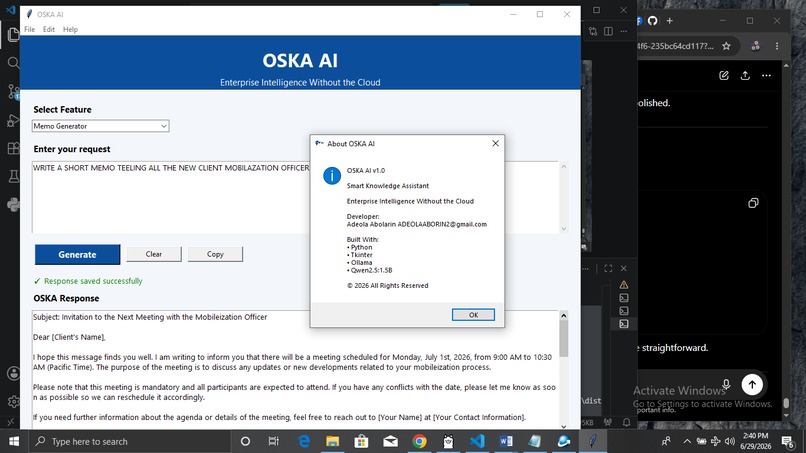
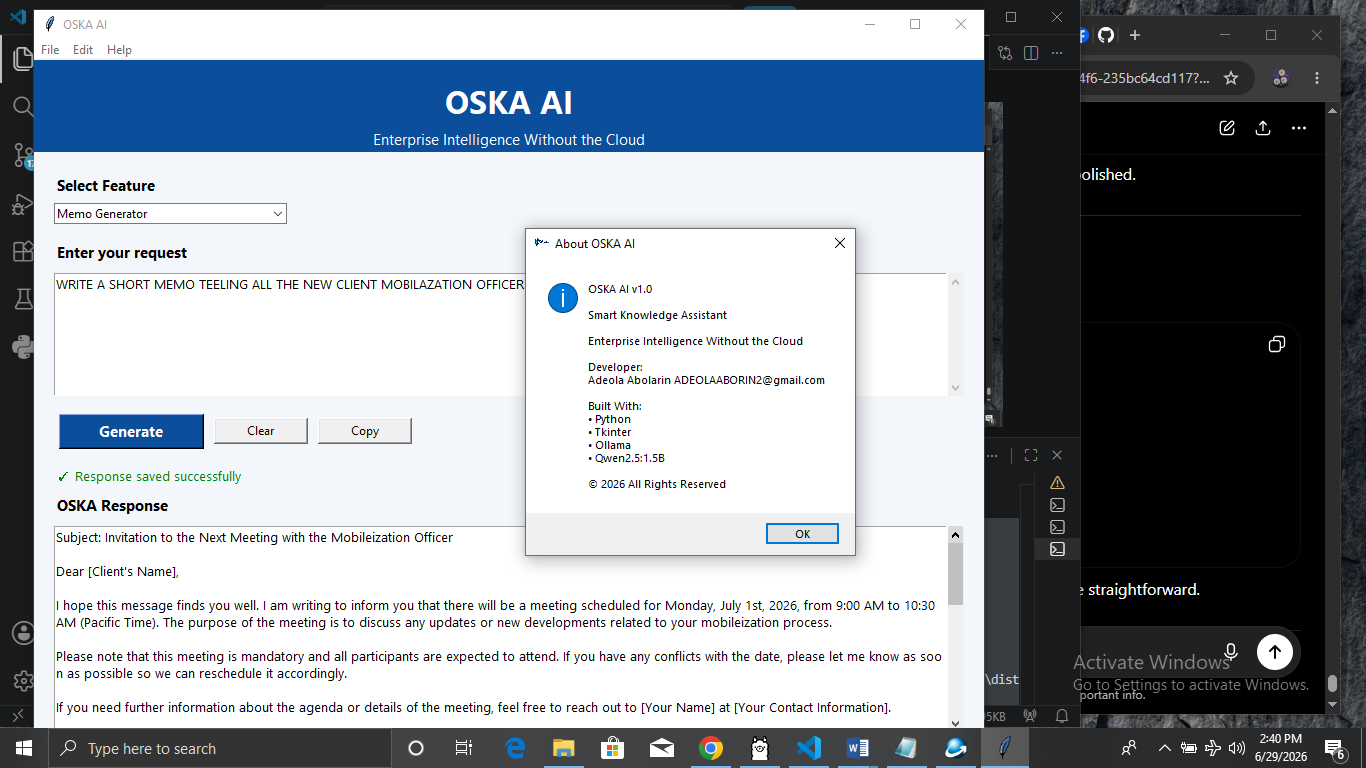
ABOUT THE SOFTWARE
-
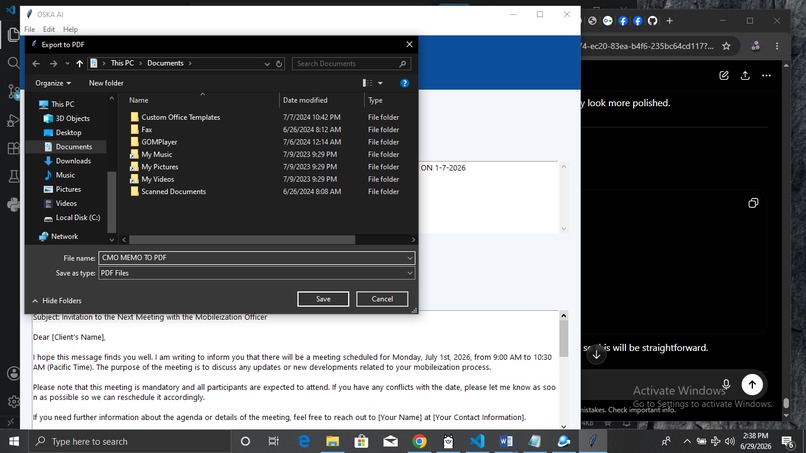
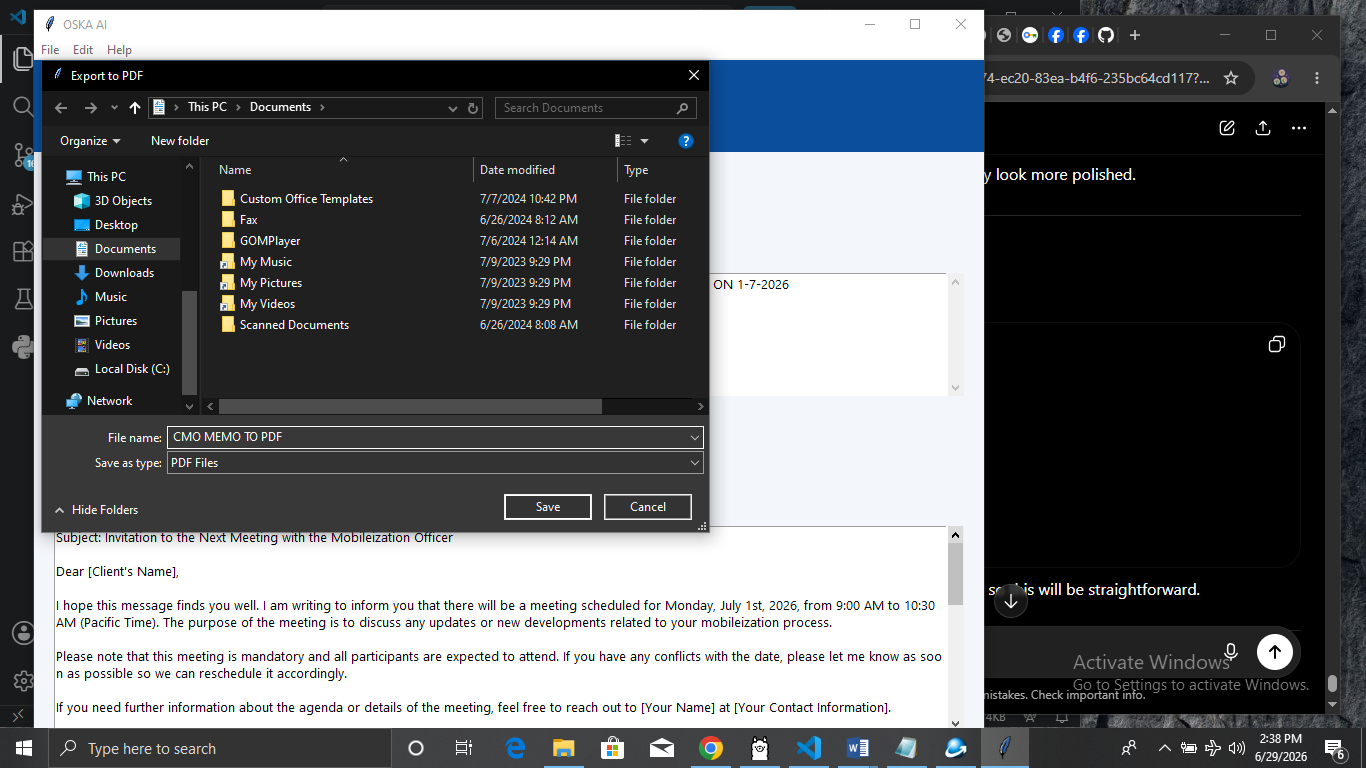
FILE EXPORT TO PDF
-
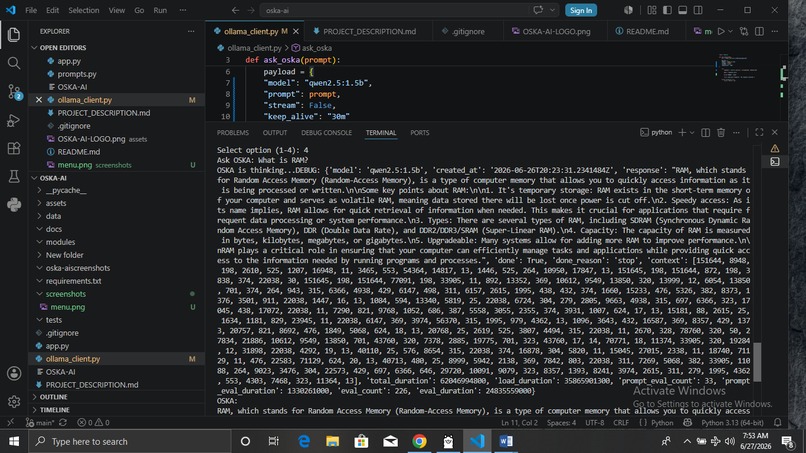
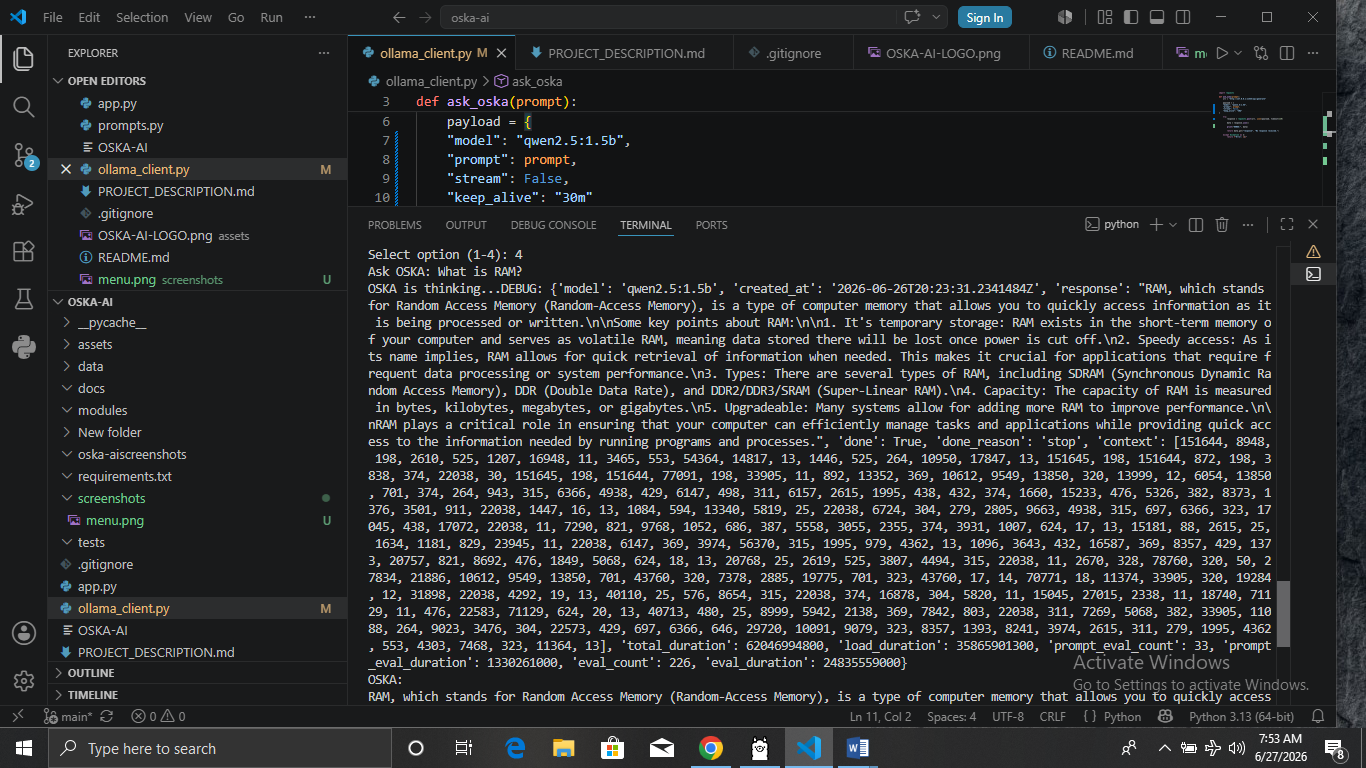
RESPOND FROM TESTING IN TERMINAL V-S
Inspiration
I am a Computer Science graduate, but after graduation I started working in a microfinance bank where I rarely had the opportunity to apply my software development skills. Over time, I realized I was beginning to forget many of the programming concepts I had learned in school.
To improve myself, I enrolled in the 3MTT (3 Million Technical Talent) program by the Federal Government of Nigeria through NITDA. When the challenge was announced, I decided to build a practical project that would strengthen my Python skills and demonstrate what I had learned.
That decision led to the development of OSKA AI, an offline intelligent desktop assistant.
What it does
OSKA AI is an offline desktop AI assistant that uses Python, Tkinter, and Ollama to generate AI responses without requiring an internet connection.
The application includes:
Business Letter Generator Memo Generator General AI Chat Save responses as text Export responses to Microsoft Word (.docx) Export responses to PDF Copy and clear functions Professional desktop interface Windows executable (.exe) Windows installer (Setup.exe
How I built it
I built OSKA AI using Python, Tkinter, and Ollama. I designed the desktop interface, connected it to a local AI model, added export features (PDF and Word), packaged it with PyInstaller, and created a Windows installer using Inno Setup.
Challenges I ran into
The development process was not always straightforward.
I encountered several challenges, including packaging errors with PyInstaller, icon format issues, missing project assets, installer configuration problems, and optimizing the application to work with limited computer resources. I also had to troubleshoot communication between the GUI and the local AI model before the application responded correctly.
Each challenge required research, testing, and multiple iterations before finding a working solution.
Accomplishments that we're proud of
What I learned
What's next for (Offline SME Knowledge Assistant) OSKA AI
Built With
- github
- inno
- ollama
- phi-3
- pyinstaller
- python
- python-docx
- setup
- tkinter
- visual-studio


Log in or sign up for Devpost to join the conversation.