Inspiration
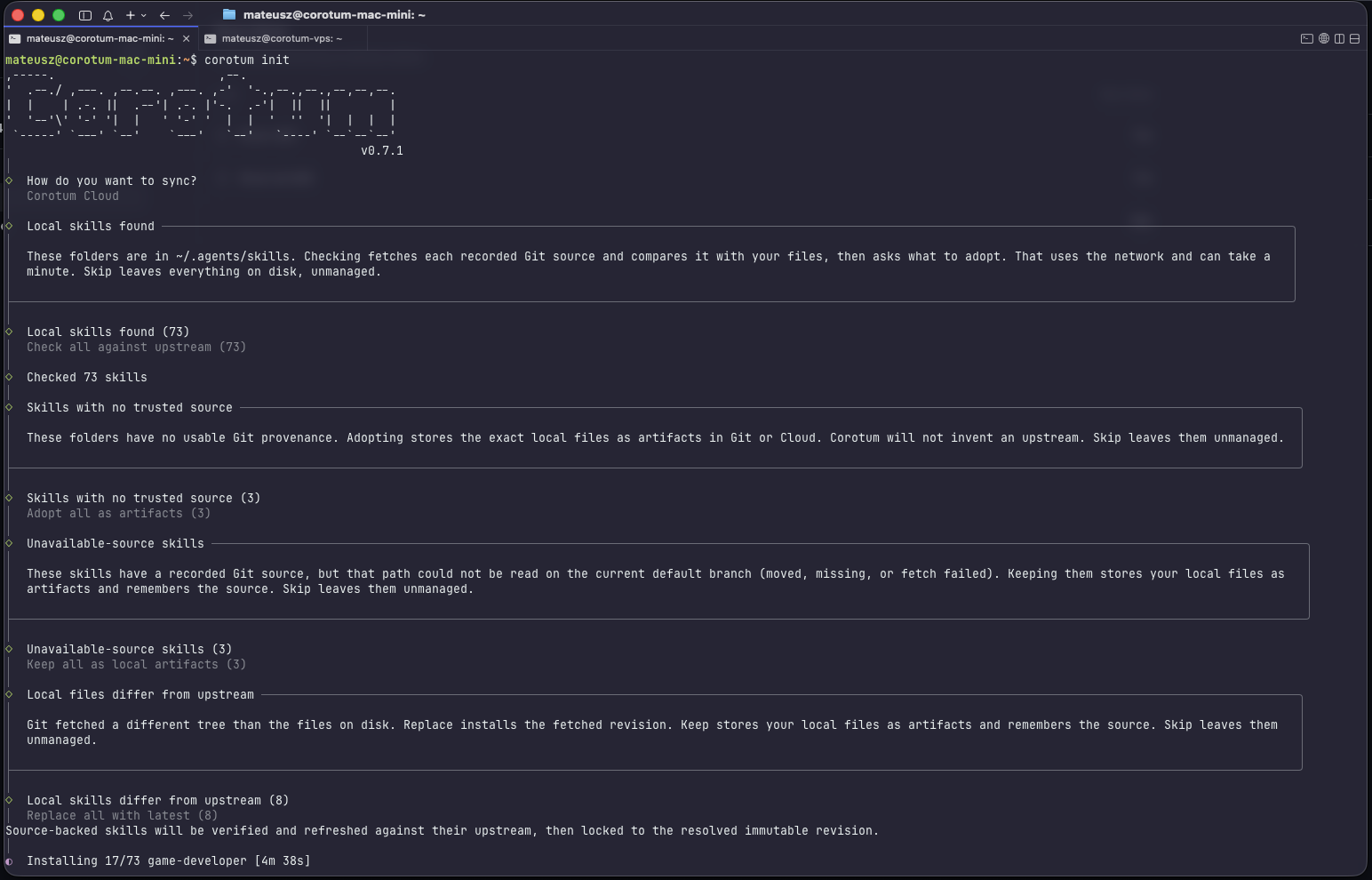
I use multiple AI agents on different machines, and I kept running into the same problem: their skills were never quite the same.
A skill would be installed on my Mac but missing on a VPS. Another would be outdated somewhere else. Sometimes I had changed a skill locally and forgot about it. The usual solution was copying folders around and trying to remember which version was the right one.
That became the starting point for Corotum. I wanted one place to define which skills I use, which versions should be installed, and which agents should get them.
I also wanted to see how far I could take the idea during a 7-day build challenge for the WebMCP Challenge.
What it does
Corotum manages and synchronizes AI agent skills across machines and agents.
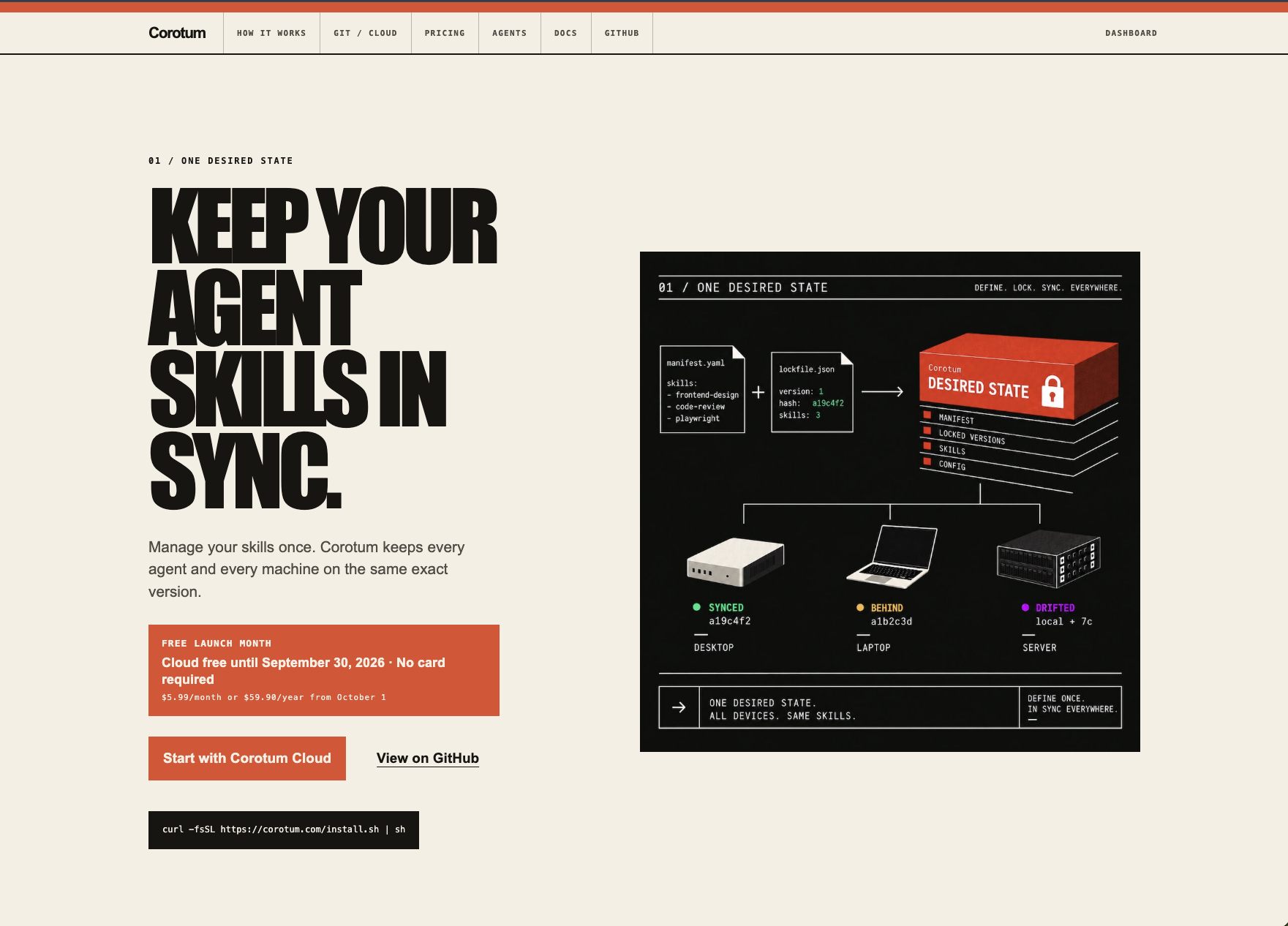
It keeps a desired state and compares it with what is actually installed on a machine. From that comparison it works out what needs to change, applies it, and verifies the result.
There are two sync modes.
Git Sync uses your own Git repository and does not require a Corotum account.
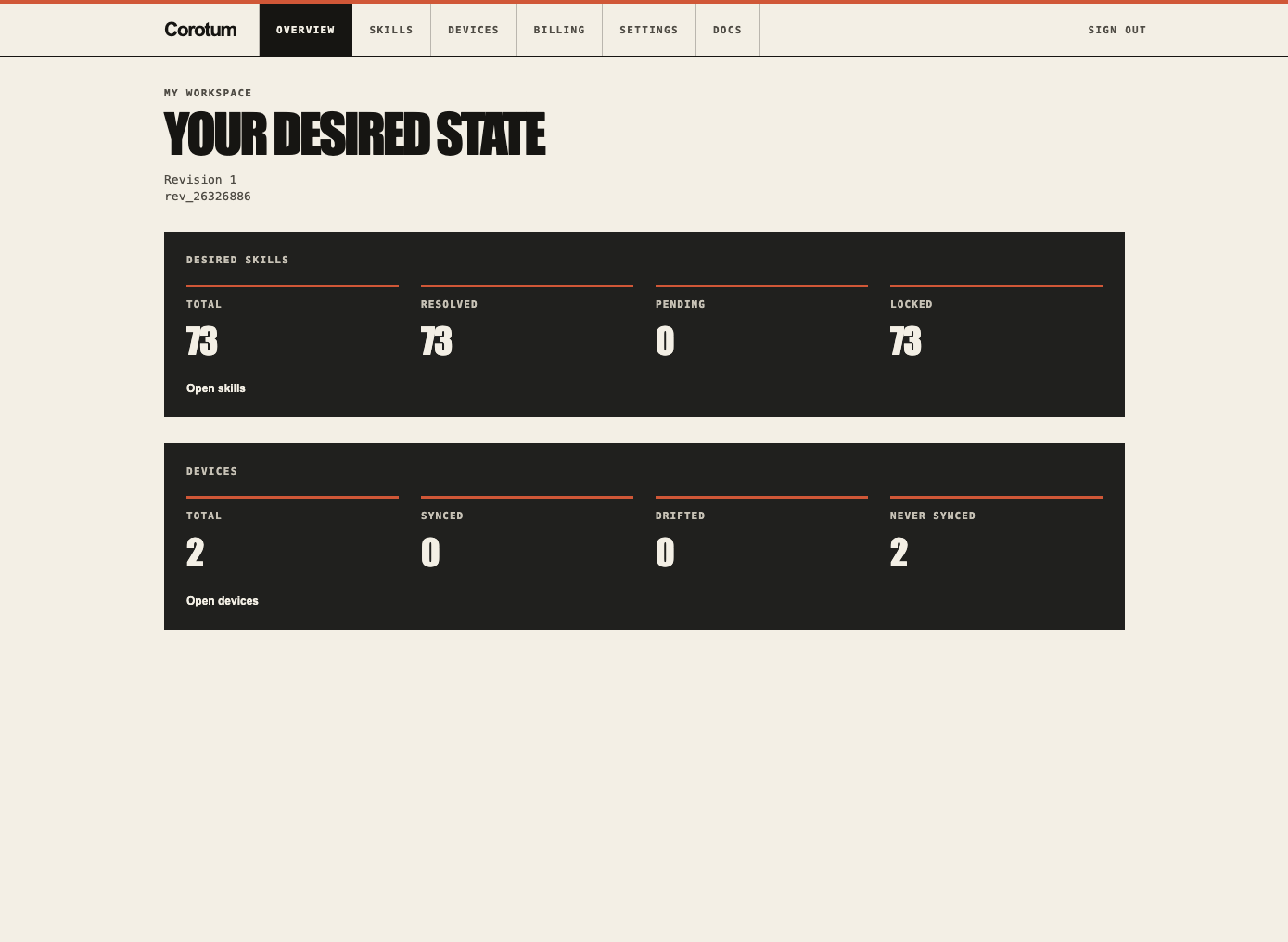
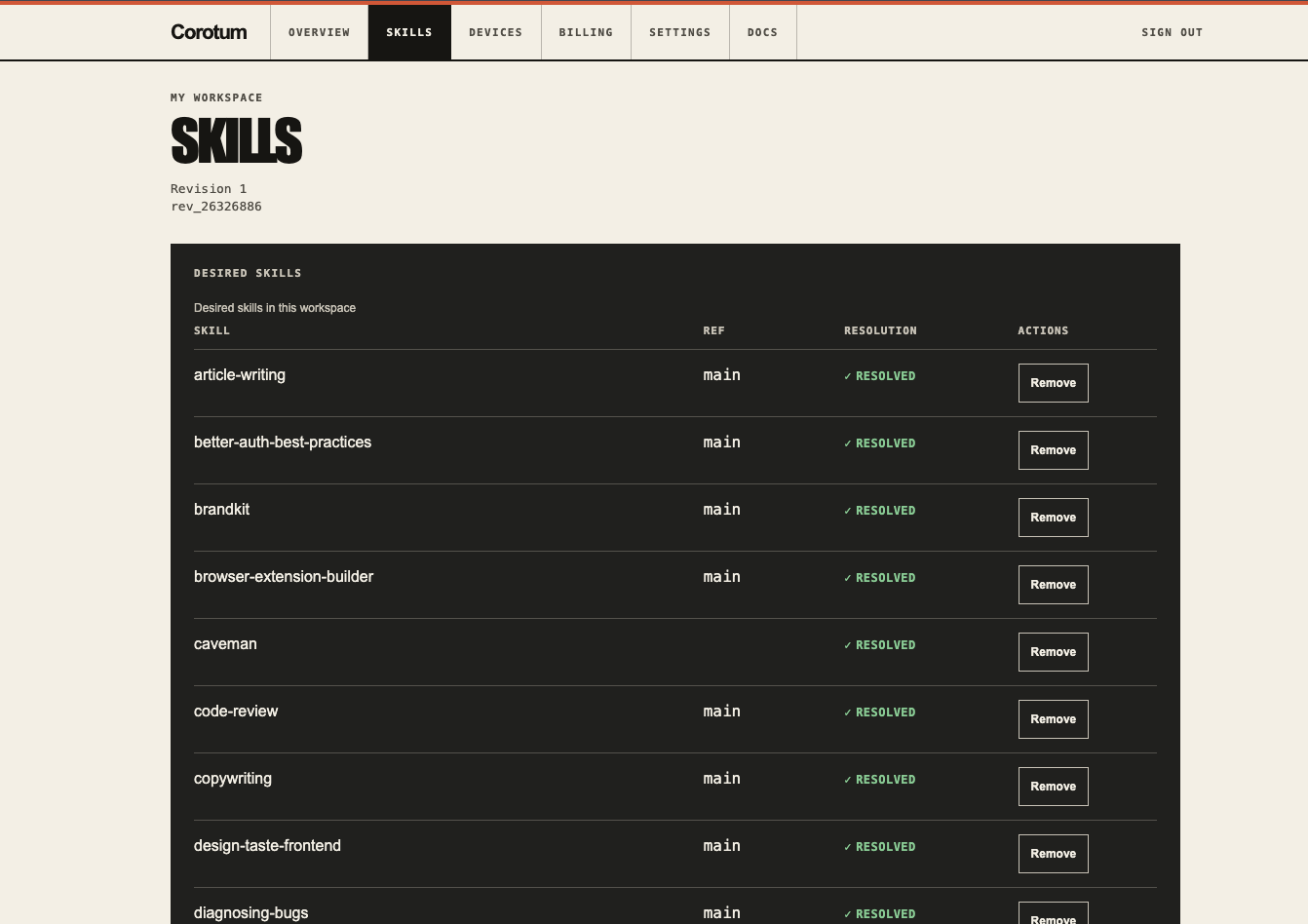
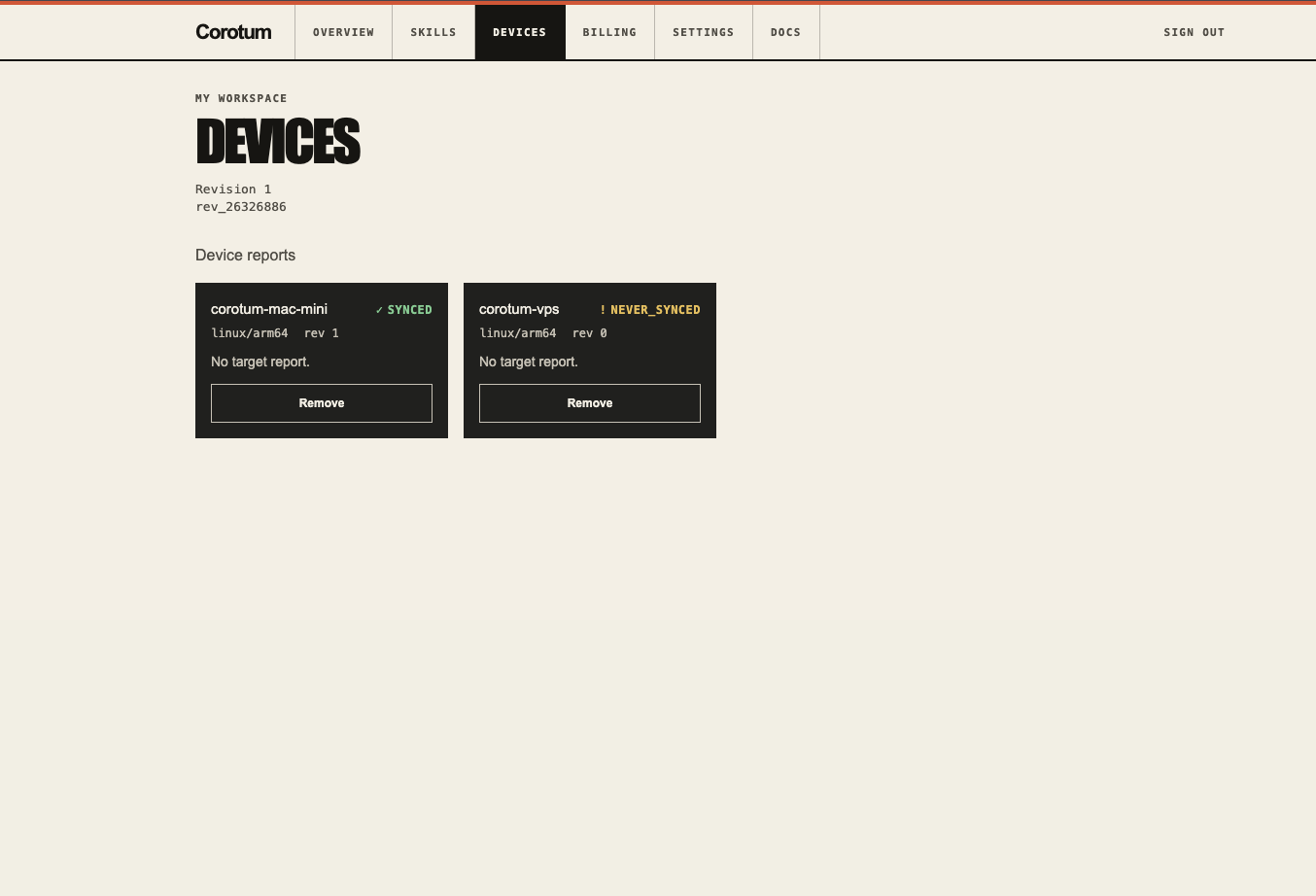
Corotum Cloud hosts the desired state and adds a dashboard, devices, revisions, sync status, and WebMCP.
The CLI can add, remove, adopt, update, restore, and target skills to specific agents. Versions are locked to exact Git revisions, so running sync does not unexpectedly update a skill to whatever happens to be latest.
Corotum also treats local changes carefully. If a managed skill was modified by hand, it is marked as drifted instead of being overwritten. Skills that Corotum does not manage are not deleted during normal synchronization.
How I built it
Corotum is a TypeScript monorepo using Bun workspaces.
The CLI runs on Bun and is compiled into standalone binaries. The web app uses Next.js with vinext on Cloudflare Workers, with D1 for the hosted state.
The main sync flow is:
Desired State + Actual State → Diff → Reconcile Plan → Apply → Verify
Git Sync and Corotum Cloud use the same synchronization model. The dashboard, API, and WebMCP also use the same application services instead of having separate implementations of the same operations.
For private repositories, Corotum uses Git credentials already configured on the user's machine. Those credentials are never sent to or stored by Corotum Cloud.
Challenges
Most of the work was not actually copying files. It was deciding exactly what every operation should mean when several machines can be in different states.
For example, remove and unmanage both remove a skill from the desired state, but they cannot behave the same way. remove should eventually delete the managed copy from every device. unmanage should stop managing it but leave the local files in place.
Drift was another case that needed explicit rules. If somebody edits a managed skill locally, a normal sync should not silently destroy those changes.
Offline devices made this harder. A machine might reconnect several revisions later, so looking only at the newest snapshot is not always enough to understand what should happen locally.
Private repositories had a similar constraint. The Cloud can coordinate the desired state, but it cannot assume that it has access to the repository. Resolution sometimes has to happen on a device that already has Git access.
What I learned
The project started as a fairly simple "sync skills between computers" idea. Most of the complexity turned out to be around ownership and state.
Once I separated the shared desired state from the actual state of each device, a lot of the behavior became easier to define.
Locking skills to exact Git revisions was another important decision. It keeps sync and update as two separate operations: sync reproduces the selected state, while update intentionally changes it.
What's next
The first version is deliberately limited to AI agent skills.
The same model could later be used for other parts of an agent setup, such as MCP servers, prompts, rules, profiles, agent configuration, and team policies.
Built With
- bun
- cli
- cloudflare
- creem.io
- d1
- git
- github
- next.js
- oauth
- typescript
- vinext
- webmcp

Log in or sign up for Devpost to join the conversation.