-
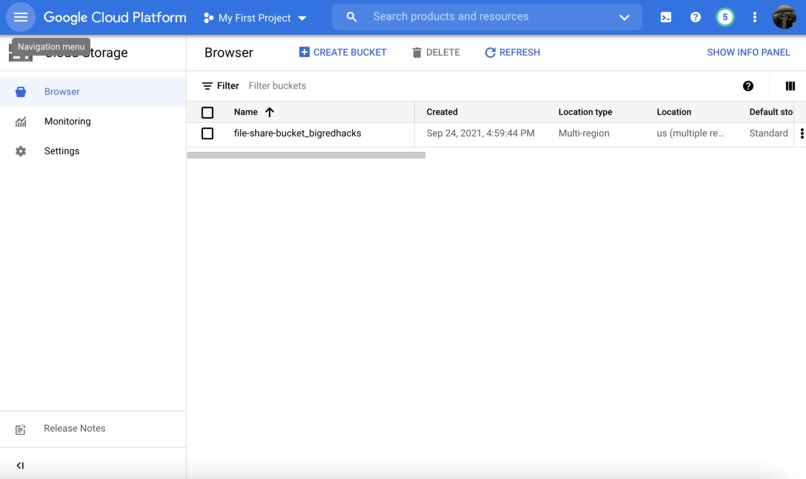
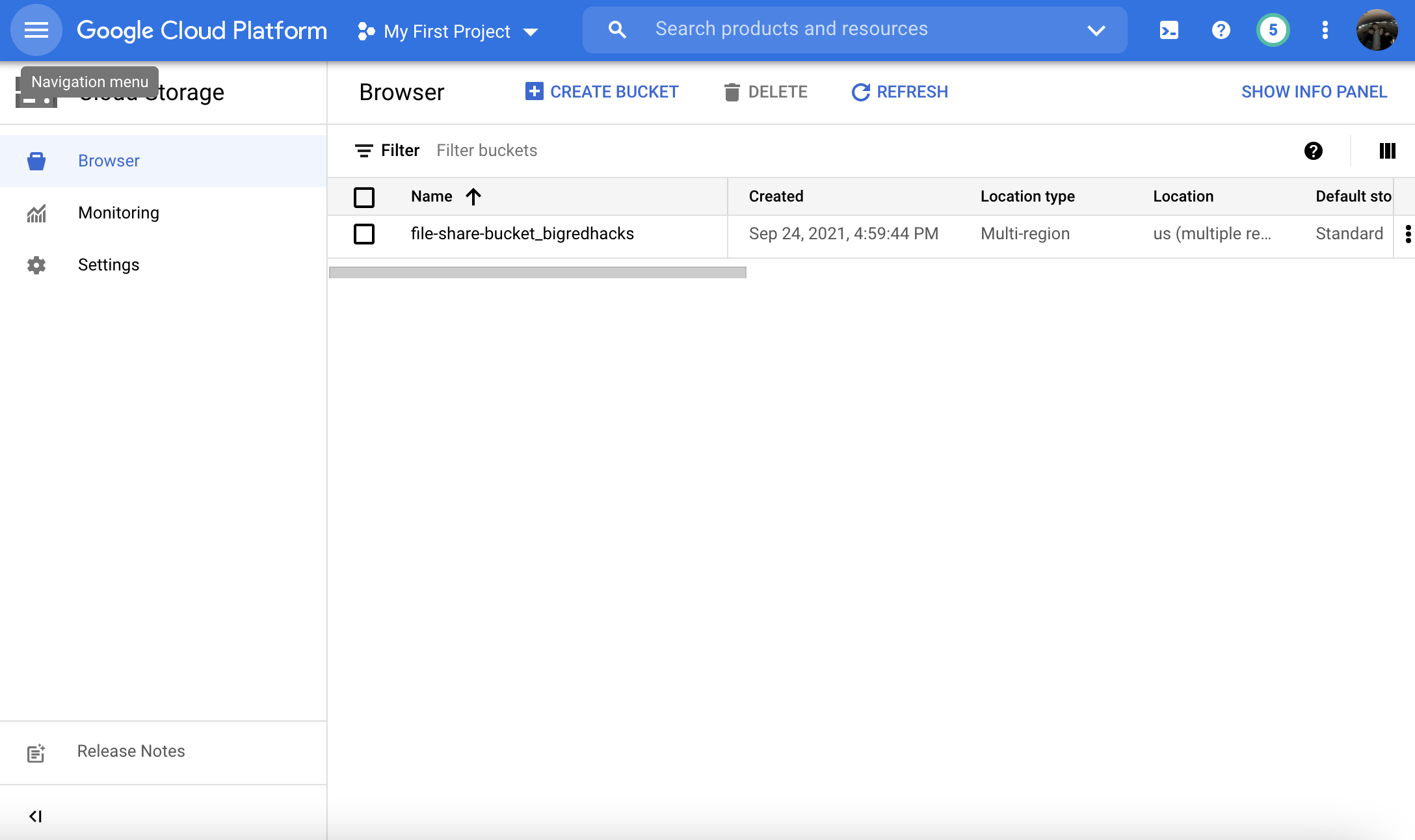
Google Cloud connected to my web app.
-
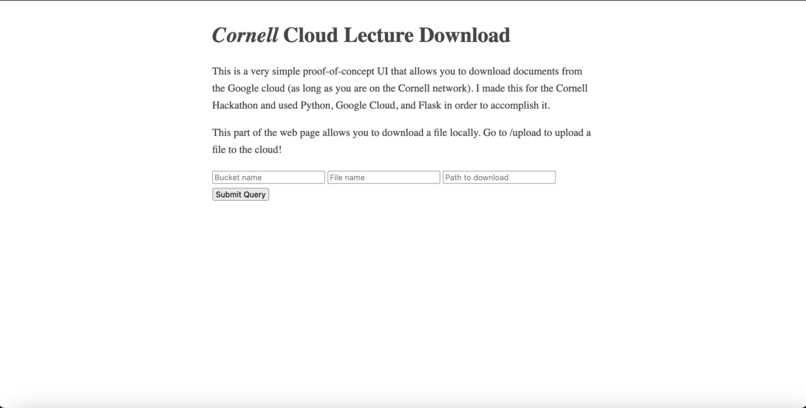
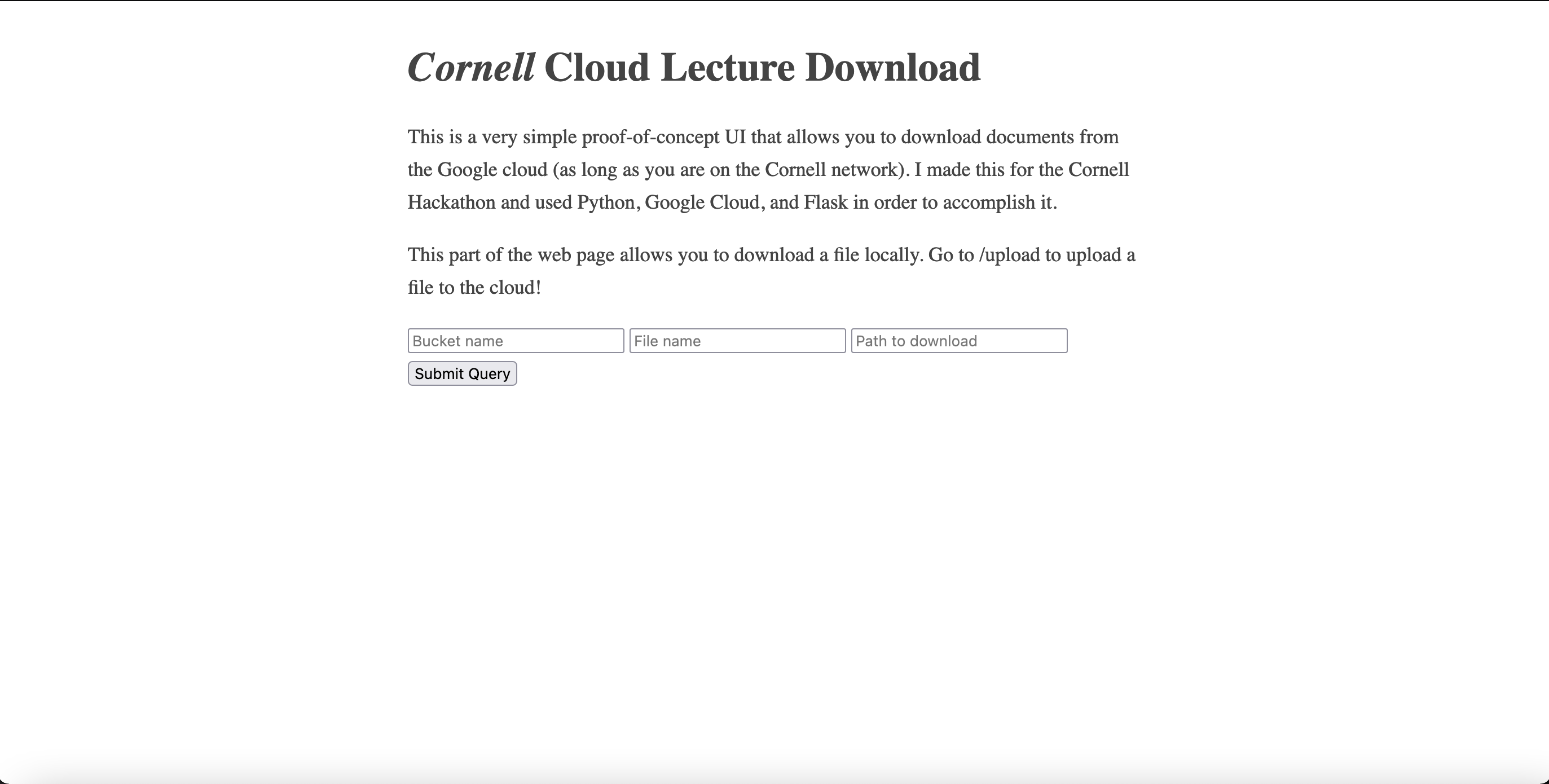
Basic Web Page opening
Inspiration
I was inspired by using Dropbox and realizing that setting up permissions wasn't transparent as I thought. I wanted to share a Dropbox folder that had a lot of my Cornell application information with only my friends, but the permissions weren't changed and it ended up having several random viewers that I didn't want to see it.
What it does
Simply put, this allows for secure file transfer through organizations by uploading and downloading the the cloud. It has the added functionality of being able to create buckets (directories).
How we built it
I built this by connecting to the Google Cloud, setting up various buckets, and then creating functions that allow for uploading and downloading ONLY when permissions are met. Then, I created a simple Flask web page that saves the input to variables and uses it in the created functions.
Challenges we ran into
My biggest challenge came with making sure that the user had proper authentication. I tried to do this by making a password myself that the user has to enter, but then I realized that I shouldn't try to reinvent the wheel. Looking more into the documentation, I found that I could make a key on the Google Cloud and save it to the directory of the program, so if the user has the proper key, they'll automatically be allowed to upload and download files as they see fit.
Accomplishments that we're proud of
I'm very proud of the simple UI I made. I was going to just submit this as a python script, but I wanted it to be way more user-friendly, so I had to learn about Flask on the fly.
What we learned
Read the docs! I know this is often said and repeated but this is the first time I've genuinely felt empowered by reading the docs. I was able to do a lot of things I never thought I could, and I feel more competent as a developer.
What's next for Cornell Lecture File Share
I want to make the UI better and add more functionality! This is a really cool proof-of-concept, but I want to actually put this online rather than keep it locally and make the UI cleaner. Hopefully I can start to make log-in links, sign-up links, and create an entire website based on what I did over the last two days!


Log in or sign up for Devpost to join the conversation.