-
-
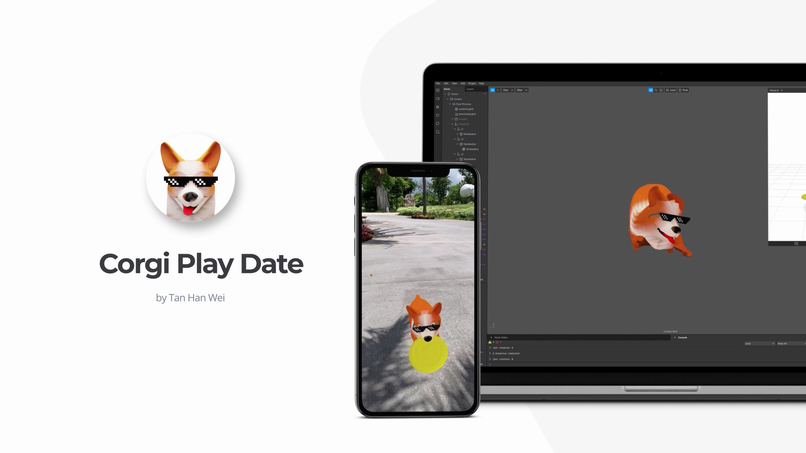
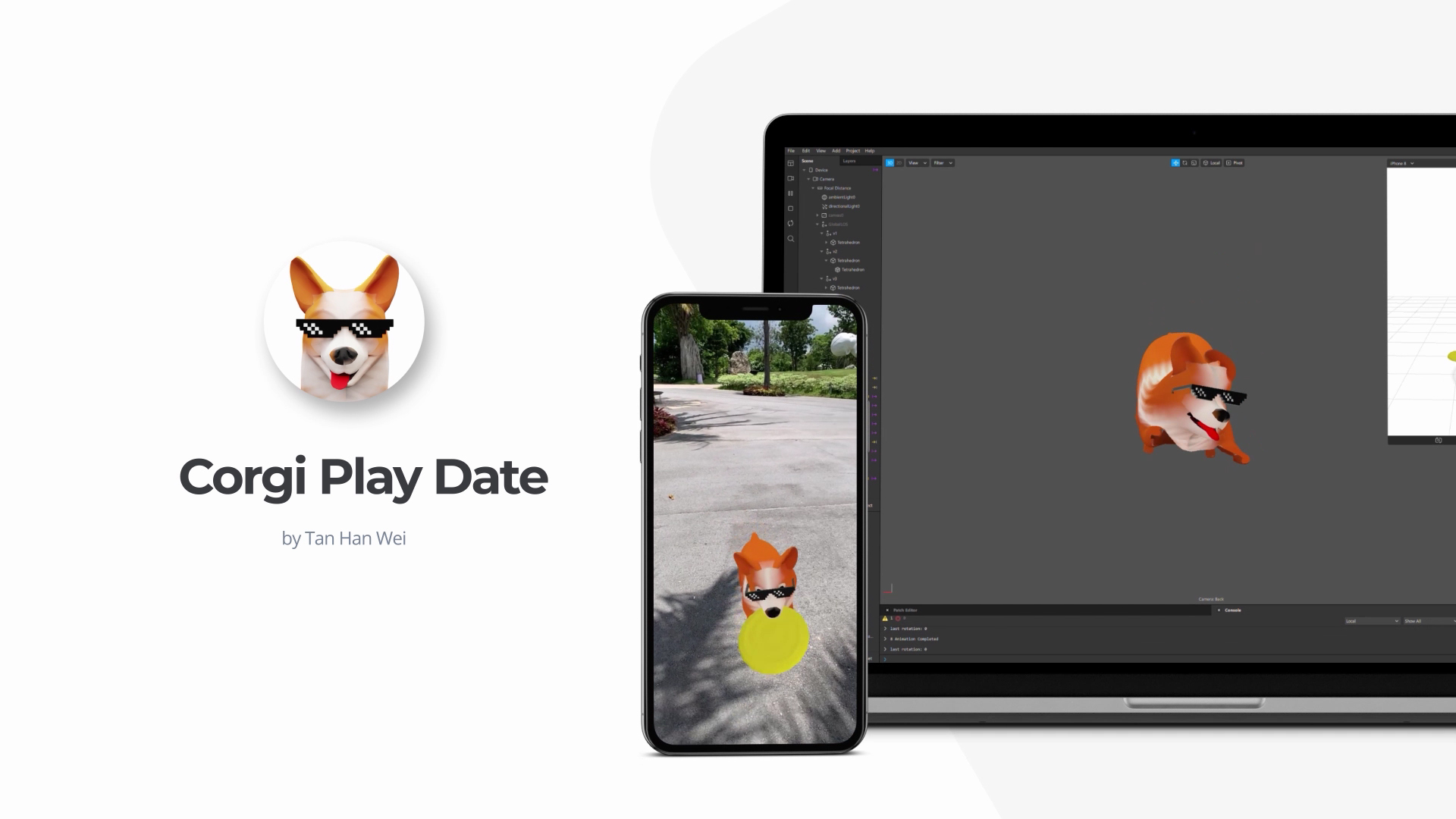
Corgi Play Date
-
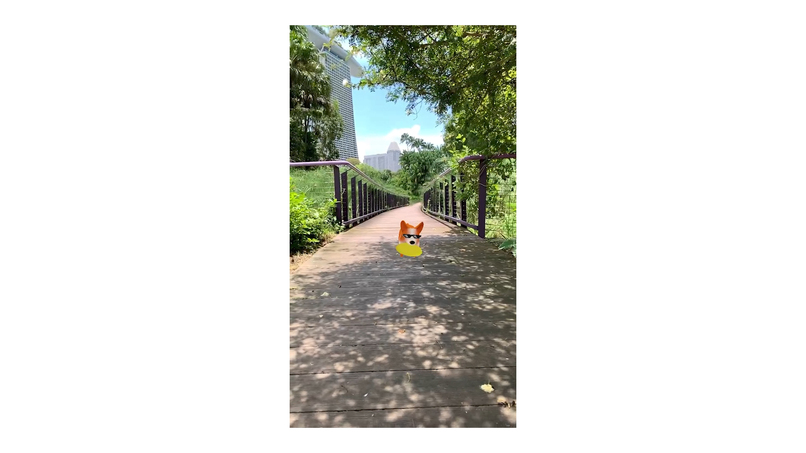
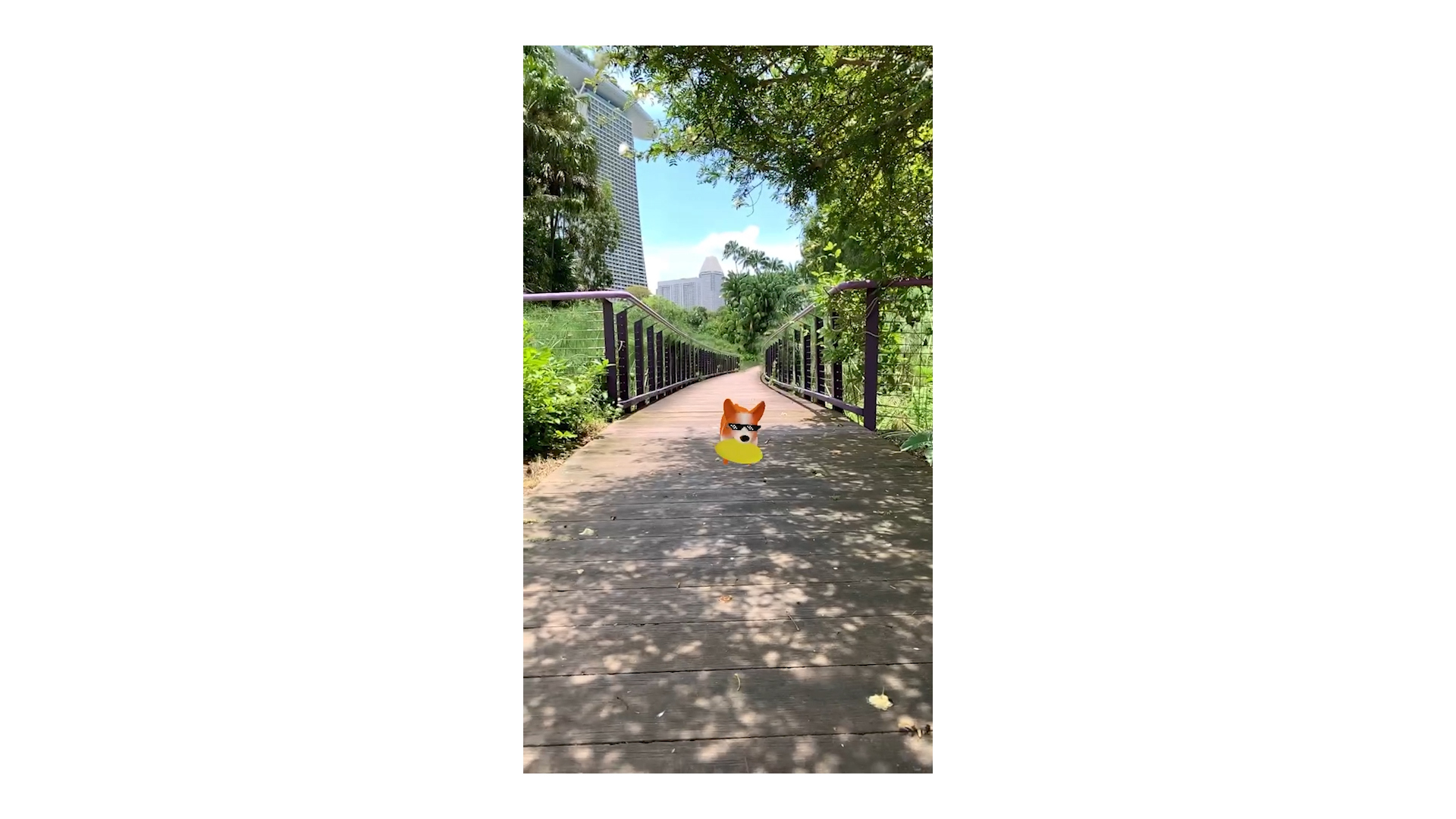
Outdoor shot
-
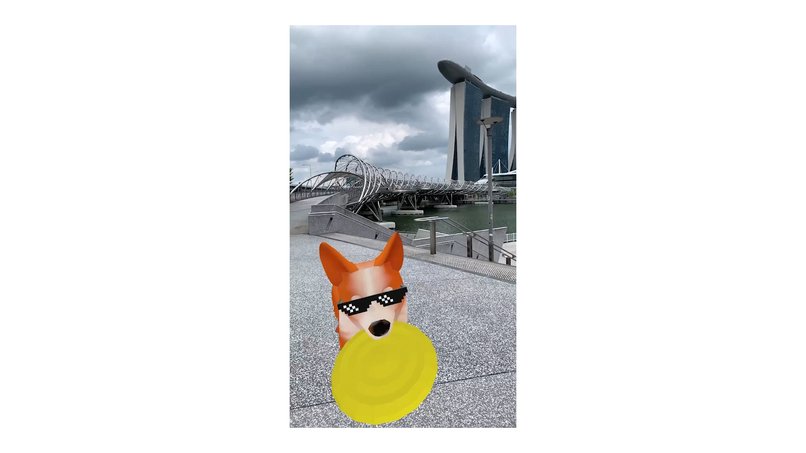
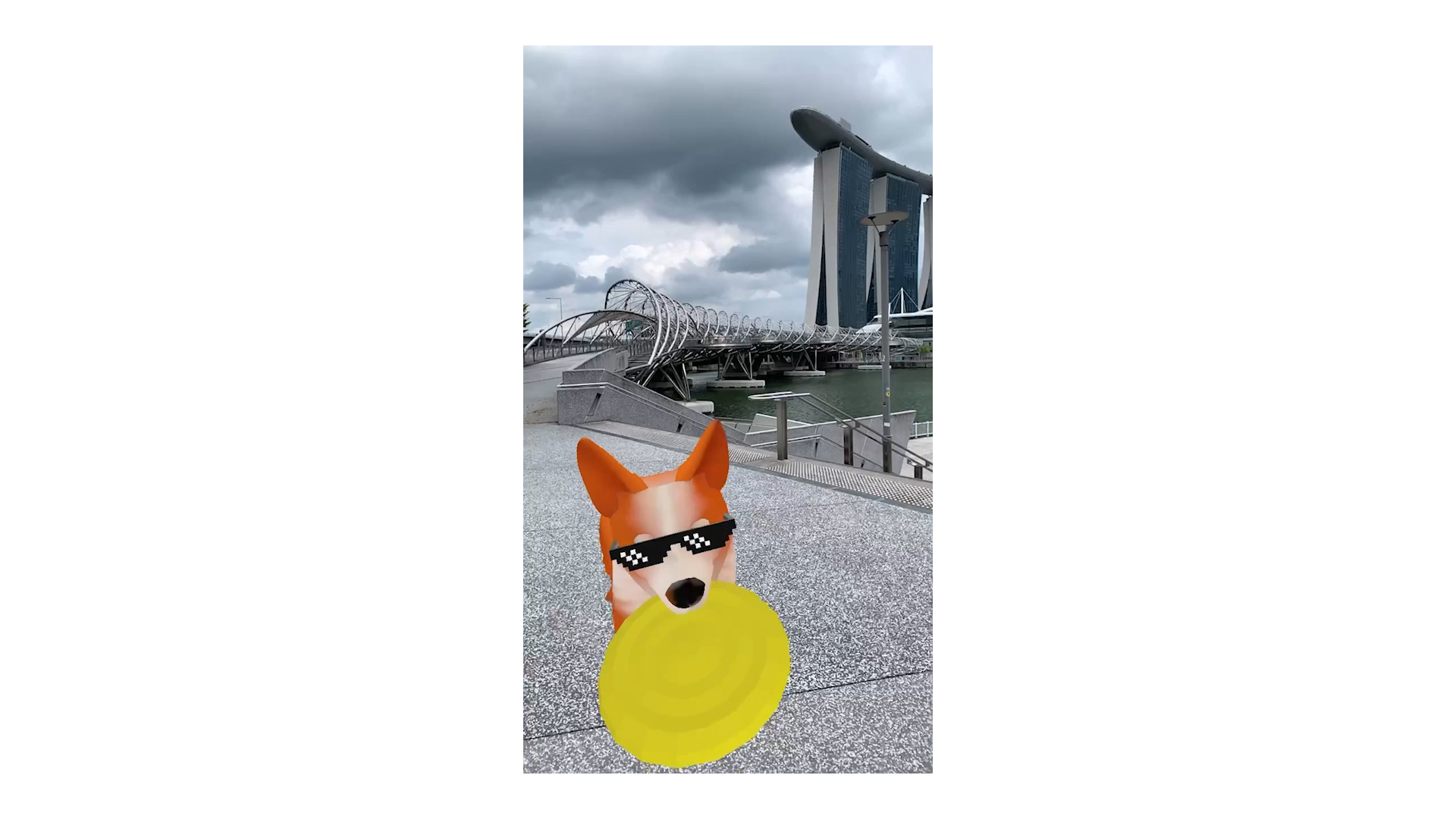
Outdoor shot near Marina Bay Sands, Singapore
-
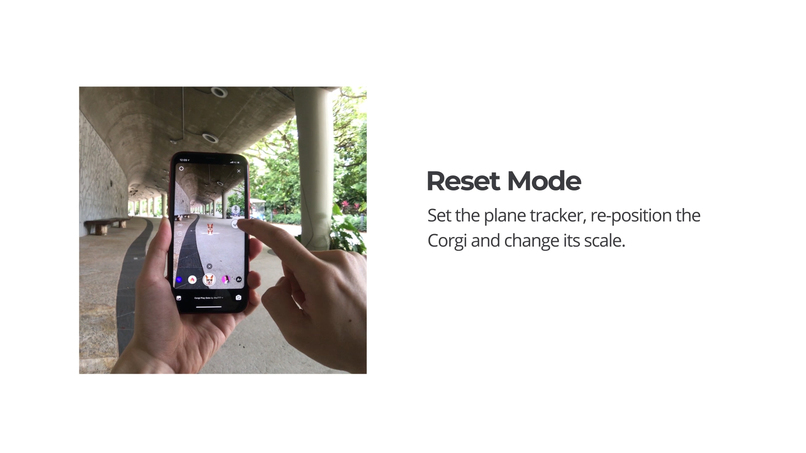
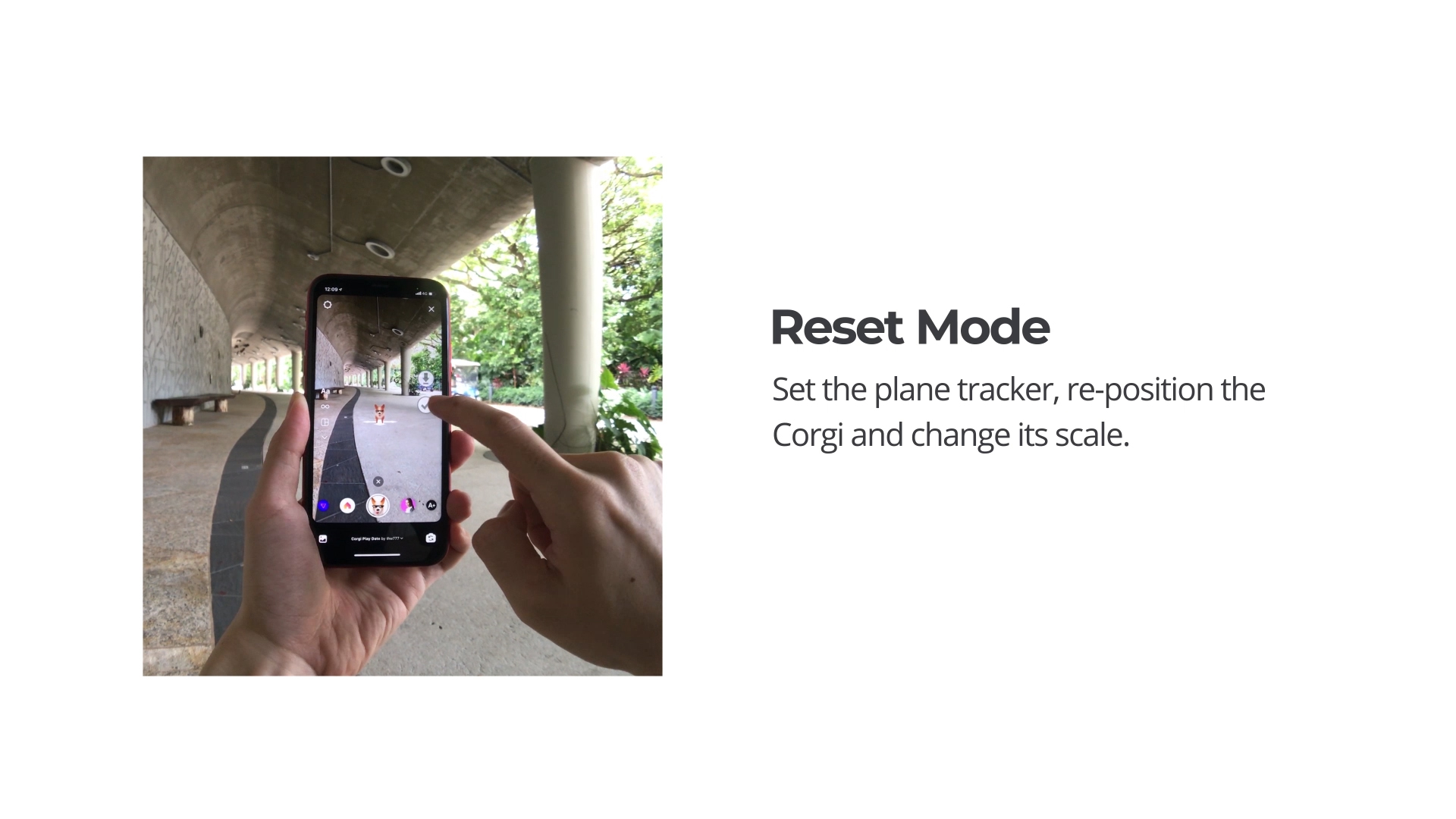
Reset Mode
-
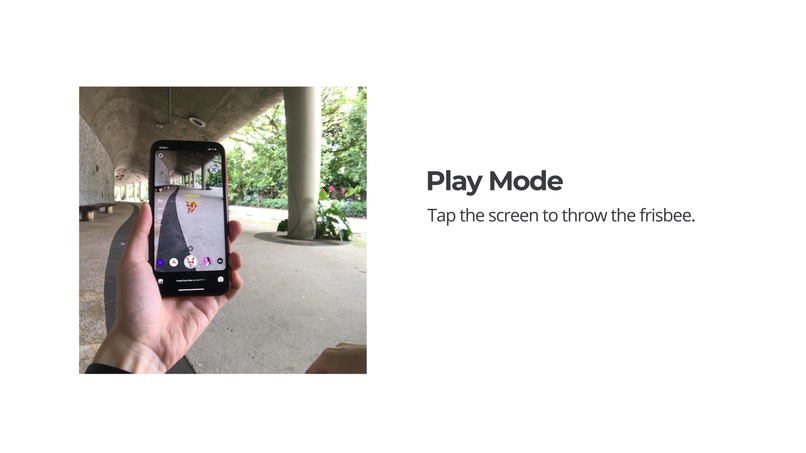
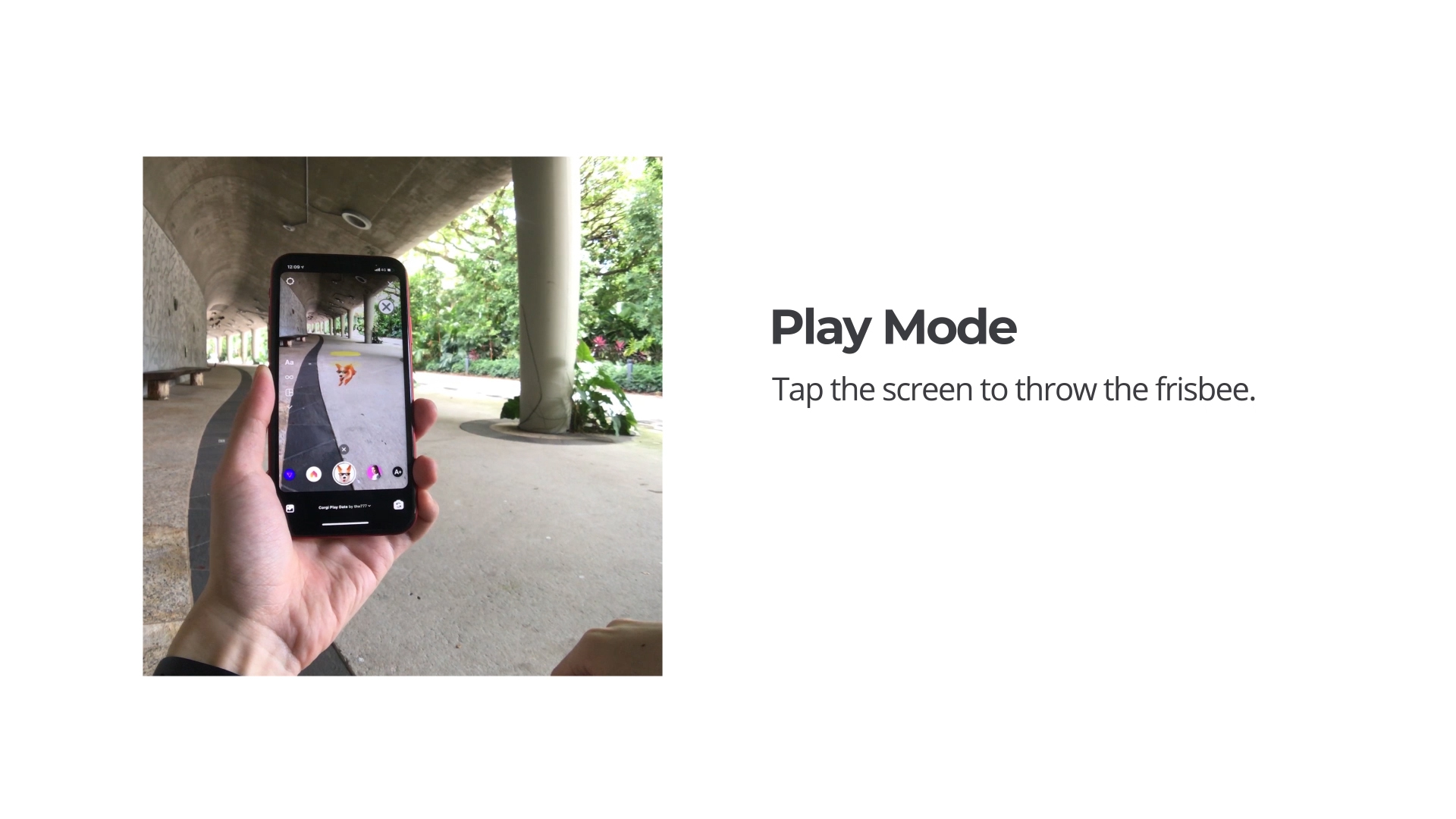
Play Mode
-
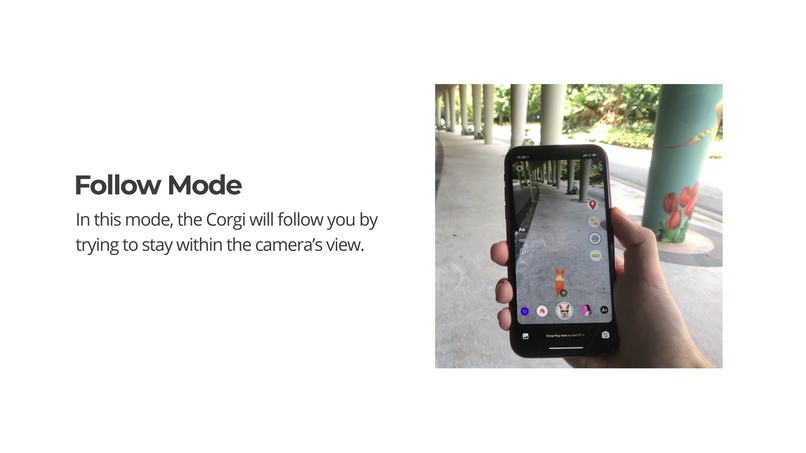
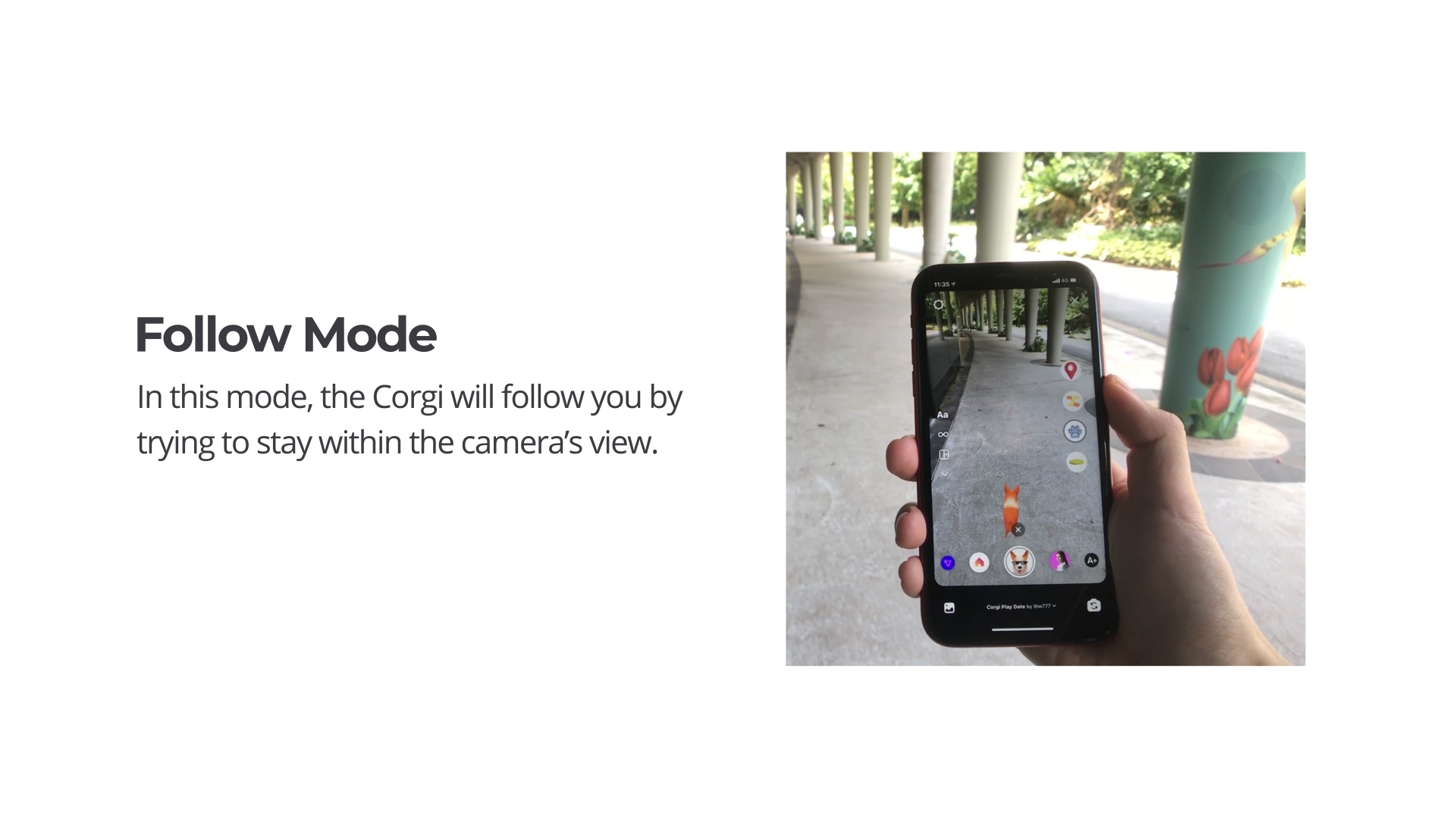
Follow Mode
-
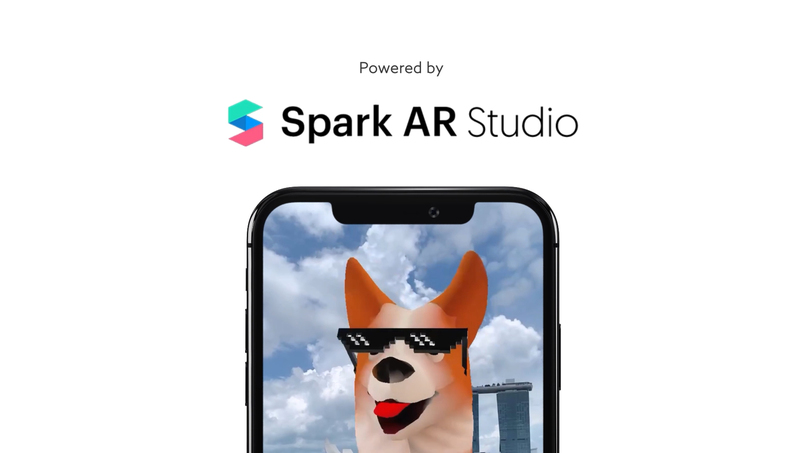
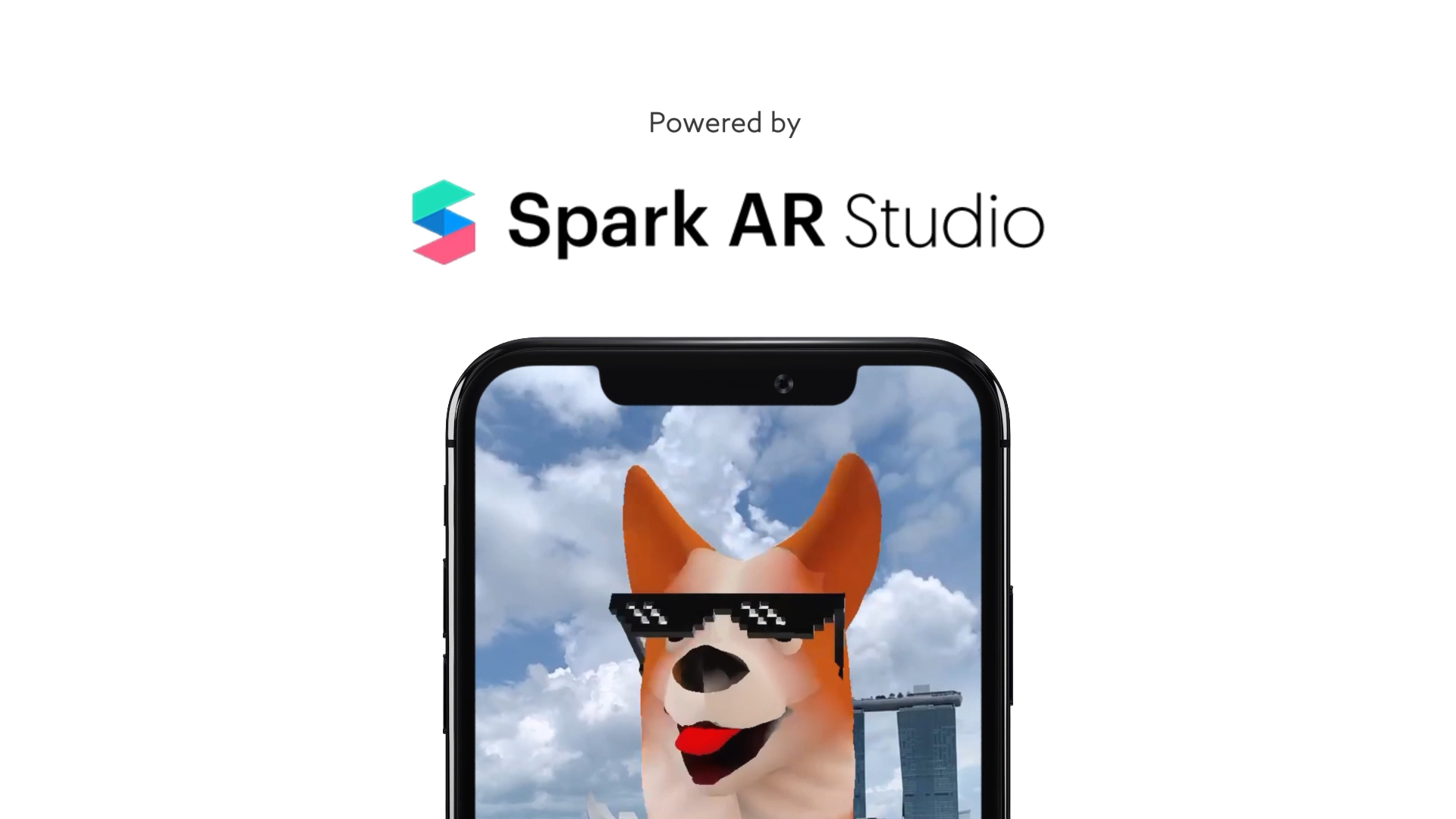
Powered by Spark AR Studio
-

Plane Tracking
-
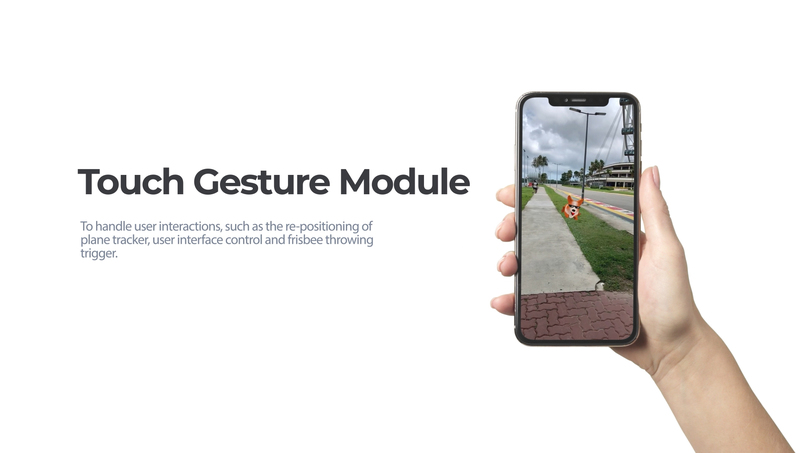
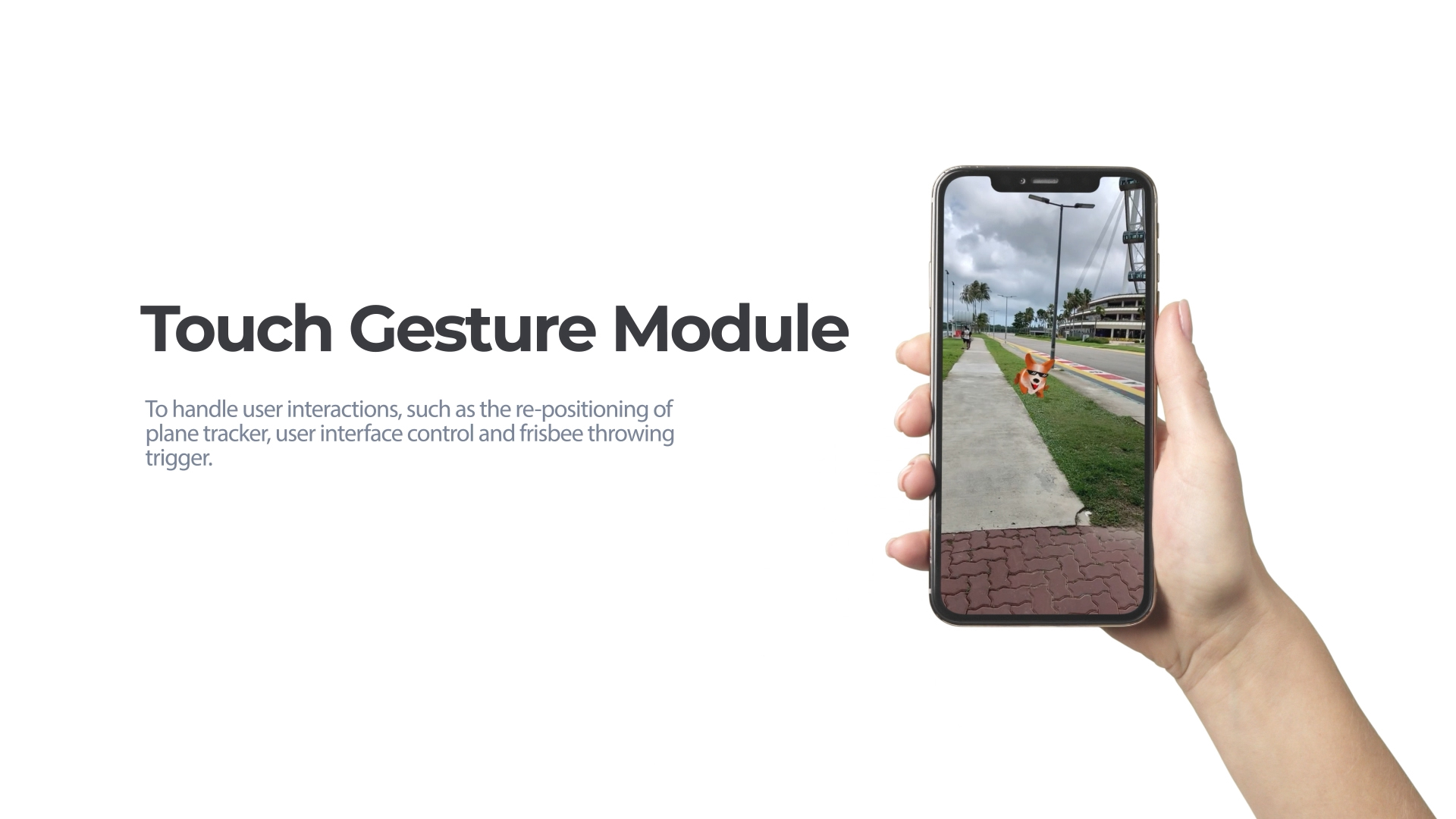
Touch Gesture Module
-
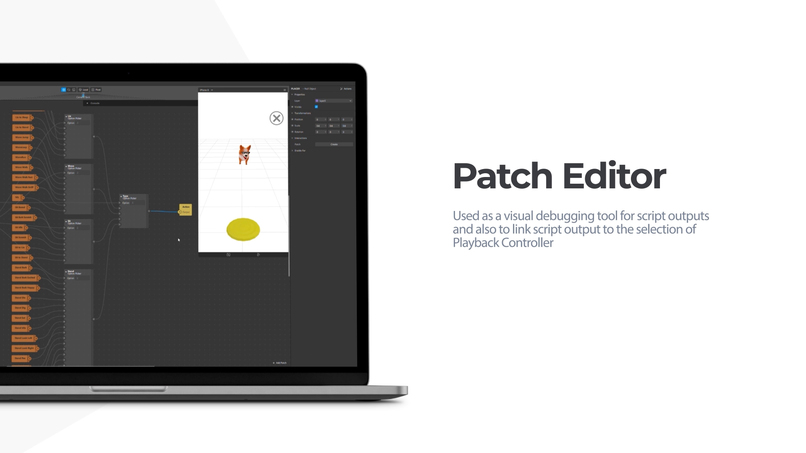
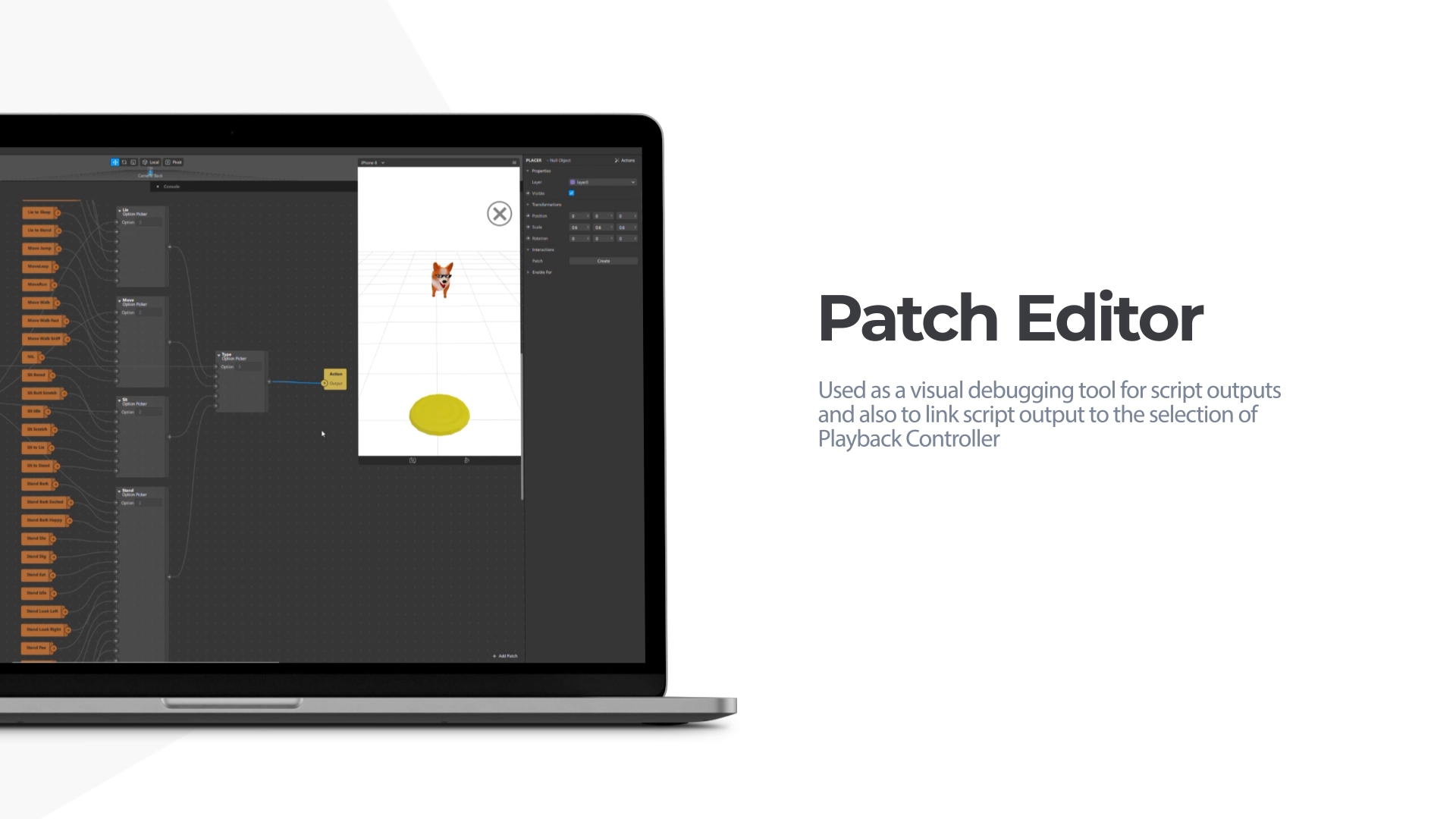
Patch Editor
-
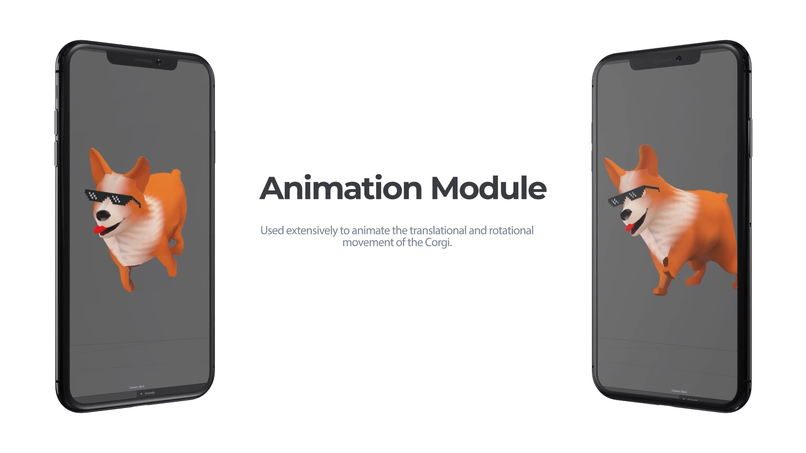
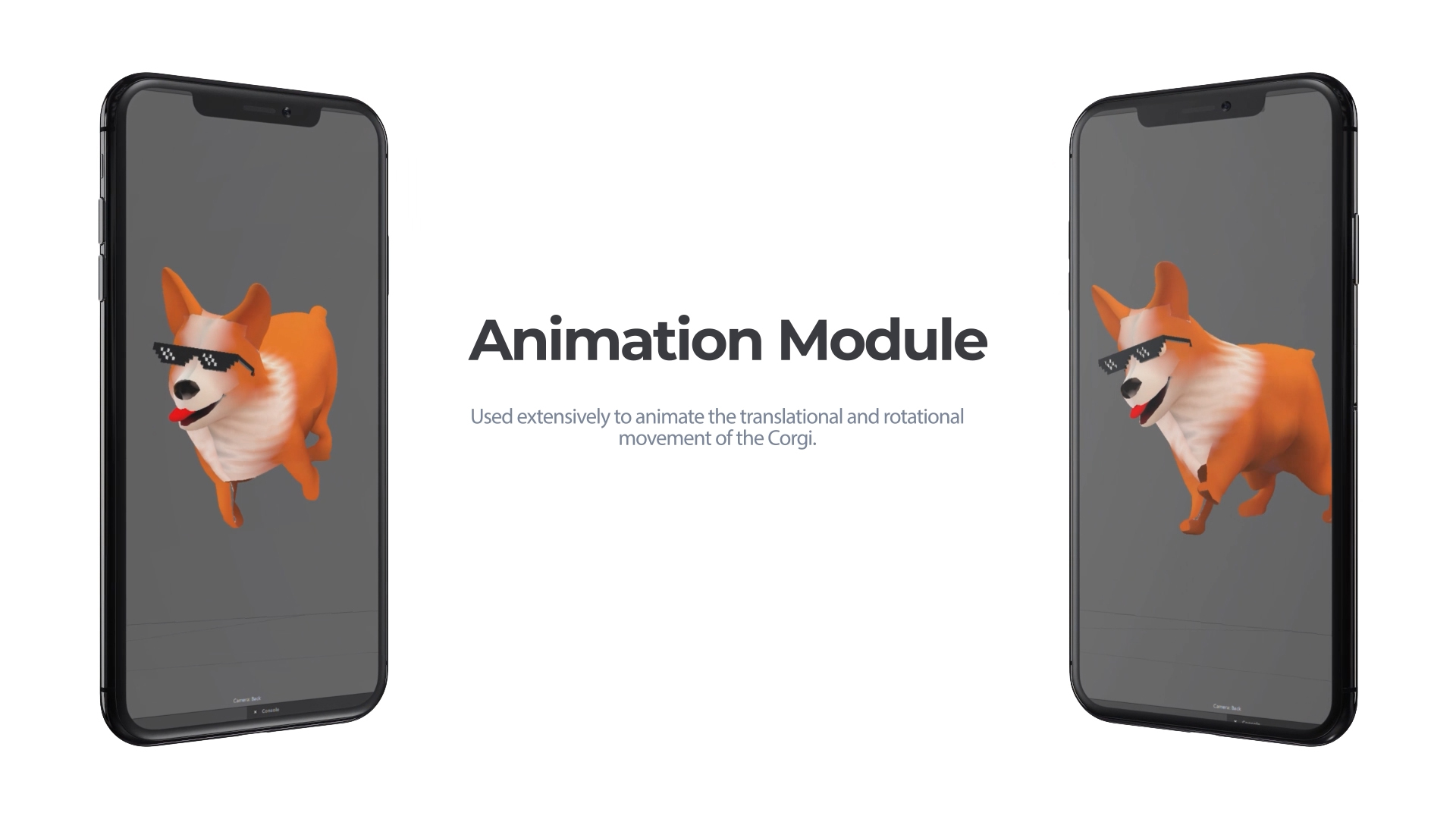
Animation Module
-
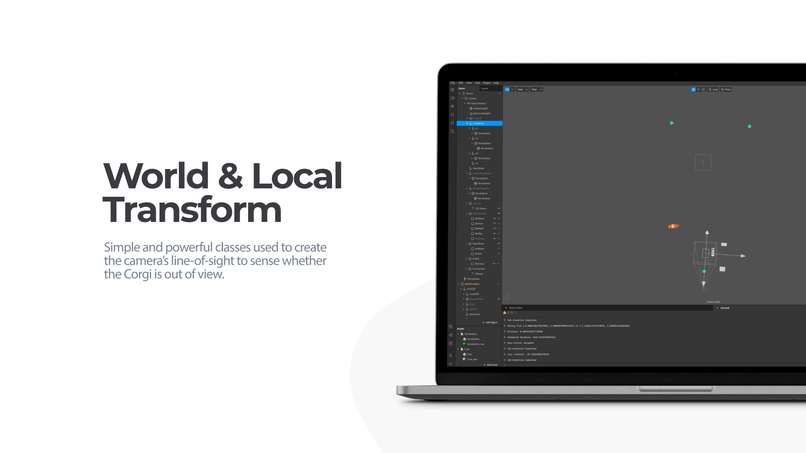
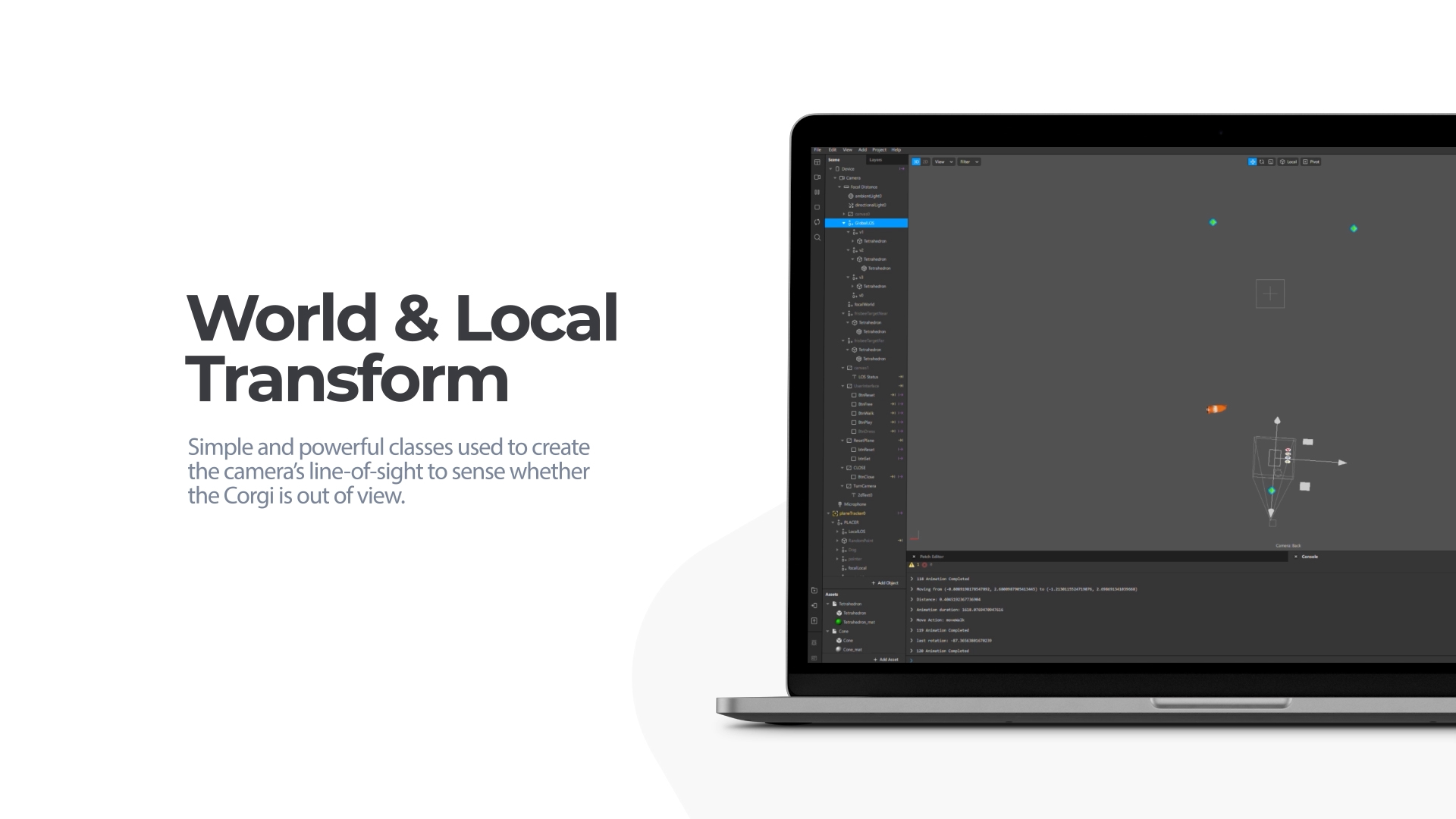
World & Local Transform
-
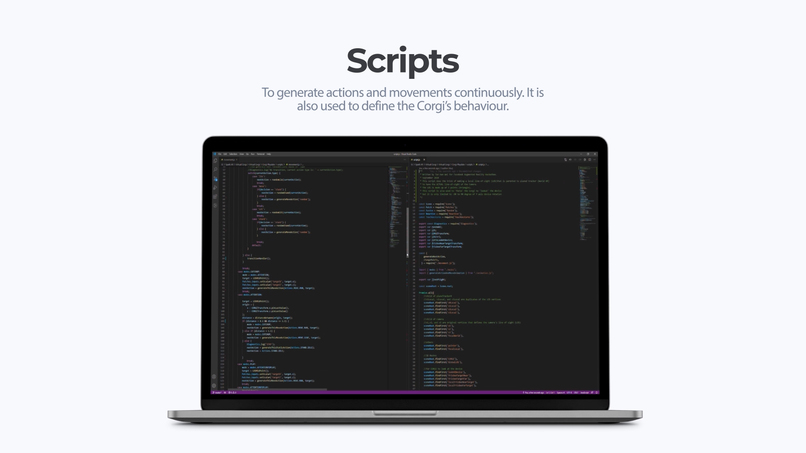
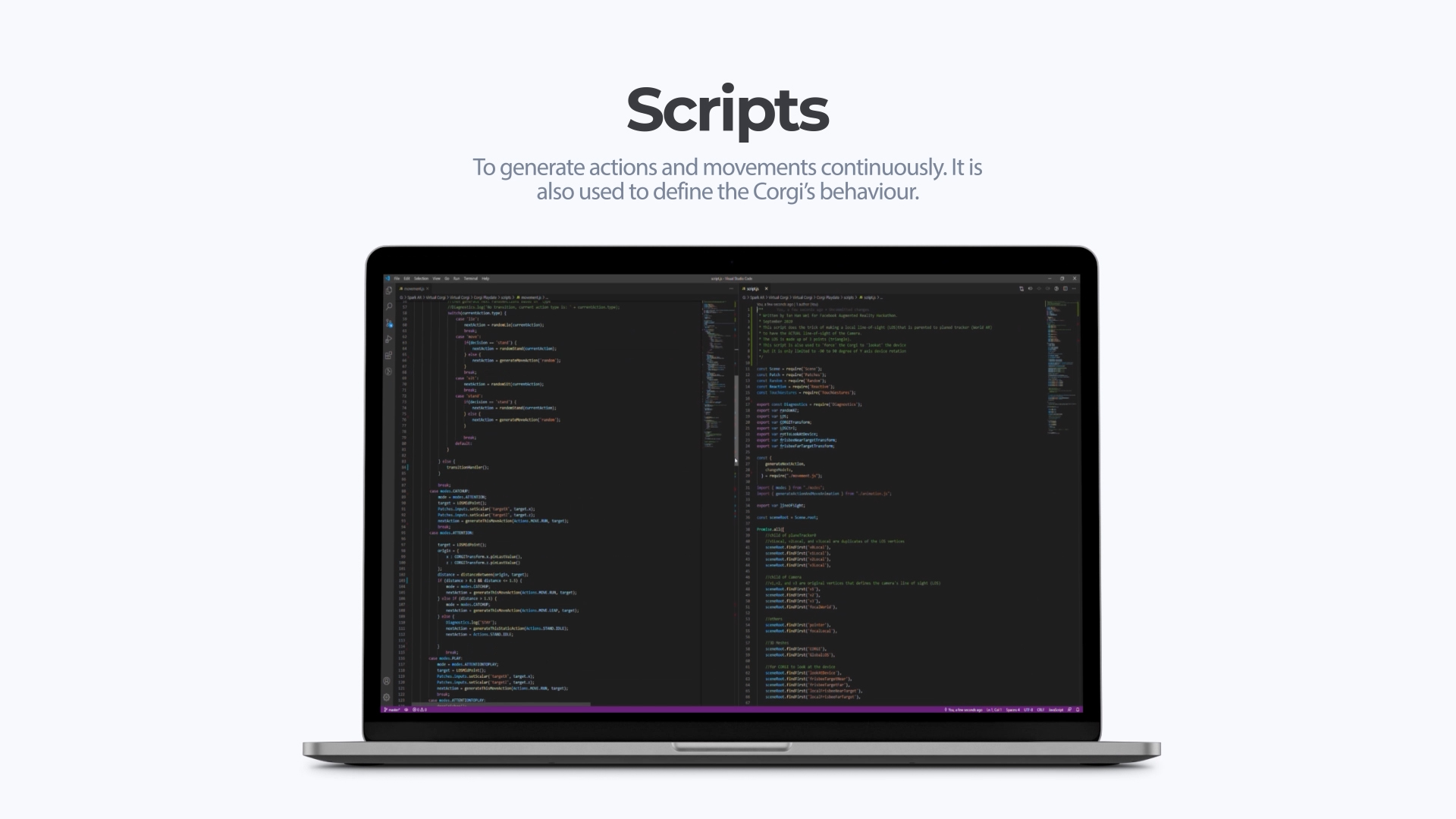
Scripts

Inspiration
When I was alone and wanted to capture a video of a nice place with beautiful surroundings, I realized that the scene was a little 'still' and there was no subject to be filmed. At the same time, I also wished that I can own a dog and bring it to explore the world. With these intentions, I thought why not create a virtual dog where I can film it anywhere I want?
What it does
Corgi Play Date is an Instagram effect where the user can interact and have fun with a Virtual Corgi. It has 4 modes:
- RESET Mode. You can use this mode to reset the Plane Tracker. In addition, you can also reposition and change the scale of the Corgi.
- FREE Mode. In this mode, the Corgi will decide on its own on what to do next.
- Follow Mode. You can walk a Corgi in this mode. The Corgi will try to stay within your camera's view.
- Play Mode. Have fun with the Corgi by playing fetch using a frisbee. You can throw it in any direction and it will fetch it back to you.
How I built it
3D Models
The 3D mesh was modeled and animated by nitacawo, who sells the model in Sketchfab with a Standard License. The model was built natively with Autodesk 3ds Max but I edited the model in Blender by using its fbx file. I wanted to give the Corgi a smoother look, so I added a Subdivision Surface Modifier. Basically the modifier splits the faces of a mesh into smaller faces, giving it a smooth appearance. I have also added the 'deal-with-it' sunglasses to make it cute and funny. Next, I used Photoshop to smooth its texture. Then, I split its all-in-one action sequence into 35 actions, which can be used with Spark AR's playback controller to animate the Corgi. In addition, I've also cleaned up some rotational and offset error due to the fbx import. With that, I imported the modified 3D model into Spark AR.
Logical Flow Diagram
The following summarises how the effect works:
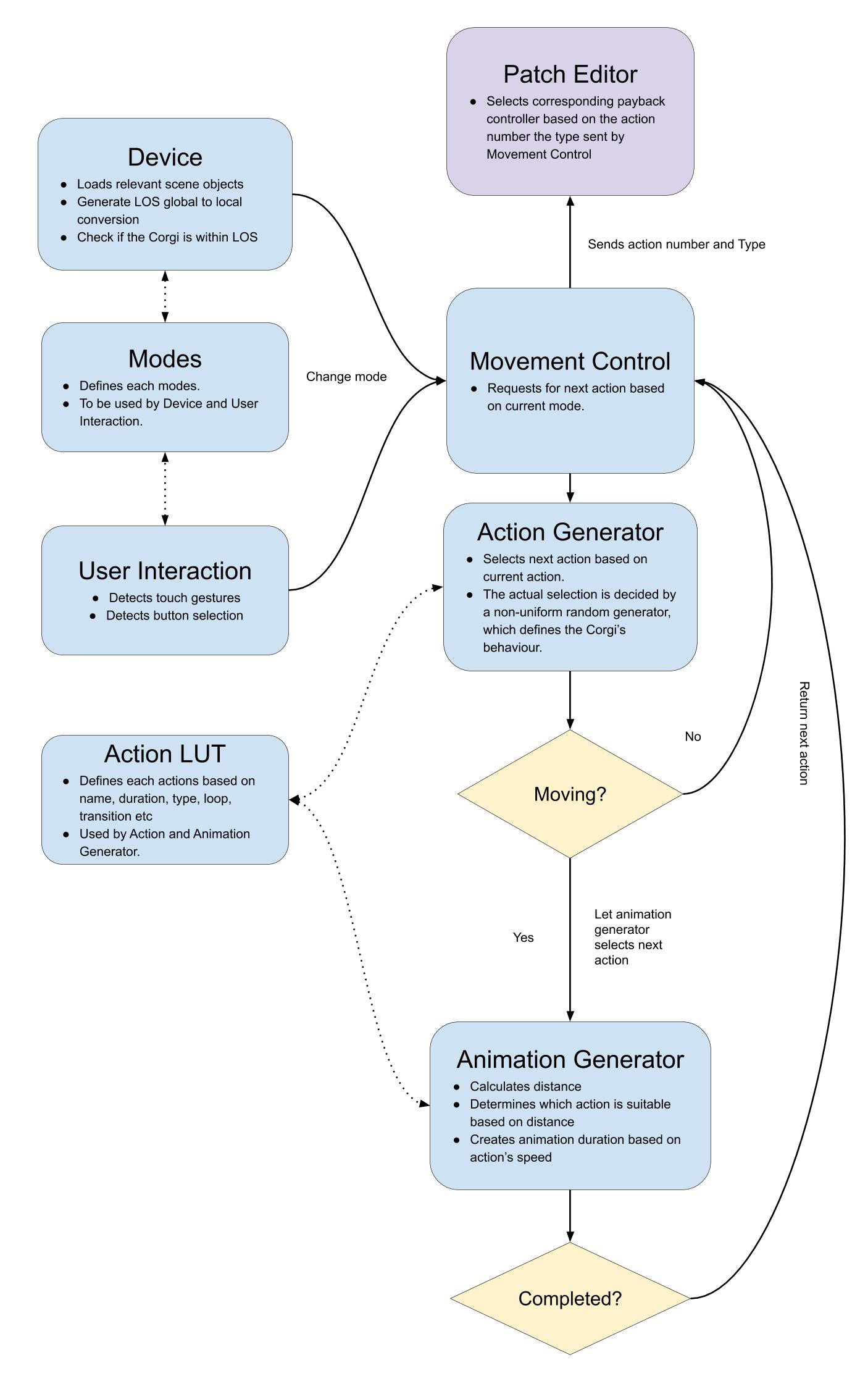 In a nutshell, I used 7 scripts to handle different parts of the program. The animation is always continuous when the effect is being launched. When the animation has been completed, the Animation Generator will request for the next animation.
Challenges I ran into
1. Reactive Programming
I was new to reactive programming and I faced a lot of issues when I need to use math formulas. For example, to determine whether the Corgi's position is within the Line-of-Sight (LOS), I used the Barycentric coordinate system to determine it's status. To do so, I need to determine the signs generated by comparing the Corgi's position and all 3 LOS vertices' position with the following formula:
(p1.x - p3.x) * (p2.z - p3.z) - (p2.x - p3.x) * (p1.z - p3.z);
However, this formula doesn't work because I'm using Scalar Signals. As a result, the following is the correct code:
Reactive.mul(p1.x.sub(p3.x), p2.z.sub(p3.z)).sub(Reactive.mul(p2.x.sub(p3.x), p1.z.sub(p3.z)));
In my opinion, it is less readable than the style of imperative programming. Having said that, with reactive programming, the value will update automatically without having to re-execute the statement, which is a very powerful feature.
2. Limitation of WorldTransform
This effect relies on WorldTransform so that the Corgi will 'look' at the camera during Play Mode. However, the Y rotation signal value is in the range of [-PI, PI], instead of a full 360 degrees. In other words, there is no way to know if an object has rotation more than 180 degrees. Due to this limitation, when the Corgi runs 'behind' the camera, it will not look at the camera.
3. Fixed Speed for Animation Playback Controllers
I was looking for a way to accurately generate running speed based on running distance, but the speed of the Playback Controller is a constant. As a result, I can only work with 4 levels of speed with 4 different types of moving animation.
4. No Access to Recorded Audio from Script
I wanted to create some basic voice-controlled commands so that the user can interact directly with the Corgi by using voice recognition. Hopefully, this feature will be added to Spark AR soon.
5. Unable to 'Interrupt' Ongoing Animation
I used the subscription of TimeDriver's onComplete method to generate the next action, but I couldn't introduce new animation before onComplete has been called. Well, technically I can interrupt and generate new animation but the previous onComplete method will end the current animation earlier than it should be. Then, if I continue to interrupt more often, the whole animation system will become unstable. Maybe I'm missing out something here. Due to this limitation, there is a slight delay when the user taps to throw the frisbee in Play Mode due to the Corgi's ongoing animation.
Accomplishments that I'm proud of
1. Reactive Programming
It was a challenge but I'm glad that now I can code with Reactive Programming!
2. Continuous Animation System
It was a challenge to design a system that can change mode without breaking the animation flow. I'm also glad that the Corgi exhibits a certain type of character based on the non-uniform random generator that was defined. To achieve this, I re-designed and re-built the system 3 times, from scratch. The first version was built fully with Patches only, and the biggest challenge here is the inability to track current and previous state. I've used the Delay Patch to mimic previous and current state but the overall design was visually complicated. The second version used a simplified Patches with some basic scripts. Then, for the third version, I decided to create most of its algorithm by using scripts.
3. A Fun Effect
Personally, I enjoyed testing and using this effect. I had a lot of fun placing the Corgi in various locations and sometimes it's unintended interaction with the surrounding was hilarious.
What I learned
1. Spark AR
It was my first time using Spark AR. I have also experimented with various mask effects on my face. Overall, it is a fun software to work with.
2. Scripting
I have never coded with Reactive Programming before and I admit that it was very hard to understand initially. Thankfully, most of the scripting object references are very well documented and easily understandable. Well, I said "most" because this platform is evolving rapidly and new updates are released very frequently. Plus, the official tutorial videos on the Spark AR website were very helpful too.
What's next for Corgi Play Date
I will continue to improve this effect's features and performances and hopefully more users around the world can have fun with this effect as well.
Built With
- blender
- javascript
- spark-ar




Log in or sign up for Devpost to join the conversation.