-
-
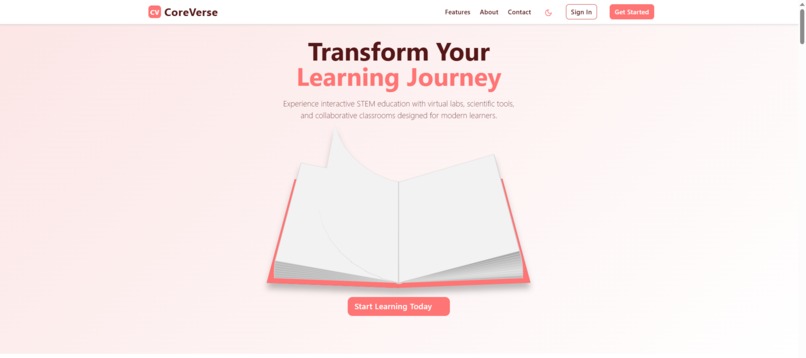
Homepage
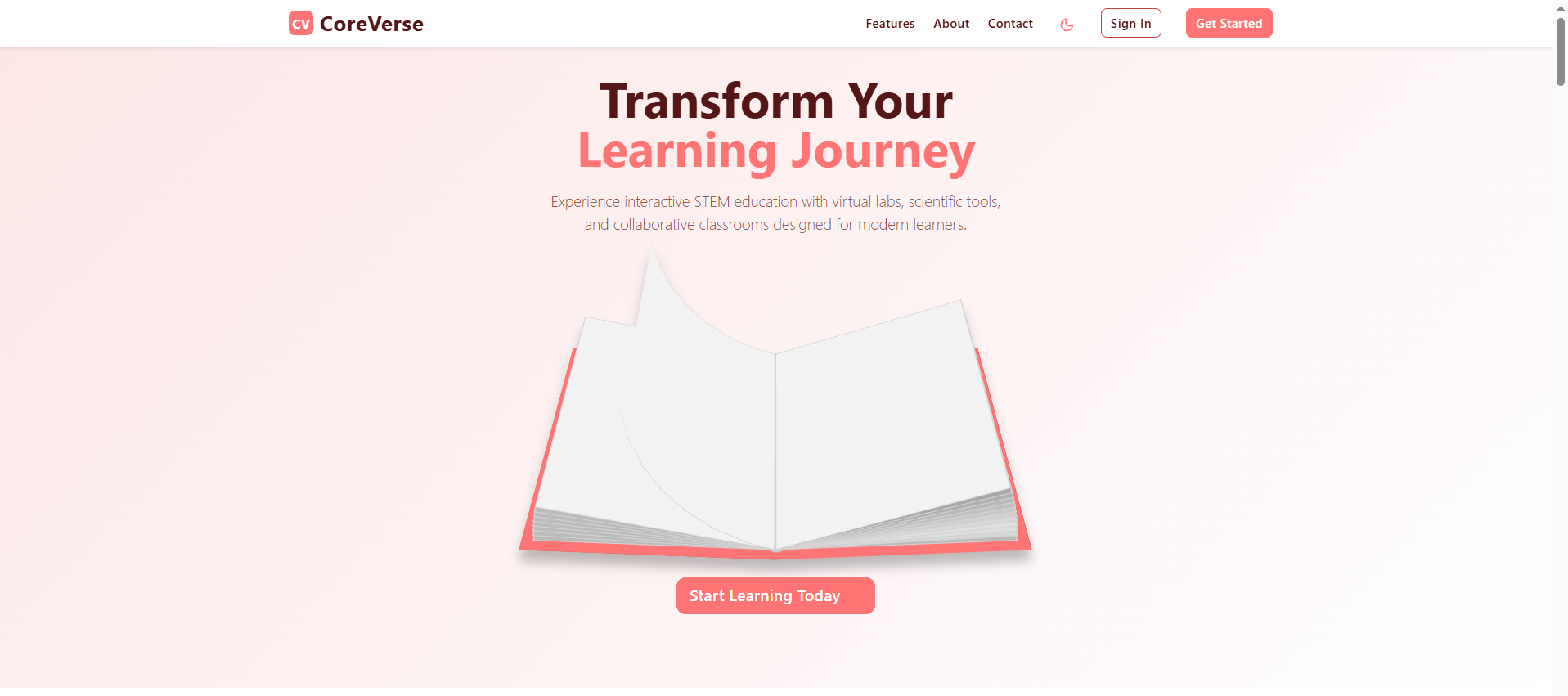
The CoreVerse Project Story
Inspiration
The inspiration behind CoreVerse stemmed from a deep belief that education, particularly in STEM fields, should be dynamic, accessible, and engaging for everyone. Traditional learning methods often fall short in providing the interactive and immersive experiences necessary to truly grasp complex scientific and mathematical concepts. I envisioned a platform that could break down these barriers, offering virtual labs, interactive tools, and collaborative spaces that make learning an exciting journey rather than a passive task. The goal was to create a comprehensive educational ecosystem where students and educators could thrive, regardless of their location or background.
What I Learned
Building CoreVerse was a profound learning experience that significantly expanded my technical and project management skills. I gained extensive hands-on experience with:
- React and Component-Based Architecture: Mastering the intricacies of React for building a scalable and maintainable single-page application, focusing on reusable components and efficient state management.
- UI/UX Design Principles: Applying Bootstrap for rapid prototyping and responsive layouts, complemented by custom SCSS for a unique brand identity and a seamless light/dark theme implementation.
- Animation and Interactivity: Leveraging framer-motion to create smooth, engaging animations that enhance the user experience and bring the interface to life.
- 3D Graphics with Three.js: Integrating three.js to develop the interactive globe, which was a deep dive into 3D rendering, camera controls, and event handling in a web environment.
- Canvas API for Drawing: Implementing a feature-rich drawing tool involved understanding the HTML Canvas API, managing drawing states, and handling complex interactions like undo/redo and layer management.
- Data Visualization: Utilizing recharts to present complex data in an understandable and visually appealing manner for progress tracking and analytics.
- Context API for State Management: Effectively managing global application state, such as user authentication and theme preferences, using React's Context API.
- Routing and Navigation: Implementing robust client-side routing with react-router-dom to manage a large number of distinct pages and nested views.
How I Built My Project
The project was built using a modern web development stack, prioritizing performance, scalability, and a rich user experience:
- Foundation: I started with a Vite and React (TypeScript) setup for a fast development environment and optimized build process.
- UI Framework: Bootstrap was chosen for its robust grid system and pre-built components, allowing for rapid UI assembly. Custom SCSS was used to override Bootstrap defaults and introduce CoreVerse's unique color palette and theming (light/dark mode).
- Core Structure: A component-based architecture was adopted, organizing the application into logical, reusable units (e.g., Header, Sidebar, Card, Button).
- Navigation: react-router-dom was implemented to handle client-side routing, enabling seamless transitions between the numerous pages, including public-facing content and authenticated dashboards.
- Interactive Features:
- Interactive Globe: Integrated three.js to render a 3D Earth globe, allowing users to rotate and zoom. This involved setting up scenes, cameras, renderers, and handling mouse/touch events for interaction.
- Drawing Tool: Developed a canvas-based drawing application from scratch, supporting various tools (pencil, rectangle, circle, text, eraser), color selection, line width adjustment, and a history stack for undo/redo functionality.
- Data Presentation: Used recharts to create dynamic charts for progress tracking and analytics, visualizing mock data to demonstrate the platform's capabilities.
- State Management: React's useState and useContext were extensively used for managing component-specific state and global application state (e.g., user authentication, theme).
- Content and Data: Mock data was used throughout the application to populate lists, charts, and detailed views, simulating a fully functional platform.
- Animations: framer-motion was integrated to add subtle yet impactful animations to various UI elements, enhancing the overall polish and user engagement.
Challenges I Faced
Developing CoreVerse presented several interesting challenges:
- Managing a Large Codebase: With a significant number of pages and components, maintaining code organization, consistency, and readability became crucial. Establishing clear component responsibilities and a logical file structure was key.
- Complex State Management: Features like the drawing tool with its undo/redo history and layer management, or the interactive globe with its dynamic controls, required careful planning of state logic to ensure smooth and predictable behavior.
- Integrating Third-Party Libraries: While powerful, integrating libraries like three.js required a steep learning curve to understand their APIs and how to effectively combine them with React's lifecycle. Ensuring these integrations were performant and didn't bloat the application was an ongoing consideration.
- Responsive Design Across Diverse Components: Given the variety of content and interactive elements, making every page and component look and function flawlessly across different screen sizes (from mobile phones to large desktops) demanded meticulous attention to detail and extensive testing.
- Theming Implementation: Building a robust light/dark mode that consistently applied to all elements, including custom components and third-party integrations, required careful planning of SCSS variables and dynamic class application.
- Performance Optimization: For interactive elements and pages with many components, ensuring smooth animations and fast load times was a continuous effort, involving optimizing component rendering and resource loading.
Built With
- bolt.new
- html
- javascript
- netlify
- react-router
- react.js
- scss

Log in or sign up for Devpost to join the conversation.