Inspiration
This year I'm making space Robots. So, when I got this theme of attract, I thought Why not make a space-themed game? Then I finalized my idea around that.
What it does
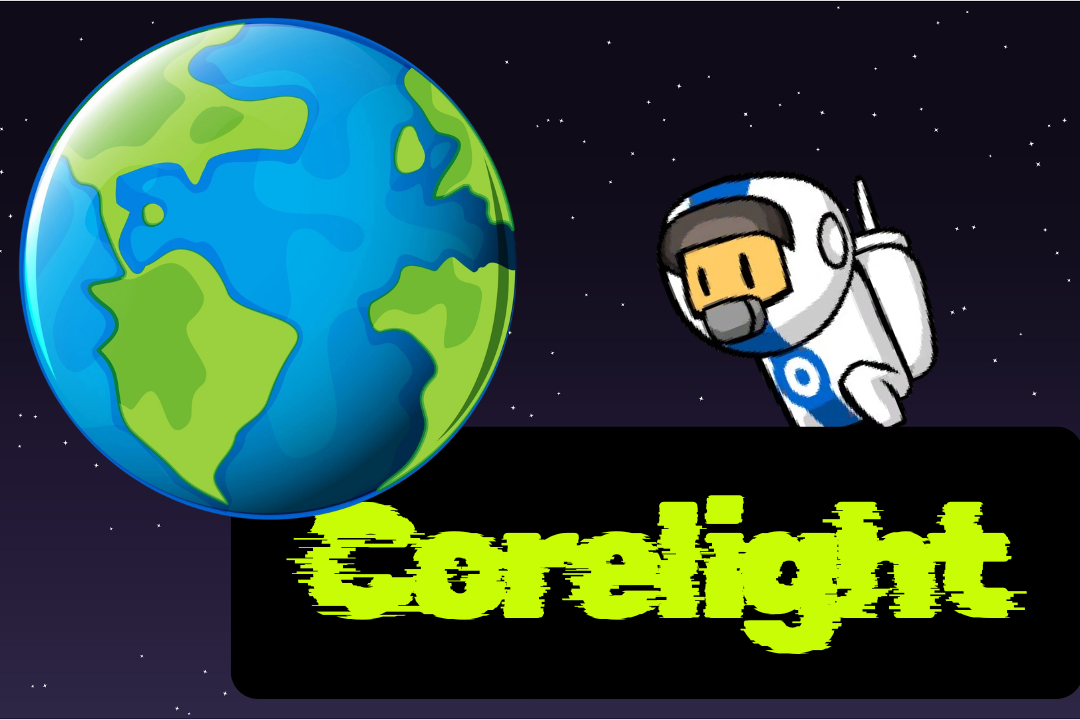
Scene 1: The Cataclysm The game begins with a powerful introductory scene. The player witnesses the end of the world as the Earth shatters into floating debris. This is accompanied by a narrative voice-over that explains the backstory: the Earth has been destroyed, and the player is the sole survivor. The audio concludes with a call to action, setting up the player's mission to find a new home. As the audio ends, the game's title, "Corelight," appears, and the scene transitions to the main gameplay.
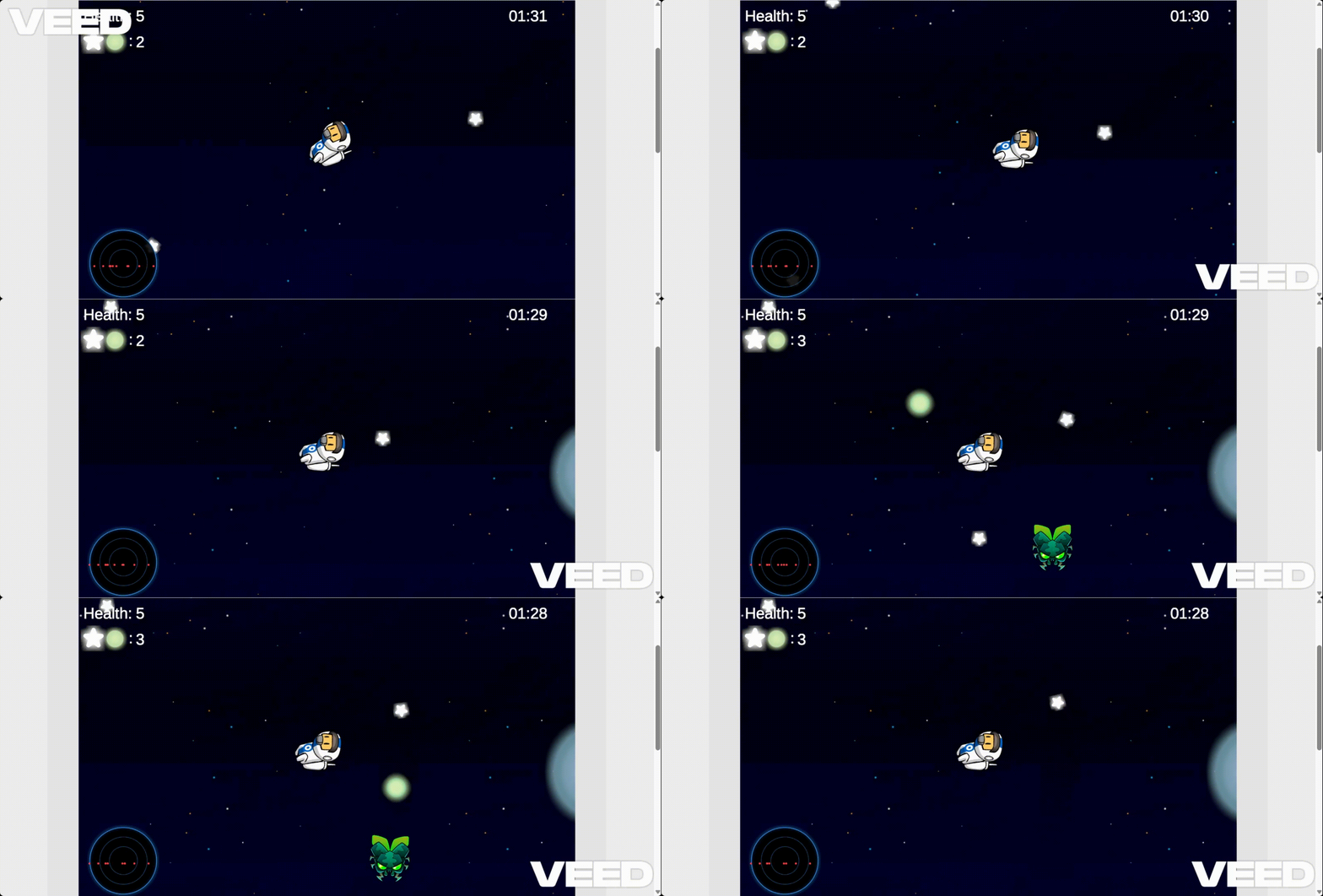
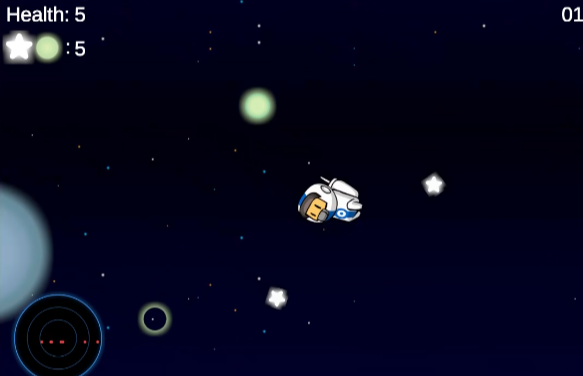
Scene 2: The Corelight Challenge This is the core gameplay loop. You can use the arrow keys for player movement. The player can attract stars and orbs using "E" key and the player can retract these to attack the enemies using "R". So, the core mechanics of the game is attract and retract. The player has one minute and forty seconds to collect ten orbs and stars while surviving against enemies. The timer is displayed in the top-right corner, counting down the time remaining. If the player successfully collects all ten items before the timer runs out, they proceed to the final scene. However, if they fail to collect the required number of items when the timer hits zero, the scene reloads, forcing the player to try again.
Scene 3: The New Beginning If the player successfully completes the challenge in Scene 2, they are rewarded with a final cinematic scene. The game concludes with a static image of buildings at dusk, representing the player's arrival at a new planet. The camera moves right and left, showing the new planet, and a simple text, "THE END," appears on the screen, signaling the successful completion of the game's objective and the end of the story.
How we built it
Scene 1 (Intro): I created a single GameObject for the Earth and a script, to handle the core logic. I used canva to slice a single Earth image into multiple debris sprites. This script managed the initial audio playback, the shattering animation, and the final transition to the next scene. The shattering effect was achieved by instantiating the debris prefabs and applying a strong, outward force.
Scene 2 (Gameplay): This is the core gameplay loop. I created a player character, a basic enemy spawner, and a timer script. The timer script, attached to a UI Text element, counted down from 100 seconds. The game would check if the player had collected 10 shards when the timer hit zero. If not, the scene would reload, creating a tense, high-stakes challenge.
Final Scene: A simple scene with a pre-rendered background and a single UI text element displaying "THE END" to serve as a conclusion to the story. When this scene starts, the camera moves left and right and then displays "THE END".
Challenges we ran into
The main challenge that I faced was the stars and planets orbiting the player weren't moving towards the enemy when I pressed "R". Later, I figured out it was happening because the enemy script was attached to an empty game object where I attached the enemy prefab in the enemy script. That's why the stars and orbs were moving towards the empty game object instead of moving towards the enemy prefab. So, when I attached the script to the enemy prefab, it started working properly.
Accomplishments that we're proud of
I'm proud of making a game that looks complete. I love the mechanic of stars and orbs orbiting around the player when I attract them. It turned out exactly how I imagined it.
What we learned
I learned some things beyond the basics of game dev. This is the first time I worked with 0 gravitiy in unity. I learned about coroutines in unity and learned a lot of things about Unity UI.
What's next for Corelight
I want to make more levels in the game. I want to increase the difficulty of the game more.


Log in or sign up for Devpost to join the conversation.