-
-
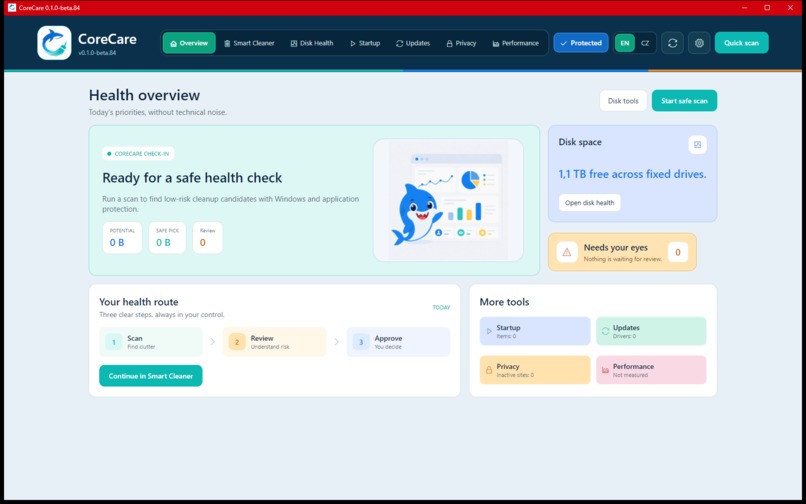
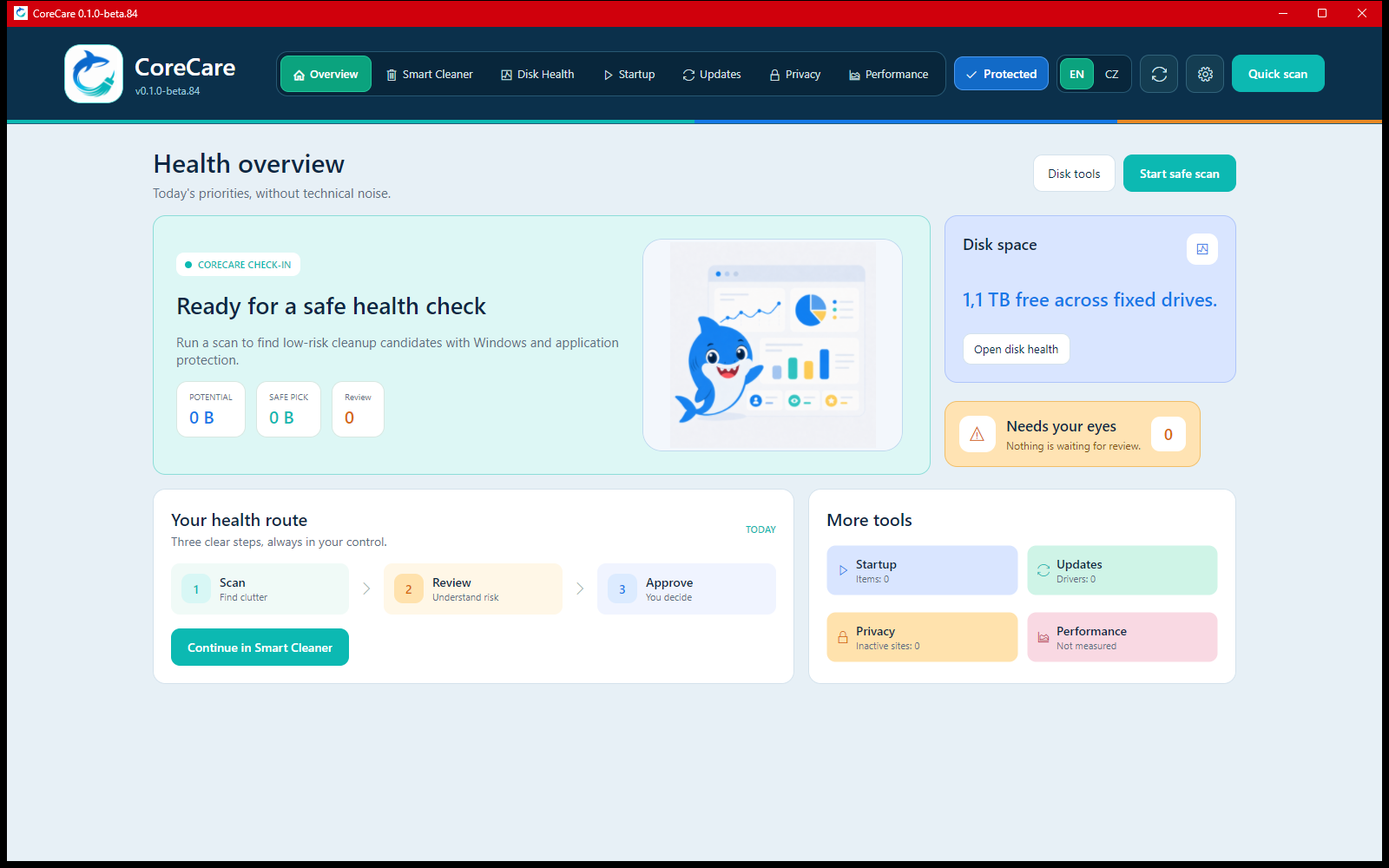
Health overview
-
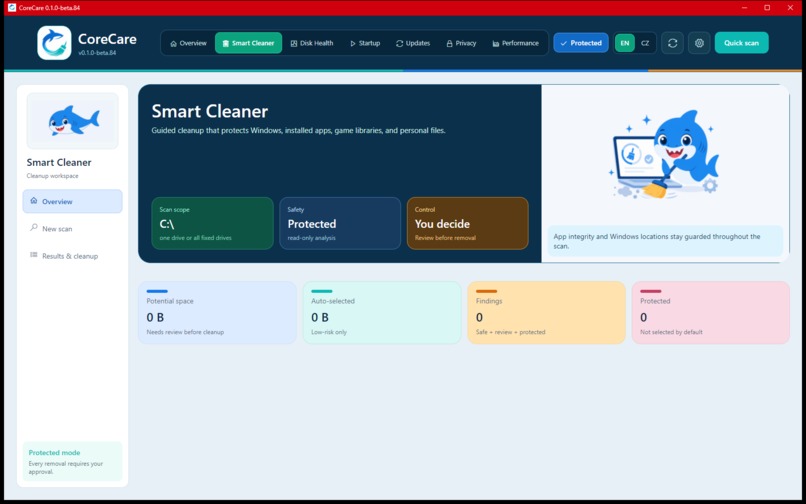
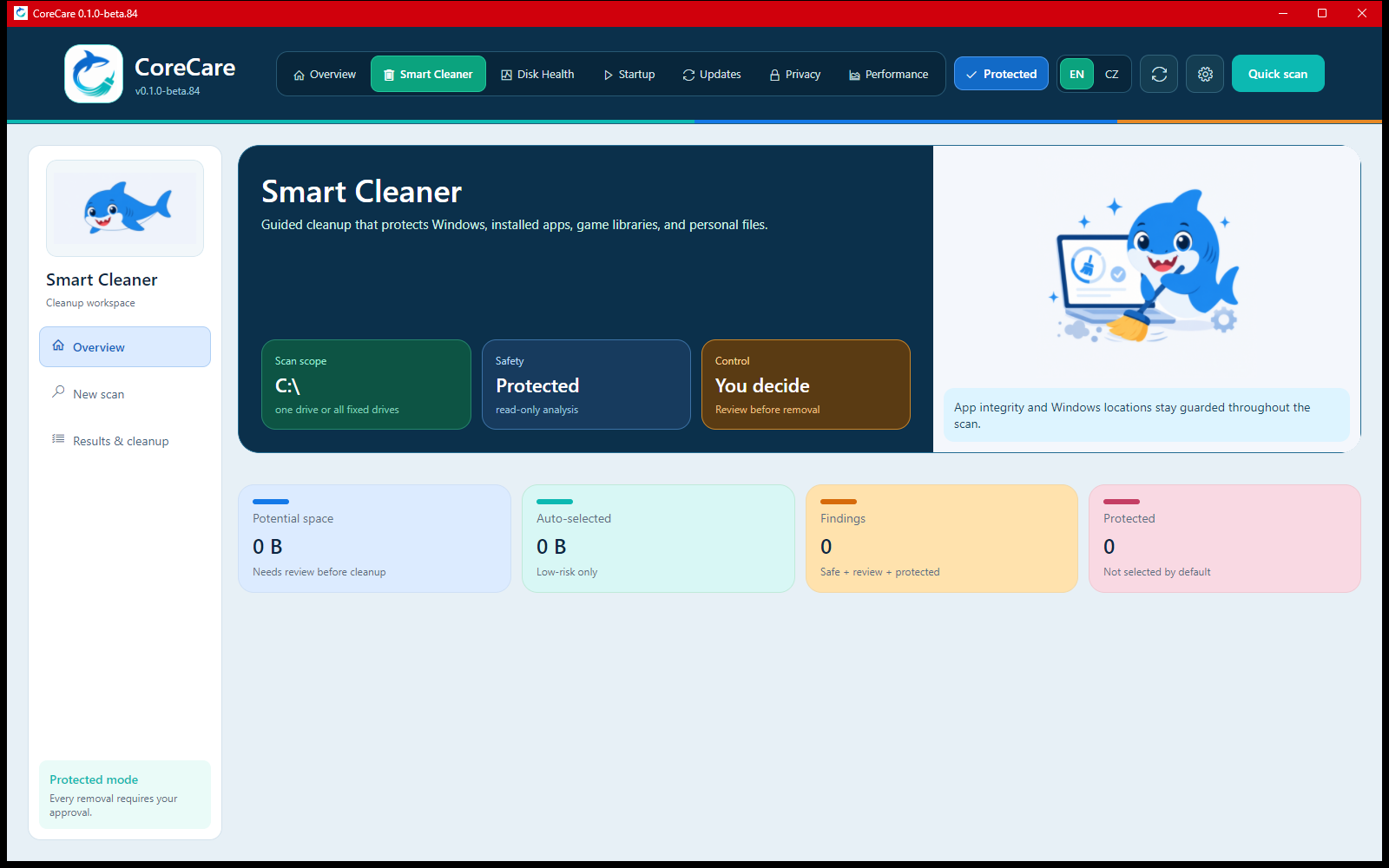
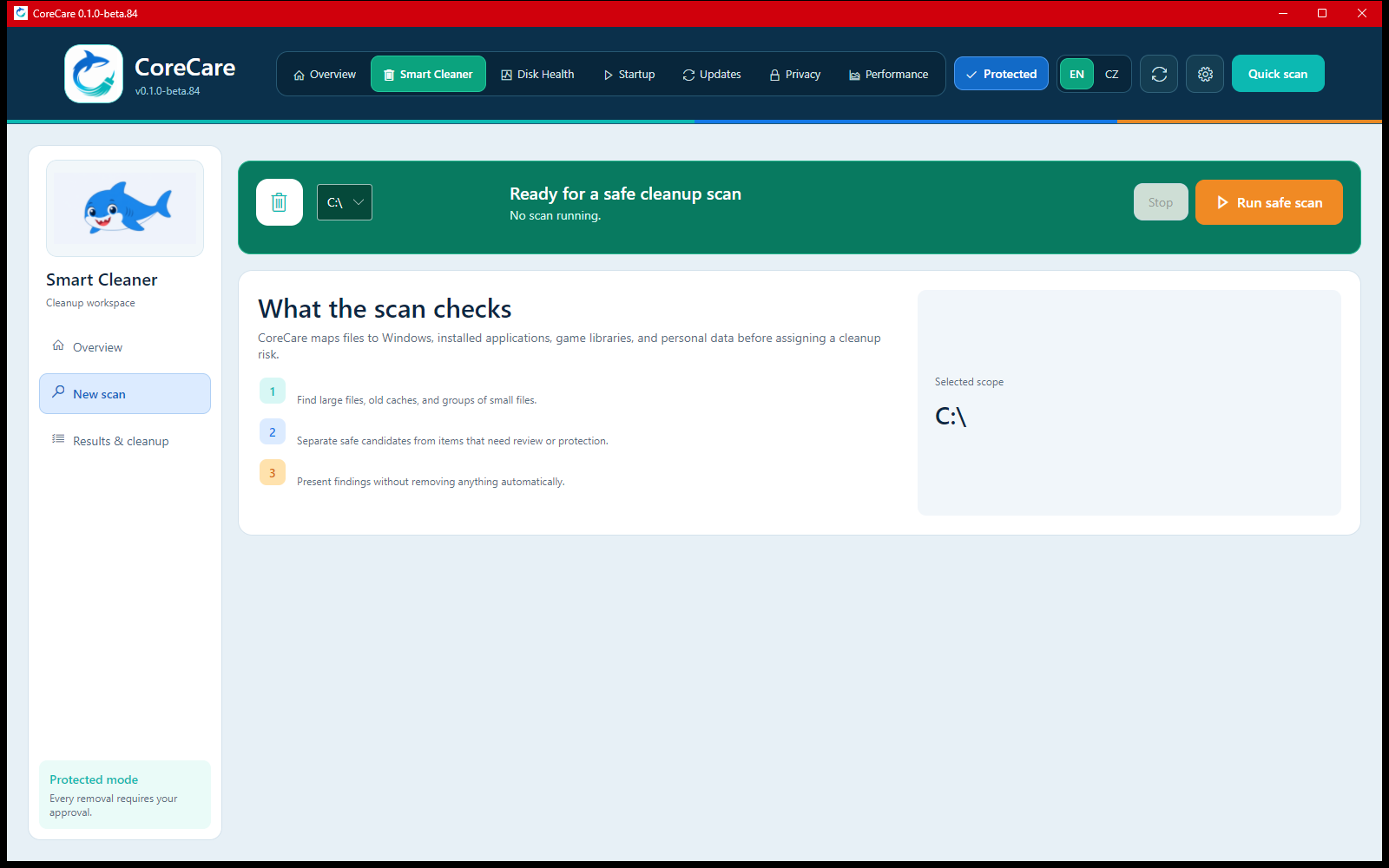
Smart cleaner
-
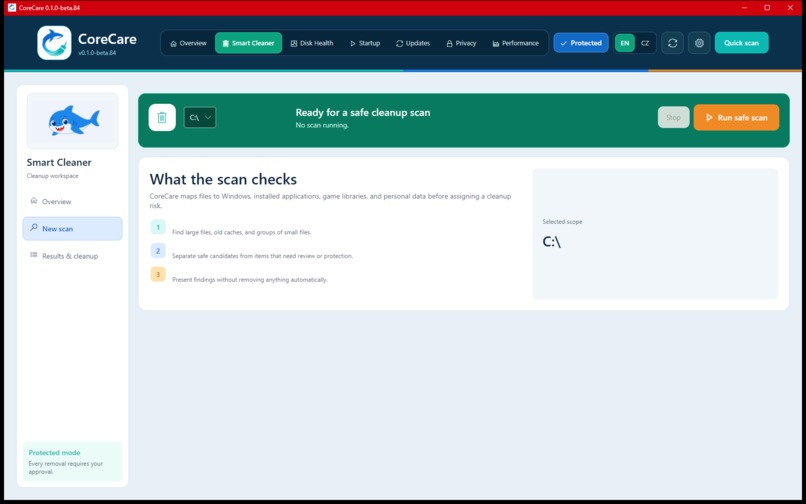
Safe Scan Setup
-
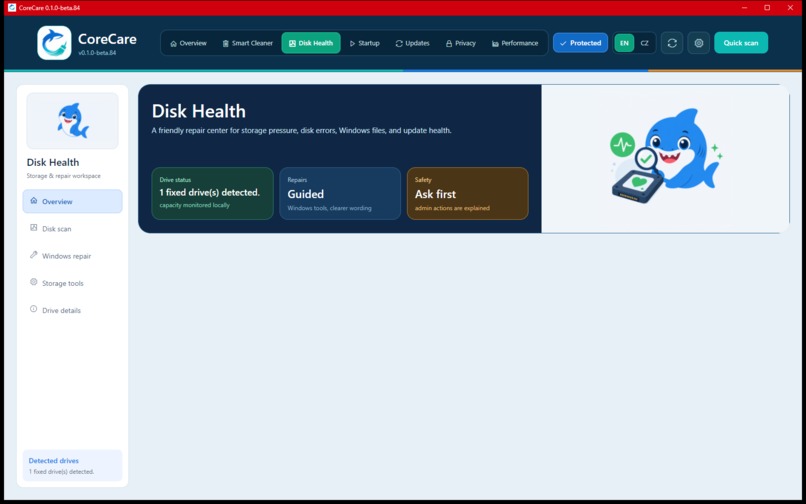
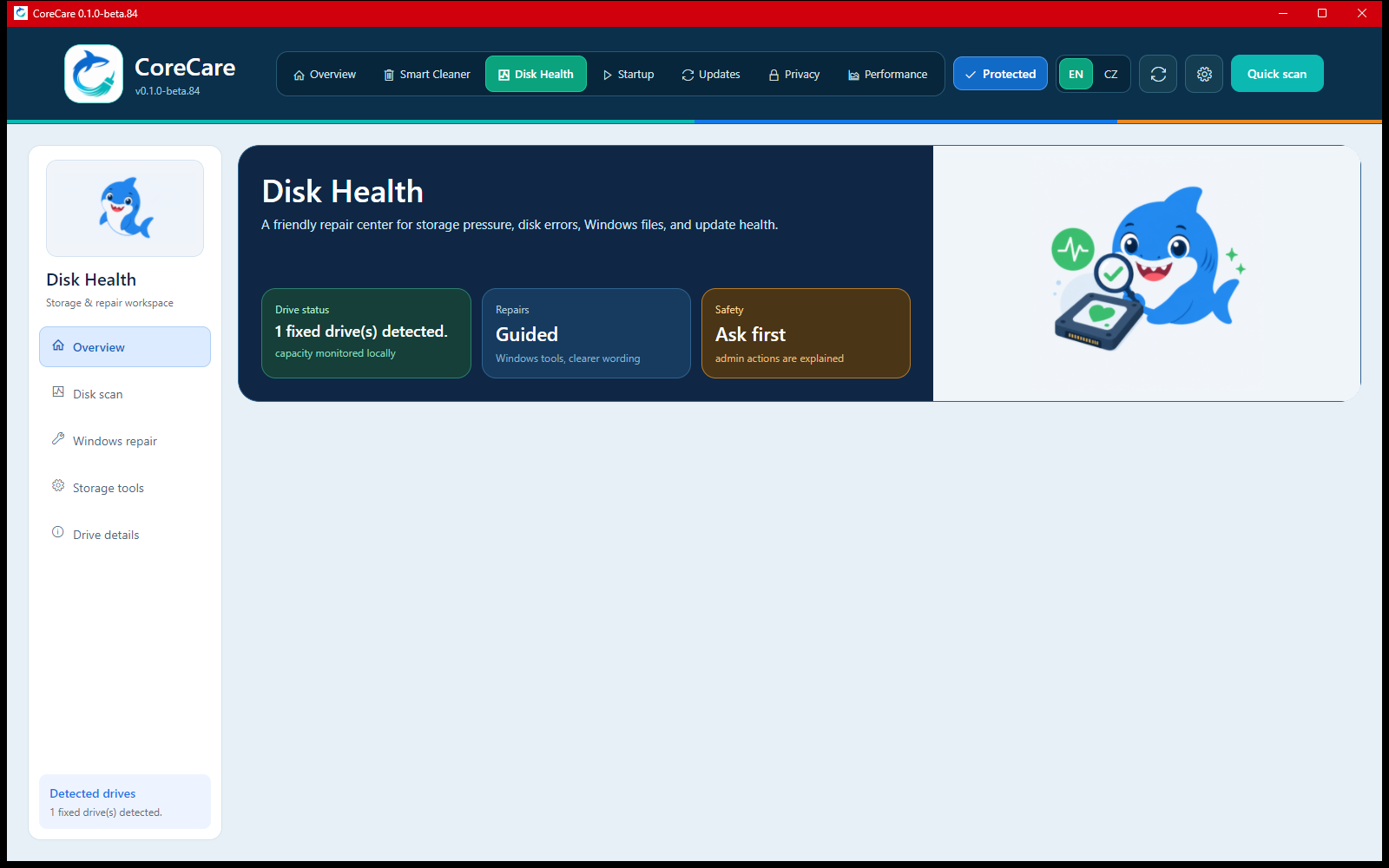
Disk health
-
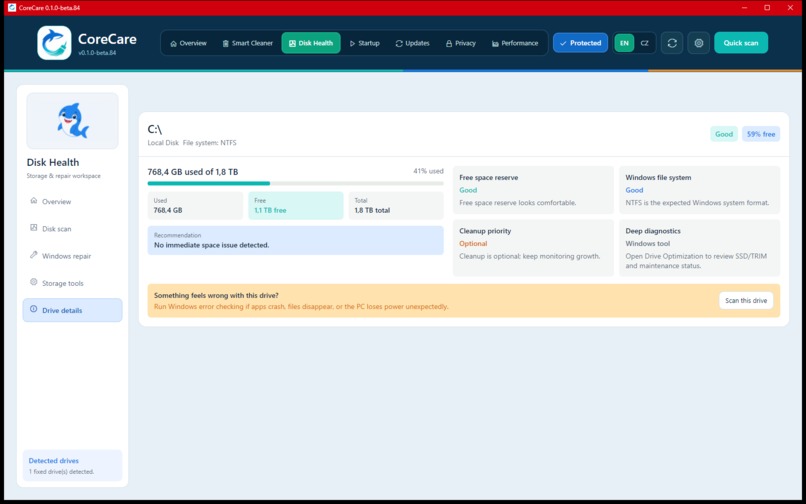
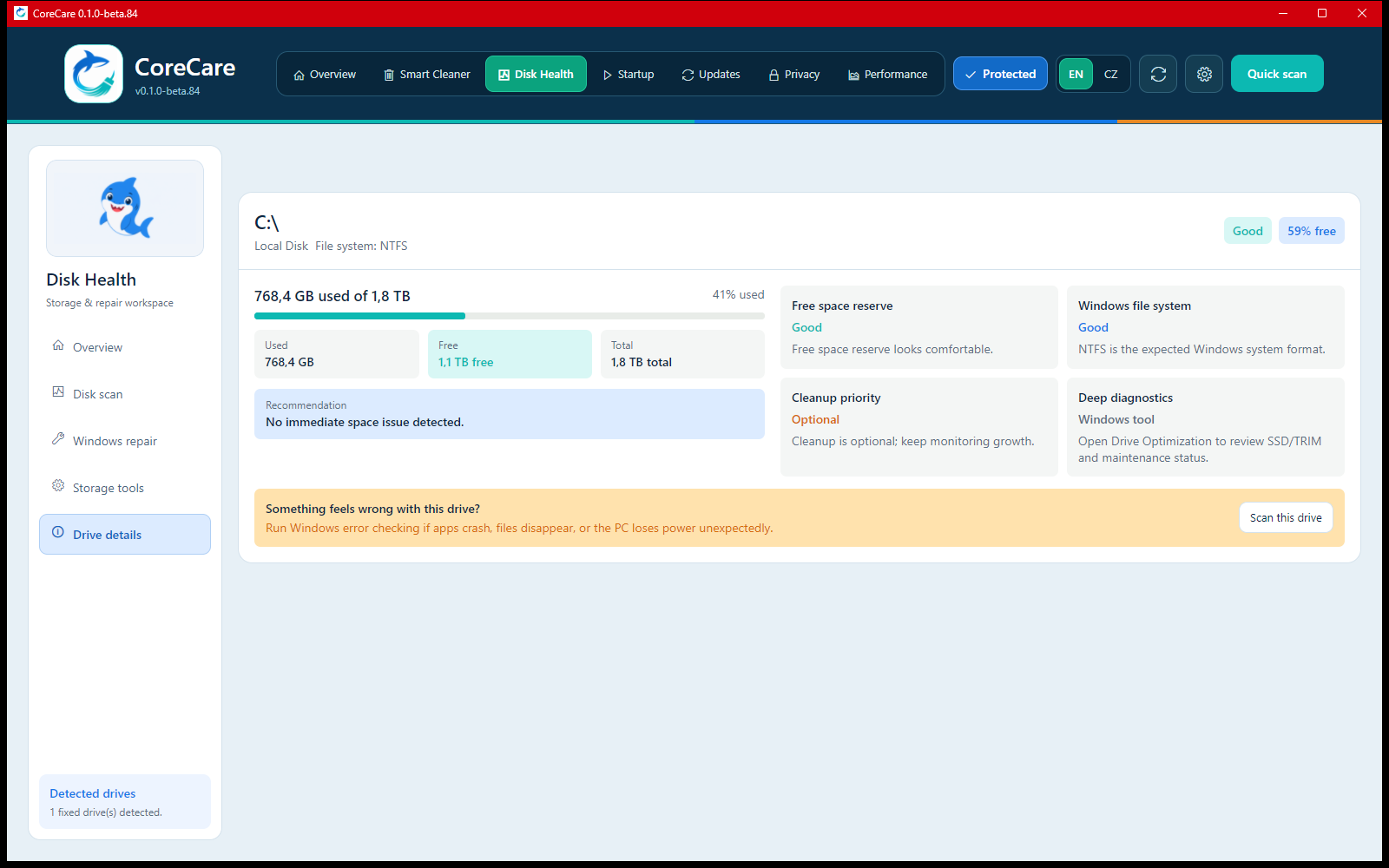
Drive details
-
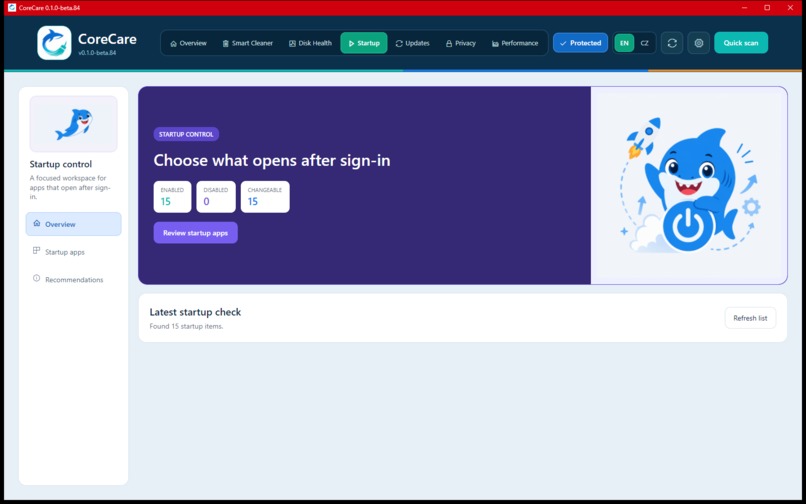
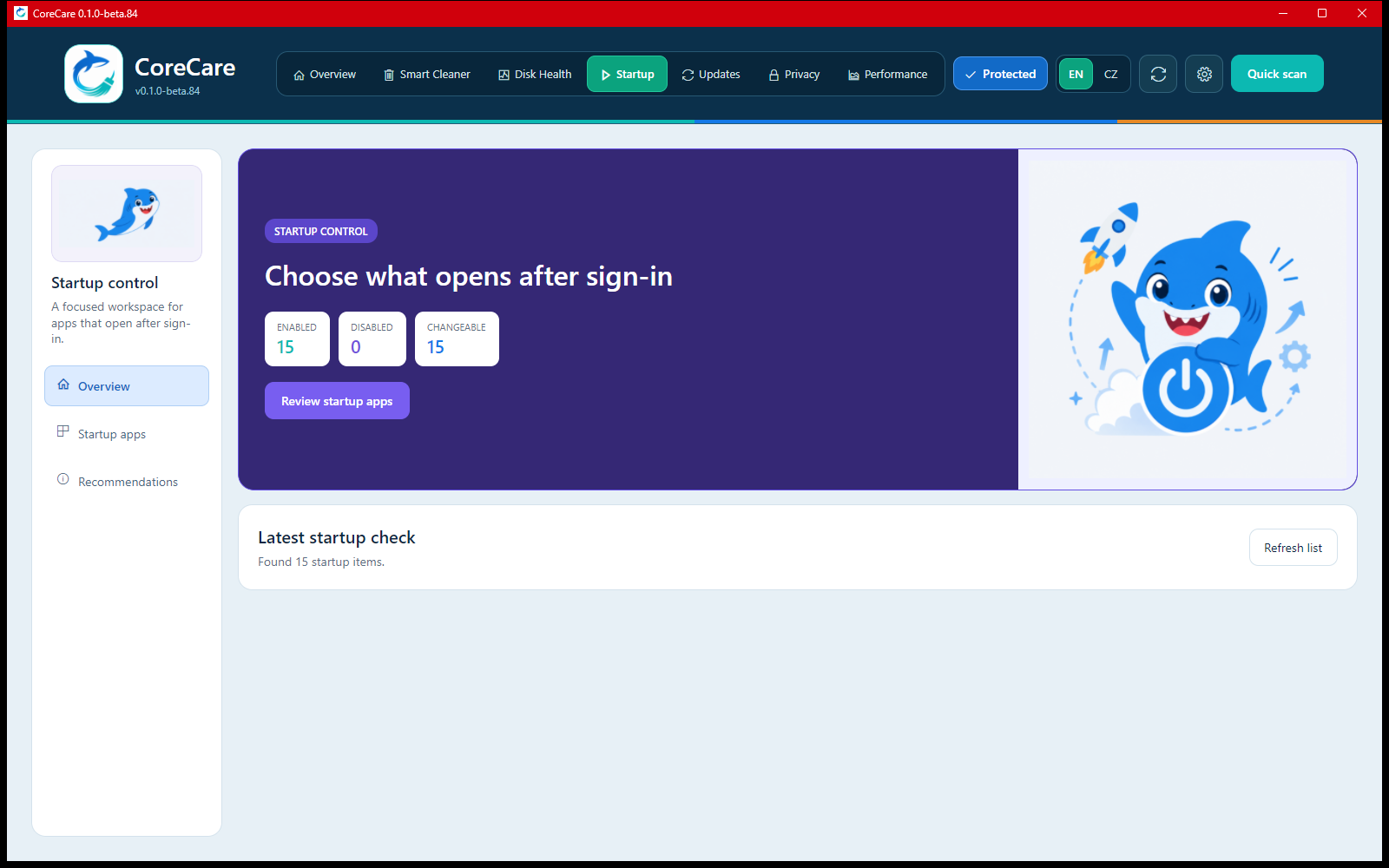
Startup control
CoreCare
Inspiration
I started CoreCare after several cleanup tools caused more problems than they solved. Some broke installed applications, and one cleanup even damaged my Windows installation. I wanted a maintenance tool that would explain what it found, respect application and system integrity, and leave the final decision to the user.
Clean your computer without breaking it.
What it does
CoreCare is a bilingual desktop health application for Windows and Linux. It brings cleanup, storage health, startup analysis, updates, privacy, and performance guidance into one friendly interface.
Its Smart Cleaner scans locally and evaluates files using their location, ownership, age, size, type, and surrounding context. Every finding includes a risk level, reason, proposed action, and path.
CoreCare separates findings into three understandable groups:
- Safe items can be selected conservatively.
- Review items require the user's decision.
- Protected items cannot be selected for removal.
The safety process can be summarized as:
Detect → Explain → Approve → Revalidate → Recover
Before removal, CoreCare validates every selected path again. Supported items are moved to the Windows Recycle Bin or Linux Trash instead of being permanently erased.
More than a cleaner
CoreCare also provides guided tools for everyday computer health:
- Disk Health explains storage pressure and file-system checks.
- Startup highlights applications that actually consume resources in the background.
- Updates focuses on operating-system status and safer driver or package updates.
- Driver Recovery creates a local backup before supported Windows driver updates.
- Privacy offers optional per-site cookie cleanup with browser database backup.
- Performance translates system information into understandable recommendations.
- Health Overview combines important findings from every section in one place.
All scan inventories and findings remain on the user's computer.
How I built it
CoreCare is built with C#, .NET 9, and Avalonia UI.
The application is divided into a shared safety engine and platform-specific integrations:
CoreCare.Corecontains findings, scanner contracts, classification rules, and protection policies.CoreCare.Appprovides the Windows desktop interface, localization, navigation, and workflows.CoreCare.Windowshandles Windows diagnostics, drives, drivers, privacy, and Recycle Bin operations.CoreCare.Linuxprovides Linux storage, Trash, package-manager, PolicyKit, and diagnostic integrations.
Windows and Linux use separate Velopack release channels to prevent incompatible packages from being mixed.
How Codex helped
CoreCare was developed through an extended collaboration with Codex rather than generated as a single prototype.
Codex helped transform the original idea into a safety model, design the cross-platform architecture, implement the Avalonia interface and native services, and investigate real UI and CI failures.
It was also used to:
- improve asynchronous scanning and application responsiveness;
- redesign workflows based on screenshots and hands-on testing;
- build protected-path and cleanup-classification tests;
- audit dependencies and platform behavior;
- create GitHub Actions and Velopack release pipelines;
- prepare Windows and Linux beta releases.
The process was iterative: build, test, inspect, identify risk, and improve.
Challenges we ran into
The hardest problem was deciding what “safe” really means.
A file may look temporary while still belonging to an application. A game folder may remain after uninstallation because it contains valuable saves. A directory name may resemble a protected system path without actually being one.
CoreCare therefore avoids decisions based on filenames alone. It checks real path boundaries, skips filesystem links and junctions, protects system and application locations, and performs a final validation immediately before removal.
Another challenge was keeping long scans responsive while continuously updating progress and presenting thousands of findings without freezing the interface.
Accomplishments we are proud of
- A working Windows and Linux desktop beta.
- Context-aware cleanup instead of blind deletion.
- Protected findings that cannot be selected accidentally.
- Final path revalidation before removal.
- Recovery-oriented driver and package update workflows.
- Czech and English interfaces.
- Local-first processing without uploading scan inventories.
- Automated tests, dependency audits, and release builds.
- Installable releases with in-app update support.
What we learned
Safety is not only a technical rule. It is also a communication problem.
Users need to understand what an action will change, why it is being recommended, and how they can recover if something goes wrong. A trustworthy maintenance tool should reduce uncertainty rather than hide it behind a large “Fix everything” button.
What's next for CoreCare
CoreCare is currently a free beta. The next steps include:
- broader hardware and filesystem diagnostics;
- expanded driver health verification and rollback support;
- smarter application and game-library detection;
- improved resource-impact measurements;
- macOS support;
- accessibility and localization improvements;
- additional automated safety and recovery tests.
Our goal is to make computer maintenance feel calm and understandable, even for people who have never needed to know which files belong to an operating system or application.

Log in or sign up for Devpost to join the conversation.