-
-
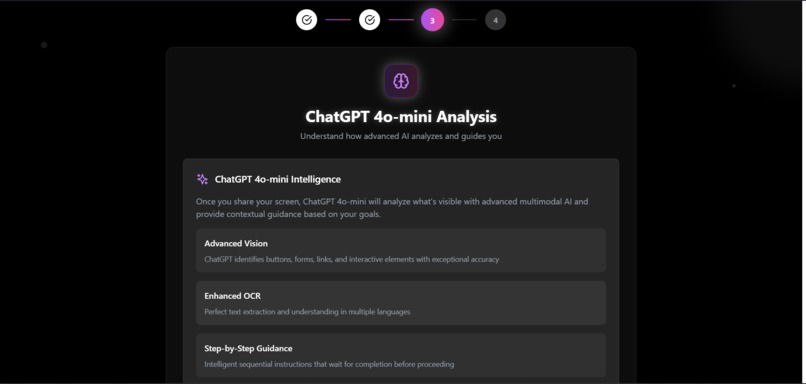
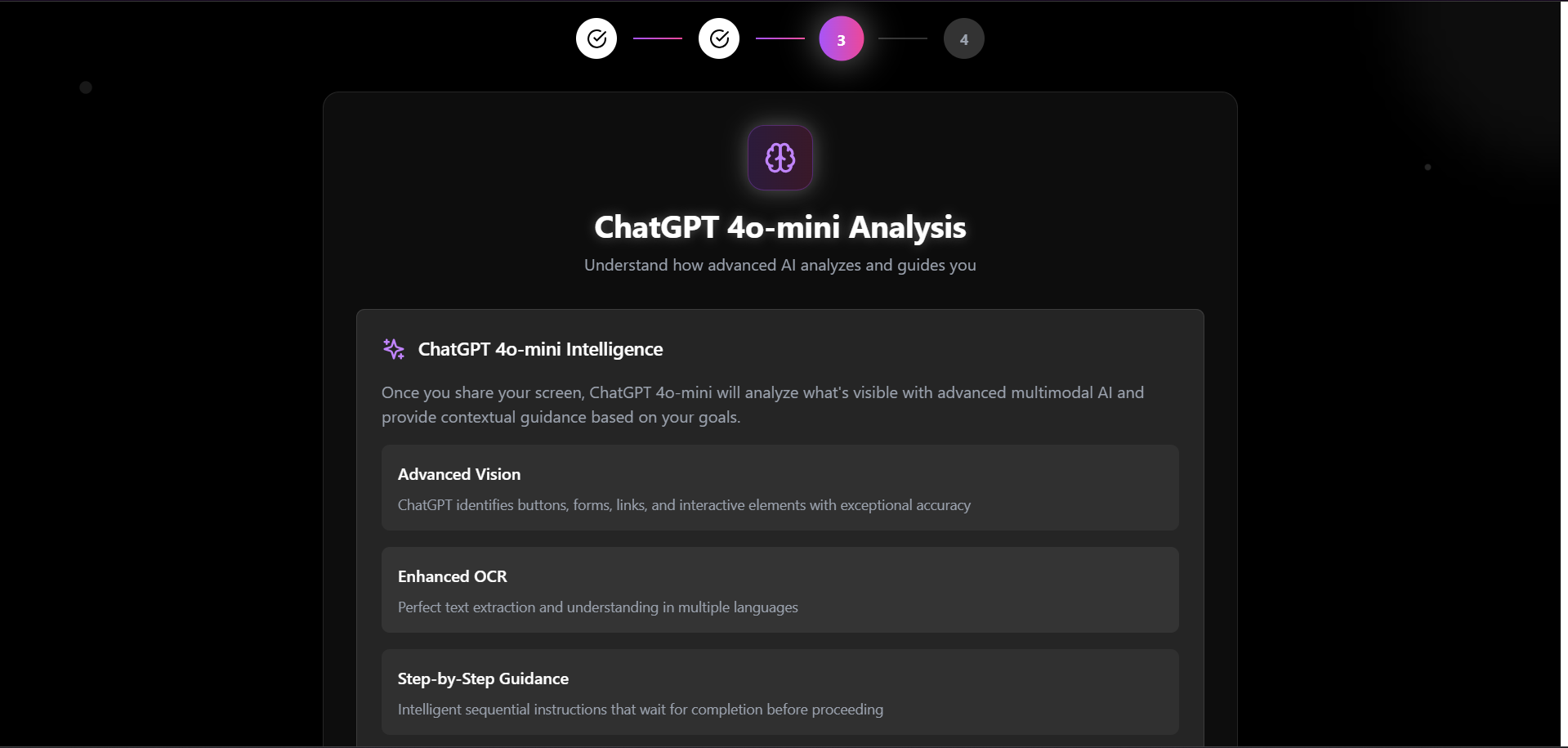
In app view
-
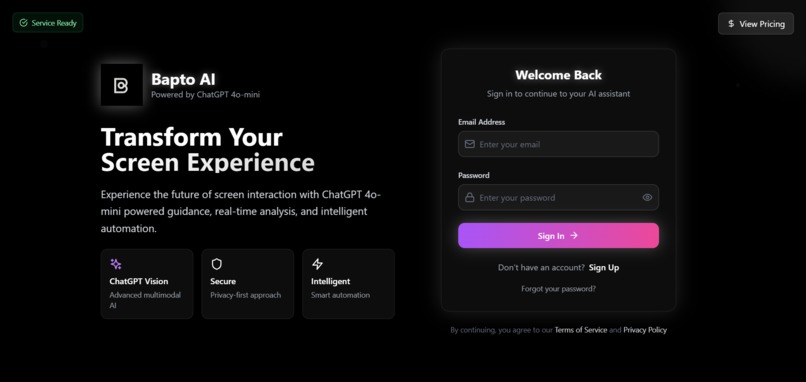
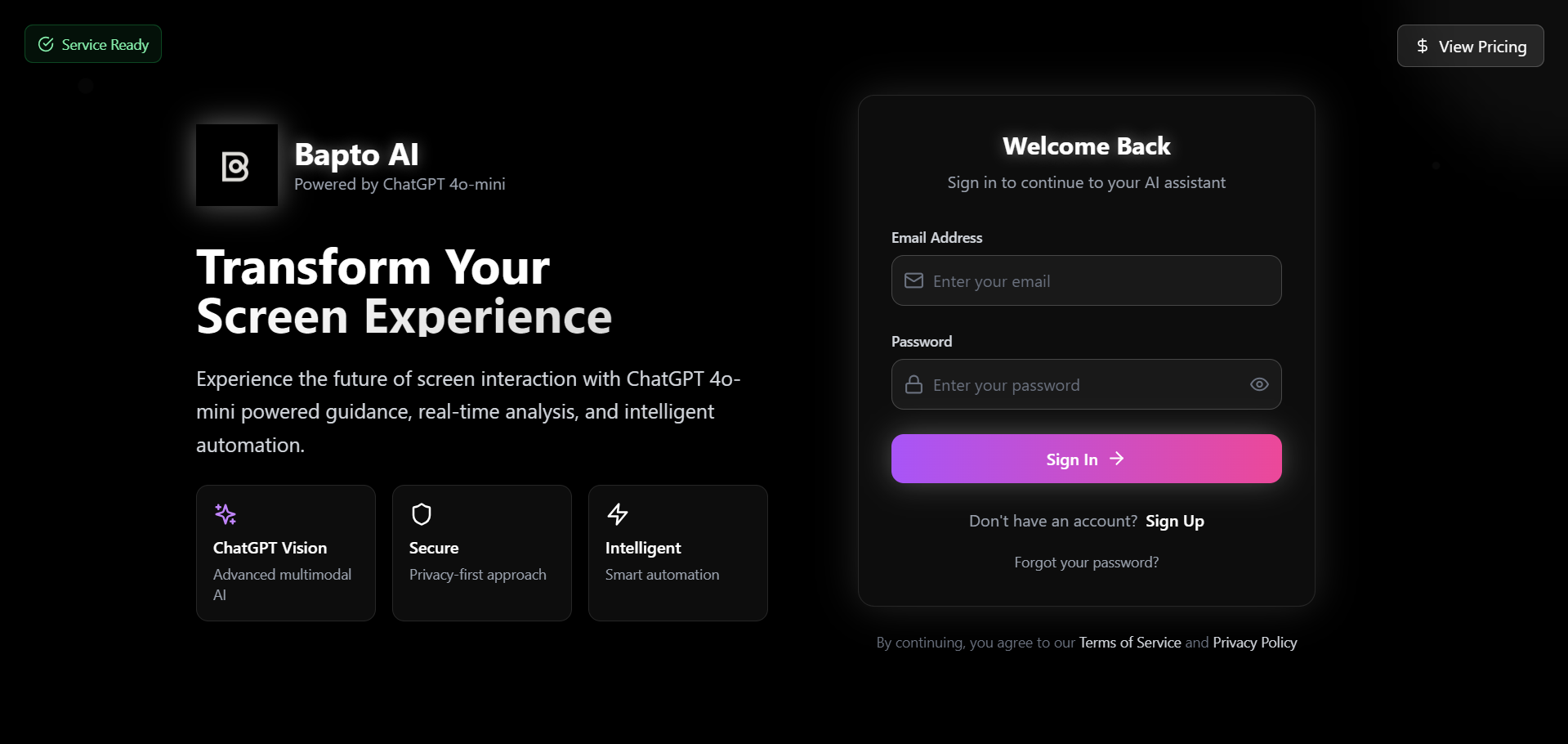
Login page
-
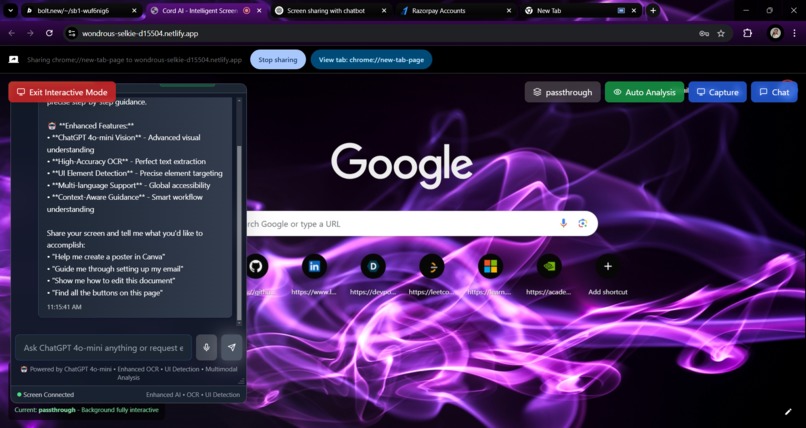
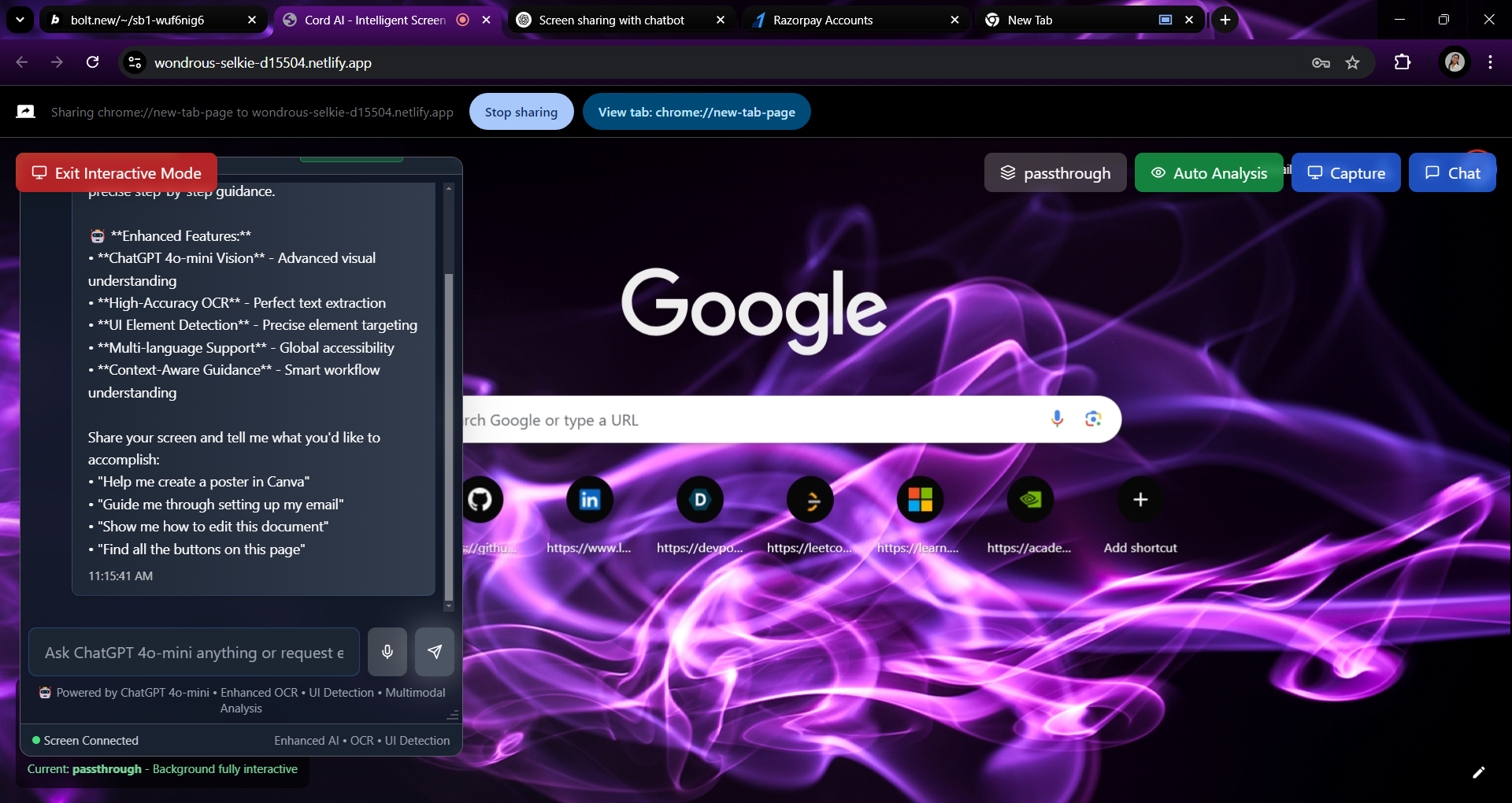
floating chatbot
-
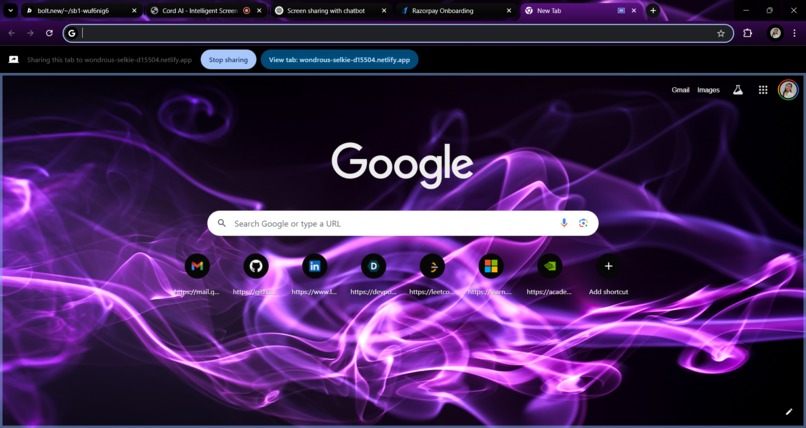
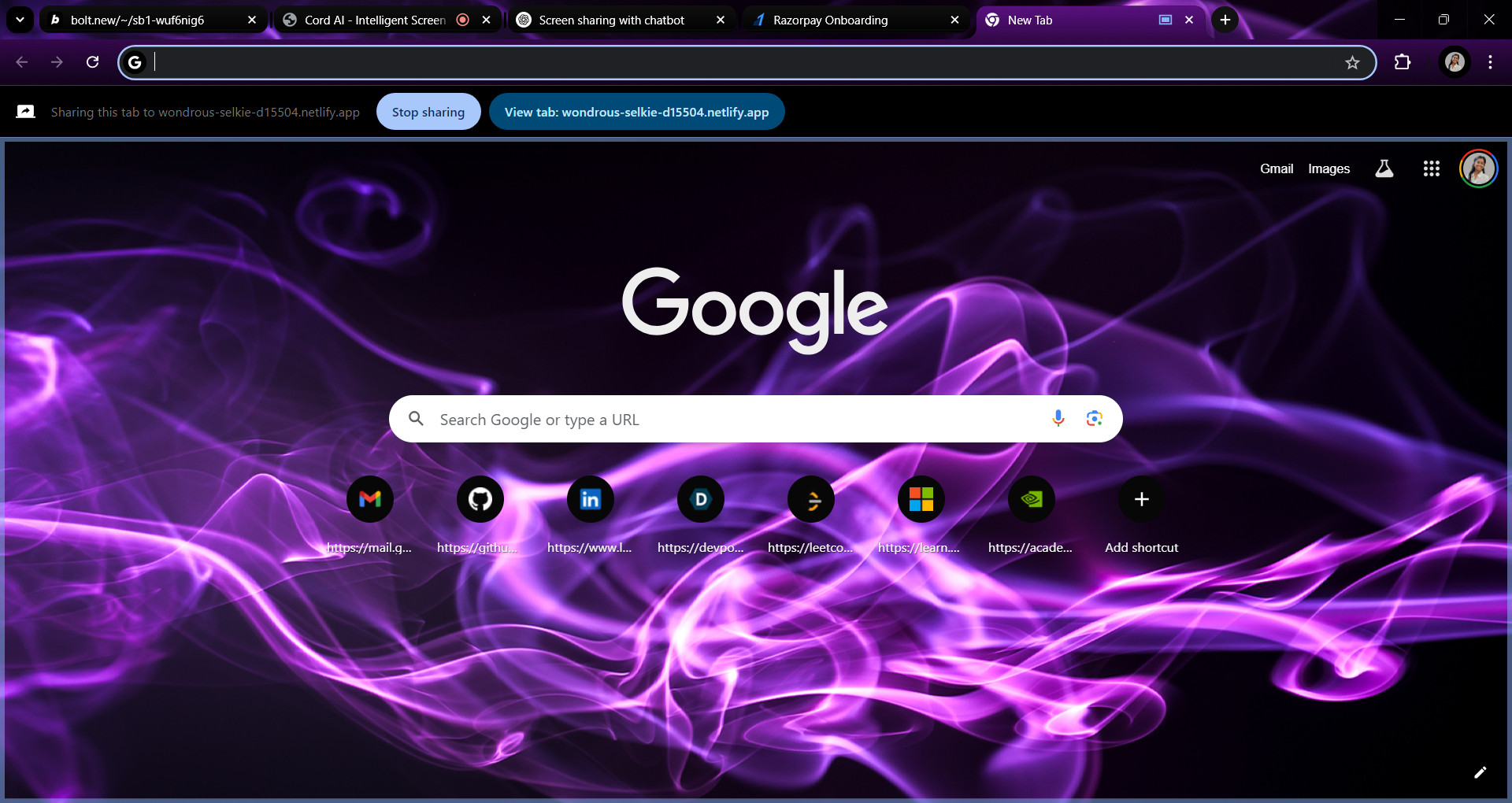
chatbot
Bapto AI – Screen Shared ChatGPT Assistant
Inspiration
As someone who enjoys video editing and graphic designing, I often faced trouble navigating complex interfaces in tools like Adobe Premiere Pro and After Effects.
Simple tasks like finding the right keyframe option or effect panel were time-consuming.
To solve this, I used to take screenshots and ask ChatGPT for help — but this process felt repetitive and disconnected.
This sparked the idea to build an AI that could observe the screen in real time and assist contextually, without switching tabs or copying screenshots manually.
That’s how Bapto AI was born — a floating, screen-aware assistant that combines screen-sharing with AI intelligence through both chat and voice.
What I Learned
- How to build a floating chatbot interface that doesn’t block user workflows
- Screen capture techniques and performance optimization
- Integration of multiple LLM APIs (ChatGPT, Gemini, OpenRouter)
- Real-time screen tracking and mouse interaction
- Using Roboflow for on-screen object detection
- Speech synthesis for voice responses
- Handling asynchronous API responses in parallel
- Building a pricing page UI for future monetization
How I Built It
Frontend:
- React (with TypeScript)
- TailwindCSS for styling
- Vite for fast builds and development
AI Services:
chatgpt.ts,openai.ts,gemini.ts, andopenrouter.tshandle different model integrationsroboflow.tsfor visual recognition and screen understandingmouseTracking.tsandScreenInteractionManager.tsxmanage real-time interaction detection
Voice and Chat:
- Speech synthesis modules for verbal responses
- Text-based chatbot with a floating UI component
Other Features:
- Pricing page (
PricingPage.tsx) for subscription integration - Secure environment configuration via
.env - Future-ready authentication and API key management
Challenges I Faced
- Building a smooth overlay chatbot without interrupting screen interactions
- Capturing and processing screen content at a usable speed
- Managing memory and performance with frequent screenshot polling
- Handling multiple API services without conflict
- Creating a voice and chat system that responds naturally and quickly
- Designing for cross-platform compatibility and expansion (e.g., desktop version)
Built With
- .env
- bolt
- chatgpt
- css
- enteri
- eslint
- github
- html
- javascript
- netlify
- openai
- postcss
- react
- roboflow
- screeninteractionmanager
- speech
- supabase
- tailwindcss
- typescript
- vite
- web


Log in or sign up for Devpost to join the conversation.