-
-
Branding
-
-
-
-
-
-
Inspiration
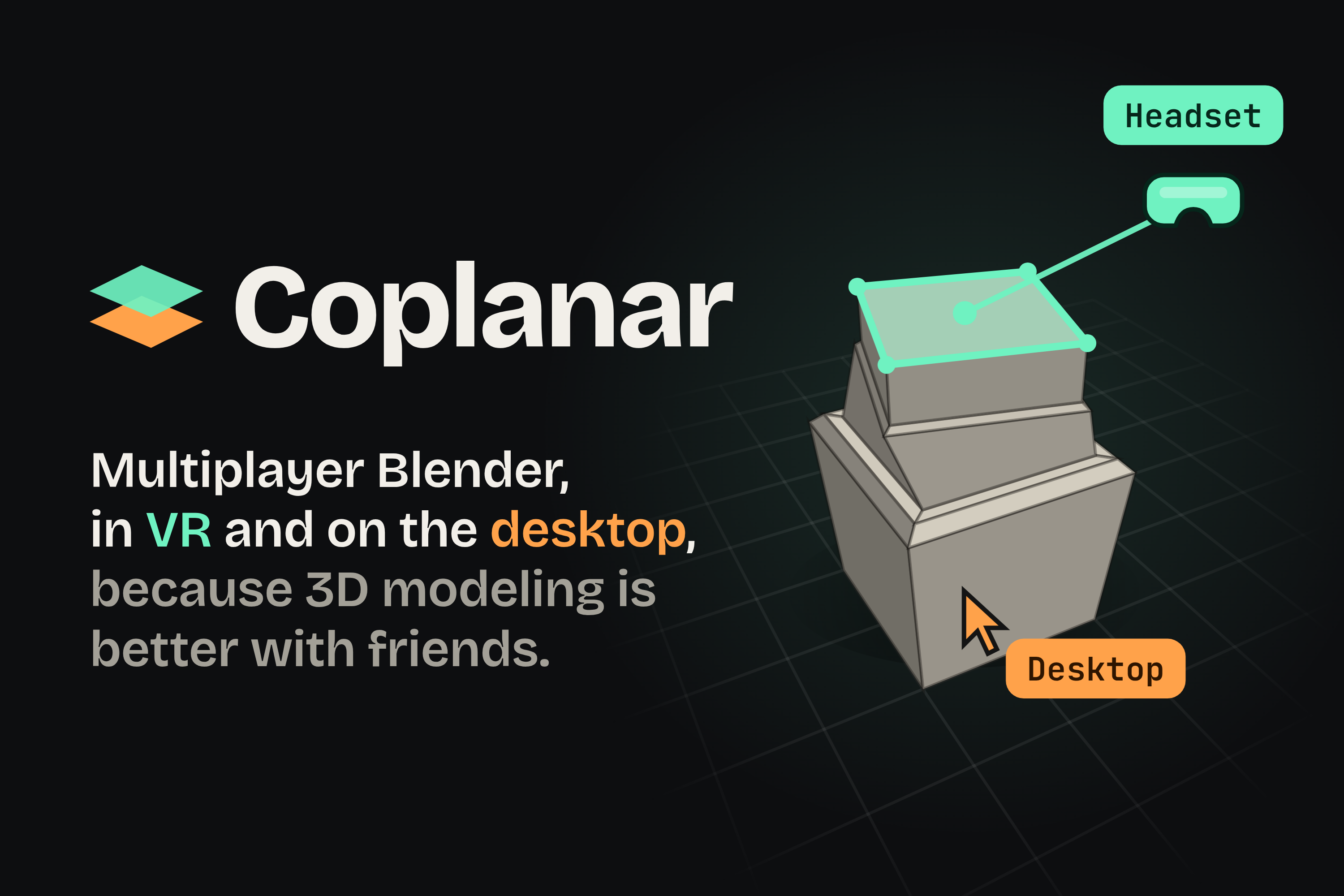
3D modeling is better with friends. We wanted the feeling of building together in a multiplayer game, with Blender's freedom and precision. Reach into a scene, shape something with your controllers, and have a friend build alongside you from their desktop. Everything you make becomes part of the same Blender project.
We called it Coplanar because the goal is to get everyone creating on the same plane, even when they use different devices.
What it does
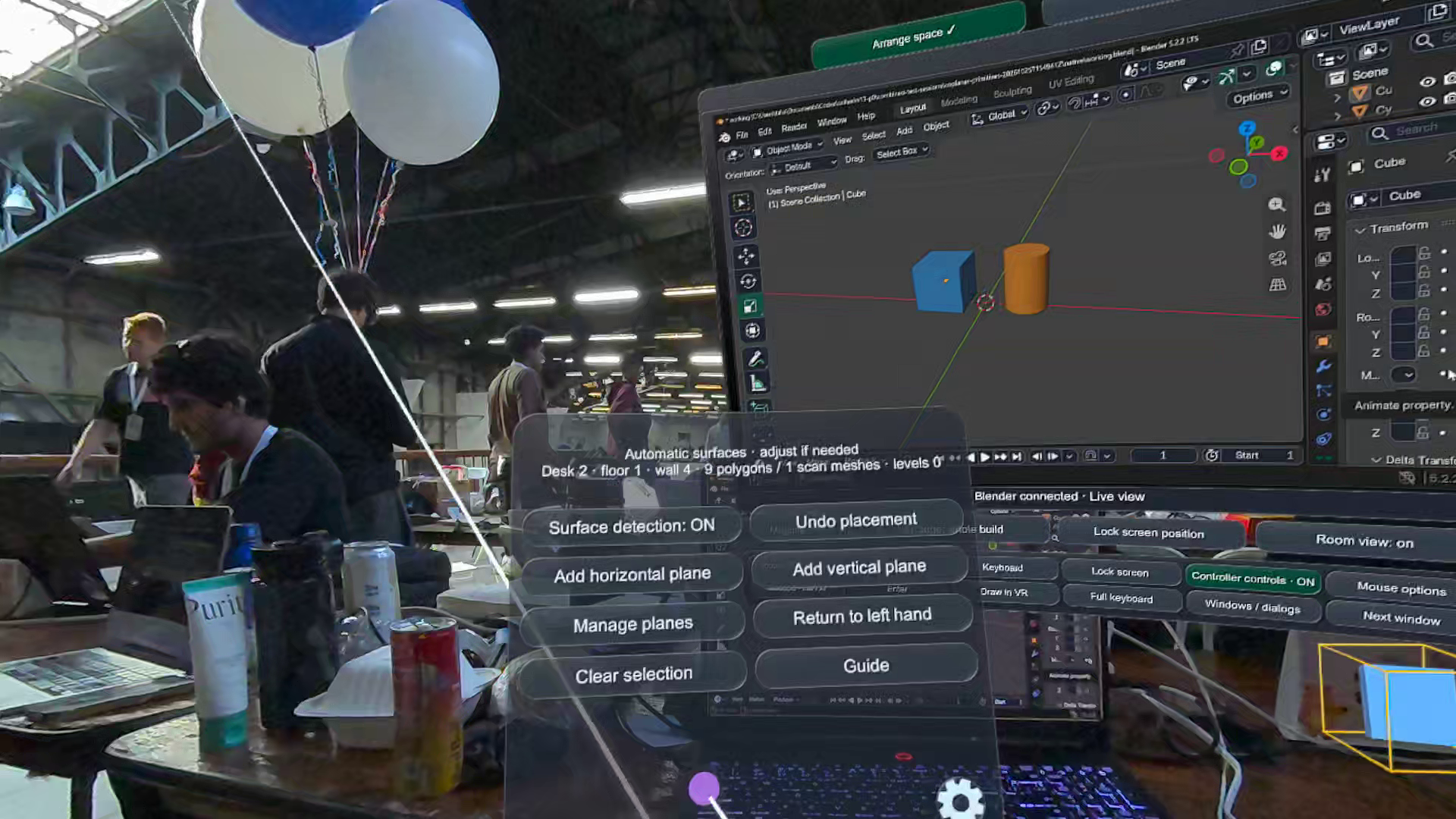
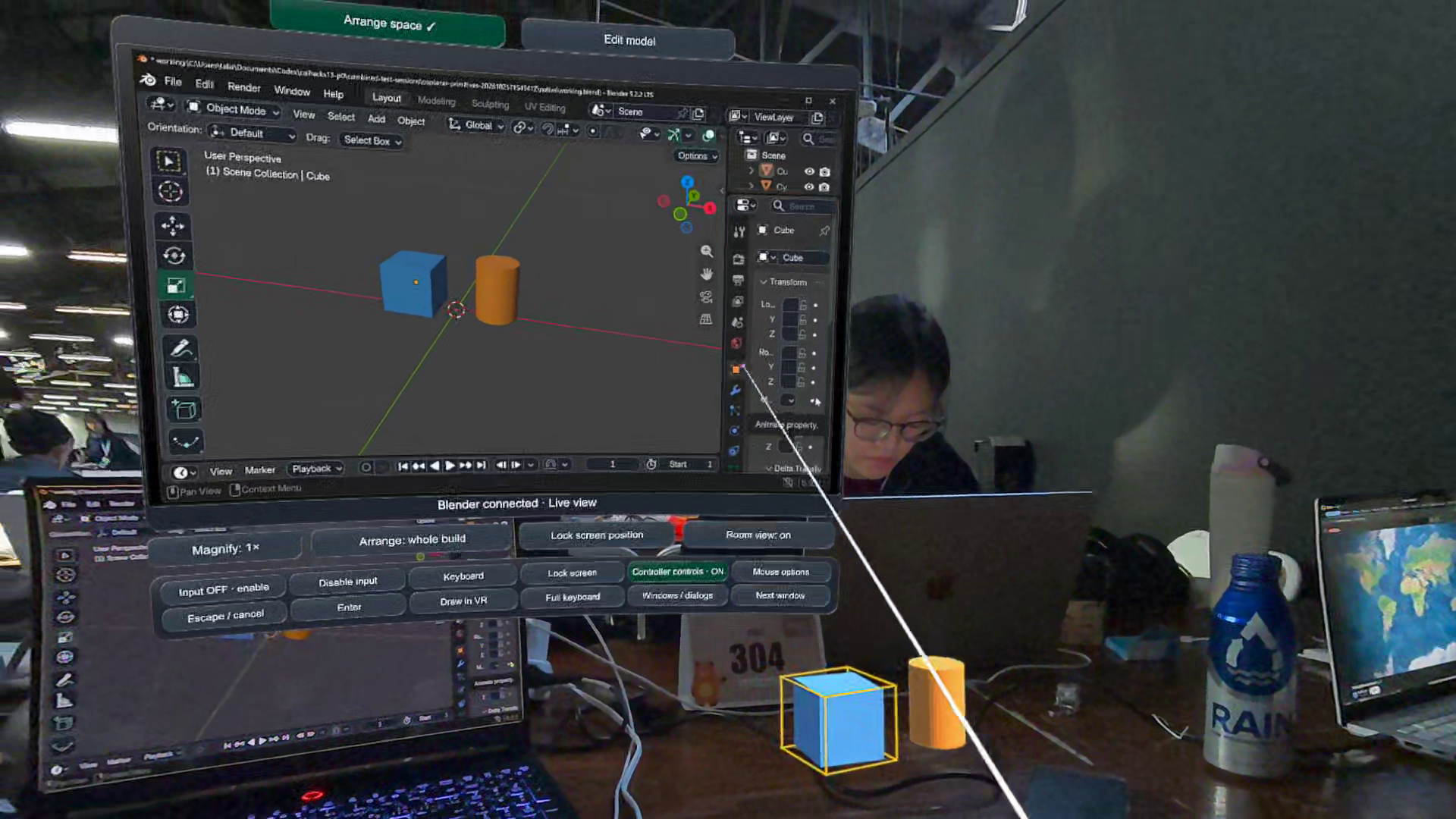
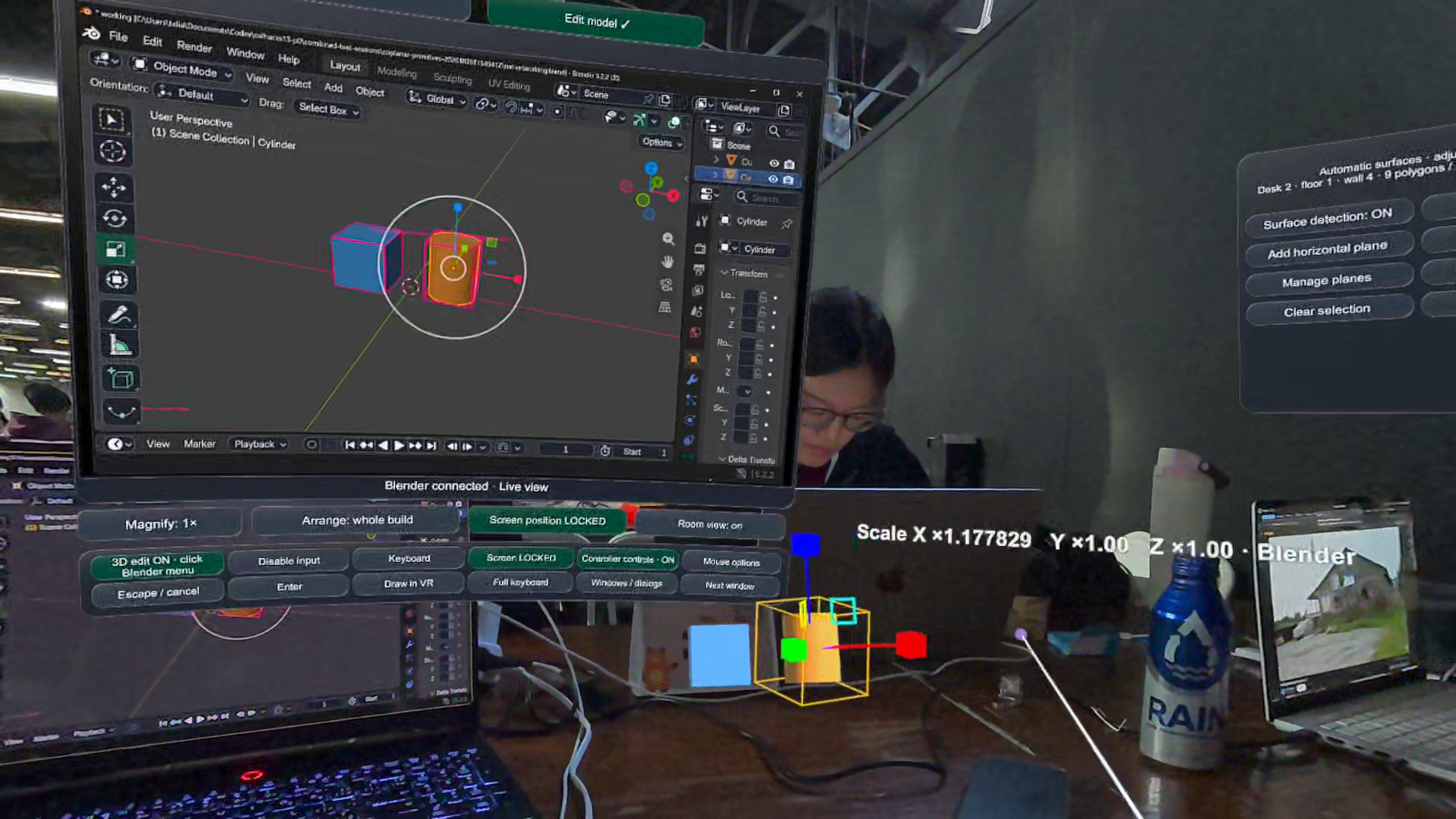
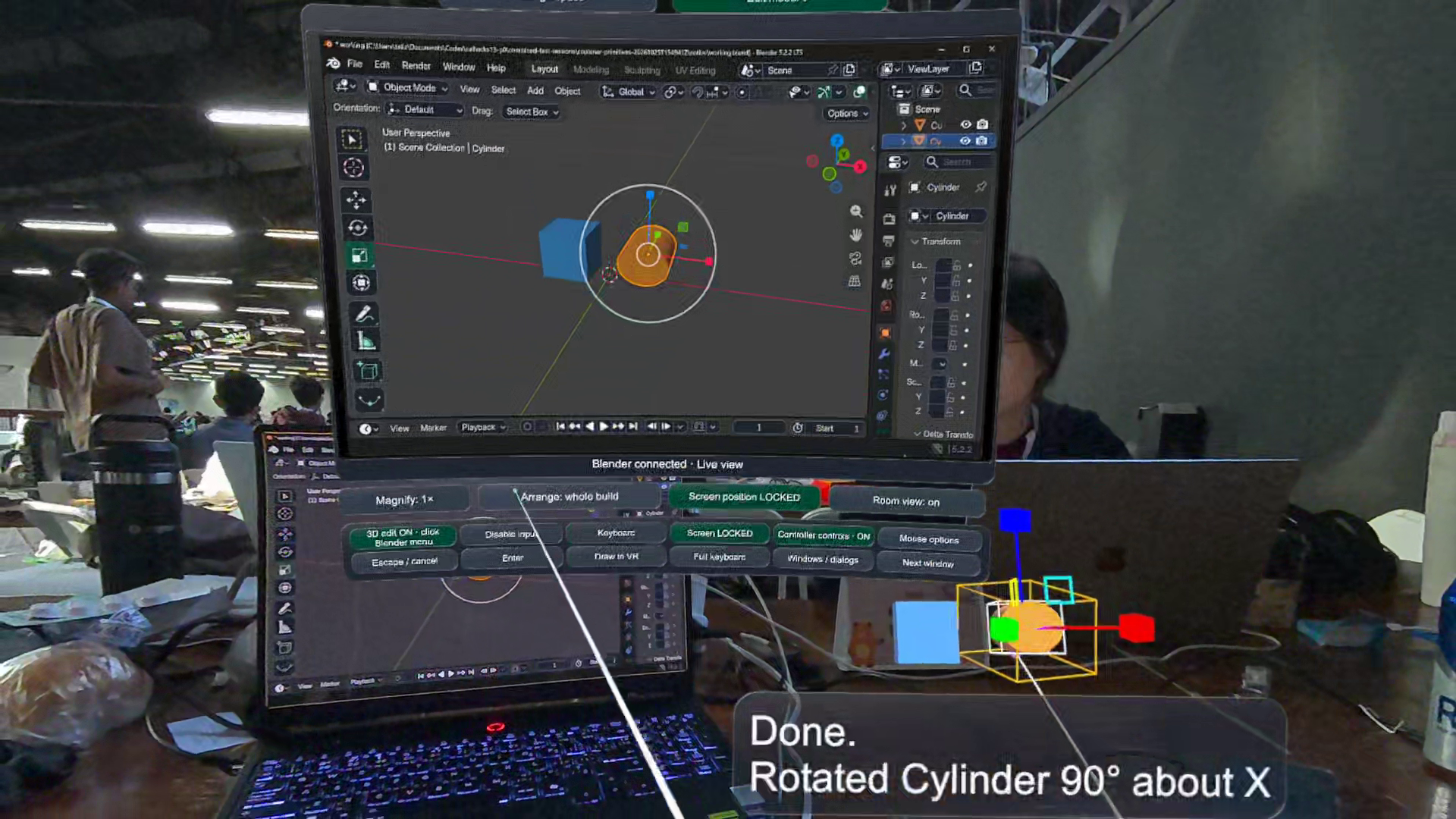
Coplanar turns Blender into a multiplayer VR workspace. One person works in a Quest headset while a teammate joins through desktop Blender. Both see and edit the same scene live. A small game-development or 3D-art team can build an asset together, inspect it from different perspectives, and make changes as they discuss it.
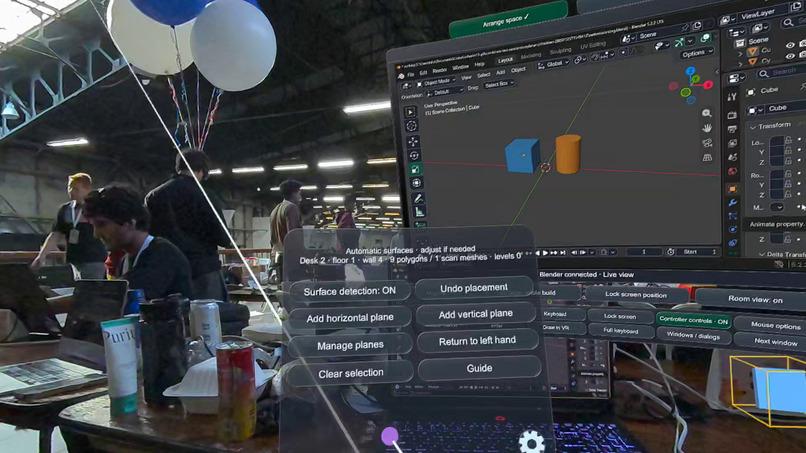
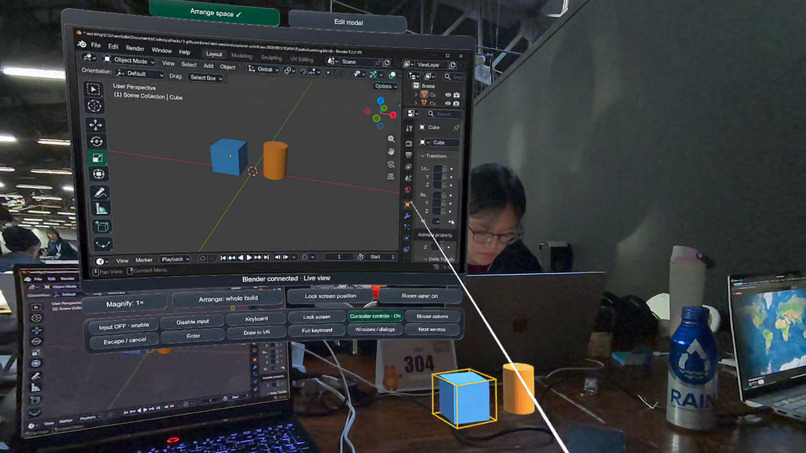
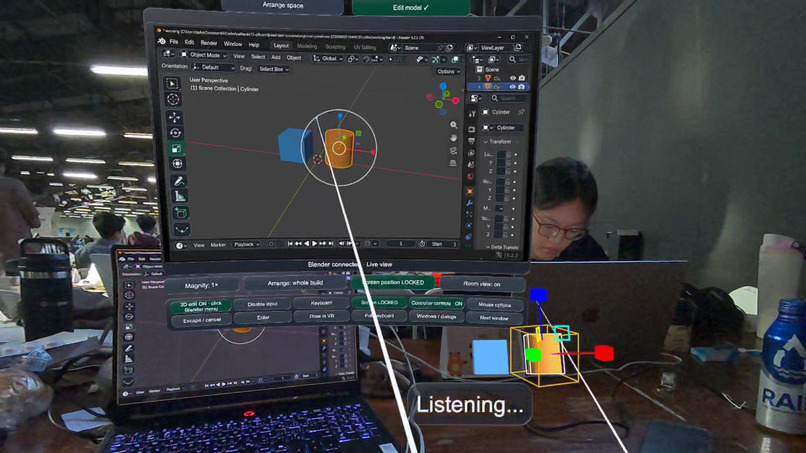
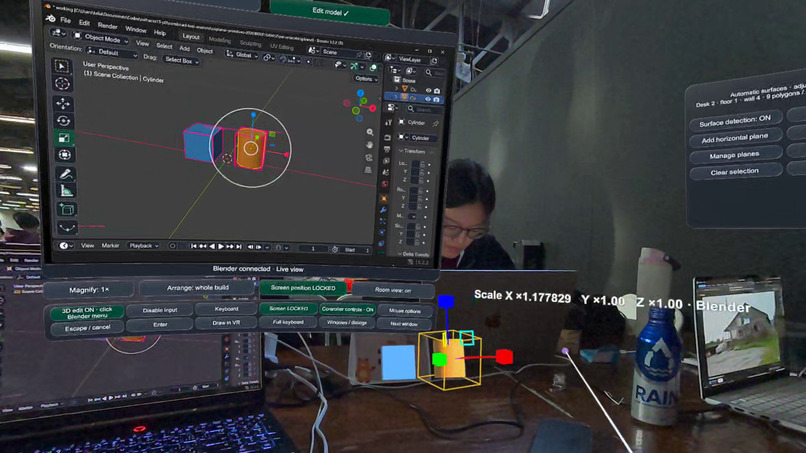
In VR, your scene sits on a virtual worktable. You can move, rotate, and scale objects, select individual mesh components, and use tools including extrusion, inset, bevel, loop cut, and knife. Exact numeric controls preserve precision. An interactive Blender panel gives you access to the familiar native interface without taking off the headset.
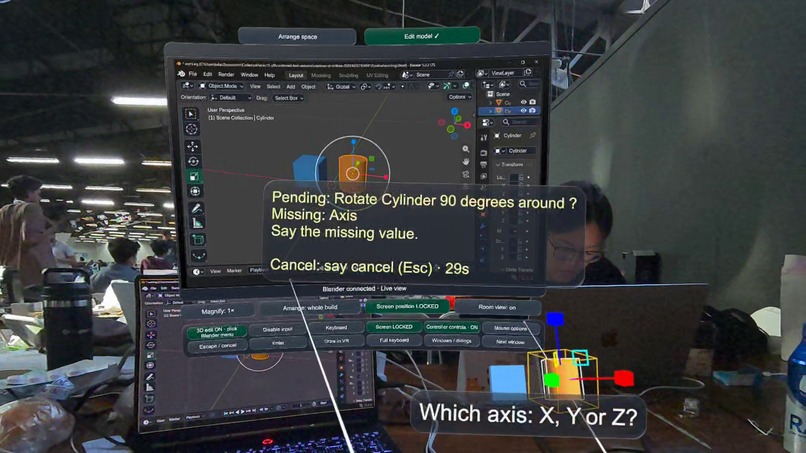
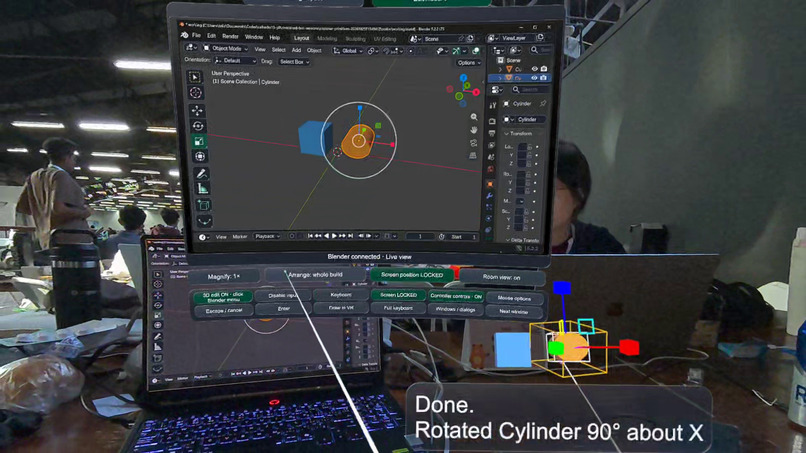
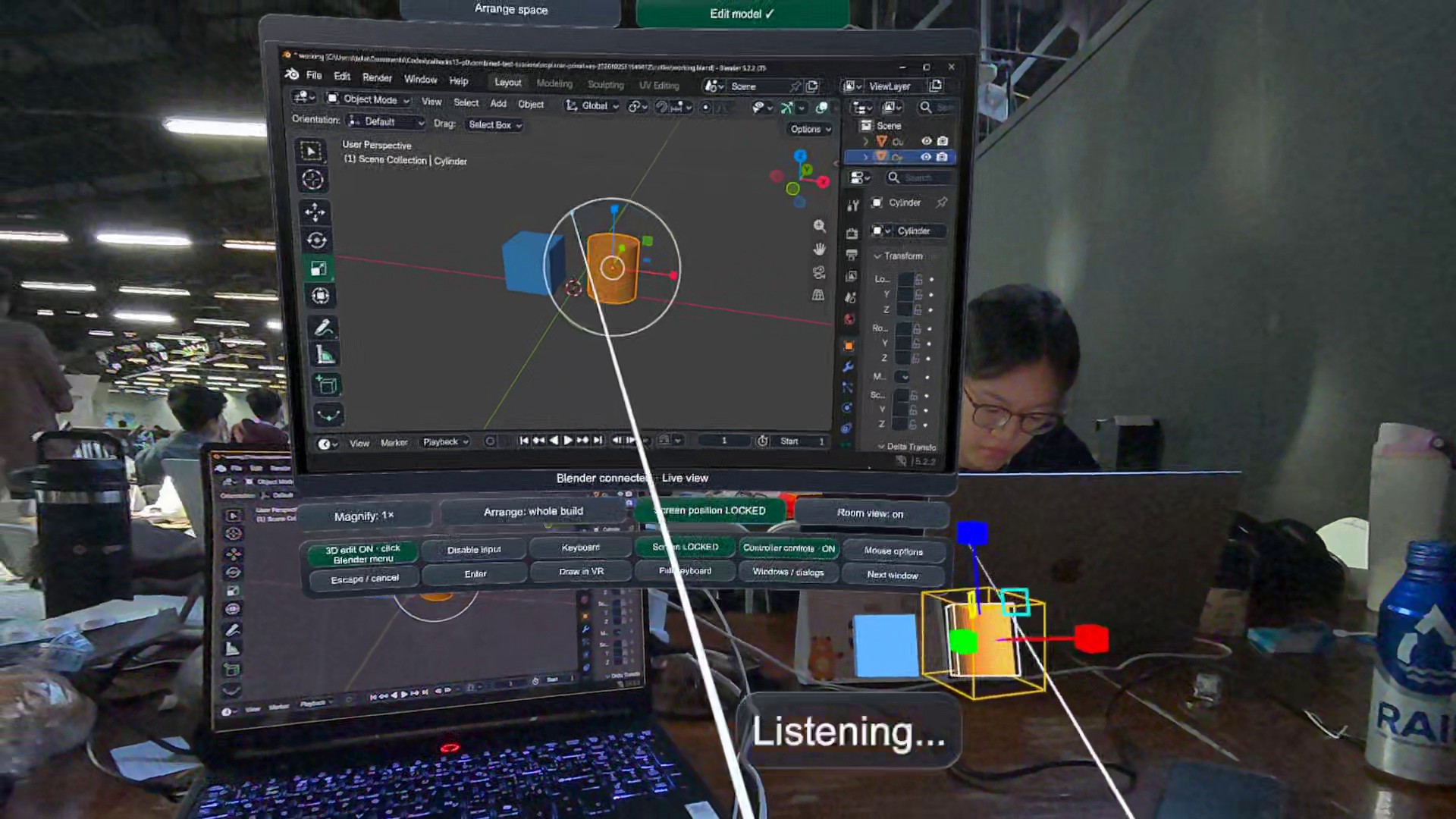
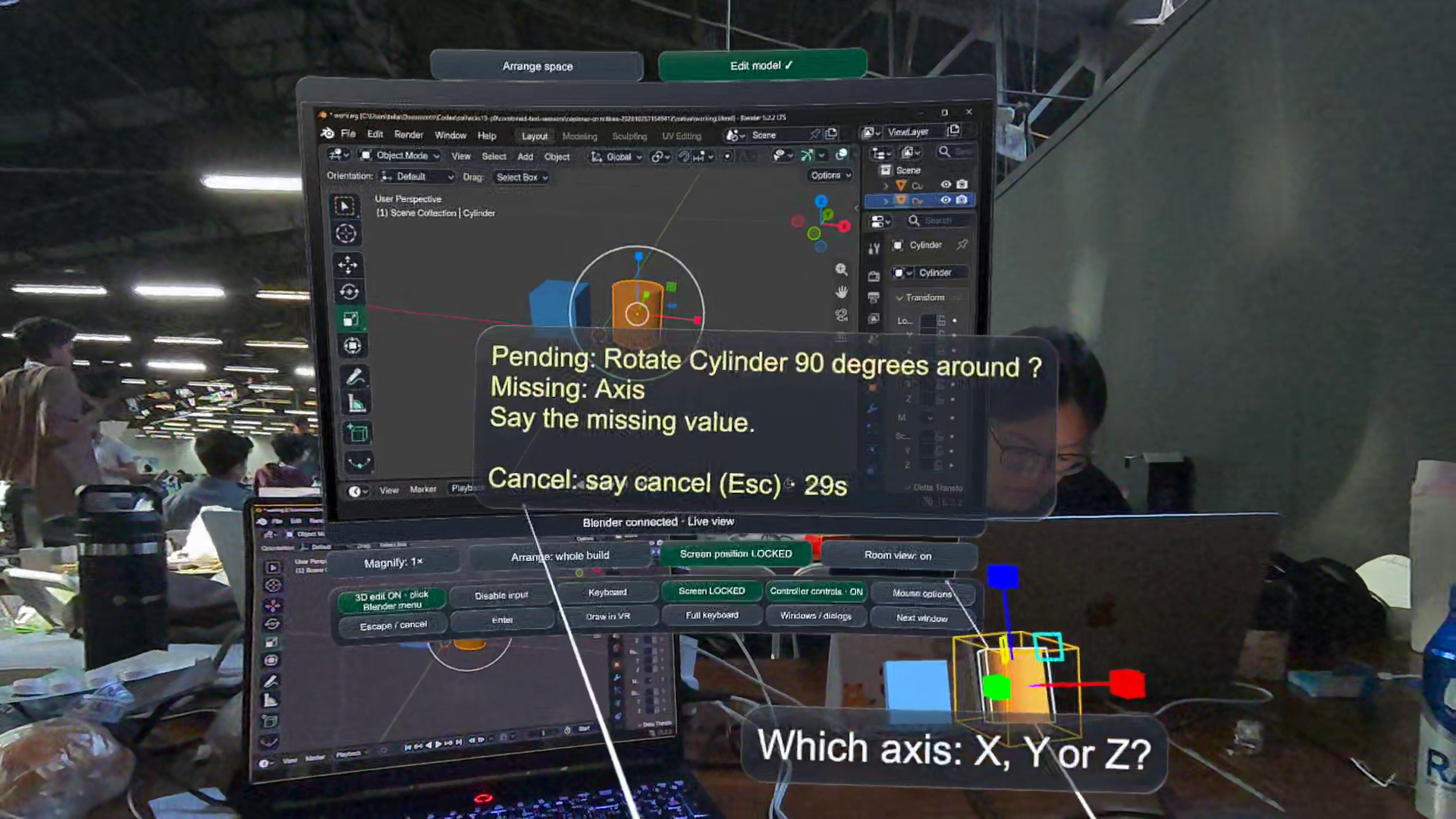
You can also describe an edit aloud. Whisper transcribes your speech, and Gemini uses the scene and selection context to turn the request into modeling operations. Multi-step requests become a plan you can review and confirm. You stay in the shared creative space while the assistant handles the tool sequence.
Your work stays in a real Blender document, with native Undo, Redo, and Save. A teammate can contribute from their existing desktop setup without needing another headset.
How we built it
We built the VR experience in Unity with C#, OpenXR, and Meta XR. A Python add-on connects Blender to the headset and the desktop collaborator. Edits happen in Blender itself, and the resulting geometry updates in each view. This keeps the VR workflow connected to Blender's modeling tools and editable project files.
SpacetimeDB coordinates the multiplayer session. It tracks participants and who is editing each object, keeping collaborators informed and preventing competing edits. We also built a relay through SpacetimeDB so teammates on different networks can join the same project.
Whisper handles speech recognition, and Gemini translates natural-language requests into operations from our modeling tool catalog. The plan includes the relevant objects and parameters, so the user can review what will change before applying it.
Challenges we ran into
Our hardest problem was making direct VR interaction work with a live Blender document. As someone drags or reshapes the floating model, Blender has to update continuously, and every collaborator has to see the same result. We also had to preserve real dimensions and coordinate systems across Unity and Blender.
Editing history made this more demanding. We needed a continuous gesture to become one useful Undo step, and a way to cancel it and restore the starting state. We carried that same behavior into multi-step AI modeling plans.
Voice introduced a different challenge: connecting a person's words to the model they are looking at. We combined speech, selection, and scene context so requests could refer to the work already in front of them, with clarification when details were missing.
Accomplishments that we are proud of
We brought multiplayer editing, hands-on VR modeling, and AI-assisted creation into the same Blender project. The headset user can shape the model directly while a desktop teammate contributes alongside them, and both keep access to Blender's native tools and history.
That combination is what excites us most: a shared workspace where people can create together using the input that suits them, whether that is controllers, a keyboard and mouse, or their voice.
What we learned
The best spatial interactions combine freedom with precision. Reaching out to move a model feels natural, while exact values and familiar tools make the result useful. Multiplayer also changes the interface: seeing what your teammate is doing is part of the creative process.
We learned that AI is most useful here when it helps someone express an idea and carry it out within the shared scene, with a clear connection between their request and the resulting model.
What's next for Coplanar
We want to expand the modeling tools and AI-assisted workflows, simplify session discovery, and bring Coplanar to small game-development and 3D-art teams. We want building together in 3D to become as easy to start as joining a multiplayer game.


Log in or sign up for Devpost to join the conversation.