Demo : https://coop.art
Video : https://youtu.be/MQTgN9Fa5AA
Slide deck : https://www.dropbox.com/s/j5gpo2djmqyv9br/Coopart.pdf?dl=0
About Coopart
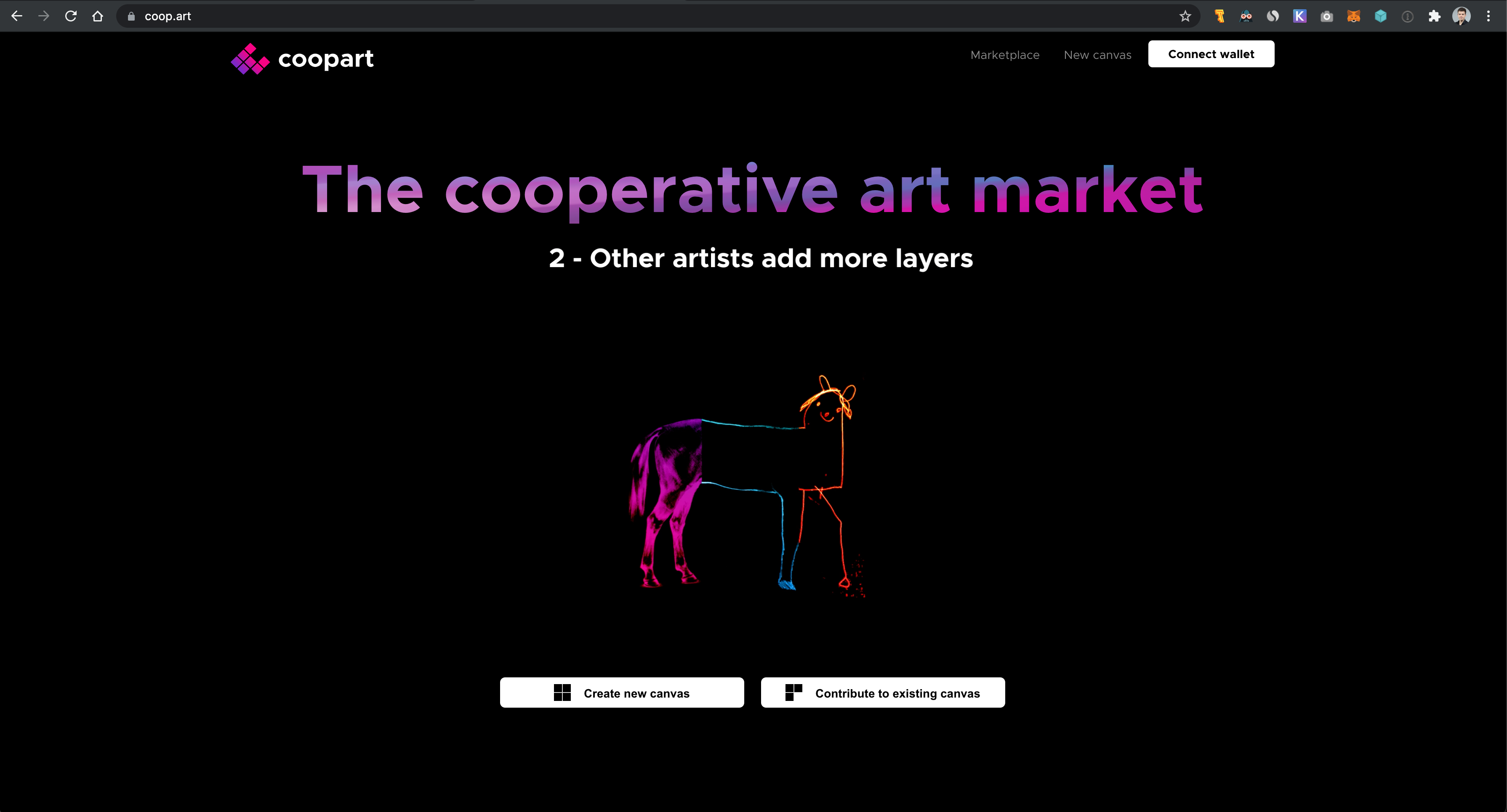
Coopart [ koh-op-ahrt ] is the first-ever cooperative layer-based NFT art marketplace.
- Create a canvas and add the first layer.
- Other artists add new layers.
- People can vote layers in or out. Each canvas is its own DAO and self-governs.
- Canvas is sold and profits distributed to all its contributors.
Inspiration
I first got the idea to create Coopart from looking at the $69 million Beeple's NFT. The piece of art is made from 5,000 tiles merged together into a common canvas. I thought it would be great if each layer was made by a different author, and so Coopart was born. Many artists can contribute tiles or layers to a common canvas that is then sold as a single piece, and profits are shared between all of them.
Try it out
Getting started
The platform is live at coop.art and running on the Matic Mumbai Testnet. I coded the smart contract in Solidity and integrated the frontend with IPFS for token metadata upload and storage. Before trying out the platform, make sure you have a funded account on the Mumbai Testnet. You can use the Matic faucet at faucet.matic.network.
Now, on Coopart, click Connect wallet and Metamask will open to ask you for authorization. Your Eth address should then appear in the top right corner.
Create a new canvas
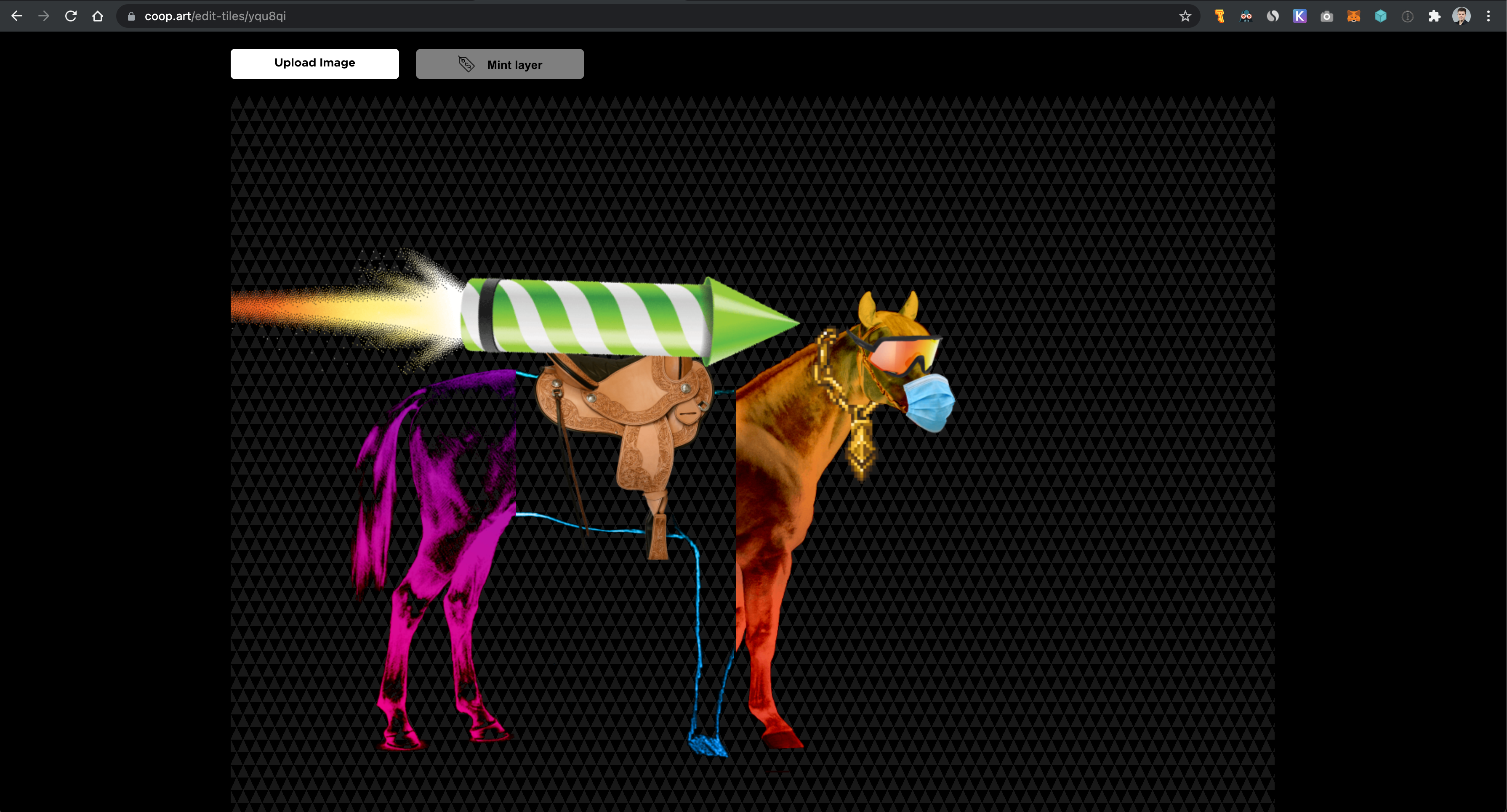
You are now ready to create a new canvas or contribute to the existing canvases. If you click Create New Canvas, you can see the canvas editor with an empty canvas. Click Upload and choose an image file. Wait while the layer is uploading. I am using IPFS with Infura to store the NFT images and metadata, so it is fully decentralized and layer owners can be reassured that their art is stored safely forever.
Once the image is uploaded, it appears in the canvas. There you can move it around and resize it. For now the canvas is limited in size but future versions will have an infinite canvas. Once you are done, click Mint layer to create a ERC721 token for the layer. A Polygon transaction automatically starts.
Click confirm to start the minting transaction. A notification in the top right corner tells you that the transaction has been sent. Wait a few seconds, and another notification will tell you that the layer has been minted. You can check out PolygonScan to confirm that the transaction is indeed successful. This canvas is now officially started. You can add more layers yourself or wait for others to contribute. Note that a new canvas has a contribution period of 7 days. After that, the canvas locks and is put on sale.
Contribute to existing canvas
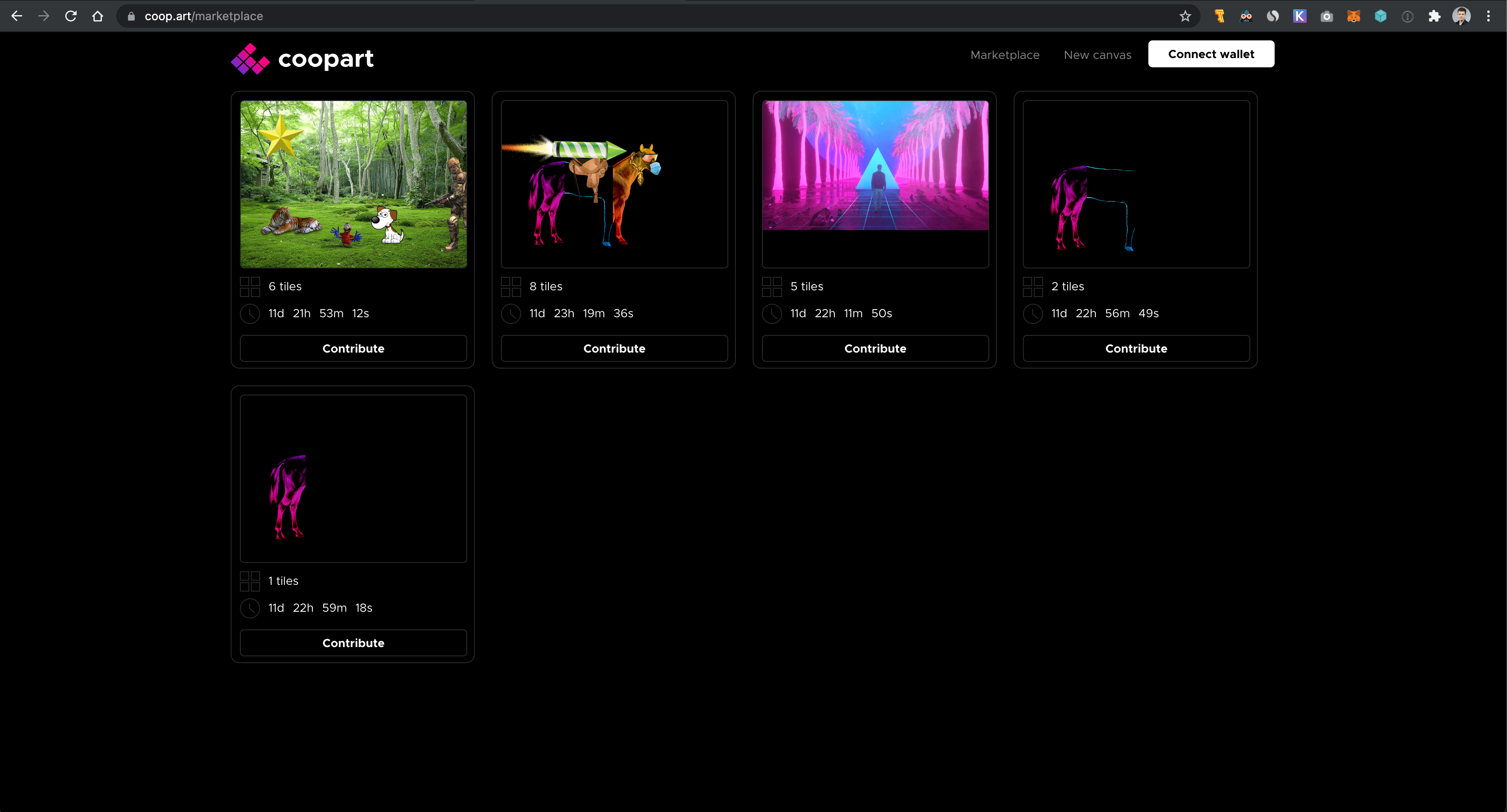
Head over to the marketplace to see all ongoing canvases that still have time left in their contribution period and canvases that have expired and have automatically been put on sale. You should see the canvas you just created with one layer. Click any ongoing canvases and the canvas editor will open and fetch the layers from the smart contract. You can now contribute a new layer. When you are done, refresh the marketplace to see the updated canvas. (PS: Sometimes the subgraph is lagging a few minutes behind the blockchain, so if do not see your layer right away, wait a few minutes and refresh the marketplace)
Vote on layers
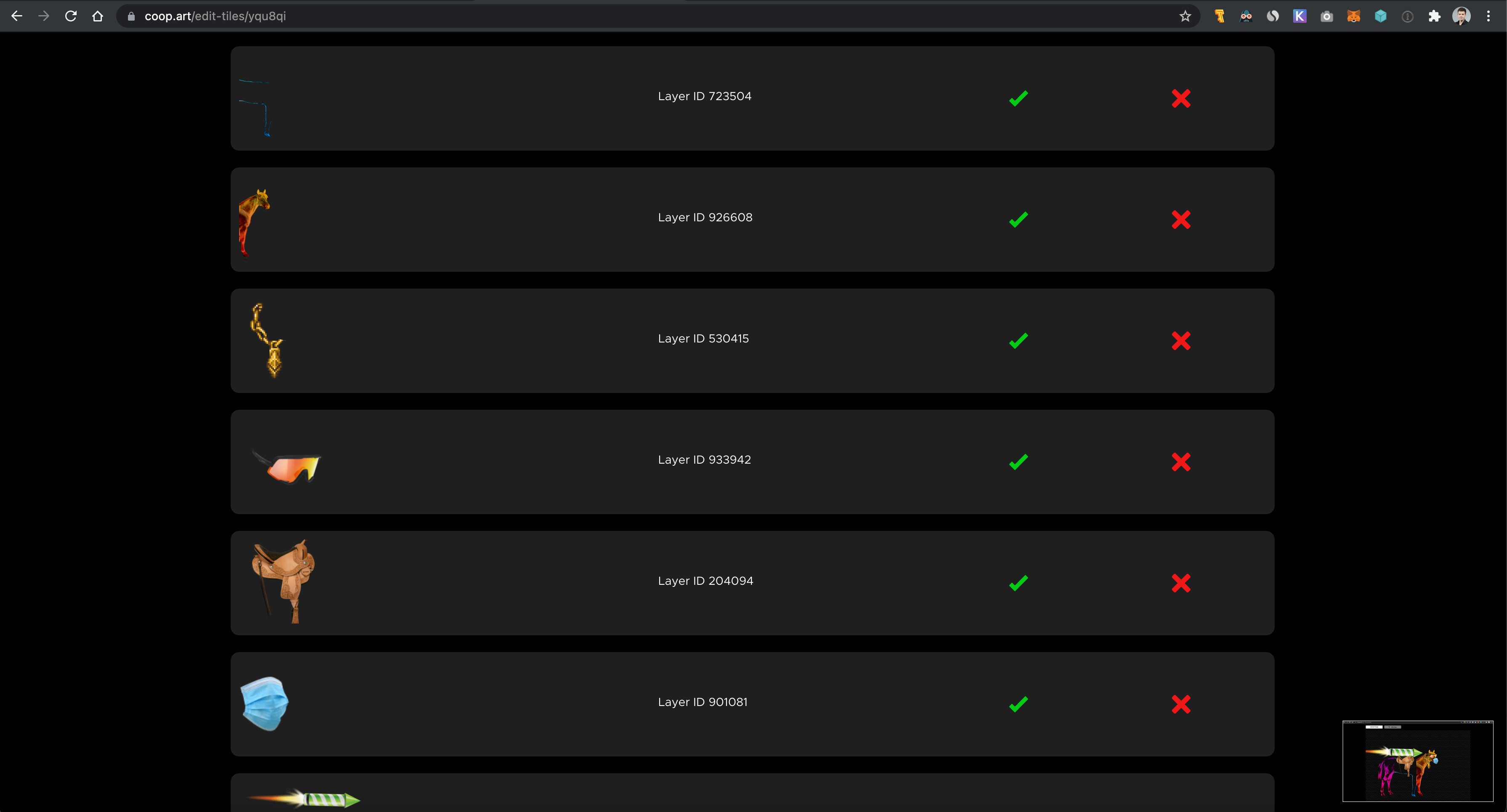
Now, what if someone ruins a canvas with an inappropriate layer? That's where voting comes into play. If you believe a layer should not be in a canvas, you can downvote it to be removed. On the contrary, if you believe a layer is a perfect match for the canvas, you can upvote it to keep it up. Each canvas will be its own DAO and self-govern.. If a layer has more downvotes than upvotes, it is removed.
Buy/Sell canvas
Once the contribution period of a canvas expires, no one can contribute to it anymore, and it is automatically put on sale in the marketplace. For now, I've only implemented a simple fixed price sale at 1 MATIC as a proof of concept. You can click Buy Canvas and submit the transaction. You'll receive all the layers from the canvas, and all the layer creators (except those that were voted out) are paid according to the number of layers they contributed. E.g., if a canvas has 10 layers and is sold for 1 MATIC, each layer creator will receive 0.1 MATIC. If someone contributed 2 layers to that canvas, he would receive 0.2 MATIC.
How It's Made
The frontend is made with React. The canvas editor is a made using react-konvas.
The smart contracts are made in Solidity using modified ERC 721 contracts from Open Zeppelin.
I built and deployed a custom subgraph at https://thegraph.com/studio/subgraph/coopart/ to query data from the frontend.
I deployed the smart contract on the Polygon Mumbai Tesnet.
I am using IPFS to store the layer images and token metadata.
Conclusion
Coopart is a revolutionary way of building NFT art cooperatively. Cooperative art will lead to exceptional and new kind of artistic pieces from thousands of artists working together and maybe worth millions.


Log in or sign up for Devpost to join the conversation.