-
-

Cool-Pet-Food-Tracker
-
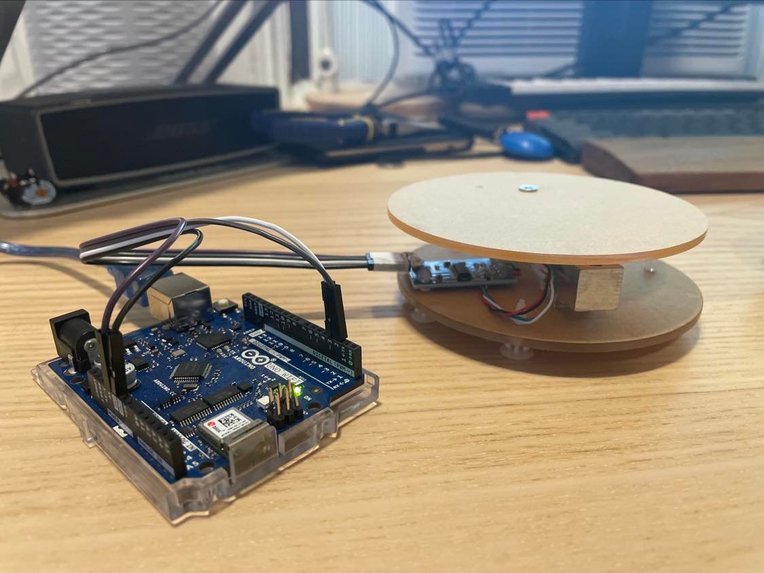
Prototype Device
-

Webpage


Inspiration
We drew inspiration from Shuke’s cat Schrodie and Christian’s idea of making a real time monitor for pets. We wanted to make a project with a hardware portion, and decided collecting data from the hardware and displaying it in real time on an app can be a good way to implement what we have learned through our MCIT courses and personal interests while doing a feasible and fun project.
What it does
Shuke can testify that, sometimes, pet owners just have too much on their plates, especially if they are MCIT students who also own pets. They sometimes just forgets about feeding their pets. We designed this projects to help with this problem.
After the hardware is installed, when the pet eats food, the web app automatically updates the weight of the food and shows a real time chart of food weight. If there is little food left in the bowl, the app sends an email to the owner to remind them to refill the bowl.
How we built it
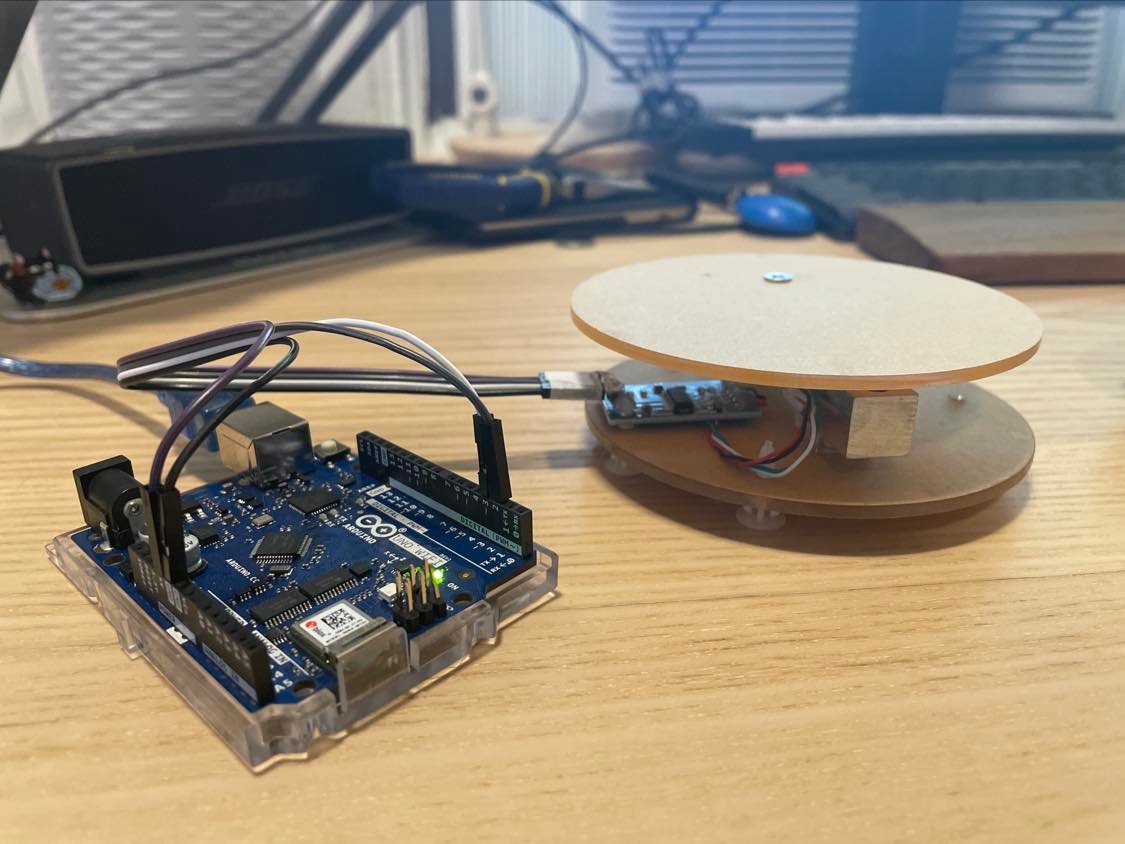
First, we purchased hardware parts such as the arduino board and the HX711 sensor. We connected the hardware according to the correct schema so that the sensor transmits weight data to the arduino board, which sends data to the serial monitor built in in the arduino IDE.
We wrote a python script to collect information from the serial monitor and send data to the database if the change from what is previously collected is significant.
To get data from the cloud-server, we used the Axios client and its built-in functions to store our data and more importantly place the latest weight value into a variable. We then used the React framework to display this value on the webpage. We also made sure to add a delay of 10 seconds for the automatic refreshing so we do not overflow the server with queries. Moving on, we created functions that would display the correct bowl image and message based on the latest weight update. Also, we used react-chartjs-2 to make two charts showing current weight of food and food consumption per day.
We complemented our React component with a CSS file that styled the webpage and improved the UI for better ease-of-use. Node.js with Express.js are used to provide url for front-end to get data. Also, Node.js ran queries on a MySQL data base to calculate food consumption per day. Nodemailer was used to send an email to the user when the bowl is empty.
Finally we used Heroku to deploy our project. Also, we used ClearDB as our cloud database running on Heroku.
Challenges we ran into
In this project we used development tools that we had never used before. Therefore, we had trouble simultaneously learning and implementing them to build our web app in a short period of time. Whenever we saw errors, we searched online to see other’s insights and solutions on similar errors. Most errors occurred due to wrong syntax of coding or node modules. Some modules were recently updated, so there are some changes in syntax. Also, we had to make sure that the version of node modules were compatible with each other, so we could not be relieved until the web app was built and successfully deployed on Heroku.
Accomplishments that we're proud of
Our first accomplishment was managing to load data from the Arduino into a local MySQL server. This required knowledge in a low-level language such as C++ and knowing how to work with python. We were also successful in utilizing Node.js to collect the data from our database so we could use the information for the front-end. We succeeded in running tests locally before moving on with the deployment once everything was working as planned.
Finally, we were successful in building a user-friendly web page that showcases the important data collected and can externally notify the user should the bowl be empty. We also accomplished providing useful data visualizations so the user can see different trends and be able to analyze if any changes are needed.
What we learned
Overall, this hackathon was a great opportunity for us to delve into different developer tools that we had no prior experience in using. We learned how to set up a MySQL database that accepts data uploaded by the Arduino board. We further learned how to upload our database to a cloud server and be able to access it from anywhere.
After completing the back-end, we developed the necessary skills to be able to work with front-end frameworks and libraries such as React and chart.js. This included reading the documentation and figuring out how to solve both major and minor issues by using online resources such as StackOverflow.
Since the development was such a substantial task, we needed to develop a healthy collaboration system that ensured we would work together effectively and no single task would be completed by multiple people. Of course, this meant we had to dig into the specifics of git, learning exactly what each command does and when to use it. Moreover, we had to make sure to be safe with our commits, as updating the incorrect branch would prove to be detrimental.
To conclude, this hackathon taught us not only the technical skills that are demanded, but also the soft skills required to work in a collaborative environment. We are all ecstatic to have participated and look forward to new challenges.
What's next for Cool Pet Food Tracker
We can improve the prototype of the hardware. Currently, we are using Arduino connected to a laptop which runs Python scripts to send data to the cloud database. Instead, we can use Arduino connected to a Raspberry Pi to run Python scripts and be an independent IOT device. Moreover, we can improve sturdiness and aesthetics of the hardware because the current prototype is fragile.
We can implement multi-user functions. The current web application supports only one user. We can make separate tables in the database for each user to sign in and view their personal data on the website.
Furthermore, we can add a weight sensor for water intake, so users can fully monitor the diet of their pet. Then, we will also need an improved dashboard for users to easily view and understand their pet’s eating habits.


Log in or sign up for Devpost to join the conversation.