-
-
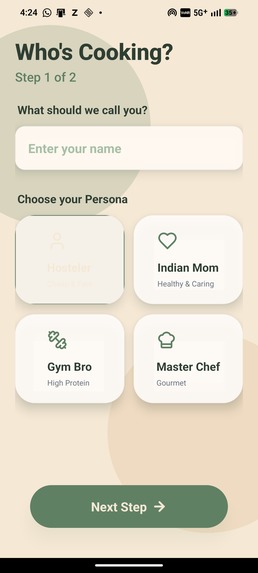
login page
-
-
-
-
-
Inspiration
Our inspiration came from a single, startling statistic: 71% of Gen Z actively seeks healthy food options, yet only 11% actually cook daily.
That gap—between the intent to be healthy and the action of actually doing it—is where we saw the problem. We realized this wasn't about laziness; it was about friction.
As students ourselves, we lived this reality. We saw friends buying groceries with the best intentions, only to let them rot because they were too tired to figure out what to cook after classes. We call this the "Learning Tax"—where the fear of burning food or the mental load of decision-making forces us to rely on expensive, unhealthy takeout.
We didn't want to build just another recipe app. We wanted to build an infrastructure that eliminated the anxiety from the kitchen, bridging the gap between "I'm hungry" and "I made this."
What it does
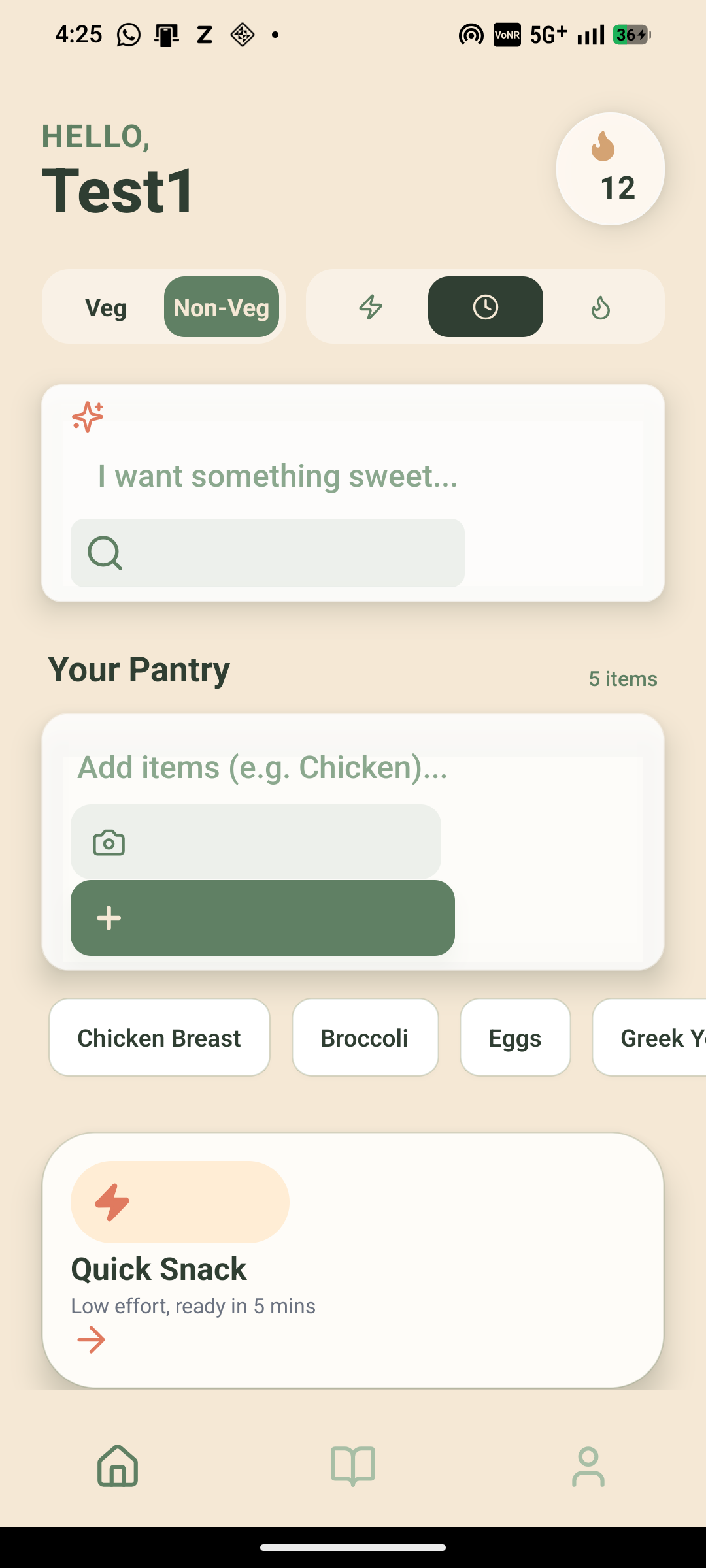
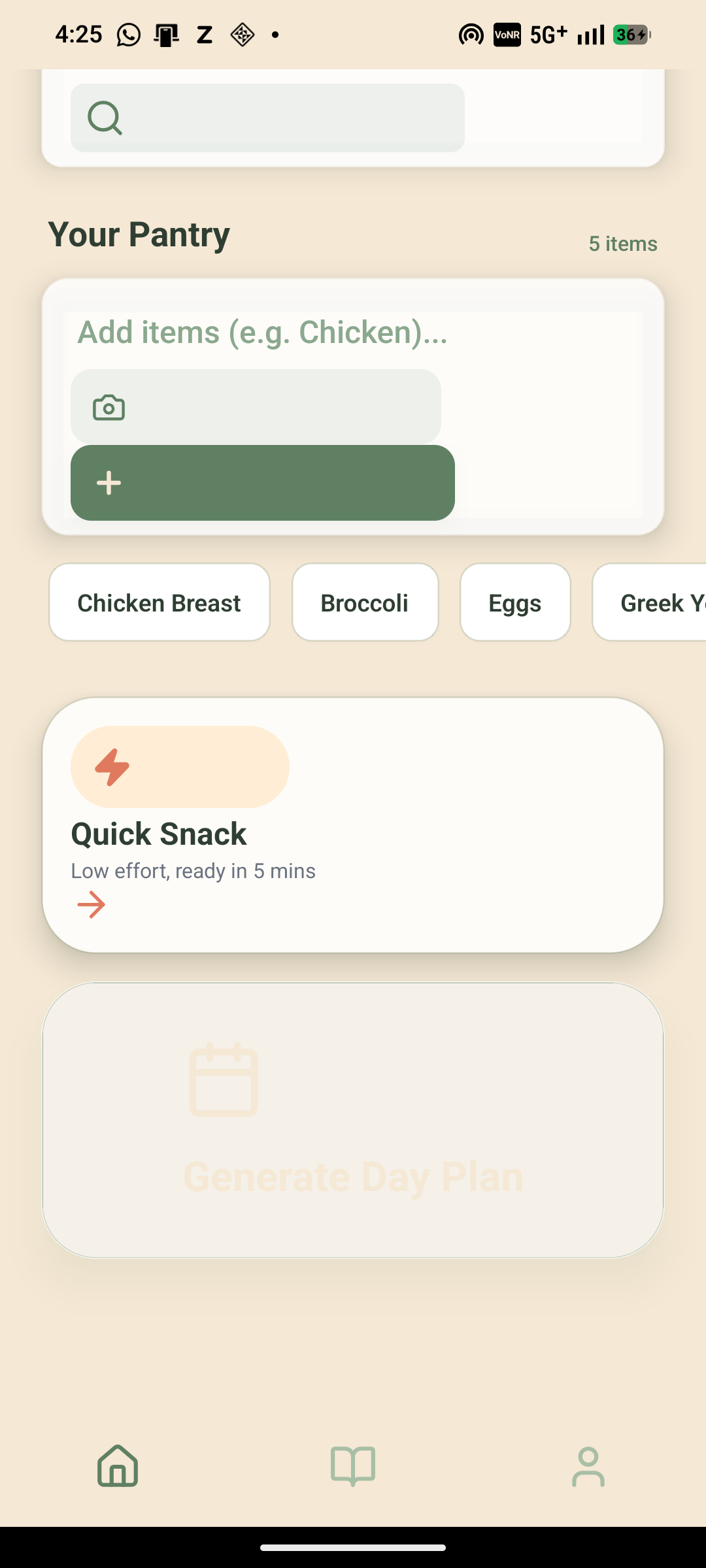
CookMate is an Intelligent Cooking Operating System designed to remove decision fatigue and food waste. It works in three steps:
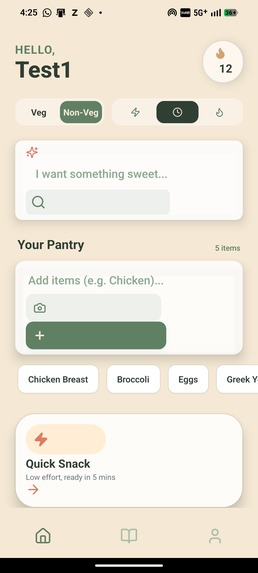
- Smart Inventory (The Eyes): Users don't type shopping lists. They simply snap a photo of their open fridge. Our AI Computer Vision identifies the ingredients (e.g., spinach, eggs, milk) and instantly logs them.
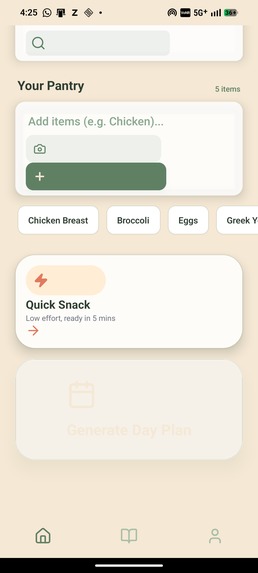
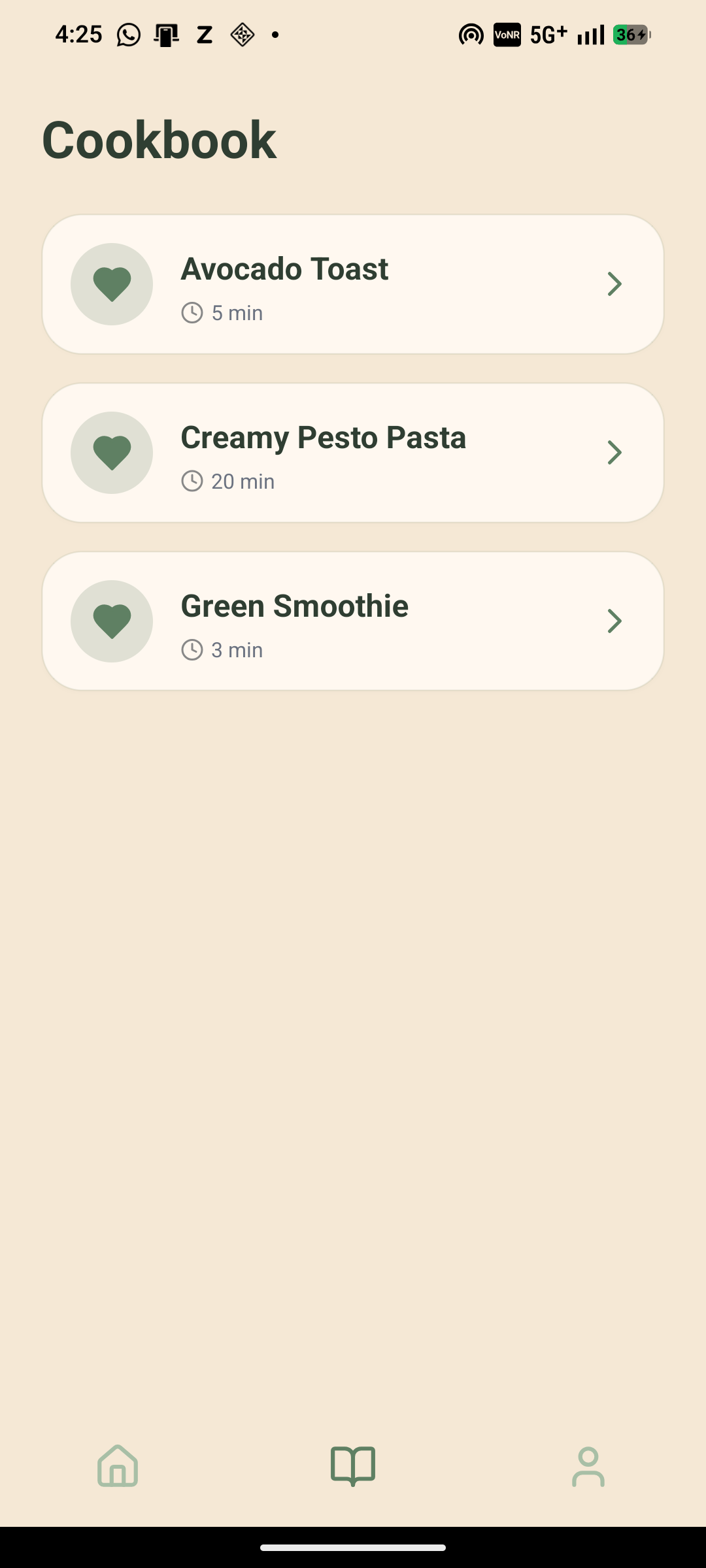
- Dynamic Recipe Engine (The Brain): Based on what you actually have, CookMate generates a personalized meal plan in seconds. It prioritizes ingredients that are about to spoil, effectively closing the loop on food waste.
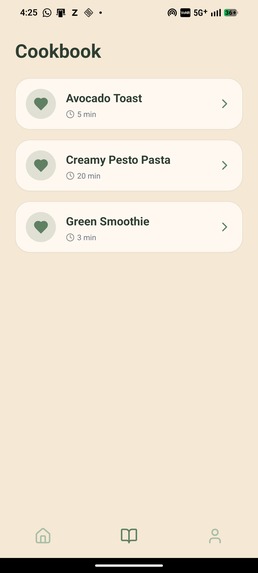
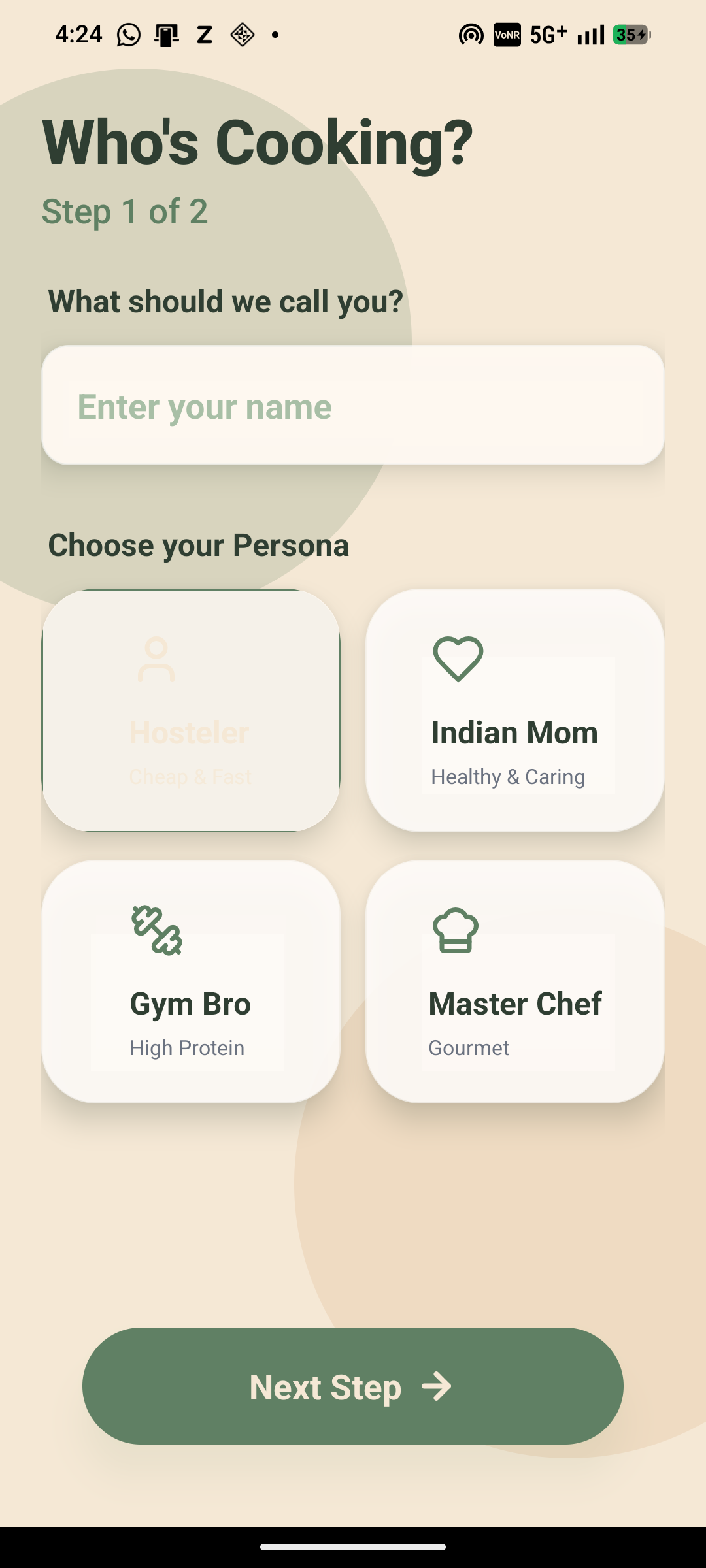
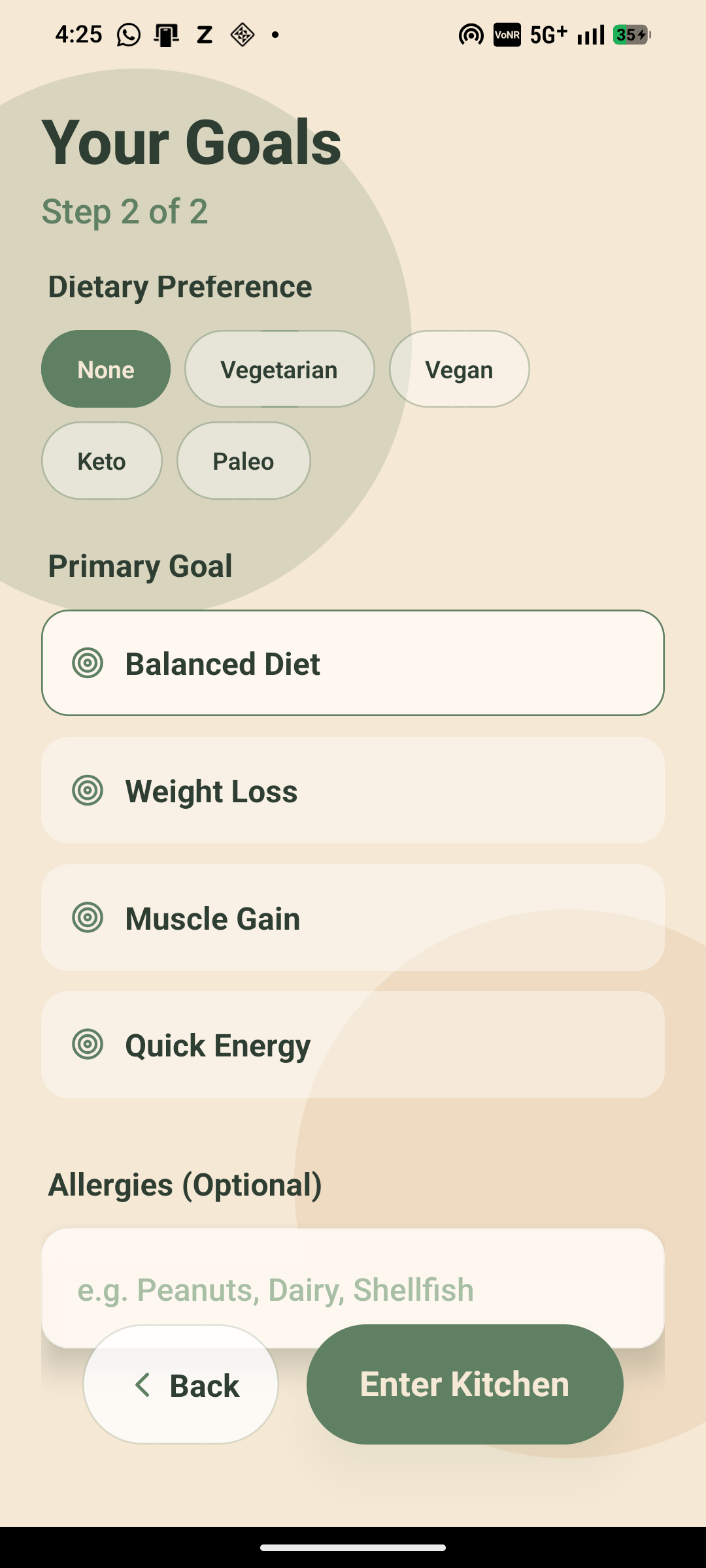
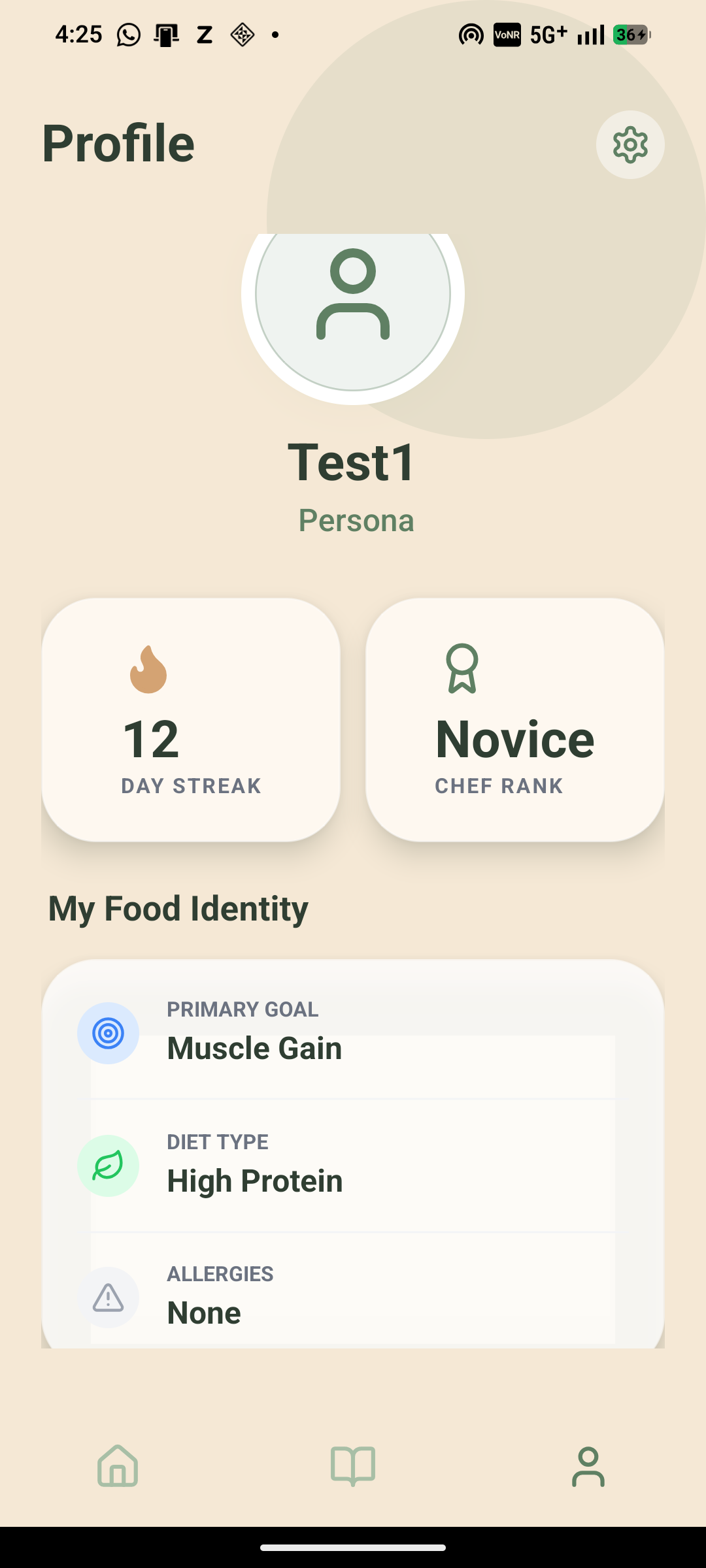
- Adaptive Personas (The Voice): We replaced robotic instructions with distinct AI personalities.
- Gym Bro: Hypes you up about protein macros and gains. "Come on, that protein isn't going to eat itself!"
- Indian Mom: Scolds you lovingly if you forget the spices. "Beta, don't forget the turmeric!"
- Hosteler: Finds the quickest, cheapest hack for your meal.
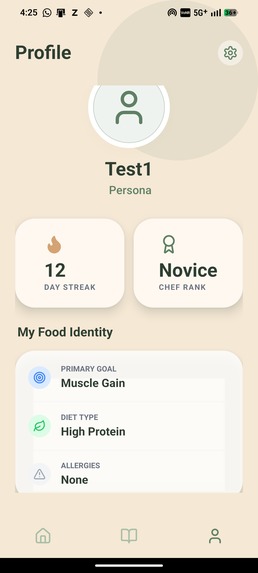
It converts a stressful chore into a guided, gamified experience.
How we built it
We built CookMate as a seamless, full-stack ecosystem:
- Frontend: We used React Native (Expo) to ensure a truly cross-platform mobile experience. We styled it with NativeWind (TailwindCSS) for a modern, glassmorphic UI that feels premium and responsive.
- Backend: The core logic runs on Python (FastAPI), chosen for its high-performance asynchronous handling of AI requests.
- AI Intelligence:
- Computer Vision: We integrated Azure AI Services to handle the object detection in user photos, converting raw pixels into structured inventory data.
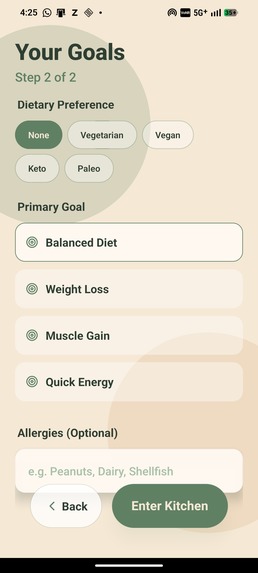
- Generative Logic: We utilized Large Language Models (LLMs) to power the "Recipe Engine" and the "Persona System," using complex prompt engineering to ensure the "Gym Bro" sounds authentic and the "Indian Mom" sounds caring.
- Hardware (Prototype): For our future vision, we prototyped with an ESP32-CAM module to stream video to our backend, setting the stage for real-time visual analysis.
Challenges we ran into
- Hallucinations in Recipes: Early on, the AI would suggest recipes requiring ingredients the user didn't have. We had to implement a strict "Constraint Verification" layer in our backend to ensure recipes were strictly limited to the user's scanned inventory.
- Latency vs. Experience: Analyzing high-res fridge photos takes time. To keep the app feeling "snappy," we implemented optimistic UI updates and skeleton loaders so the user never felt stuck waiting for the server.
- Prompt Engineering Personas: It was difficult to make the AI personalities (like the "Indian Mom") feel funny without being annoying. We spent hours tweaking the system prompts to strike the right balance of humor and helpfulness.
Accomplishments that we're proud of
- The "One-Shot" Scan: We successfully built a pipeline where a single photo of a messy fridge can accurately populate a digital pantry inventory with >90% accuracy.
- The Persona System: Watching users laugh when the "Gym Bro" AI yelled at them for low protein was a highlight. It proved that adding "humanity" to the AI made the app significantly more engaging.
- Cross-Platform Performance: Managing to run a complex AI-heavy application smoothly on a mobile device using React Native without major performance drops.
What we learned
- The "Learning Tax" is Real: We learned that users don't hate cooking; they hate deciding. Once we removed the decision-making step, users were eager to cook.
- Multimodal AI is the Future: Text alone isn't enough. Combining Vision (seeing the fridge) with Text (generating recipes) created a user experience that felt like "magic" compared to standard form-filling apps.
- Simplicity Wins: Our initial scope was too big. Cutting it down to just "Snap -> Plan -> Cook" made the product significantly stronger and easier to explain.
What's next for CookMate
We are moving from software to AIoT Hardware Integration with the CookMate Vision Clip.
While the app handles planning, the actual cooking is messy and requires dirty hands. We are developing a clip-on wearable (powered by ESP32) that attaches to the chef's apron.
- First-Person Vision: It will watch the pot in real-time.
- Safety Alerts: It will warn users if milk is boiling over or onions are burning.
- Hands-Free Guidance: It will provide step-by-step audio instructions based on visual cues.
We are building the complete ecosystem to take a user from a hungry student to a confident chef, without them ever needing to touch a screen.
Built With
- api
- azure
- fastapi
- generativeai
- github
- javascript
- postman
- python
- uvicorn
- vision


Log in or sign up for Devpost to join the conversation.