-
-
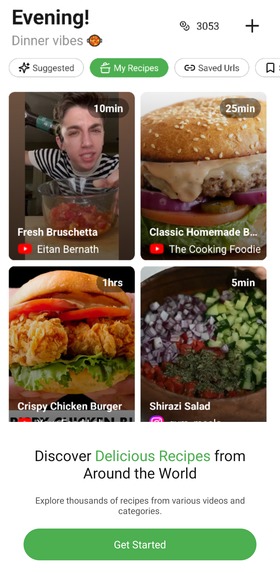
Getting started
-
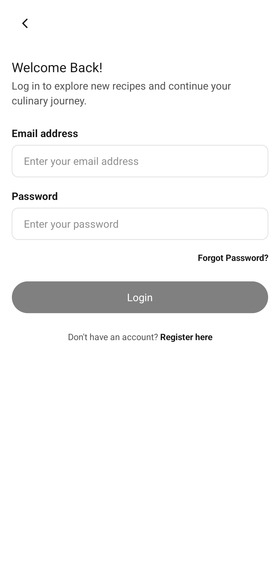
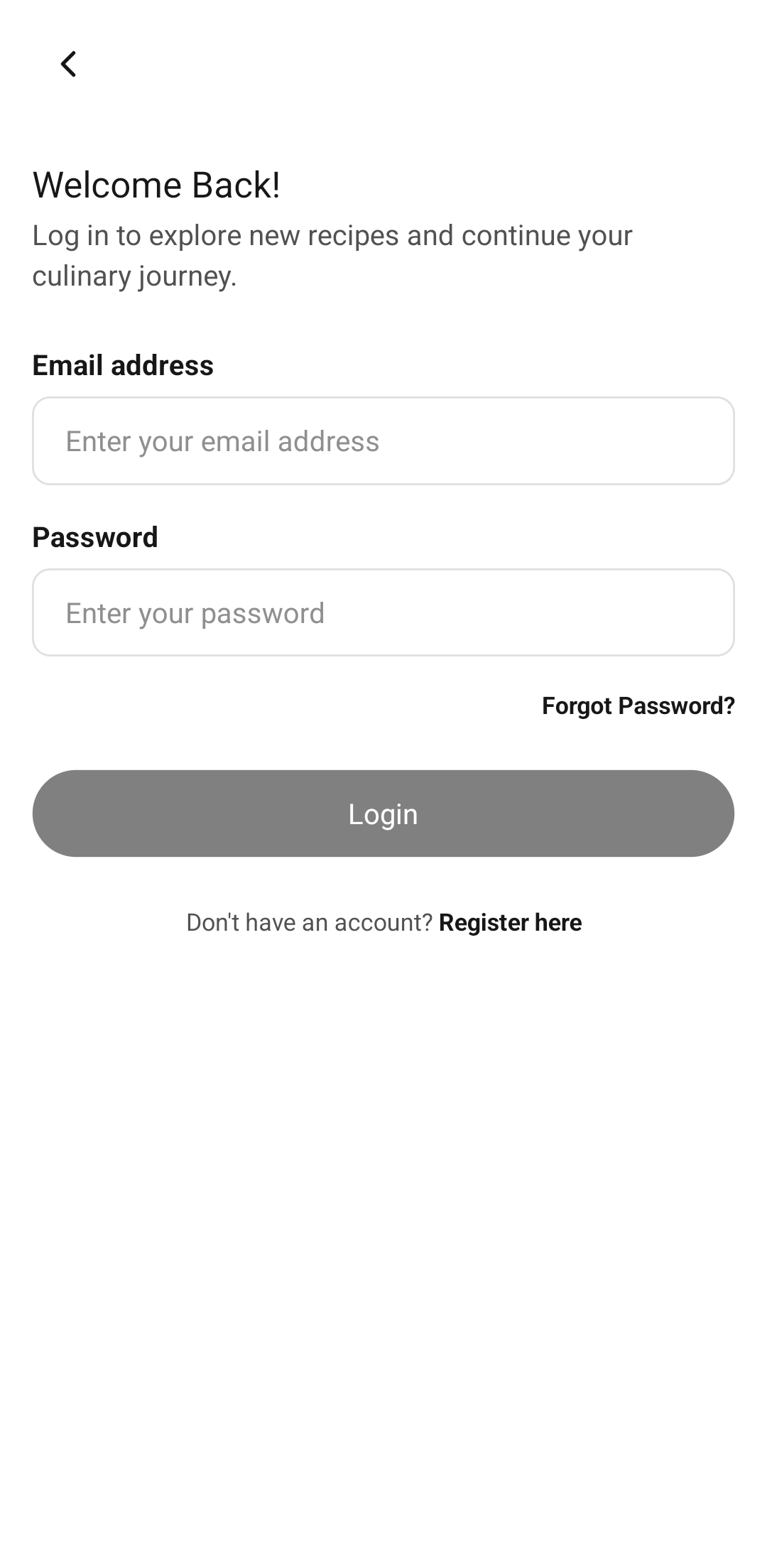
Sign in
-
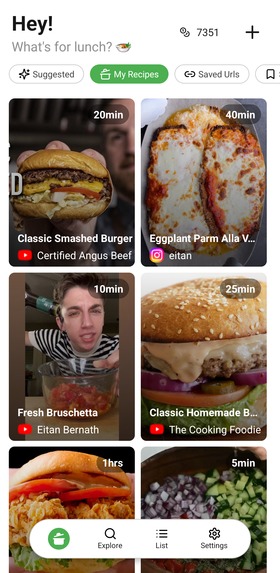
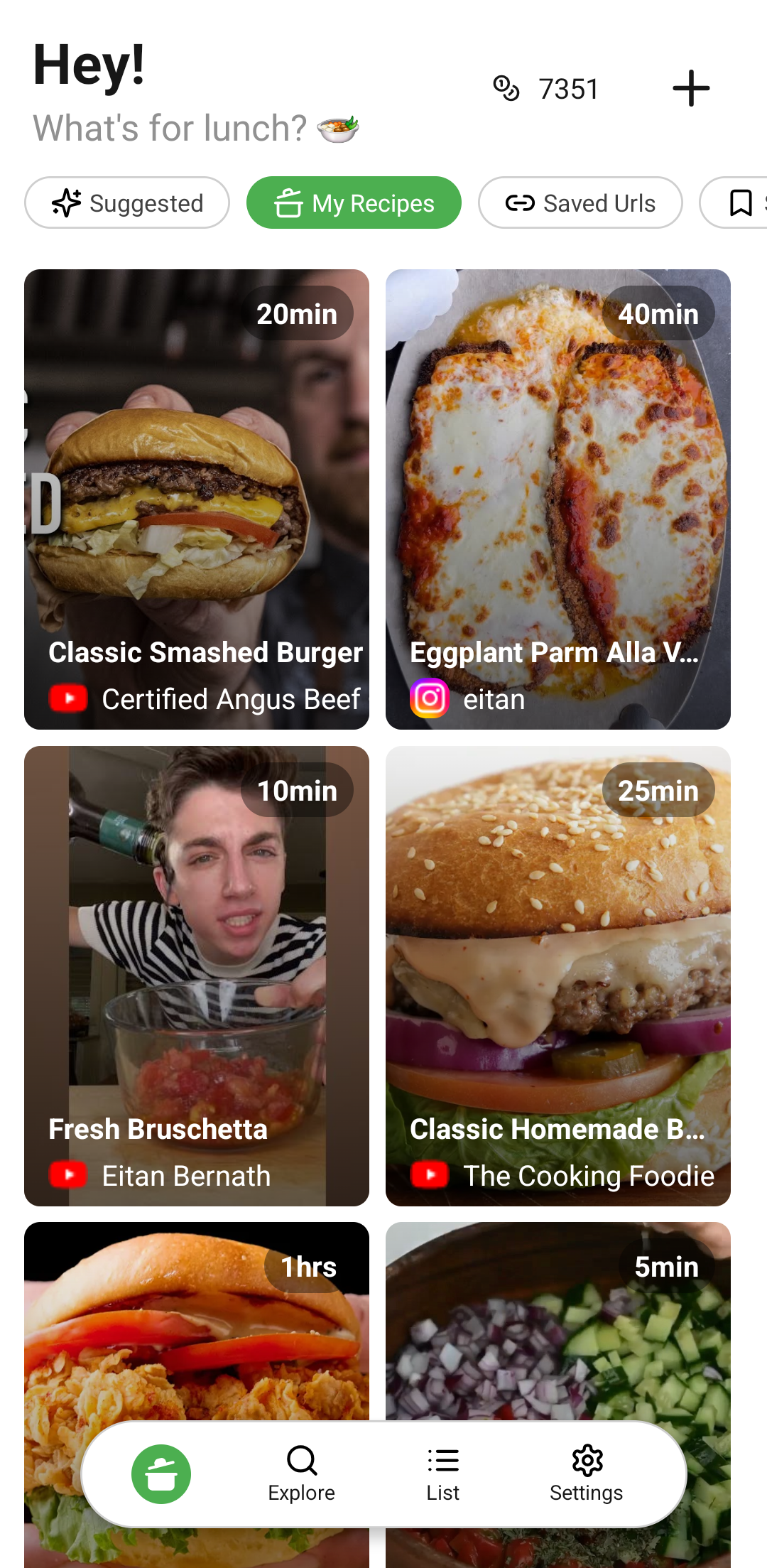
Home page my recipes
-
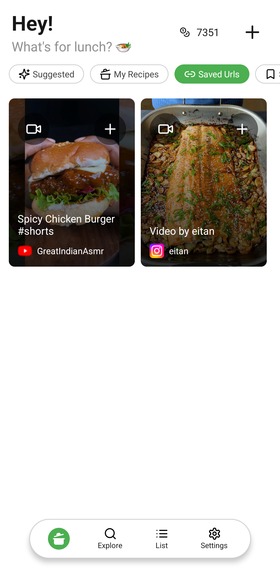
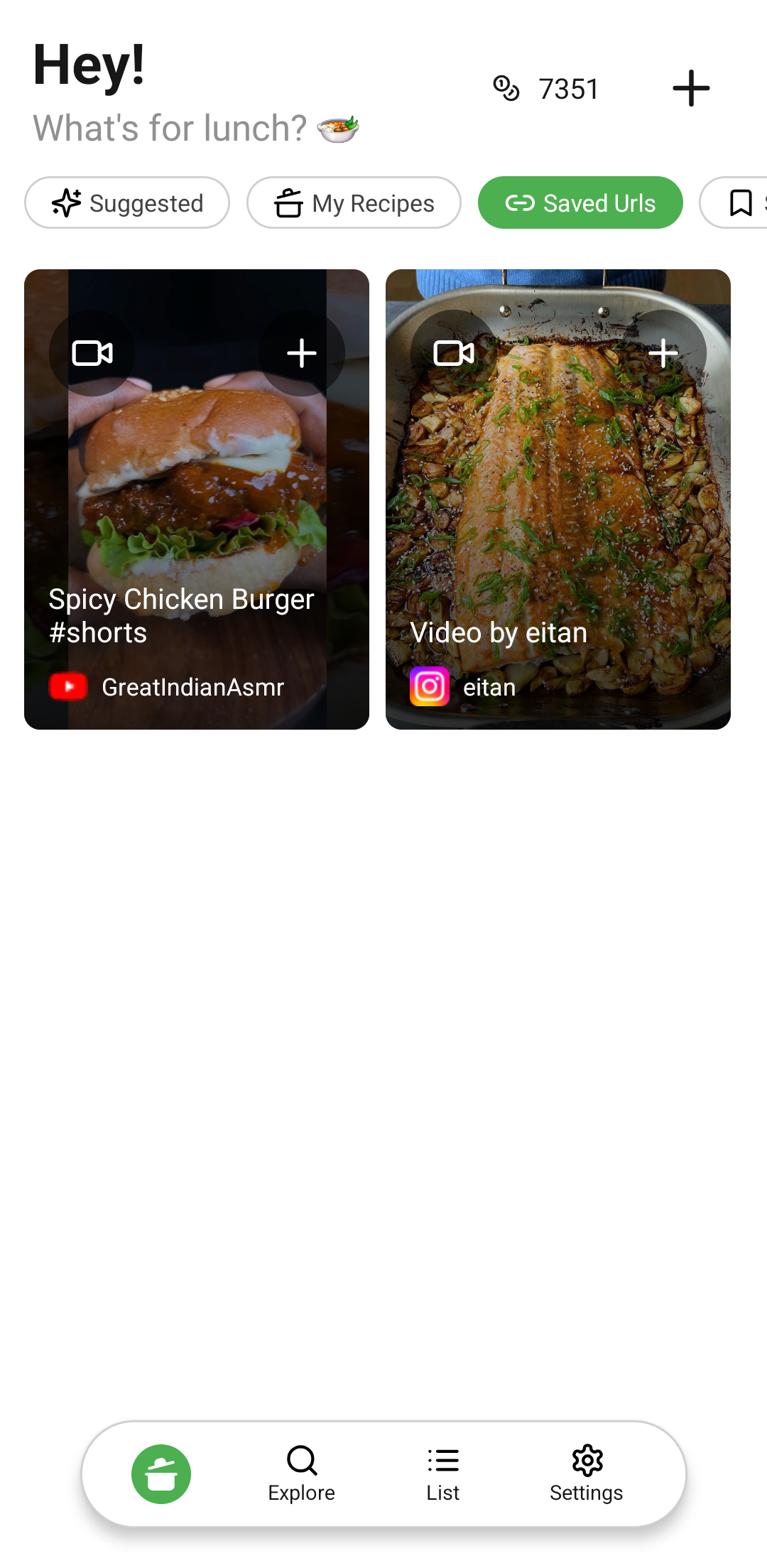
Home page saved urls
-
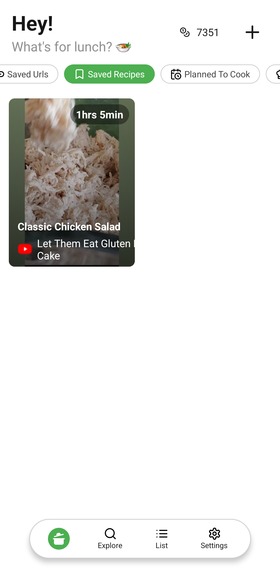
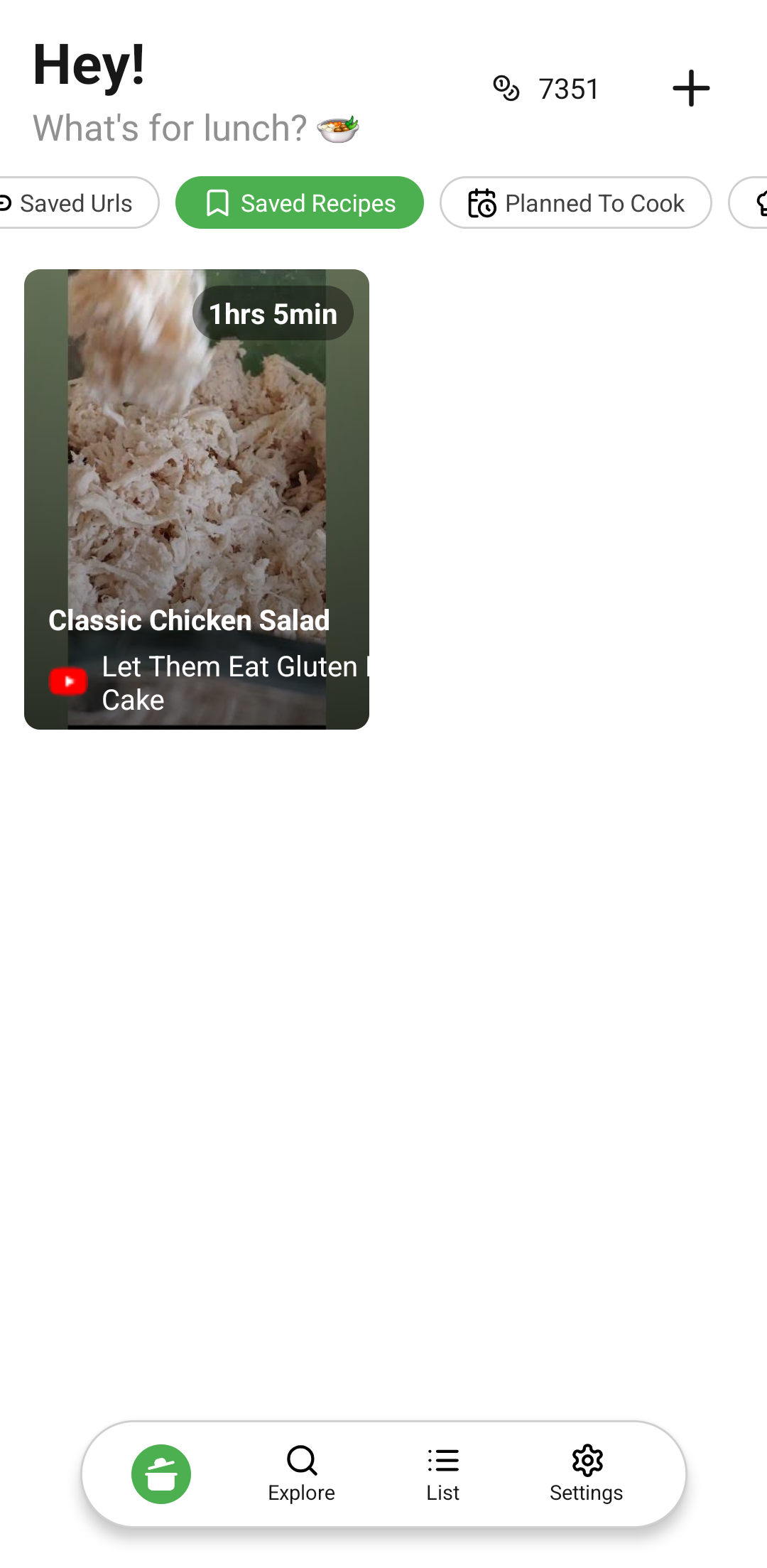
Home page saved recipes
-
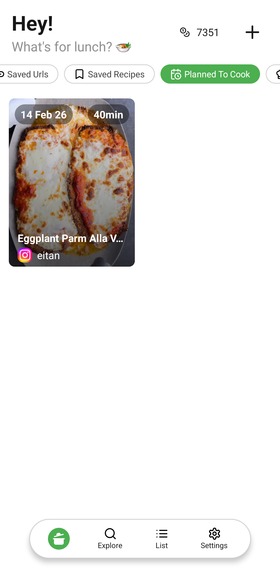
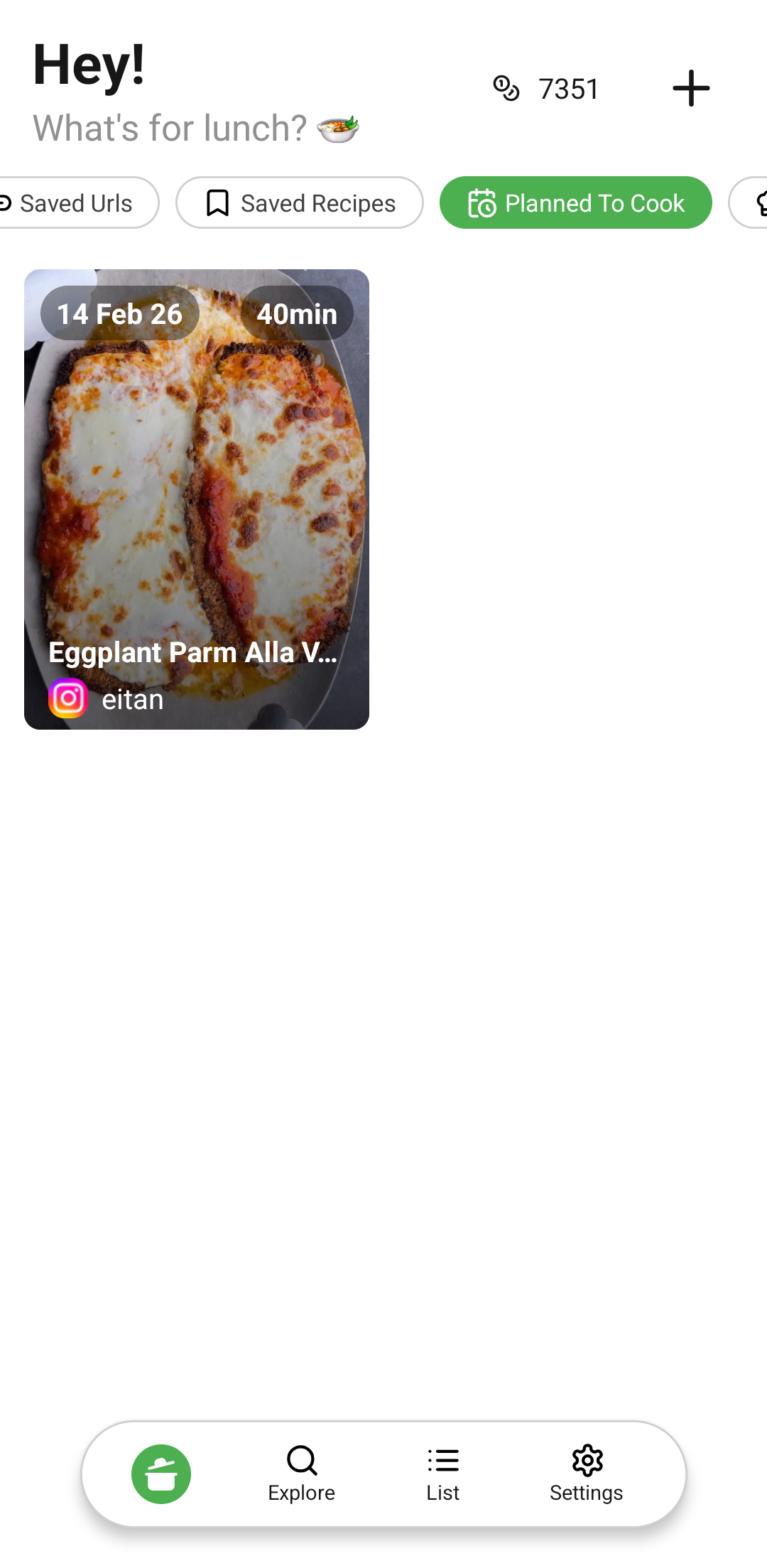
Home page planned to cook
-
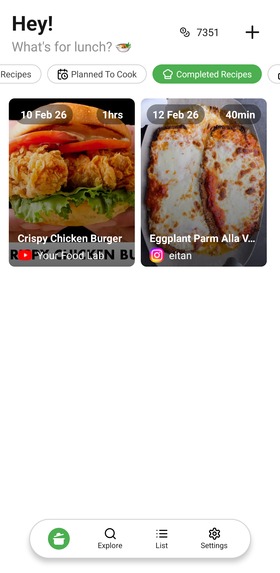
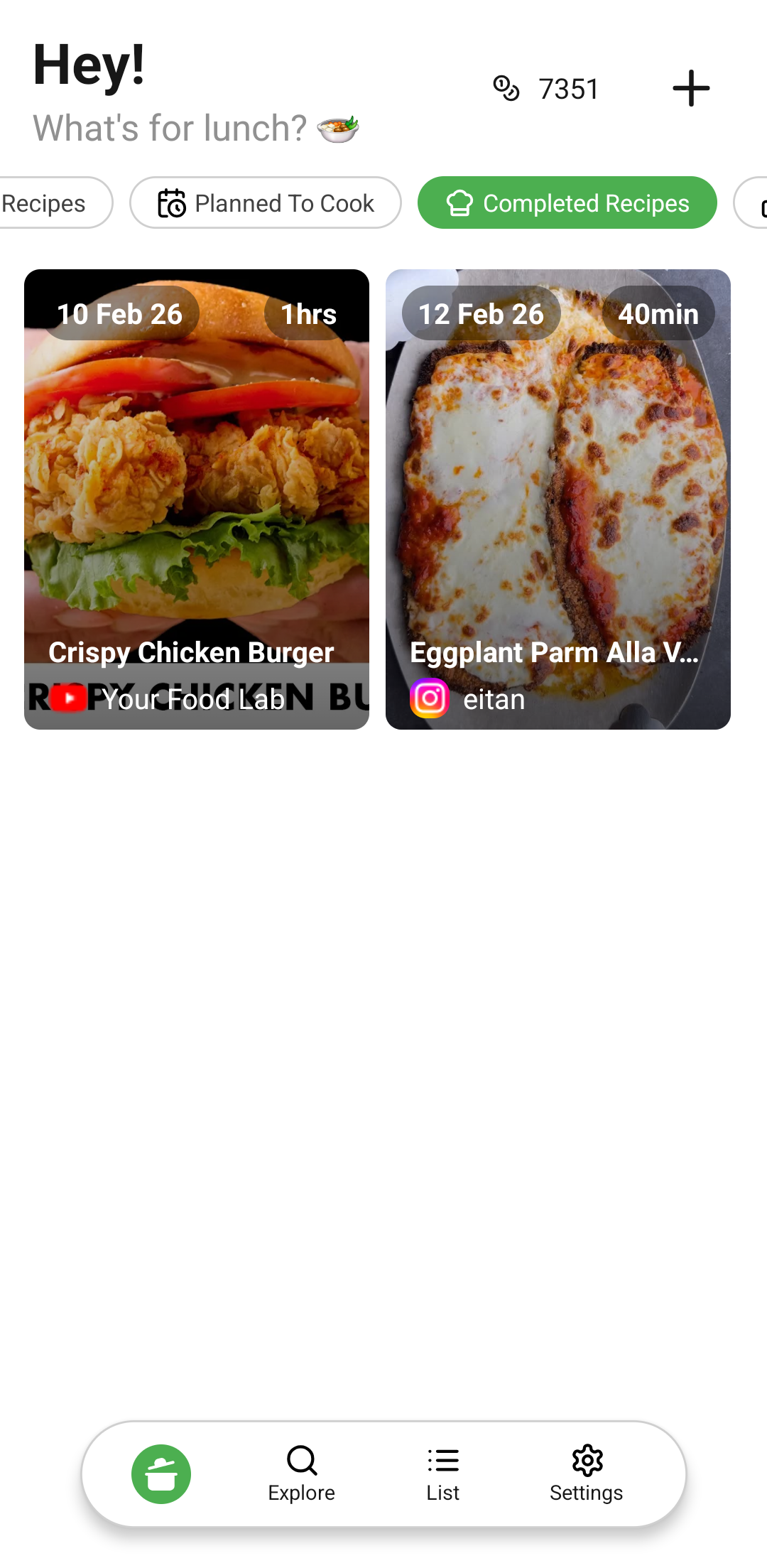
Home page completed recipes
-
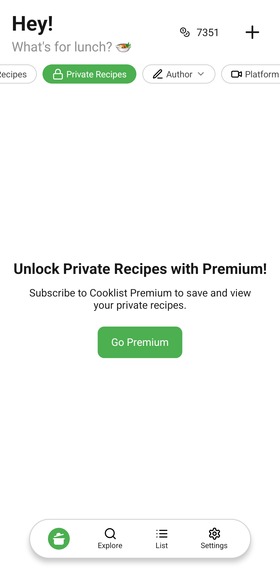
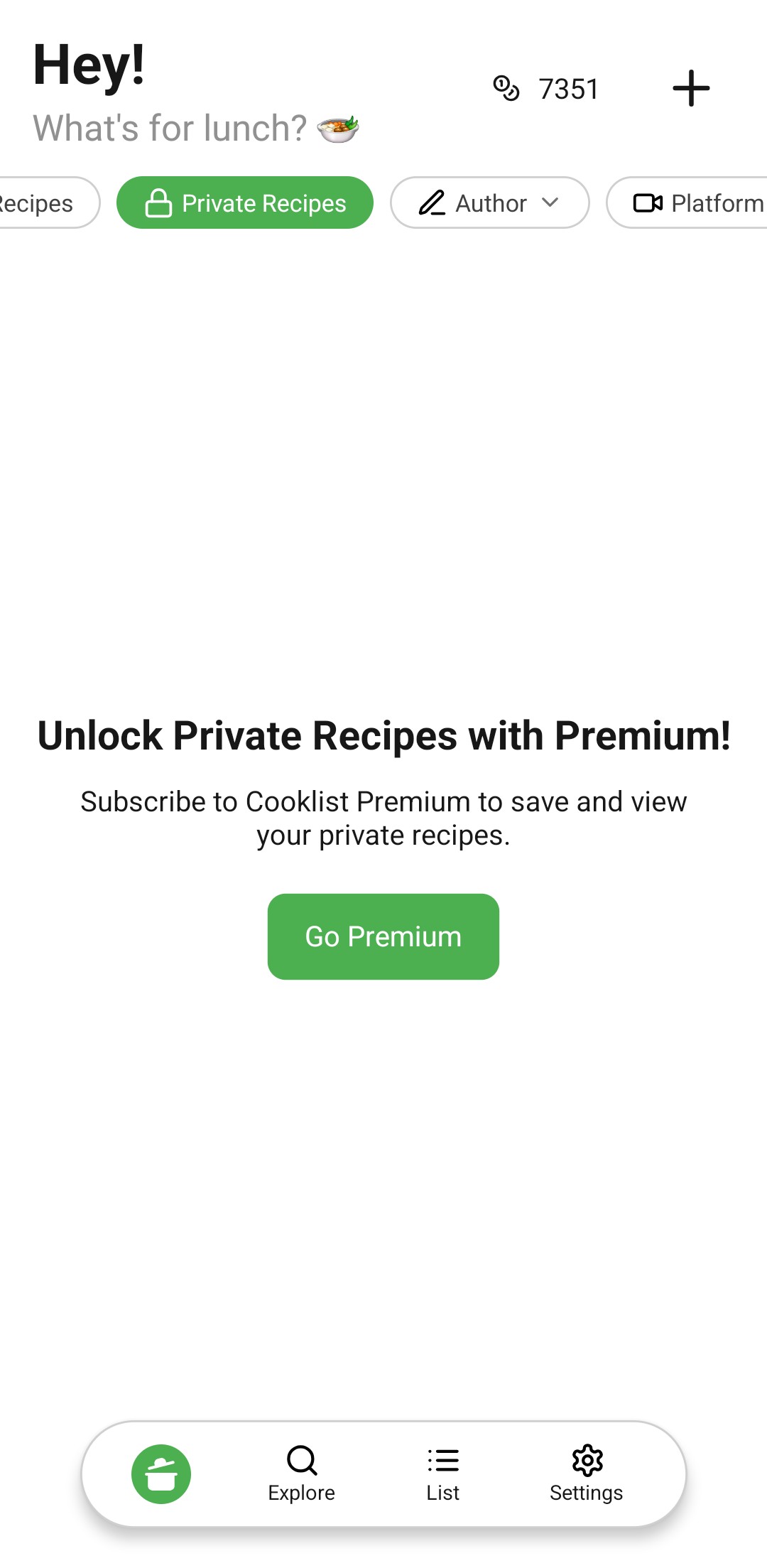
Home page private folder
-
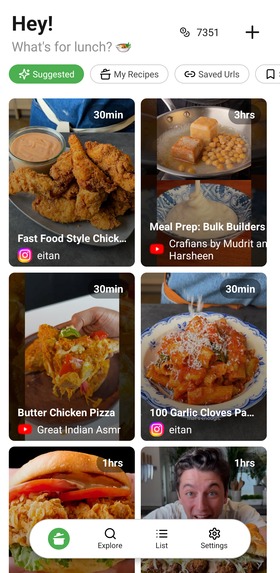
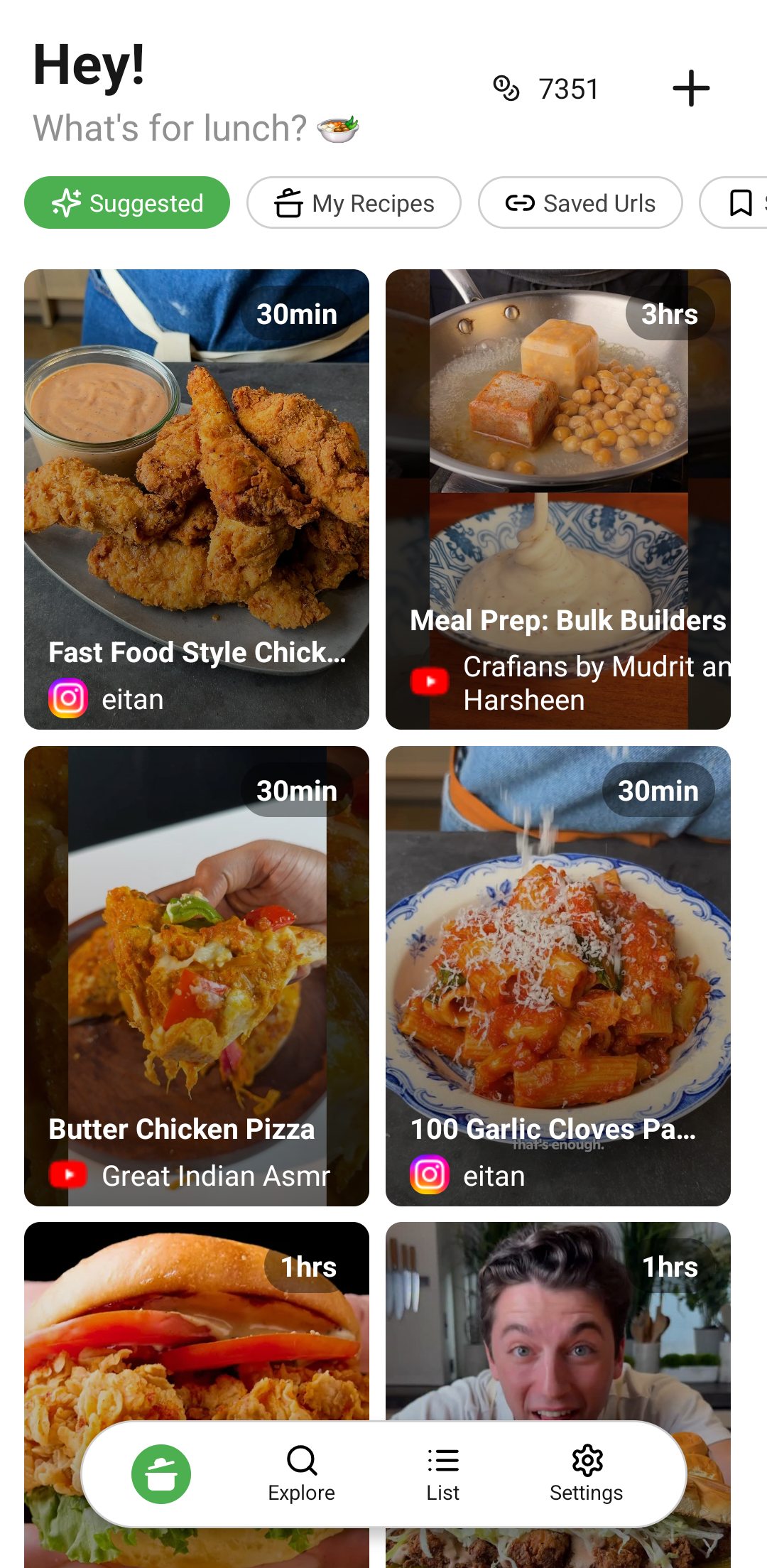
Home page suggested based of pantry list
-
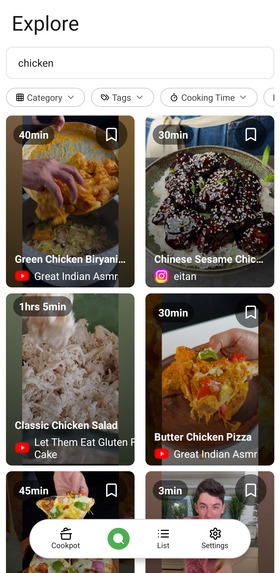
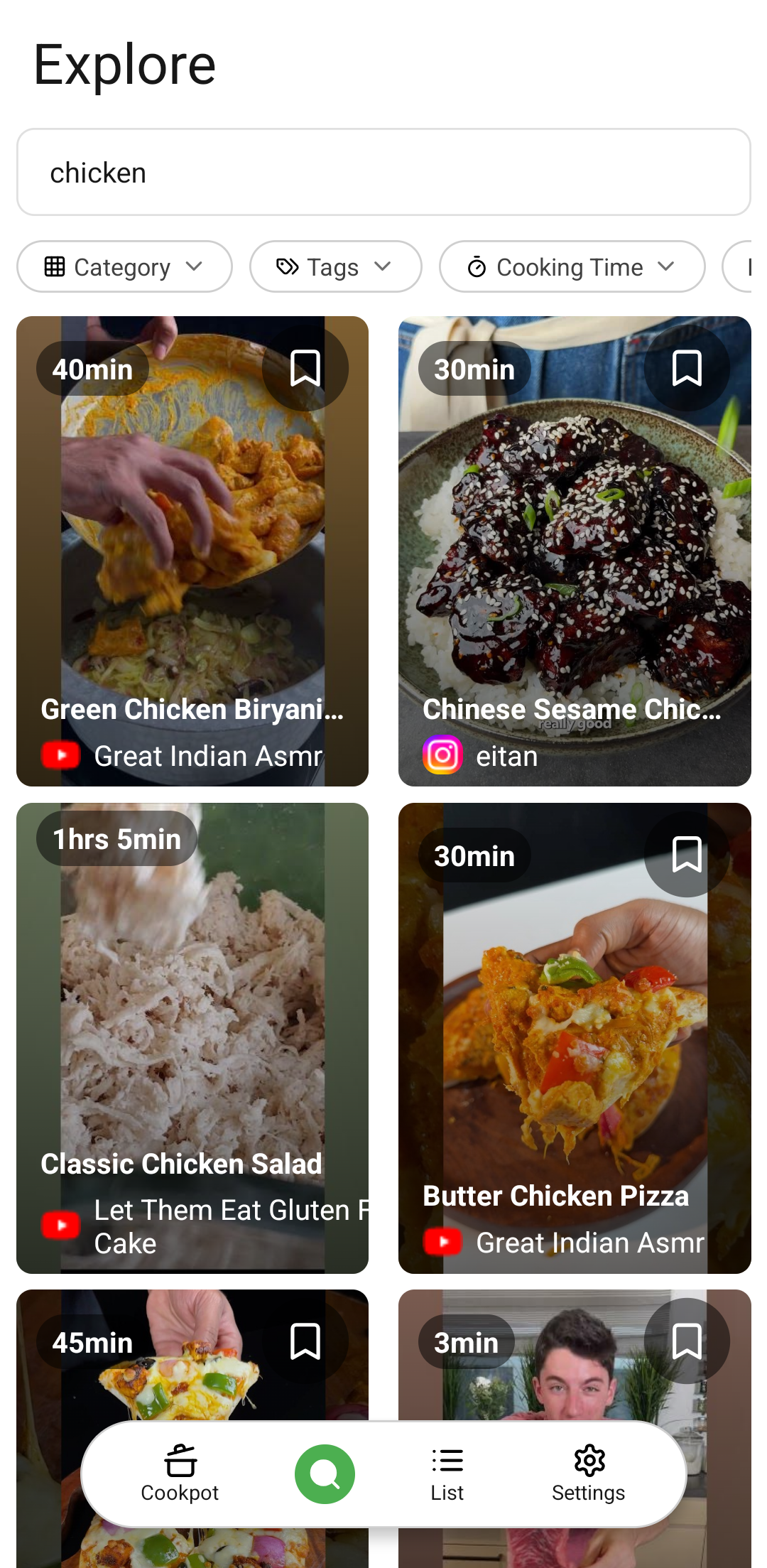
Explore
-
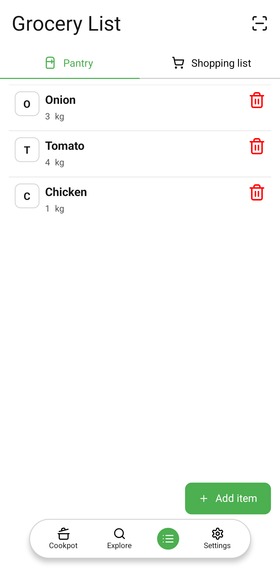
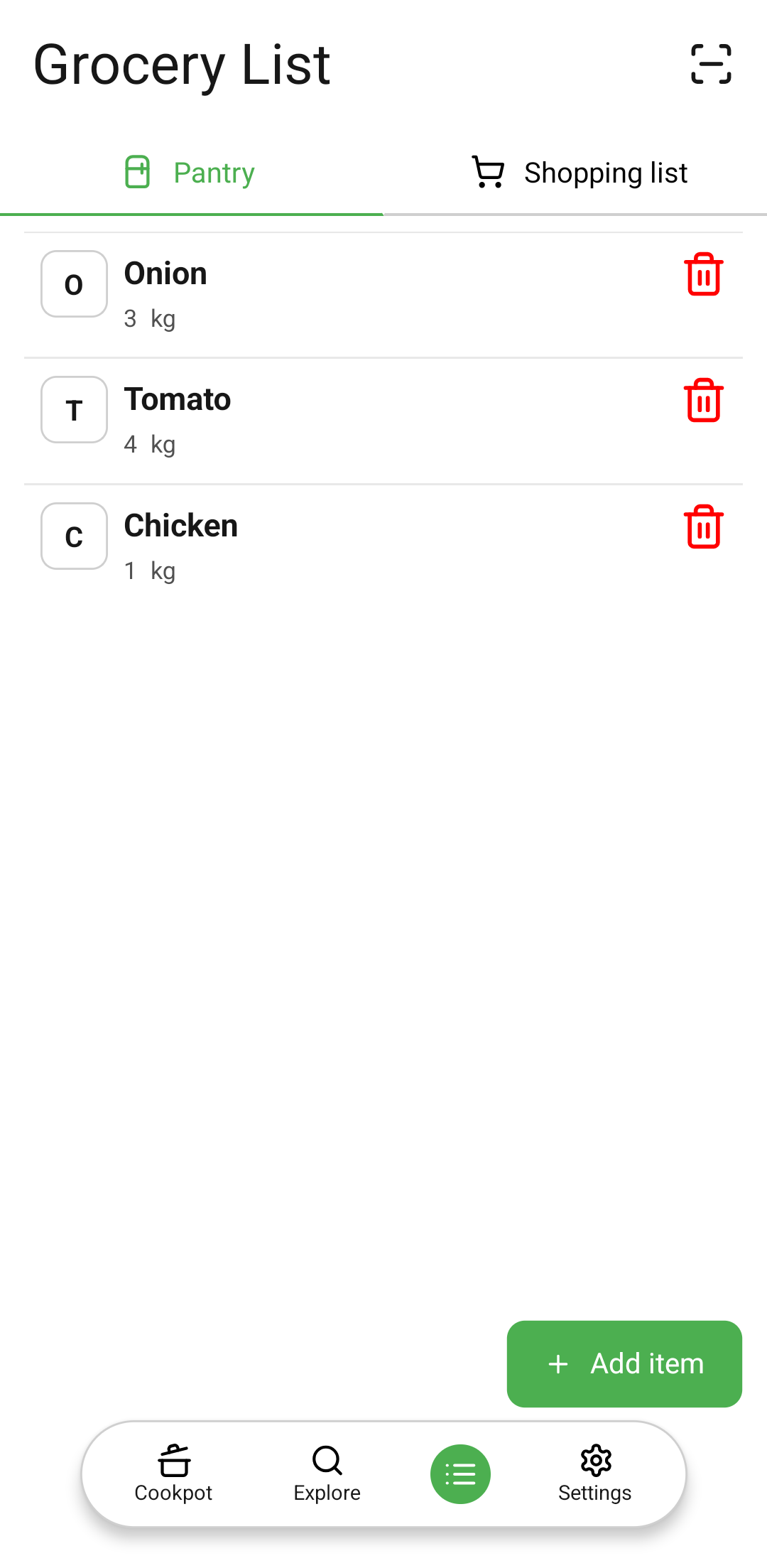
Pantry list
-
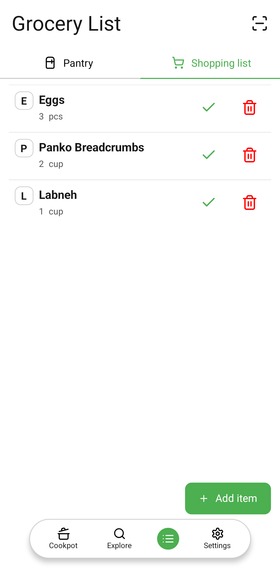
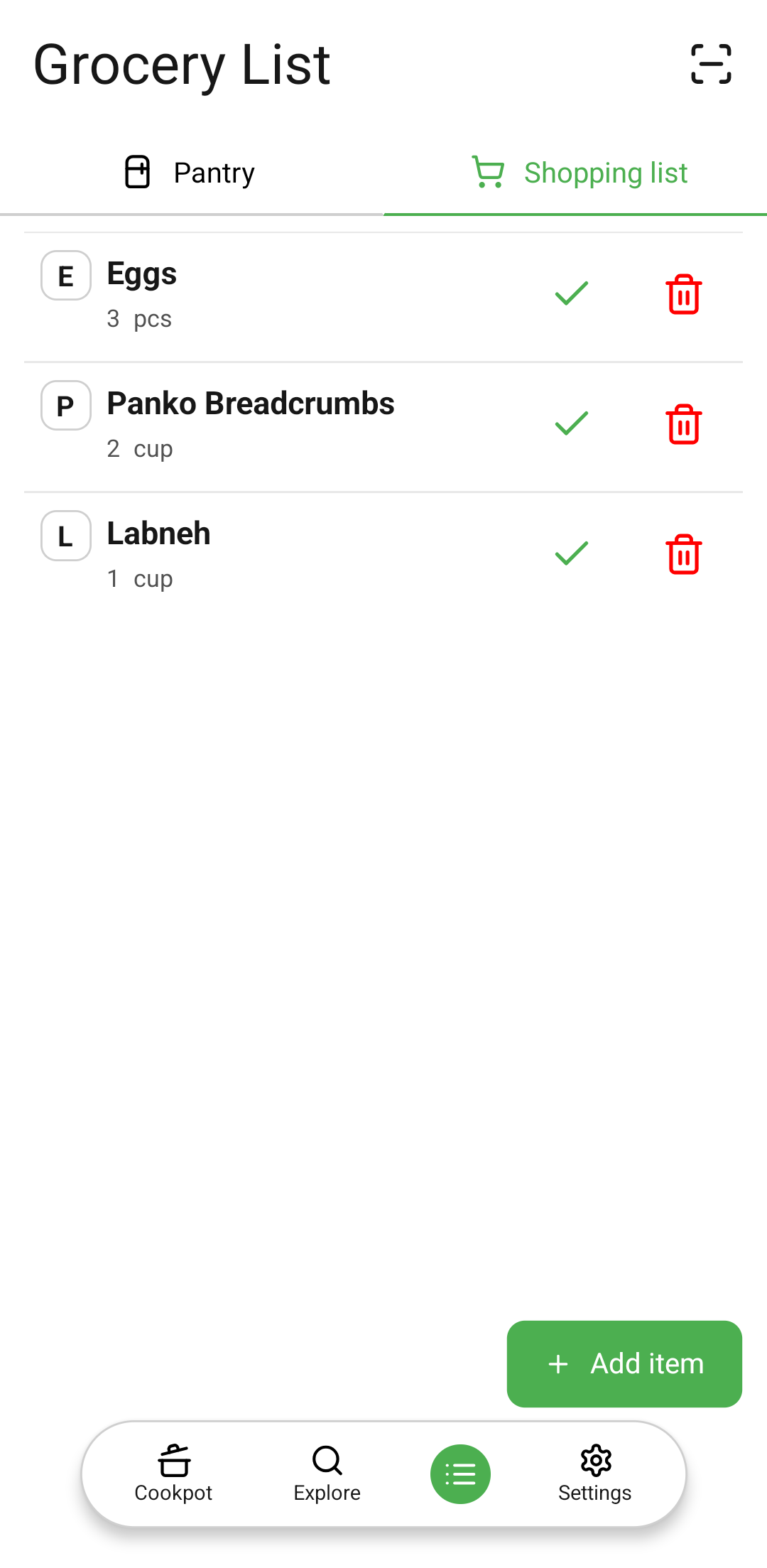
Shopping list
-
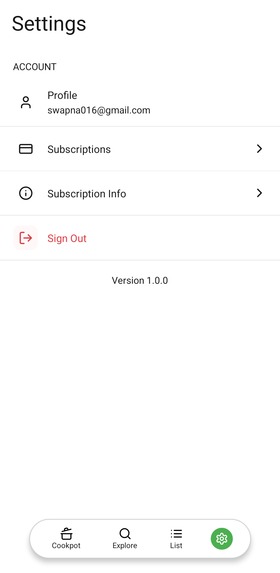
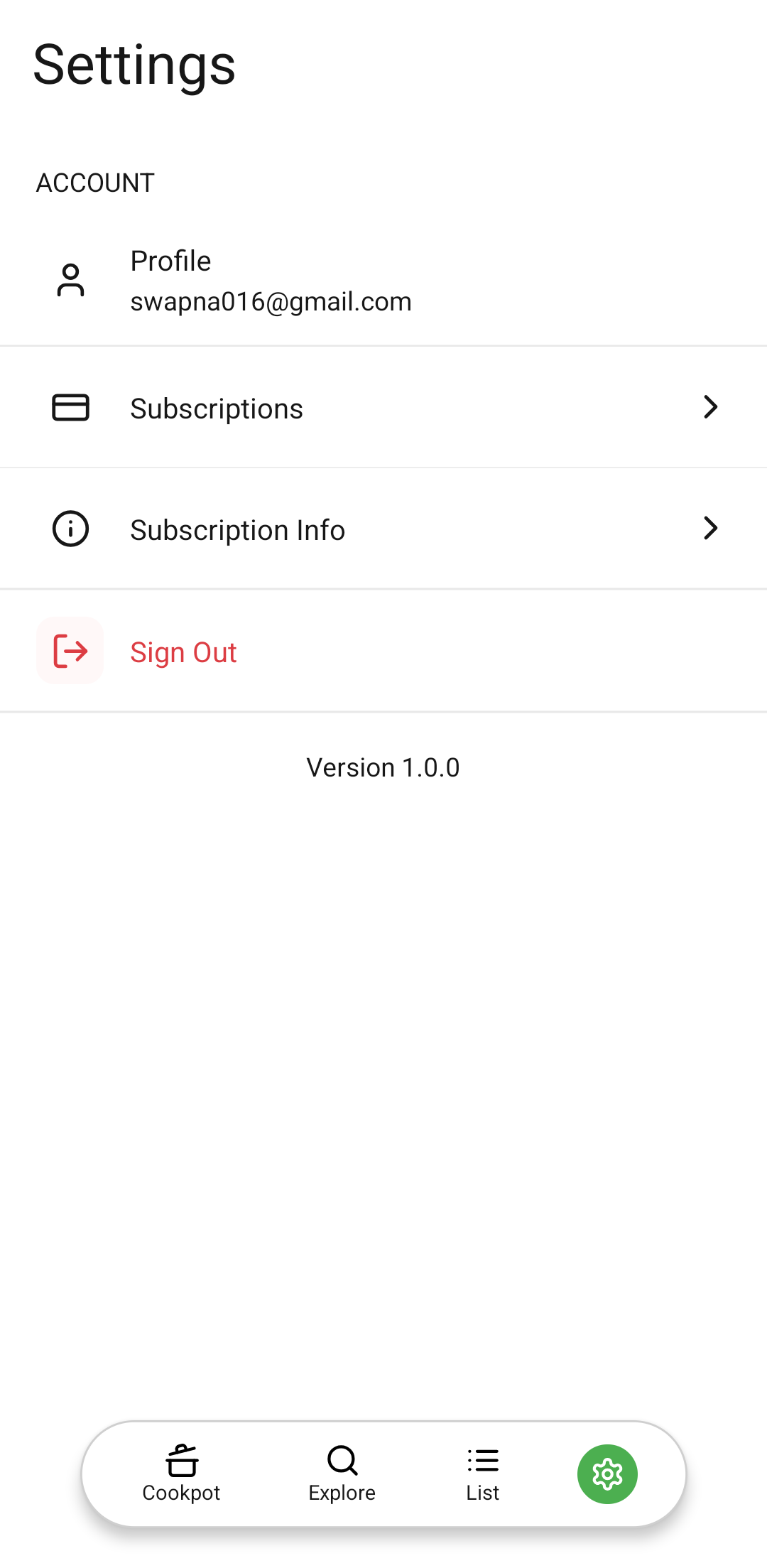
Settings
-
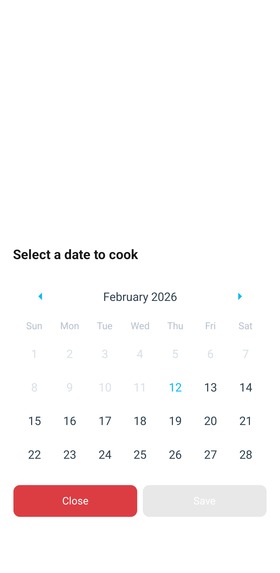
Recipe schedule
-
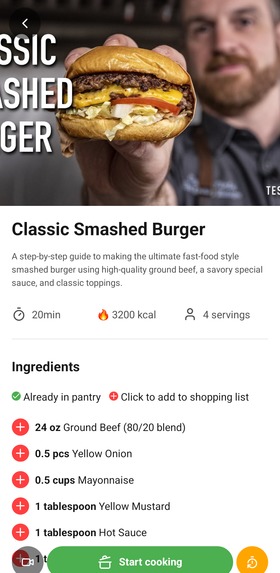
Recipe info
-
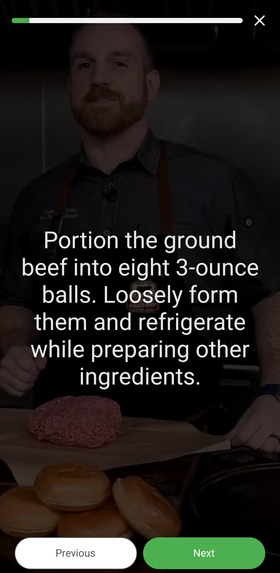
Recipe steps view
-
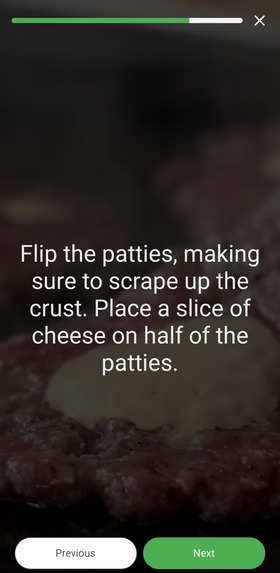
Recipe steps view 2
-
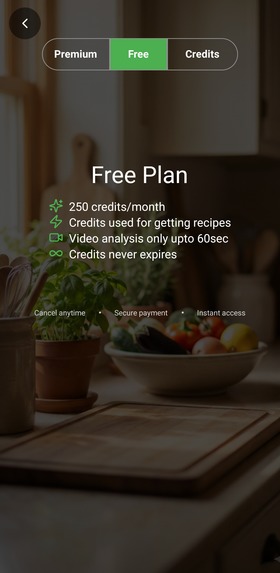
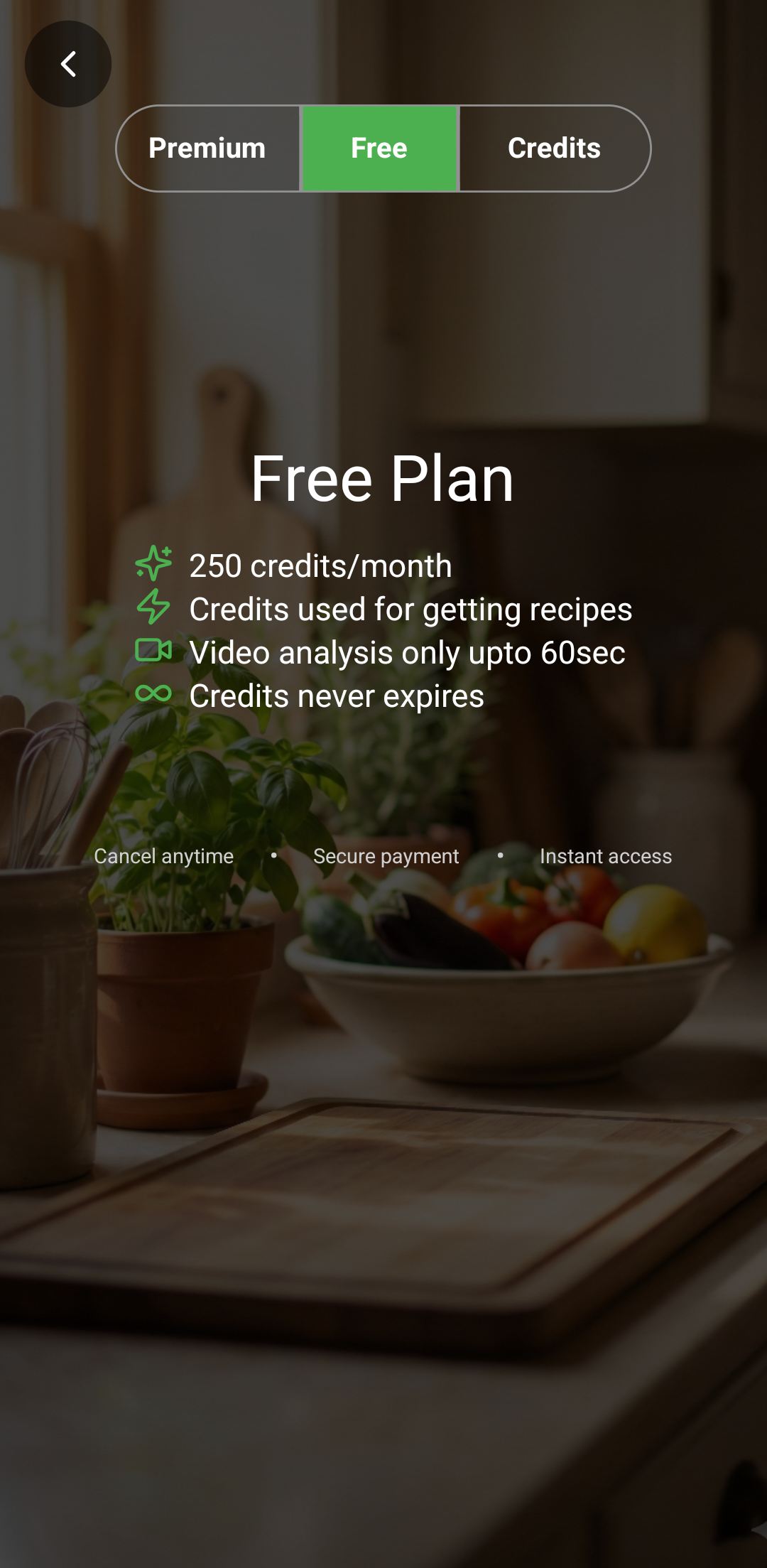
Free plan
-
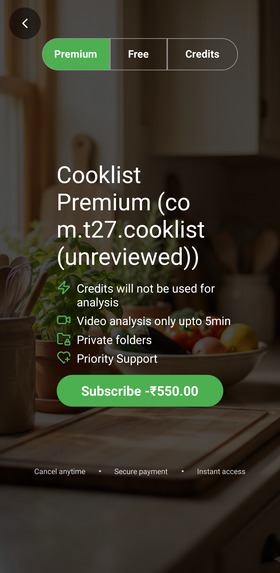
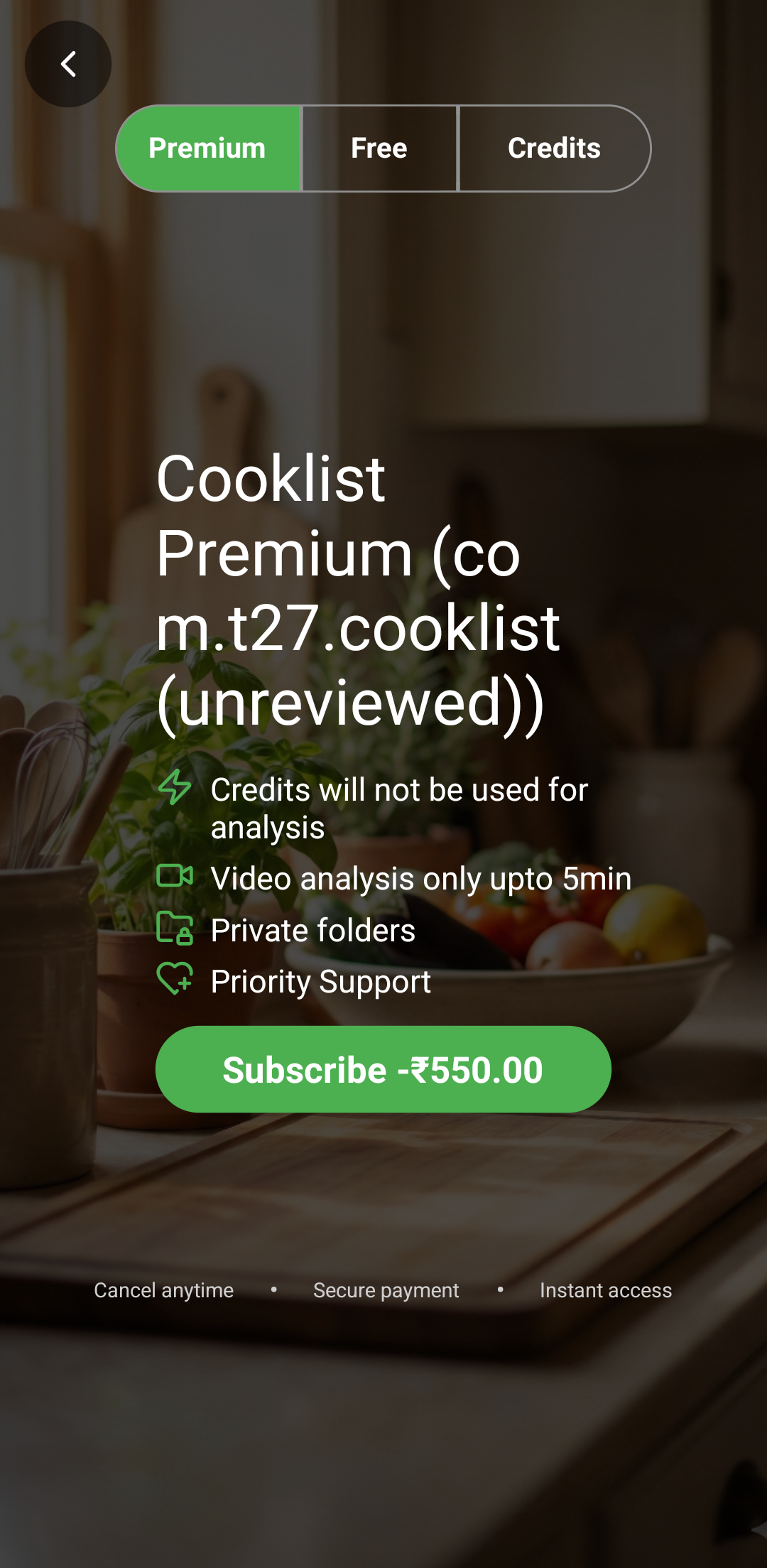
Premium
-
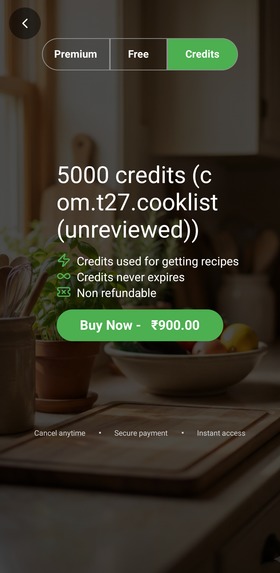
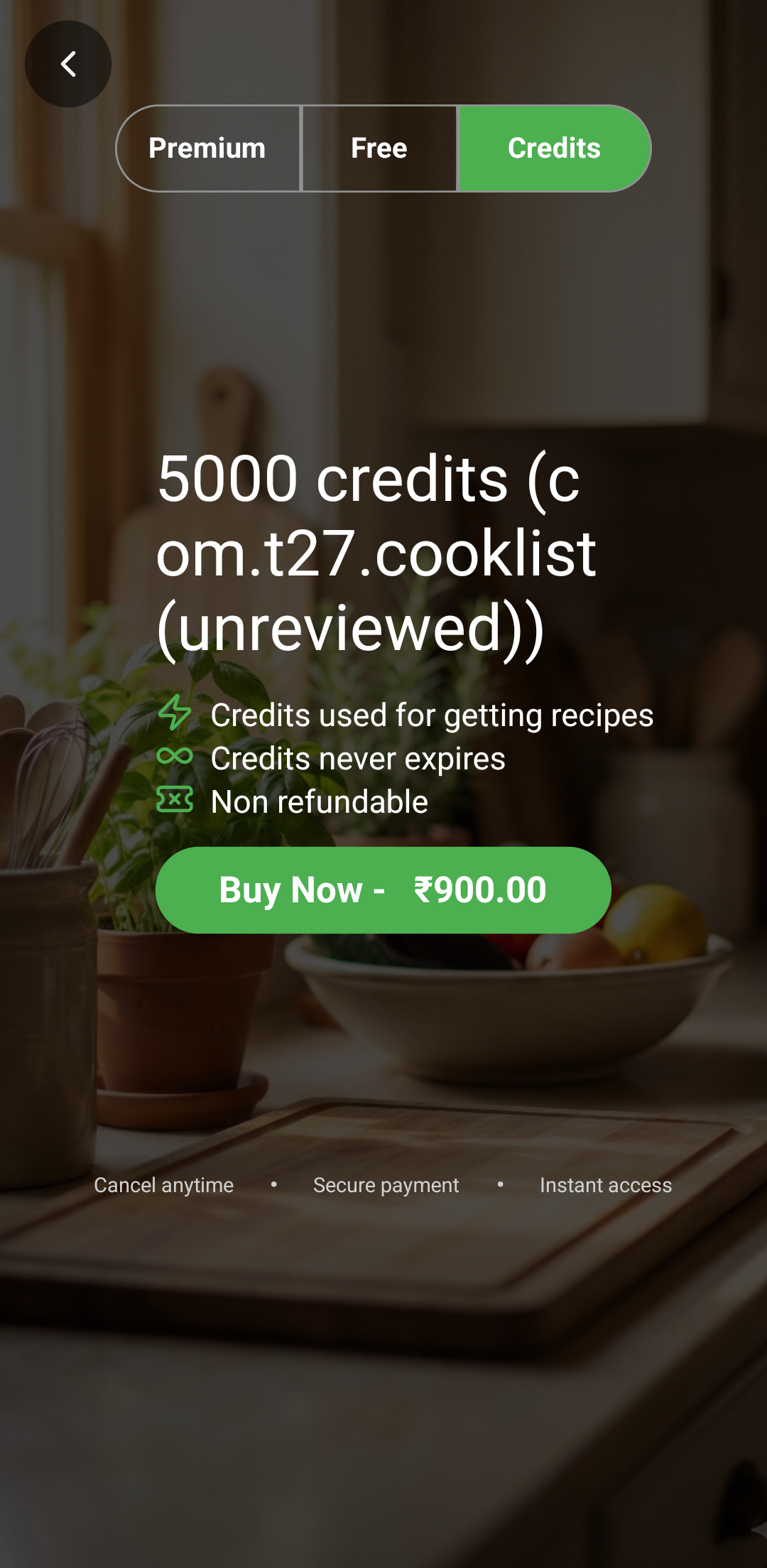
Credits
-
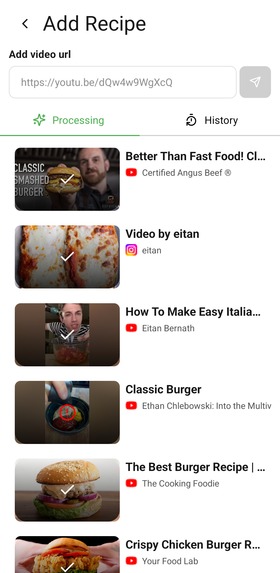
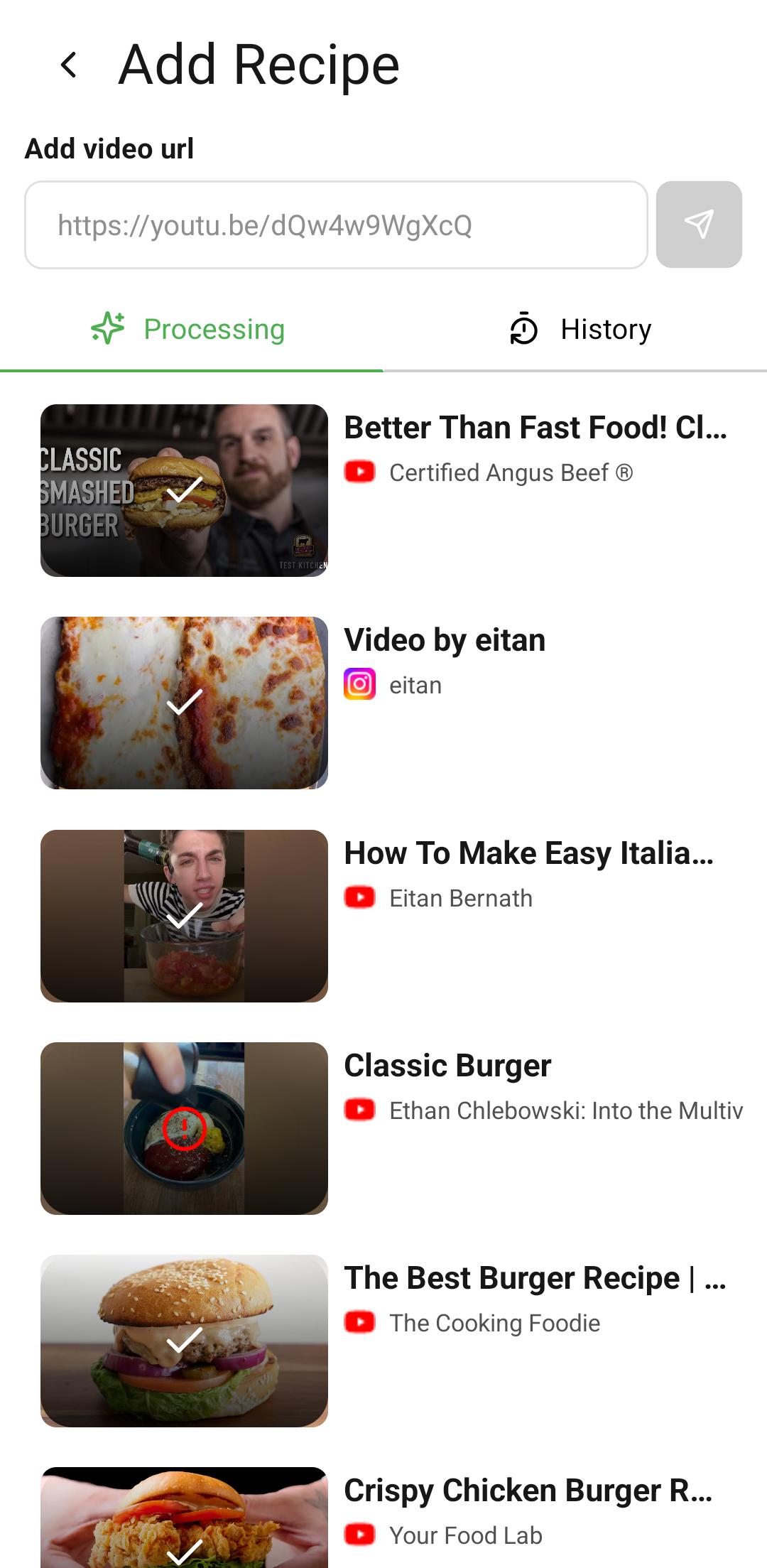
Add recipe
-

History
-
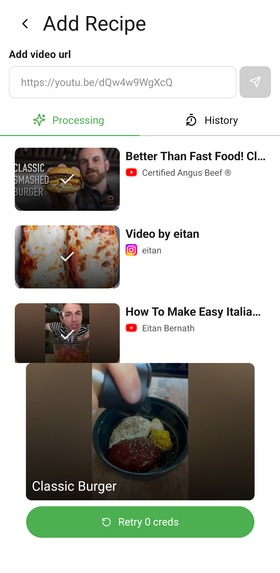
Retry
-
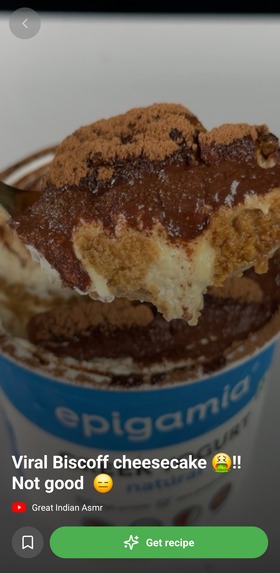
Video info
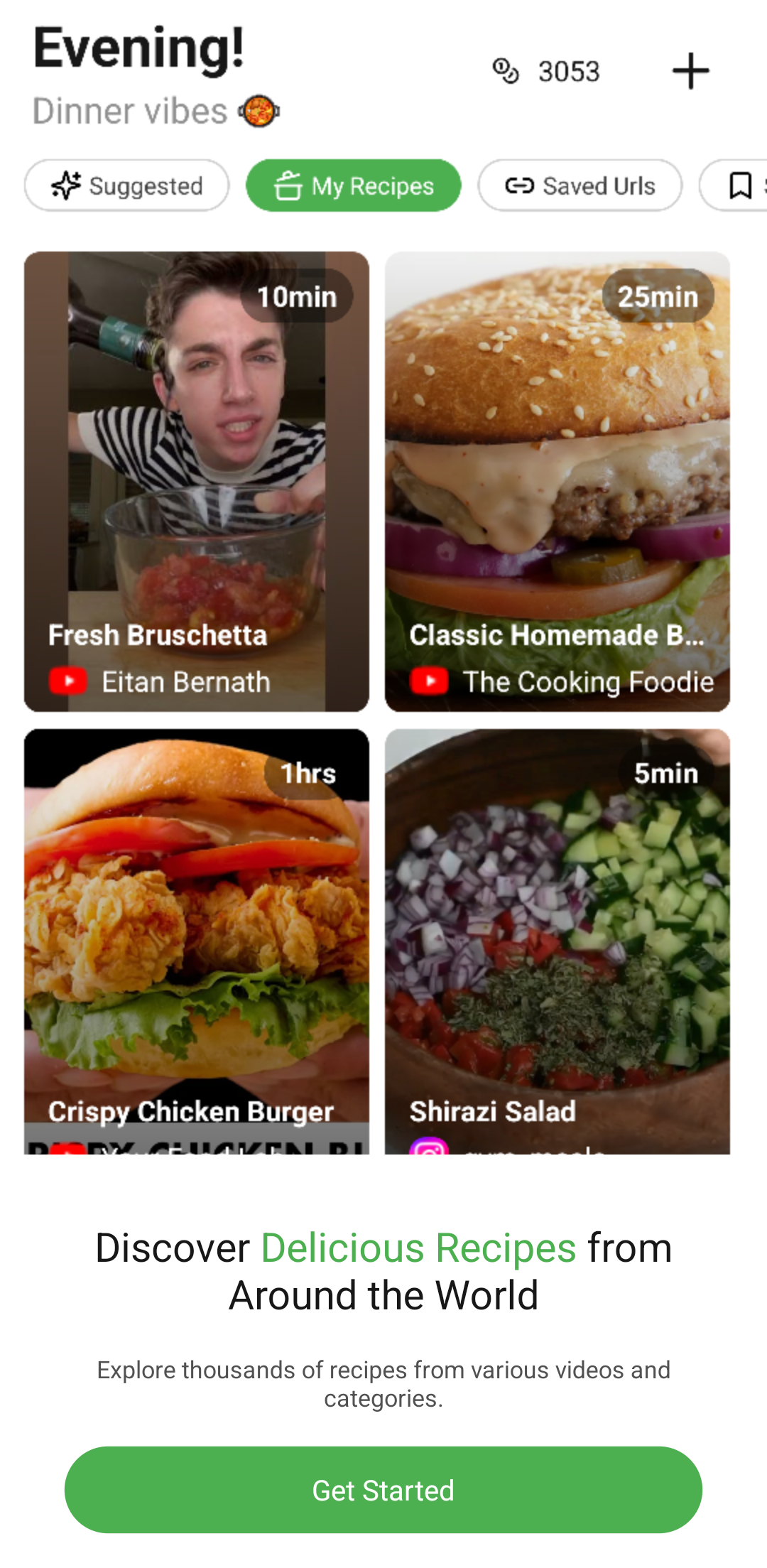

Inspiration
In this day and age where attention spans are very short and cooking videos are getting shorter and shorter, it was hard to get recipe steps and ingredients to keep track of. So, we decided to create an app. This project is built in response to Eitan Bernath's brief for the RevenueCat Shipyard 2026 contest, focusing on a recipe organizer with smart grocery lists tailored to his cooking and lifestyle audience.
What it does
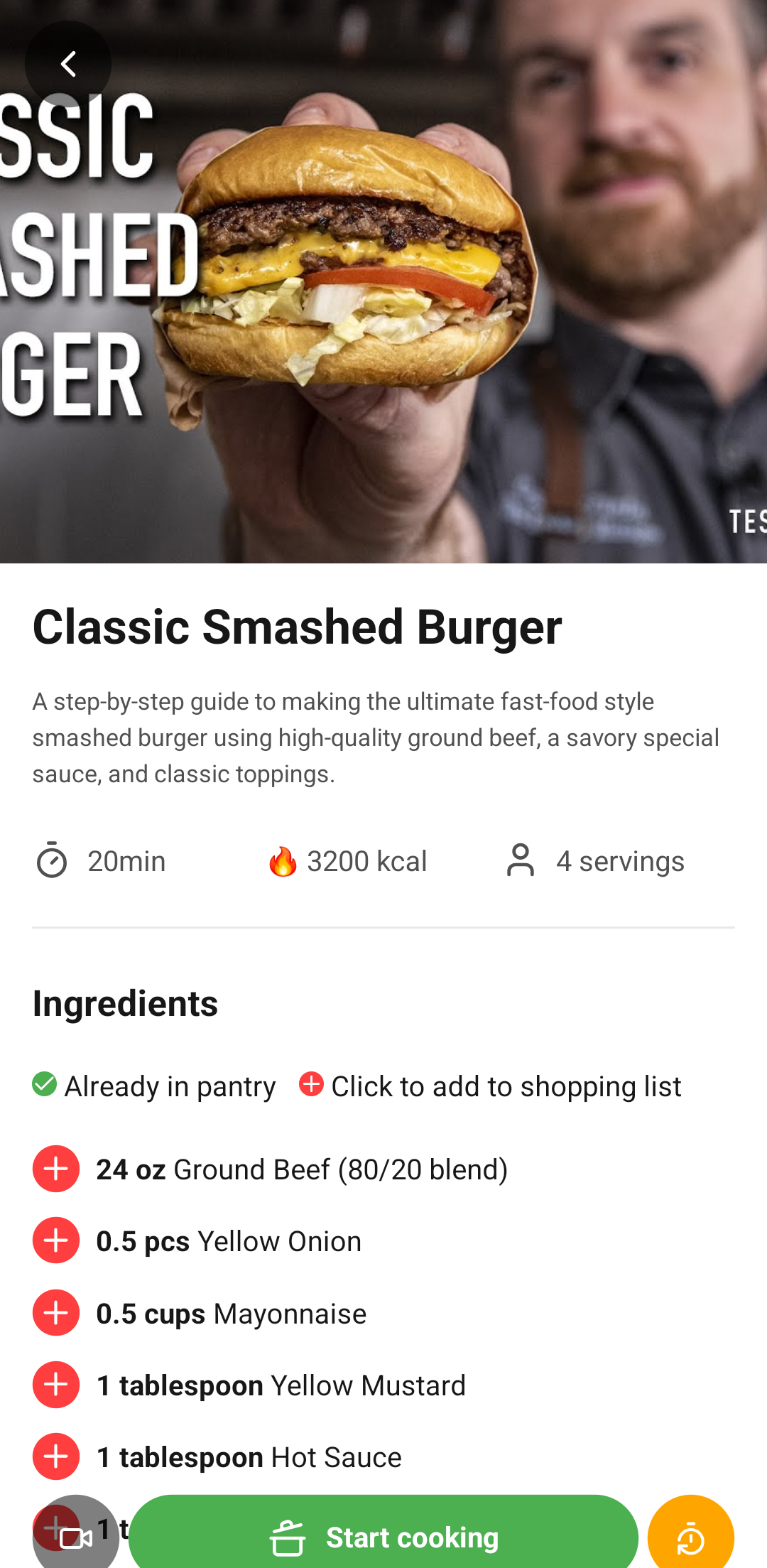
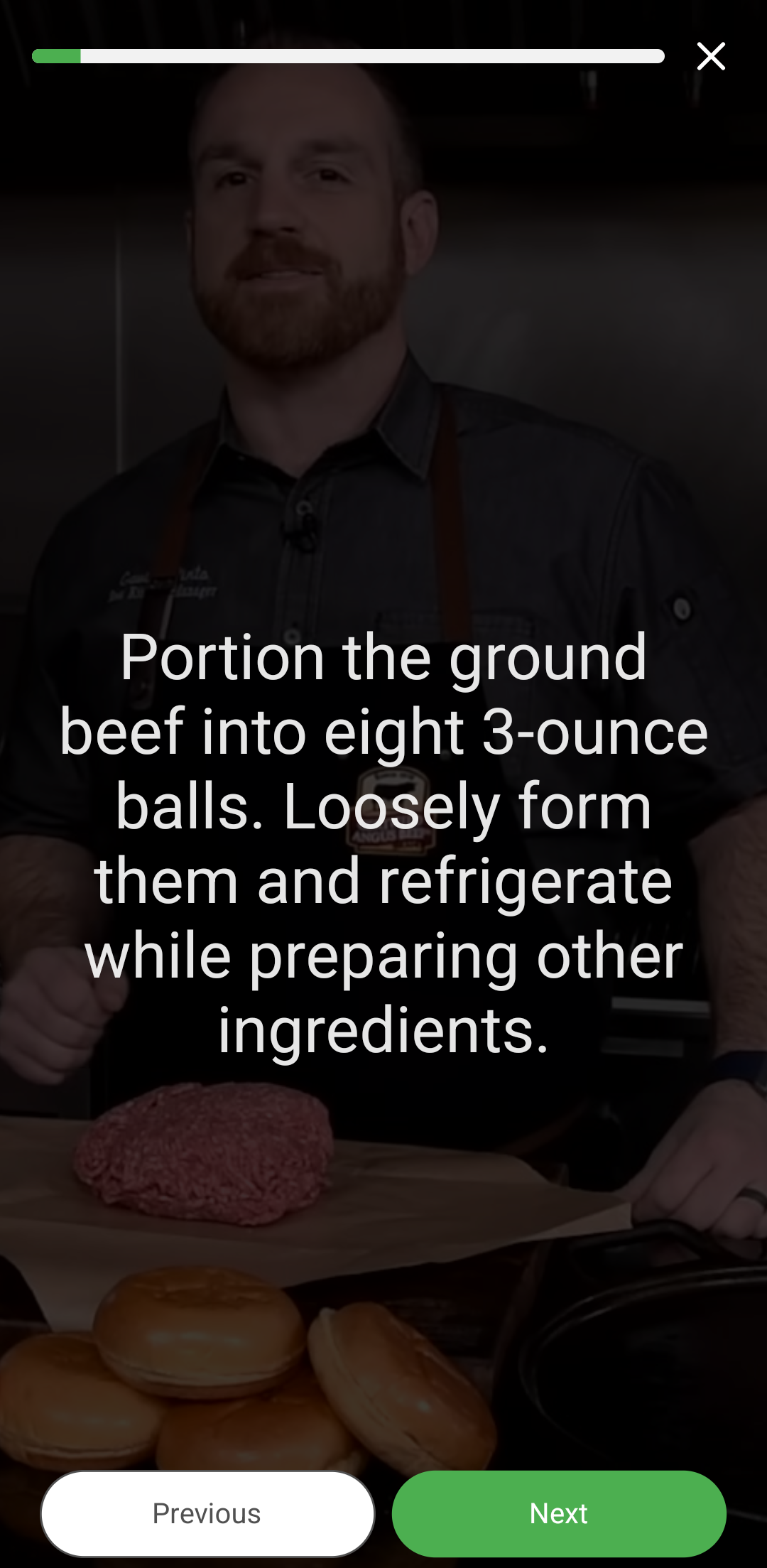
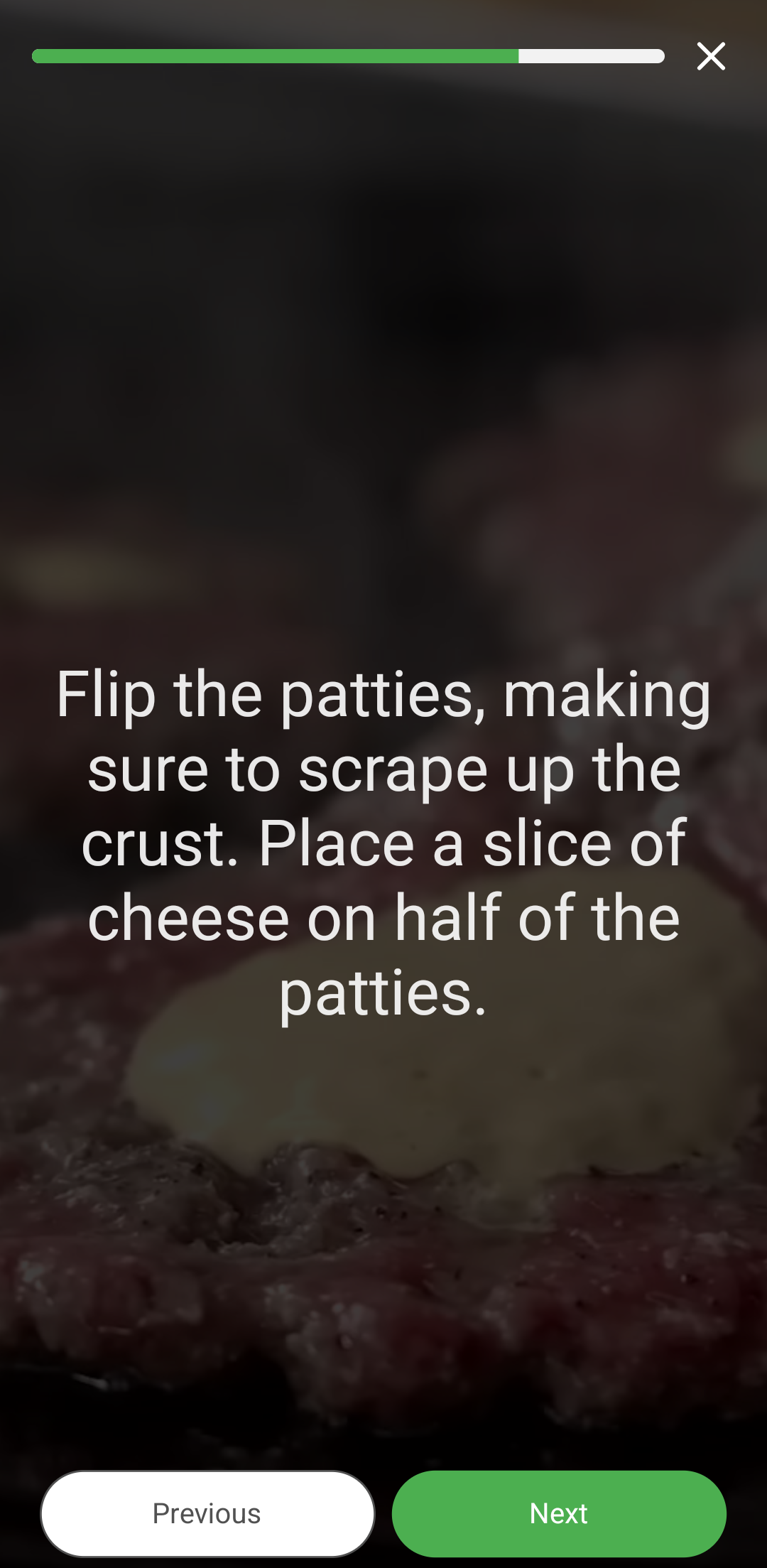
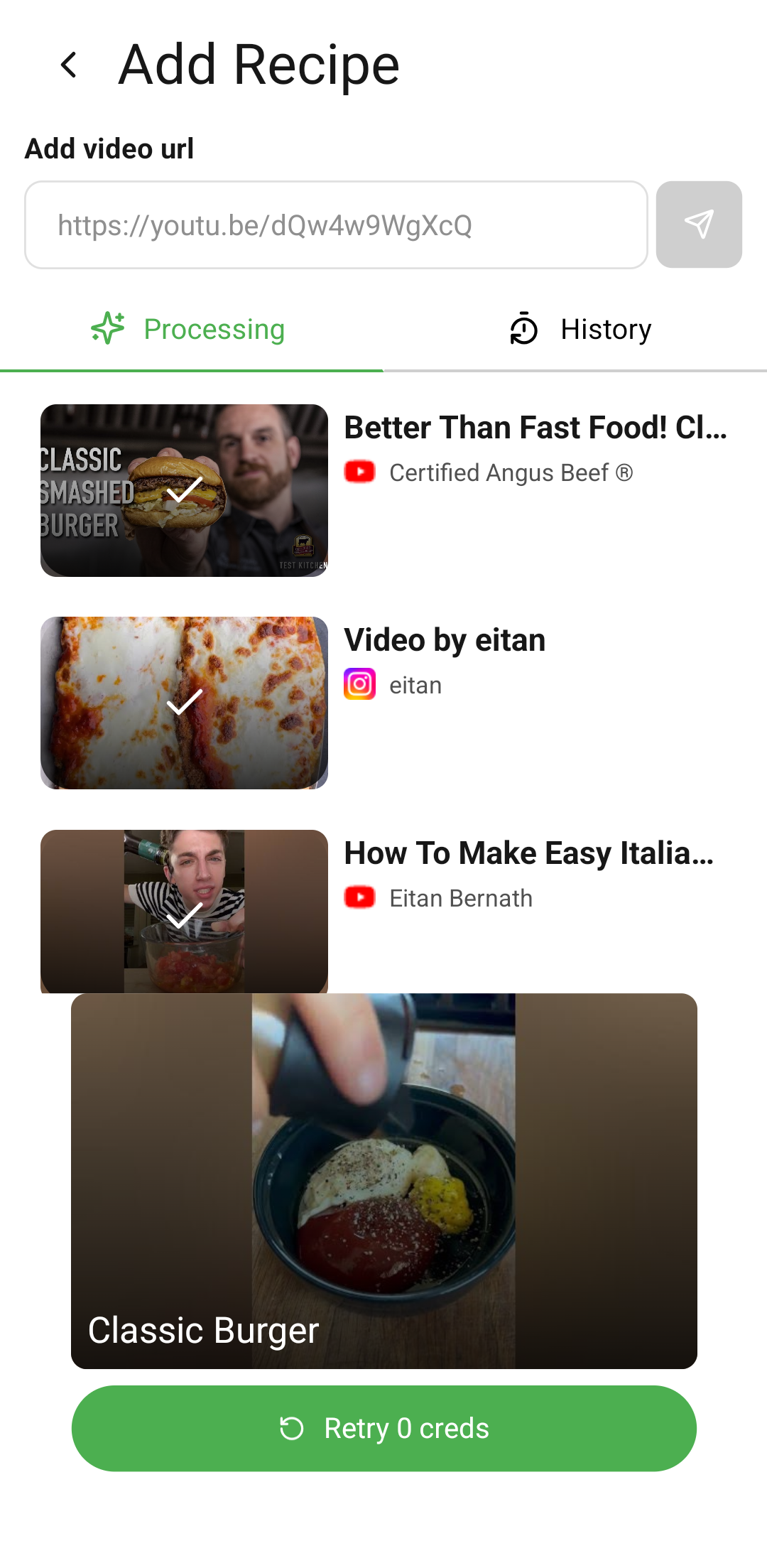
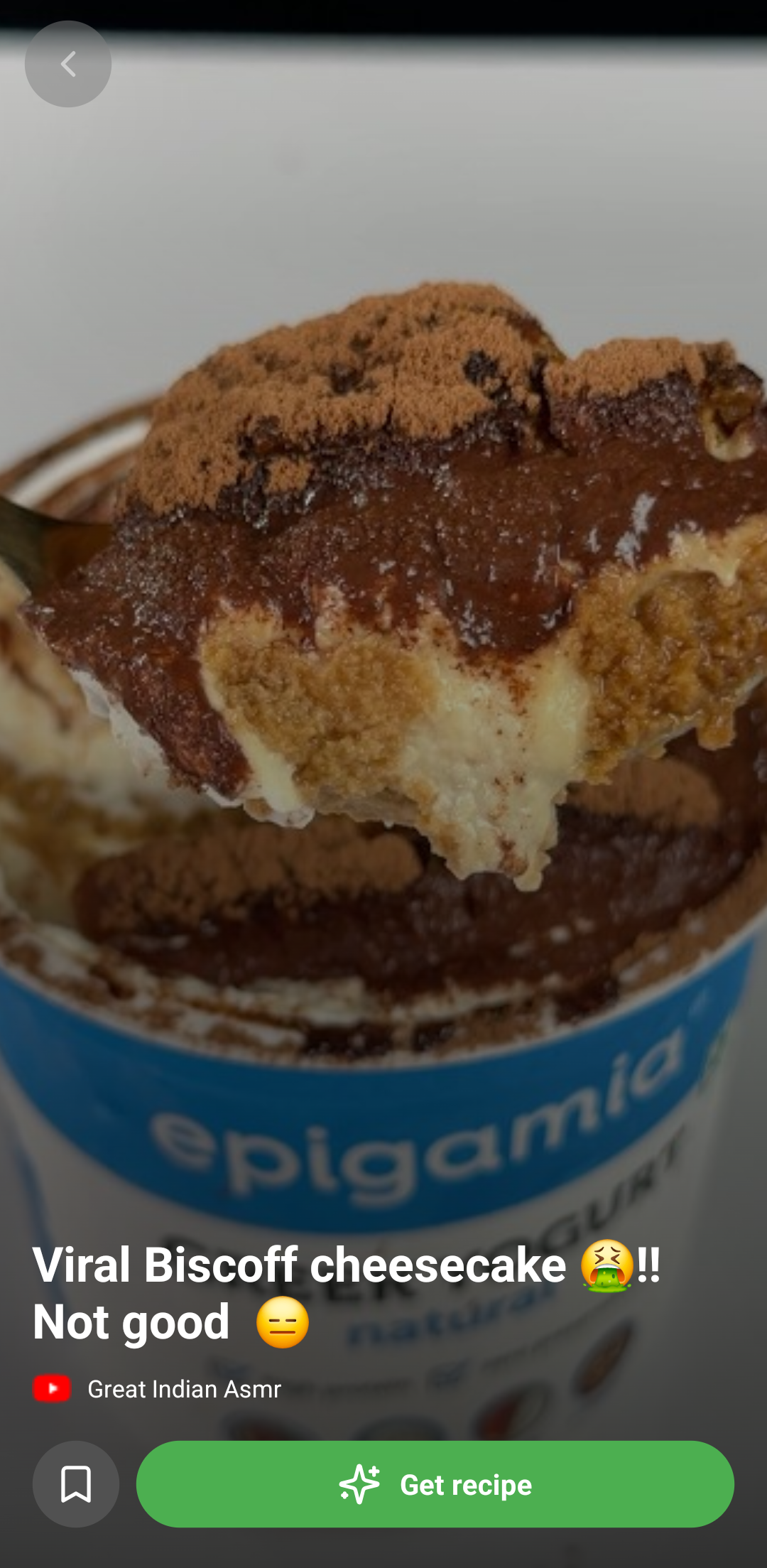
The app takes in a short video URL from a cooking video and analyzes the video to extract ingredients with measurements and steps, which will help the user cook the recipe. It supports YouTube, TikTok, and Instagram.
Key Features Include:
- Saves URLs and organizes them in one place.
- Saves other people's recipes.
- Semantic searches.
- Manage your pantry items to get appropriate suggestions.
- Manage a shopping list to know which items to buy.
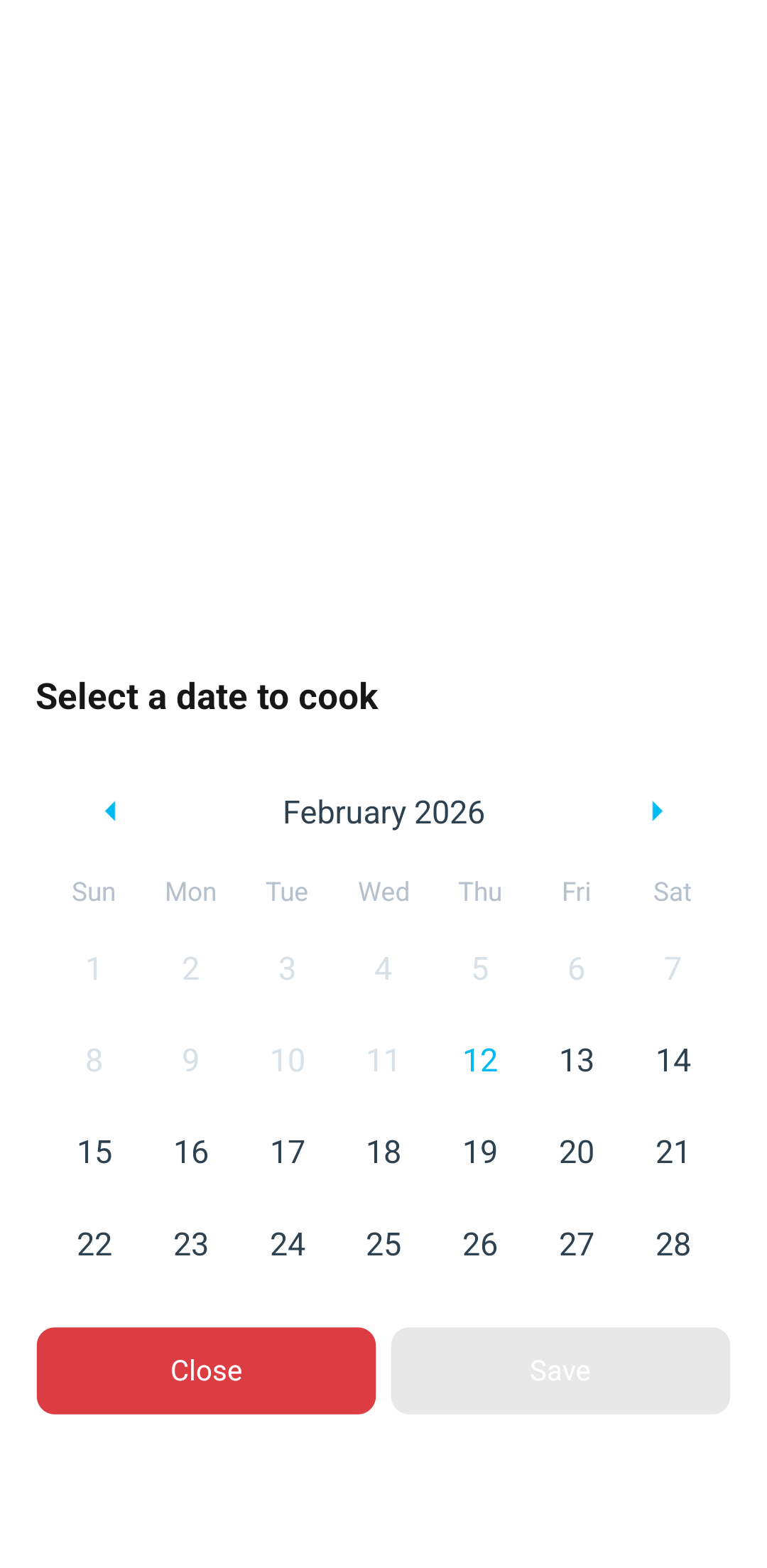
- Schedule recipes that you want to cook later.
- Credits not deducted if something goes wrong on our side.
How we built it
We used Expo to build our app, with a backend using Node.js and Express.js. In the initial phases, we discussed how we could extract recipe details from a video. We researched until we discovered Gemini 3, which was capable of performing the tasks we desired. We then used yt-dlp and FFmpeg to create a basic server that downloads and provides details about the video magically, it worked.
We used Clerk for user authentication with email and password, including OTP verification.
Since video analysis takes 2-3 minutes, we were stuck until we learned about BullMQ, which helped us create asynchronous queues that perform video analysis and save it to the database.
We used RevenueCat to handle the monetization part of the app, where users can buy credits or subscribe to the application to get premium features.
Initially, we used MongoDB, then migrated to Postgres + pgvector with Drizzle, as we were facing difficulties in managing the data. We were using Prisma, and with MongoDB, we didn't have enough storage and faced lots of issues with Docker images. We wanted vector embeddings on the same database, and Postgres + pgvector helped us achieve it easily.
Monetization
Our app uses a credit-based system for video analyses, with options for users to purchase additional credits or subscribe for unlimited access and premium features like private folders and video analysis upto 5 - 10minutes. RevenueCat handles all subscription management, in-app purchases, and entitlement checks seamlessly across Android, ensuring a smooth user experience while complying with app store guidelines. This setup allows for easy experimentation with pricing tiers and promotions, with potential for future expansions like ad-free experiences or exclusive content.
Challenges we ran into
- Video Analysis: Solved using the Gemini 3 API to get responses.
- Long waiting time for responses: Used BullMQ queues to solve the problem.
Accomplishments that we're proud of
- This was my first time creating a product end-to-end.
- Creation of an event-driven architecture.
- First time monetizing something using RevenueCat.
What we learned
- Vector databases.
- Event-driven architecture.
- Asynchronous workflows.
- Video editing.
Built With
- bullmq
- clerk
- drizzle
- expo.io
- express.js
- postgresql
- reactnative
- revenuecat


Log in or sign up for Devpost to join the conversation.