-
-

Logo
CookIt - Your Daily Chef Assistant
Inspiration
We've all been there. You're scrolling TikTok at midnight, saving recipe after recipe. "I'll definitely make that." Three months later, you have 200 saved videos and you're still ordering Swiggy.
When we watched Eitan's brief, it clicked immediately. He didn't just describe a problem — he described our lives. The gap between recipe inspiration and actually cooking is massive. And it's not about motivation. It's about friction.
The Core Concept: What if instead of starting with the recipe and feeling defeated by what you're missing, you started with what you already have and felt empowered by what's possible?
That's how CookIt was born.
What It Does
CookIt is a recipe app that works backwards from your kitchen.
- Import from Anywhere: Paste a link from TikTok, Instagram, YouTube, or any recipe site. Our AI extracts the recipe, ingredients, steps, and timing automatically. One tap, done.
- Scan Your Fridge: Take a photo of your refrigerator or pantry. Gemini Vision identifies every ingredient — eggs, cheese, that leftover spinach you forgot about.
- See What's Cookable NOW: CookIt matches your saved recipes against your available ingredients and classifies them:
- "Ready to Cook" — You have everything. Zero excuses.
- "Almost There" — Missing 1-2 items. Grab them on your way home.
"Needs Shopping" — Save for later, add to grocery list.
Cook Hands-Free: Step-by-step cook mode with large text, auto-timers, and voice guidance. Your hands are covered in flour? No problem.
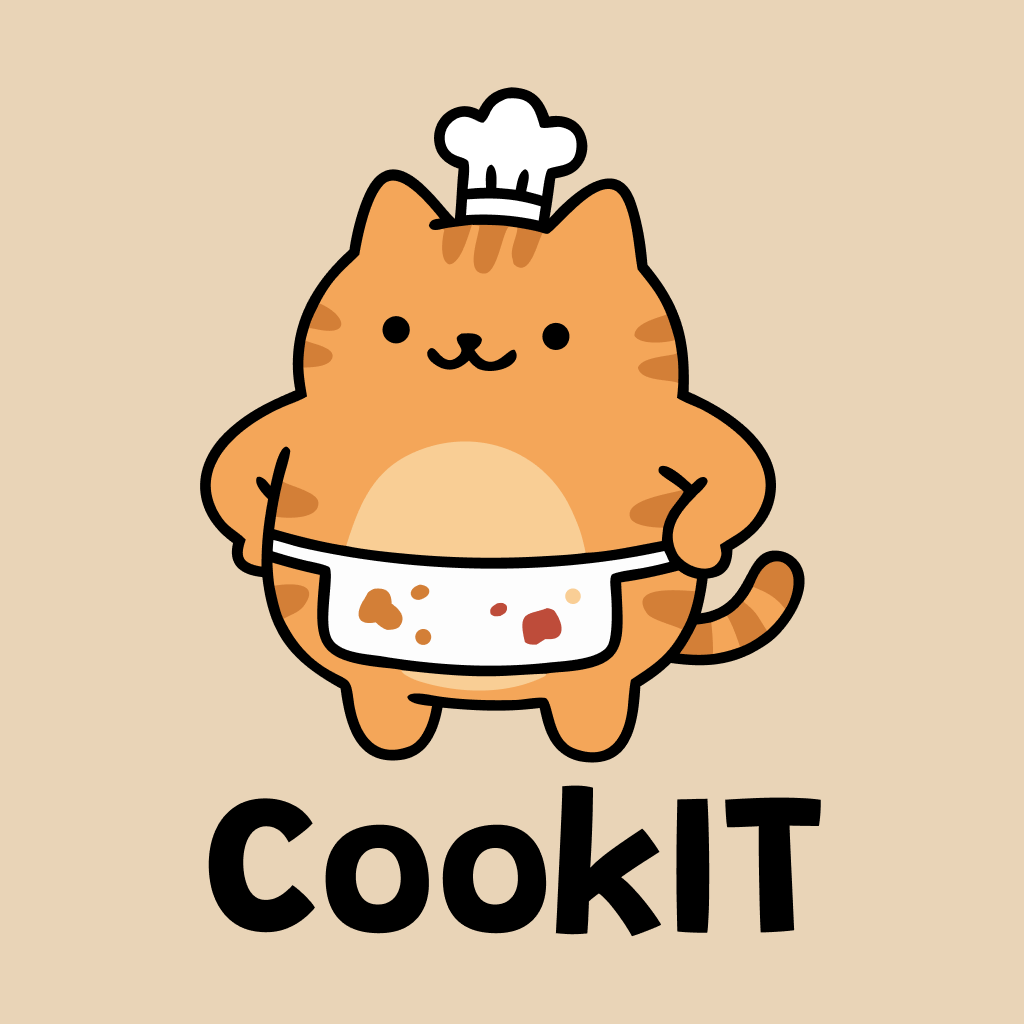
Meet Mochi: Your kitchen companion is a chonky orange tabby cat chef. Mochi guides you through the app with personality — celebrating wins, encouraging you, and guilt-tripping you just enough when you break your streak.
How We Built It
Tech Stack
- Framework: Flutter (Cross-platform iOS & Android)
- AI Models: Gemini 1.5 Flash (Recipe extraction & Fridge scanning)
- Data Source: ScrapeCreators API (Transcripts from social media)
- Monetization: RevenueCat (Subscription management & paywalls)
- Storage: Hive (Local storage & offline support)
Design Approach
- Visuals: Warm, inviting color palette (creams & oranges) that feels like a kitchen.
- Motion: Animation-heavy UI using
flutter_animate. Everything floats, bounces, and feels alive. - Mochi: The mascot appears contextually with 10 different emotional states.
- Typography: No emojis in UI copy; used custom iconography for a polished feel.
AI Integration
- Recipe Import: URL ScrapeCreators (transcript) Gemini (structured extraction) Recipe object.
- Fridge Scan: Camera image Gemini Vision (ingredient detection) Inventory list Recipe matching algorithm.
Key Technical Decisions
- Offline-first architecture: Cook mode works without internet.
- Fuzzy ingredient matching: Understands that "heavy cream" and "whipping cream" are interchangeable.
- Elastic Animations: Staggered animations with elastic curves for a premium, bouncy feel.
Challenges We Ran Into
- Vague Recipe Content: Creators say "season to taste." We built smart defaults into Gemini prompts to estimate reasonable quantities.
- Ingredient Matching: "Eggs" vs "Egg." "Butter" vs "Margarine." We built a fuzzy matching system with substitution mappings.
- Mochi's Personality: A mascot can be annoying. We ensured Mochi's appearances are contextual—he celebrates wins but doesn't nag.
- Scan Latency: Gemini Vision is powerful but not instant. We added a scanning animation and Mochi's "Hmm, let me see..." state to make the processing time feel intentional.
- RevenueCat Timing: Balancing the paywall trigger so it wasn't too aggressive but appeared when free users naturally hit limits. & I have been using Revenuecat for so long that I forgot how to work with native library anymore TBH
Accomplishments We're Proud Of
- The Fridge-First Flow: Seeing "You can make 3 things right now" psychologically shifts the user from deficit to possibility.
- Mochi is Alive: With 10 states (idle, sleeping, peeking, excited, cooking, celebrating, thinking, sad, eating, flexing), he responds to real context.
- Premium Feel: Floating cards, bouncy tags, and smooth loops make the app feel like a paid product.
- Usable Cook Mode: Big text readable from 3 feet away, haptic timers, and "screen awake" functionality.
- Speed: Built a complete, monetized product with onboarding and AI integration in just 2 days.
What We Learned
- Start with Psychology: The friction wasn't missing features; it was mental. We solved for the "why," not just the "how."
- Mascots Need Rules: Without personality guidelines and constraints, a mascot becomes clutter.
- AI is Prompt-Dependent: Reliable extraction required iterating on prompts and handling edge cases carefully.
- Animation is Vital: Static elements feel like a prototype; motion makes it a product.
- RevenueCat Saves Time: It allowed us to focus on the product rather than payment infrastructure.
What's Next for CookIt
Immediate Roadmap:
- Pantry Memory: Mark staples (salt, oil) so you don't have to scan them every time.
- Meal Planning: Auto-generate consolidated grocery lists for the week.
- Smart Suggestions: "Buy heavy cream and unlock 4 more recipes."
- Expiry Awareness: Suggestions to use up ingredients before they spoil.
- Social: Share cooked dishes and cook together via SharePlay.
- Animation:Was not able to completely animate mochi interactions so will do it in next couple of days
The Vision: CookIt aims to be the bridge between food content and food reality. We want to help the millions inspired by creators like Eitan to stop saving and start cooking.
Mochi's waiting. Let's get cooking.

Log in or sign up for Devpost to join the conversation.