Inspiration
I really like cooking, I especially get hyped when I see a cool (short) video on socials that presents an easy to cook something amazing and tasty, the moment usually lasts about as much as the video, and when I remember that I need to add the items to a list to buy or save the video and play it a dozen times at the market, that is, if I don't forget that I actually want to cook that. This was the idea from the shipyard that I most resinated with and that I aligned most closely with.
What it does
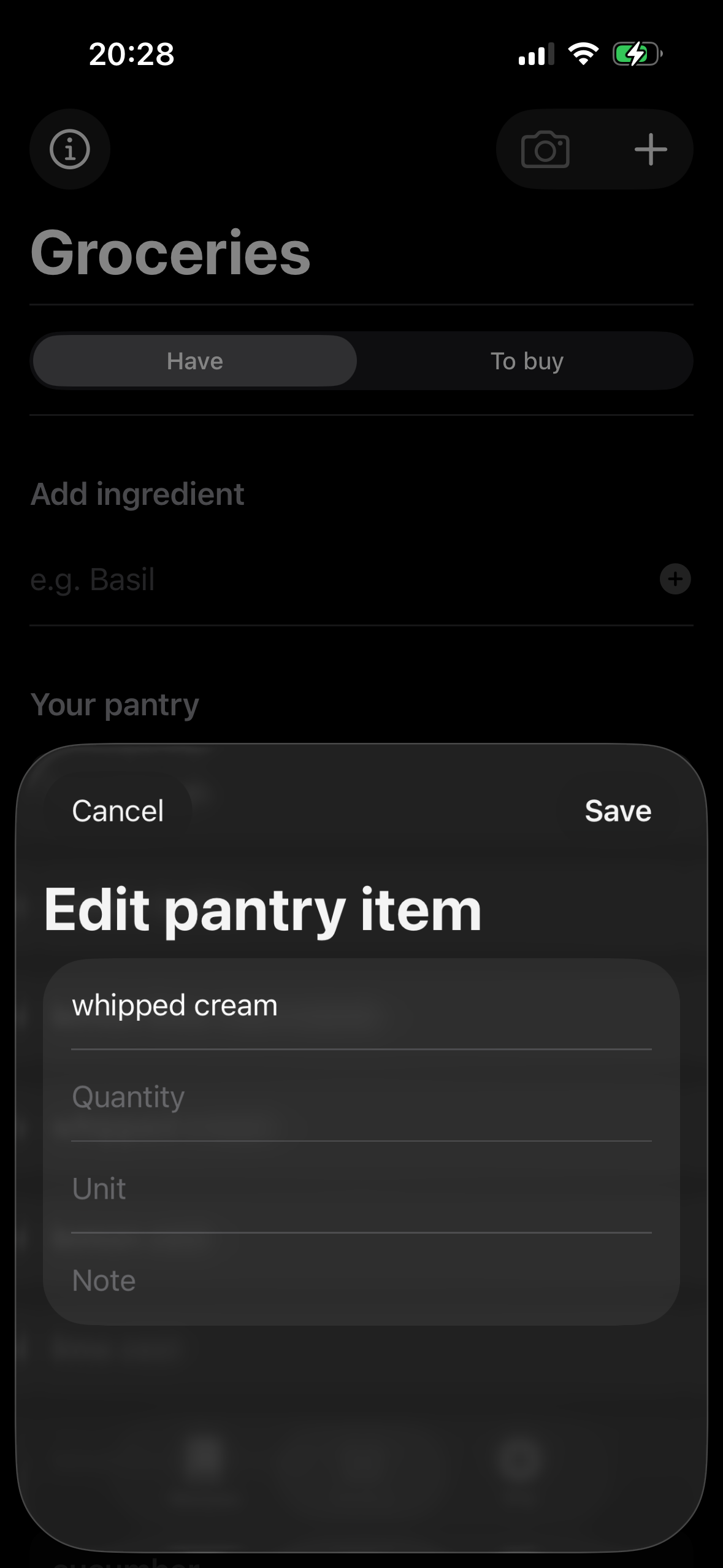
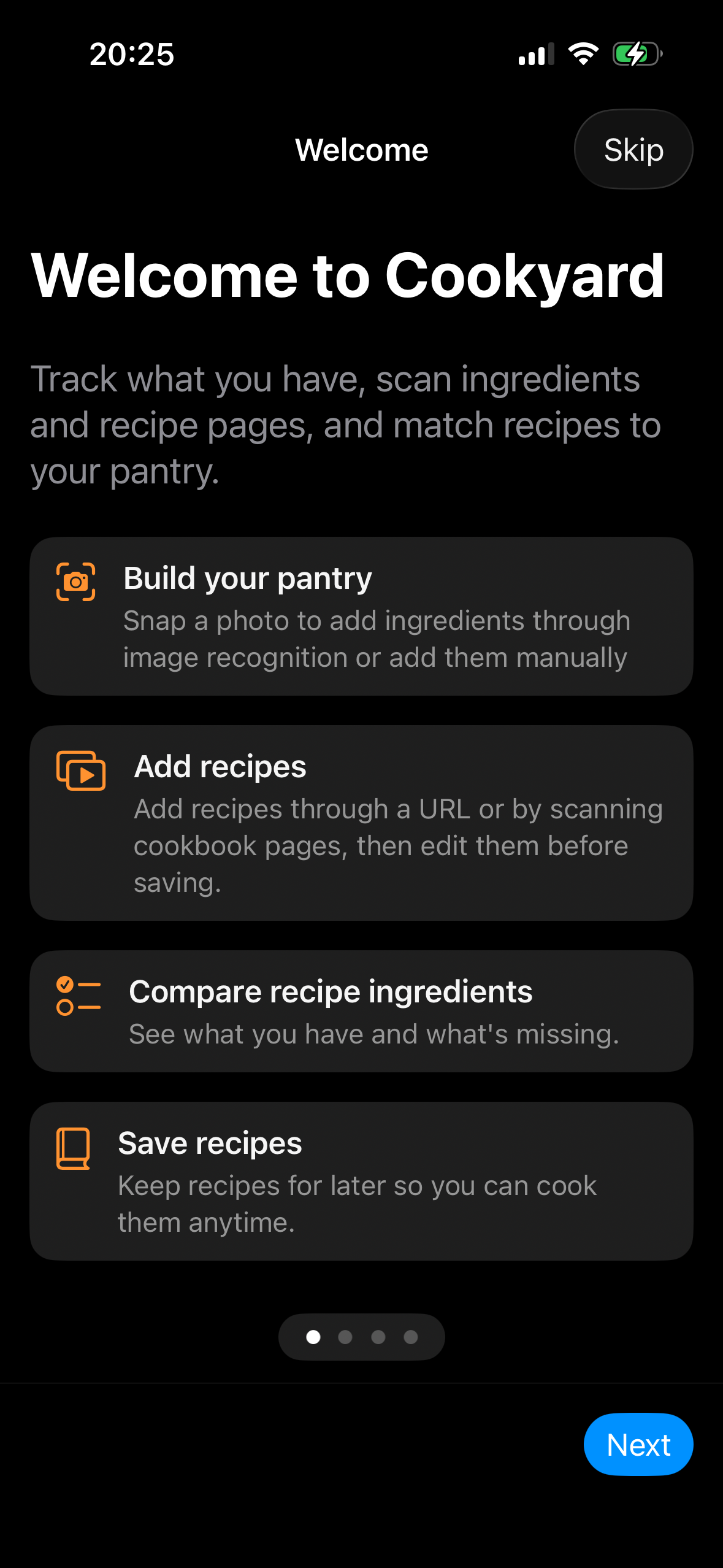
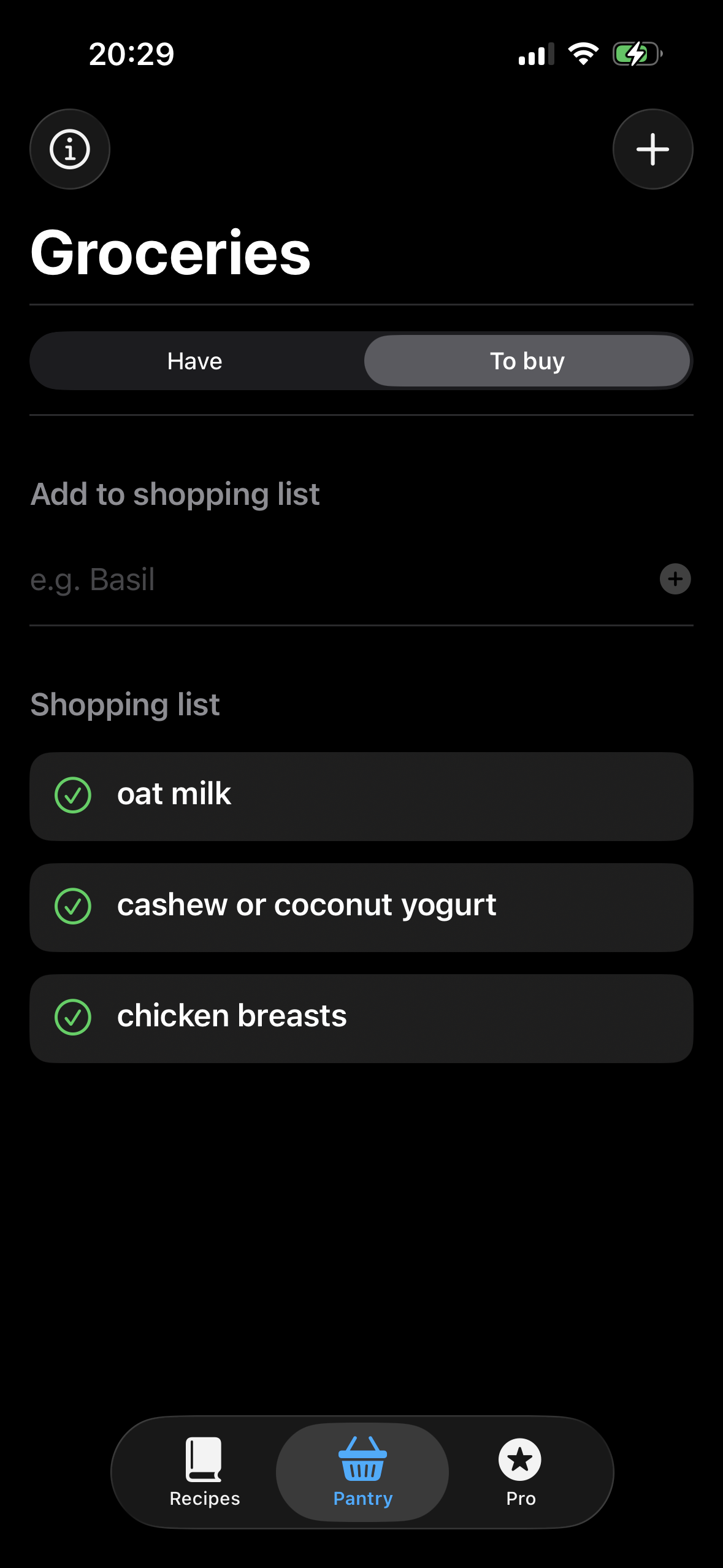
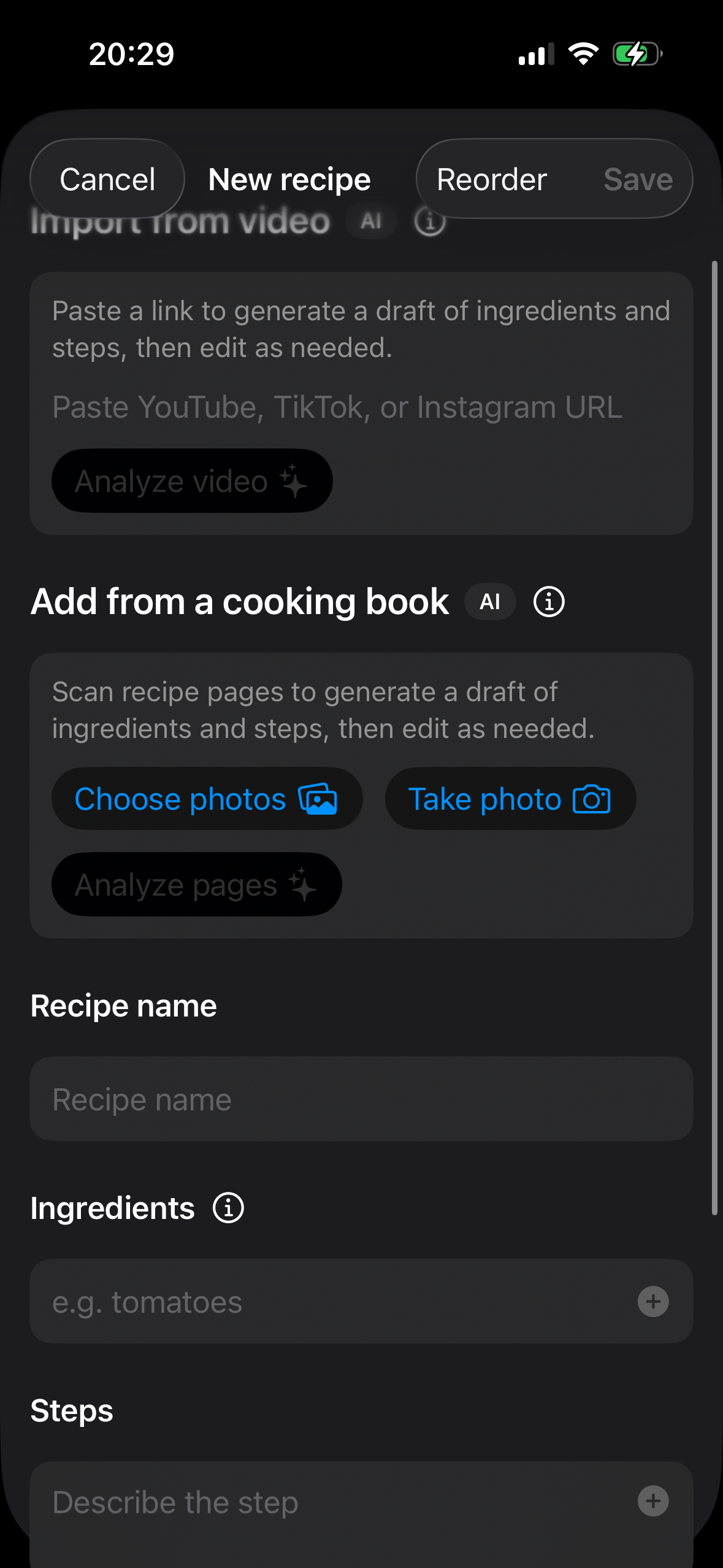
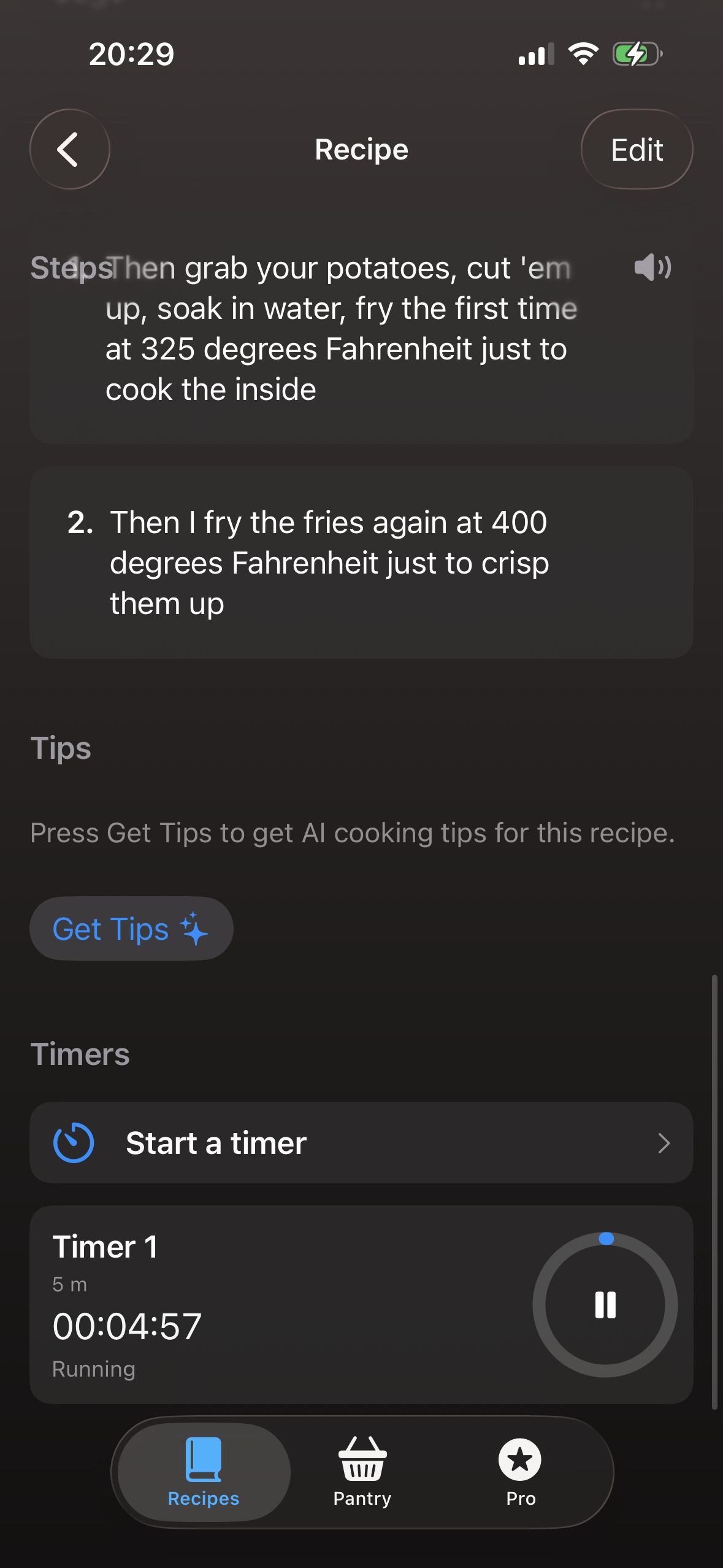
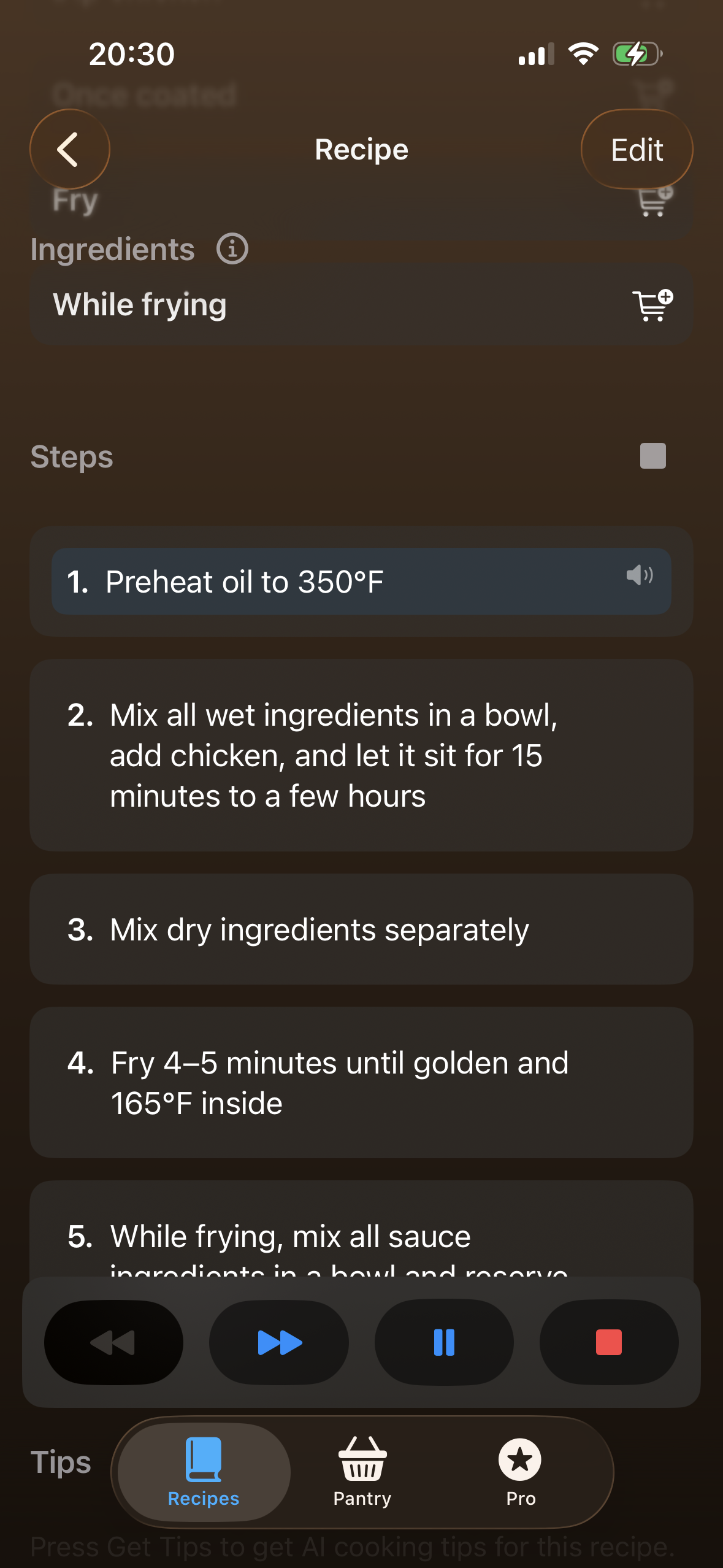
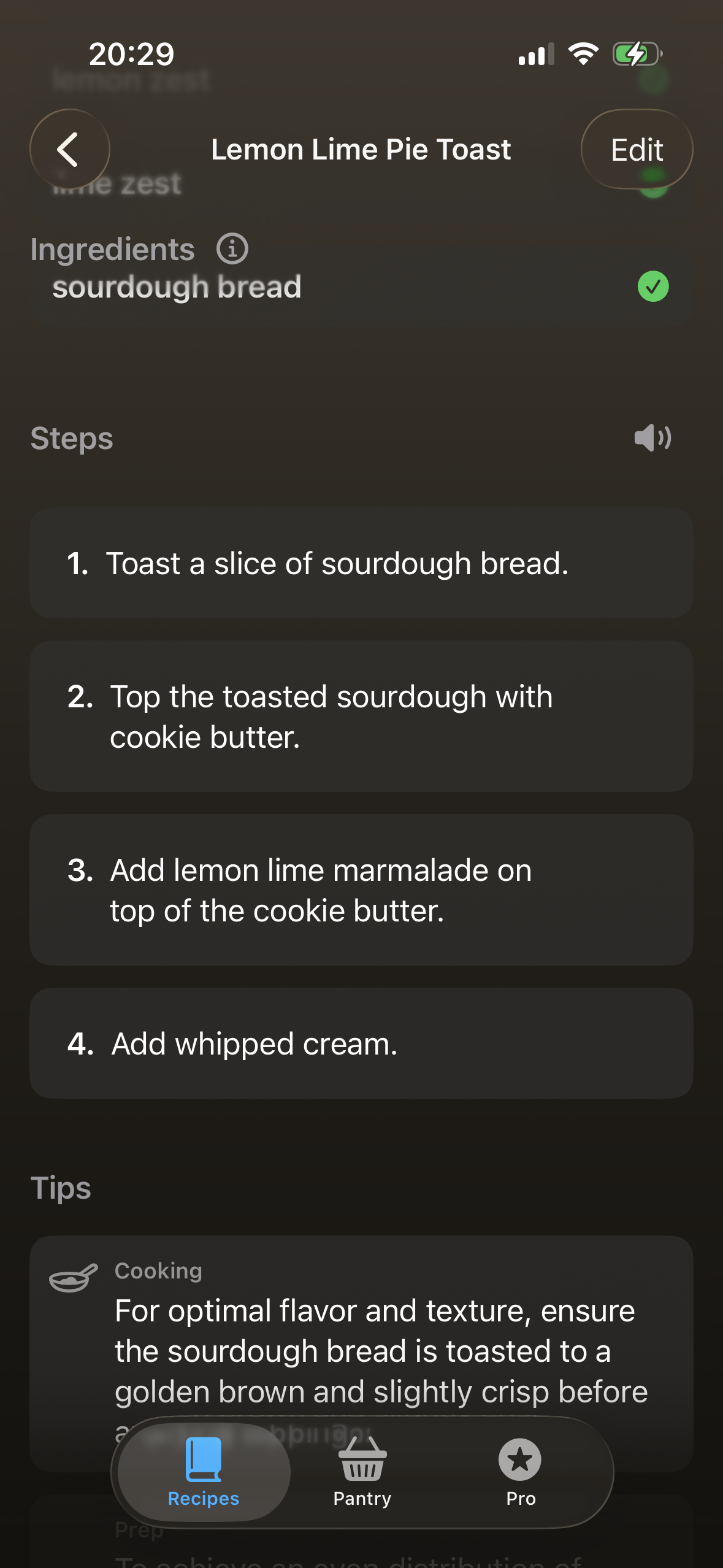
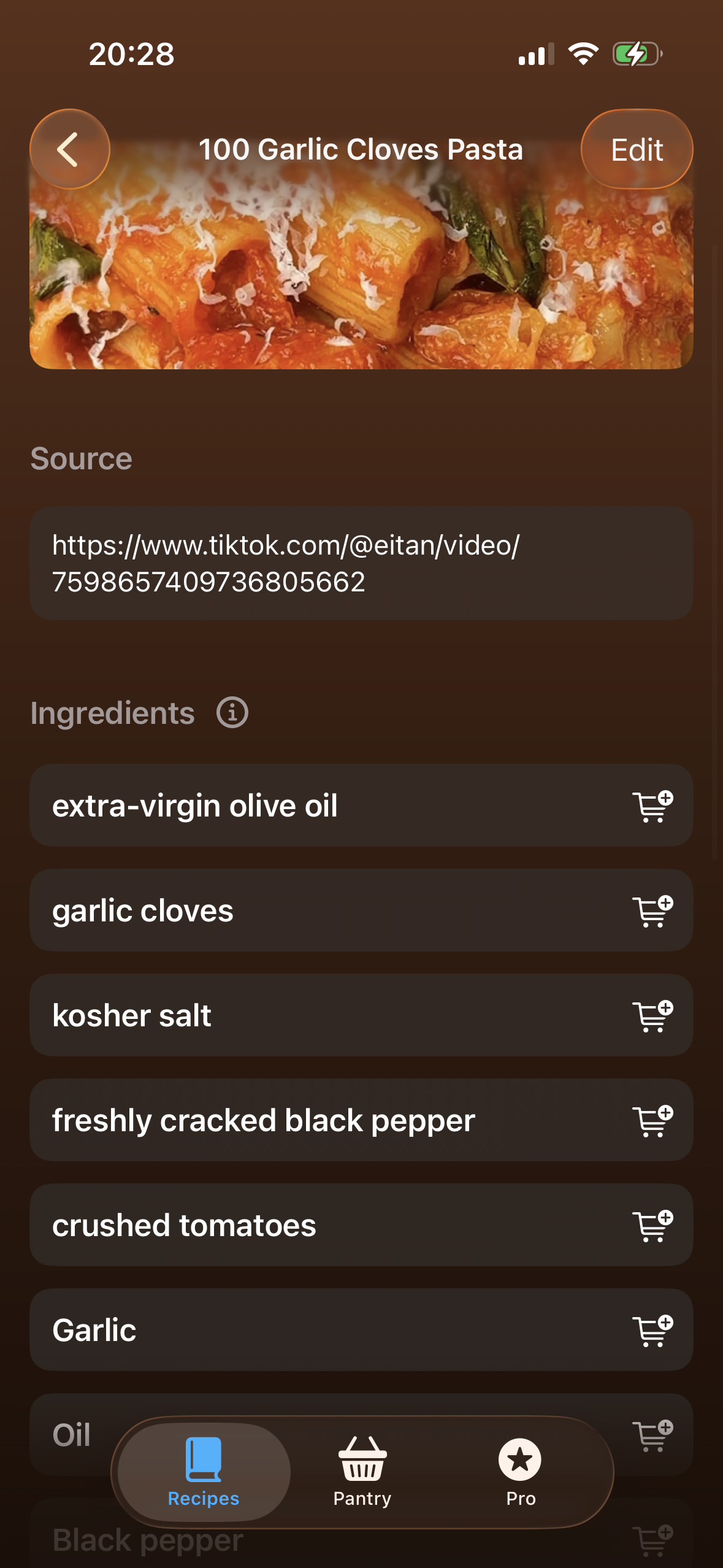
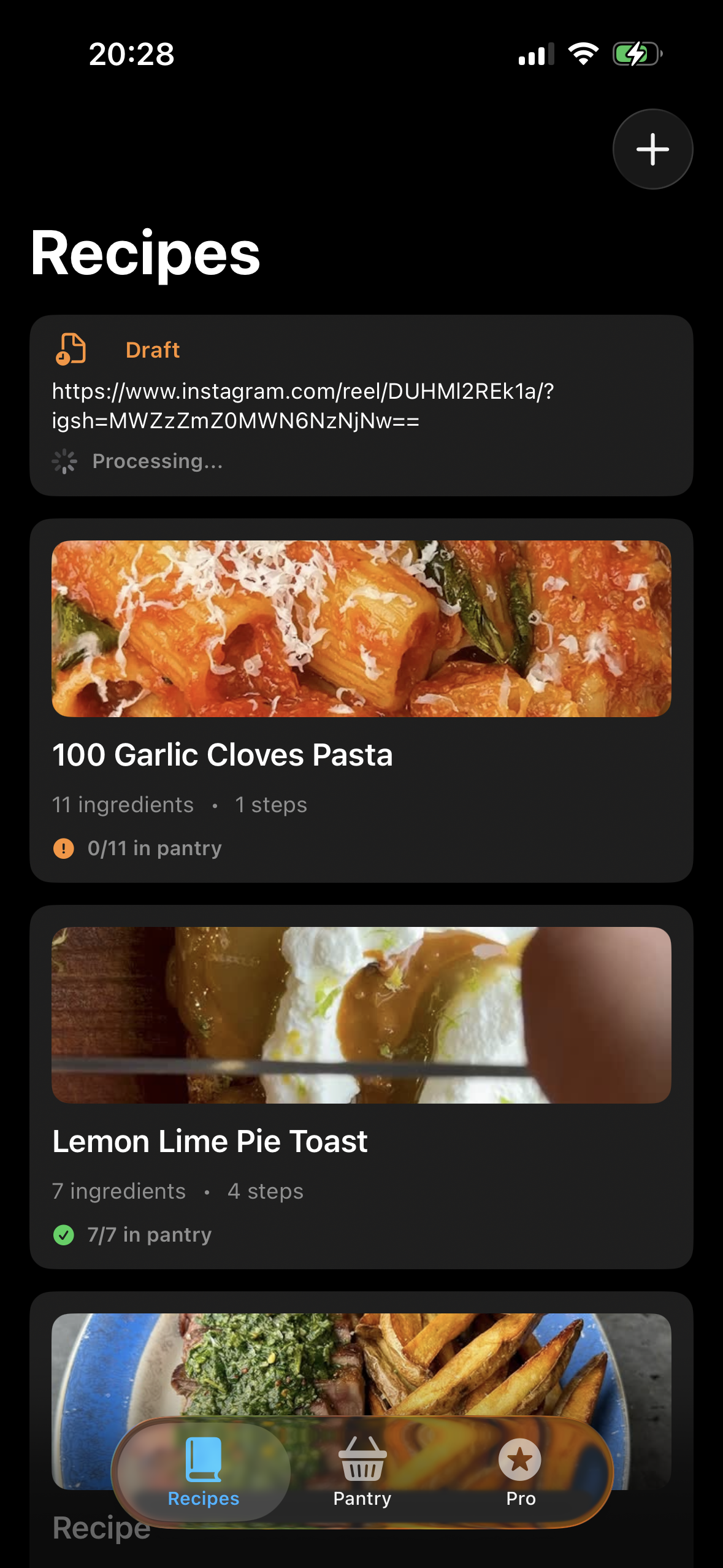
Cookyard is your cook helper, especially if your recipes come from online platforms or cooking books. It helps you add all the groceries you have in your pantry, either manually or by taking a photo when you buy them. Then whenever you add a recipe by using a video URL or through taking a picture from a cooking book(or any picture, could be from a website), it tells you if you have all the needed ingredients, or you could add the ones you don't have to the shopping list. Additionally there are some other tools that would help you when you actually cook, like playing through the steps(pause, backwards/forwards is supported) and setting up a timer with a name, so you don't need to leave the app when you cook.
How we built it
I've heavily relied on AI agents for creating this project using primarily codex with claude code here and there. There are actually two projects, a backend/processor/api and an iOS app. The iOS app extracts the ingredients from an image through Firebase AI, the recipe extraction is completely done on the backend. Here are the tech stacks: For the backend: TypeScript backend on Node.js(TypeScript), built as a NestJS service with an API and worker split. Cloud/data layer: Firebase Admin SDK (Firestore + Storage), Google Cloud Tasks AI/ML: Google Gemini/Vertex, OpenAI Whisper Media processing: ffmpeg, yt-dlp, fluent-ffmpeg Infra/deploy: Docker image deployed to Google Cloud Run (public API, private worker), via GitHub Actions + Cloud Build
iOS App:
- Platform/language: Native iOS app in Swift (targeting iOS 26.0) with SwiftUI
- Persistence: Local JSON file storage in Application Support (because i don't like SwiftData)
- AI/computer vision: Firebase AI Logic (Gemini), Vision OCR, VisionKit as fallback
- RevenueCatSDK for monetization and paywalls (of course)
- Device APIs: AlarmKit, UNUserNotificationCenter for timers, AVFoundation (AVSpeechSynthesizer, AVSpeechUtterance) for speech to text for steps
The iOS app is a native iOS, the ingredients are extracted through the use of Firebase AI.
Challenges we ran into
- The best AI models for analyzing videos are not really best for your use case.
- GCP is confusing and sometimes hard.
- AI takes a few tries to nail the code right, you just need to be patient and steer it. ## Accomplishments that we're proud of I am really happy that this app came along and I could build it in such a short notice with this amout of features, and the quality of the results it produces. ## What we learned
- Using AI agents for both coding and processing videos/photos/pages
- Prioritizing features, don't loose track, tackle one after the other, don't scope creep too much
- Design is not my strongest side
- Designing systems and APIs might be my strongest side? ## What's next for Cookyard I would share it with my friends and on socials, I really hope I find some real users, there are some other features that I have been thinking about(like a list of recipes from other users that you can do with your groceries) to add that might take more time to do them right, hopefully if this gets enough traction I will keep working on it and eventually add those.

Log in or sign up for Devpost to join the conversation.