-
-

Cookie Crusher
-
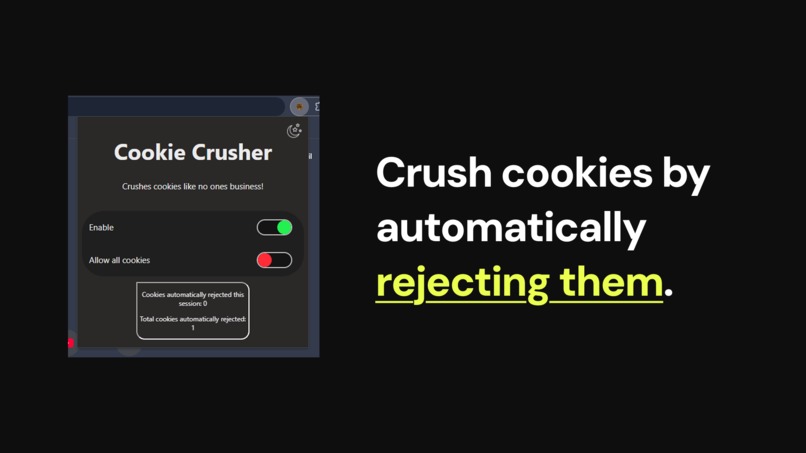
Crush cookies by automatically rejecting them.

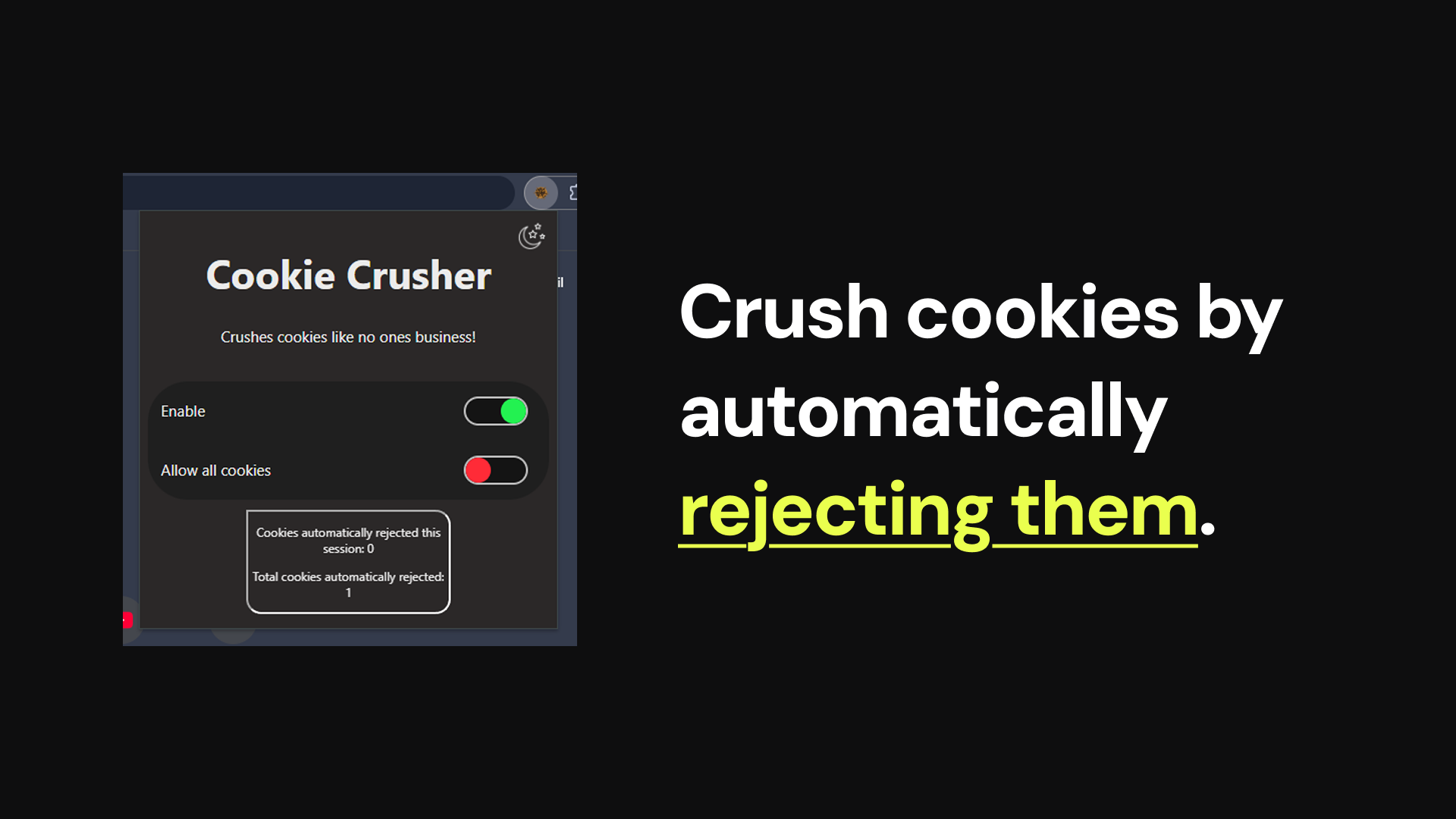
What is Cookie Crusher?
Cookie Crusher is a chrome extension that crushes cookies like no one's business by rejecting (or accepting at the user's wish) as many as possible.
Inspiration
We noticed that whilst browsing the web we see cookie consent popups on almost every website we visit. Although required by law, they can be frustrating to interact with when rejecting cookies to dismiss them. We took this frustration and wanted to create a tool that we could use that would automatically reject cookies for us without having to click on the popup or go into sub-menus to find the reject all button. This tool is Cookie Crusher.
What it does
Cookie Crusher is a chrome extension that automates cookie consent popups on websites to automatically decline them so that you never have to see them or interact with them. We have a set of rules that currently recognise 10 of the major cookie consent providers and will automate their popup windows to automatically decline cookies (the list of providers can be found on the GitHub repository).
The extension comes with some configuration, allowing the user to toggle the extension on and off. And if for some reason the user wants to automatically accept all cookies they can by toggling from always reject to always accept.
How we built it
Cookie Crusher is built as a Chrome extension consisting of three main components: the popup, service worker and content script.
The popup is written using HTML, CSS & JS. It uses JavaScript to allow it to communicate with the Service Worker for storing and requesting preferences from persistent data.
The Service Worker is written using JavaScript, and runs in the background in Chrome. Its responsibility is to enable communication from both the popup and content script to allow them to request and update data from persistent storage. This can be data such as the enabled and disabled state of the extension or the statistics of how many cookies have been declined overall.
The Content Script is written using JavaScript and runs on every single page. It observes any changes to the page's DOM and attempts to identify a supported consent provider. Once detected, it will then automate the declining process so that the user never has to see or interact with the cookie consent popup.
Challenges we ran into
Some consent providers stored their accept and reject buttons within a shadow DOM. When the observer would detect the shadow DOM being created it would perform an recursive search through it but it wouldn't find any elements since the shadow DOM wasn't populated yet. By setting up a system that would monitor shadow DOMs for updates, it allowed us to detect when they had been populated and re-run the detection so that we can automate the declining of the cookies.
Within the popup we ran into an issue where when changing from dark to light mode the sliders would also invert and go from green and red to purple and blue. We handled changing from light to dark mode by using the CSS invert filter on the body, so this would also include the toggles. It took us a while for us to try different ideas to exclude the toggles from the filter before we successfully excluded them to keep the colours constant.
We also found that some consent providers like Google ignored automated clicks unless they occur after a small delay, so we introduced a slight delay to mimic realistic user input. For the providers that still didn't recognise the click, we created a second click method that manually triggers all of the click events to simulate a real user's click.


Log in or sign up for Devpost to join the conversation.