-
-
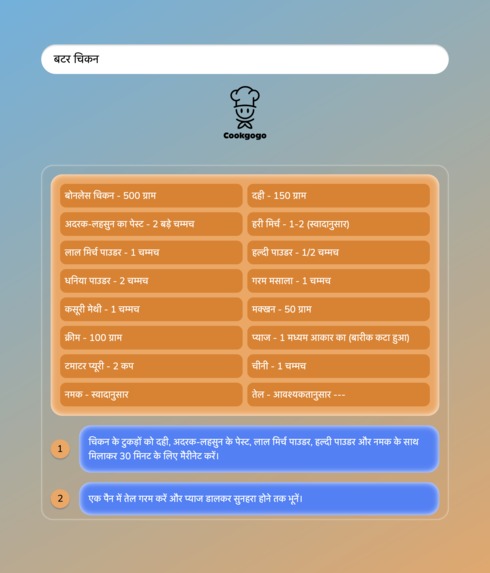
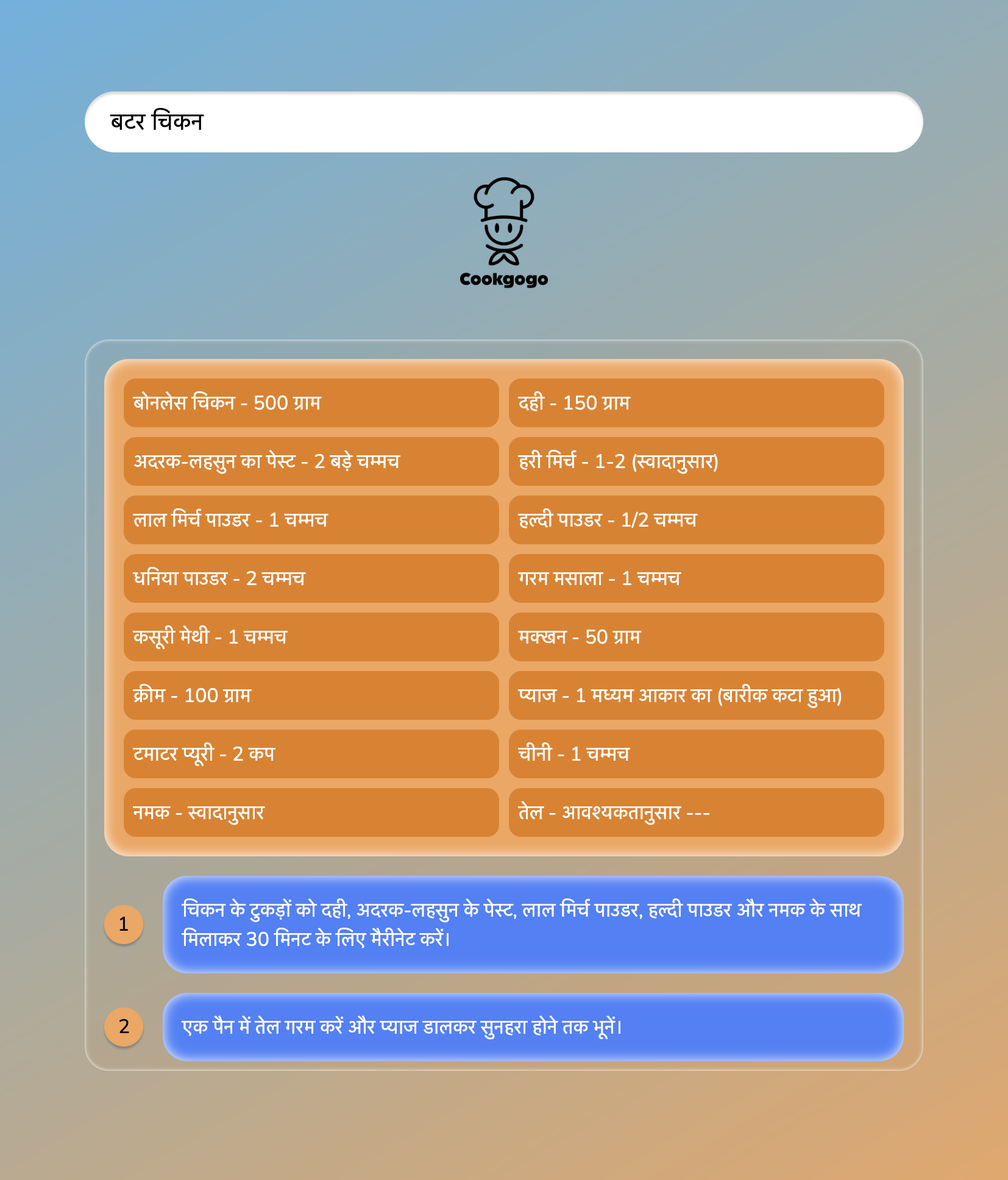
Indian food search results in Hindi
-
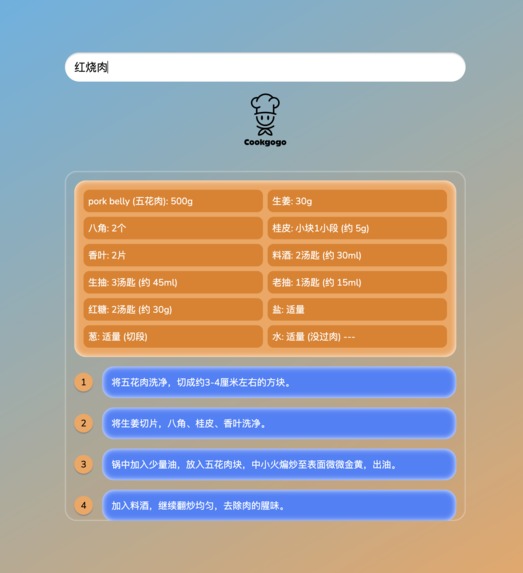
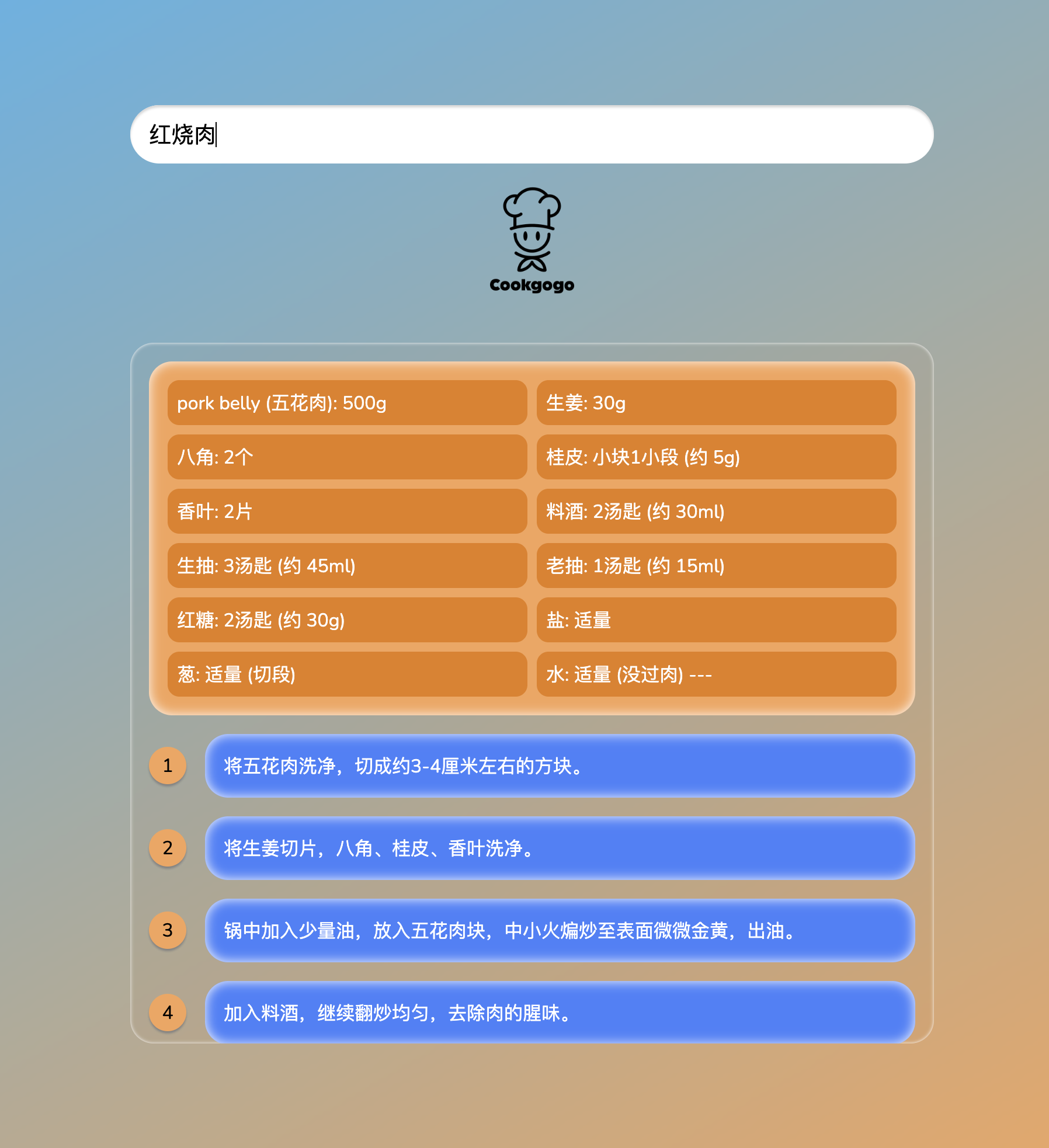
Chinese food search results in Chinese
-
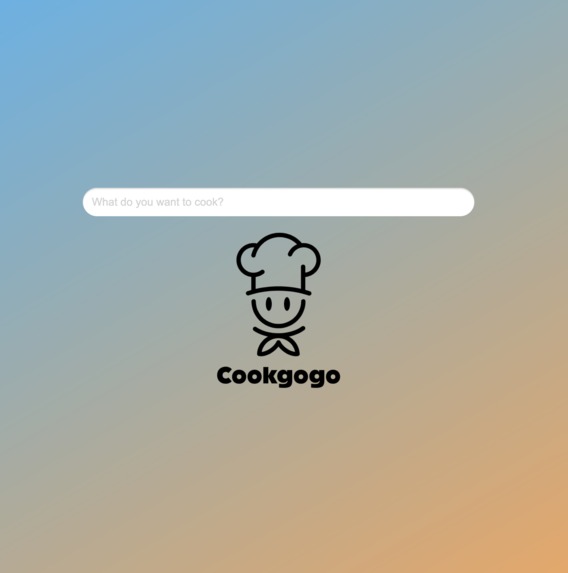
Home page
-
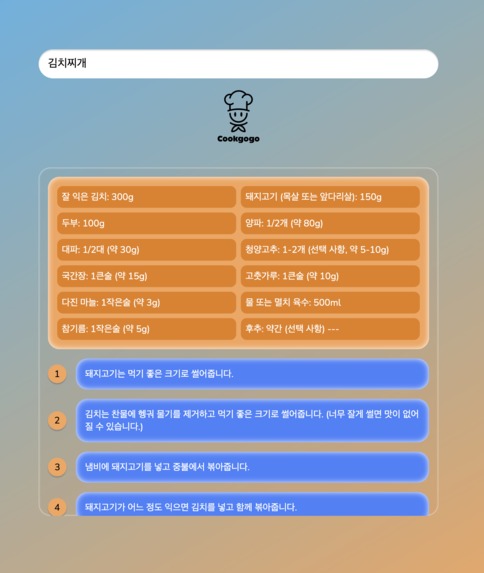
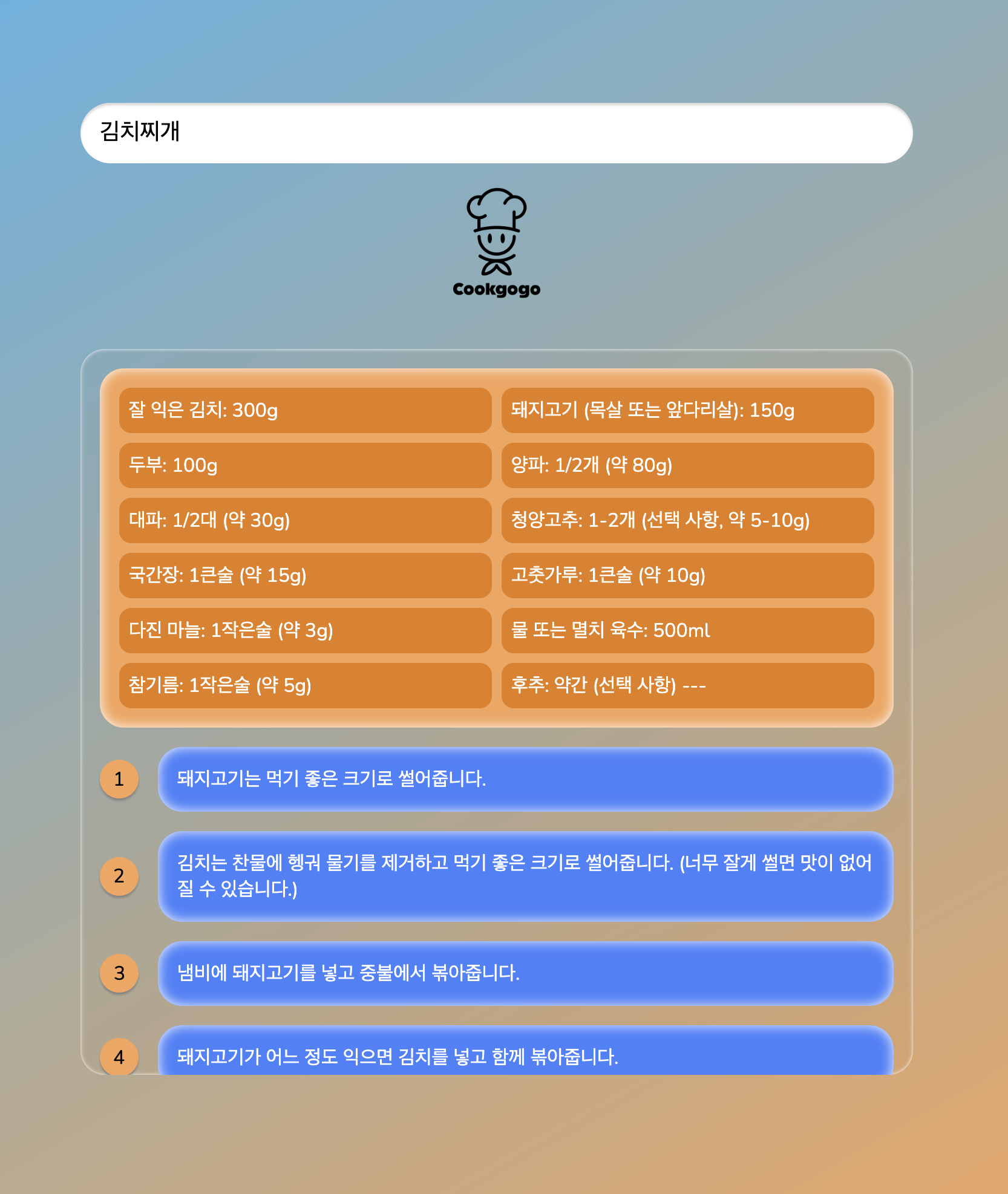
Korean food search results in Korean
-
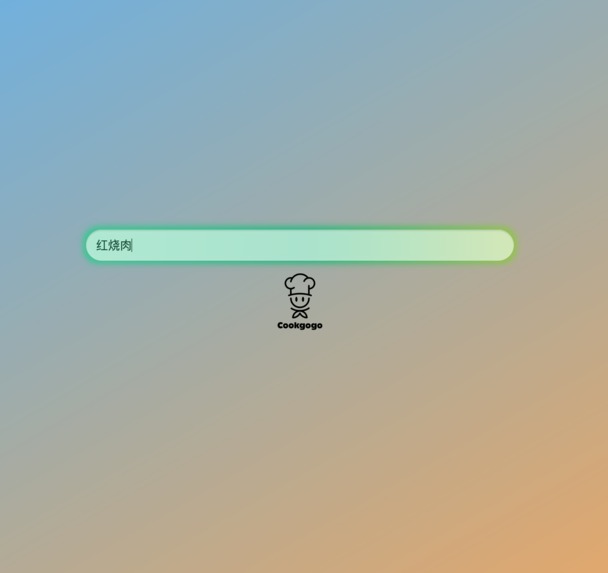
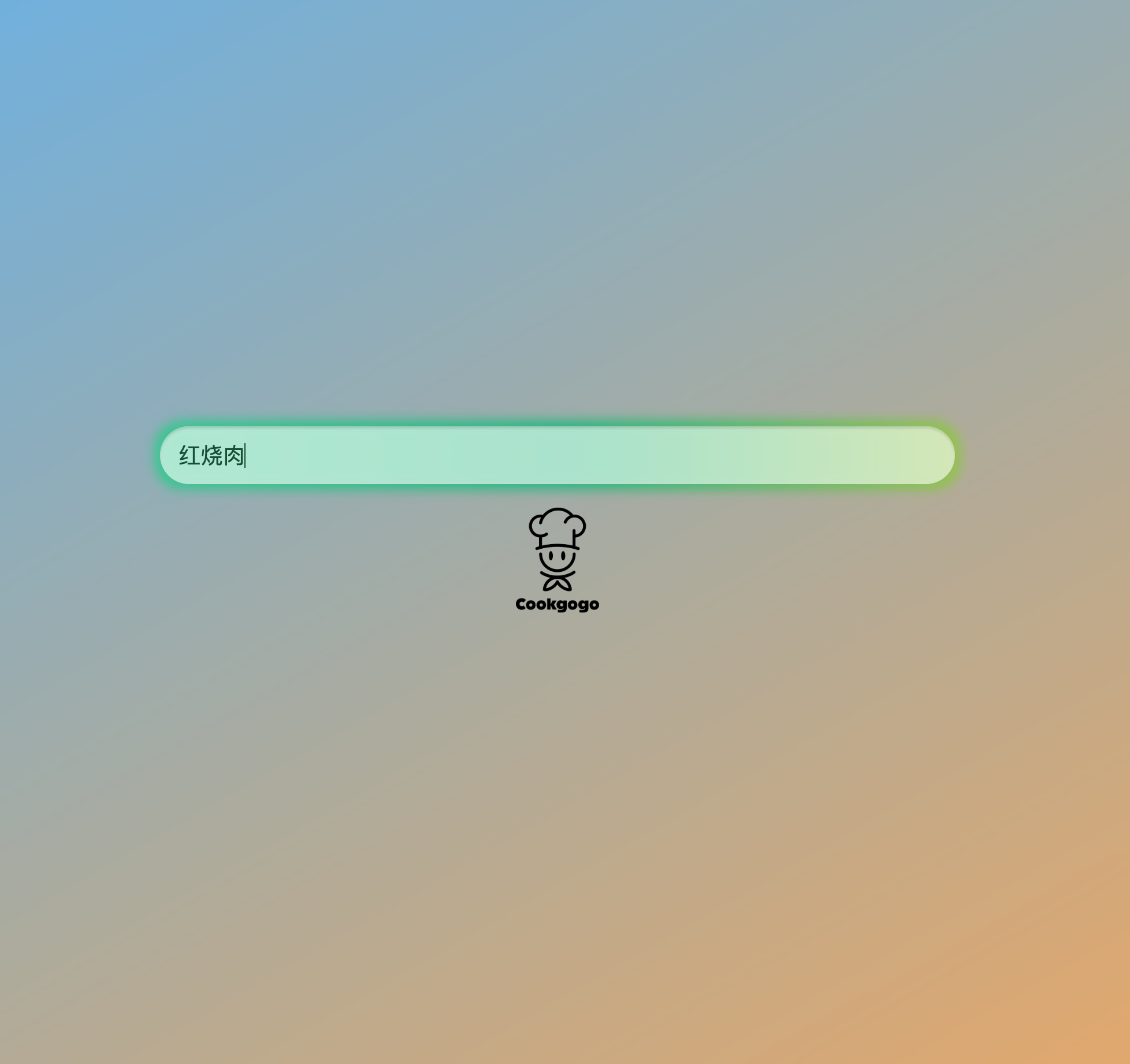
Seraching effect
-
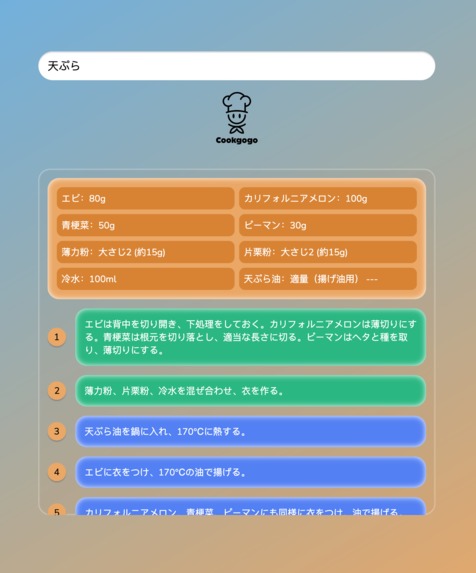
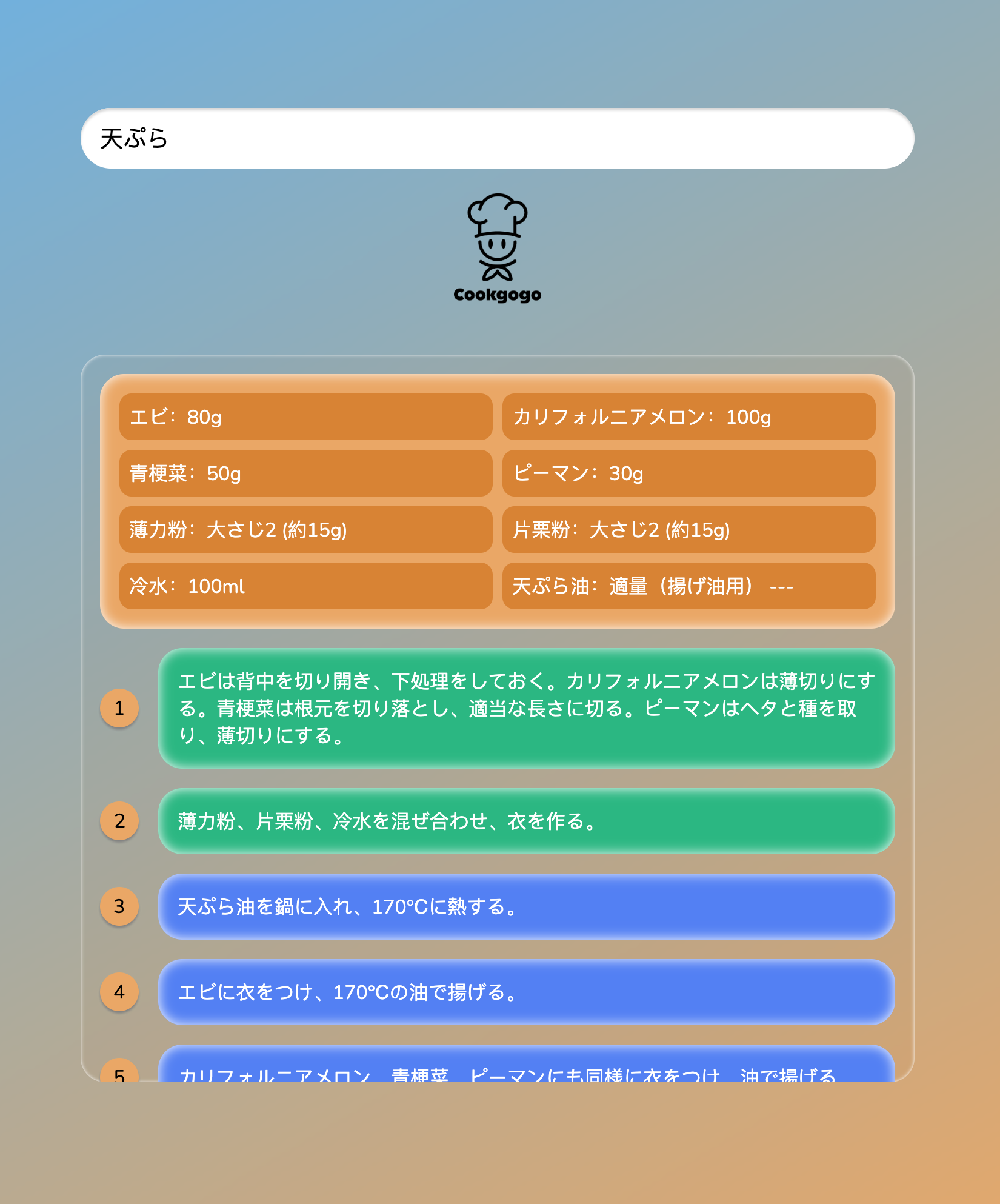
Japanese food search results in Japanese
-
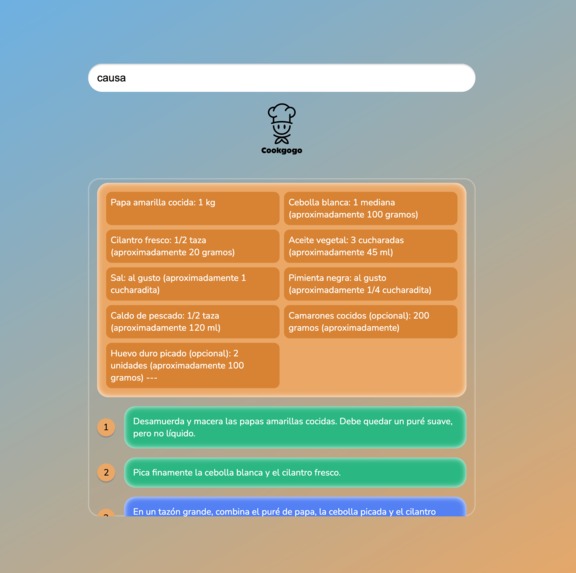
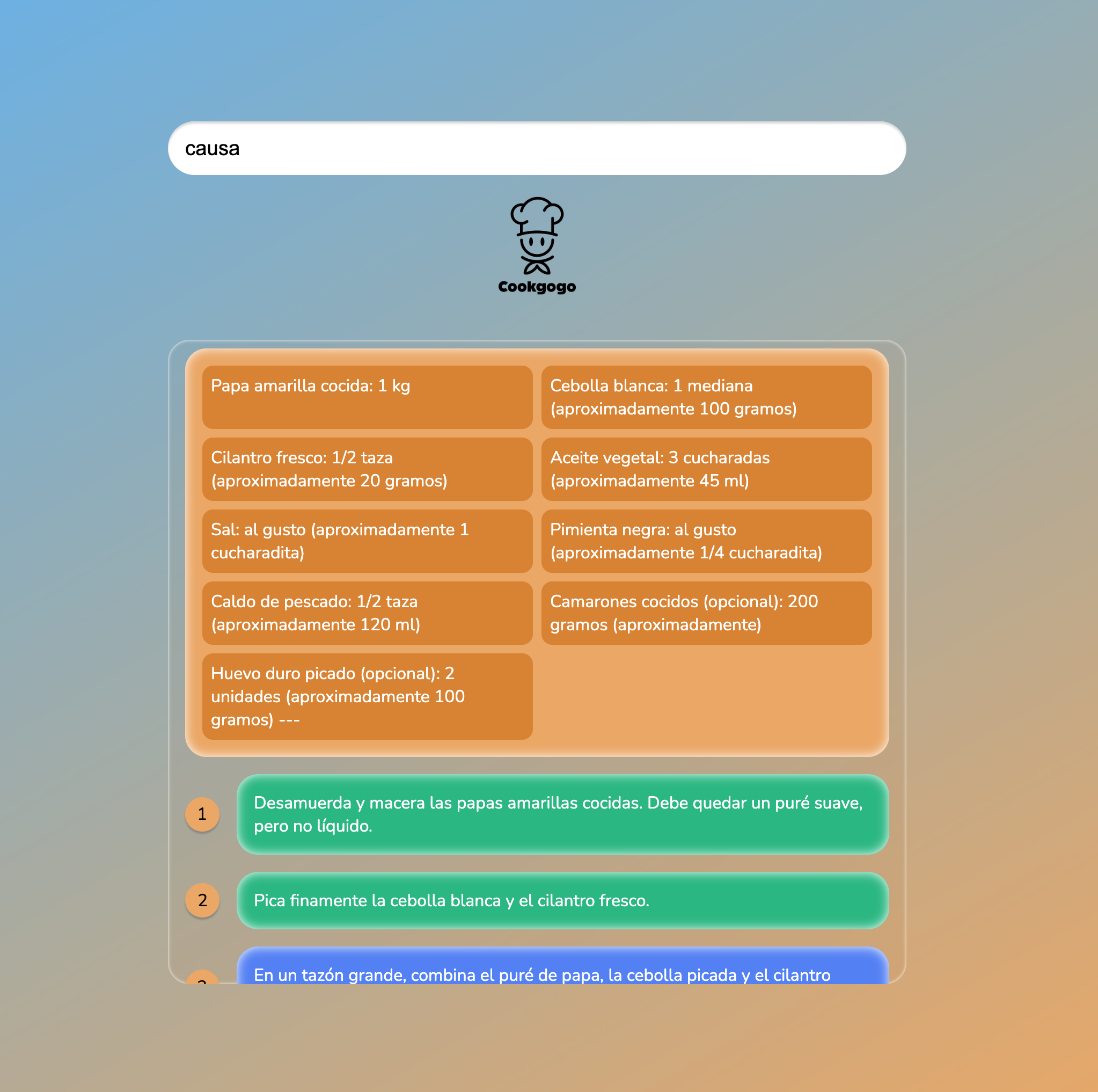
Causa(Peruvian dish) search results in English
Inspiration
The inspiration for Cookgogo came from my daily cooking experience. I often need to search for recipes online, but switching between languages and websites is inconvenient. I wanted to build a simple web app that allows users to search, read, and follow recipes from multiple countries — all in one place.
Cooking is not just about food, it’s about sharing culture. That idea motivated me to create a multilingual recipe app that helps users explore global cuisines easily.
What it does
CookGoGo is a web-based recipe assistant that helps users: Search recipes in multiple languages (Chinese, English, Japanese, Korean, Hindi) View ingredients and detailed cooking steps Mark each step as “completed” while cooking Discover famous dishes from different countries
The goal is to make cooking organized, educational, and international.
How we built it
The app is built using HTML, CSS, and JavaScript, integrating Chrome Prompt API for recipe generation.
Workflow: 1. User enters dish name → sent to API 2. API returns recipe text → processed in JavaScript to separate:Ingredients, Steps 3. Steps are rendered dynamically with: Click-to-complete functionality, Smooth updates without page reload
Challenges I ran into
Formatting the API response consistently
    Parsing numbered steps reliably
    Updating the DOM dynamically while maintaining UI consistency
Accomplishments that I'm proud of
Successfully parsed API text into structured data
Created interactive UI where steps can be marked complete
    Built multilingual support for recipes
What I learned
    How to handle asynchronous API calls and process results
    DOM manipulation for dynamic updates
    Designing prompts for structured AI output
What's next for CookGoGo
    Add images for dishes
    Save favorite recipes

Log in or sign up for Devpost to join the conversation.