-
-
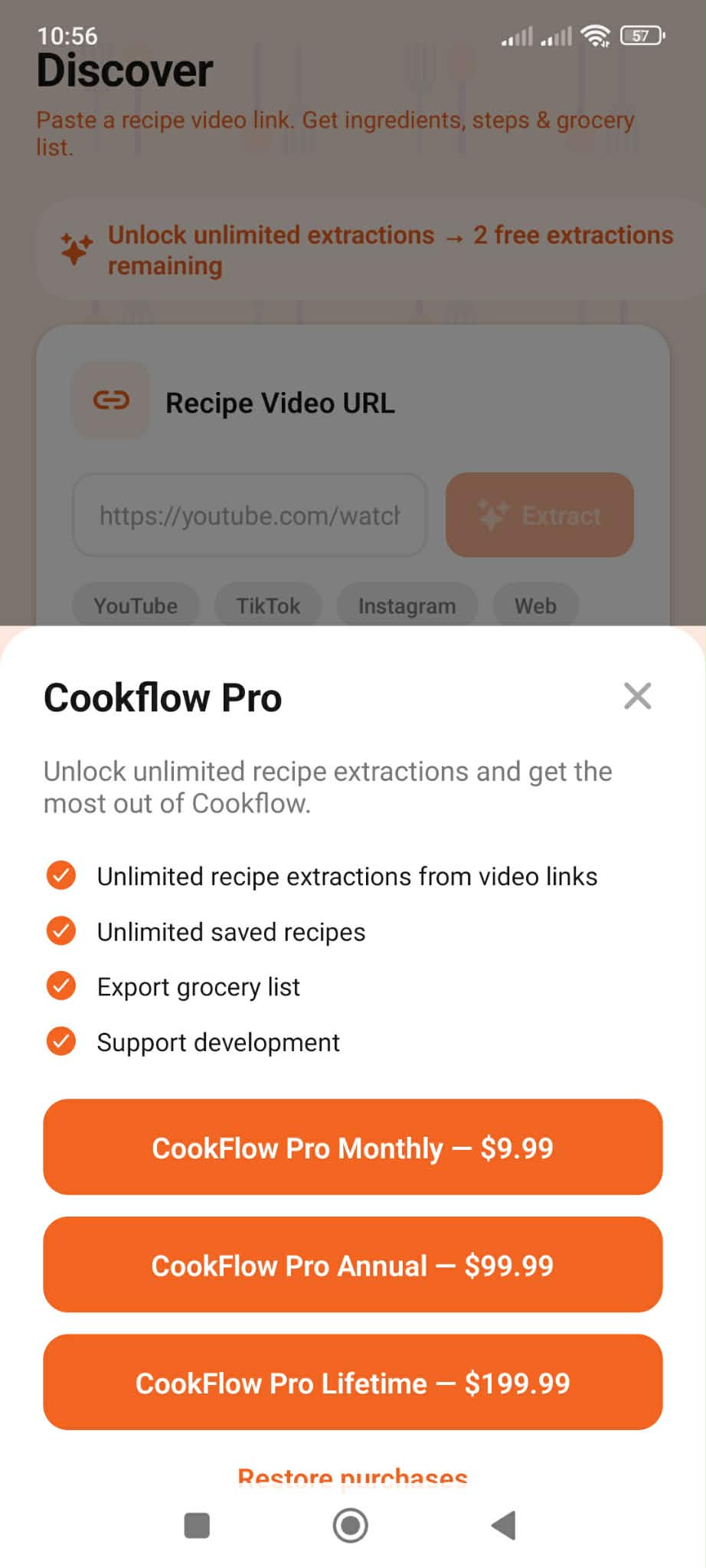
purshase
-
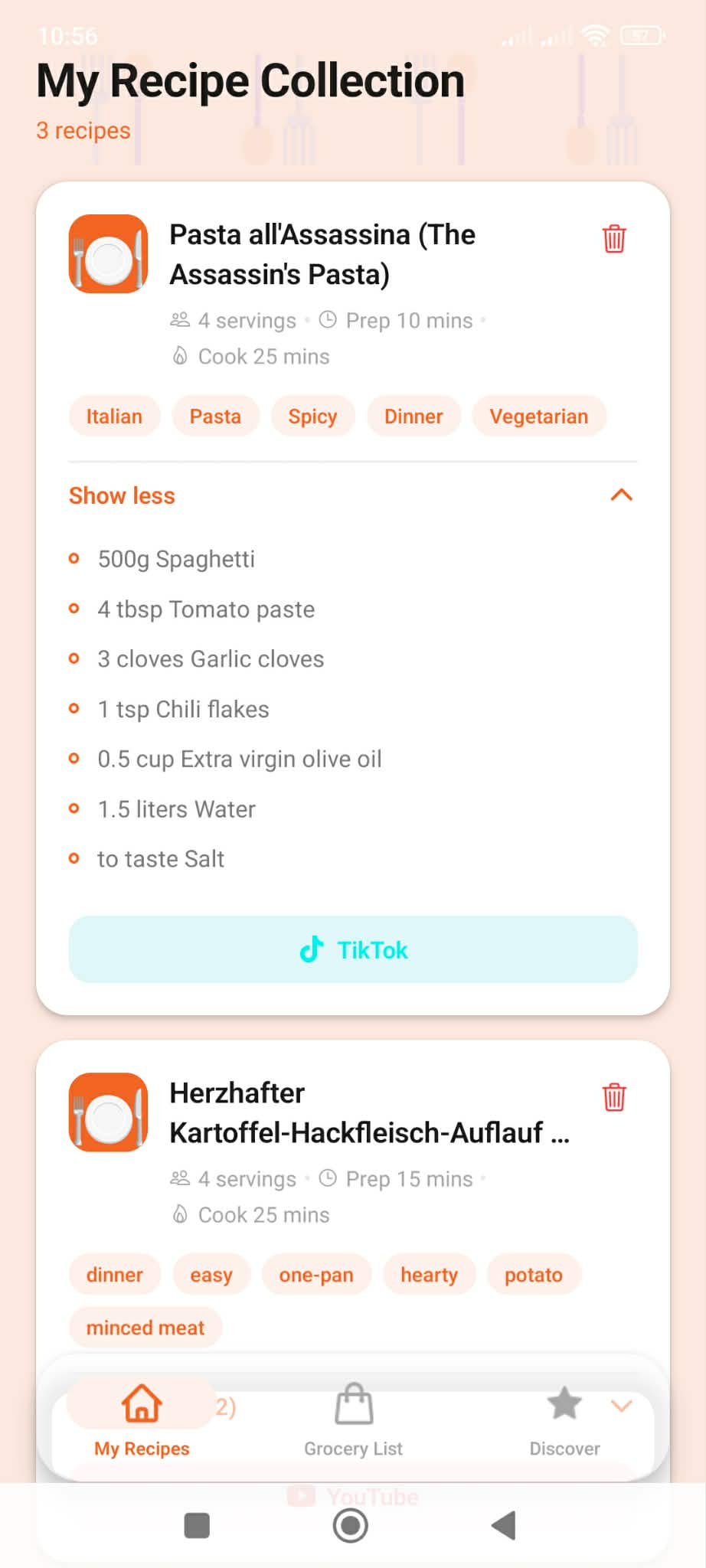
my receips
-
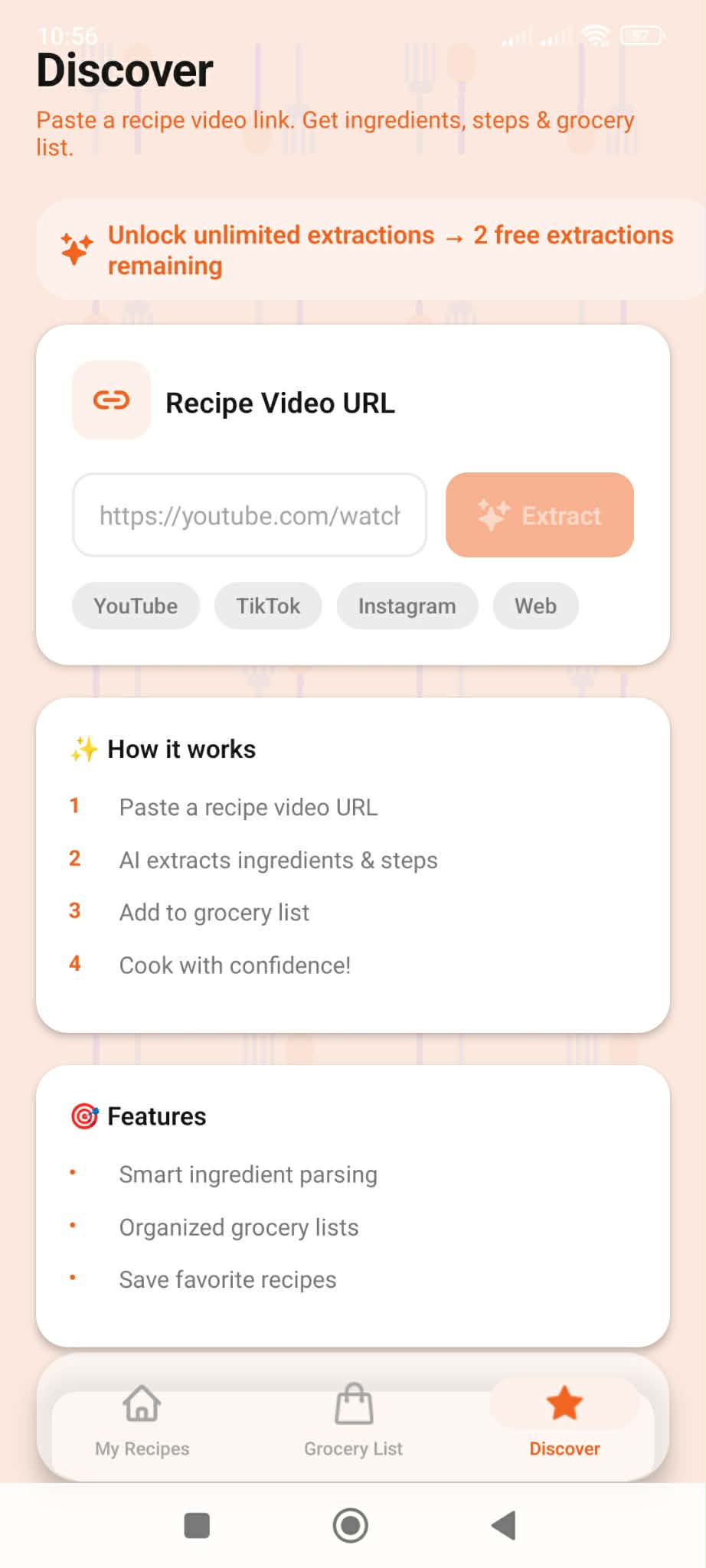
discovery
-
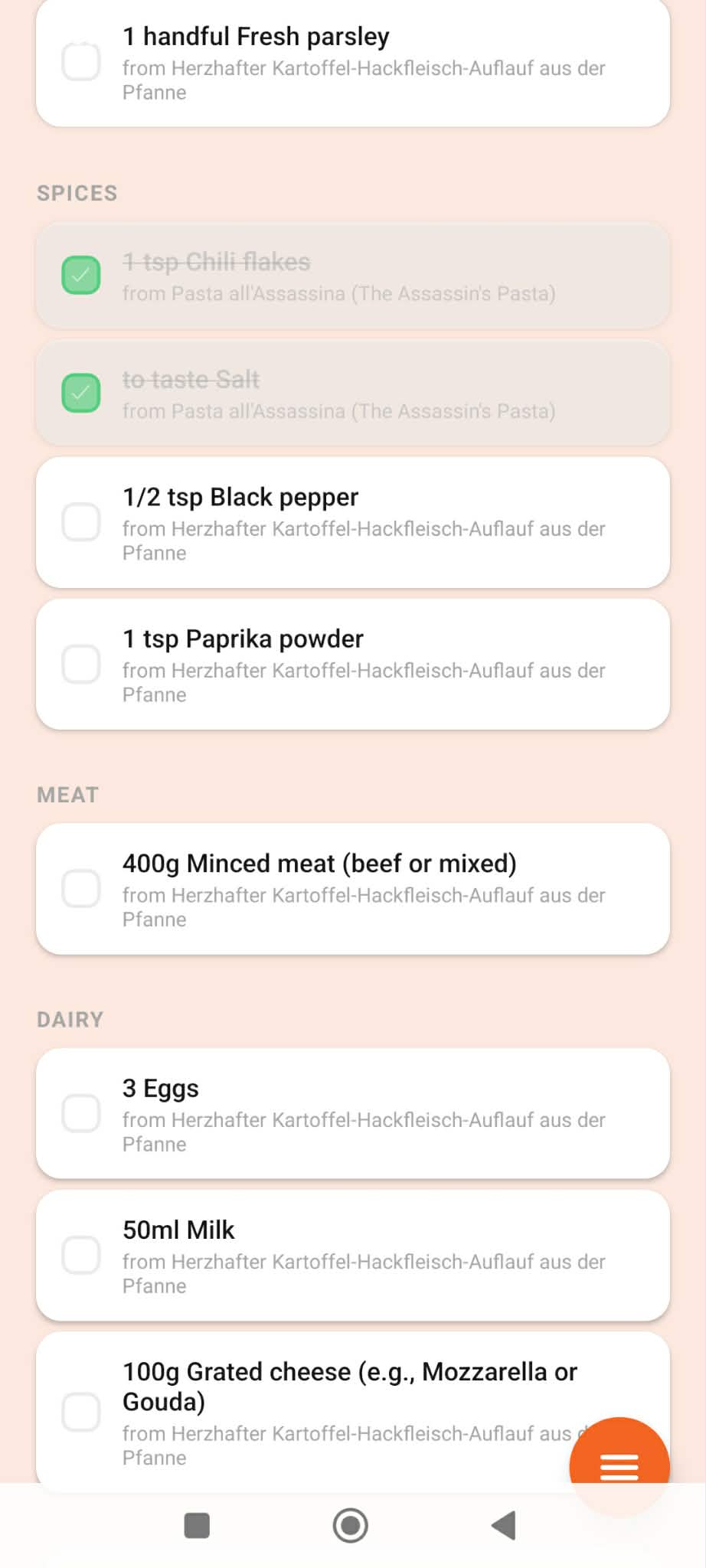
grocery list
CookFlow — Hackathon Submission
From "I saw this" to "it's on the table."
What it does
CookFlow turns recipe inspiration into action. Users paste a recipe video URL (YouTube, TikTok, Instagram, etc.) and the app uses AI to extract the recipe—title, ingredients, and steps—then saves it to their collection. With one tap they can add those ingredients to a categorized grocery list. So instead of links and screenshots piling up, they get a single flow: paste link → get recipe → get list → cook.
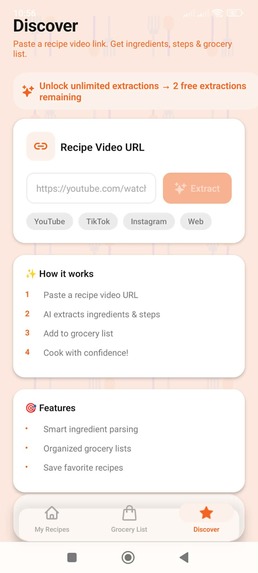
- Discover — Paste a video URL; AI (Google Gemini) parses it into a structured recipe and saves it.
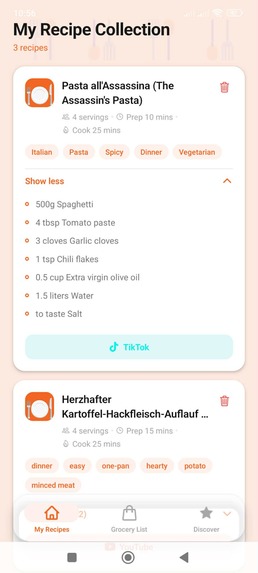
- My Recipes — All saved “want to cook” recipes; expand for ingredients and steps, add to grocery list, or open the original video.
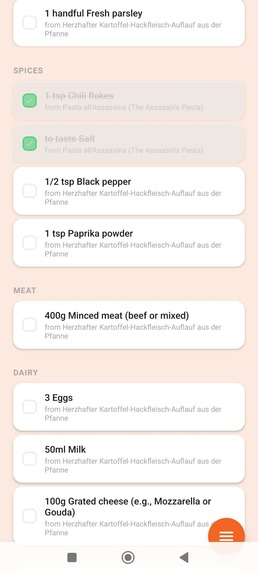
- Grocery List — Items grouped by category with “from recipe” labels; check off while shopping.
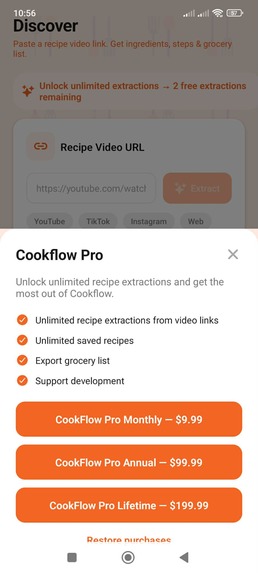
The app is freemium: 3 free recipe extractions per month, with Cookflow Pro (RevenueCat) unlocking unlimited extractions.
How we built it
- Mobile app: React Native with Expo (SDK 54), TypeScript, and Expo Router for file-based routing and bottom tabs (My Recipes, Grocery, Discover).
- AI: Google Gemini API to parse video metadata and descriptions into structured ingredients and steps.
- Monetization: RevenueCat for in-app purchases and subscriptions (Cookflow Pro entitlement).
- Storage: AsyncStorage for recipes, grocery list, and free-tier extraction count.
- Build: EAS Build for development, preview (APK), and production;
expo-dev-clientfor IAP-capable builds.
We focused on a clear flow: one screen to paste a URL, one place for recipes, one list for groceries—all on the device with no account required for the core experience.
Recipe video URL → Gemini extraction → Saved recipe → One-tap "Add to grocery list"
                                                              ↓
                                    Categorized grocery list → Shop → Cook
Challenges we ran into
- Environment variables in EAS:
EXPO_PUBLIC_*vars (e.g. Gemini API key) aren’t in the build by default; we had to treat empty config as “missing” in code and use EAS secrets so the preview/production builds get the key. - RevenueCat in dev builds: In-app purchases only work in a development build, not Expo Go, so we had to document and test with
expo run:android/expo run:iosand ensure the app still runs in Expo Go with IAP disabled. - Free-tier gating: Implementing a clear “3 extractions per month” limit with month reset and Pro bypass required careful use of
AsyncStorageand syncing with RevenueCat’s entitlement state. - Tab bar UX: Hiding the tab bar on scroll and showing a floating action button to bring it back needed shared state (
TabBarVisibilityContext) and smooth behavior across tabs.
Accomplishments that we're proud of
- End-to-end flow: From pasting a video URL to having a categorized grocery list in one app, with no manual retyping of ingredients.
- Real monetization: Integrated RevenueCat with a working paywall, free limit (3/month), and Cookflow Pro entitlement so the app is ready for store submission.
- Cross-platform: Single codebase for iOS and Android with Expo; preview APKs built and testable via EAS.
- Clear UX: Discover → My Recipes → Grocery List is easy to explain and use; empty states and paywall copy keep the value proposition obvious.
What we learned
- How to wire Gemini into a mobile app for “unstructured text → structured recipe” and handle missing or partial video metadata.
- RevenueCat’s flow: entitlements, offerings, packages, and listening for customer info updates so the UI reflects purchase state immediately.
- EAS Build and secrets: making env vars available in cloud builds and keeping local
.envout of the repo. - Balancing “works without account” (AsyncStorage, optional backend) with “ready for IAP” (dev builds, entitlement checks) in one codebase.
What's next for CookFlow
- Cloud sync: Use Appwrite (or similar) so recipes and grocery lists sync across devices and survive reinstalls.
- Smarter grocery list: Deduplication, unit normalization, and better categorization (e.g. by store aisle).
- More sources: Support article URLs and possibly image uploads (screenshot of a recipe) in addition to video links.
- Discovery: Browse or search saved recipes by ingredient or cuisine; what can I make with what I have?
- Sharing: Share a recipe or grocery list with others (household or friends) for collaborative meal planning.
Built With
- gemini
- react-native
- revenuecat

Log in or sign up for Devpost to join the conversation.