Cookbook Button
Find it. Button it. Cook it. Keep it.
I didn't build Cookbook Button because the world needed another place to find recipes.
There are already millions of recipes everywhere.
That's actually part of the problem.
I find something that looks amazing on a recipe website, save another recipe in a browser tab, screenshot something else, have recipes sitting in an old cookbook app, and somewhere there's still a recipe card from my grandmother that everybody in the family loves.
So I built Cookbook Button to bring all of that into one personal cookbook.
The basic idea is intentionally simple:
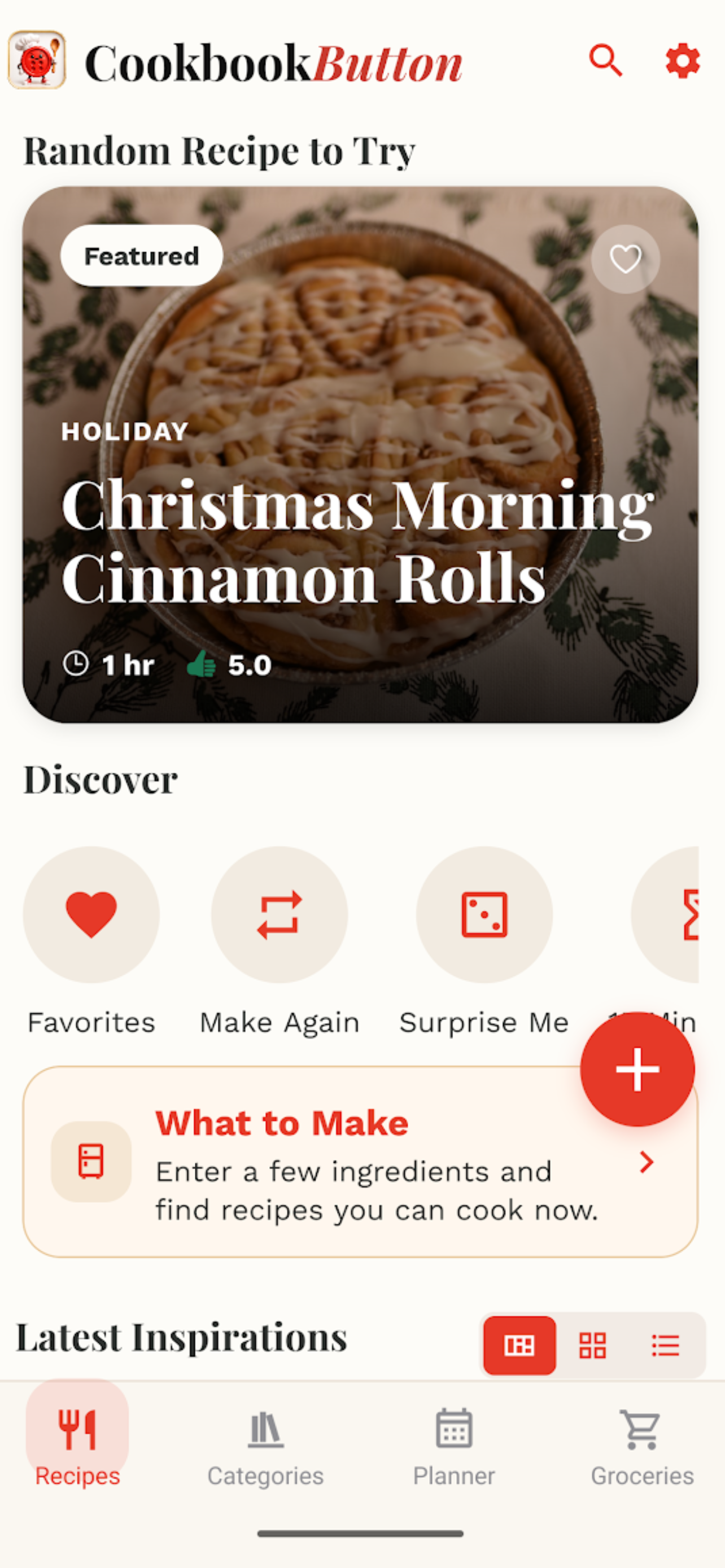
Find a recipe you want. Tap Share. Choose Cookbook Button. It's in your cookbook.
Not another bookmark you have to hunt down later.
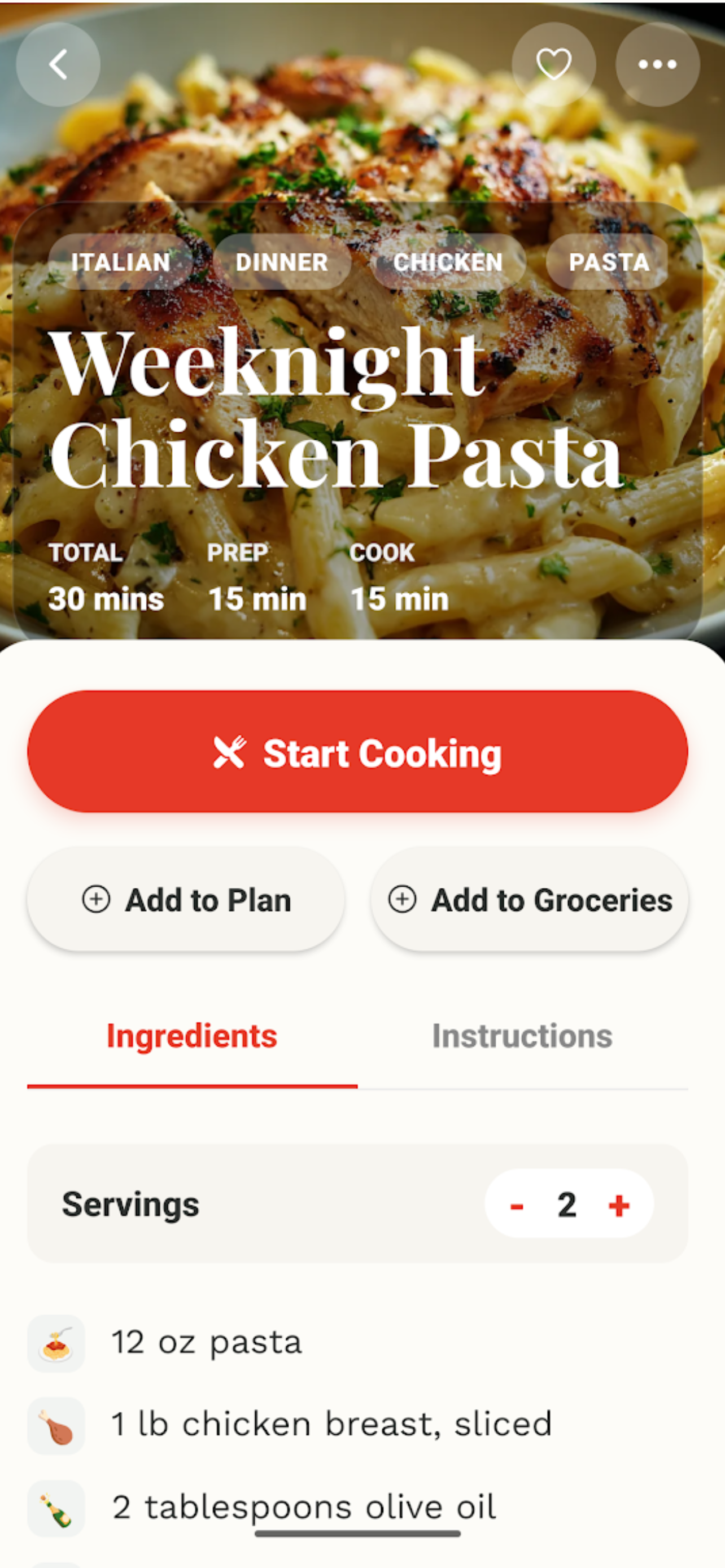
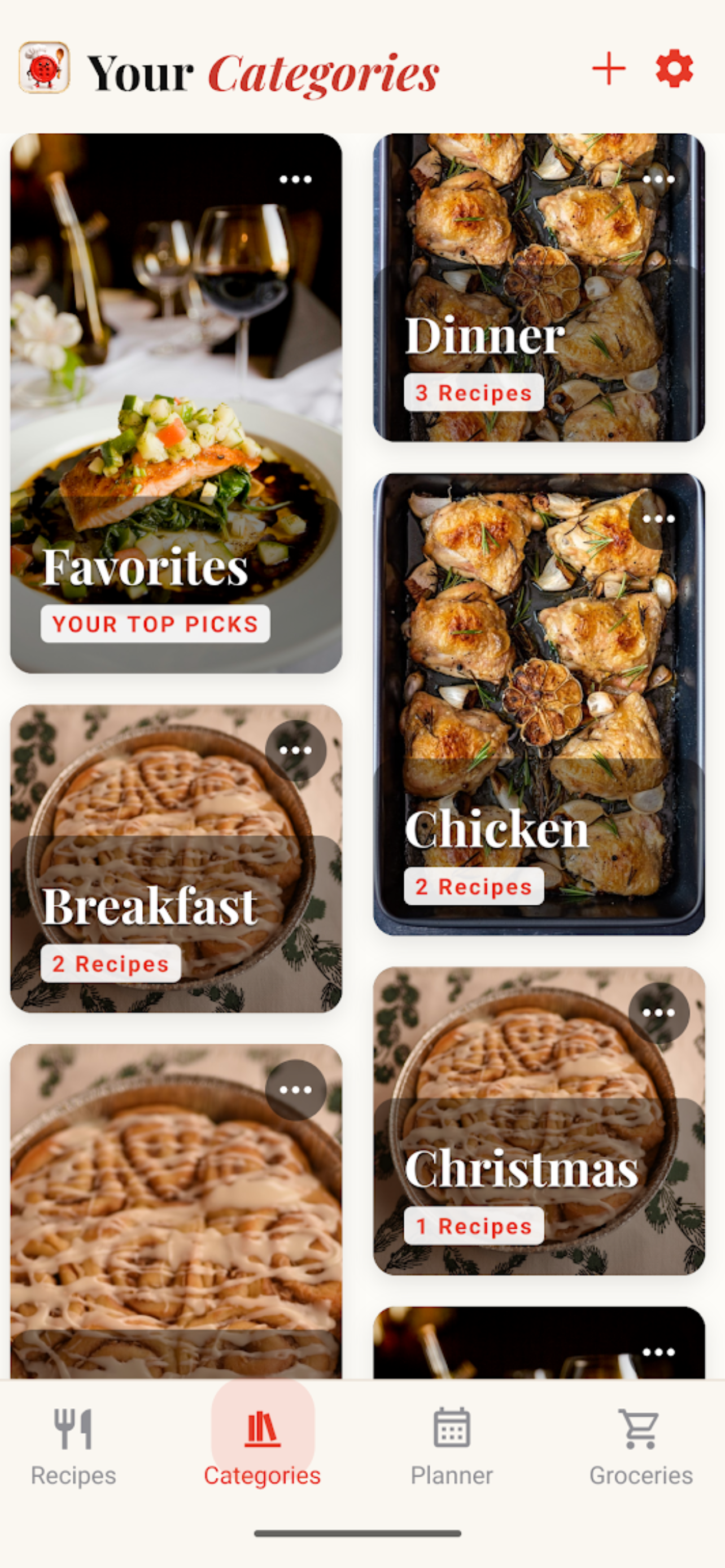
An actual recipe you can organize, edit, plan, shop for, and cook.
One Button Is Where It Started
The name is pretty literal.
I wanted saving a recipe to feel like pressing a button.
Find something you want to make on a supported recipe site, share it to Cookbook Button, review what was imported, and save it.
Cookbook Button extracts the useful recipe information and turns it into a clean recipe in your personal collection.
From there, it's yours to use.
Change an ingredient because your family hates cilantro.
Add the note that it really needs 10 more minutes in your oven.
Put it in your Weeknight Dinners collection.
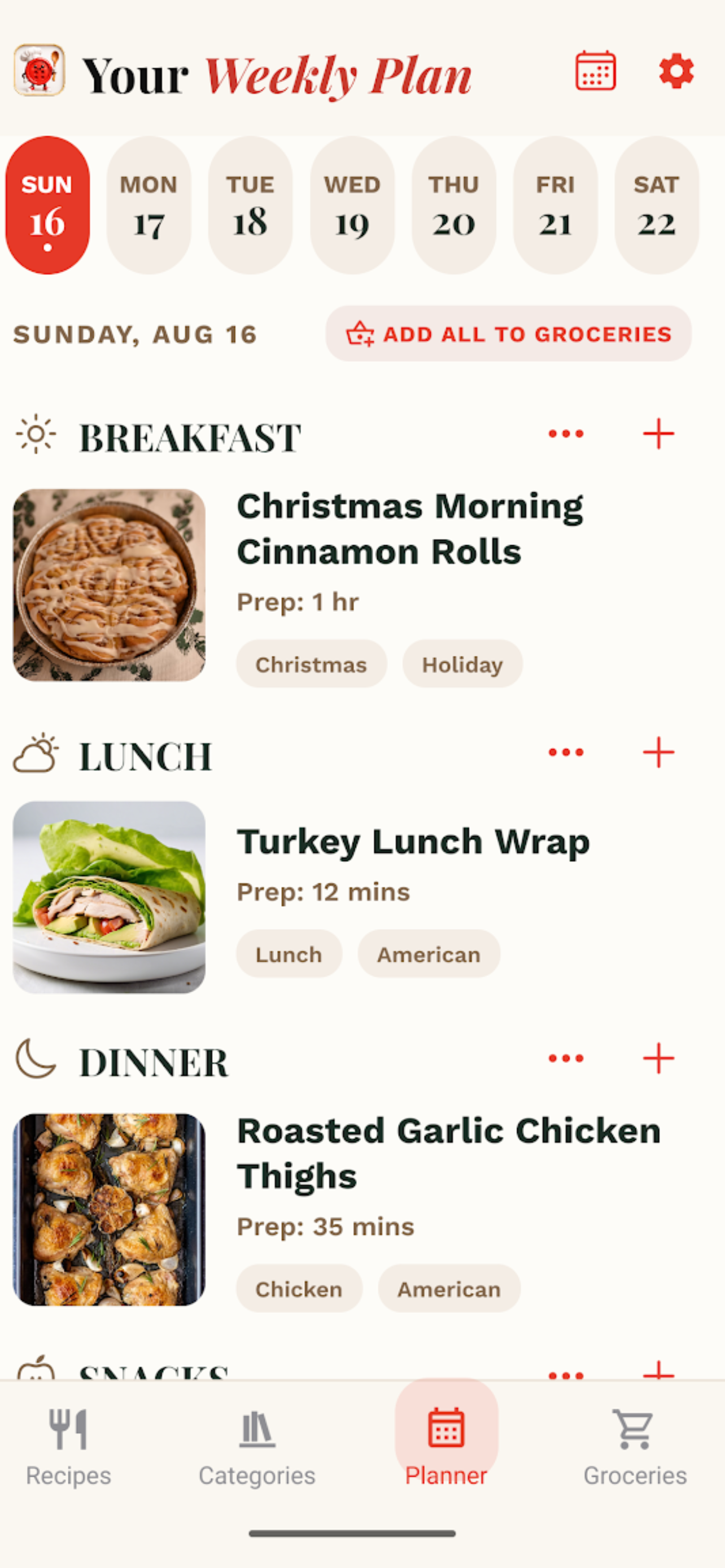
Add it to next Tuesday's meal plan.
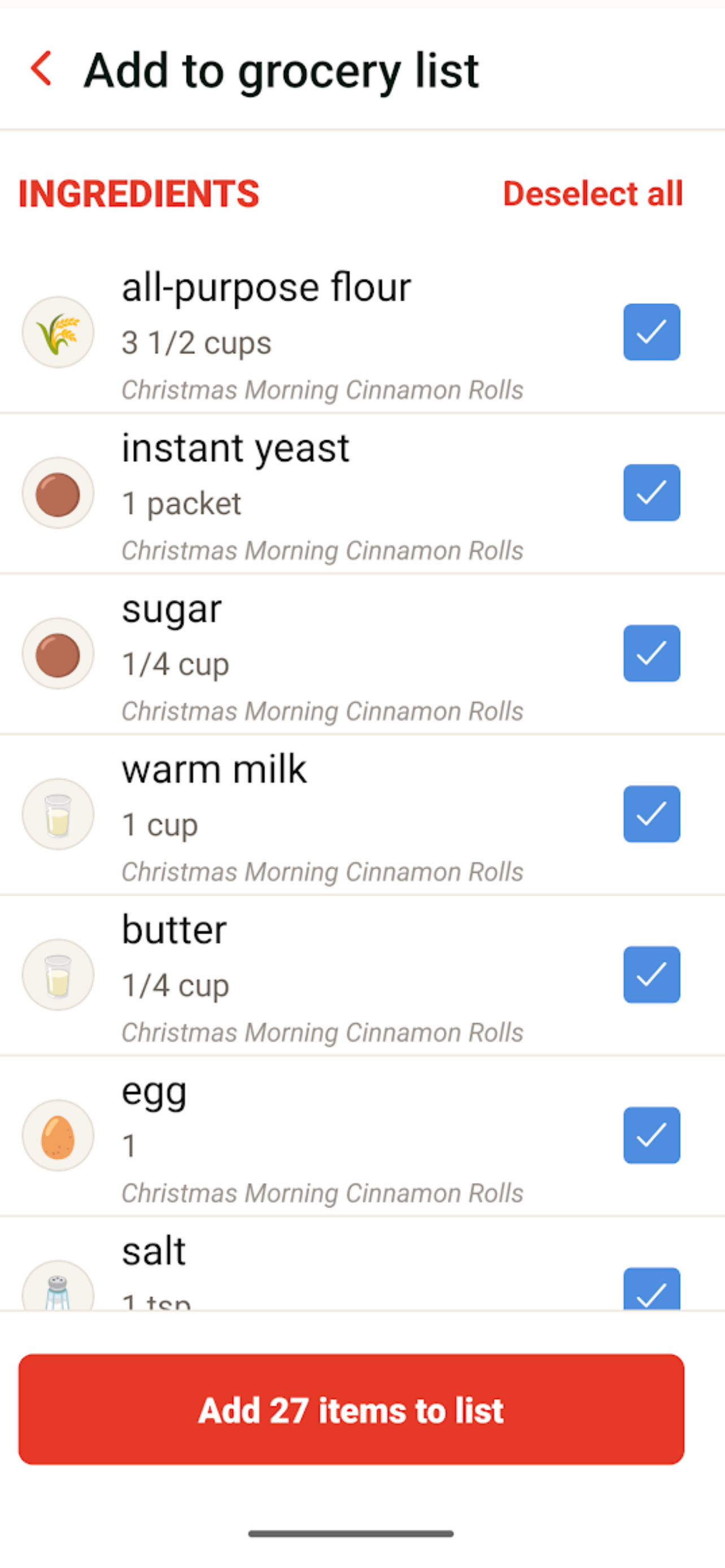
Send the ingredients to your grocery list.
Then open Cook Mode and actually make it.
The goal isn't just to help people save more recipes.
It's to help them use the ones they already saved.
New Recipes, Old Recipes, and Grandma's Recipe Box
Not every recipe worth keeping has a URL.
Some of the most important ones definitely don't.
So Cookbook Button can also turn a photo of a recipe into an editable digital recipe.
Take a picture of an old recipe card, a printed recipe, or a page from a cookbook and bring it into your collection.
That means the same cookbook that holds something you found online yesterday can also hold the handwritten recipe that's been sitting in your family's kitchen for 40 years.
And if you already have a digital cookbook somewhere else, you shouldn't necessarily have to start over either.
Cookbook Button supports importing existing recipe collections, including Paprika recipe exports.
The goal is one cookbook for the recipes you've collected from everywhere.
Built for Cooking, Not Just Collecting
Saving the recipe is only the beginning.
Cookbook Button includes Cook Mode for when it's finally time to make something.
Ingredients are checkable. Instructions can be followed step by step. The text is easier to read while you're cooking, and timers are built directly into the experience.
Recipes can also move naturally into meal planning and grocery lists.
So the workflow becomes:
Find → Save → Organize → Plan → Shop → Cook → Keep
Instead of:
Find → Bookmark → Forget it exists.
It's Still Your Cookbook
This part matters to me, but it isn't meant to be complicated.
If someone spends years collecting recipes, editing them, adding photos, writing notes, and building a cookbook, I don't think that collection should exist only because Cookbook Button's servers continue to exist.
Cookbook Button is built local-first.
Your working cookbook lives on your device. You can export it as a portable .cbb cookbook backup, restore it later, move it between supported platforms, and optionally protect it with cloud backup.
Cookbook Button is the tool you use to build your cookbook — not the owner of your cookbook.
Don't Lose the Creator
There's another side to importing recipes that I think is important.
The recipe came from somewhere.
If you save a recipe from a creator's website, Cookbook Button keeps the original source attached and provides a path back to it.
The goal isn't to pretend Cookbook Button created somebody else's recipe or to turn imported recipes into a public mirror of the creator's site.
I actually think there's an interesting opportunity to go the other direction.
Today, a creator usually knows that someone visited a recipe.
They don't necessarily know what happened next.
Did 500 people save it?
Did 200 actually make it?
Did 160 say they'd make it again?
Did it become one of those recipes families keep making for years?
That's something I'd like to explore with creators rather than cutting them out of the loop.
Future creator tools could potentially connect voluntary, aggregate cooking feedback back to the original source while continuing to send people to the creator's site.
From Saved to Made to Keeper
This is the next layer I'm excited about.
Most recipe apps are very good at knowing what you saved.
I want Cookbook Button to eventually understand what you actually made.
And, more importantly, what was worth making again.
Saved → Made → Keeper
Maybe you cooked something once, and it was fine.
Maybe you changed three ingredients, and your family loved it.
Maybe it becomes the chicken recipe everyone asks you to make.
That's more interesting than another five-star rating from somebody you don't know.
It's the history of your cooking.
Sharing Should Be Just as Easy
There's another button I want to become just as important as Save.
Someone comes over for dinner.
Or you're at a potluck.
They try something and say:
"Oh, this is really good. Can you send me the recipe?"
That should be easy.
One tap. Share the recipe. They can put it into their own Cookbook Button.
The original source stays connected when appropriate, while the recipient gets something they can actually save and use.
That creates a very natural loop:
Cook → Love It → Share → Save → Cook
No social feed required.
Just the thing people already do with recipes.
Household Cookbooks
That idea of sharing eventually becomes even more useful within a family.
The Household plan is designed to allow multiple people to have their own accounts while still participating in a shared family cooking experience.
Your teenage son clicks and adds Tacos on Tuesday and Pork chops on Friday. Husband wants that marry me chicken dish added on Sunday this week. Meal plans are collaborative and drag-and-drop for the family.
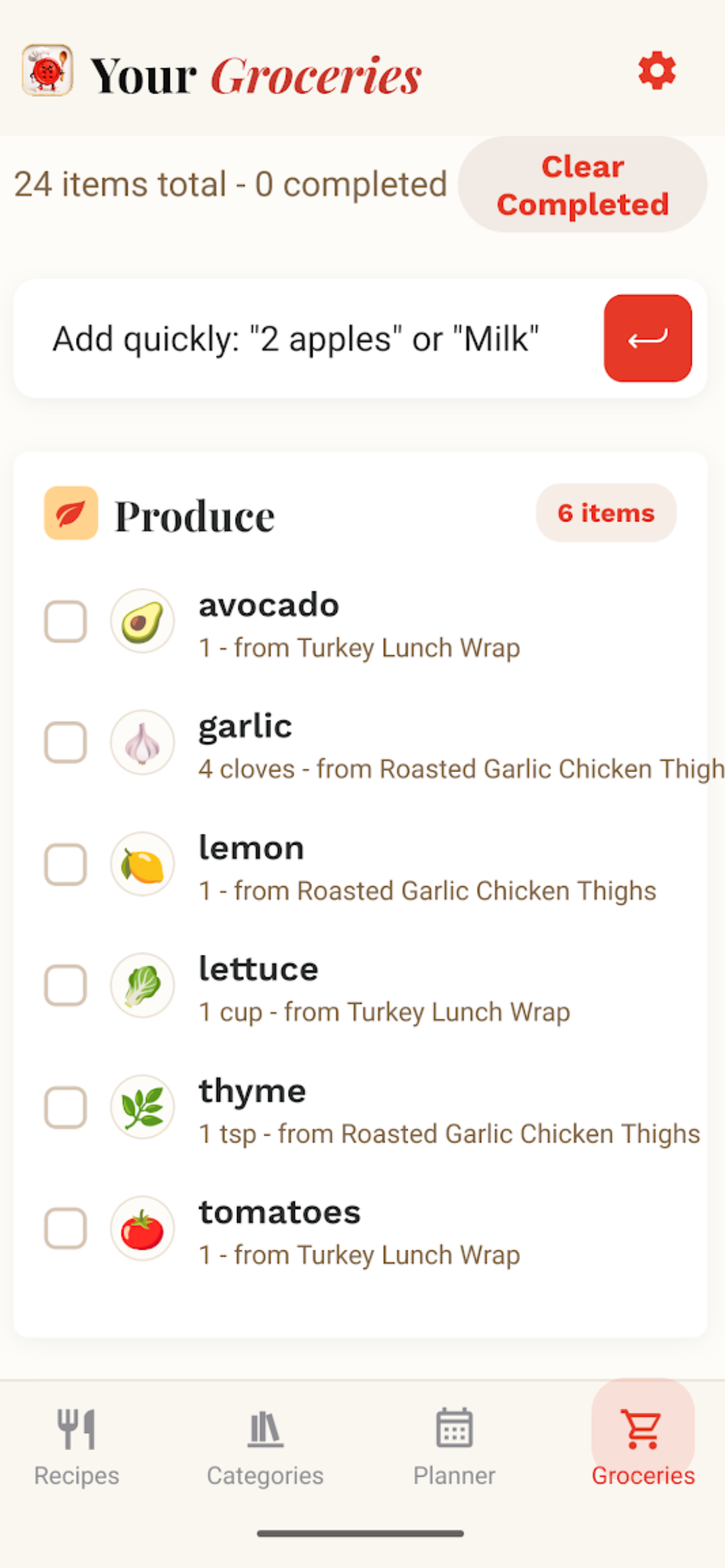
Grocery list from the meal plan allows live edits while at the store. "We also need milk!" Real tools that I wanted myself.
I don't need Cookbook Button to tell you what the entire internet is eating tonight.
I'd rather it remember what your family actually cooks.
What I Built
Cookbook Button now includes:
- One-button recipe importing from supported websites
- Share-to-Cookbook Button workflow
- Photo/OCR recipe importing
- Editable recipe imports
- Local-first SQLite recipe storage
- Recipe editing and personal notes
- Recipe photos
- Categories and cookbook organization
- Search
- Paprika collection importing
- Meal planning
- Grocery lists
- Cook Mode
- Checkable ingredients
- Step-by-step cooking
- Built-in cooking timers
- Portable
.cbbcookbook backups - Backup and restore
- Google Drive backup support
- Web and mobile support
- Free, Pro, and Household plan foundations
The Business
The business model is being built around three levels.
Free gives someone a real, useful personal cookbook with a limited amount of automated importing.
Pro is for the serious recipe collector, with unlimited importing and additional premium convenience features.
Household expands the idea from my cookbook to our cookbook, with multiple family members and future shared cooking, meal planning, and grocery features.
I'm also exploring a Lifetime Personal option because it fits an important principle behind the product:
Your existing cookbook should never be held hostage by a subscription.
Subscriptions can pay for automation, convenience, collaboration, and ongoing services.
The recipes you've already collected should remain yours.
Where I'm Going With It
I'm not trying to build another giant recipe website.
I'm trying to connect all the places recipes already come from.
A recipe creator you discovered online.
A recipe you've had in Paprika for ten years.
A handwritten card from Grandma.
Something your neighbor made at a potluck.
Something your family has changed so many times that it's basically become your own version.
They can all end up in the same place:
Your cookbook.
And then Cookbook Button helps with what happens next.
Find it. Button it. Cook it. Keep it.
About the Project
Cookbook Button is a private, local-first digital cookbook for recipes from everywhere.
Find a recipe on a supported website, tap Share, and bring it into your personal cookbook. Photograph an old recipe card or cookbook page and turn it into an editable recipe. Import an existing collection, including supported Paprika exports.
Then organize, search, edit, meal plan, build grocery lists, and cook with checkable ingredients, step-by-step Cook Mode, and built-in timers.
Imported web recipes preserve their original source so users can return to the creator, while portable backup and export tools help ensure the cookbook you've built remains under your control.
The longer-term vision connects Saved → Made → Keeper → Shared, with household cookbooks, simple recipe sharing, voluntary cooking outcomes, and opportunities to build tools that benefit the creators whose recipes people actually cook.
Recipes come from everywhere. Your cookbook doesn't have to.
Built With
- android
- api
- drive
- expo.io
- firebase
- ios
- javascript
- json-ld
- jszip
- kit
- ml
- ocr
- react
- rest
- revenuecat
- router
- sign-in
- sqlite
- typescript


Log in or sign up for Devpost to join the conversation.